 United States
Intel Server Expansion Cards
Optimize high-performance infrastructure with Intel Server Expansion Cards delivering robust security, enhanced reliability, and exceptional scalability for enterprise workloads while ensuring seamless integration and powerful data center performance.
Talk to an expert
Riser Cards
(9)Riser cards reposition PCIe expansion slots for dense rack servers, enabling horizontal adapter placement during constrained chassis builds
9 Matching results
- BEST SELLING

A2UL8RISER2 (Intel 2U Riser - riser card)
4.6 (7)- Expansion Card
- Intel
- Other
- PCIe x16
Est Value $174.48
$148.94
14.6% offIn stockRefurbishedFirst-Time Buyer Discount – Get up to 2% additional off on your first order
ORM Rewards Earn $50 in Rewards + Free Expedited Delivery – Join Now!
Use eCoupon ORMSAVE10
eCoupon limited to 5 units
- BEST SELLING

AXXSTSFPPKIT (Intel Lan Riser Cable Kit - riser card)
4.9 (7)- Expansion Card
- Intel
- Network Interface Card
- PCIe x1
- PCIe 3.0
- Intel I210
- RJ-45
Est Value $395.86$197.93
50% offIn stockNewFirst-Time Buyer Discount – Get up to 2% additional off on your first order
ORM Rewards Earn $50 in Rewards + Free Expedited Delivery – Join Now!
Use eCoupon ORMSAVE10
eCoupon limited to 5 units
- BEST SELLING
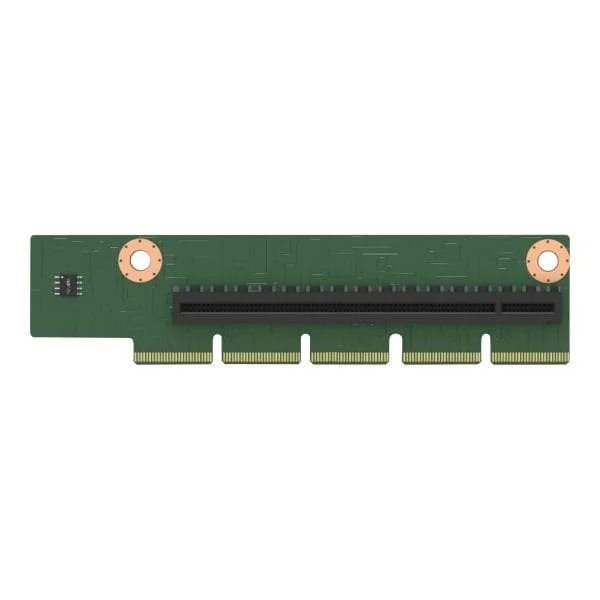
AXXP3SWX08080 (Intel Switch AIC AXXP3SWX08080 - riser card)
4.7 (7)- Expansion Card
- Intel
- Other
- PCIe x16
- PCIe 3.0
Est Value $668.38$504.00
24.6% offIn stockRefurbishedFirst-Time Buyer Discount – Get up to 2% additional off on your first order
ORM Rewards Earn $50 in Rewards + Free Expedited Delivery – Join Now!
Use eCoupon ORMSAVE10
eCoupon limited to 5 units
- BEST SELLING
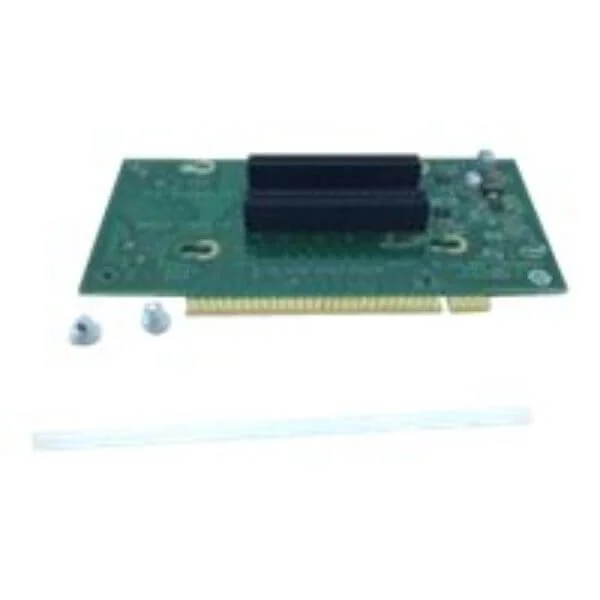
AXXP3SWX08040 (Intel Switch AIC AXXP3SWX08040 - riser card)
4.9 (7)- Expansion Card
- Intel
- Other
- PCIe x16
- PCIe 3.0
- Intel Switch Controller
- SFP+
Est Value In stockFirst-Time Buyer Discount – Get up to 2% additional off on your first order
ORM Rewards Earn $50 in Rewards + Free Expedited Delivery – Join Now!
Use eCoupon ORMSAVE10
eCoupon limited to 5 units
- BEST SELLING

AHW1UM2RISER2 (Intel 1U PCIE Riser - riser card)
4.7 (7)- Expansion Card
- Intel
- Other
- PCIe x16
- PCIe 3.0
Est Value In stockFirst-Time Buyer Discount – Get up to 2% additional off on your first order
ORM Rewards Earn $50 in Rewards + Free Expedited Delivery – Join Now!
Use eCoupon ORMSAVE10
eCoupon limited to 5 units
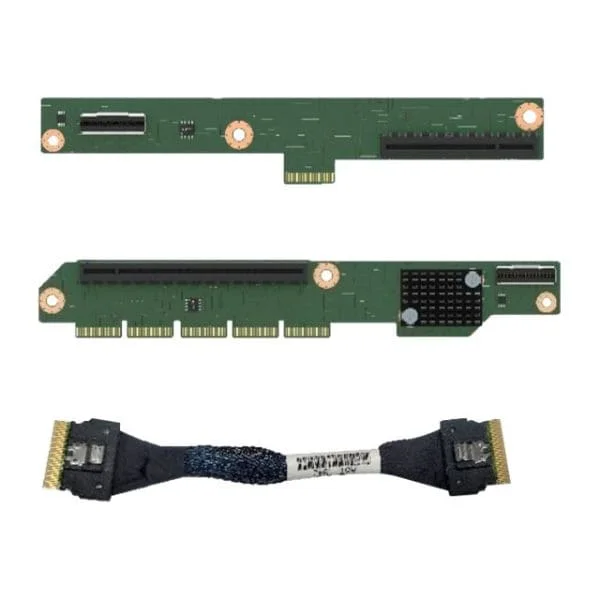
F1UL16RISER3 (Intel 1U PCI Express 1x16 Riser - riser card)
4.7 (7)- Expansion Card
- Intel
- Other
- PCIe x16
- PCIe 3.0
Est Value $139.24$69.62
50% offIn stockRefurbishedFirst-Time Buyer Discount – Get up to 2% additional off on your first order
ORM Rewards Earn $50 in Rewards + Free Expedited Delivery – Join Now!
Use eCoupon ORMSAVE10
eCoupon limited to 5 units

A2UX8X4RISER (Intel 2U Short Riser - riser card)
4.7 (7)- Expansion Card
- Intel
- Other
- PCIe x8
- PCIe 3.0
Est Value $150.23$128.25
14.6% offIn stockNewRefurbishedFirst-Time Buyer Discount – Get up to 2% additional off on your first order
ORM Rewards Earn $50 in Rewards + Free Expedited Delivery – Join Now!
Use eCoupon ORMSAVE10
eCoupon limited to 5 units
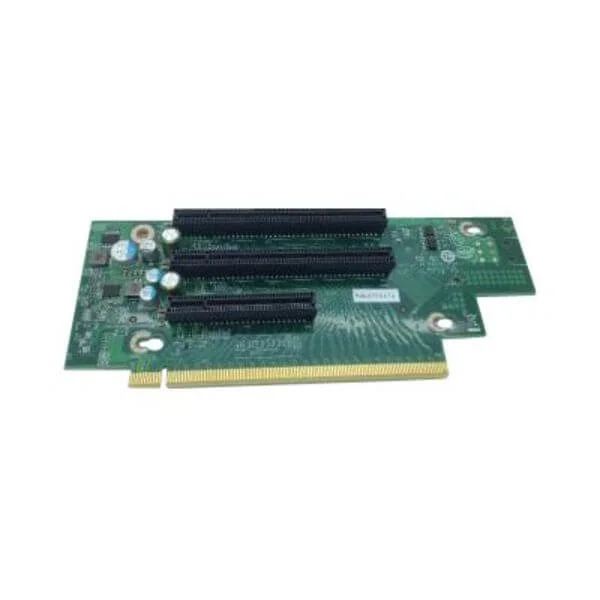
CYP2URISER1STD (Intel - riser card)
4.7 (7)- Expansion Card
- Intel
- Other
- PCIe x16
- PCIe 4.0
- Intel N/A
Est Value In stockFirst-Time Buyer Discount – Get up to 2% additional off on your first order
ORM Rewards Earn $50 in Rewards + Free Expedited Delivery – Join Now!
Use eCoupon ORMSAVE10
eCoupon limited to 5 units

CYP1URISER2KIT (Intel PCIe Interposer Kit - riser card)
4.9 (7)- Expansion Card
- Intel
- Other
- PCIe x16
- PCIe 3.0
Est Value In stockFirst-Time Buyer Discount – Get up to 2% additional off on your first order
ORM Rewards Earn $50 in Rewards + Free Expedited Delivery – Join Now!
Use eCoupon ORMSAVE10
eCoupon limited to 5 units

ORM Sales Advisors
Buying for your business? Get a personalised quote in under 2 hours. Talk to an expert
LEARNFilters (9) 
Questions & Answers
What are Intel Server Expansion Cards?
Intel Server Expansion Cards are high-performance PCIe add-in cards designed to expand storage, networking, and I/O capabilities in enterprise servers.
Which interfaces do Intel Server Expansion Cards support?
Intel Server Expansion Cards support PCIe Gen3 and Gen4 interfaces, enabling high-speed connectivity for NVMe SSDs, Ethernet controllers, and other I/O devices.
How do I install an Intel Server Expansion Card?
Power down the server, insert the card into an available PCIe slot, secure it with a retention bracket, reconnect cables, and power on to automatically detect the card in BIOS or UEFI.
Are Intel Server Expansion Cards compatible with my server motherboard?
Intel Server Expansion Cards are compatible with standard PCIe-enabled server motherboards; verify slot generation and physical dimensions in the server’s compatibility list before purchase.
What NVMe drive support do Intel Server Expansion Cards offer?
Intel Server Expansion Cards support up to four NVMe SSDs per card, delivering up to 64 lanes of PCIe bandwidth for ultra-low latency storage deployments.
Can I use Intel Server Expansion Cards in PCIe Gen4 slots?
Yes, Intel Server Expansion Cards are backward- and forward-compatible; installing in a Gen4 slot unlocks higher throughput while retaining Gen3 interoperability.
How do I update firmware on Intel Server Expansion Cards?
Use Intel’s Firmware Controller Utility (FCU) or the Intel® Network & Storage Manager to download and apply firmware updates via CLI or web interface.
Do Intel Server Expansion Cards support RAID configurations?
Certain Intel Server Expansion Cards include RAID firmware for RAID 0, 1, 5, 10, and 50, enabling hardware offload for resilient storage arrays.
How do Intel Server Expansion Cards improve storage performance?
By offloading data processing to integrated controllers and leveraging PCIe Gen4 bandwidth, Intel Server Expansion Cards reduce latency and increase IOPS for demanding workloads.
What is the power consumption of Intel Server Expansion Cards?
Typical power draw ranges from 8W to 25W per card depending on model and workload, with precise values listed in the product datasheet.
What thermal solutions are recommended for Intel Server Expansion Cards?
Use active server airflow or dedicated heat sinks; follow Intel’s thermal guidelines to maintain junction temperatures below 85°C under full load.
Are Intel Server Expansion Cards hot-swappable?
Most Intel Server Expansion Cards require server shutdown for safe installation or removal; check your server OEM’s hot-swap support and backplane design.
What warranty and support options are available for Intel Server Expansion Cards?
Intel offers a three-year limited warranty and global phone and online support, with optional extended service plans available through authorized resellers.
How can I monitor the health of Intel Server Expansion Cards?
Monitor real-time metrics using Intel® Data Center Manager (Intel® DCM) or SNMP-based tools to track temperature, link status, and error counts.
Where can I purchase genuine Intel Server Expansion Cards?
Purchase through Intel authorized distributors, resellers, or the Intel Online Store to ensure product authenticity and access to full warranty benefits.
What precautions should I take when handling Intel Server Expansion Cards?
Use anti-static wrist straps, avoid touching gold contacts, and follow Intel’s ESD handling guidelines to prevent electrostatic damage.