 United States
Riser Cards Premium Performance Enhancers
Engineered for durability and optimal performance, our advanced riser cards are designed to simplify system integration, enhance hardware configurations, and deliver reliable performance in industrial environments.
Talk to an expert
9 Matching results
- BEST SELLING

A2UL8RISER2 (Intel 2U Riser - riser card)
4.6 (7)- Expansion Card
- Intel
- Other
- PCIe x16
Est Value $174.48
$148.94
14.6% offIn stockRefurbishedFirst-Time Buyer Discount – Get up to 2% additional off on your first order
ORM Rewards Earn $50 in Rewards + Free Expedited Delivery – Join Now!
Use eCoupon ORMSAVE10
eCoupon limited to 5 units
- BEST SELLING

AXXSTSFPPKIT (Intel Lan Riser Cable Kit - riser card)
4.9 (7)- Expansion Card
- Intel
- Network Interface Card
- PCIe x1
- PCIe 3.0
- Intel I210
- RJ-45
Est Value $395.86$197.93
50% offIn stockNewFirst-Time Buyer Discount – Get up to 2% additional off on your first order
ORM Rewards Earn $50 in Rewards + Free Expedited Delivery – Join Now!
Use eCoupon ORMSAVE10
eCoupon limited to 5 units
- BEST SELLING
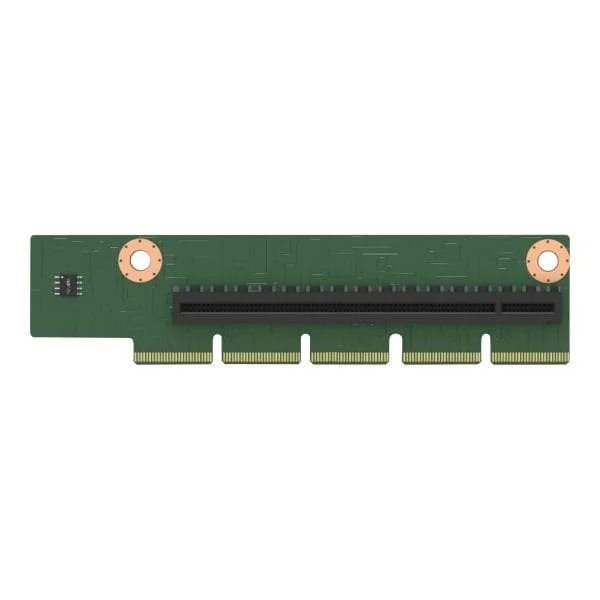
AXXP3SWX08080 (Intel Switch AIC AXXP3SWX08080 - riser card)
4.7 (7)- Expansion Card
- Intel
- Other
- PCIe x16
- PCIe 3.0
Est Value $668.38$504.00
24.6% offIn stockRefurbishedFirst-Time Buyer Discount – Get up to 2% additional off on your first order
ORM Rewards Earn $50 in Rewards + Free Expedited Delivery – Join Now!
Use eCoupon ORMSAVE10
eCoupon limited to 5 units
- BEST SELLING
AXXP3SWX08040 (Intel Switch AIC AXXP3SWX08040 - riser card)
4.9 (7)- Expansion Card
- Intel
- Other
- PCIe x16
- PCIe 3.0
- Intel Switch Controller
- SFP+
Est Value In stockFirst-Time Buyer Discount – Get up to 2% additional off on your first order
ORM Rewards Earn $50 in Rewards + Free Expedited Delivery – Join Now!
Use eCoupon ORMSAVE10
eCoupon limited to 5 units
- BEST SELLING

AHW1UM2RISER2 (Intel 1U PCIE Riser - riser card)
4.7 (7)- Expansion Card
- Intel
- Other
- PCIe x16
- PCIe 3.0
Est Value In stockFirst-Time Buyer Discount – Get up to 2% additional off on your first order
ORM Rewards Earn $50 in Rewards + Free Expedited Delivery – Join Now!
Use eCoupon ORMSAVE10
eCoupon limited to 5 units
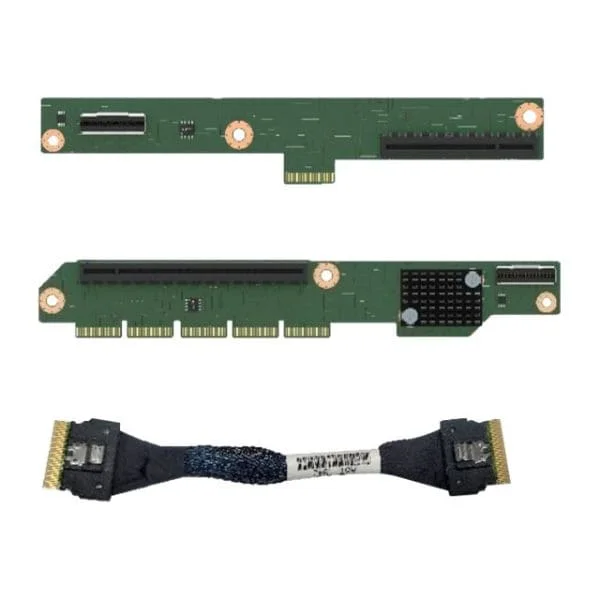
F1UL16RISER3 (Intel 1U PCI Express 1x16 Riser - riser card)
4.7 (7)- Expansion Card
- Intel
- Other
- PCIe x16
- PCIe 3.0
Est Value $139.24$69.62
50% offIn stockRefurbishedFirst-Time Buyer Discount – Get up to 2% additional off on your first order
ORM Rewards Earn $50 in Rewards + Free Expedited Delivery – Join Now!
Use eCoupon ORMSAVE10
eCoupon limited to 5 units

A2UX8X4RISER (Intel 2U Short Riser - riser card)
4.7 (7)- Expansion Card
- Intel
- Other
- PCIe x8
- PCIe 3.0
Est Value $150.23$128.25
14.6% offIn stockNewRefurbishedFirst-Time Buyer Discount – Get up to 2% additional off on your first order
ORM Rewards Earn $50 in Rewards + Free Expedited Delivery – Join Now!
Use eCoupon ORMSAVE10
eCoupon limited to 5 units
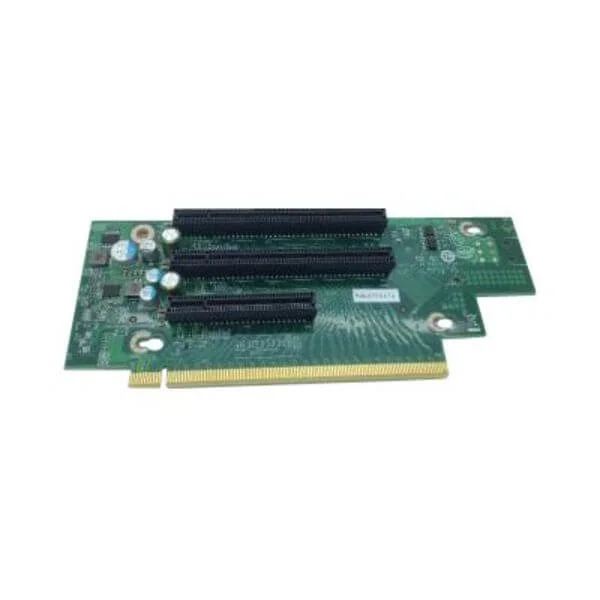
CYP2URISER1STD (Intel - riser card)
4.7 (7)- Expansion Card
- Intel
- Other
- PCIe x16
- PCIe 4.0
- Intel N/A
Est Value In stockFirst-Time Buyer Discount – Get up to 2% additional off on your first order
ORM Rewards Earn $50 in Rewards + Free Expedited Delivery – Join Now!
Use eCoupon ORMSAVE10
eCoupon limited to 5 units

CYP1URISER2KIT (Intel PCIe Interposer Kit - riser card)
4.9 (7)- Expansion Card
- Intel
- Other
- PCIe x16
- PCIe 3.0
Est Value In stockFirst-Time Buyer Discount – Get up to 2% additional off on your first order
ORM Rewards Earn $50 in Rewards + Free Expedited Delivery – Join Now!
Use eCoupon ORMSAVE10
eCoupon limited to 5 units

ORM Sales Advisors
Buying for your business? Get a personalised quote in under 2 hours. Talk to an expert
LEARNFilters (9) 
Questions & Answers
What is a riser card and how does it work?
A riser card is an expansion adapter that relocates or extends PCIe slots to improve component layout and airflow by connecting to your motherboard’s PCIe interface.
What types of riser cards are available?
Common riser card types include PCIe x1, x4, x16, ribbon cable, right-angle and powered variants, each differing by lane count, form factor and power delivery.
What are PCIe riser cards used for?
PCIe riser cards allow installation of GPUs, network cards or storage controllers in constrained or nonstandard chassis by extending motherboard PCIe slots.
How do I choose the right riser card for my motherboard?
Match the riser’s PCIe version, lane count and connector type to your motherboard slot and chassis space requirements to ensure full compatibility.
Can I use riser cards for GPU mining rigs?
Yes. Powered PCIe riser cards are widely used in mining rigs to space out multiple GPUs, improve cooling and distribute power safely.
Are riser cards compatible with all motherboards?
Riser compatibility depends on matching PCIe slot version, lane count and physical form factor—always verify motherboard specs before purchase.
How do I install a riser card safely?
Power down your system, seat the riser card firmly in the PCIe slot, secure the bracket, attach any required power connectors and power on.
What are the benefits of using a riser card?
Riser cards optimize internal layout, improve cooling airflow, support multi-GPU setups and enable use of expansion cards in small or unconventional cases.
Do riser cards affect GPU performance?
High-quality, powered risers introduce negligible latency and maintain full PCIe bandwidth, so GPU performance remains virtually unchanged.
How do I troubleshoot a non-functional riser card?
Check PCIe slot seating, power connections, cable integrity and test with a different slot or GPU to isolate the fault.
What length of riser cable is optimal?
Select the shortest cable or card assembly that fits your chassis—common lengths range from 6 to 16 inches to minimize signal degradation.
Are powered riser cards necessary?
Yes for high-power devices like GPUs: powered risers draw extra current directly from PSU connectors, ensuring stable operation under load.
How should I maintain or clean a riser card?
Use compressed air to remove dust, avoid moisture and handle the card by its edges to protect sensitive connectors and components.
Can riser cards be used in server environments?
Absolutely. Riser cards are standard in blade, rackmount and compact servers to maximize expansion options in limited space.
What’s the difference between PCIe x1 and PCIe x16 riser cards?
PCIe x1 risers offer one data lane (250‒1969 MB/s), while x16 provide 16 lanes (4 GB/s‒31.5 GB/s), with x16 supporting higher-bandwidth devices.
Where can I buy reliable riser cards?
Purchase from reputable retailers or OEM suppliers, verify PCIe version and power specs, and review user feedback to ensure quality and compatibility.