 United States
Servers Dell PowerEdge R540
Engineered for high-performance computing and virtualization, the Dell PowerEdge R540 server delivers unmatched reliability, scalability, and robust security, empowering enterprises to optimize critical workload performance with precision.
Talk to an expert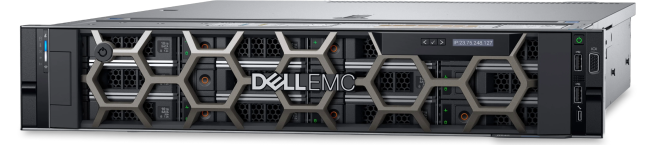
12 Matching results
- FEARURED
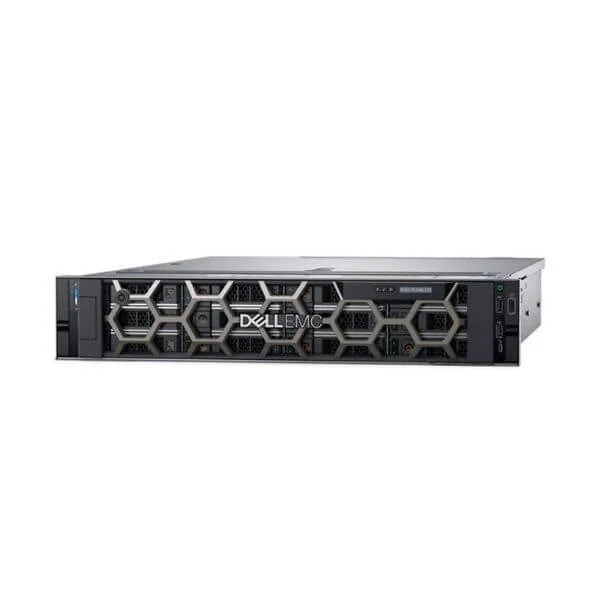
Dell PowerEdge R540 5115/8G/600G SAS 10K/H330/DVD/495W/3.5-12 Server (Dell PowerEdge R540 Server, 2U Chassis, 5115 Processor, 8G*1 Memory, 600G SAS 10K*1, H330, DVD, 495W*1 Power Supply, 3.5inch Power Supply-12)
4.8 (5)- Server
- Dell
- Rackmount
- 2U
- Intel
- Intel Xeon Scalable
- Xeon 3rd Gen
Est Value In stock
First-Time Buyer Discount – Get up to 2% additional off on your first order
ORM Rewards Earn $50 in Rewards + Free Expedited Delivery – Join Now!
Use eCoupon ORMSAVE10
eCoupon limited to 5 units
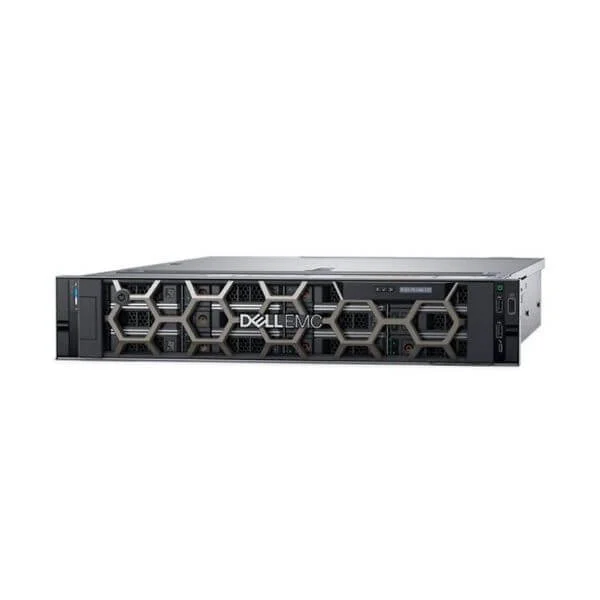
Dell PowerEdge R540 5118/8G/600G SAS 10K/H330/DVD/495W/3.5-12 Server (Dell PowerEdge R540 Server, 2U Chassis, 5118 Processor, 8G*1 Memory, 600G SAS 10K*1, H330, DVD, 495W*1 Power Supply, 3.5inch Power Supply-12)
4.4 (5)- Server
- Dell
- Rackmount
- 1U
- Intel
- Intel Xeon Scalable
Est Value In stockFirst-Time Buyer Discount – Get up to 2% additional off on your first order
ORM Rewards Earn $50 in Rewards + Free Expedited Delivery – Join Now!
Use eCoupon ORMSAVE10
eCoupon limited to 5 units
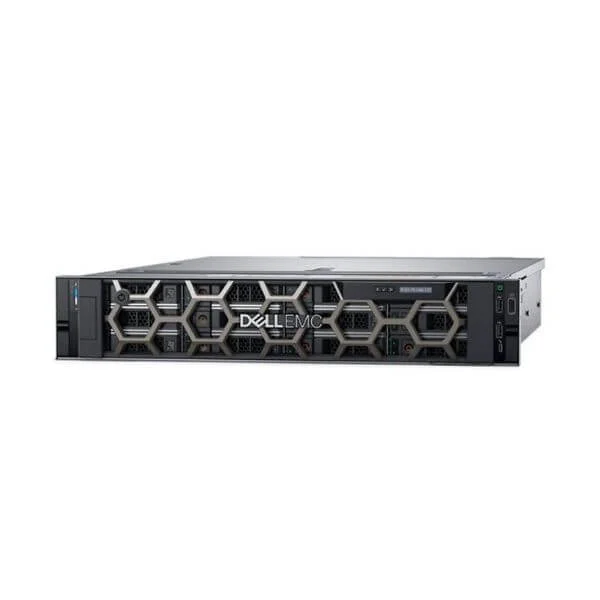
Dell PowerEdge R540 4114/8G/600G SAS 10K/H330/DVD/495W/3.5-12 Server (Dell PowerEdge R540 Server, 2U Chassis, 4114 Processor, 8G*1 Memory, 600G SAS 10K*1, H330, DVD, 495W*1 Power Supply, 3.5inch Power Supply-12)
4.8 (5)- Server
- Dell
- Rackmount
- 2U
- Intel
- Intel Xeon Scalable
Est Value In stockFirst-Time Buyer Discount – Get up to 2% additional off on your first order
ORM Rewards Earn $50 in Rewards + Free Expedited Delivery – Join Now!
Use eCoupon ORMSAVE10
eCoupon limited to 5 units
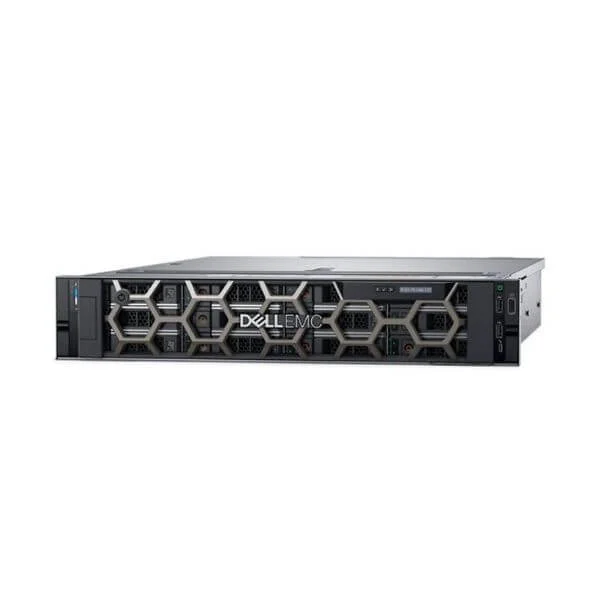
Dell PowerEdge R540 4110/8G/600G SAS 10K/H330/DVD/495W/3.5-12 Server (Dell PowerEdge R540 Server, 2U Chassis, 4110 Processor, 8G*1 Memory, 600G SAS 10K*1, H330, DVD, 495W*1 Power Supply, 3.5inch Power Supply-12)
4.8 (5)- Server
- Dell
- Rackmount / Tower / Blade / Microserver
- 2U
- Intel
- Intel Xeon Scalable
Est Value In stockFirst-Time Buyer Discount – Get up to 2% additional off on your first order
ORM Rewards Earn $50 in Rewards + Free Expedited Delivery – Join Now!
Use eCoupon ORMSAVE10
eCoupon limited to 5 units
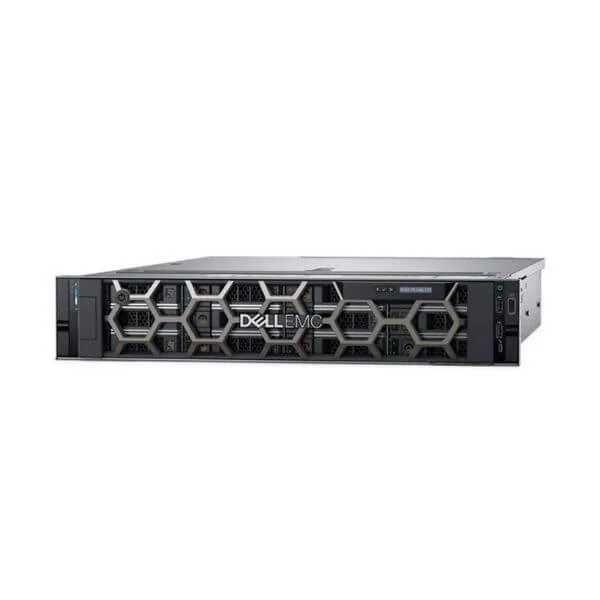
Dell PowerEdge R540 3106/8G/600G SAS 10K/H330/DVD/495W/3.5-12 Server (Dell PowerEdge R540 Server, 2U Chassis, 3106 Processor, 8G*1 Memory, 600G SAS 10K*1, H330, DVD, 495W*1 Power Supply, 3.5inch Power Supply-12)
4.6 (5)- Server
- Dell
- Rackmount
- 1U
- Intel
- Intel Xeon Scalable
- Xeon 3rd Gen
Est Value In stockFirst-Time Buyer Discount – Get up to 2% additional off on your first order
ORM Rewards Earn $50 in Rewards + Free Expedited Delivery – Join Now!
Use eCoupon ORMSAVE10
eCoupon limited to 5 units
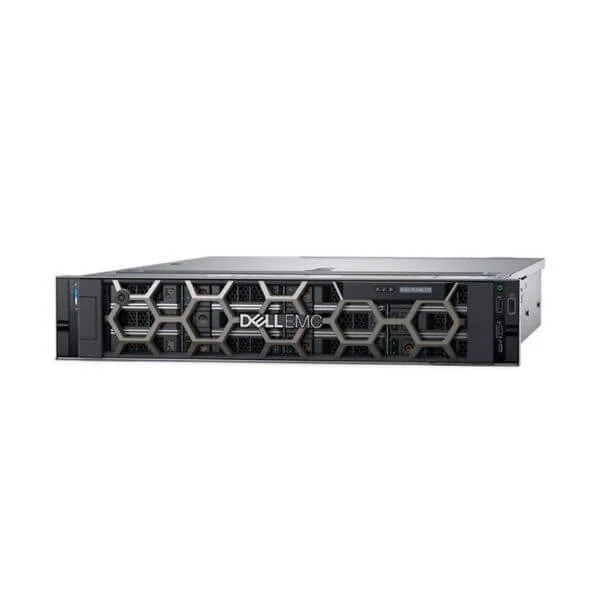
Dell PowerEdge R540 3104/8G/600G SAS 10K/H330/DVD/495W/3.5-12 Server (Dell PowerEdge R540 Server, 2U Chassis, 3104 Processor, 8G*1 Memory, 600G SAS 10K*1, H330, DVD, 495W*1 Power Supply, 3.5inch Power Supply-12)
4.8 (5)- Server
- Dell
- Rackmount
- 2U
- Intel
- Intel Xeon Scalable
- Xeon 3rd Gen
Est Value In stockFirst-Time Buyer Discount – Get up to 2% additional off on your first order
ORM Rewards Earn $50 in Rewards + Free Expedited Delivery – Join Now!
Use eCoupon ORMSAVE10
eCoupon limited to 5 units
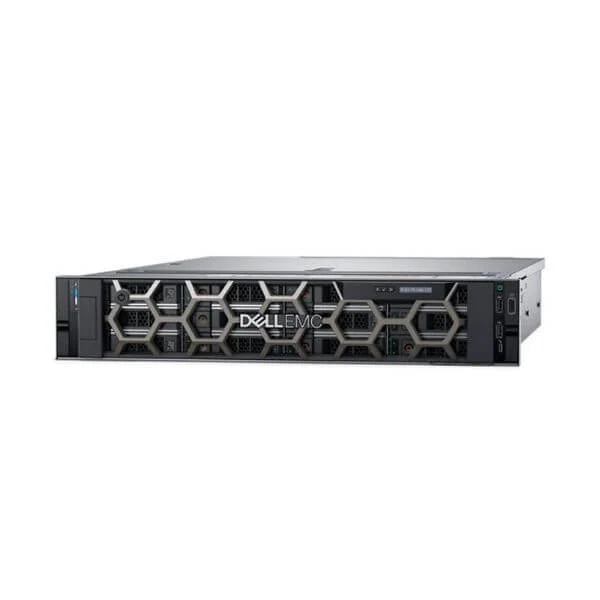
Dell PowerEdge R540 5118/8G/600G SAS 10K/2*1GE/H330/DVD/495W/3.5-8 Server (Dell PowerEdge R540 Server, 2U Chassis, 5118 Processor, 8G*1 Memory, 600G SAS 10K*1, 2*1GE, H330, DVD, 495W*1 Power Supply, 3.5inch Hard Drive-8)
4.2 (5)- Server
- Dell
- Rackmount
- 2U
- Intel
- Intel Xeon Scalable
- Xeon 3rd Gen
Est Value In stockFirst-Time Buyer Discount – Get up to 2% additional off on your first order
ORM Rewards Earn $50 in Rewards + Free Expedited Delivery – Join Now!
Use eCoupon ORMSAVE10
eCoupon limited to 5 units
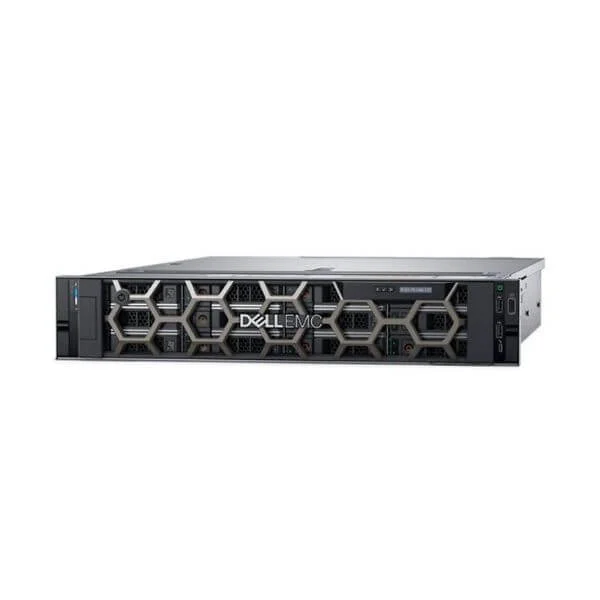
Dell PowerEdge R540 5115/8G/600G SAS 10K/2*1GE/H330/DVD/495W/3.5-8 Server (Dell PowerEdge R540 Server, 2U Chassis, 5115 Processor, 8G*1 Memory, 600G SAS 10K*1, 2*1GE, H330, DVD, 495W*1 Power Supply, 3.5inch Hard Drive-8)
5 (5)- Server
- Dell
- Rackmount
- 2U
- Intel
- Intel Xeon Scalable
- Xeon 3rd Gen
Est Value In stockFirst-Time Buyer Discount – Get up to 2% additional off on your first order
ORM Rewards Earn $50 in Rewards + Free Expedited Delivery – Join Now!
Use eCoupon ORMSAVE10
eCoupon limited to 5 units
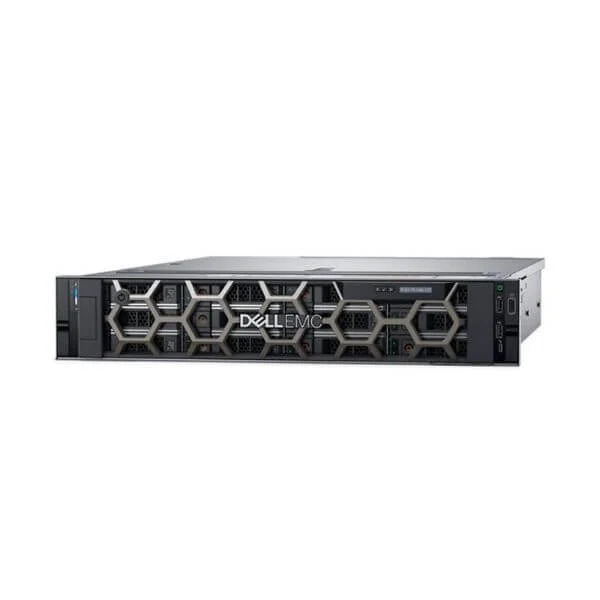
Dell PowerEdge R540 4114/8G/600G SAS 10K/2*1GE/H330/DVD/495W/3.5-8 Server (Dell PowerEdge R540 Server, 2U Chassis, 4114 Processor, 8G*1 Memory, 600G SAS 10K*1, 2*1GE, H330, DVD, 495W*1 Power Supply, 3.5inch Hard Drive-8)
4.6 (5)- Server
- Dell
- Rackmount
- 1U
- Intel
- Intel Xeon E
Est Value In stockFirst-Time Buyer Discount – Get up to 2% additional off on your first order
ORM Rewards Earn $50 in Rewards + Free Expedited Delivery – Join Now!
Use eCoupon ORMSAVE10
eCoupon limited to 5 units
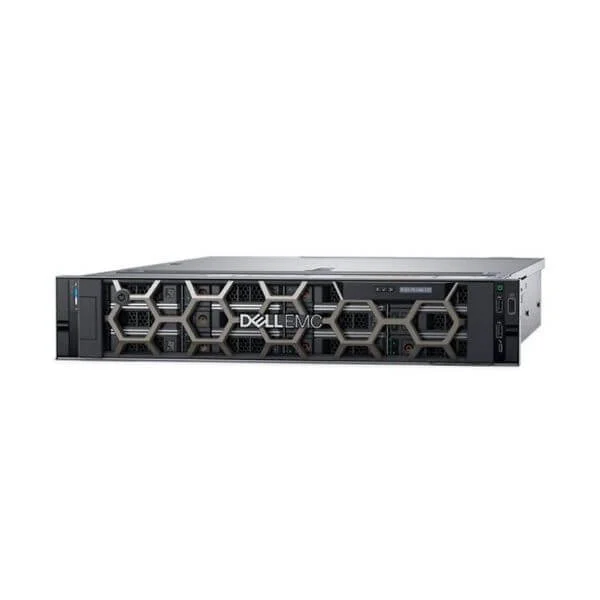
Dell PowerEdge R540 4110/8G/600G SAS 10K/2*1GE/H330/DVD/495W/3.5-8 Server (Dell PowerEdge R540 Server, 2U Chassis, 4110 Processor, 8G*1 Memory, 600G SAS 10K*1, 2*1GE, H330, DVD, 495W*1 Power Supply, 3.5inch Hard Drive-8)
4.8 (5)- Server
- Dell
- Rackmount
- 2U
- Intel
- Intel Xeon E
Est Value In stockFirst-Time Buyer Discount – Get up to 2% additional off on your first order
ORM Rewards Earn $50 in Rewards + Free Expedited Delivery – Join Now!
Use eCoupon ORMSAVE10
eCoupon limited to 5 units
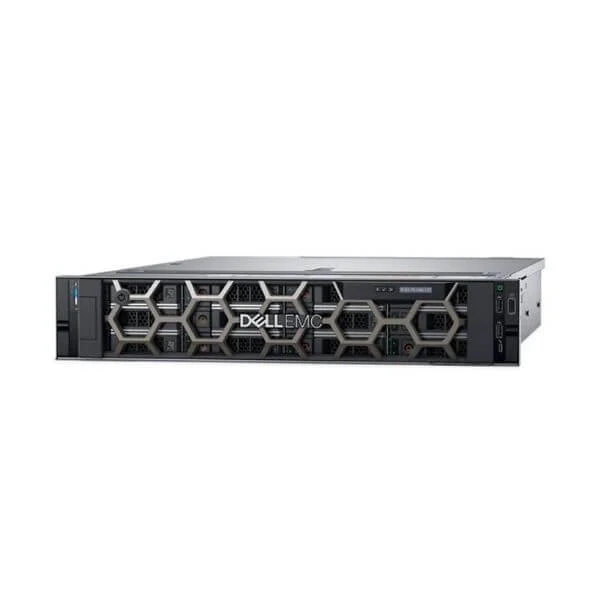
Dell PowerEdge R540 3106/8G/600G SAS 10K/2*1GE/H330/DVD/495W/3.5-8 Server (Dell PowerEdge R540 Server, 2U Chassis, 3106 Processor, 8G*1 Memory, 600G SAS 10K*1, 2*1GE, H330, DVD, 495W*1 Power Supply, 3.5inch Hard Drive-8)
5 (5)- Server
- Dell
- Rackmount
- 2U
- Intel
- Intel Xeon Scalable
- Xeon 3rd Gen
Est Value In stockFirst-Time Buyer Discount – Get up to 2% additional off on your first order
ORM Rewards Earn $50 in Rewards + Free Expedited Delivery – Join Now!
Use eCoupon ORMSAVE10
eCoupon limited to 5 units
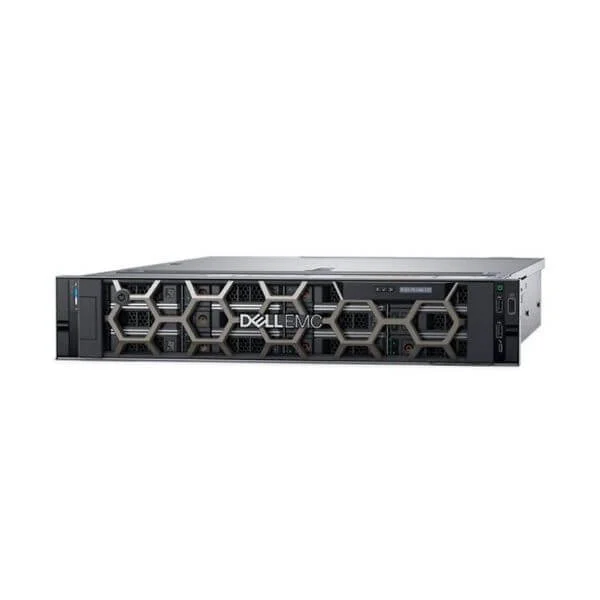
Dell PowerEdge R540 3104/8G/600G SAS 10K/2*1GE/H330/DVD/495W/3.5-8 Server (Dell PowerEdge R540 Server, 2U Chassis, 3104 Processor, 8G*1 Memory, 600G SAS 10K*1, 2*1GE, H330, DVD, 495W*1 Power Supply, 3.5inch Hard Drive-8)
4.4 (5)- Server
- Dell
- Rackmount
- 2U
- Intel
- Intel Xeon Scalable
- Xeon 3rd Gen
Est Value In stockFirst-Time Buyer Discount – Get up to 2% additional off on your first order
ORM Rewards Earn $50 in Rewards + Free Expedited Delivery – Join Now!
Use eCoupon ORMSAVE10
eCoupon limited to 5 units

ORM Sales Advisors
Buying for your business? Get a personalised quote in under 2 hours. Talk to an expert
LEARNFilters (12) 
Questions & Answers
What are the key features of the Dell PowerEdge R540 server?
The Dell PowerEdge R540 features dual Intel Xeon Scalable processors, up to 12 DDR4 DIMM slots at 2933MT/s, 8×3.5″ or 16×2.5″ hot-plug drives, PERC RAID controllers, iDRAC9 remote management, and redundant power supplies.
Which processors are supported by the Dell PowerEdge R540?
The PowerEdge R540 supports two 2nd Gen Intel Xeon Scalable CPUs (Silver to Platinum), delivering up to 28 cores per socket for compute-intensive workloads.
What is the maximum memory capacity of the Dell PowerEdge R540?
The R540 accommodates up to 384 GB of DDR4 memory across 12 DIMM slots at speeds up to 2933 MT/s for high-performance virtualization and data processing.
What storage configurations are available on the PowerEdge R540?
Configure up to 16×2.5″ or 8×3.5″ SAS/SATA drives, choose SSD or HDD, achieve up to 92 TB raw capacity, and benefit from hot-swap drive bays for easy expansion.
Which RAID controllers are compatible with the Dell PowerEdge R540?
The R540 supports PERC H330, H730P, and H740P RAID controllers with 2 GB to 8 GB NV cache, offering RAID 0, 1, 5, 6, 10, 50, and 60 levels for data protection.
What networking options does the Dell PowerEdge R540 offer?
Standard dual 1 GbE LOM ports are included, with optional 10 GbE, 25 GbE, or 100 GbE adapters and an OCP 2.0 mezzanine slot for flexible connectivity.
How scalable is the Dell PowerEdge R540?
The R540 scales with dual CPUs, up to 16 drives, 12 DIMMs, optional GPUs, and multiple PCIe slots, making it ideal for growing mid-range data center needs.
What management tools come with the PowerEdge R540?
The server includes Dell iDRAC9 with Lifecycle Controller for automated OS deployment, remote management, zero-touch BIOS updates, and proactive health monitoring.
How energy efficient is the Dell PowerEdge R540?
The R540 is ENERGY STAR® certified, offers 80 PLUS Platinum power supplies, intelligent cooling, and Power Manager software for up to 40% power savings.
What are the common use cases for the Dell PowerEdge R540?
Ideal for virtualization, mid-tier databases, web hosting, and general-purpose business applications, the R540 balances performance, storage, and cost.
What warranty and support options are available for the Dell PowerEdge R540?
Dell offers a 3-year ProSupport warranty with next-business-day on-site service, optional ProSupport Plus, and customizable service level agreements (SLAs).
How secure is the Dell PowerEdge R540 server?
The R540 features Secure Boot, System Lockdown, TPM 2.0, signed firmware, and iDRAC9 encryption to safeguard hardware and data integrity.
Can I update firmware on the Dell PowerEdge R540?
Yes. Use iDRAC9, Lifecycle Controller, or Dell Repository Manager to schedule and apply firmware updates without interrupting the OS.
Which operating systems are compatible with the Dell PowerEdge R540?
The R540 supports Windows Server, major Linux distributions (RHEL, SLES, Ubuntu), VMware ESXi, and Citrix XenServer, with drivers available on Dell Support.
How does the Dell PowerEdge R540 compare to the R740?
The R540 offers similar dual-CPU performance but fewer NVMe slots and PCIe lanes than the R740, making it a cost-effective choice for mid-range workloads.
How do I configure RAID on the Dell PowerEdge R540?
During POST, press Ctrl+R to access PERC Setup or use iDRAC9’s GUI to select drives, choose a RAID level, and initialize the virtual disk for instant data protection.