 United States
Rack Servers Dell Unmatched Performance
Optimize your IT infrastructure with Dell Rack Servers designed for superior scalability and reliability. Achieve industry-leading performance, energy efficiency, and state-of-the-art security, ensuring seamless business operations.
Talk to an expert
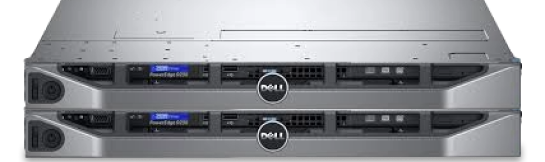
Dell Poweredge R230 Server
(4)Dell PowerEdge R230 servers fit web hosting edge racks with 1U single-socket compute, SATA storage, and 1GbE ports
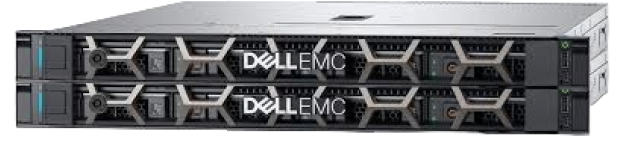
Dell Poweredge R240 Server
(4)Dell PowerEdge R240 servers serve branch appliance replacements with 1U rack depth, iDRAC, and SATA or SAS drives
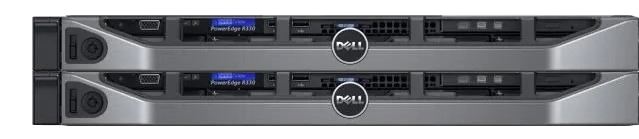
Dell Poweredge R330 Server
(6)Dell PowerEdge R330 servers fit remote virtualization racks needing 1U Xeon compute, hardware RAID, and dual 1GbE networking
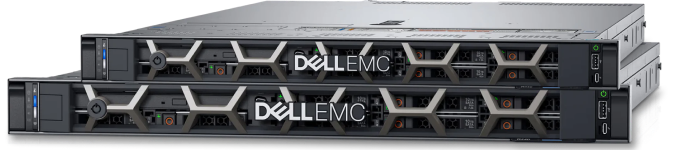
Dell Poweredge R340 Server
(2)Dell PowerEdge R340 servers serve DNS, DHCP, and file roles in branch racks with 1U form factor and iDRAC
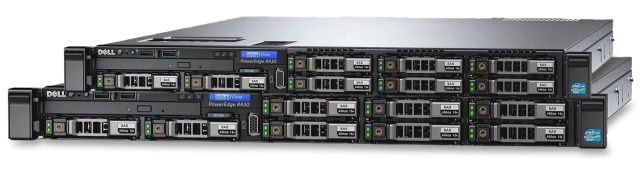
Dell Poweredge R430 Server
(6)Dell PowerEdge R430 servers suit dense application hosting rows with 1U dual-socket compute, 10GbE adapters, and SAS storage
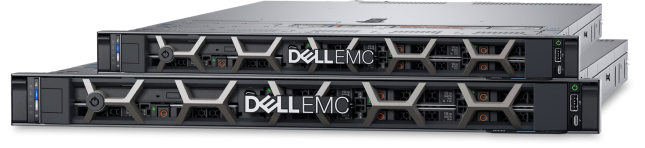
Dell Poweredge R440 Server
(12)Dell PowerEdge R440 servers fit virtualization clusters needing compact 1U dual-socket density, NVMe options, and 25GbE networking for east-west traffic
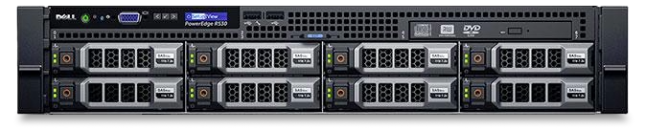
Dell Poweredge R530 Server
(5)Dell PowerEdge R530 servers serve backup and media repositories with 2U drive capacity, SAS RAID, and 10GbE connectivity
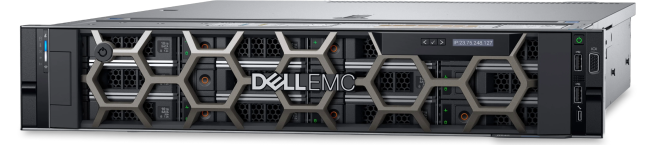
Dell Poweredge R540 Server
(12)Dell PowerEdge R540 servers fit software-defined storage nodes with 2U LFF bays, SAS expanders, and high-capacity SATA drives
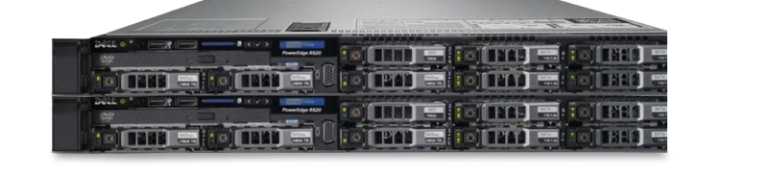
Dell Poweredge R620 Server
(1)Dell PowerEdge R620 servers support dense legacy virtualization clusters with 1U dual-socket compute, 10GbE mezzanine, and SAN boot
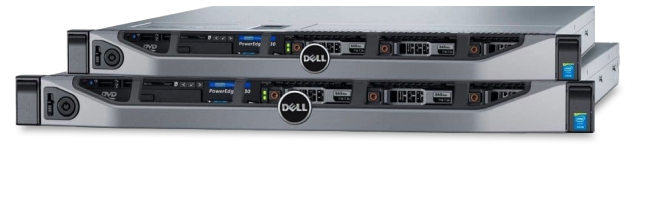
Dell Poweredge R630 Server
(7)Dell PowerEdge R630 servers serve private cloud compute rows needing 1U density, DDR4 memory, and 10GbE fabrics for tenant workloads
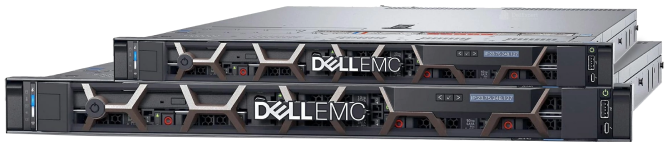
Dell Poweredge R640 Server
(7)Dell PowerEdge R640 servers fit container platforms using 1U scalable processors, NVMe storage, and 25GbE east-west networking for microservices
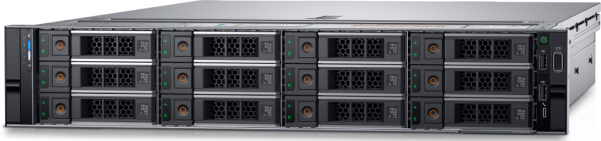
Dell Poweredge R740 Server
(14)Dell PowerEdge R740 servers serve mixed virtualization and database tiers with 2U expansion, GPU options, and 25GbE uplinks
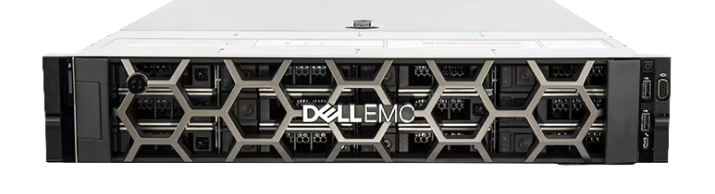
Dell Poweredge R740Xd Server
(6)Dell PowerEdge R740xd servers fit software-defined storage clusters with 2U high-drive-count layouts, NVMe caching, and 25GbE replication traffic
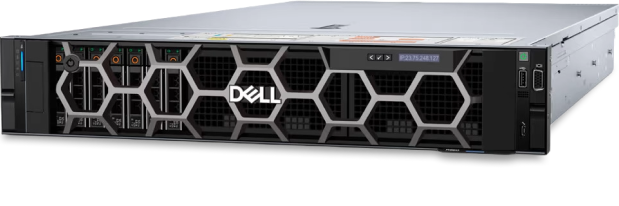
Dell Poweredge R840 Server
(9)Dell PowerEdge R840 servers support in-memory database environments with 2U four-socket architecture, NVMe storage, and Fibre Channel connectivity
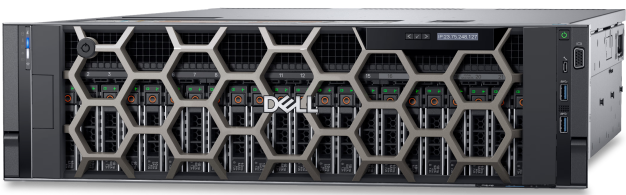
Dell Poweredge R940 Server
(18)Dell PowerEdge R940 servers serve large ERP database partitions with 3U four-socket compute, PCIe expansion, and SAN integration
114 Matching results
- BEST SELLING
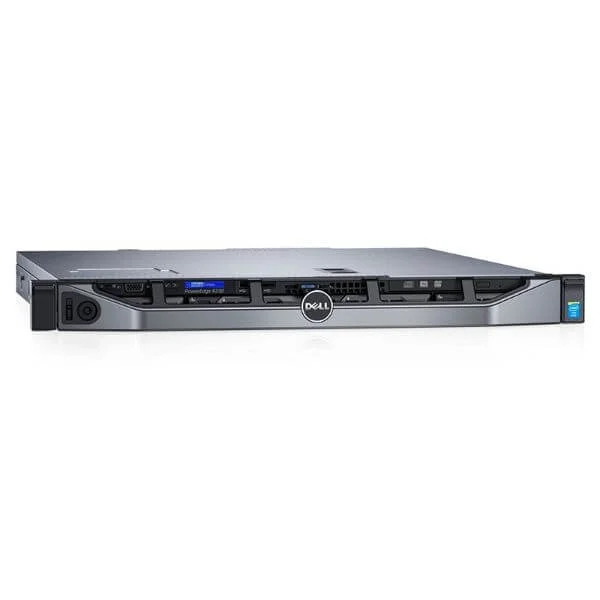
Dell PowerEdge R230 Xeon E3-1225 v5 16GB 1TB SATA Rack Server (Customizable: Intel® Xeon® E3-1225 v5, Windows Server® 2012 Foundation, 16GB Memory, 1TB SATA Hard Drive and a 3 Year Warranty)
4.6 (5)- Server
- Dell
- Rackmount
- 1U
- Intel
- Intel Xeon E
- Xeon 3rd Gen
Est Value In stock
First-Time Buyer Discount – Get up to 2% additional off on your first order
ORM Rewards Earn $50 in Rewards + Free Expedited Delivery – Join Now!
Use eCoupon ORMSAVE10
eCoupon limited to 5 units
- BEST SELLING
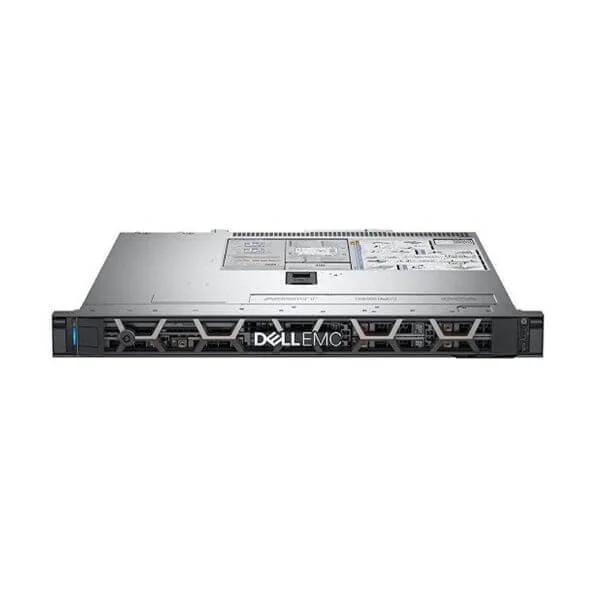
Dell PowerEdge R240 E-2124/8GB/1TB 7.2K SATA/DVDRW/250W/3.5-2 Server (R240 E-2124/8GB*1/1TB 7.2K SATA 3.5*1/DVDRW/250W Cabled Power Supply/3.5-2)
5 (5)- Server
- Dell
- Rackmount
- 1U
- Intel
- Intel Xeon E
Est Value In stockFirst-Time Buyer Discount – Get up to 2% additional off on your first order
ORM Rewards Earn $50 in Rewards + Free Expedited Delivery – Join Now!
Use eCoupon ORMSAVE10
eCoupon limited to 5 units
- BEST SELLING
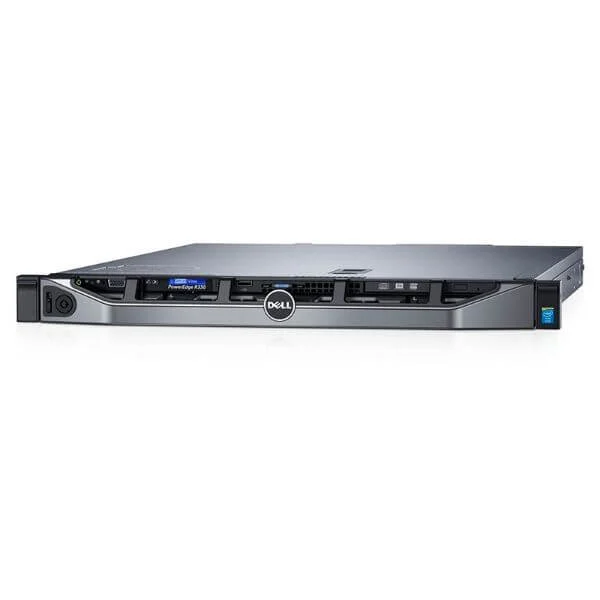
Dell PowerEdge R330 Xeon E3-1240 v5 16GB 1TB SATA Rack Server (Customizable: Intel® Xeon® E3-1240 v5, Windows Server® 2016 Essentials, 16GB Memory, 1TB SATA Hard Drive, and a 3 Year Warranty)
4.8 (5)- Server
- Dell
- Rackmount
- 1U
- Intel
- Intel Xeon E
- Xeon 4th Gen
Est Value In stockFirst-Time Buyer Discount – Get up to 2% additional off on your first order
ORM Rewards Earn $50 in Rewards + Free Expedited Delivery – Join Now!
Use eCoupon ORMSAVE10
eCoupon limited to 5 units
- BEST SELLING
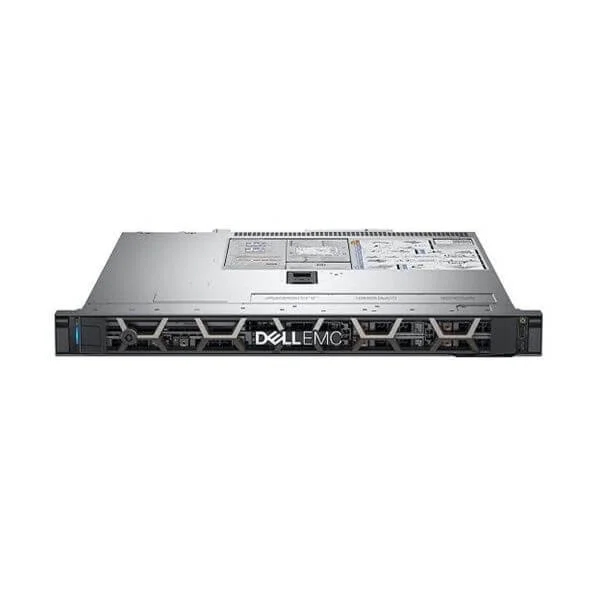
Dell PowerEdge R340 E-2124/8GB/1TB 7.2K SATA/DVDRW/350W/3.5-4 Server (R340 E-2124/8GB 2666MT/s*1/1TB 7.2K SATA 3.5*1/DVDRW/350W*1/3.5-4)
4.6 (5)- Server
- Dell
- Rackmount
- 1U
- Intel
- Intel Xeon E
- Xeon E-2100 Series
Est Value In stockFirst-Time Buyer Discount – Get up to 2% additional off on your first order
ORM Rewards Earn $50 in Rewards + Free Expedited Delivery – Join Now!
Use eCoupon ORMSAVE10
eCoupon limited to 5 units
- BEST SELLING
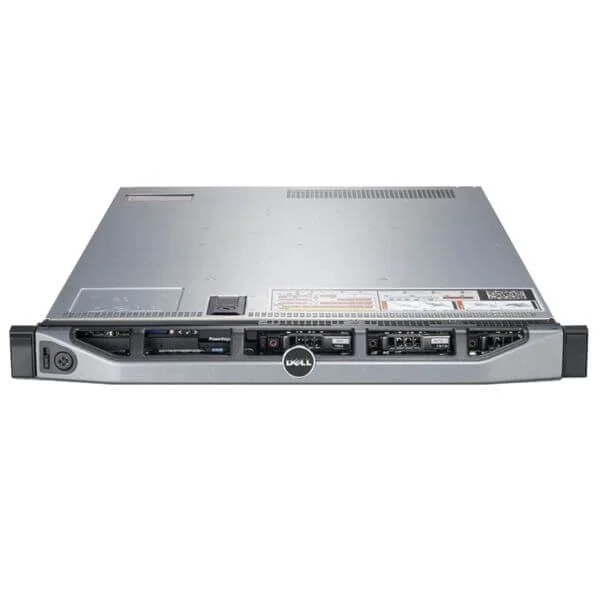
Dell PowerEdge R430 Xeon E5-2620 v4 8GB 1TB SAS Rack Server (Customizable: Intel® Xeon® E5-2620 v4, Optional Operating System, 8GB Memory, 1TB SAS Hard Drive and a 3 Year Warranty)
4.6 (5)- Server
- Dell
- Rackmount
- 1U
- Intel
- Intel Xeon E
- Xeon 4th Gen
Est Value In stockFirst-Time Buyer Discount – Get up to 2% additional off on your first order
ORM Rewards Earn $50 in Rewards + Free Expedited Delivery – Join Now!
Use eCoupon ORMSAVE10
eCoupon limited to 5 units
- FEARURED
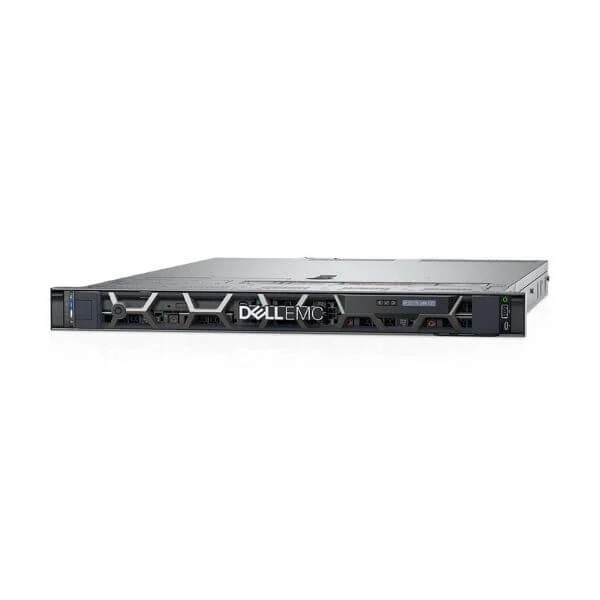
Dell PowerEdge R440 5115/8G/600G SAS 10K/H330/DVDRW/2*550W/3.5-4 Server (1U R440 5115*1/8G*1/600G SAS 10K*1/H330/DVDRW/550W Hot-plug Power Supply*2/3.5-4)
4.4 (5)- Server
- Dell
- Rackmount
- 1U
- Intel
- Intel Xeon Scalable
- Xeon 3rd Gen
Est Value In stockFirst-Time Buyer Discount – Get up to 2% additional off on your first order
ORM Rewards Earn $50 in Rewards + Free Expedited Delivery – Join Now!
Use eCoupon ORMSAVE10
eCoupon limited to 5 units
- FEARURED
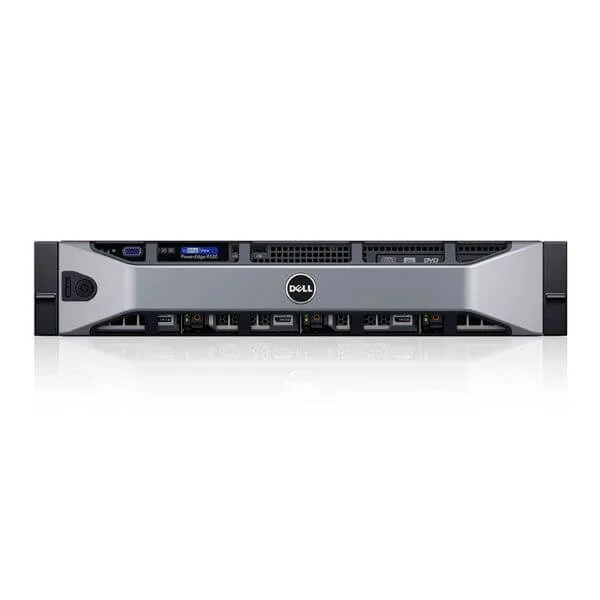
Dell PowerEdge R530 Xeon E5-2620 v4 8GB 1TB SAS H330 Rack Server (Customizable: Intel® Xeon® E5-2620 v4, 8GB Memory, 1TB Hard Drive and a 3 Year Warranty)
4.8 (5)- Server
- Dell
- Rackmount
- 1U
- Intel
- Intel Xeon E
- Xeon 4th Gen
Est Value In stockFirst-Time Buyer Discount – Get up to 2% additional off on your first order
ORM Rewards Earn $50 in Rewards + Free Expedited Delivery – Join Now!
Use eCoupon ORMSAVE10
eCoupon limited to 5 units
- FEARURED
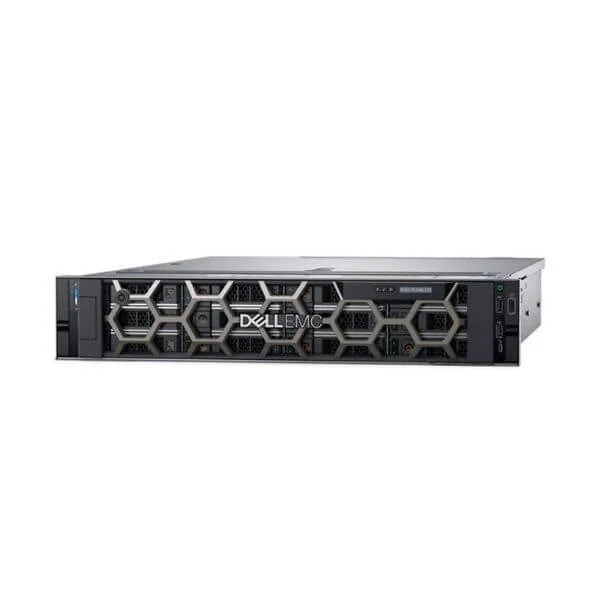
Dell PowerEdge R540 5115/8G/600G SAS 10K/H330/DVD/495W/3.5-12 Server (Dell PowerEdge R540 Server, 2U Chassis, 5115 Processor, 8G*1 Memory, 600G SAS 10K*1, H330, DVD, 495W*1 Power Supply, 3.5inch Power Supply-12)
4.8 (5)- Server
- Dell
- Rackmount
- 2U
- Intel
- Intel Xeon Scalable
- Xeon 3rd Gen
Est Value In stockFirst-Time Buyer Discount – Get up to 2% additional off on your first order
ORM Rewards Earn $50 in Rewards + Free Expedited Delivery – Join Now!
Use eCoupon ORMSAVE10
eCoupon limited to 5 units
- FEARURED
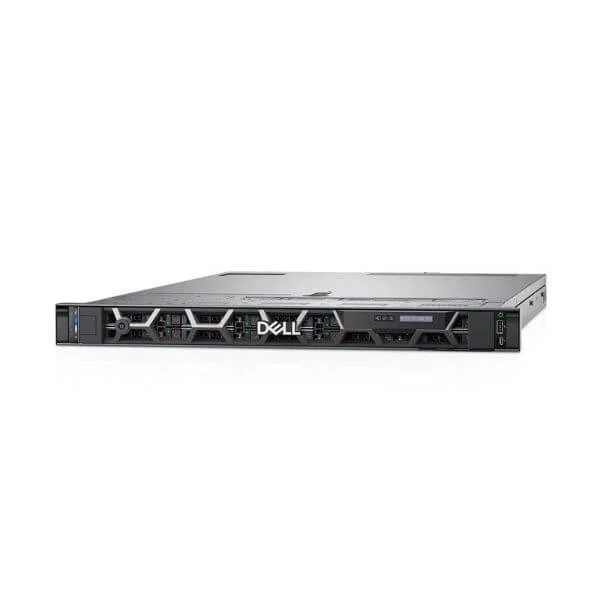
Dell PowerEdge R640 5118/8G/600G SAS 10K/H330/DVDRW/495W/2.5-8 Server (Dell PowerEdge R640 Server, 1U Chassis, 5118 Processor, 8G*1 Memory, 600G SAS 10K*1, H330, DVDRW, 495W*1 Power Supply, 2.5inch Hard Drive-8)
4.6 (5)- Server
- Dell
- Rackmount
- 1U
- Intel
- Intel Xeon Scalable
- Xeon 3rd Gen
Est Value In stockFirst-Time Buyer Discount – Get up to 2% additional off on your first order
ORM Rewards Earn $50 in Rewards + Free Expedited Delivery – Join Now!
Use eCoupon ORMSAVE10
eCoupon limited to 5 units
- FEARURED
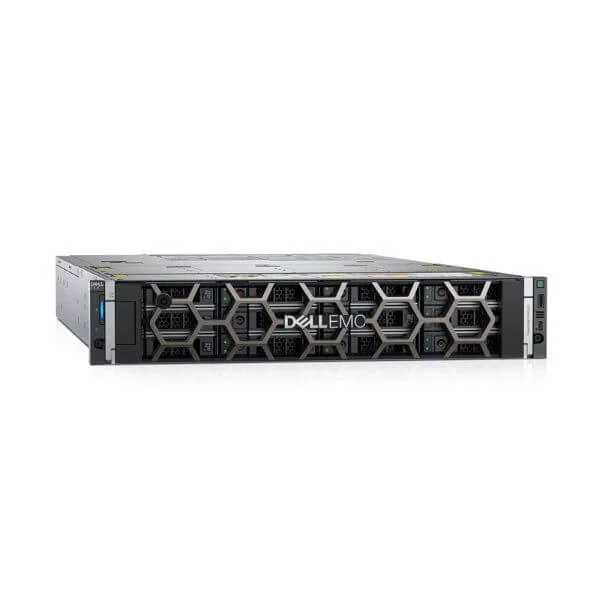
Dell PowerEdge R740XD 5115/8G/600G SAS 10K/H330/495W/3.5-12 Server (Dell PowerEdge R740XD Server, 2U Chassis, 5115 Processor, 8G*1 Memory, 600G SAS 10K*1, H330, 495W*1 Power Supply, 3.5inch Hard Drive-12)
5 (5)- Server
- Dell
- Rackmount
- 2U
- Intel
- Intel Xeon Scalable
- Xeon 3rd Gen
Est Value In stockFirst-Time Buyer Discount – Get up to 2% additional off on your first order
ORM Rewards Earn $50 in Rewards + Free Expedited Delivery – Join Now!
Use eCoupon ORMSAVE10
eCoupon limited to 5 units
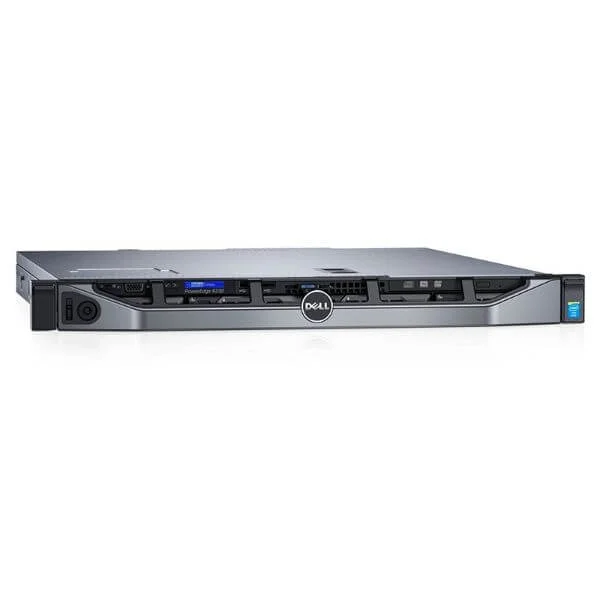
Dell PowerEdge R230 Xeon E3-1220 v5 8GB 500GB SATA Rack Server (Customizable: Intel® Xeon® E3-1220 v5, Optional Operating System, 8GB Memory, 500GB SATA Hard Drive and a 3 Year Warranty)
4.4 (5)- Server
- Dell
- Rackmount
- 1U
- Intel
- Intel Xeon E
Est Value In stockFirst-Time Buyer Discount – Get up to 2% additional off on your first order
ORM Rewards Earn $50 in Rewards + Free Expedited Delivery – Join Now!
Use eCoupon ORMSAVE10
eCoupon limited to 5 units
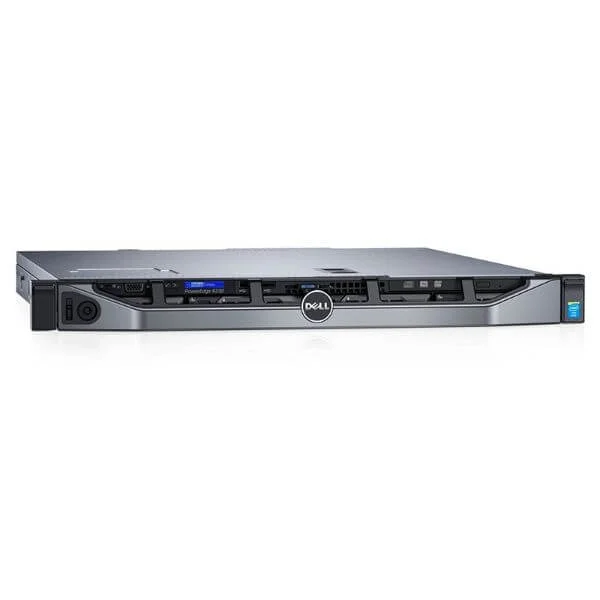
Dell PowerEdge R230 Xeon E3-1240 v5 16GB 2TB SATA Rack Server (Customizable: Intel® Xeon® E3-1240 v5, Windows Server® 2012 Foundation, 16GB Memory, 2TB Hard Drive and a 3 Year ProSupport Warranty)
5 (5)- Server
- Dell
- Rackmount
- 1U
- Intel
- Intel Xeon E
- Xeon 4th Gen
Est Value In stockFirst-Time Buyer Discount – Get up to 2% additional off on your first order
ORM Rewards Earn $50 in Rewards + Free Expedited Delivery – Join Now!
Use eCoupon ORMSAVE10
eCoupon limited to 5 units
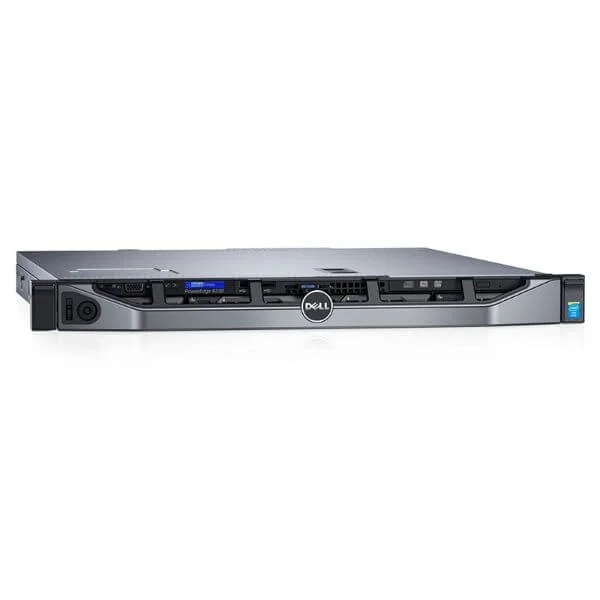
Dell PowerEdge R230 1U E3-1220 V6/4G/500G SATA/DVD/250W (Dell PowerEdge R230 1U E3-1220 V6/4G/500G SATA/DVD/250W)
4.6 (5)- Server
- Dell
- Rackmount
- 1U
- Intel
- Intel Xeon E
- Xeon 4th Gen
Est Value In stockFirst-Time Buyer Discount – Get up to 2% additional off on your first order
ORM Rewards Earn $50 in Rewards + Free Expedited Delivery – Join Now!
Use eCoupon ORMSAVE10
eCoupon limited to 5 units
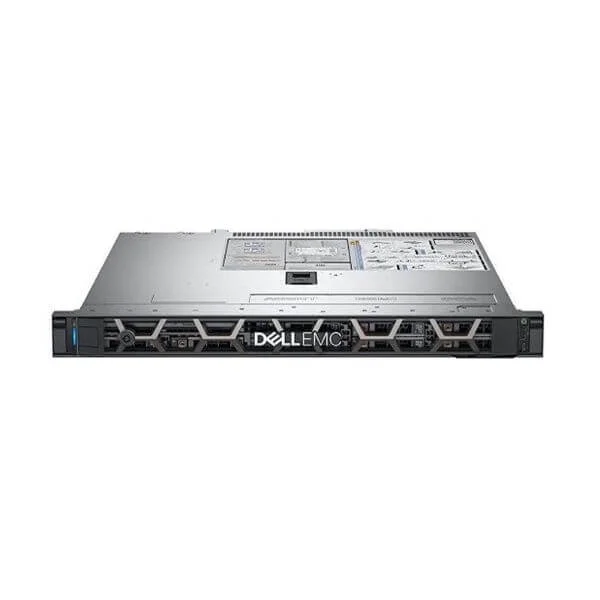
Dell R240 E-2224G/8GB*1/1TB 7.2K SATA 3.5*1/DVDRW/250W Cabled PS/3.5-2 (Dell R240 E-2224G/8GB*1/1TB 7.2K SATA 3.5*1/DVDRW/250W Cabled Power Supply/3.5-2)
4.6 (5)- Server
- Dell
- Rackmount
- 1U
- Intel
- Intel Xeon E
Est Value In stockFirst-Time Buyer Discount – Get up to 2% additional off on your first order
ORM Rewards Earn $50 in Rewards + Free Expedited Delivery – Join Now!
Use eCoupon ORMSAVE10
eCoupon limited to 5 units
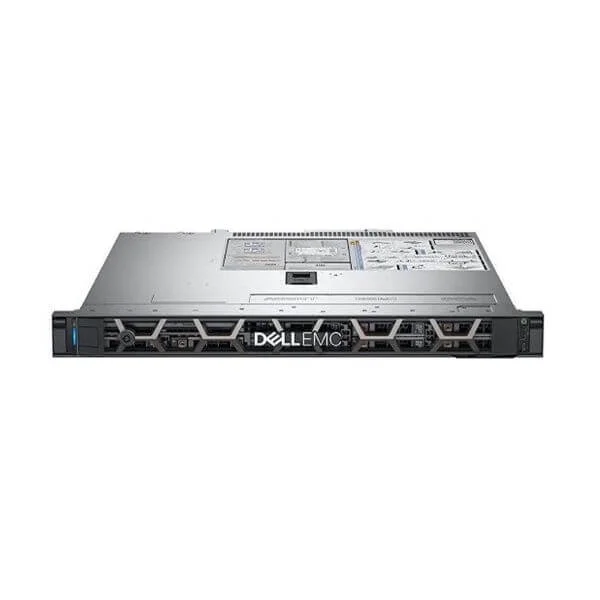
Dell R240 E-2224G/8GB*1/1TB 7.2K SATA 3.5*1/DVDRW/250W Cabled PS/3.5-4 (Dell R240 E-2224G/8GB*1/1TB 7.2K SATA 3.5*1/DVDRW/250W Cabled Power Supply/3.5-4)
4.6 (5)- Server
- Dell
- Rackmount
- 1U
- Intel
- Intel Xeon E
Est Value In stockFirst-Time Buyer Discount – Get up to 2% additional off on your first order
ORM Rewards Earn $50 in Rewards + Free Expedited Delivery – Join Now!
Use eCoupon ORMSAVE10
eCoupon limited to 5 units
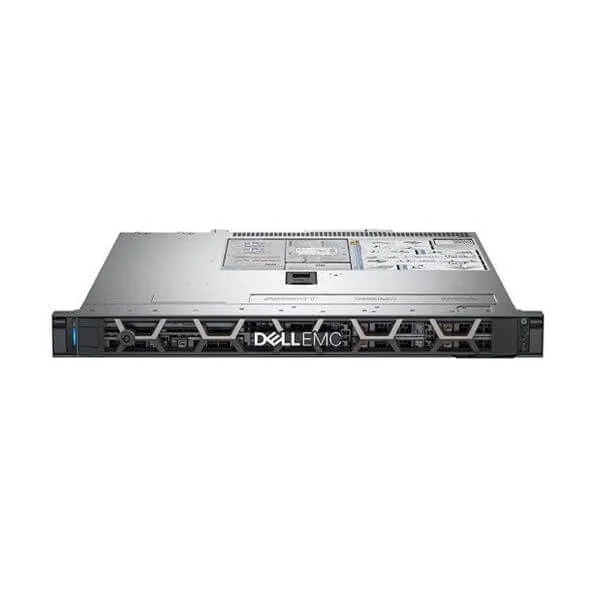
Dell PowerEdge R240 E-2124/8GB/1TB 7.2K SATA/DVDRW/250W/3.5-4 Server (R240 E-2124/8GB*1/1TB 7.2K SATA 3.5*1/DVDRW/250W Cabled Power Supply/3.5-4)
4.4 (5)- Server
- Dell
- Rackmount
- 1U
- Intel
- Intel Xeon E
Est Value In stockFirst-Time Buyer Discount – Get up to 2% additional off on your first order
ORM Rewards Earn $50 in Rewards + Free Expedited Delivery – Join Now!
Use eCoupon ORMSAVE10
eCoupon limited to 5 units
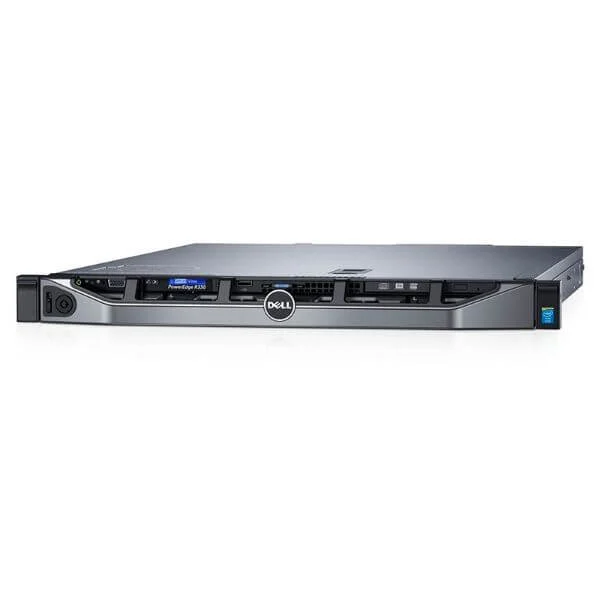
Dell PowerEdge R330 Xeon E3-1220 v6 8GB 1TB SATA Rack Server (Customizable: Intel® Xeon® E3-1220 v6, Optional Operating System, 8GB Memory, 1TB Hard Drive and a 3 Year Warranty)
4.4 (5)- Server
- Dell
- Rackmount / Tower / Blade / Microserver
- 1U / 2U / 3U / 4U / N/A
- Intel
- Intel Xeon E
- Xeon 3rd Gen
Est Value In stockFirst-Time Buyer Discount – Get up to 2% additional off on your first order
ORM Rewards Earn $50 in Rewards + Free Expedited Delivery – Join Now!
Use eCoupon ORMSAVE10
eCoupon limited to 5 units
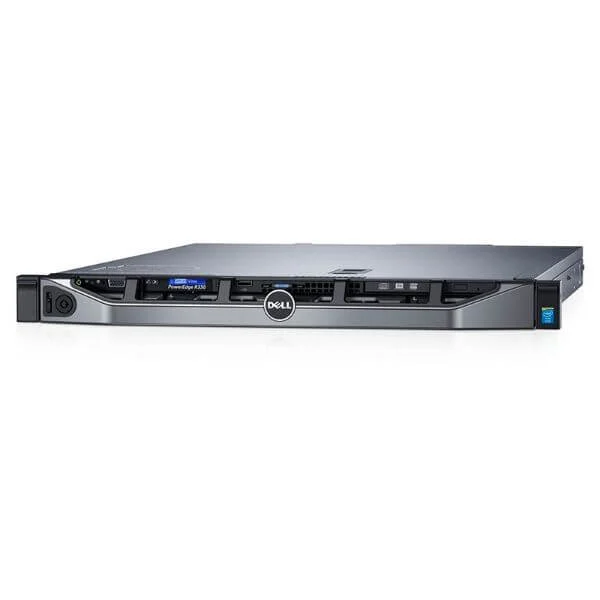
Dell PowerEdge R330 Xeon E3-1270 v5 16GB 1TB SATA Rack Server (Customizable: Intel® Xeon® E3-1270 v5, Windows Server® 2016 Standard, 16GB Memory, 1TB SATA Hard Drive and a 3 Year ProSupport Warranty)
4.6 (5)- Server
- Dell
- Rackmount / Tower / Blade / Microserver
- 1U
- Intel
- Intel Xeon E
- Xeon 3rd Gen
Est Value In stockFirst-Time Buyer Discount – Get up to 2% additional off on your first order
ORM Rewards Earn $50 in Rewards + Free Expedited Delivery – Join Now!
Use eCoupon ORMSAVE10
eCoupon limited to 5 units
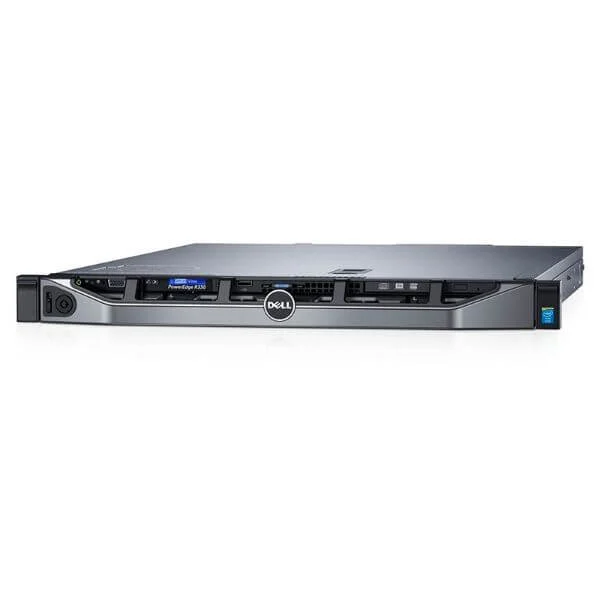
Dell PowerEdge R330 E3-1230 v6, 8GB UDIMM, 2*1TB 3.5" SATA, 350W PS (Dell PowerEdge 1U R330 E3-1230v6 3.5GHz 4C,8GB UDIMM,2*1TB 3.5" SATA,DVD-RW,dual-port 1GB, 350W PS)
4.4 (5)Est Value In stockFirst-Time Buyer Discount – Get up to 2% additional off on your first order
ORM Rewards Earn $50 in Rewards + Free Expedited Delivery – Join Now!
Use eCoupon ORMSAVE10
eCoupon limited to 5 units
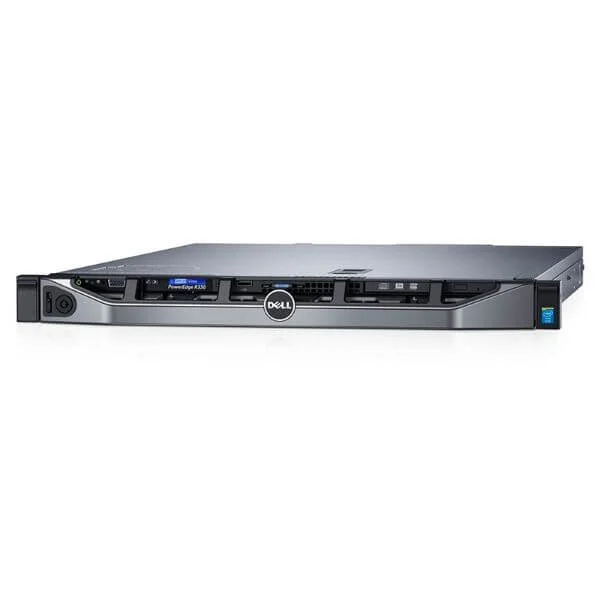
Dell PowerEdge R330 E3-1240 v6, 16GB UDIMM, 2*2TB 3.5" SATA, 350W PS (Dell PowerEdge 1U R330 E3-1240V6 3.7GHz 4C,16GB UDIMM,2*2TB 3.5" SATA,DVD-RW,dual-port 1GB, 350W PS)
4.8 (5)- Server
- Dell
- Rackmount
- 1U
- Intel
- Intel Xeon E
- Xeon 3rd Gen
Est Value In stockFirst-Time Buyer Discount – Get up to 2% additional off on your first order
ORM Rewards Earn $50 in Rewards + Free Expedited Delivery – Join Now!
Use eCoupon ORMSAVE10
eCoupon limited to 5 units

ORM Sales Advisors
Buying for your business? Get a personalised quote in under 2 hours. Talk to an expert
LEARNFilters (114) 
Questions & Answers
What is a Dell Rack Server?
A Dell Rack Server is a space-efficient, high-performance computing platform designed for data centers, supporting scalable workloads, advanced management, and enterprise-grade reliability in a standardized 1U–4U rack form factor.
Which Dell Rack Server models are available?
Dell offers PowerEdge R240, R340, R440, R540, R640, R740, R740xd, R840 and R940 rack servers, each optimized for specific workloads, memory densities, storage capacities and GPU or I/O expansion.
How do I choose the right Dell Rack Server for my business?
Select based on workload type, processor cores, memory capacity, storage requirements and network needs. Use Dell’s online configurator or consult a solutions architect to match server specifications to your performance and budget goals.
What processors do Dell Rack Servers support?
Dell Rack Servers support the latest Intel Xeon Scalable and AMD EPYC processors, offering up to 64 cores per CPU, multiple socket configurations, Turbo Boost and virtualization optimizations for diverse enterprise workloads.
How much memory can a Dell Rack Server handle?
Depending on the model, Dell Rack Servers support up to 24 DDR4 DIMM slots for single-socket systems or up to 32 slots for dual-socket systems, delivering up to 4TB memory with RDIMM/LRDIMM for in-memory databases and virtualization.
What storage options are available on Dell Rack Servers?
Dell Rack Servers offer flexible storage: SATA, SAS, NVMe SSDs and HDDs in hot-swap 2.5” or 3.5” bays, with internal RAID controllers, HBA or software-defined storage support for performance, capacity and data protection.
How energy-efficient are Dell Rack Servers?
Dell Rack Servers feature 80 PLUS Platinum/Titanium power supplies, dynamic power capping, advanced thermal management and chassis airflow design, reducing energy consumption by up to 30% compared to previous generations.
What remote management tools are included with Dell Rack Servers?
Integrated Dell Remote Access Controller (iDRAC) with Lifecycle Controller delivers agent-free firmware updates, hardware monitoring, remote console, and automation features via OpenManage Enterprise for efficient server management.
Are Dell Rack Servers suitable for virtualization?
Yes. With multi-core processors, large memory capacities and support for VMware, Microsoft Hyper-V and KVM, Dell Rack Servers deliver virtual machine density and performance for private clouds, VDI and container environments.
Can I upgrade components in a Dell Rack Server?
Dell Rack Servers are designed for tool-less access and modular upgrades. You can add or replace CPUs, memory, storage drives, power supplies, network adapters and GPUs to scale performance or capacity as needs evolve.
What warranty and support options does Dell offer?
Dell provides a one-year standard hardware warranty, with ProSupport and ProSupport Plus options for 24×7 technical assistance, on-site service, predictive analytics and hardware replacement within next business day or 4 hours.
How does Dell ensure server security?
Dell Rack Servers include Secure Boot, System Lockdown, BIOS recovery, cryptographically signed firmware, TPM 2.0, chassis intrusion detection and iDRAC authentication to protect against firmware threats and unauthorized access.
How do I configure RAID on a Dell Rack Server?
Access the iDRAC Lifecycle Controller during boot, navigate to Storage > Controllers, select RAID level (0, 1, 5, 6, 10), assign global hot spares and initialize arrays. Use OpenManage for ongoing RAID monitoring and management.
What networking options are available for Dell Rack Servers?
Dell Rack Servers offer onboard 1GbE or 10GbE ports, optional 25GbE/50GbE network interface cards, Fibre Channel HBAs and converged network adapters for high-speed connectivity, RDMA over Converged Ethernet (RoCE) and iSCSI.
How do I deploy Dell Rack Servers in a data center?
Mount servers in standard 19-inch racks using rail kits, connect redundant power supplies to UPS circuits, configure network and SAN cabling, initialize iDRAC for remote management, and follow Dell’s deployment guides for best practices.
How can I monitor Dell Rack Server performance?
Use OpenManage Enterprise or iDRAC Performance Dashboard to track CPU, memory, storage and network metrics. Set alerts for threshold breaches, automate reports and integrate with third-party tools via RESTful APIs or SNMP.