 United States
Servers Dell PowerEdge T140
Experience unrivaled reliability and performance with Dell PowerEdge T140 server. Engineered for scalability and efficiency, it delivers secure, high-speed processing ideally suited for enterprise IT infrastructures.
Talk to an expert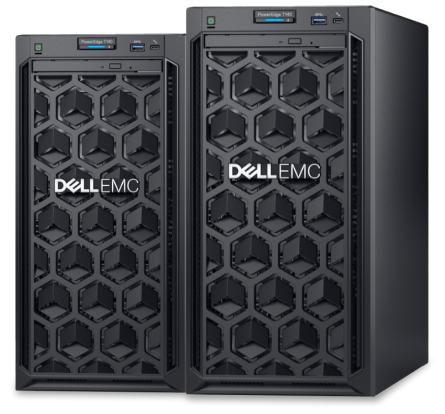
2 Matching results
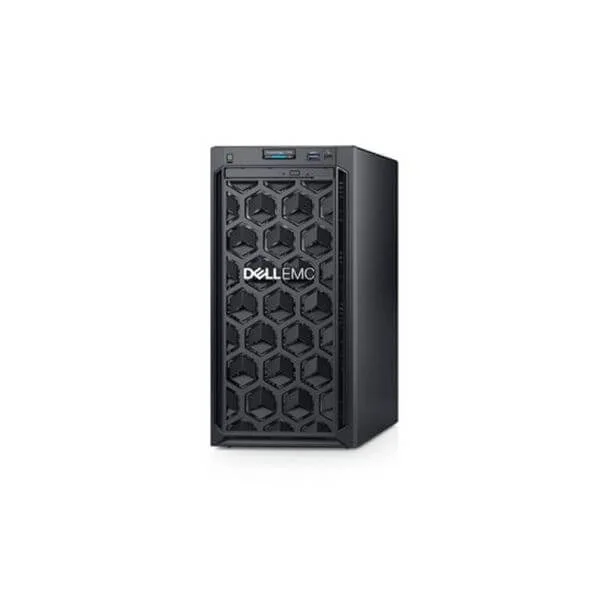
DELL T140 E-2224G/8GB/1TB 7.2K SATA 3.5*1/DVDRW/365W CABLED PS/3.5-4 (Dell T140 E-2224G/8GB/1TB 7.2K SATA 3.5*1/DVDRW/365W Cabled Power Supply/3.5-4)
4.4 (5)- Server
- Dell
- Tower
- Intel
- Intel Xeon E
Est Value In stock
First-Time Buyer Discount – Get up to 2% additional off on your first order
ORM Rewards Earn $50 in Rewards + Free Expedited Delivery – Join Now!
Use eCoupon ORMSAVE10
eCoupon limited to 5 units
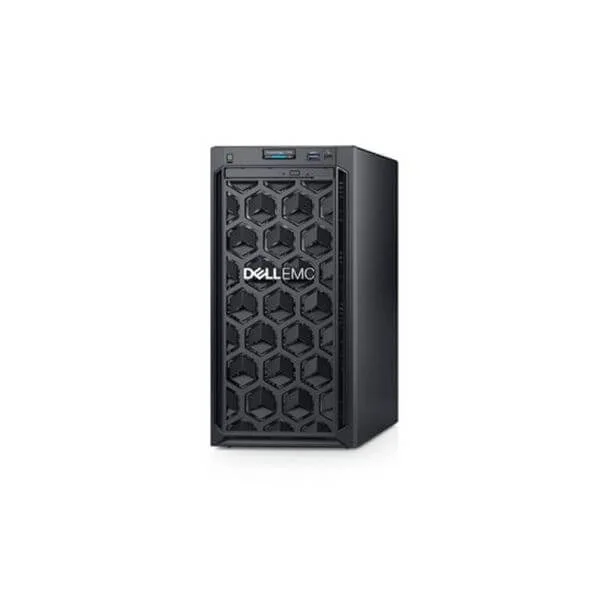
DELL POWEREDGE T140 E-2124/8GB/1TB 7.2K SATA/DVDRW/365W/3.5-4 SERVER (T140 E-2124/8GB/1TB 7.2K SATA 3.5*1/DVDRW/365W Cabled Power Supply/3.5-4)
4.6 (5)- Server
- Dell
- Tower
- Intel
- Intel Xeon E
Est Value In stockFirst-Time Buyer Discount – Get up to 2% additional off on your first order
ORM Rewards Earn $50 in Rewards + Free Expedited Delivery – Join Now!
Use eCoupon ORMSAVE10
eCoupon limited to 5 units

ORM Sales Advisors
Buying for your business? Get a personalised quote in under 2 hours. Talk to an expert
LEARNFilters (2) 
Questions & Answers
What is the Dell PowerEdge T140 server?
The Dell PowerEdge T140 is an entry-level tower server designed for small businesses, offering reliable performance, easy management and strong expandability in a compact form factor.
Which processors power the Dell PowerEdge T140?
The T140 supports Intel® Xeon® E-2200 series and 8th/9th Gen Intel® Core™ processors, delivering up to 6 cores per CPU for balanced compute performance in office and light virtualization tasks.
How much memory can I install in the T140?
The PowerEdge T140 features four DIMM slots that support up to 64 GB of DDR4 ECC memory, ensuring data integrity and smooth multitasking under mixed workloads.
What storage options are available on the Dell PowerEdge T140?
You can configure the T140 with up to four 3.5\
Which networking interfaces does the T140 offer?
The server includes a dual-port 1 GbE LOM (LAN on motherboard) and optional add-on cards for 10 GbE and Fibre Channel, enabling flexible connectivity for various network environments.
Does the PowerEdge T140 include remote management features?
Yes, the T140 ships with Dell EMC OpenManage™ Essentials and optional iDRAC9 Basic for local management, with upgrade paths to iDRAC9 Express and Enterprise for full remote server lifecycle control.
What are the ideal use cases for the Dell PowerEdge T140?
The T140 is optimized for small office file and print services, web hosting, email, point-of-sale applications and light virtualization, delivering reliability and cost efficiency for SMBs.
Which operating systems are supported by the T140?
The PowerEdge T140 supports Microsoft Windows Server, Red Hat® Enterprise Linux®, SUSE® Linux Enterprise Server and VMware® ESXi™, ensuring broad compatibility for enterprise and open-source environments.
Can I upgrade the T140 as my business grows?
Absolutely. The T140’s modular design allows for additional drives, memory, PCIe cards and power supply upgrades, simplifying future expansion to match evolving workloads.
Is the Dell PowerEdge T140 suitable for virtualization?
Yes, with support for Intel® Virtualization Technology (VT-x/VT-d), up to 64 GB RAM and multiple cores, the T140 can host light to moderate virtual machine workloads efficiently.
What security features does the PowerEdge T140 include?
The T140 offers TPM 2.0, Secure Boot, chassis intrusion detection and optional lockable bezel, safeguarding hardware integrity, firmware and data from unauthorized access.
How energy efficient is the Dell PowerEdge T140?
With an 80 PLUS® Bronze-rated power supply and Dell’s thermal management, the T140 reduces power consumption by up to 30% compared to previous generations, lowering operational costs.
What is the noise level of the PowerEdge T140?
In typical office mode, the T140 operates at approximately 27 dBA, making it quiet enough for small offices and retail environments without dedicated server rooms.
What warranty and support options are available for the T140?
The Dell PowerEdge T140 includes a 1-year hardware warranty with next-business-day onsite service. Upgrades are available for ProSupport™ and extended coverage up to 5 years.
How do I configure and purchase a Dell PowerEdge T140?
You can build your custom T140 on Dell’s online storefront or work with a certified partner to select CPU, memory, storage, OS and support options, then order via web or direct sales.