 United States
Networking Catalyst 3560-Cx Series
Engineered for performance and reliability, the Catalyst 3560-Cx offers unparalleled connectivity, optimized network efficiency, and robust security features, empowering organizations to achieve seamless digital transformation.
Talk to an expert
7 Matching results
- BEST SELLING
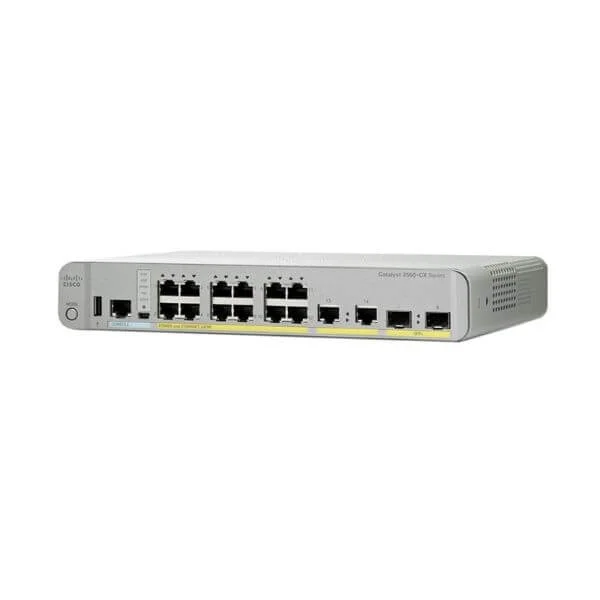
WS-C3560CX-12PD-S (Cisco WS-C3560CX-12PD-S Catalyst 3560-CX 12-Port Gigabit PoE+ Desktop Switch, 2x10G SFP+ and 2x1G Copper Uplinks, IP Base)
4.8 (5)- WS-C3560CX-12PD-S
- Cisco
- Catalyst 3560-CX
- Enterprise Access
- Managed
- IP Base
- Layer 3
Est Value $3,454.00
$577.50
83.3% offIn stockNewRefurbishedFirst-Time Buyer Discount – Get up to 2% additional off on your first order
ORM Rewards Earn $50 in Rewards + Free Expedited Delivery – Join Now!
Use eCoupon ORMSAVE10
eCoupon limited to 5 units
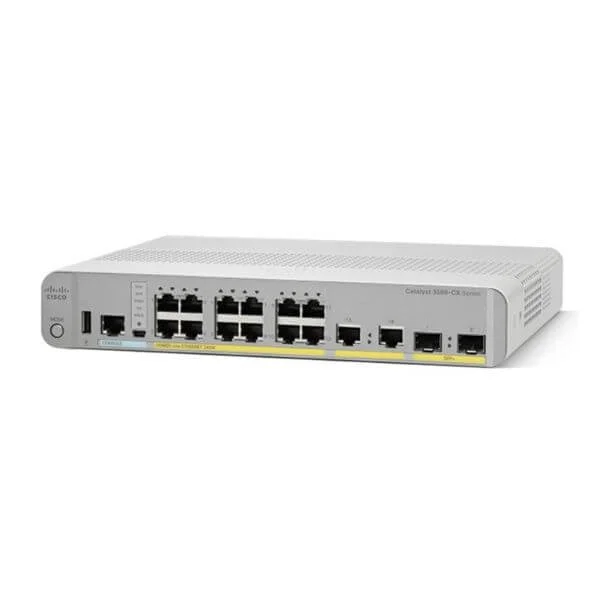
WS-C3560CX-12PC-S (Cisco WS-C3560CX-12PC-S Catalyst 3560-CX 12-Port Gigabit PoE+ Desktop Switch, 4x1G Uplinks, IP Base)
4.2 (5)- WS-C3560CX-12PC-S
- Cisco
- Catalyst 3560-CX
- Enterprise Access
- Managed
- IP Base
- Layer 3
Est Value $1,084.00$162.75
85% offIn stockNewRefurbishedFirst-Time Buyer Discount – Get up to 2% additional off on your first order
ORM Rewards Earn $50 in Rewards + Free Expedited Delivery – Join Now!
Use eCoupon ORMSAVE10
eCoupon limited to 5 units
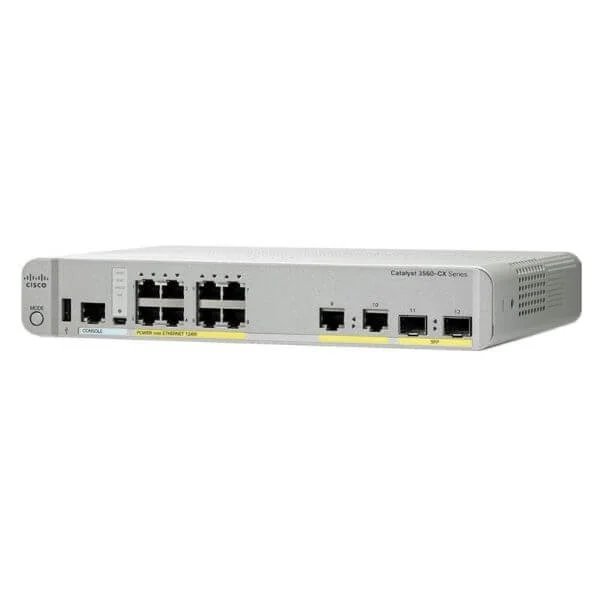
WS-C3560CX-8PC-S (Cisco WS-C3560CX-8PC-S Catalyst 3560-CX 8-Port Gigabit PoE+ Desktop Switch, 2x1G SFP and 2x1G Copper Uplinks, IP Base)
4.4 (5)- WS-C3560CX-8PC-S
- Cisco
- Catalyst 3560-CX
- Enterprise Access
- Managed
- IP Base
- Layer 3
Est Value $1,658.00$248.85
85% offIn stockNewRefurbishedFirst-Time Buyer Discount – Get up to 2% additional off on your first order
ORM Rewards Earn $50 in Rewards + Free Expedited Delivery – Join Now!
Use eCoupon ORMSAVE10
eCoupon limited to 5 units
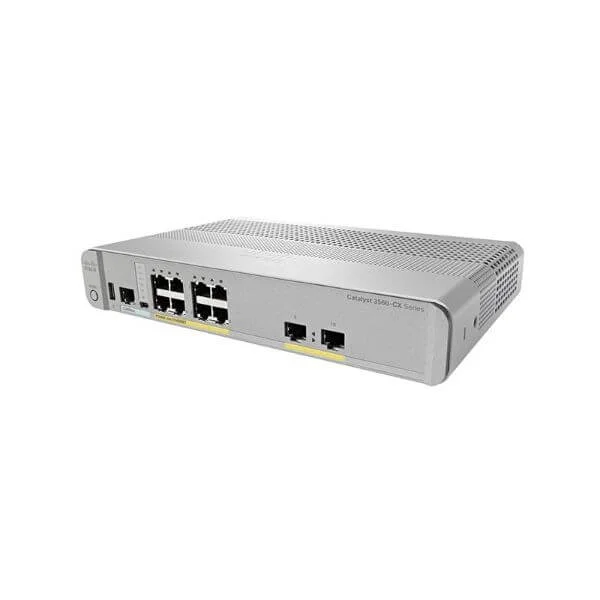
WS-C3560CX-8PT-S (Cisco WS-C3560CX-8PT-S Catalyst 3560-CX 8-Port Gigabit PoE+ Desktop Switch, 2x1G Copper Uplinks, IP Base)
4.8 (5)- WS-C3560CX-8PT-S
- Cisco
- Catalyst 3560-CX
- Enterprise Access
- Managed
- IP Base
- Layer 3
Est Value $1,994.00$299.25
85% offIn stockNewRefurbishedFirst-Time Buyer Discount – Get up to 2% additional off on your first order
ORM Rewards Earn $50 in Rewards + Free Expedited Delivery – Join Now!
Use eCoupon ORMSAVE10
eCoupon limited to 5 units
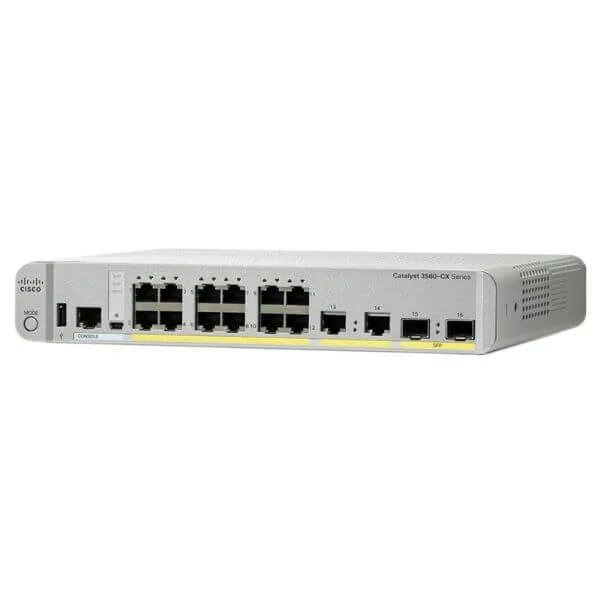
WS-C3560CX-12TC-S (Cisco WS-C3560CX-12TC-S Catalyst 3560-CX 12-Port Gigabit Desktop Switch, 2x1G SFP Uplinks, 2x1G Copper Uplinks, IP Base)
4.6 (5)- WS-C3560CX-12TC-S
- Cisco
- Catalyst 3560-CX
- Enterprise Access
- Managed
- IP Base
- Layer 3
Est Value $1,778.00$266.72
85% offIn stockNewRefurbishedFirst-Time Buyer Discount – Get up to 2% additional off on your first order
ORM Rewards Earn $50 in Rewards + Free Expedited Delivery – Join Now!
Use eCoupon ORMSAVE10
eCoupon limited to 5 units
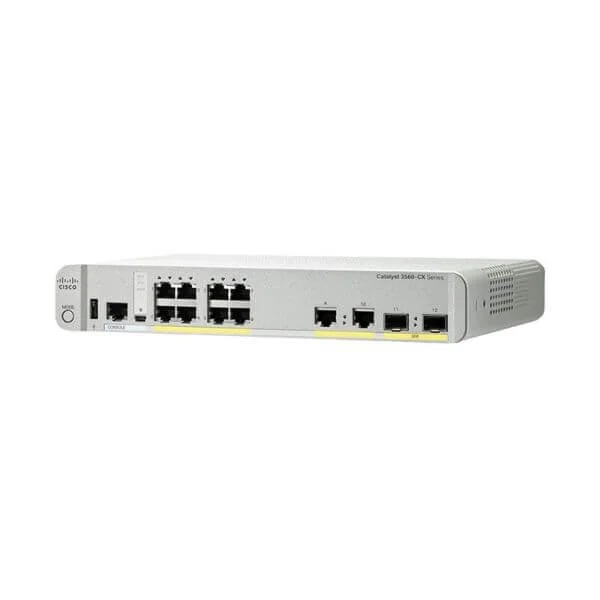
WS-C3560CX-8TC-S (Cisco WS-C3560CX-8TC-S Catalyst 3560-CX 8-Port Gigabit Desktop Switch, 2x1G Copper and 2x1G SFP Uplinks, IP Base)
4.6 (5)- WS-C3560CX-8TC-S
- Cisco
- Catalyst 3560-CX
- Enterprise Access
- Managed
- IP Base
- Layer 3
Est Value $1,294.00$194.25
85% offIn stockNewRefurbishedFirst-Time Buyer Discount – Get up to 2% additional off on your first order
ORM Rewards Earn $50 in Rewards + Free Expedited Delivery – Join Now!
Use eCoupon ORMSAVE10
eCoupon limited to 5 units
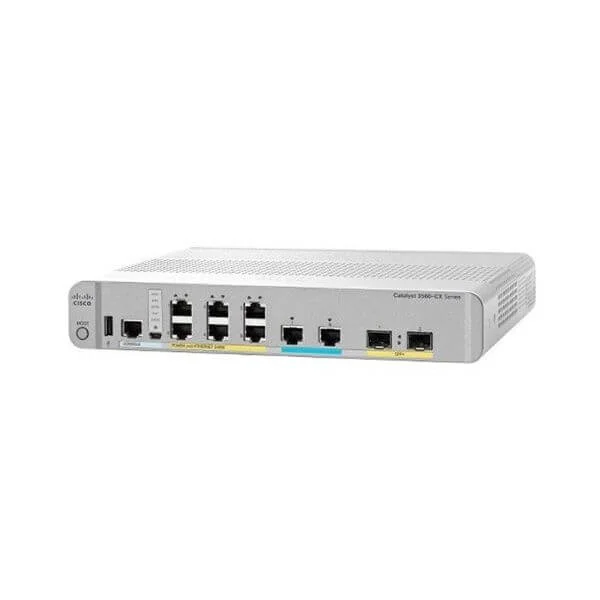
WS-C3560CX-8XPD-S (Cisco WS-C3560CX-8XPD-S Catalyst 3560-CX 8-Port Multigigabit PoE+ Desktop Switch, 2x10G Uplinks, IP Base)
4.6 (5)- WS-C3560CX-8XPD-S
- Cisco
- Catalyst 3560-CX
- Enterprise Access
- Managed
- IP Base
- Layer 3
Est Value $3,484.00$786.45
77.4% offIn stockNewRefurbishedFirst-Time Buyer Discount – Get up to 2% additional off on your first order
ORM Rewards Earn $50 in Rewards + Free Expedited Delivery – Join Now!
Use eCoupon ORMSAVE10
eCoupon limited to 5 units

ORM Sales Advisors
Buying for your business? Get a personalised quote in under 2 hours. Talk to an expert
LEARNFilters (7) 
Questions & Answers
What is the Cisco Catalyst 3560-CX switch?
The Cisco Catalyst 3560-CX is a compact, fanless enterprise switch offering Gigabit Ethernet connectivity, integrated PoE/PoE+, and advanced Layer 2 and basic Layer 3 features in a low-noise form factor ideal for tight spaces and branch offices.
What are the key features and benefits of the Catalyst 3560-CX?
Key features include 8 or 12 Gigabit ports, 2 Gigabit uplinks, 60W PoE/PoE+ per port, static routing, security enforcement, and zero-touch provisioning, delivering reliable performance, easy deployment, and energy efficiency for small networks.
How many ports and uplinks does the Catalyst 3560-CX provide?
The Catalyst 3560-CX is available in 8- and 12-port Gigabit Ethernet models, each with two 1 Gigabit SFP uplink ports to connect to core switches or network aggregation points.
Does the Catalyst 3560-CX support PoE and PoE+?
Yes, every Catalyst 3560-CX port supports up to 60W PoE/PoE+ delivering power to IP phones, wireless access points, and cameras while simplifying cabling and eliminating external power supplies.
What is the switching capacity and performance?
The Catalyst 3560-CX delivers up to 56 Gbps switching capacity and a forwarding rate of up to 41.7 Mpps, ensuring wire-speed performance for voice, video, and data traffic.
Does the Catalyst 3560-CX support Layer 3 routing?
Yes, it provides static routing, limited RIP, and advanced IPv4/IPv6 features, enabling inter-VLAN routing and basic dynamic route management for small to mid-sized networks.
What management options are available for the Catalyst 3560-CX?
You can manage the switch via Cisco IOS CLI, web-based GUI, SNMP, or Cisco DNA Center for policy-based automation and centralized monitoring.
Can I stack multiple Catalyst 3560-CX switches?
The Catalyst 3560-CX does not support traditional stacking modules, but you can achieve logical virtualization and simplified management through Cisco StackWise Virtual on compatible uplink devices.
Is the Catalyst 3560-CX fanless and energy efficient?
Yes, its fanless design reduces noise and heat, while Energy Efficient Ethernet and PoE power budgeting lower operational costs in noise-sensitive environments.
What are typical use cases for the Catalyst 3560-CX?
Ideal for small branch offices, retail shops, hospitality, and classroom deployments requiring quiet operation, PoE support for endpoints, and secure, reliable connectivity.
How does the Catalyst 3560-CX handle power redundancy?
It features an integrated power supply with optional dual-input capability and PoE budget management, ensuring continuous operation even if one power source fails.
Does the Catalyst 3560-CX support IPv6?
Yes, it provides full IPv6 host and management support, including IPv6 ACLs and dual-stack operation for smooth migration from IPv4 to IPv6 networks.
What built-in security features does the Catalyst 3560-CX offer?
The switch includes 802.1X port authentication, Dynamic ARP Inspection, IP Source Guard, ACLs, and Cisco TrustSec for segmentation and threat mitigation at the access layer.
What licensing and software image options are available?
It ships with the LAN Base image by default and can be upgraded to LAN Lite for essential features or Services image for advanced Layer 3 and security capabilities under Cisco’s Smart Licensing model.
What warranty and support options come with the Catalyst 3560-CX?
Cisco offers a limited lifetime hardware warranty, one-year warranty for fans and power supplies, and optional SMARTnet service for 24/7 technical support and next-day hardware replacement.
How do I deploy and configure the Catalyst 3560-CX?
Deploy by mounting on a desktop or wall, connect uplinks and endpoints, then perform initial setup using Cisco IOS CLI or GUI-based Device Manager for guided configuration and policy assignment.
Where can I buy the Cisco Catalyst 3560-CX switch?
The Catalyst 3560-CX is available through Cisco authorized partners, resellers, and online marketplaces; verify Cisco certification status to ensure genuine hardware and support eligibility.