 United States
Business Switches Cisco 250 Series
Cisco Business 250 Series Smart Switches deliver advanced manageability, robust security, and efficient performance, optimizing network capabilities and streamlining IT operations for scalable, high-performance business environments.
Talk to an expert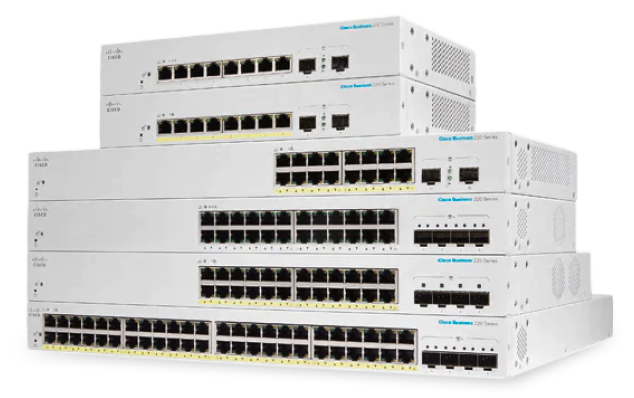
36 Matching results
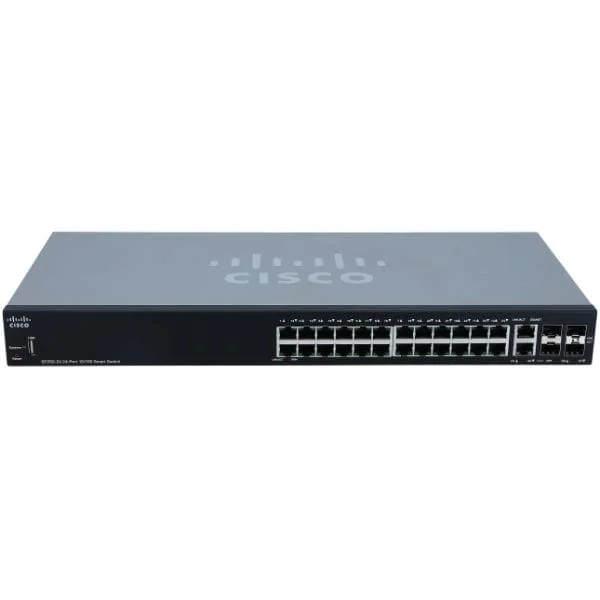
SF250-24 (Cisco SF250-24 24-Port 10 100 Smart Switch)
4.8 (5)- Switch
- Cisco
- AC Power Supply
- Layer 2
- Rack-mount
- 22 W
- 24–48 Ports
Est Value In stock
First-Time Buyer Discount – Get up to 2% additional off on your first order
ORM Rewards Earn $50 in Rewards + Free Expedited Delivery – Join Now!
Use eCoupon ORMSAVE10
eCoupon limited to 5 units
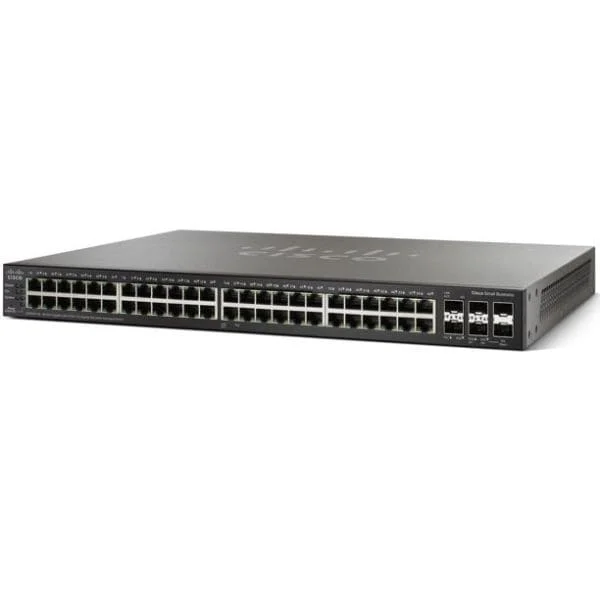
SG250X-48 (Cisco SG250X-48 48-Port Gigabit with 4-Port 10-Gigabit Smart Switch)
4.2 (5)- Switch
- Cisco
- AC Power Supply
- Layer 2 / Layer 3
- Rack-mount
- 42 W
- 24–48 Ports
Est Value In stockFirst-Time Buyer Discount – Get up to 2% additional off on your first order
ORM Rewards Earn $50 in Rewards + Free Expedited Delivery – Join Now!
Use eCoupon ORMSAVE10
eCoupon limited to 5 units
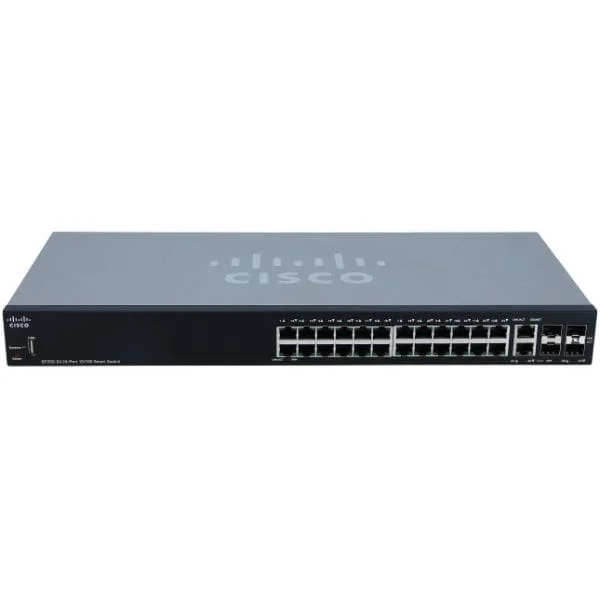
SF250-24P (Cisco SF250-24P 24-Port 10 100 PoE Smart Switch)
4.4 (5)- Switch
- Cisco
- AC Power Supply
- Layer 2
- Desktop / Rack-mount
- 12–24 Ports
Est Value In stockFirst-Time Buyer Discount – Get up to 2% additional off on your first order
ORM Rewards Earn $50 in Rewards + Free Expedited Delivery – Join Now!
Use eCoupon ORMSAVE10
eCoupon limited to 5 units
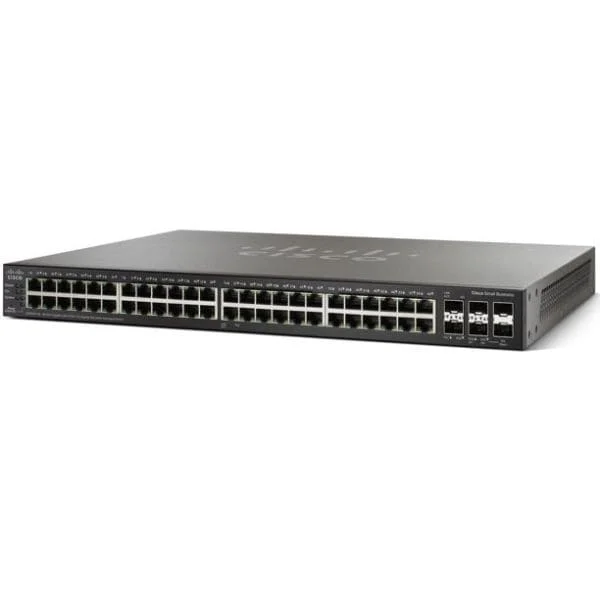
SG250X-48P (Cisco SG250X-48P Gigabit PoE with 4-Port 10-Gigabit Smart Switch)
4.8 (5)- Switch
- Cisco
- AC Power Supply
- Layer 2 / Layer 3
- Rack-mount
- 24–48 Ports
Est Value In stockFirst-Time Buyer Discount – Get up to 2% additional off on your first order
ORM Rewards Earn $50 in Rewards + Free Expedited Delivery – Join Now!
Use eCoupon ORMSAVE10
eCoupon limited to 5 units
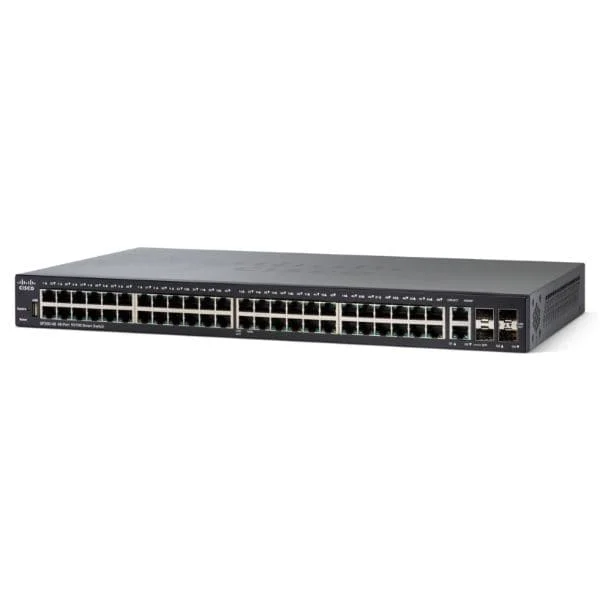
SF250-48 (Cisco SF250-48 48-Port 10 100 Smart Switch)
4.4 (5)- Switch
- Cisco
- AC Power Supply
- Layer 2
- Rack-mount
- 33.6 W
- 24–48 Ports
Est Value In stockFirst-Time Buyer Discount – Get up to 2% additional off on your first order
ORM Rewards Earn $50 in Rewards + Free Expedited Delivery – Join Now!
Use eCoupon ORMSAVE10
eCoupon limited to 5 units
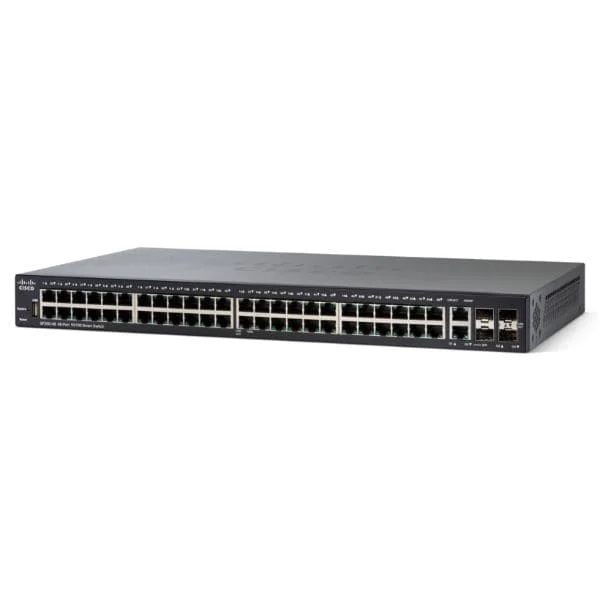
SF250-48HP (Cisco SF250-48HP 48-Port 10 100 PoE Smart Switch)
4.8 (5)- Switch
- Cisco
- AC Power Supply
- Layer 2
- Rack-mount
- 350 W
- 24–48 Ports
Est Value In stockFirst-Time Buyer Discount – Get up to 2% additional off on your first order
ORM Rewards Earn $50 in Rewards + Free Expedited Delivery – Join Now!
Use eCoupon ORMSAVE10
eCoupon limited to 5 units
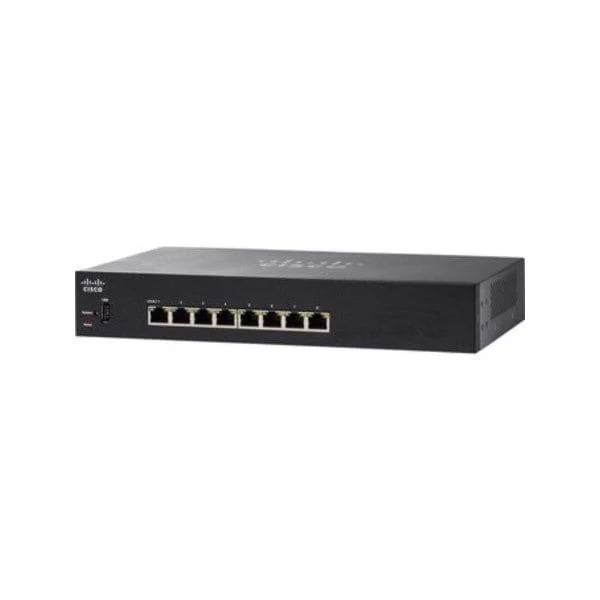
SG250-08 (Cisco SG250-08 8-Port Gigabit Smart Switch)
4.6 (5)- Switch
- Cisco
- AC Power Supply
- Layer 2
- Desktop / Rack-mount
- Under 12 Ports
Est Value In stockFirst-Time Buyer Discount – Get up to 2% additional off on your first order
ORM Rewards Earn $50 in Rewards + Free Expedited Delivery – Join Now!
Use eCoupon ORMSAVE10
eCoupon limited to 5 units
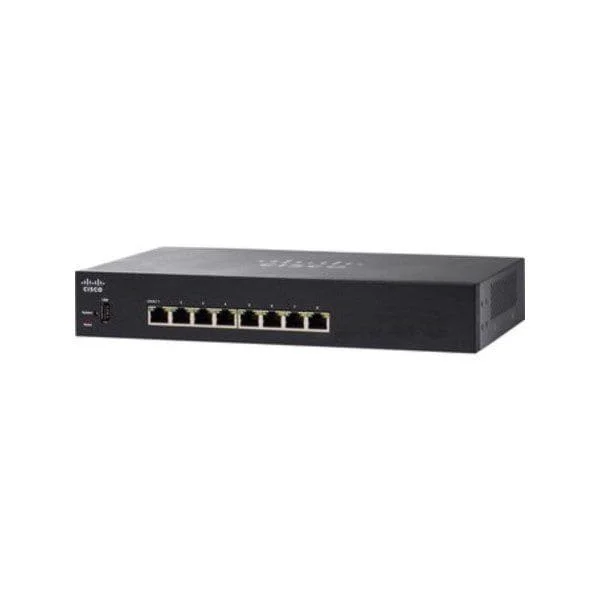
SG250-08HP (Cisco SG250-08HP 8-Port Gigabit PoE Smart Switch)
4.6 (5)- Switch
- Cisco
- AC Power Supply
- Layer 2
- Desktop / Rack-mount
- 58W
- Under 12 Ports
Est Value In stockFirst-Time Buyer Discount – Get up to 2% additional off on your first order
ORM Rewards Earn $50 in Rewards + Free Expedited Delivery – Join Now!
Use eCoupon ORMSAVE10
eCoupon limited to 5 units
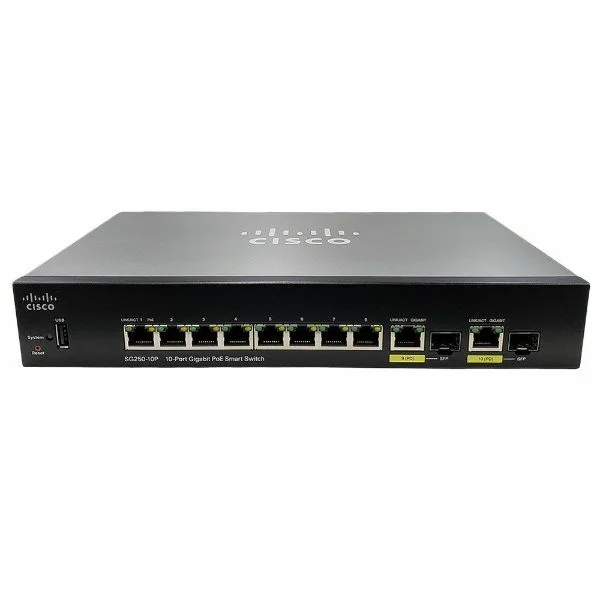
SG250-10P (Cisco SG250-10P 10-Port Gigabit PoE Smart Switch)
4.6 (5)- Switch
- Cisco
- AC Power Supply
- Layer 2
- Rack-mount
- Under 12 Ports
Est Value In stockFirst-Time Buyer Discount – Get up to 2% additional off on your first order
ORM Rewards Earn $50 in Rewards + Free Expedited Delivery – Join Now!
Use eCoupon ORMSAVE10
eCoupon limited to 5 units
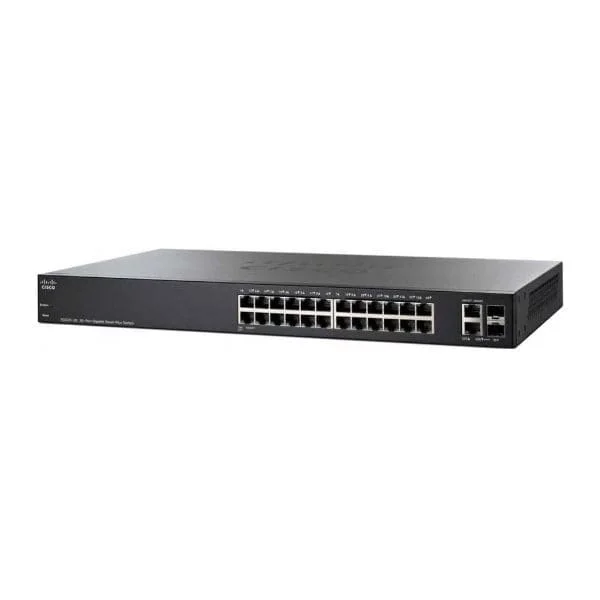
SG250-18 (Cisco SG250-18 18-Port Gigabit Smart Switch)
4.4 (5)- Switch
- Cisco
- AC Power Supply
- Layer 2
- Rack-mount
- 30 W
- 12–24 Ports
Est Value In stockFirst-Time Buyer Discount – Get up to 2% additional off on your first order
ORM Rewards Earn $50 in Rewards + Free Expedited Delivery – Join Now!
Use eCoupon ORMSAVE10
eCoupon limited to 5 units
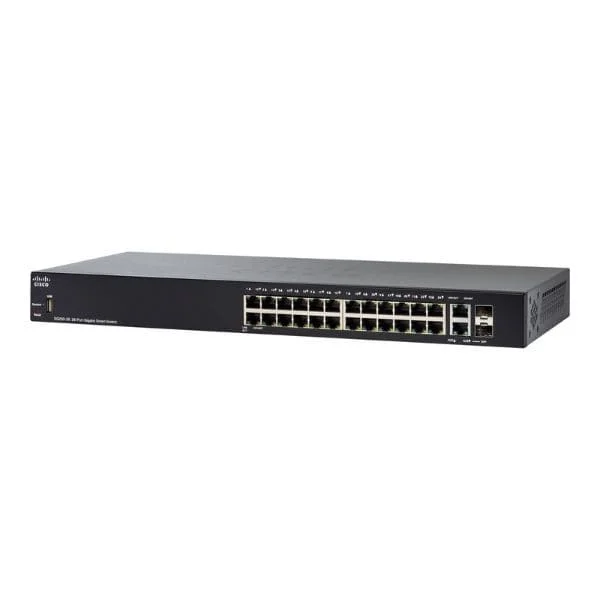
SG250-26 (Cisco SG250-26 26-Port Gigabit Smart Switch)
4.6 (5)- Switch
- Cisco
- AC Power Supply
- Layer 2
- Rack-mount
- 24W
- 24–48 Ports
Est Value In stockFirst-Time Buyer Discount – Get up to 2% additional off on your first order
ORM Rewards Earn $50 in Rewards + Free Expedited Delivery – Join Now!
Use eCoupon ORMSAVE10
eCoupon limited to 5 units
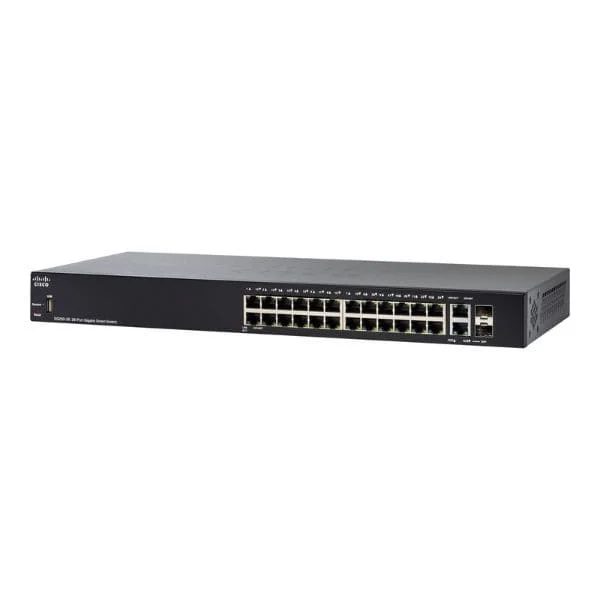
SG250-26HP (Cisco SG250-26HP 26-Port Gigabit PoE Smart Switch)
4.4 (5)- Switch
- Cisco
- AC Power Supply
- Layer 2 / Layer 3
- Desktop / Rack-mount
- 103W
- 24–48 Ports
Est Value In stockFirst-Time Buyer Discount – Get up to 2% additional off on your first order
ORM Rewards Earn $50 in Rewards + Free Expedited Delivery – Join Now!
Use eCoupon ORMSAVE10
eCoupon limited to 5 units
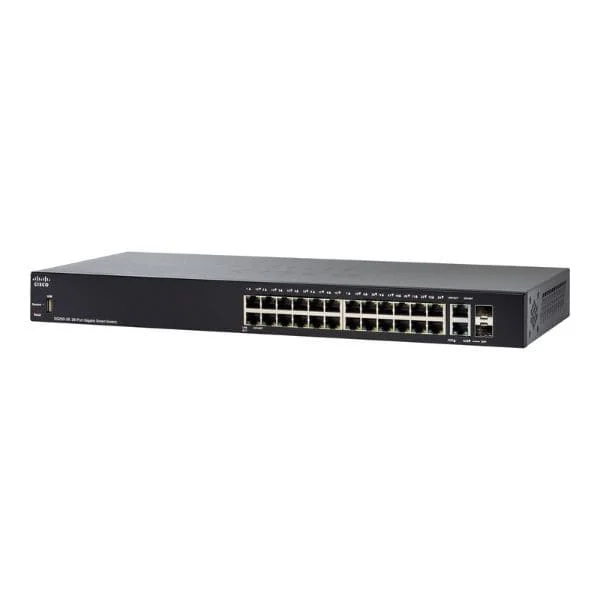
SG250-26P (Cisco SG250-26P 26-Port Gigabit PoE Smart Switch)
4.2 (5)- Switch
- Cisco
- AC Power Supply
- Layer 2
- Rack-mount
- 24–48 Ports
Est Value In stockFirst-Time Buyer Discount – Get up to 2% additional off on your first order
ORM Rewards Earn $50 in Rewards + Free Expedited Delivery – Join Now!
Use eCoupon ORMSAVE10
eCoupon limited to 5 units
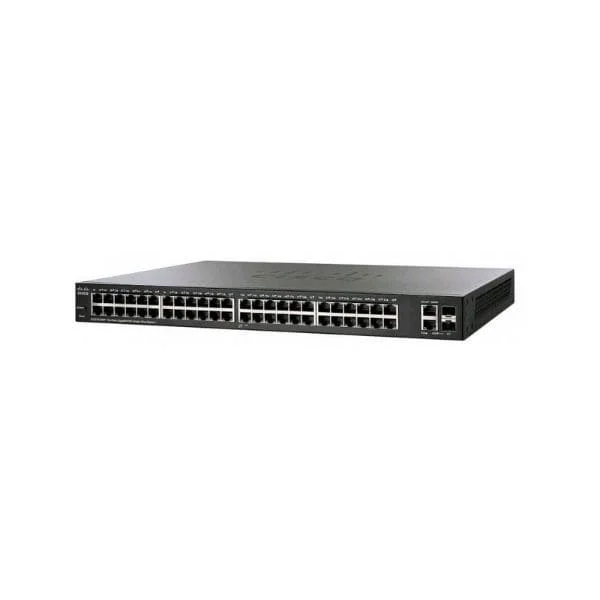
SG250-50 (Cisco SG250-50 50-Port Gigabit Smart Switch)
4.6 (5)- Switch
- Cisco
- AC Power Supply
- Layer 2
- Rack-mount
- 35 W
- Over 48 Ports
Est Value In stockFirst-Time Buyer Discount – Get up to 2% additional off on your first order
ORM Rewards Earn $50 in Rewards + Free Expedited Delivery – Join Now!
Use eCoupon ORMSAVE10
eCoupon limited to 5 units
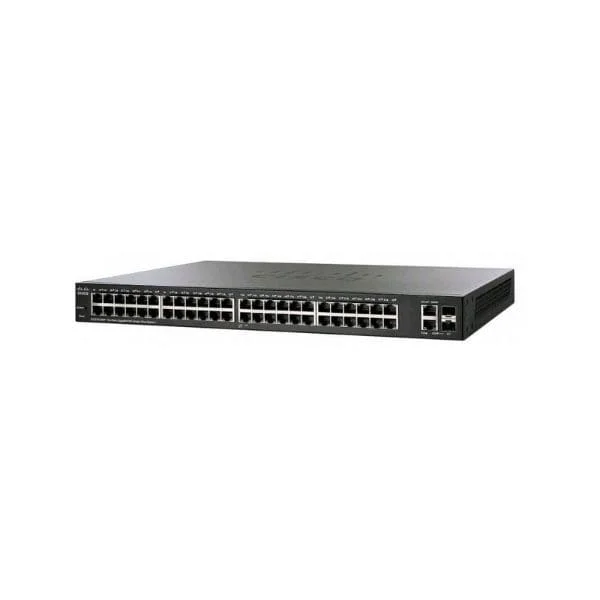
SG250-50HP (Cisco SG250-50HP 50-Port Gigabit PoE Smart Switch)
4.4 (5)- Switch
- Cisco
- AC Power Supply
- Layer 2 / Layer 3
- Rack-mount
- Over 48 Ports
Est Value In stockFirst-Time Buyer Discount – Get up to 2% additional off on your first order
ORM Rewards Earn $50 in Rewards + Free Expedited Delivery – Join Now!
Use eCoupon ORMSAVE10
eCoupon limited to 5 units
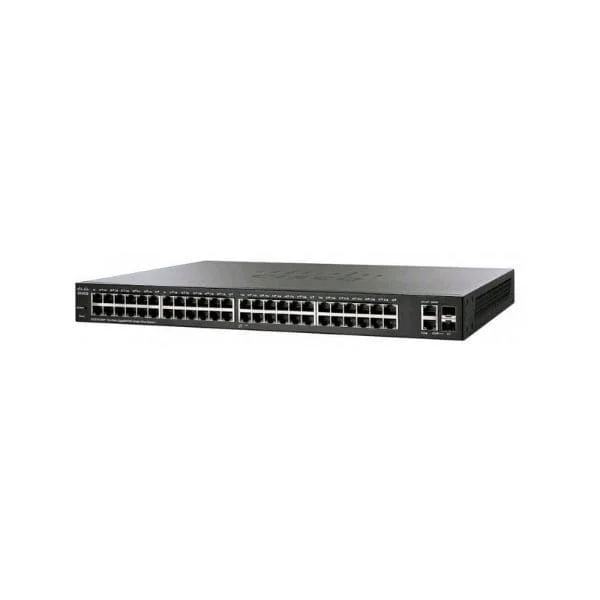
SG250-50P (Cisco SG250-50P 50-Port Gigabit PoE Smart Switch)
4.8 (5)- Switch
- Cisco
- AC Power Supply
- Layer 2
- Rack-mount
- Over 48 Ports
Est Value In stockFirst-Time Buyer Discount – Get up to 2% additional off on your first order
ORM Rewards Earn $50 in Rewards + Free Expedited Delivery – Join Now!
Use eCoupon ORMSAVE10
eCoupon limited to 5 units
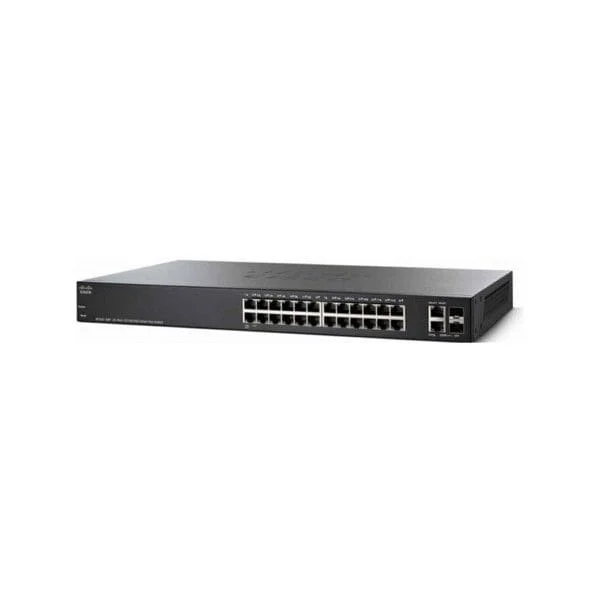
SG250X-24 (Cisco SG250X-24 24-Port Gigabit with 4-Port 10-Gigabit Smart Switch)
5 (5)- Switch
- Cisco
- AC Power Supply
- Layer 2 / Layer 3
- Rack-mount
- 24 W
- 12–24 Ports
Est Value In stockFirst-Time Buyer Discount – Get up to 2% additional off on your first order
ORM Rewards Earn $50 in Rewards + Free Expedited Delivery – Join Now!
Use eCoupon ORMSAVE10
eCoupon limited to 5 units
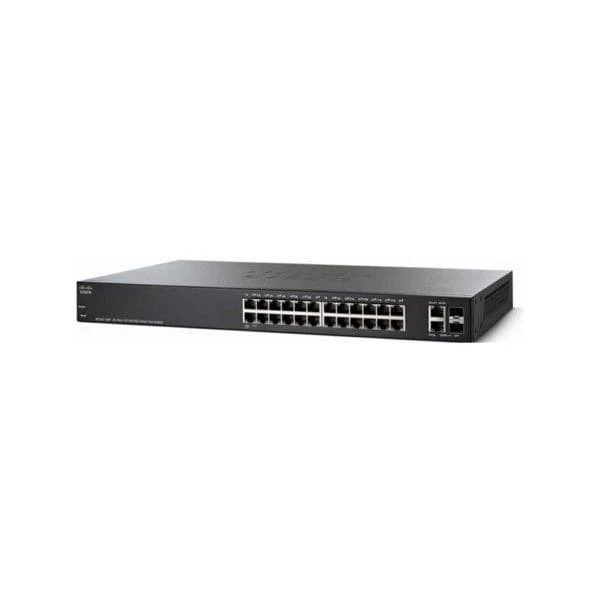
SG250X-24P (Cisco SG250X-24P Gigabit PoE with 4-Port 10-Gigabit Smart Switch)
4.6 (5)- Switch
- Cisco
- AC Power Supply
- Layer 2 / Layer 3
- Rack-mount
- 24–48 Ports
Est Value In stockFirst-Time Buyer Discount – Get up to 2% additional off on your first order
ORM Rewards Earn $50 in Rewards + Free Expedited Delivery – Join Now!
Use eCoupon ORMSAVE10
eCoupon limited to 5 units
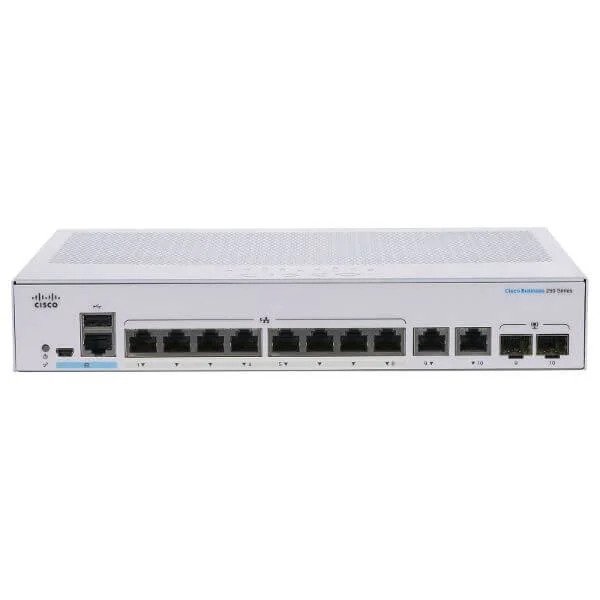
CBS250-8T-E-2G (Cisco Business 250 Switch, 8 10/100/1000 ports, 2 Gigabit copper/SFP combo ports)
4.5 (6)- Switch
- Cisco
- AC Power Supply
- Layer 2
- Desktop
- 15.2 W
- Under 12 Ports
Est Value In stockFirst-Time Buyer Discount – Get up to 2% additional off on your first order
ORM Rewards Earn $50 in Rewards + Free Expedited Delivery – Join Now!
Use eCoupon ORMSAVE10
eCoupon limited to 5 units
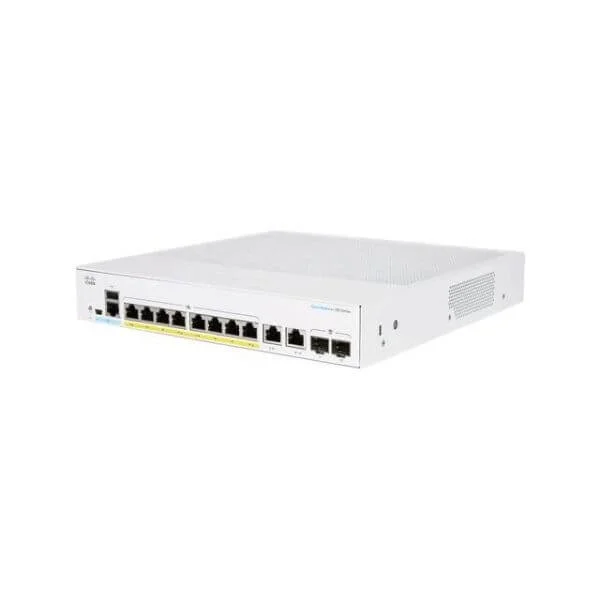
CBS250-48T-4X (Cisco Business 250 Switch, 48 10/100/1000 ports, 4 10 Gigabit SFP+)
4.7 (6)- Switch
- Cisco
- AC Power Supply
- Layer 2
- Rack-mount
- 24–48 Ports
Est Value In stockFirst-Time Buyer Discount – Get up to 2% additional off on your first order
ORM Rewards Earn $50 in Rewards + Free Expedited Delivery – Join Now!
Use eCoupon ORMSAVE10
eCoupon limited to 5 units

ORM Sales Advisors
Buying for your business? Get a personalised quote in under 2 hours. Talk to an expert
LEARNFilters (36) 
Questions & Answers
What are Cisco Business 250 Series Smart Switches?
Cisco Business 250 Series Smart Switches are Layer 2 managed switches designed for small to medium businesses, offering advanced security, QoS, and PoE options in a cost-effective package.
Which port and PoE options do Cisco Business 250 Series switches offer?
Models range from 8 to 52 RJ-45 ports with optional 802.3af PoE or 802.3at PoE+ and up to 740 W total PoE budget, plus 1G/10G SFP uplinks.
How can I manage a Cisco Business 250 Series Smart Switch?
Manage via the intuitive web GUI, Cisco Network Assistant, CLI, SNMP or RMON for centralized configuration, monitoring, and troubleshooting.
Do Cisco Business 250 Series switches support VLANs?
Yes, they support up to 256 VLANs, 802.1Q tagging, port-based VLANs, guest VLAN and Q-in-Q for flexible network segmentation.
What QoS features are available on Cisco Business 250 Series switches?
They provide eight hardware queues, ACL-based prioritization, DSCP, 802.1p and rate-limiting to ensure mission-critical traffic is always prioritized.
Can I stack Cisco Business 250 Series Smart Switches?
No native stacking support; instead use LACP link aggregation to increase bandwidth and provide redundancy between devices.
What security features do these switches include?
Built-in security features include port security, DHCP snooping, IP Source Guard, Dynamic ARP Inspection, ACLs and DoS protection.
How energy-efficient are Cisco Business 250 Series switches?
They incorporate Energy Efficient Ethernet (EEE) and idle port power-down to reduce energy consumption while maintaining performance.
What is the switching capacity of Cisco Business 250 Series Smart Switches?
Depending on the model, they deliver up to 176 Gbps switching capacity and 130 Mpps forwarding rate for high-speed environments.
How do I perform initial setup on a Cisco Business 250 Series switch?
Connect to the default IP (192.168.1.254) via web browser, log in with admin credentials, and follow the guided setup wizard.
How do I update firmware on Cisco Business 250 Series switches?
Download the latest firmware from Cisco’s support site and install it via the web GUI, TFTP or CLI following the release notes.
Are Cisco Business 250 Series switches rack-mountable?
Yes, full-size models include a 1U rack-mount kit for installation in standard 19-inch cabinets.
What warranty and support are provided?
Cisco offers a limited lifetime hardware warranty, next-business-day replacement, and free software updates for the product lifecycle.
Can I integrate Cisco Business 250 Series switches with Cisco Meraki or Catalyst DNA Center?
No native integration; management is via Cisco Network Assistant, standard SNMP tools or CLI rather than Meraki Dashboard or DNA Center.
What makes Cisco Business 250 Series switches ideal for SMBs?
They combine enterprise-grade features like PoE+, security and QoS with simplified management and an attractive price point.
How do I troubleshoot connectivity issues on these switches?
Use integrated diagnostics such as cable test, loopback test, port mirroring and SNMP alerts via the web GUI or Cisco Network Assistant.