 United States
Switches Nexus 5000 Series
Experience unmatched performance and reliability with the Nexus 5000 Series. Engineered for enterprise networking, these switches deliver scalable connectivity, advanced security, and streamlined management for optimized infrastructure.
Talk to an expert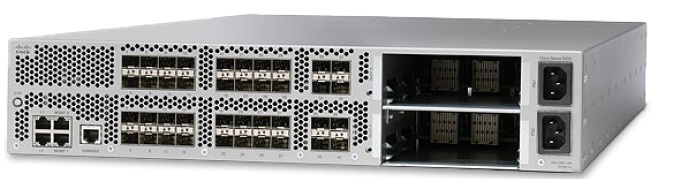
7 Matching results
N5K-C5548UP-FA (Nexus 5548 UP Chassis, 32 10GbE Ports, 2 PS, 2 Fans)
4.6 (5)- Redundant Power Supply
- Cisco
- Layer 2 / Layer 3
- Rack-mount
- 24–48 Ports
- 48 Ports
Est Value $32,200.00
$11,522.00
64.2% offIn stockNewFirst-Time Buyer Discount – Get up to 2% additional off on your first order
ORM Rewards Earn $50 in Rewards + Free Expedited Delivery – Join Now!
Use eCoupon ORMSAVE10
eCoupon limited to 5 units
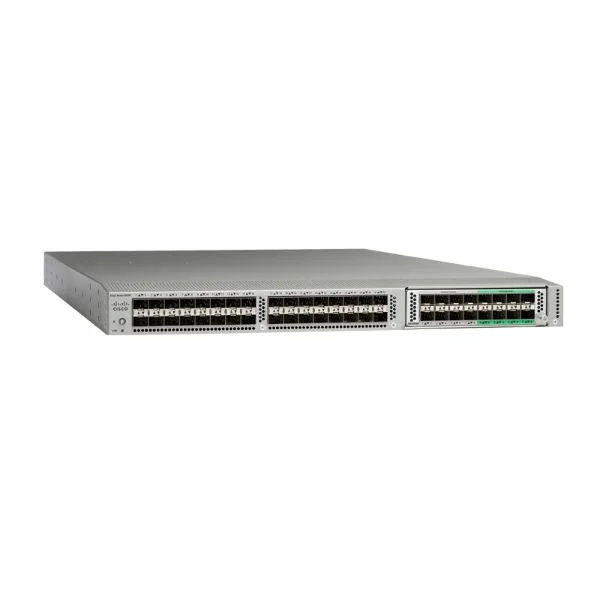
N5K-C5596T-FA (Nexus 5596T Chassis, 2RU, with 2PS/4Fans, 32x10GT/16xSFP+ Fixed Ports)
4.4 (5)- Switch
- Cisco
- Redundant Power Supply / AC Power Supply / N/A
- Layer 2
- Rack-mount
- 550 W
- Over 48 Ports
Est Value $48,450.00$12,559.00
74.1% offIn stockNewFirst-Time Buyer Discount – Get up to 2% additional off on your first order
ORM Rewards Earn $50 in Rewards + Free Expedited Delivery – Join Now!
Use eCoupon ORMSAVE10
eCoupon limited to 5 units
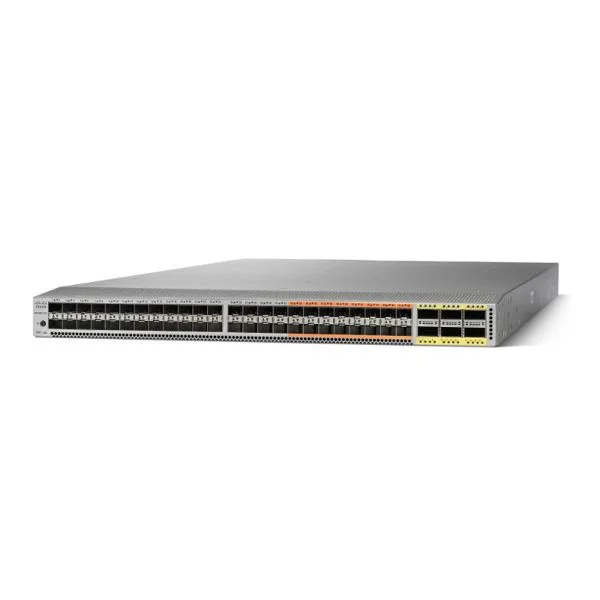
N5K-C5672UP (Nexus 5672UP Chassis, 1RU, 32 p 10-Gbps SFP+, 16 Unified Ports, 6p 40G QSFP+)
4.8 (5)- Switch
- Cisco
- Redundant Power Supply
- Layer 2 / Layer 3
- Rack-mount
- Over 48 Ports
Est Value $47,622.00$13,206.00
72.3% offIn stockNewRefurbishedFirst-Time Buyer Discount – Get up to 2% additional off on your first order
ORM Rewards Earn $50 in Rewards + Free Expedited Delivery – Join Now!
Use eCoupon ORMSAVE10
eCoupon limited to 5 units
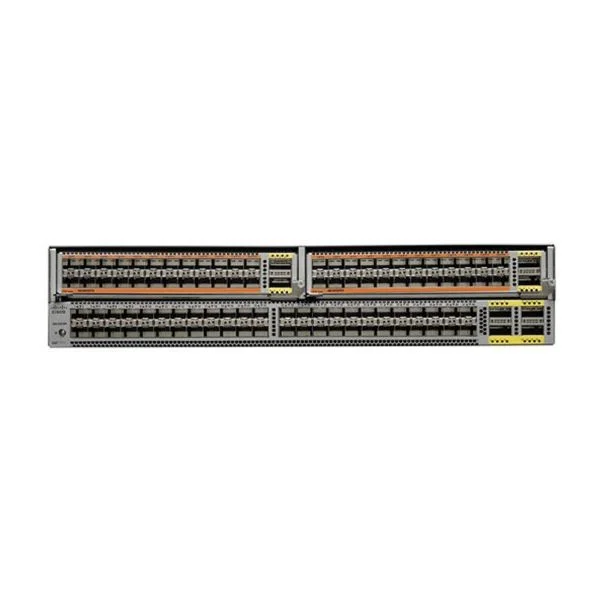
N5K-C56128P (Nexus 56128P 2RU Chassis, 48x10G SFP+, 4x40G QSFP+)
4.8 (5)- Switch
- Cisco
- Redundant Power Supply / AC Power Supply
- Layer 2 / Layer 3
- Rack-mount
- 350 W
- Over 48 Ports
Est Value $37,695.00$13,489.00
64.2% offIn stockNewFirst-Time Buyer Discount – Get up to 2% additional off on your first order
ORM Rewards Earn $50 in Rewards + Free Expedited Delivery – Join Now!
Use eCoupon ORMSAVE10
eCoupon limited to 5 units
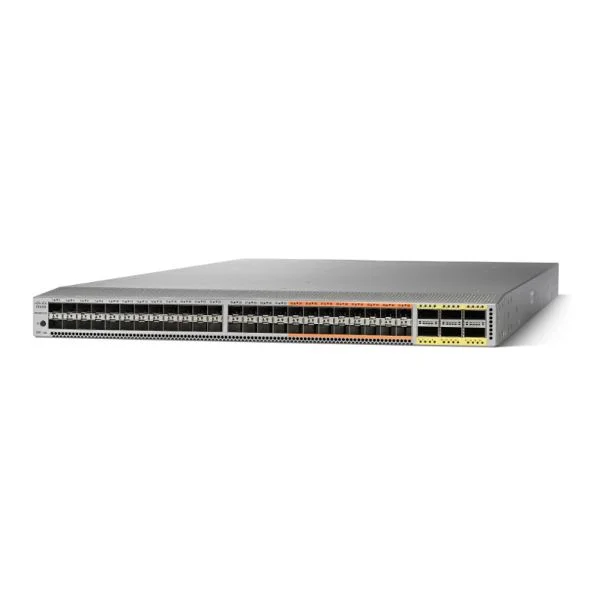
N5K-C5672UP-16G (Nexus 5672UP 1RU, 24x10G SFP+, 24pxUP SFP+, 6x40G QSFP+)
4.8 (5)- Switch
- Cisco
- Redundant Power Supply
- Layer 2 / Layer 3
- Rack-mount
- 200 W
- 12–24 Ports
Est Value $38,679.00$13,841.00
64.2% offIn stockNewRefurbishedFirst-Time Buyer Discount – Get up to 2% additional off on your first order
ORM Rewards Earn $50 in Rewards + Free Expedited Delivery – Join Now!
Use eCoupon ORMSAVE10
eCoupon limited to 5 units
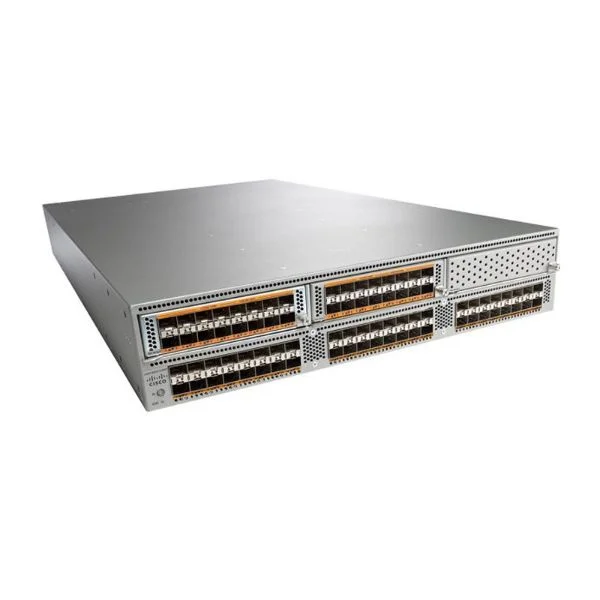
N5K-C5596UP-FA (Nexus 5596UP 2RU Chassis, with 2PS, 4 Fans, 48 Fixed 10GE Ports)
4.8 (5)- Switch
- Cisco
- Redundant Power Supply / AC Power Supply
- Layer 2 / Layer 3
- Rack-mount
- 24–48 Ports
Est Value $46,000.00$16,461.00
64.2% offIn stockNewFirst-Time Buyer Discount – Get up to 2% additional off on your first order
ORM Rewards Earn $50 in Rewards + Free Expedited Delivery – Join Now!
Use eCoupon ORMSAVE10
eCoupon limited to 5 units
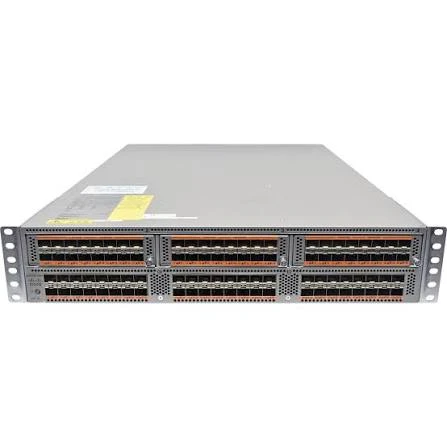
N5K-C5596UP (Cisco Nexus 5596UP Data Center Switch, 48x Unified SFP+ Ports, 3 Expansion Slots, 2RU)
4.7 (7)- Network Switch
- N5K-C5596UP
- Cisco
- Nexus 5500
- Data Center
- Managed
- Cisco NX-OS
Est Value In stockFirst-Time Buyer Discount – Get up to 2% additional off on your first order
ORM Rewards Earn $50 in Rewards + Free Expedited Delivery – Join Now!
Use eCoupon ORMSAVE10
eCoupon limited to 5 units

ORM Sales Advisors
Buying for your business? Get a personalised quote in under 2 hours. Talk to an expert
LEARNFilters (7) 
Questions & Answers
What is the Cisco Nexus 5000 Series Switch and what are its key benefits?
The Cisco Nexus 5000 Series Switch is a next-generation data center switch offering low latency, high throughput, unified LAN/SAN connectivity and comprehensive Layer 2/3 services to optimize performance and scalability.
Which Cisco Nexus 5000 Switch models are available and how do they differ?
The Nexus 5010, 5020, 5548, and 5596 models vary by port density, throughput (from 10 Gbps to 40 Gbps per port) and expansion capabilities, allowing you to choose based on switch capacity and interface requirements.
How does the Nexus 5000 Series support virtualization environments?
The Nexus 5000 Series integrates with VMware vSphere and Microsoft Hyper-V, providing virtual port channels (vPC), VLAN provisioning and NPV mode to deliver streamlined virtual machine mobility and SAN extension.
What performance and throughput can I expect from a Nexus 5000 Switch?
Nexus 5000 Switches deliver up to 1.2 Tbps of total throughput, sub-microsecond latency, and support up to 96 10 Gbps ports or 24 40 Gbps QSFP+ ports in a single chassis.
How do I configure VSANs on a Nexus 5000 Switch?
Use the NX-OS CLI to enable Fibre Channel interfaces, create VSAN IDs and assign ports with the 'fcs mode npv', 'vsan database' and 'interface fcX/Y vsan X' commands for SAN segmentation.
What are the steps to upgrade the NX-OS firmware on a Nexus 5000?
Transfer the desired NX-OS system image to the switch via SCP or TFTP, verify MD5 integrity, set the boot variable to the new image and perform 'reload' to complete the upgrade.
How is high availability achieved with Nexus 5000 Switches?
High availability is enabled through dual redundant supervisors, hot-swappable power supplies and fans, vPC for active-active uplinks, and In Service Software Upgrade (ISSU).
Can I stack multiple Nexus 5000 Switches and how?
Yes, you can stack up to four Nexus 5000 units using 10 Gbps stacking modules and cables, managed as a single logical switch with unified control-plane and distributed forwarding.
What licensing options are required for advanced Nexus 5000 features?
NX-OS features are enabled via Base, Enterprise Services and SAN Enterprise licenses—unlock vPC, FCoE, OTV, advanced security and telemetry functions according to your deployment needs.
How do I monitor and manage the Nexus 5000 Switch?
Use Cisco Prime Infrastructure, DCNM, SNMP, syslog, SPAN and telemetry streaming for real-time visibility, performance trending, configuration backup and automated alerts.
Which line cards and expansion modules are supported on the Nexus 5000?
Supported modules include 10 Gbps and 40 Gbps SFP+/QSFP+ line cards, FCoE modules, M1 and M2 I/O modules, plus Cisco Fabric Extenders (FEX) for port scalability.
How does the Nexus 5000 integrate with Cisco ACI?
The Nexus 5000 can act as an ACI leaf switch, supporting VXLAN-EVPN, APIC policy control and integration with the ACI fabric for centralized automation and micro-segmentation.
What built-in security features are available on Nexus 5000 Switches?
Security features include Control Plane Policing (CoPP), Role-Based Access Control (RBAC), IEEE 802.1X, MACsec encryption, ACLs, and DHCP snooping to safeguard data center traffic.
How do I troubleshoot common issues on a Nexus 5000?
Use 'show tech-support', 'show interface', 'show logging', SPAN sessions and packet captures; review event logs in DCNM or CLI, and leverage Cisco TAC for advanced diagnostics.
What are the power and cooling requirements for Nexus 5000 Switches?
Each chassis requires redundant 220–240 VAC or 110 VAC power supplies and front-to-back airflow; typical power consumption ranges from 300 W to 1,500 W depending on port count and traffic.
What support and warranty options are offered for Nexus 5000 Switches?
Cisco provides limited lifetime hardware warranty, software updates, and optional SMARTnet service for 24/7 TAC support, advanced hardware replacement and on-site assistance.