 United States
Network Switches Dell N3000
High-performance Layer 3 switches designed for scalable, secure enterprise networks. Optimize throughput, manage traffic efficiently, and ensure reliability with advanced features and energy-efficient design.
Talk to an expert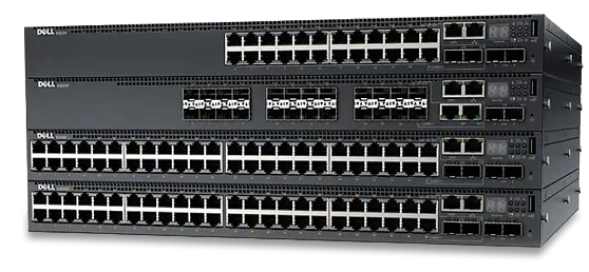
6 Matching results
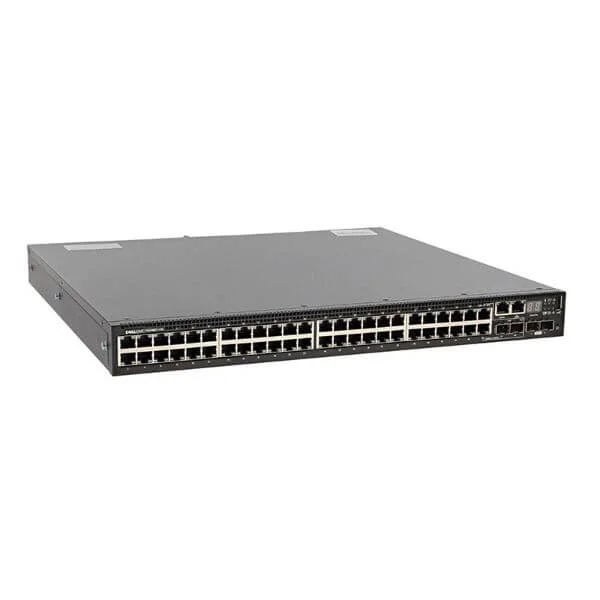
N3048ET-ON (Dell Networking N3048ET-ON, 48x 1GbT, 2x SFP + 10GbE, 2xGbE, 2xGbE SFP all-in-one interface L3, stacking, 1x AC PSU)
4.8 (5)- Switch
- Dell
- AC Power Supply
- Layer 2
- Rack-mount
- 150 W
- 24–48 Ports
Est Value $1,598.00
$248.85
84.4% offIn stockNewRefurbishedFirst-Time Buyer Discount – Get up to 2% additional off on your first order
ORM Rewards Earn $50 in Rewards + Free Expedited Delivery – Join Now!
Use eCoupon ORMSAVE10
eCoupon limited to 5 units
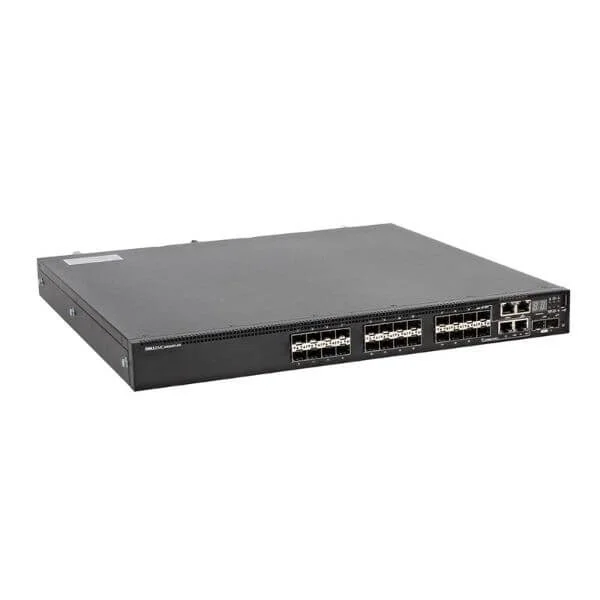
N3024EF-ON (Dell Networking N3024EF-ON, 24x 1GbF, 2x SFP + 10GbE, 2x GbE, L3, stacked, airflow from IO to PSU, 1x AC PSU)
4.6 (5)- Switch
- Dell
- AC Power Supply
- Layer 2
- Rack-mount
- 24–48 Ports
Est Value $2,587.83$1,125.81
56.5% offIn stockNewRefurbishedFirst-Time Buyer Discount – Get up to 2% additional off on your first order
ORM Rewards Earn $50 in Rewards + Free Expedited Delivery – Join Now!
Use eCoupon ORMSAVE10
eCoupon limited to 5 units
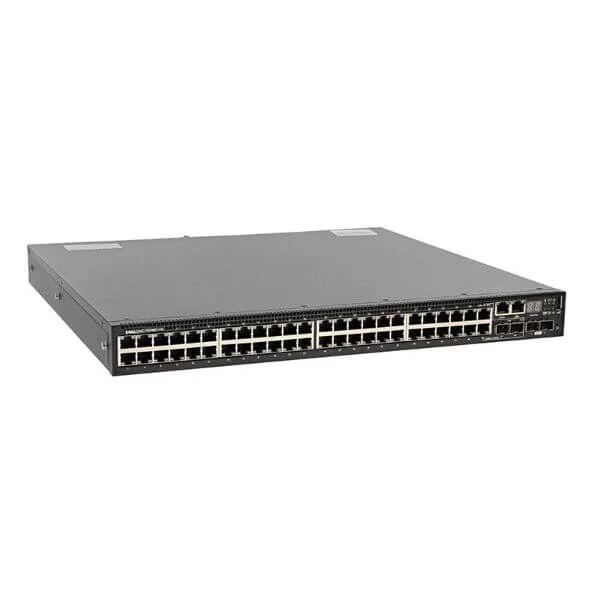
N3048EP-ON (Dell Networking N3048EP-ON, POE +, 48x 1GbT, 2x SFP + 10GbE, 2 x GbE SFP all-in-one interface, L3, stack, 1x AC PSU)
4.6 (5)- Switch
- Dell
- AC Power Supply
- Layer 2 / Layer 3
- Rack-mount
- 350 W
- 24–48 Ports
Est Value $1,733.40$289.80
83.3% offIn stockNewRefurbishedFirst-Time Buyer Discount – Get up to 2% additional off on your first order
ORM Rewards Earn $50 in Rewards + Free Expedited Delivery – Join Now!
Use eCoupon ORMSAVE10
eCoupon limited to 5 units
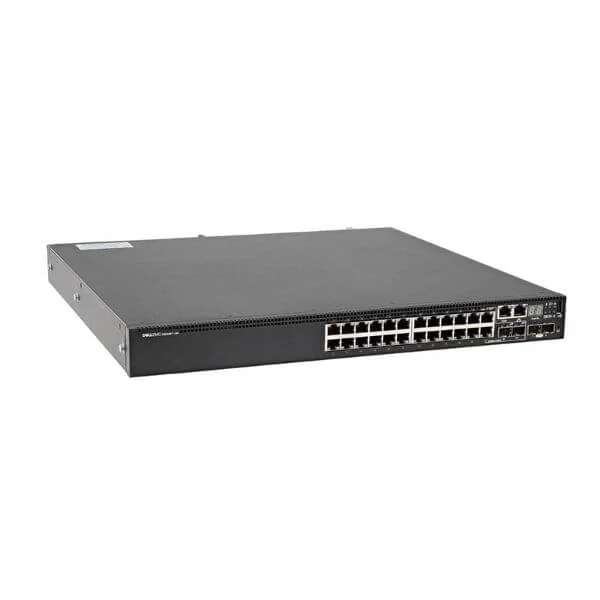
N3024EP-ON (Dell Networking N3024EP-ON, POE +, 24x 1GbT, 2x SFP + 10GbE, 2 x GbE SFP all-in-one interface, L3, stacking, 1x AC PSU)
4.8 (5)- Switch
- Dell
- AC Power Supply
- Layer 2
- Rack-mount
- 150 W
- 12–24 Ports
Est Value $2,608.09$1,911.27
26.7% offIn stockNewRefurbishedFirst-Time Buyer Discount – Get up to 2% additional off on your first order
ORM Rewards Earn $50 in Rewards + Free Expedited Delivery – Join Now!
Use eCoupon ORMSAVE10
eCoupon limited to 5 units
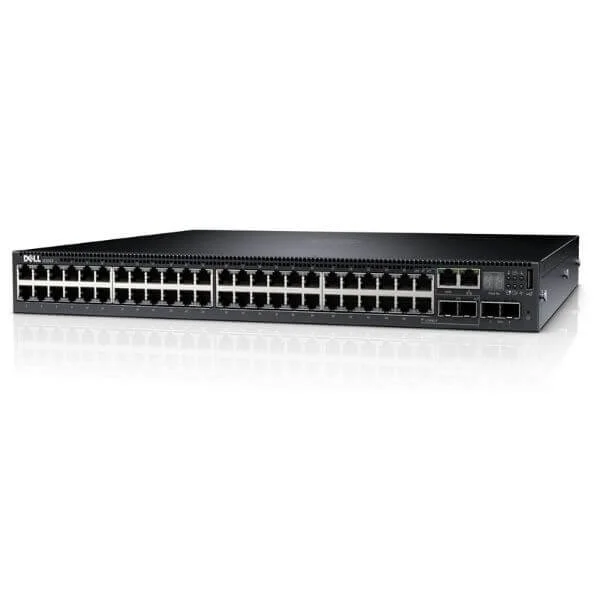
N3048 (Dell Networking N3048, L3, 48x 1GbE, 2xCombo, 2x 10GbE SFP+Fixed port, stack, airflow from IO to PSU, 1x AC PSU)
4.6 (5)- Switch
- Dell
- AC Power Supply
- Layer 2
- Rack-mount
- 60 W
- 24–48 Ports
Est Value $3,679.18$279.30
92.4% offIn stockNewRefurbishedFirst-Time Buyer Discount – Get up to 2% additional off on your first order
ORM Rewards Earn $50 in Rewards + Free Expedited Delivery – Join Now!
Use eCoupon ORMSAVE10
eCoupon limited to 5 units
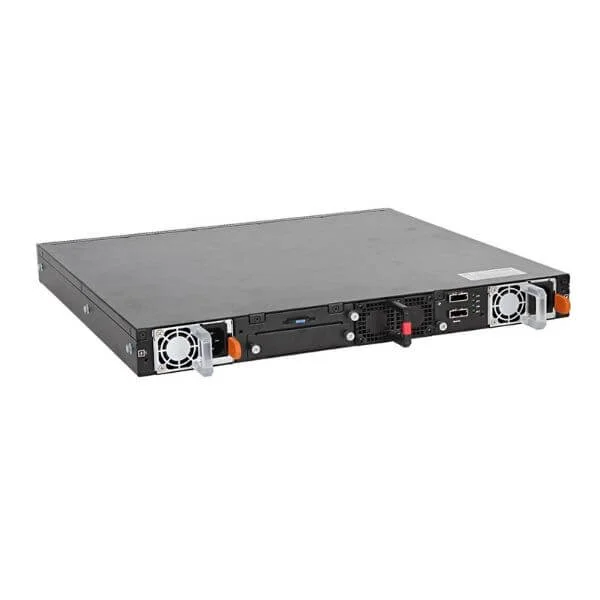
N3024ET-ON (Dell Networking N3024ET-ON, L3, 24x1GbE, 2xCombo, 2x10GbE SFP + fixed ports, stacking, airflow from IO to PSU, 1x AC PSU)
4.4 (5)- Switch
- Dell
- AC Power Supply
- Layer 2
- Rack-mount
- 45 W
- 24–48 Ports
Est Value $3,580.04$1,942.49
45.7% offIn stockNewRefurbishedFirst-Time Buyer Discount – Get up to 2% additional off on your first order
ORM Rewards Earn $50 in Rewards + Free Expedited Delivery – Join Now!
Use eCoupon ORMSAVE10
eCoupon limited to 5 units

ORM Sales Advisors
Buying for your business? Get a personalised quote in under 2 hours. Talk to an expert
LEARNFilters (6) 
Questions & Answers
What are Dell Networking N3000 series switches?
Dell Networking N3000 series switches are fixed-port, layer 3 Ethernet switches offering enterprise-grade performance, scalability up to 320 Gbps, and advanced features for campus and branch networks.
Which port densities do N3000 switches support?
N3000 switches support 24 or 48 Gigabit Ethernet ports, with optional 10GbE SFP+ uplinks and multi-gigabit PoE+ capabilities to accommodate diverse connectivity needs.
Do Dell N3000 switches support Power over Ethernet (PoE)?
Yes, select N3000 models offer PoE+ (up to 30W per port) and PoE++ (up to 60W per port), delivering centralized power for IP phones, access points, and security cameras.
How many switches can I stack in a Dell N3000 stack?
You can stack up to eight Dell N3000 switches with a single IP address, achieving up to 480 Gbps of stacking bandwidth and simplified management through Virtual Link Trunking.
What operating system do N3000 switches run?
Dell Networking N3000 series runs DNOS 9, a Linux-based operating system that offers advanced automation, scripting support, and a modern CLI for seamless integration.
What security features are available on N3000 switches?
N3000 switches include 802.1X authentication, Access Control Lists (ACLs), Dynamic ARP Inspection, IP Source Guard, and DHCP Snooping to protect against unauthorized access and attacks.
How do I upgrade firmware on a Dell N3000 switch?
Use the built-in web GUI or command-line interface to upload new firmware images via TFTP/FTP/HTTP, then reboot the switch to apply updates and ensure latest feature enhancements.
What Quality of Service (QoS) capabilities do N3000 switches provide?
N3000 switches support eight hardware queues, 802.1p priority tagging, DiffServ classification, traffic shaping, and rate limiting to optimize voice, video, and critical data.
Are Dell N3000 switches compatible with stacking modules?
Yes, compatible SFP+ stacking modules and direct-attach cables allow non-blocking, low-latency stacking up to eight units, enhancing redundancy and bandwidth.
What virtual networking features do N3000 switches support?
N3000 switches support Virtual Routing and Forwarding (VRF), VLAN tagging (802.1Q), Private VLANs, and dynamic VLAN assignment to segment and secure network traffic.
How energy efficient are Dell N3000 switches?
N3000 switches implement Energy Efficient Ethernet (IEEE 802.3az), variable-speed fans, and power management per port to reduce operational costs and environmental impact.
Can I manage Dell N3000 switches centrally?
Yes, N3000 switches integrate with Dell EMC OpenManage Network Manager for centralized configuration, monitoring, and automation across multi-vendor environments.
What warranty and support options are available?
Dell Networking N3000 switches include a Limited Lifetime Warranty for hardware and 1-year software support, upgradeable to ProSupport for 24x7 access and rapid replacement.
Which uplink options do N3000 switches offer?
N3000 switches offer modular uplink bays supporting 4x SFP+, 2x QSFP+, or mixed media modules for flexible 10GbE, 40GbE, or 100GbE connectivity.
How do I configure VLANs on a Dell N3000 switch?
Use the CLI or web GUI to navigate to VLAN configuration, create or assign VLAN IDs, and tag or untag ports, then apply and save the configuration to activate segmentation.
What Layer 3 routing protocols are supported?
N3000 switches support static routing, RIP v2, OSPF, and VRRP for dynamic routing, enabling resilient and scalable IP network topologies.