 United States
Networking Equipment HPE 1810 Switches
Engineered for optimal performance and secure connectivity, HPE 1810 Switches empower networks with reliable management, scalable architecture, and advanced data security, delivering seamless operational efficiency and lasting value.
Talk to an expert
4 Matching results
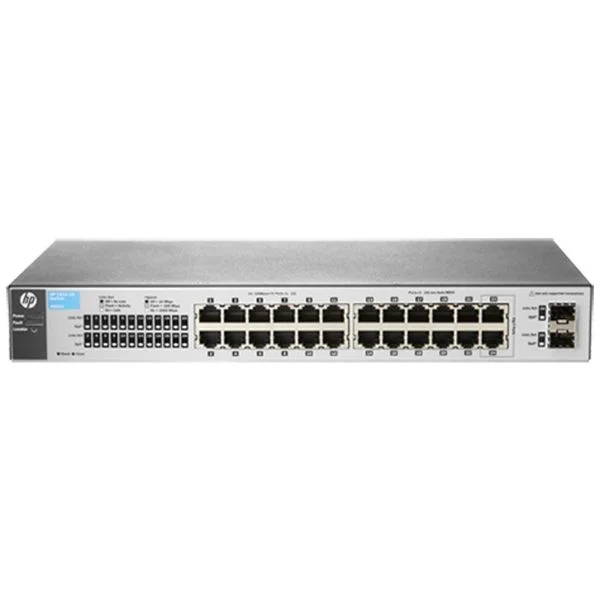
J9801A (HP 1810-24 Switch)
4.8 (5)- Switch
- Hpe
- Redundant Power Supply / AC Power Supply
- Layer 2 / Layer 3
- Rack-mount
- 150W
- 24–48 Ports
Est Value $239.08
$119.54
50% offIn stockRefurbishedFirst-Time Buyer Discount – Get up to 2% additional off on your first order
ORM Rewards Earn $50 in Rewards + Free Expedited Delivery – Join Now!
Use eCoupon ORMSAVE10
eCoupon limited to 5 units
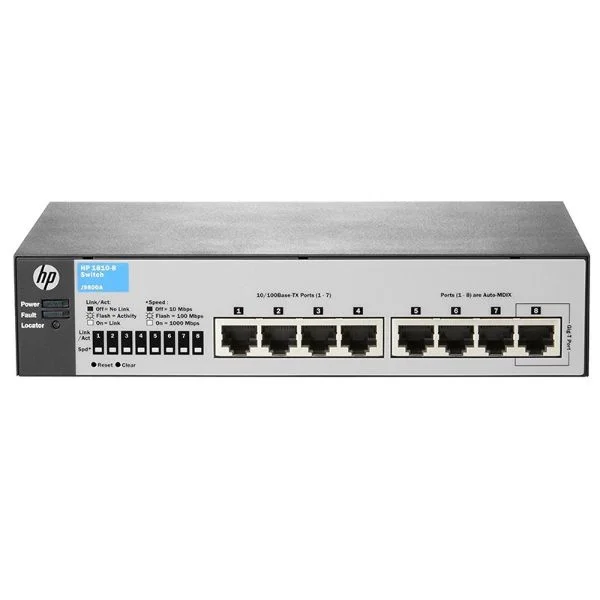
J9800A (HP 1810-8 Switch)
4.8 (5)- Switch
- Hpe
- AC Power Supply
- Layer 2 / Layer 3
- Rack-mount
- 50W
- 24–48 Ports
Est Value $297.44$148.72
50% offIn stockRefurbishedFirst-Time Buyer Discount – Get up to 2% additional off on your first order
ORM Rewards Earn $50 in Rewards + Free Expedited Delivery – Join Now!
Use eCoupon ORMSAVE10
eCoupon limited to 5 units
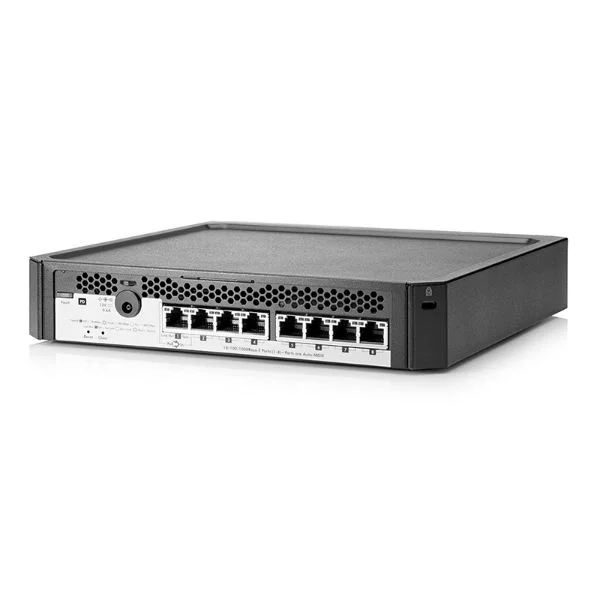
J9833A (HP PS1810-8G Switch)
4.6 (5)- Switch
- Hpe
- AC Power Supply
- Layer 2 / Layer 3
- Rack-mount
- 65 W
- 24–48 Ports
Est Value $262.80$224.34
14.6% offIn stockRefurbishedFirst-Time Buyer Discount – Get up to 2% additional off on your first order
ORM Rewards Earn $50 in Rewards + Free Expedited Delivery – Join Now!
Use eCoupon ORMSAVE10
eCoupon limited to 5 units
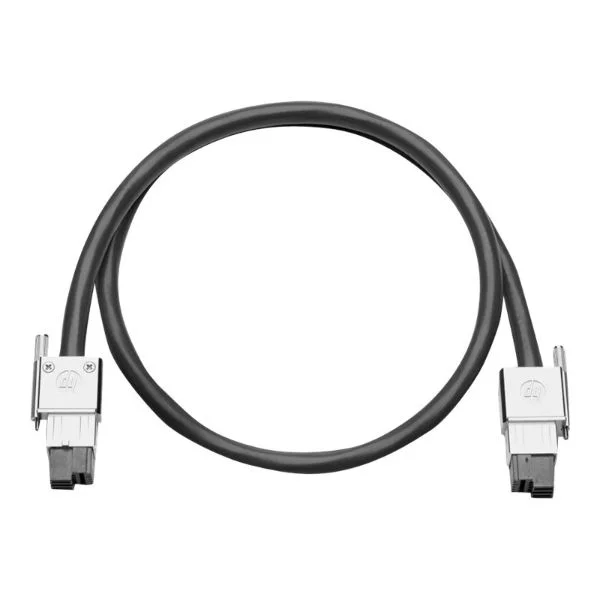
J9806A (HP 640 EPS/RPS 1m Cable)
4.4 (5)Est Value $620.00$483.84
22% offIn stockRefurbishedFirst-Time Buyer Discount – Get up to 2% additional off on your first order
ORM Rewards Earn $50 in Rewards + Free Expedited Delivery – Join Now!
Use eCoupon ORMSAVE10
eCoupon limited to 5 units

ORM Sales Advisors
Buying for your business? Get a personalised quote in under 2 hours. Talk to an expert
LEARNFilters (4) 
Questions & Answers
What is the HPE 1810 Switch series?
The HPE 1810 Switch series is a family of fanless, web-managed Gigabit Ethernet switches designed for small to medium businesses, offering simple setup, VLAN segmentation, QoS, and energy-efficient features for reliable Layer 2 connectivity.
Which port configurations are available on the HPE 1810 Switch?
HPE 1810 Switches come in 8-, 24- and 48-port Gigabit RJ45 models, with select SKUs offering two combo mini-GBIC SFP uplinks for fiber connectivity.
Is Power over Ethernet (PoE) supported on HPE 1810 Switches?
The standard HPE 1810 Switch series does not support PoE; for PoE requirements, consider the HPE 1820 or Aruba Instant On series.
How do I manage the HPE 1810 Switch?
You configure the HPE 1810 Switch through its built-in, HTTPS-secured web GUI or via the HPE Smart Admin Dashboard, no command-line interface is required.
How do I configure VLANs on an HPE 1810 Switch?
Access the switch’s web GUI, navigate to the VLAN menu, create or assign VLAN IDs, and tag or untag ports as needed to segment network traffic.
Does the HPE 1810 Series support link aggregation?
Yes, the HPE 1810 Switch supports static Link Aggregation Control Protocol (LACP) with up to four aggregated links per group to increase bandwidth and redundancy.
What Quality of Service (QoS) features does the HPE 1810 offer?
The HPE 1810 Switch provides 4-level priority queues, DSCP and 802.1p-based traffic classification, and rate limiting to ensure critical applications receive consistent bandwidth.
Can I stack HPE 1810 Switches for higher port density?
No, the HPE 1810 Series does not support physical or virtual stacking; each unit must be managed individually via its web interface.
What energy-saving features are included in HPE 1810 Switches?
HPE 1810 Switches offer IEEE 802.3az Energy Efficient Ethernet, auto power down on unused ports, and mini-GBIC SFP power optimization to reduce overall power consumption.
Does the HPE 1810 support IPv6?
Yes, HPE 1810 Switches support IPv6 management addressing and IPv6 link-local connectivity for modern network deployments.
Can I perform routing on the HPE 1810 Switch Series?
No, the HPE 1810 Series is a Layer 2 switch and does not offer Layer 3 routing; for static or dynamic routing, use the HPE 1920 or Aruba 2930F series.
How do I reset my HPE 1810 Switch to factory default settings?
Press and hold the reset button for 10 seconds while the switch is powered on to restore factory defaults, including IP address and login credentials.
How do I update firmware on an HPE 1810 Switch?
Download the latest firmware from the HPE Support Center and use the switch’s web GUI under Maintenance > Firmware Update to upload and apply the new image.
What security features are available on the HPE 1810 Series?
Security features include SSL/HTTPs web management, MAC-based port security, loop protection, broadcast/multicast storm control, and secure firmware upgrade.
Can the HPE 1810 handle jumbo frames?
Yes, HPE 1810 Switches support jumbo frames up to 9,216 bytes to improve performance in storage and virtualization environments.
What warranty and support options are included with HPE 1810 Switches?
HPE 1810 Switches come with a limited lifetime warranty and access to HPE’s online support portal, with optional Care Pack services for extended coverage and on-site support.