 United States
Networking HPE 1900 Switches
Discover the HPE 1900 Switch series delivering exceptional performance, seamless connectivity, and robust security for modern enterprise networks. Optimize your IT infrastructure with advanced, energy-efficient technology.
Talk to an expert
5 Matching results
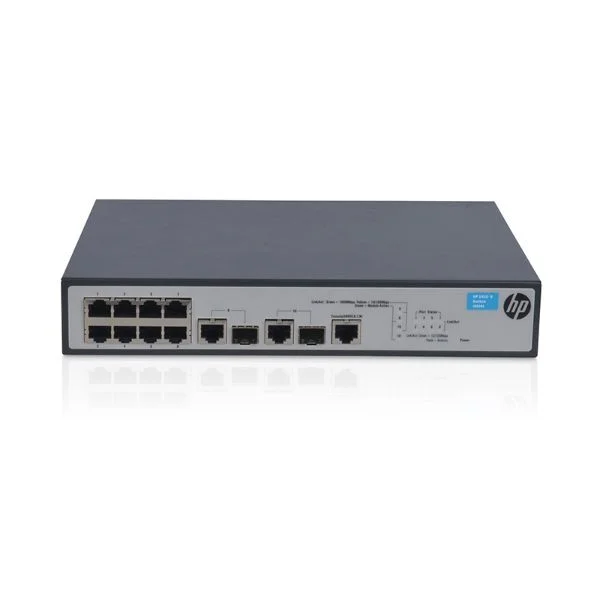
JG536A (HP 1910-8 Switch)
4.8 (5)- Switch
- Hpe
- AC Power Supply with Redundant Option
- Layer 2 / Layer 3
- Rack-mount
- 80 W
- 24–48 Ports
Est Value $183.61
$156.99
14.5% offIn stockNewRefurbishedFirst-Time Buyer Discount – Get up to 2% additional off on your first order
ORM Rewards Earn $50 in Rewards + Free Expedited Delivery – Join Now!
Use eCoupon ORMSAVE10
eCoupon limited to 5 units
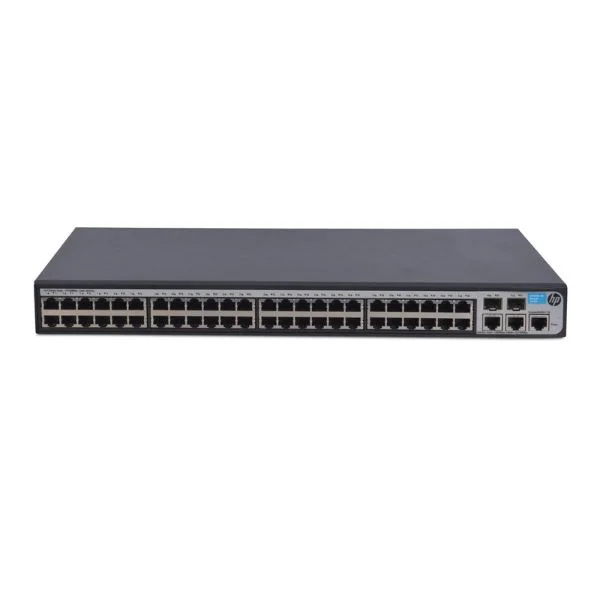
JG540A (HP 1910-48 Switch)
4.6 (5)- Switch
- Hpe
- AC Power Supply
- Layer 3
- Rack-mount
- 24–48 Ports
Est Value $454.23$296.89
34.6% offIn stockNewRefurbishedFirst-Time Buyer Discount – Get up to 2% additional off on your first order
ORM Rewards Earn $50 in Rewards + Free Expedited Delivery – Join Now!
Use eCoupon ORMSAVE10
eCoupon limited to 5 units
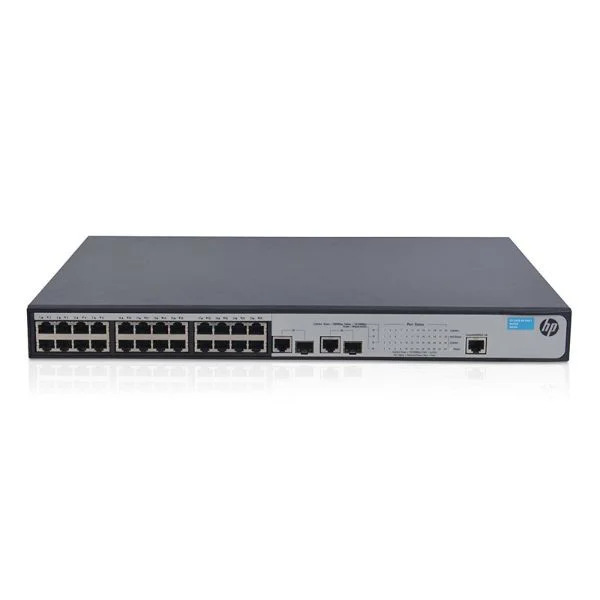
JG538A (HP 1910-24 Switch)
4.8 (5)- Switch
- Hpe
- Dual AC Power Supply
- Layer 3
- Rack-mount
- 75W
- 24–48 Ports
Est Value $295.88$252.58
14.6% offIn stockNewRefurbishedFirst-Time Buyer Discount – Get up to 2% additional off on your first order
ORM Rewards Earn $50 in Rewards + Free Expedited Delivery – Join Now!
Use eCoupon ORMSAVE10
eCoupon limited to 5 units
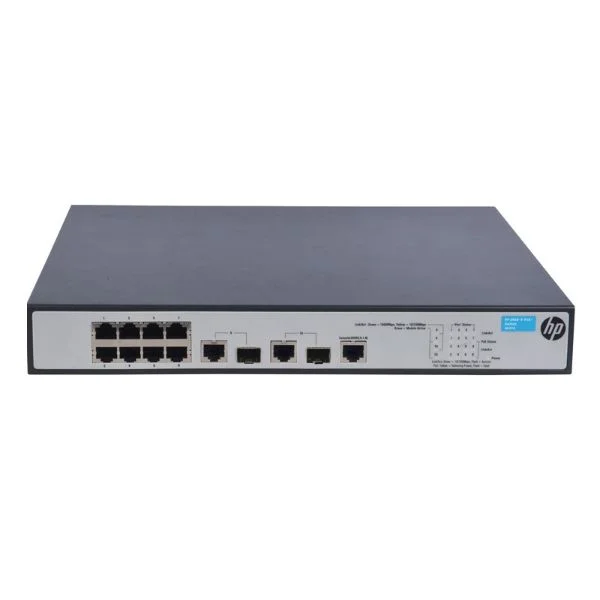
JG537A (HP 1910-8 -PoE+ Switch)
4.6 (5)- Switch
- Hpe
- AC Power Supply
- Layer 2 / Layer 3
- Rack-mount
- 50 W
- 24–48 Ports
Est Value $342.95$152.25
55.6% offIn stockNewRefurbishedFirst-Time Buyer Discount – Get up to 2% additional off on your first order
ORM Rewards Earn $50 in Rewards + Free Expedited Delivery – Join Now!
Use eCoupon ORMSAVE10
eCoupon limited to 5 units
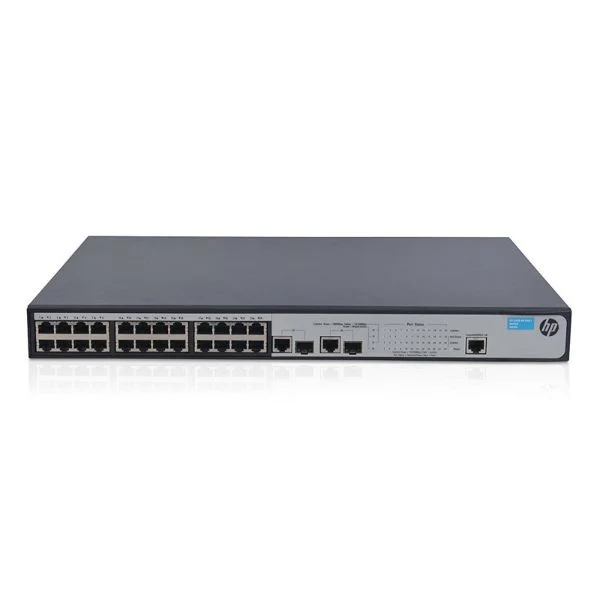
JG539A (HP 1910-24-PoE+ Switch)
5 (5)- Switch
- Hpe
- Redundant Power Supply
- Layer 2 / Layer 3
- Rack-mount
- 24–48 Ports
Est Value $585.74$220.50
62.4% offIn stockNewRefurbishedFirst-Time Buyer Discount – Get up to 2% additional off on your first order
ORM Rewards Earn $50 in Rewards + Free Expedited Delivery – Join Now!
Use eCoupon ORMSAVE10
eCoupon limited to 5 units

ORM Sales Advisors
Buying for your business? Get a personalised quote in under 2 hours. Talk to an expert
LEARNFilters (5) 
Questions & Answers
What is the HPE 1900 Switch Series?
The HPE 1900 Switch Series is a family of entry-level managed Gigabit Ethernet switches designed for small and medium businesses, offering advanced L2 features, energy efficiency and easy web-based management.
Which port speeds and types are available on HPE 1900 Switches?
HPE 1900 Switches support 10/100/1000 Mbps RJ-45 ports, SFP uplink slots for fiber connectivity and selectable PoE+ models delivering up to 30 W per port.
Does the HPE 1900 Switch support VLAN segmentation?
Yes. The HPE 1900 Series offers up to 256 static VLANs, port-based, tagged and protocol-based VLANs to segment traffic and enhance network security.
How do I configure Quality of Service (QoS) on an HPE 1900 Switch?
Use the web management interface to define traffic classes, assign port-based or DSCP-based QoS policies and set priority queues to ensure critical applications receive guaranteed bandwidth.
What management interfaces are available on the HPE 1900 Series?
HPE 1900 Switches support an intuitive web GUI, SNMP v1/v2c/v3, RMON, Telnet and optional console CLI, enabling centralized monitoring and configuration.
Is Power over Ethernet (PoE) supported on HPE 1900 Switches?
Yes. Select HPE 1900 models offer PoE+ on all Gigabit ports, delivering up to 30 W per port for IP phones, wireless access points and cameras.
What energy-saving features does the HPE 1900 Switch offer?
The switch includes IEEE 802.3az Energy Efficient Ethernet, port auto-shutdown on link inactivity and intelligent fan control to reduce power consumption and operating costs.
Can I stack multiple HPE 1900 Switches?
No. The HPE 1900 Series does not support physical stacking but can be managed as a single group using SNMP or web interface for simplified administration.
What security features are built into the HPE 1900 Series?
It features 802.1X authentication, DHCP snooping, IP source guard, ACLs, ARP inspection and DoS attack prevention to protect against unauthorized access and threats.
How do I upgrade the firmware on an HPE 1900 Switch?
Download the latest firmware from HPE Support, access the web GUI, navigate to Maintenance > Firmware Upgrade and upload the .bin file to apply the update.
What are the typical use cases for HPE 1900 Switches?
They are ideal for branch offices, retail outlets, classrooms and small wiring closets requiring reliable Gigabit connectivity, basic L2-plus features and PoE support.
How do I reset an HPE 1900 Switch to factory defaults?
Press and hold the reset button for 10 seconds or navigate to Maintenance > Restore Factory Defaults in the web GUI to clear custom configurations.
What warranty and support options are available for HPE 1900 Switches?
HPE offers a limited lifetime warranty backed by next-business-day hardware replacement and access to software updates and technical support via HPE Support Center.
How do I monitor network traffic on an HPE 1900 Switch?
Use built-in RMON groups, port statistics, sFlow or SNMP polling in the web GUI or third-party NMS for real-time traffic analysis and historical reporting.
What is the recommended network topology for deploying HPE 1900 Switches?
Deploy HPE 1900 Switches at the access layer with redundant uplinks to core switches, leveraging VLANs and QoS to optimize performance and resilience.
Are HPE 1900 Switches compatible with IPv6?
Yes. The HPE 1900 Series supports IPv6 management, addressing, ping, traceroute and DHCPv6 client functionality for next-generation networks.
How do I troubleshoot common connectivity issues on an HPE 1900 Switch?
Verify physical links and port LEDs, review MAC address tables, check VLAN configurations, use the link test tool and consult port error counters in the web GUI.