 United States
Switches HPE 1920 High Performance
Discover unmatched reliability and advanced network management features. HPE 1920 switches deliver seamless connectivity, scalable enterprise solutions, and enhanced security, ensuring optimal performance in demanding business environments.
Talk to an expert
6 Matching results
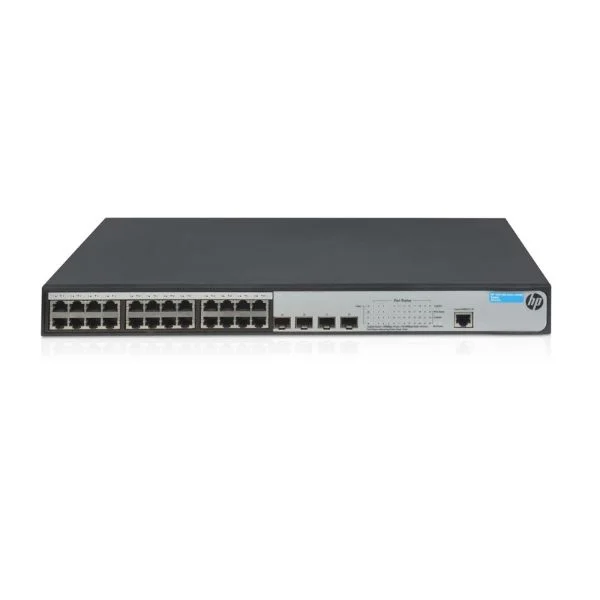
JG924A (HP 1920-24G Switch)
4.6 (5)- Switch
- Hpe
- Redundant Power Supply / AC Power Supply
- Layer 2 / Layer 3
- Rack-mount
- 150 W
- 24–48 Ports
Est Value $168.75
$142.42
15.6% offIn stockRefurbishedFirst-Time Buyer Discount – Get up to 2% additional off on your first order
ORM Rewards Earn $50 in Rewards + Free Expedited Delivery – Join Now!
Use eCoupon ORMSAVE10
eCoupon limited to 5 units
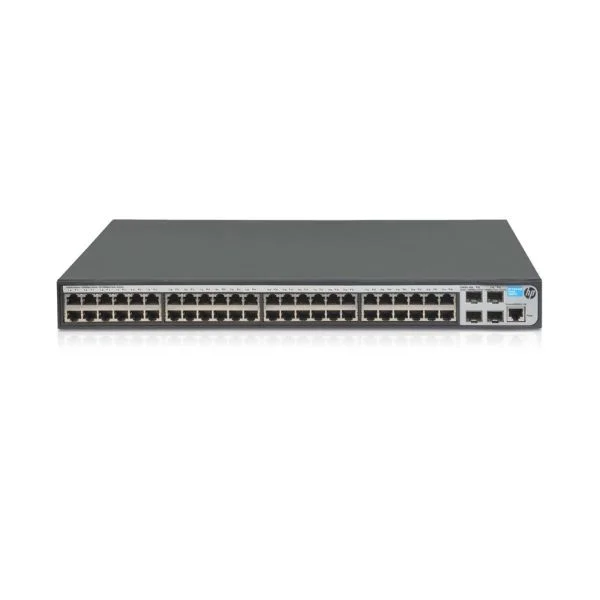
JG927A (HP 1920-48G Switch)
4.6 (5)- Switch
- Hpe
- AC Power Supply / Redundant Power Supply
- Layer 2 / Layer 3
- Rack-mount
- 24–48 Ports
Est Value $990.40$126.00
87.3% offIn stockNewRefurbishedFirst-Time Buyer Discount – Get up to 2% additional off on your first order
ORM Rewards Earn $50 in Rewards + Free Expedited Delivery – Join Now!
Use eCoupon ORMSAVE10
eCoupon limited to 5 units
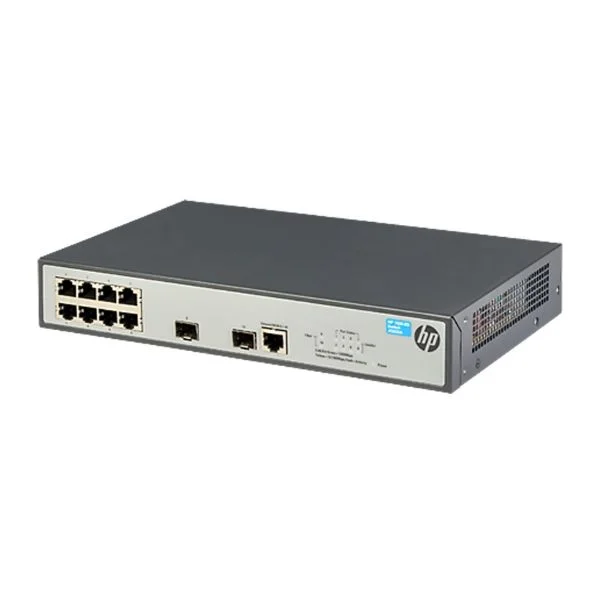
JG920A (HP 1920-8G Switch)
4.8 (5)- Switch
- Hpe
- AC Power Supply
- Layer 2
- Rack-mount
- 75W
- 24–48 Ports
Est Value $231.67$204.75
11.6% offIn stockNewRefurbishedFirst-Time Buyer Discount – Get up to 2% additional off on your first order
ORM Rewards Earn $50 in Rewards + Free Expedited Delivery – Join Now!
Use eCoupon ORMSAVE10
eCoupon limited to 5 units
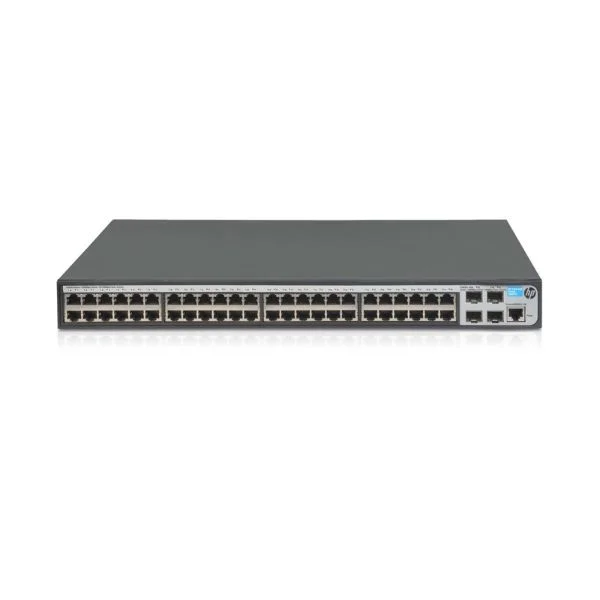
JG928A (HP 1920-48G-PoE+ (370W) Switch)
4.8 (5)- Switch
- Hpe
- AC Power Supply
- Layer 2
- Rack-mount
- 24–48 Ports
Est Value $1,415.30$178.50
87.4% offIn stockNewRefurbishedFirst-Time Buyer Discount – Get up to 2% additional off on your first order
ORM Rewards Earn $50 in Rewards + Free Expedited Delivery – Join Now!
Use eCoupon ORMSAVE10
eCoupon limited to 5 units
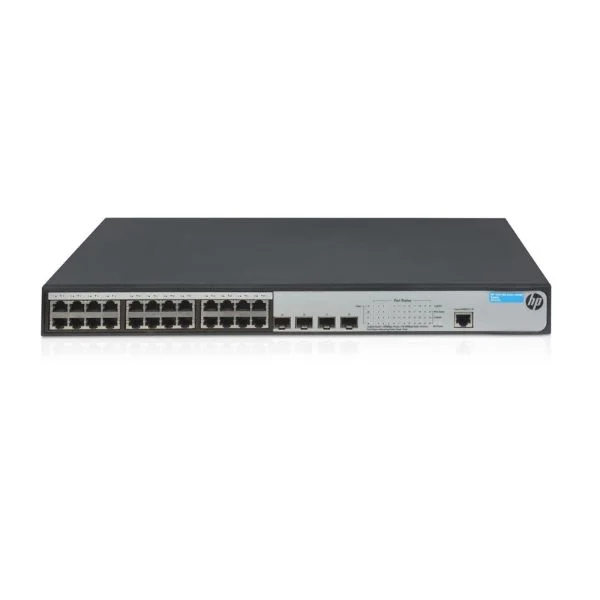
JG926A (HP 1920-24G-PoE+ (370W) Switch)
5 (5)- Switch
- Hpe
- Redundant Power Supply
- Layer 2 / Layer 3
- Rack-mount
- 55 W
- 24–48 Ports
Est Value $1,165.41$254.49
78.2% offIn stockNewRefurbishedFirst-Time Buyer Discount – Get up to 2% additional off on your first order
ORM Rewards Earn $50 in Rewards + Free Expedited Delivery – Join Now!
Use eCoupon ORMSAVE10
eCoupon limited to 5 units
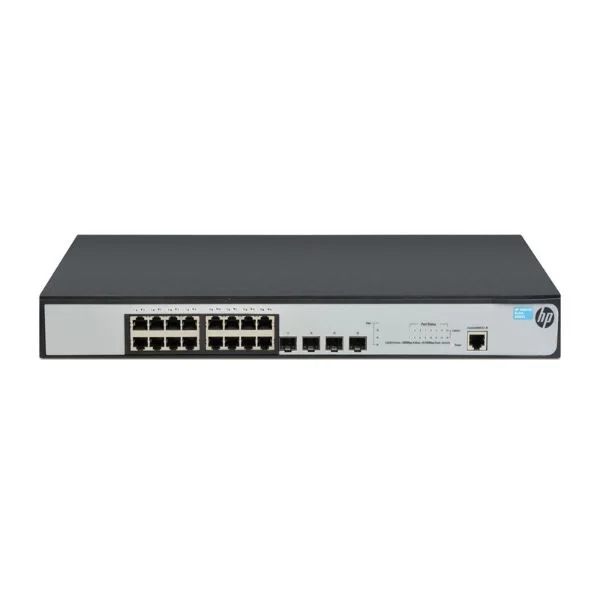
JG923A (HP 1920-16G Switch)
4.4 (5)- Switch
- Hpe
- Redundant Power Supply / AC Power Supply
- Layer 2 / Layer 3
- Rack-mount
- 120 W
- 24–48 Ports
Est Value $353.06$166.95
52.7% offIn stockNewRefurbishedFirst-Time Buyer Discount – Get up to 2% additional off on your first order
ORM Rewards Earn $50 in Rewards + Free Expedited Delivery – Join Now!
Use eCoupon ORMSAVE10
eCoupon limited to 5 units

ORM Sales Advisors
Buying for your business? Get a personalised quote in under 2 hours. Talk to an expert
LEARNFilters (6) 
Questions & Answers
What is the HPE 1920 Switch series?
The HPE 1920 Switch series is a line of Smart-managed Gigabit Ethernet switches offering Layer 2 switching, static Layer 3 routing, and advanced security for small to medium businesses.
What port configurations does the HPE 1920 series offer?
Models range from 8 to 48 RJ-45 Gigabit ports, with select models featuring 2–4 dedicated or combo SFP ports for fiber uplinks.
Does the HPE 1920 series support PoE/PoE+?
Yes. Designated PoE models support IEEE 802.3af (PoE) and IEEE 802.3at (PoE+) on RJ-45 ports.
What is the maximum PoE budget on HPE 1920 switches?
Depending on the model, the aggregate PoE budget ranges from 150 W to 370 W, enabling simultaneous powering of multiple PoE devices.
Are SFP uplink ports available on HPE 1920 switches?
Yes. Selected models include 1 Gbps SFP or combo SFP/RJ-45 uplinks supporting single-mode or multi-mode fiber modules.
What management interfaces are supported by HPE 1920 switches?
Management options include an intuitive Web GUI, CLI over Telnet/SSH, SNMP v1/v2c/v3, and integration with HPE Intelligent Management Center.
Do HPE 1920 switches support Layer 3 routing?
They support static Layer 3 routing and RIP v1/v2, enabling inter-VLAN communication without a dedicated router.
What VLAN features are available on the HPE 1920 series?
The series supports up to 256 VLANs, 802.1Q tagging, port-based VLANs, GVRP, MAC-based VLANs, and voice VLAN.
How does QoS and bandwidth control work on HPE 1920 switches?
They provide eight hardware priority queues, 802.1p prioritization, DSCP remarking, port-based rate limiting, and traffic shaping.
Can I stack HPE 1920 switches, and how?
Yes. HPE Smart Link lets you virtually stack up to four units via Ethernet ports for simplified management and single-IP configuration.
What security features are built into HPE 1920 switches?
Security includes ACLs, DoS protection, DHCP snooping, IP Source Guard, 802.1X port authentication, and ARP inspection.
How do I update the firmware on an HPE 1920 switch?
Log in to the Web GUI or CLI, upload the new image via HTTP/TFTP/SCP, and follow the on-screen instructions to install and reboot.
How can I reset an HPE 1920 switch to factory defaults?
Use the “erase startup-config” CLI command or press and hold the Reset/Mode button for 10 seconds until LEDs blink.
Is the HPE 1920 series suitable for small and medium businesses?
Yes. It balances performance, advanced features, quiet operation, and affordability for SMB deployments.
What warranty and support options are available for HPE 1920 switches?
HPE 1920 switches include a lifetime limited warranty, three years of 24×7 Technical Support, and optional Care Pack extensions.
Are HPE 1920 switches fanless for silent operation?
Lower-density models are fanless for silent operation; higher-density PoE models use variable-speed fans to optimize cooling and noise.