 United States
Switches Huawei S6300 Series
Experience unparalleled network efficiency with the Huawei S6300 Series Switches. Engineered for high performance and scalability, these switches deliver secure, energy-efficient connectivity for data center and enterprise environments.
Talk to an expert
2 Matching results
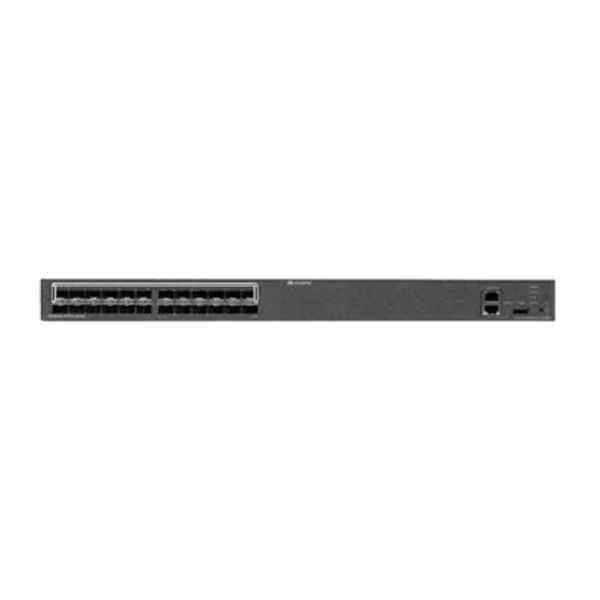
LS-S6324-EI (S6324-EI Mainframe (24 GE SFP/10 GE SFP+, Chassis, Dual Slots of power, Without Power Module))
4.8 (6)- Switch
- Huawei
- AC Power Supply
- Layer 2
- Rack-mount
- 40 W
- 24–48 Ports
Est Value $17,483.56
$9,546.03
45.4% offIn stockNewFirst-Time Buyer Discount – Get up to 2% additional off on your first order
ORM Rewards Earn $50 in Rewards + Free Expedited Delivery – Join Now!
Use eCoupon ORMSAVE10
eCoupon limited to 5 units
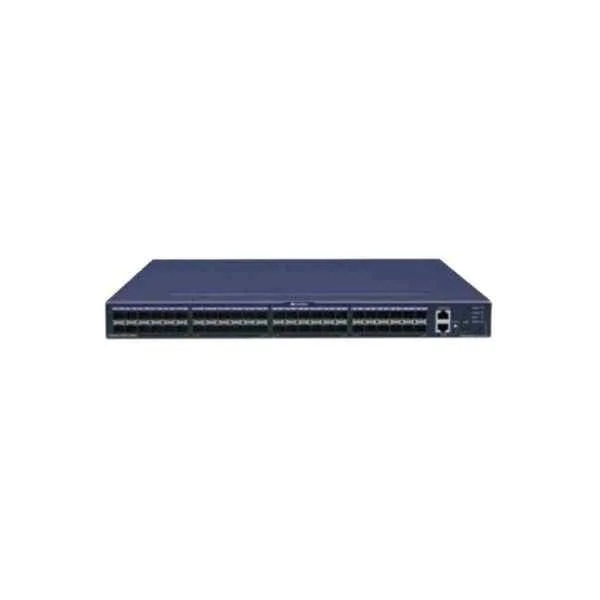
LS-S6348-EI (S6348-EI Mainframe (48 GE SFP/10 GE SFP+, Chassis, Dual Slots of power, Without Power Module))
4.8 (6)- Switch
- Huawei
- AC Power Supply with Redundant Options
- Layer 2 / Layer 3
- Rack-mount
- 150 W
- 24–48 Ports
Est Value $29,682.59$14,336.69
51.7% offIn stockNewFirst-Time Buyer Discount – Get up to 2% additional off on your first order
ORM Rewards Earn $50 in Rewards + Free Expedited Delivery – Join Now!
Use eCoupon ORMSAVE10
eCoupon limited to 5 units

ORM Sales Advisors
Buying for your business? Get a personalised quote in under 2 hours. Talk to an expert
LEARNFilters (2) 
Questions & Answers
What are the key features of Huawei S6300 Series Switches?
Huawei S6300 Series offers advanced Layer 2/Layer 3 switching, high-density Gigabit and 10GE ports, PoE/PoE+, hardware-based IPv6, rich QoS policies, VRRP redundancy, Turbo Ring protection and stacking support.
Which models are included in the Huawei S6300 Series?
The S6300 Series lineup includes S6300-32C-EI, S6320-30C-EI, S6330-30C-EI and their PoE variants, providing 24/48 RJ45 Gigabit ports, 4 SFP+ or 10GE uplinks and modular uplink expansion.
What port configurations do Huawei S6300 switches support?
S6300 switches support 24-port or 48-port Gigabit RJ45 configurations, optional PoE/PoE+ on selected models, plus four 10GE SFP+ or combo uplink ports.
Does the S6300 Series support PoE and PoE+?
Yes, select S6300 models deliver up to 370 W PoE budget with IEEE 802.3af/at support, simplifying deployment of IP phones, cameras and wireless access points.
What is the switching capacity and forwarding performance of the S6300 Series?
S6300 Series provides up to 336 Gbps switching capacity per chassis and forwarding rates up to 250 Mpps, ensuring low latency and high throughput.
What high‐availability features are available on the S6300 Series?
S6300 Series supports VRRP, Smart Link, Rapid Spanning Tree, Turbo Ring protection (
What Layer 3 routing protocols are supported by Huawei S6300 switches?
S6300 switches support static routing, RIP, OSPF, BGP, VRRP and policy-based routing, enabling flexible multi-layer network architectures.
How do I configure VLANs on the S6300 Series?
You can configure VLANs via CLI or Web GUI, supporting up to 4,094 VLAN IDs, QinQ tunneling and voice VLAN for optimized traffic segmentation.
Does the S6300 Series support IPv6?
Yes, Huawei S6300 Series fully supports IPv6 addressing and routing, including IPv6 ACLs, neighbor discovery snooping and DHCPv6 functionality.
What security features are built into the Huawei S6300 Series?
S6300 Series provides 802.1X port authentication, MAC/IP source guard, DHCP snooping, dynamic ARP inspection and DoS attack prevention.
How does QoS work on Huawei S6300 switches?
S6300 implements eight hardware queues per port, hierarchical scheduling, traffic policing, shaping and DiffServ classification for guaranteed service quality.
Can I stack Huawei S6300 switches?
Yes, up to nine S6300 switches can be stacked via Huawei stacking modules, offering unified control and up to 480 Gbps stacking bandwidth.
Which management and monitoring protocols does the S6300 Series support?
S6300 Series supports CLI, Web GUI, SNMPv1/v2/v3, NetConf, RMON, sFlow and Huawei eSight for centralized management and monitoring.
What are the typical power consumption and noise levels for S6300 switches?
Power consumption ranges from 25 W (non-PoE) to 450 W (full PoE load), with operating noise levels below 45 dBA suitable for office environments.
How scalable is the Huawei S6300 Series for growing networks?
With modular uplinks, stacking of up to nine units, support for thousands of VLANs and advanced routing, S6300 Series scales seamlessly with your network growth.
What warranty and support options are available for Huawei S6300 Series?
Huawei offers a standard five-year hardware warranty, regular software updates and optional support packages with 24/7 hotline and next-business-day replacement.
Where can I download firmware updates and technical documentation for the S6300 Series?
You can download the latest firmware, configuration guides and release notes from Huawei’s official support website using your registered Huawei ID.