 United States
Ethernet Switches Juniper EX3400 Series
Experience superior network performance and reliability with Juniper’s EX3400 Series. Engineered for scalability and cost-effectiveness, these ethernet switches deliver enterprise-grade security and exceptional connectivity for advanced IT environments.
Talk to an expert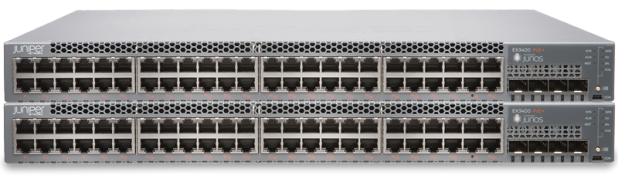
9 Matching results
- BEST SELLING
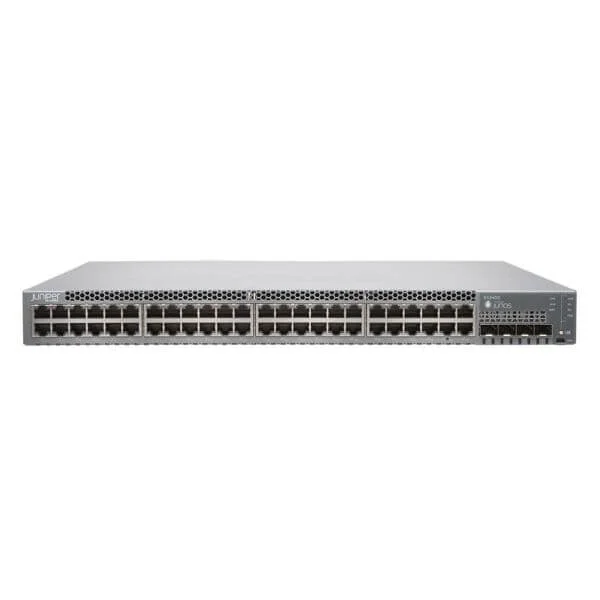
EX3400-48T (EX3400 48PORT 10/100/1000BASET 4X1/10G SFP/SFP+ 2X40G QSFP+)
4.2 (5)- Switch
- Juniper
- AC Power Supply
- Layer 2 / Layer 3
- Rack-mount
- 95W
- 24–48 Ports
Est Value $6,460.00
$577.50
91.1% offIn stockNewRefurbishedFirst-Time Buyer Discount – Get up to 2% additional off on your first order
ORM Rewards Earn $50 in Rewards + Free Expedited Delivery – Join Now!
Use eCoupon ORMSAVE10
eCoupon limited to 5 units
- BEST SELLING
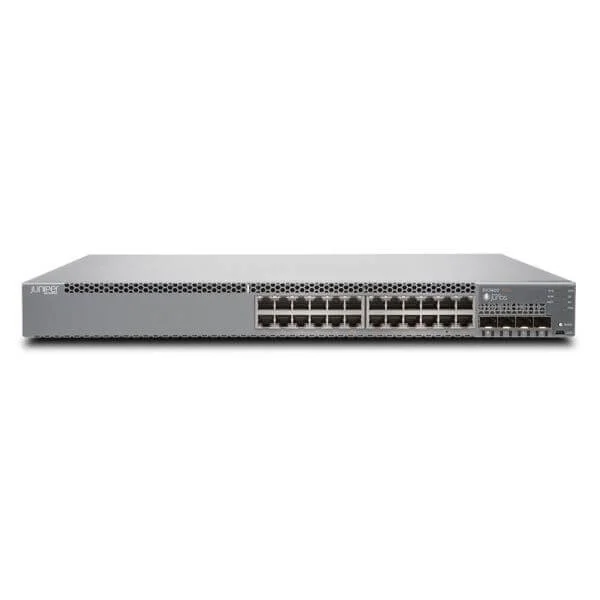
EX3400-24P (24PORT EX3400 10/100/1000BASET POE+ 4 X 1/10G SFP/SFP+ 2X40G QSFP+)
5 (5)- Switch
- Juniper
- AC Power Supply
- Layer 2 / Layer 3
- Rack-mount
- 370 W
- 12–24 Ports
Est Value $4,700.00$418.95
91.1% offIn stockNewRefurbishedFirst-Time Buyer Discount – Get up to 2% additional off on your first order
ORM Rewards Earn $50 in Rewards + Free Expedited Delivery – Join Now!
Use eCoupon ORMSAVE10
eCoupon limited to 5 units
- BEST SELLING
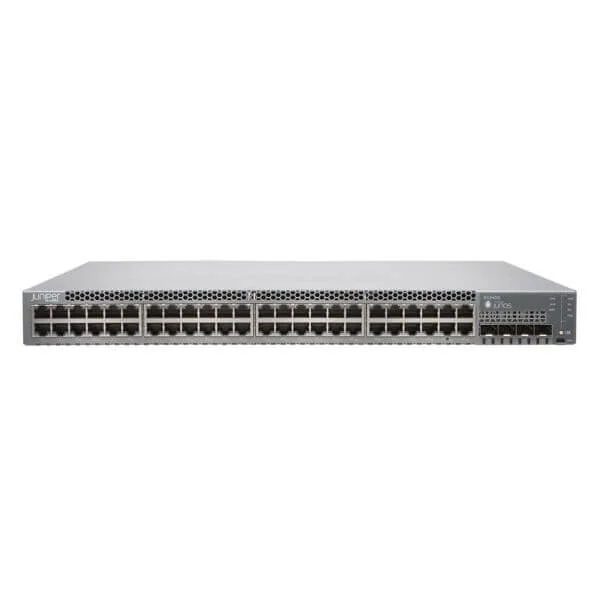
EX3400-48T-AFI (EX3400 48-port 10/100/1000BaseT, 4 x 1/10G SFP/SFP+, 2 x 40G QSFP+, redundant fans, back-to-front airflow, 1 AC PSU JPSU-150-AC-AFIincluded (optics sold separately))
4.2 (5)- Switch
- Juniper
- AC Power Supply
- Layer 2 / Layer 3
- Rack-mount
- 24–48 Ports
Est Value $6,460.00$3,870.30
40.1% offIn stockNewRefurbishedFirst-Time Buyer Discount – Get up to 2% additional off on your first order
ORM Rewards Earn $50 in Rewards + Free Expedited Delivery – Join Now!
Use eCoupon ORMSAVE10
eCoupon limited to 5 units
- BEST SELLING
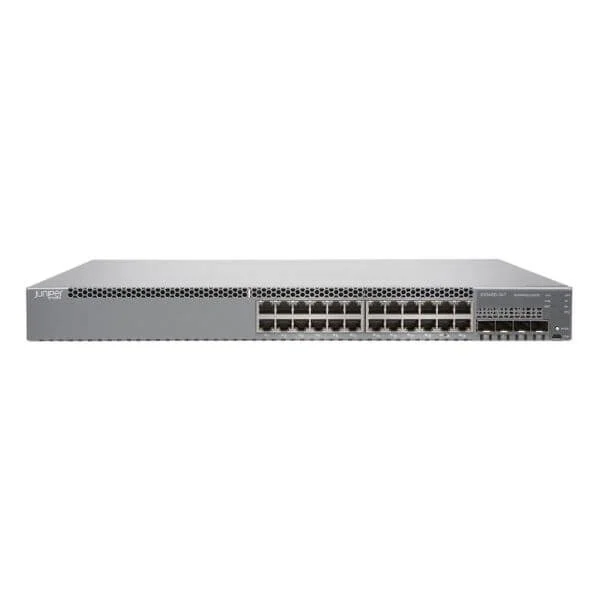
EX3400-24T-DC (EX3400 24PORT 10/100/1000BASET 4X1/10G SFP/SFP+ 2X40G QSFP+)
5 (5)- Switch
- Juniper
- DC
- Layer 2
- Rack-mount
- 25 W
- 12–24 Ports
Est Value $4,815.00$3,092.25
35.8% offIn stockNewRefurbishedFirst-Time Buyer Discount – Get up to 2% additional off on your first order
ORM Rewards Earn $50 in Rewards + Free Expedited Delivery – Join Now!
Use eCoupon ORMSAVE10
eCoupon limited to 5 units
- BEST SELLING
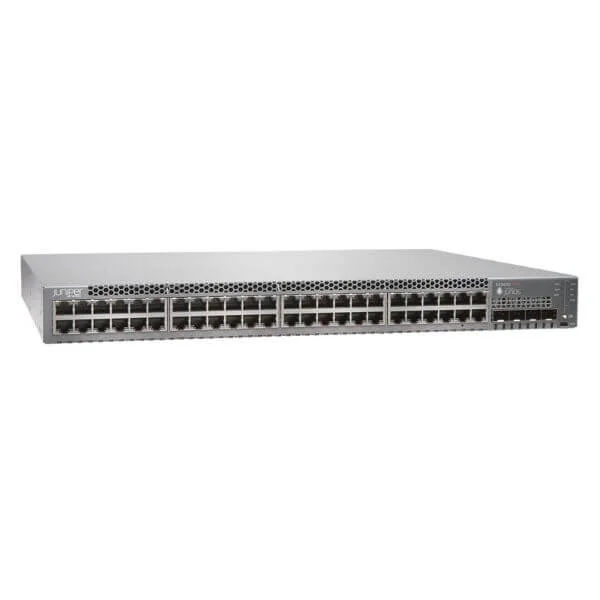
EX3400-48P-TAA (EX3400 48PORT 10/100/1000BASET POE+ 4X1/10G SFP/SFP+ 2X40G QSFP+)
4.4 (5)- Switch
- Juniper
- AC Power Supply
- Layer 2 / Layer 3
- Rack-mount
- 24–48 Ports
Est Value $207.89
In stockNewRefurbishedFirst-Time Buyer Discount – Get up to 2% additional off on your first order
ORM Rewards Earn $50 in Rewards + Free Expedited Delivery – Join Now!
Use eCoupon ORMSAVE10
eCoupon limited to 5 units
- FEARURED
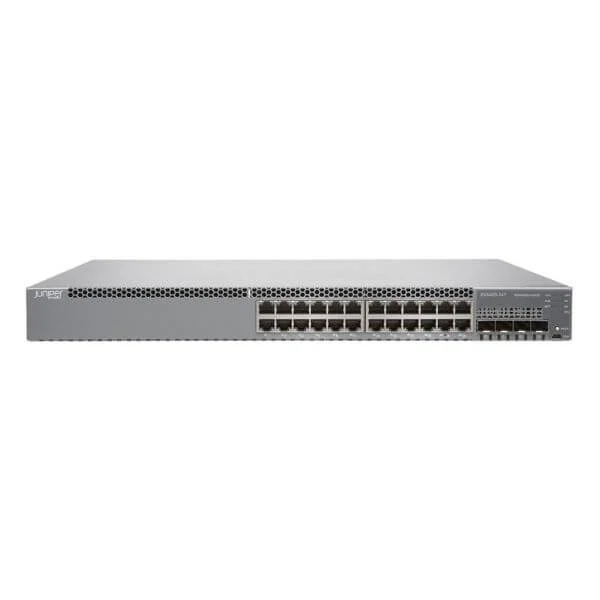
EX3400-24T-TAA (EX3400 TAA 24PORT 10/100/1000BASET 4 X 1/10G SFP/SFP+)
4.6 (5)- Switch
- Juniper
- AC Power Supply
- Layer 2 / Layer 3
- Rack-mount
- 36 W
- 12–24 Ports
Est Value $5,679.10$2,839.55
50% offIn stockRefurbishedFirst-Time Buyer Discount – Get up to 2% additional off on your first order
ORM Rewards Earn $50 in Rewards + Free Expedited Delivery – Join Now!
Use eCoupon ORMSAVE10
eCoupon limited to 5 units
- FEARURED
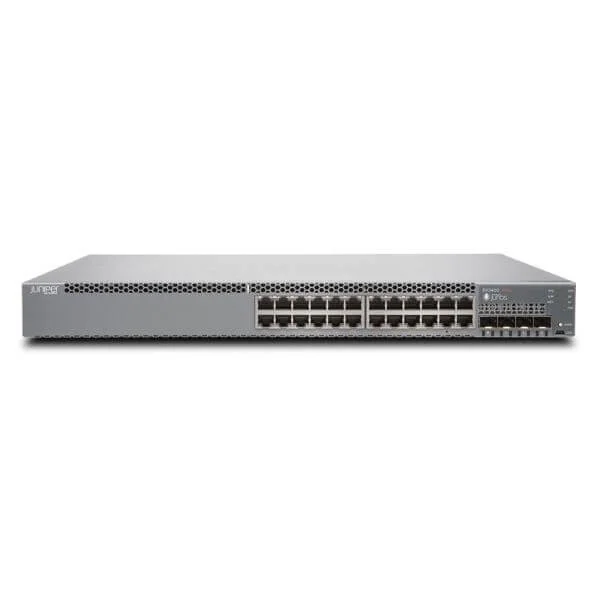
EX3400-24P-TAA (EX3400 TAA 24PORT 10/100/1000 BASET POE+ 4X1/10G SFP/SFP+ 2X40G.)
4.4 (5)- Switch
- Juniper
- AC Power Supply
- Layer 2 / Layer 3
- Rack-mount
- 370 W
- 12–24 Ports
Est Value $6,191.00$3,604.29
41.8% offIn stockRefurbishedFirst-Time Buyer Discount – Get up to 2% additional off on your first order
ORM Rewards Earn $50 in Rewards + Free Expedited Delivery – Join Now!
Use eCoupon ORMSAVE10
eCoupon limited to 5 units
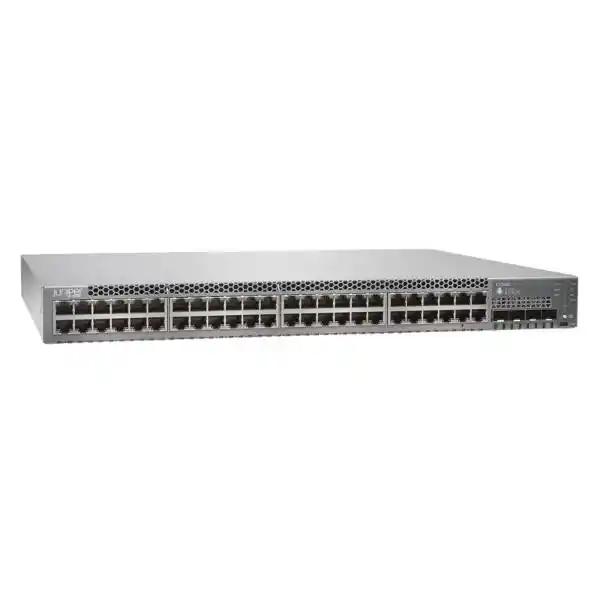
EX3400-48P (Juniper Networks EX Series EX3400-48P - switch - 48 ports - managed - rack-mountable)
5 (5)- Switch
- Juniper
- Redundant Power Supply / AC Power Supply
- Layer 2 / Layer 3
- Rack-mount
- 24–48 Ports
Est Value $8,920.00$303.56
96.6% offIn stockNewRefurbishedFirst-Time Buyer Discount – Get up to 2% additional off on your first order
ORM Rewards Earn $50 in Rewards + Free Expedited Delivery – Join Now!
Use eCoupon ORMSAVE10
eCoupon limited to 5 units
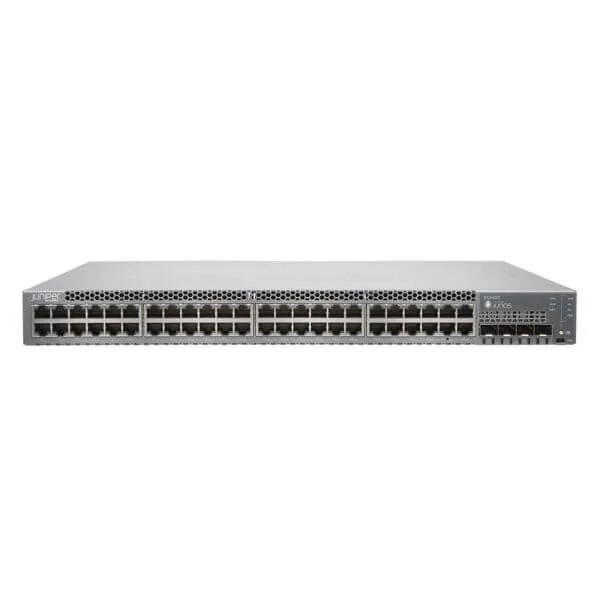
EX3400-48T-TAA (EX3400 TAA 48PORT 10/100/1000BASET 4 X 1/10G SFP/SFP+)
4.2 (5)- Switch
- Juniper
- AC Power Supply
- Layer 2 / Layer 3
- Rack-mount
- 230W
- 24–48 Ports
Est Value $10,760.72$5,380.36
50% offIn stockRefurbishedFirst-Time Buyer Discount – Get up to 2% additional off on your first order
ORM Rewards Earn $50 in Rewards + Free Expedited Delivery – Join Now!
Use eCoupon ORMSAVE10
eCoupon limited to 5 units

ORM Sales Advisors
Buying for your business? Get a personalised quote in under 2 hours. Talk to an expert
LEARNFilters (9) 
Questions & Answers
What are the key features and specifications of the Juniper EX3400 Series Ethernet Switches?
The EX3400 Series offers enterprise-grade access switching with 24 or 48 1GbE ports, optional PoE/PoE+, four modular uplink slots, 1.44 Tbps switching capacity, Junos OS, and Virtual Chassis stacking up to ten units.
What port configurations and PoE options does the EX3400 offer?
Available in 24- or 48-port 10/100/1000 models, with PoE (15.4 W) or PoE+ (30 W) support. The total power budget scales to 1,800 W per chassis and is configurable per port.
How does Virtual Chassis technology work on EX3400 switches?
EX3400 Virtual Chassis links up to ten switches over QSFP+ ports, operating as a single logical device with a unified control plane, simplified management, and non-blocking backplane performance.
What is the maximum switching capacity and forwarding rate of the EX3400?
Each EX3400 delivers 1.44 Tbps of switching capacity and up to 1.07 Bpps forwarding rate, ensuring wire-speed performance across all ports.
Can the EX3400 support Power over Ethernet (PoE) and PoE+?
Yes. Models support IEEE 802.3af PoE (15.4 W) and IEEE 802.3at PoE+ (30 W) with a total power budget up to 1,800 W, configurable on a per-port basis.
How energy efficient is the EX3400 Series and what power-saving features are available?
The EX3400 uses Energy Efficient Ethernet, adaptive port power management, variable-speed fans, and sleep mode on unused ports, reducing power consumption by up to 35%.
What operating system and software features are available on the EX3400?
Runs Junos OS with a universal image supporting EVPN, VXLAN, ML-AG, BGP, OSPF, MPLS, Junos Fusion, advanced security, and automation via NETCONF/RESTCONF APIs.
How scalable is the EX3400 Series for campus and branch deployments?
With stacking up to ten units and four uplink modules per chassis, the EX3400 scales from small branches to large campus access deployments with up to 480 access ports.
What uplink options are supported on the EX3400 Series?
Four dedicated modular slots support 1/10 GbE SFP/SFP+, 40 GbE QSFP+, and 25/100 GbE (with compatible modules), enabling flexible aggregation.
What security features are included in the EX3400 switches?
Includes IP source guard, DHCP snooping, dynamic ARP inspection, MACsec encryption, 802.1X, uRPF, advanced ACLs, Juniper Sky ATP integration, and denial-of-service protection.
How do I configure a basic Virtual Chassis setup on the EX3400?
Connect stacking cables to QSFP+ ports, assign unique node IDs, enable Virtual Chassis in Junos configuration, commit changes, and verify with “show virtual-chassis status.”
What warranty and support options are available for the EX3400 Series?
Includes a one-year limited hardware warranty and 90-day software support. Juniper Care NOC-to-NOC support, hardware replacement, and software updates are available as paid options.
Are there any license requirements for advanced features on the EX3400?
EX3400 uses a universal software image; base features are included. Advanced feature licenses (security, ASEC, EVPN) can be activated with license keys.
How does the EX3400 integrate with Juniper Mist AI and cloud management?
Integrates with Juniper Mist for cloud-based switching management, AI-driven insights, automated assurance, location services, and OpenConfig support via Junos Cloud.
What are the typical use cases for the EX3400 Series Ethernet Switches?
Ideal for enterprise campus access, branch offices, SMB networks, PoE-powered device connectivity, and converged wired/wireless deployments requiring high availability and security.
How can I upgrade firmware on the EX3400 switch?
Upload the Junos OS package via SCP, run “request system software add no-validate,” reboot, and verify the new version with “show version.”