 United States
Ubiquiti Enterprise Network Switches
Our Ubiquiti Enterprise Network Switches deliver robust, reliable performance and streamlined connectivity to support scalable business infrastructures. Achieve unparalleled network efficiency, security, and management with advanced, industry-leading technology.
Talk to an expert
14 Matching results
- BEST SELLING
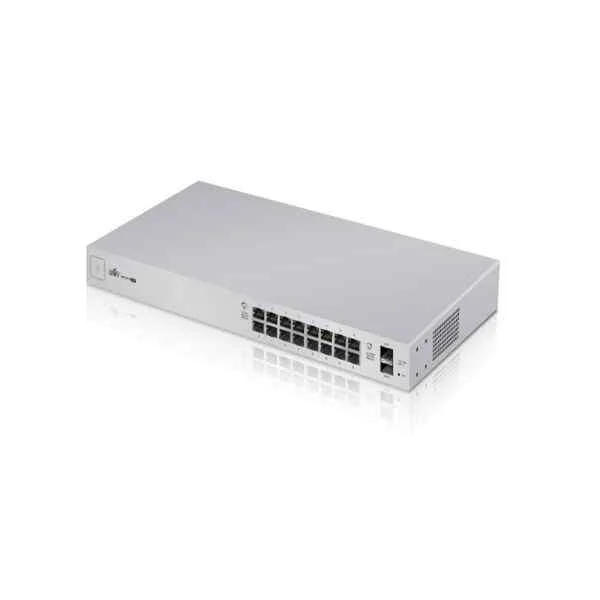
US-16-150W (UBNT UniFi US-16-150W Enterprise PoE 16-Port Managed PoE Gigabit Switch )
4.6 (5)- Switch
- Ubiquiti
- AC Power Supply
- Layer 2
- Rack-mount
- 150 W
- 12–24 Ports
Est Value $713.30
$525.00
26.4% offIn stockRefurbishedFirst-Time Buyer Discount – Get up to 2% additional off on your first order
ORM Rewards Earn $50 in Rewards + Free Expedited Delivery – Join Now!
Use eCoupon ORMSAVE10
eCoupon limited to 5 units
- BEST SELLING
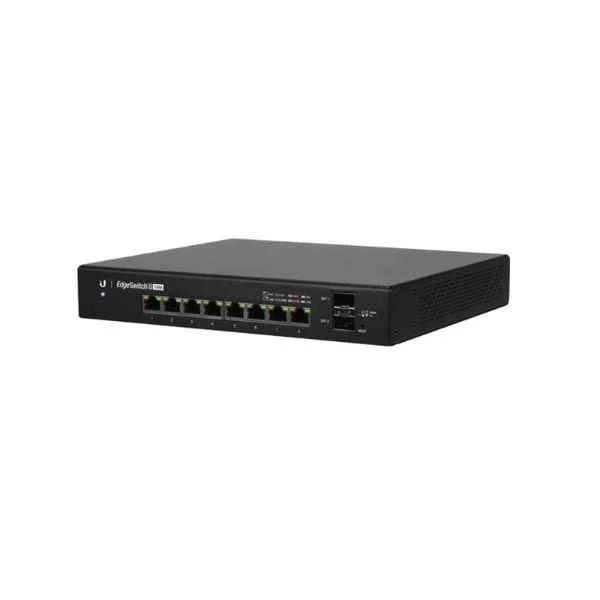
ES-8-150W (UBNT ES-8-150W Enterprise EdgeSwitch 8-Port POE Managed Fiber Switch)
4.4 (5)- Switch
- Ubiquiti
- AC Power Supply
- Layer 2
- Rack-mount
- 150W
- Under 12 Ports
Est Value $930.00$750.75
19.3% offIn stockNewRefurbishedFirst-Time Buyer Discount – Get up to 2% additional off on your first order
ORM Rewards Earn $50 in Rewards + Free Expedited Delivery – Join Now!
Use eCoupon ORMSAVE10
eCoupon limited to 5 units
- BEST SELLING
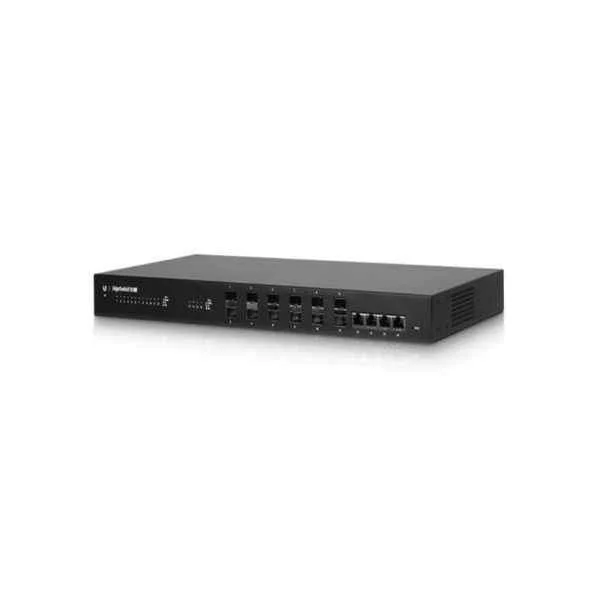
ES-16-XG (UBNT ES-16-XG Enterprise EdgeSwitch 10G 16-Port POE Aggregation Fiber Switch)
4.6 (5)- Switch
- Ubiquiti
- Redundant Power Supply
- Layer 2
- Rack-mount
- 150 W
- 12–24 Ports
Est Value $1,390.92$695.46
50% offIn stockRefurbishedFirst-Time Buyer Discount – Get up to 2% additional off on your first order
ORM Rewards Earn $50 in Rewards + Free Expedited Delivery – Join Now!
Use eCoupon ORMSAVE10
eCoupon limited to 5 units
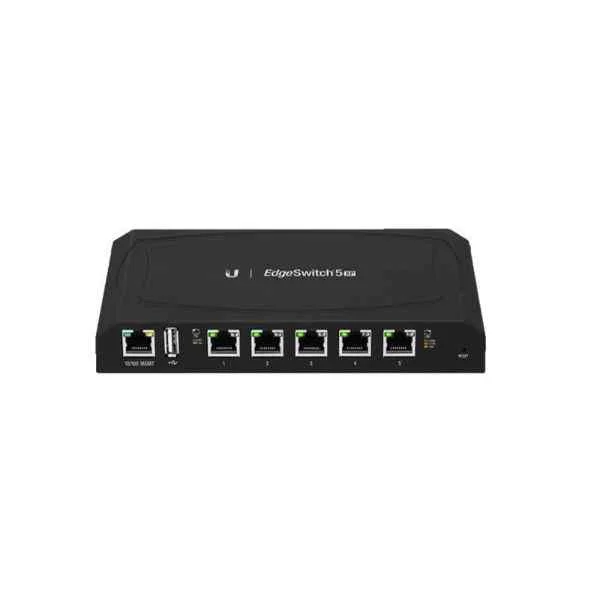
ES-5XP (UBNT 5-Port Enterprise Advanced Gigabit PoE Managed Switch, Repalce ES-5XP TS-5-POE Switch)
4.6 (5)- Switch
- Ubiquiti
- Redundant Power Supply / AC Power Supply
- Layer 2
- Rack-mount
- 24–48 Ports
Est Value $517.40$258.70
50% offIn stockNewRefurbishedFirst-Time Buyer Discount – Get up to 2% additional off on your first order
ORM Rewards Earn $50 in Rewards + Free Expedited Delivery – Join Now!
Use eCoupon ORMSAVE10
eCoupon limited to 5 units
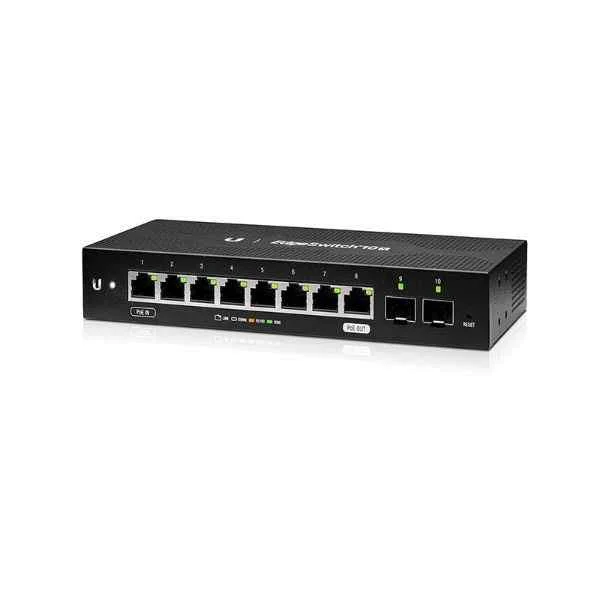
ES-10X (UBNT Networks EdgeSwitch 8-Port Managed Switch, 10G Ethernet, 2 SFP, POE, Enterprise)
4.6 (5)- Switch
- Ubiquiti
- AC Power Supply
- Layer 2 / Layer 3
- Rack-mount
- 150W
- Under 12 Ports
Est Value $571.96$488.25
14.6% offIn stockNewRefurbishedFirst-Time Buyer Discount – Get up to 2% additional off on your first order
ORM Rewards Earn $50 in Rewards + Free Expedited Delivery – Join Now!
Use eCoupon ORMSAVE10
eCoupon limited to 5 units
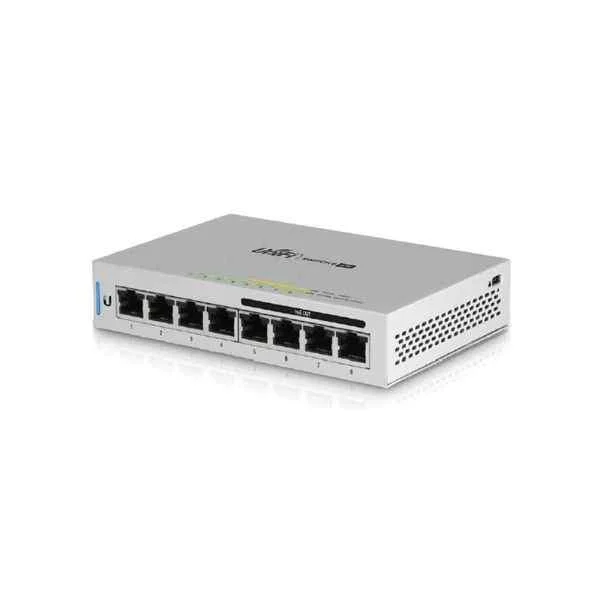
US-8-60W (UNIFI SWITCH 8PORT 60W -)
4.4 (5)- Switch
- Ubiquiti
- AC Power Supply
- Layer 2
- Desktop
- 60W
- Under 12 Ports
Est Value $514.50$171.15
66.7% offIn stockNewRefurbishedFirst-Time Buyer Discount – Get up to 2% additional off on your first order
ORM Rewards Earn $50 in Rewards + Free Expedited Delivery – Join Now!
Use eCoupon ORMSAVE10
eCoupon limited to 5 units
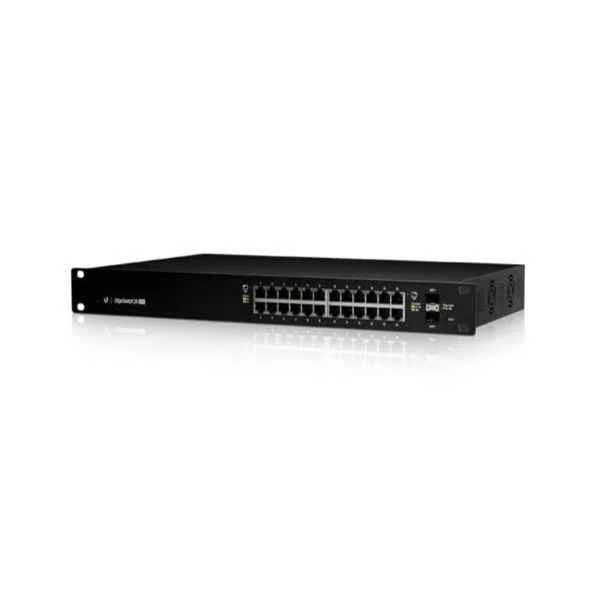
ES-24-Lite (UBNT 24 Port Enterprise Managed Network EdgeSwitch, POE, 1 Gigabit Ethernet, SFP)
4.6 (5)- Switch
- Ubiquiti
- AC Power Supply
- Layer 2
- Rack-mount
- 35 W
- 12–24 Ports
Est Value $314.39$268.38
14.6% offIn stockRefurbishedFirst-Time Buyer Discount – Get up to 2% additional off on your first order
ORM Rewards Earn $50 in Rewards + Free Expedited Delivery – Join Now!
Use eCoupon ORMSAVE10
eCoupon limited to 5 units
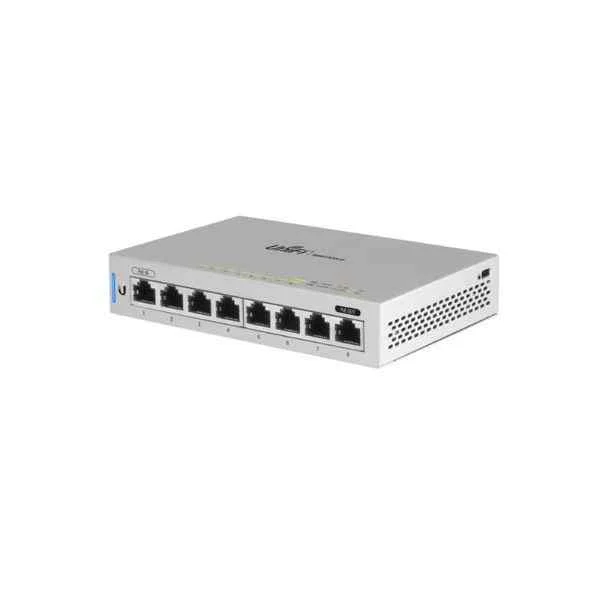
US-8 (UNIFI SWITCH 8PORT)
4.6 (5)- Switch
- Ubiquiti
- Redundant Power Supply / AC Power Supply
- Layer 2 / Layer 3
- Rack-mount
- 120 W
- 24–48 Ports
Est Value $349.85$298.65
14.6% offIn stockRefurbishedFirst-Time Buyer Discount – Get up to 2% additional off on your first order
ORM Rewards Earn $50 in Rewards + Free Expedited Delivery – Join Now!
Use eCoupon ORMSAVE10
eCoupon limited to 5 units
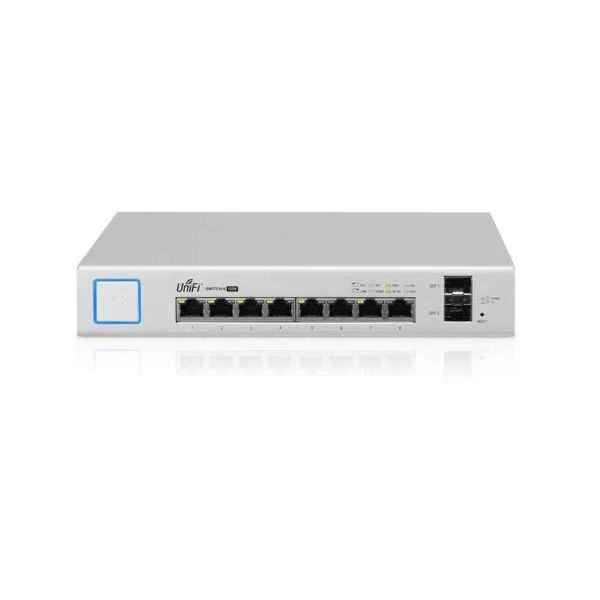
US-8-150W (UBNT UniFi US-8-150W Enterprise PoE 8-Port Managed PoE Gigabit Switch )
4.6 (5)- Switch
- Ubiquiti
- AC Power Supply
- Layer 2
- Rack-mount
- 150 W
- Under 12 Ports
Est Value $498.04$367.50
26.2% offIn stockRefurbishedFirst-Time Buyer Discount – Get up to 2% additional off on your first order
ORM Rewards Earn $50 in Rewards + Free Expedited Delivery – Join Now!
Use eCoupon ORMSAVE10
eCoupon limited to 5 units
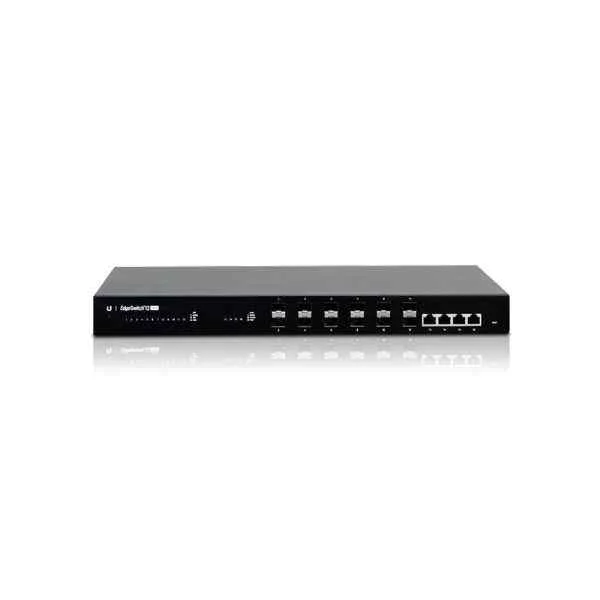
ES-12F (EDGESWITCH FIBER 12PORT 1G (CANNOT BE ORDERED))
4.4 (5)- Switch
- Ubiquiti
- AC Power Supply
- Layer 2
- Rack-mount
- 45W
- 12–24 Ports
Est Value $738.26$369.13
50% offIn stockRefurbishedFirst-Time Buyer Discount – Get up to 2% additional off on your first order
ORM Rewards Earn $50 in Rewards + Free Expedited Delivery – Join Now!
Use eCoupon ORMSAVE10
eCoupon limited to 5 units
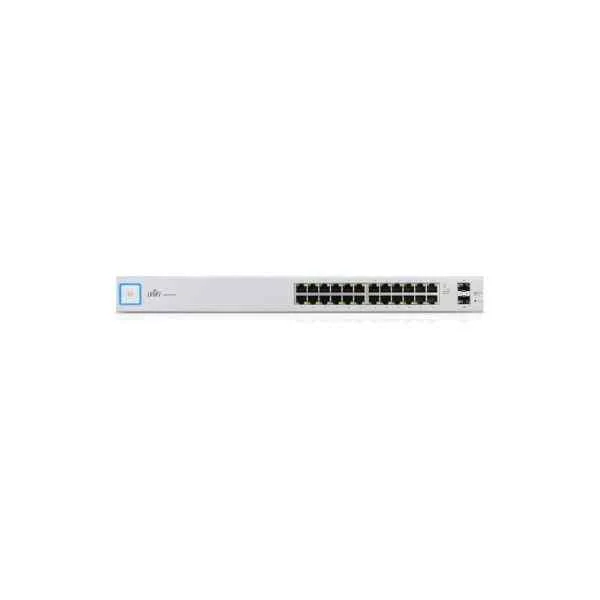
US-24 (UBNT US-24 UniFi 24-Port Gigabit PoE Compliant Managed Switch, Enterprise)
4.6 (5)- Switch
- Ubiquiti
- Redundant Power Supply / AC Power Supply
- Layer 2 / Layer 3
- Rack-mount
- 48W
- 12–24 Ports
Est Value $443.22$378.36
14.6% offIn stockNewRefurbishedFirst-Time Buyer Discount – Get up to 2% additional off on your first order
ORM Rewards Earn $50 in Rewards + Free Expedited Delivery – Join Now!
Use eCoupon ORMSAVE10
eCoupon limited to 5 units
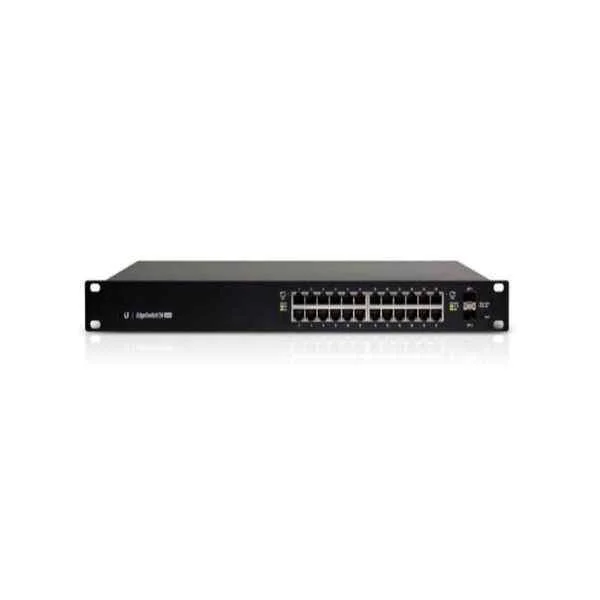
ES-24-250W (UBNT 24 Port Enterprise EdgeSwitch, POE, 1 Gigabit Ethernet)
5 (5)- Switch
- Ubiquiti
- AC Power Supply
- Layer 2
- Rack-mount
- 12–24 Ports
Est Value $686.02$533.57
22.2% offIn stockRefurbishedFirst-Time Buyer Discount – Get up to 2% additional off on your first order
ORM Rewards Earn $50 in Rewards + Free Expedited Delivery – Join Now!
Use eCoupon ORMSAVE10
eCoupon limited to 5 units
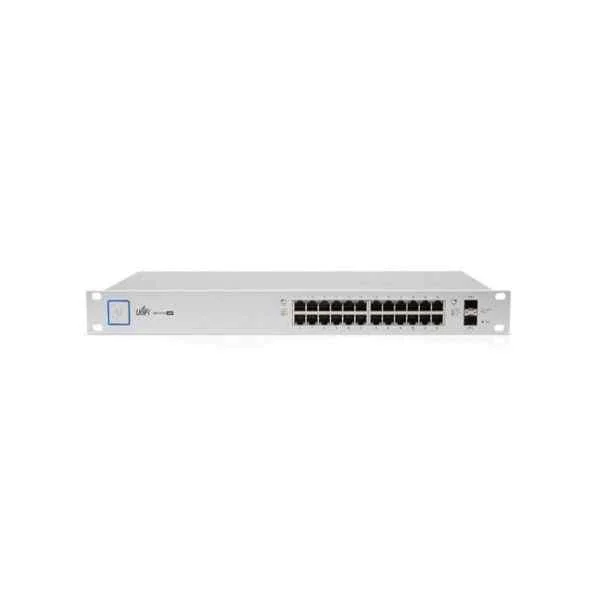
US-24-250W (UBNT UniFi US-24-250W Enterprise PoE 24-Port Managed PoE Gigabit Switch )
5 (5)- Switch
- Ubiquiti
- AC Power Supply
- Layer 2
- Rack-mount
- ≤ 250W
- 12–24 Ports
Est Value $876.09$627.27
28.4% offIn stockRefurbishedFirst-Time Buyer Discount – Get up to 2% additional off on your first order
ORM Rewards Earn $50 in Rewards + Free Expedited Delivery – Join Now!
Use eCoupon ORMSAVE10
eCoupon limited to 5 units
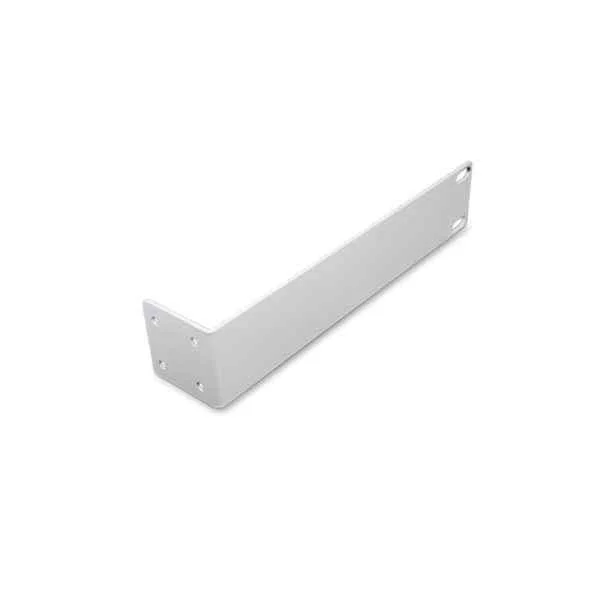
UBNT 1U Rack Extension (UBNT AP and Bidge accessories)
4.6 (5)- Rack Extension
- Ubiquiti
- AC Power Supply
- Rack-mount
Est Value In stockFirst-Time Buyer Discount – Get up to 2% additional off on your first order
ORM Rewards Earn $50 in Rewards + Free Expedited Delivery – Join Now!
Use eCoupon ORMSAVE10
eCoupon limited to 5 units

ORM Sales Advisors
Buying for your business? Get a personalised quote in under 2 hours. Talk to an expert
LEARNFilters (14) 
Questions & Answers
What are Ubiquiti Enterprise Switches?
Ubiquiti Enterprise Switches are high-performance, fully managed switches designed for scalable campus and data-center networks, offering advanced L2/L3 features, PoE, and seamless UniFi Controller integration.
How do I configure VLANs on Ubiquiti Enterprise Switches?
In the UniFi Network Controller, navigate to Settings > Networks to create VLAN profiles, then assign VLAN IDs to specific switch ports under Devices > Switch > Ports, ensuring isolated traffic segmentation.
Do Ubiquiti Enterprise Switches support Power over Ethernet (PoE)?
Yes, selected Ubiquiti Enterprise Switch models provide PoE+ (802.3at) or PoE++ (802.3bt) with per-port power budgeting, enabling direct power delivery to IP cameras, wireless access points, and VoIP phones.
How do I perform switch stacking on Ubiquiti Enterprise Switches?
Use the built-in Virtual Chassis feature: connect dedicated stacking ports between switches, enable stacking in the UniFi Controller under Devices > Switch > Configuration, and allow automatic master-slave election for unified management.
What is the maximum throughput of Ubiquiti Enterprise Switches?
Throughput varies by model—ranging from 1.2 Tbps for 48-port switches to over 4 Tbps for high-density chassis—providing full wire-speed forwarding with non-blocking backplane performance.
How can I update firmware on Ubiquiti Enterprise Switches?
In the UniFi Controller, go to Devices, select your switch, click on the Update button, and apply the latest stable firmware; the device will reboot automatically to complete the upgrade.
Can I manage Ubiquiti Enterprise Switches with third-party controllers?
Ubiquiti Enterprise Switches are optimized for UniFi Network Controller but also support standard SNMP v2/v3, CLI via SSH, and RADIUS authentication for integration with enterprise-grade management platforms.
How secure are Ubiquiti Enterprise Switches?
Ubiquiti Enterprise Switches implement secure management protocols (SSH, HTTPS), port-based 802.1X authentication, ACLs, and VLAN isolation to protect against unauthorized access and lateral network threats.
What warranty and support options are available for Ubiquiti Enterprise Switches?
All Ubiquiti Enterprise Switches include a limited lifetime hardware warranty and access to online ticket-based support, firmware updates, and comprehensive documentation on the Ubiquiti website.
How do I monitor network performance on Ubiquiti Enterprise Switches?
Use the UniFi Controller’s real-time dashboards to view port statistics, PoE usage, switch health, and historical traffic graphs, or integrate with SNMP-based monitoring tools for custom alerting and reporting.
Can I integrate SFP/SFP+ modules with Ubiquiti Enterprise Switches?
Yes, Ubiquiti Enterprise Switches support a wide range of 1 GbE and 10 GbE SFP/SFP+ optical modules (compatible with industry-standard transceivers) for fiber uplinks and long-reach connections.
What power options are available for Ubiquiti Enterprise Switches?
Most Ubiquiti Enterprise Switches offer dual redundant hot-swappable power supplies with AC or optional DC input, ensuring uninterrupted operation in mission-critical environments.
How do I troubleshoot uplink connectivity on Ubiquiti Enterprise Switches?
Verify physical cabling and SFP module compatibility, check link status in the UniFi Controller under Devices > Switch > Ports, and review event logs for LLDP/CDP mismatches or speed/duplex errors.
What cooling and noise levels can I expect from Ubiquiti Enterprise Switches?
Enterprise Switches use variable-speed high-efficiency fans with front-to-back airflow, producing 45–55 dBA under full load in rack-mount installations, meeting standard data-center acoustics.
How do I optimize power consumption on Ubiquiti Enterprise Switches?
Enable Energy-Efficient Ethernet (IEEE 802.3az) in switch settings, schedule PoE port activation only when needed, and monitor per-port power usage in the UniFi Controller to reduce overall energy draw.
What mounting options exist for Ubiquiti Enterprise Switches?
Ubiquiti Enterprise Switches support 1U rack-mount installation with included mounting ears, as well as optional wall-mount brackets for flexible deployment in wiring closets or small offices.
How do I restore Ubiquiti Enterprise Switches to factory defaults?
Press and hold the recessed reset button on the switch for 10 seconds until LEDs flash; the device will erase its configuration, reboot, and return to default UniFi adoption mode.