 United States
Networking Cisco Xenpak Module
Leverage unparalleled connectivity and robust performance with the Cisco Xenpak Module. Meticulously engineered for high-speed data transport and seamless scalability, it drives transformative network efficiency and unmatched reliability.
Talk to an expert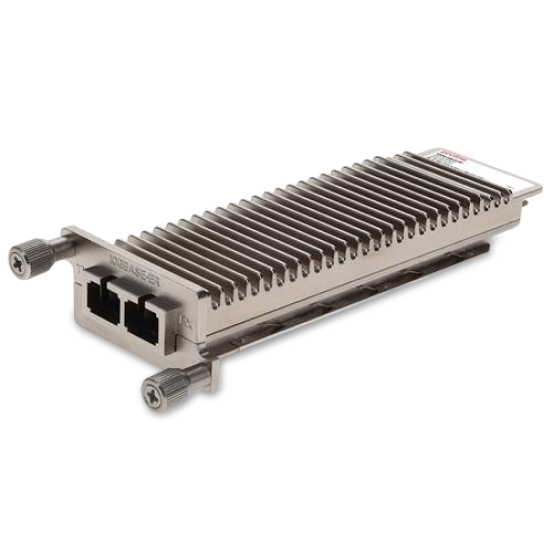
7 Matching results
- BEST SELLING
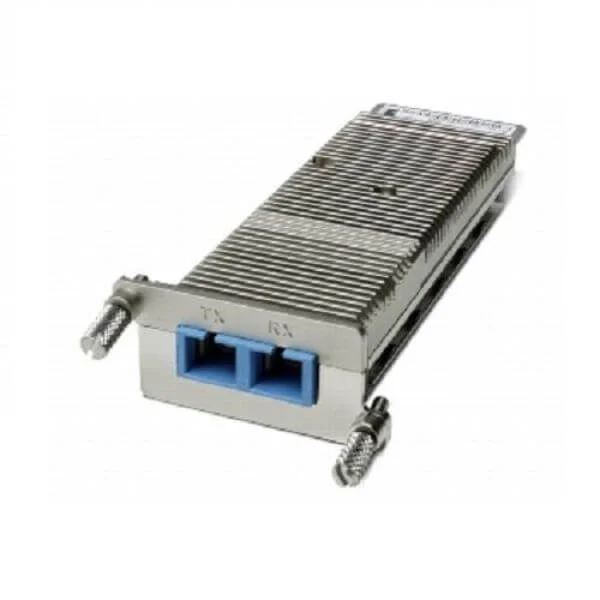
XENPAK-10GB-CX4 (Cisco 10GBASE-CX4 XENPAK Module)
4.5 (6)- Transceiver
- Cisco
- XENPAK
- 10G
- CX4
- Short-Range
Est Value $600.00
$57.75
90.4% offIn stockNewRefurbishedFirst-Time Buyer Discount – Get up to 2% additional off on your first order
ORM Rewards Earn $50 in Rewards + Free Expedited Delivery – Join Now!
Use eCoupon ORMSAVE10
eCoupon limited to 5 units
- BEST SELLING
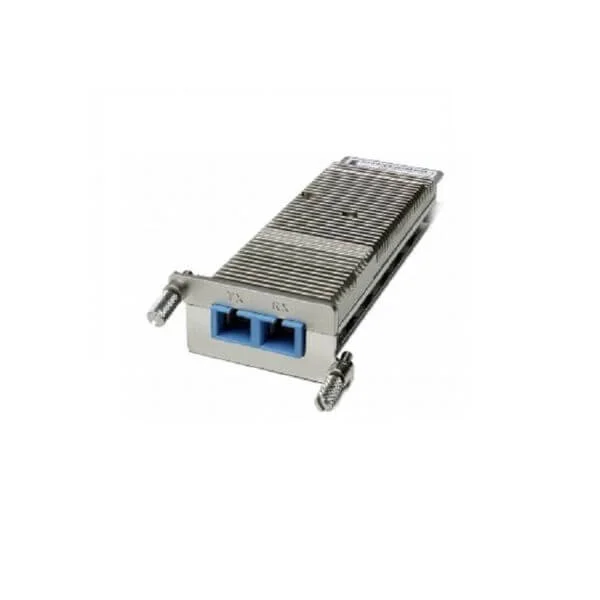
XENPAK-10GB-SR (Cisco 10GBASE-SR XENPAK Optical Transceiver Module, 300m OM3, MMF, Dual SC, 850nm)
4.9 (7)- Optical Transceiver
- Cisco
- Data Center / Enterprise Campus / Service Provider
- XENPAK
- 10 Gbps
Est Value $49.35
In stockNewRefurbishedFirst-Time Buyer Discount – Get up to 2% additional off on your first order
ORM Rewards Earn $50 in Rewards + Free Expedited Delivery – Join Now!
Use eCoupon ORMSAVE10
eCoupon limited to 5 units
- BEST SELLING
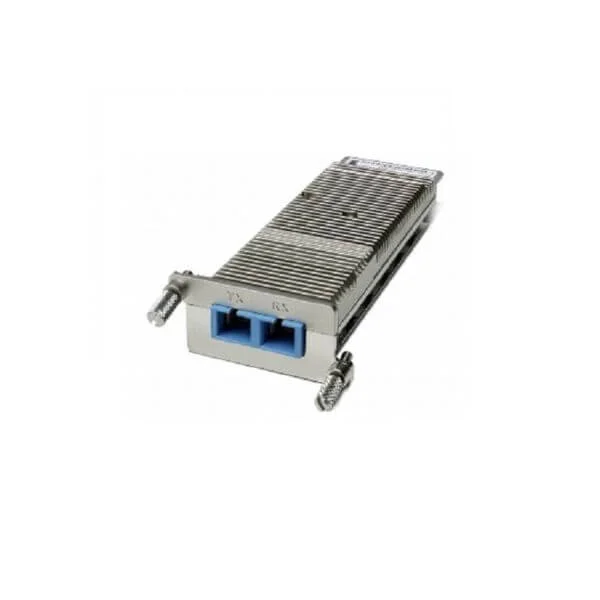
XENPAK-10GB-LX4 (10GBASE-LX4 XENPAK Module)
4.6 (7)- Transceiver
- Cisco
- XENPAK
- 10G
- LC
- 1310nm
- Long-Range
Est Value $53.55
In stockNewRefurbishedFirst-Time Buyer Discount – Get up to 2% additional off on your first order
ORM Rewards Earn $50 in Rewards + Free Expedited Delivery – Join Now!
Use eCoupon ORMSAVE10
eCoupon limited to 5 units
- BEST SELLING
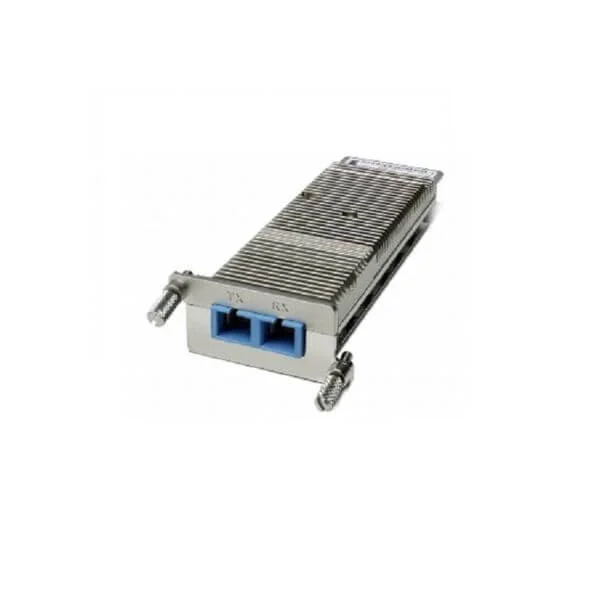
XENPAK-10GB-ZR (10GBASE-ZR XENPAK Module)
4.6 (7)- Transceiver
- Cisco
- XENPAK
- 10G
- LC
- 1550 nm
- Long-Range
Est Value $16,000.00$1,060.29
93.4% offIn stockNewRefurbishedFirst-Time Buyer Discount – Get up to 2% additional off on your first order
ORM Rewards Earn $50 in Rewards + Free Expedited Delivery – Join Now!
Use eCoupon ORMSAVE10
eCoupon limited to 5 units
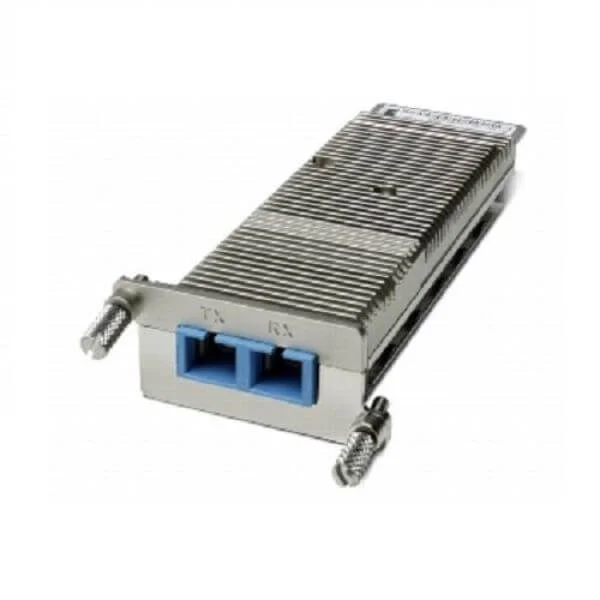
XENPAK-10GB-LRM (10G Base LRM Xenpak)
4.7 (6)- Transceiver
- Cisco
- XENPAK
- 10G
- LC
- 1310 nm
- Medium-Range
Est Value $1,495.00$152.25
89.8% offIn stockNewRefurbishedFirst-Time Buyer Discount – Get up to 2% additional off on your first order
ORM Rewards Earn $50 in Rewards + Free Expedited Delivery – Join Now!
Use eCoupon ORMSAVE10
eCoupon limited to 5 units
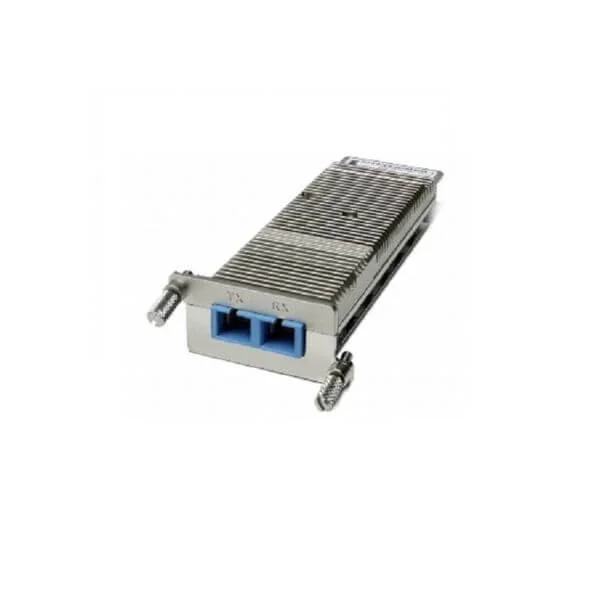
XENPAK-10GB-LR+ (10GBASE-LR XENPAK Module with DOM support)
4.7 (7)- Transceiver
- Cisco
- XENPAK
- 10G
- LC
- 1310 nm
- Long-Range
Est Value $51.45
In stockNewRefurbishedFirst-Time Buyer Discount – Get up to 2% additional off on your first order
ORM Rewards Earn $50 in Rewards + Free Expedited Delivery – Join Now!
Use eCoupon ORMSAVE10
eCoupon limited to 5 units
- BEST SELLING
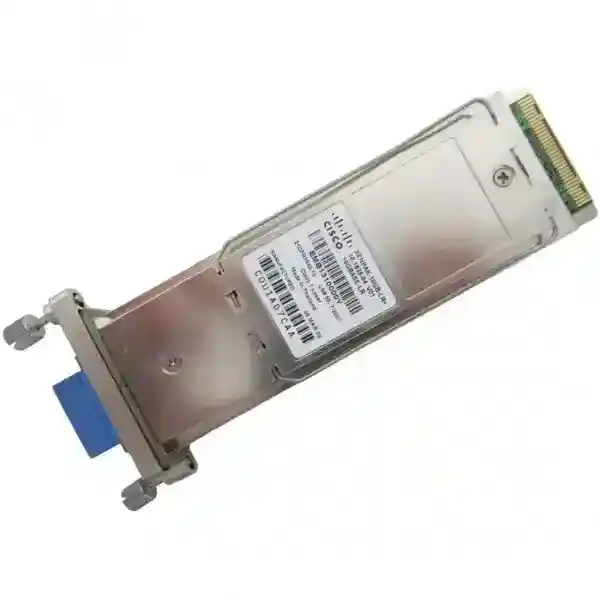
XENPAK-10GB-LR (Cisco XENPAK-10GB-LR XENPAK 10GB LR SM Transceiver, 10-1838-03)
4.6 (8)- Transceiver
- Cisco
- XENPAK
- 10G
- LC
- 1310nm
- Long-Range
Est Value $101.21$47.25
53.3% offIn stockRefurbishedFirst-Time Buyer Discount – Get up to 2% additional off on your first order
ORM Rewards Earn $50 in Rewards + Free Expedited Delivery – Join Now!
Use eCoupon ORMSAVE10
eCoupon limited to 5 units

ORM Sales Advisors
Buying for your business? Get a personalised quote in under 2 hours. Talk to an expert
LEARNFilters (7) 
Questions & Answers
What is a Cisco XENPAK Module?
A Cisco XENPAK Module is a hot-pluggable 10 Gigabit Ethernet optical transceiver that enables high-speed fiber or copper connectivity in Cisco switches and routers.
Which data rates and link distances does Cisco XENPAK support?
Cisco XENPAK supports 10Gbps speeds with SR links up to 300 m on OM3 multimode fiber, LR links up to 10 km on single-mode fiber, and extended-reach variants up to 80 km.
Which Cisco platforms are compatible with XENPAK Modules?
Cisco XENPAK is supported on Catalyst 6500/7600, 4500E, ASR 9000, MDS 9000 and selected UCS Fabric Interconnects; refer to the Cisco compatibility matrix for full details.
How do I install a Cisco XENPAK Module?
Power down the target port or ensure hot-swap support, align the module keyed notch with the slot, insert firmly until it clicks, then verify detection via the device CLI.
Are Cisco XENPAK Modules hot-swappable?
Yes, XENPAK Modules support hot-swap insertion and removal without powering down the entire device, minimizing service disruption.
What fiber types and connectors does Cisco XENPAK support?
XENPAK Modules use LC connectors and support multimode (OM1-OM4) and single-mode (OS1/OS2) fiber, depending on the specific SR, LR or ER variant.
How can I verify the status of a Cisco XENPAK Module?
Use IOS commands such as ‘show interface transceiver’ or ‘show hw-module subslot [slot] transceiver details’ to view module diagnostics, temperature and optical power levels.
What are the differences between Cisco XENPAK and X2 Modules?
X2 is a smaller, lower-power 10GbE form factor introduced after XENPAK; both offer 10 Gbps connectivity, but X2 reduces slot space and power consumption.
Can I use third-party or generic Cisco XENPAK Modules?
Cisco recommends genuine XENPAK Modules; unsupported third-party optics may cause compatibility issues, degrade performance and void warranties.
How do I troubleshoot a non-detected Cisco XENPAK Module?
Ensure module-to-device compatibility, reseat the module, confirm supported IOS version, inspect fiber cabling, then review CLI error logs via ‘show interface transceiver errors’.
Is the Cisco XENPAK Module end-of-life and what are the alternatives?
Cisco has declared XENPAK EOL; consider migrating to SFP+ or X2/SFP10G form factors for future 10 GbE deployments and easier procurement.
How do I update firmware on a Cisco XENPAK Module?
XENPAK firmware is embedded and auto-upgraded by the switch or router IOS; ensure your device runs the recommended IOS release for optical support.
What is the typical power consumption of a Cisco XENPAK Module?
Power varies by type: 10G SR modules draw around 3.5 W, LR modules up to 5.5 W, and ER modules up to 10 W; refer to the module datasheet for exact figures.
How do I order genuine Cisco XENPAK Modules?
Order through authorized Cisco partners or the Cisco Commerce Workspace using part numbers like XENPAK-10G-SR or XENPAK-10G-LR to ensure authenticity.
Can Cisco XENPAK Modules support CWDM or DWDM applications?
Certain DWDM/CWDM-enabled XENPAK variants exist; verify wavelength tuning capabilities and part number specifications in Cisco’s optics catalog.
How do I ensure secure data transmission with Cisco XENPAK Modules?
Implement MACsec encryption on 10 GbE links, use secure fiber routes and consider optics with built-in diagnostic monitoring to detect physical tampering.