 United States
Smartphones Huawei Espace U2990
Engineered with precision, the Huawei Espace U2990 delivers exceptional performance, enhanced security, and robust connectivity for business optimization, ensuring efficient workflow and unparalleled reliability.
Talk to an expert
9 Matching results
- BEST SELLING
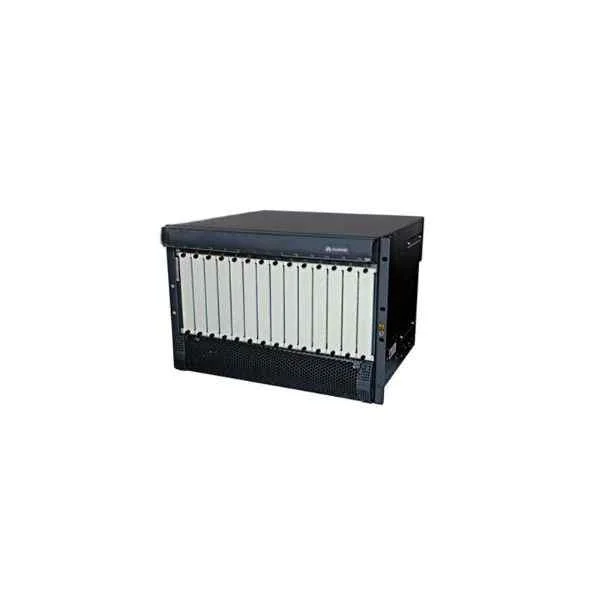
U29M01SCF (Huawei eSpace U2990 Service Control Frame U29M01SCF)
4.7 (6)Est Value $12,271.30
$5,927.04
51.7% offIn stockNewFirst-Time Buyer Discount – Get up to 2% additional off on your first order
ORM Rewards Earn $50 in Rewards + Free Expedited Delivery – Join Now!
Use eCoupon ORMSAVE10
eCoupon limited to 5 units
- BEST SELLING
U291SGU01 (Huawei eSpace U2990 Signaling General Processing Unit U291SGU01)
4.8 (6)Est Value $12,301.66$5,941.70
51.7% offIn stockNewFirst-Time Buyer Discount – Get up to 2% additional off on your first order
ORM Rewards Earn $50 in Rewards + Free Expedited Delivery – Join Now!
Use eCoupon ORMSAVE10
eCoupon limited to 5 units
- BEST SELLING
U291GPU01 (Huawei eSpace U2990 General Processing Unit U291GPU01)
4.5 (6)Est Value $12,503.99$6,039.42
51.7% offIn stockNewFirst-Time Buyer Discount – Get up to 2% additional off on your first order
ORM Rewards Earn $50 in Rewards + Free Expedited Delivery – Join Now!
Use eCoupon ORMSAVE10
eCoupon limited to 5 units
- BEST SELLING
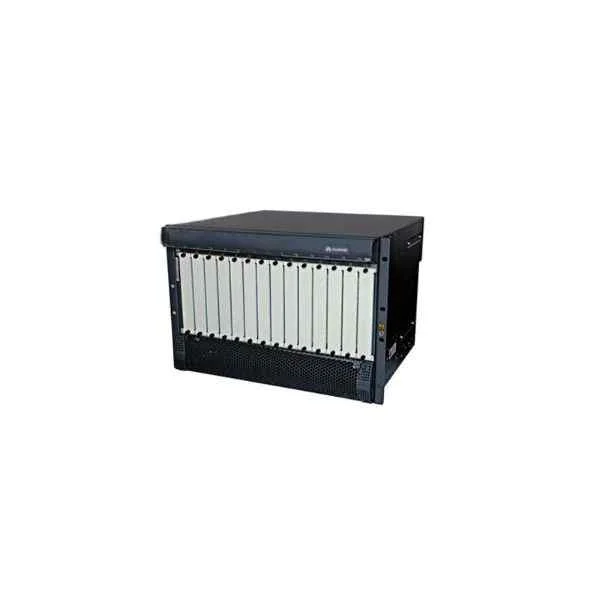
U291GSU01 (Huawei eSpace U2990 General Server Unit(SAS) U291GSU01)
4.5 (6)Est Value $14,697.24$7,098.77
51.7% offIn stockNewFirst-Time Buyer Discount – Get up to 2% additional off on your first order
ORM Rewards Earn $50 in Rewards + Free Expedited Delivery – Join Now!
Use eCoupon ORMSAVE10
eCoupon limited to 5 units
- BEST SELLING
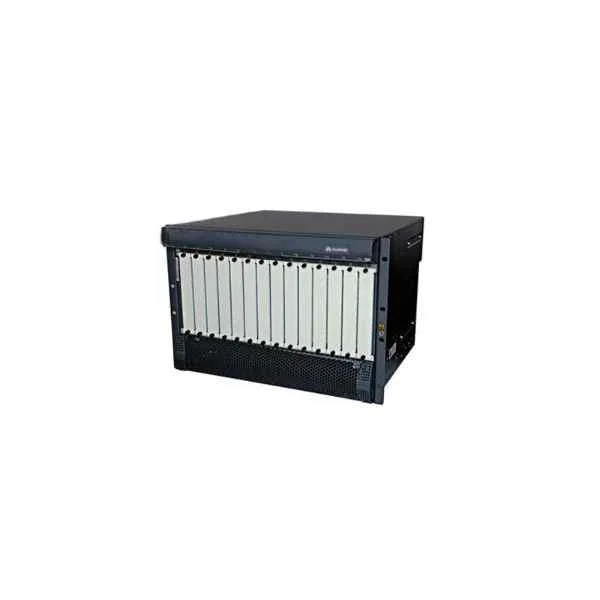
U29M01OMU (Huawei eSpace U2990 Operation & Maintenance Unit U29M01OMU)
4.5 (6)Est Value $17,653.27$8,526.54
51.7% offIn stockNewFirst-Time Buyer Discount – Get up to 2% additional off on your first order
ORM Rewards Earn $50 in Rewards + Free Expedited Delivery – Join Now!
Use eCoupon ORMSAVE10
eCoupon limited to 5 units
- FEARURED
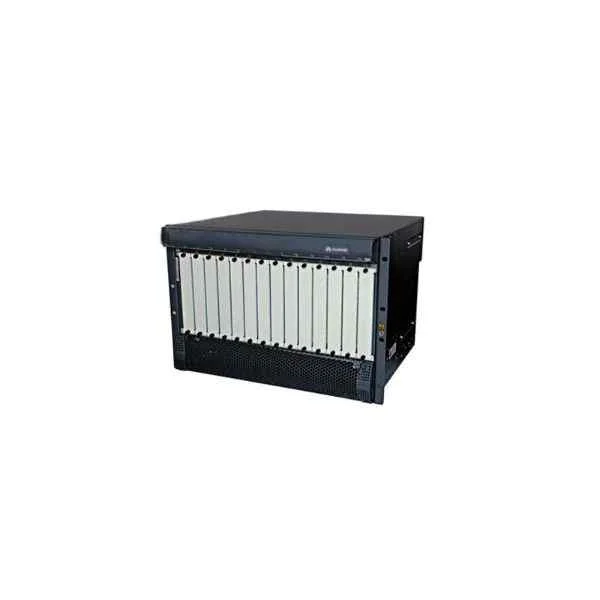
U291HDU01 (Huawei eSpace U2990 Hard Disk Unit(SAS-300G) U291HDU01)
4.5 (6)Est Value $1,618.64$781.81
51.7% offIn stockNewFirst-Time Buyer Discount – Get up to 2% additional off on your first order
ORM Rewards Earn $50 in Rewards + Free Expedited Delivery – Join Now!
Use eCoupon ORMSAVE10
eCoupon limited to 5 units
- FEARURED
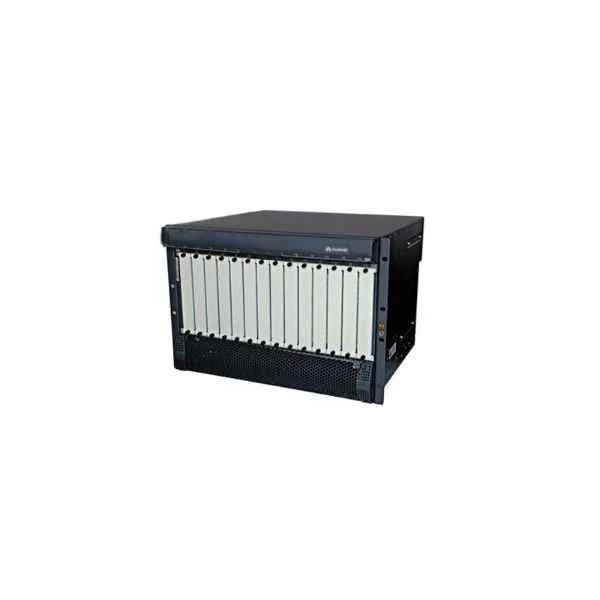
U291CKU01 (Huawei eSpace U2990 Clock Unit U291CKU01)
4.5 (6)Est Value $5,392.09$2,604.38
51.7% offIn stockNewFirst-Time Buyer Discount – Get up to 2% additional off on your first order
ORM Rewards Earn $50 in Rewards + Free Expedited Delivery – Join Now!
Use eCoupon ORMSAVE10
eCoupon limited to 5 units
- FEARURED
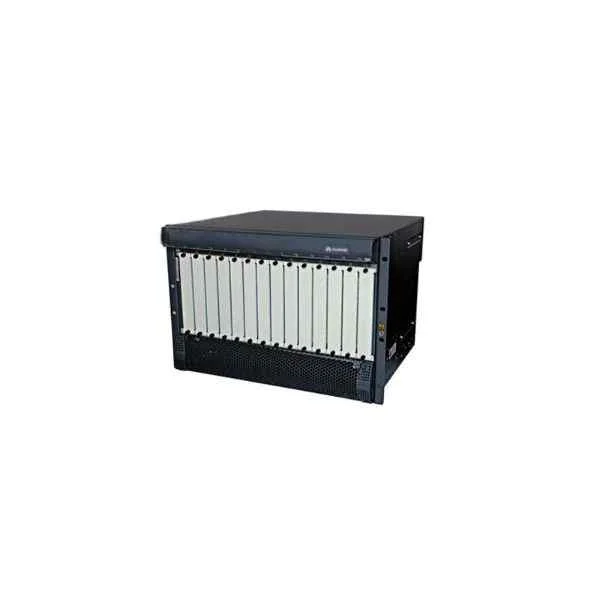
U291CIU01 (Huawei eSpace U2990 Circuit Interface Unit U291CIU01)
4.5 (6)Est Value $8,093.20$3,909.01
51.7% offIn stockNewFirst-Time Buyer Discount – Get up to 2% additional off on your first order
ORM Rewards Earn $50 in Rewards + Free Expedited Delivery – Join Now!
Use eCoupon ORMSAVE10
eCoupon limited to 5 units
- FEARURED
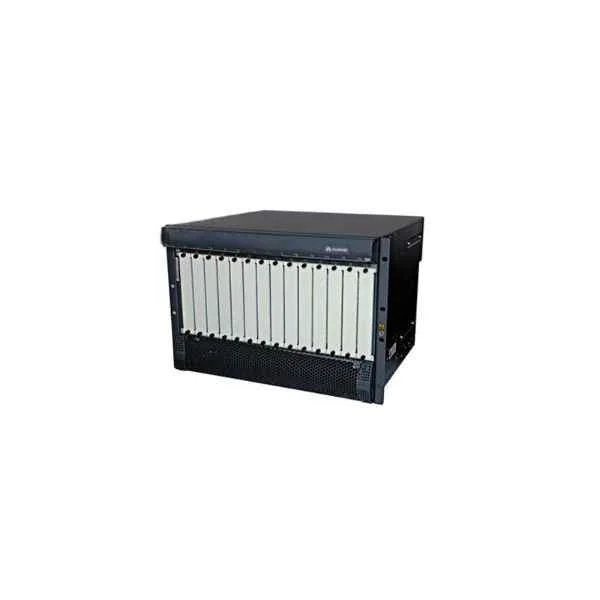
U291MSU01 (Huawei eSpace U2990 Media Service Unit U291MSU01)
4.8 (6)Est Value $8,497.86$4,104.47
51.7% offIn stockNewFirst-Time Buyer Discount – Get up to 2% additional off on your first order
ORM Rewards Earn $50 in Rewards + Free Expedited Delivery – Join Now!
Use eCoupon ORMSAVE10
eCoupon limited to 5 units

ORM Sales Advisors
Buying for your business? Get a personalised quote in under 2 hours. Talk to an expert
LEARNFilters (9) 
Questions & Answers
What is the Huawei Espace U2990?
The Huawei Espace U2990 is a portable 4G LTE Wi-Fi hotspot device designed to deliver high-speed internet access for up to 32 devices simultaneously.
Which network bands does the Huawei Espace U2990 support?
The Huawei Espace U2990 supports 4G LTE bands B1, B3, B5, B7, B8, B20 and 3G bands B1, B8, ensuring compatibility with global carriers.
How fast is the Huawei Espace U2990's connection speed?
The Huawei Espace U2990 delivers up to 150 Mbps download and 50 Mbps upload speeds on compatible 4G LTE networks.
How many devices can the Huawei Espace U2990 connect to simultaneously?
The Huawei Espace U2990 can connect up to 32 Wi-Fi clients at the same time, including smartphones, laptops, tablets, and gaming consoles.
What is the battery life of the Huawei Espace U2990?
The Huawei Espace U2990 features a 3000 mAh battery that provides up to 12 hours of continuous internet usage on a single charge.
How do I set up the Huawei Espace U2990?
Insert an activated SIM card, power on the device, connect via Wi-Fi to SSID 'Huawei_ESPACE_U2990', and log in to 192.168.8.1 to complete the web-based setup wizard.
How do I perform a factory reset on the Huawei Espace U2990?
Press and hold the reset button for 8 seconds until the LED blinks, then release to restore factory settings without affecting your firmware version.
Can I use the Huawei Espace U2990 internationally?
Yes. The Huawei Espace U2990’s multi-band support and unlocked SIM slot allow use on compatible 4G/3G networks worldwide.
How do I update firmware on the Huawei Espace U2990?
Log in to the web UI at 192.168.8.1, navigate to System > Firmware Upgrade, upload the official Huawei firmware package, and follow on-screen instructions.
Does the Huawei Espace U2990 support external antennas?
Yes. The device includes two TS-9 antenna ports for optional external 4G LTE antennas to improve signal reception in low-coverage areas.
What are the physical dimensions and weight of the Huawei Espace U2990?
The Huawei Espace U2990 measures 110 × 67.5 × 14.2 mm and weighs approximately 120 g, making it ultra-portable for travel and daily use.
Is the Huawei Espace U2990 compatible with VoLTE or VoWiFi?
No. The Huawei Espace U2990 is optimized for data connectivity only and does not support VoLTE or VoWiFi voice services.
How do I check data usage on the Huawei Espace U2990?
Access the device’s web UI at 192.168.8.1 or use the Huawei Mobile WiFi app to view real-time and historical data usage statistics.
What security features does the Huawei Espace U2990 offer?
The device supports WPA2-PSK encryption, a customizable SSID and password, MAC address filtering, and a built-in firewall for secure connectivity.
What is the warranty period for the Huawei Espace U2990?
The Huawei Espace U2990 comes with a one-year limited manufacturer’s warranty covering hardware defects under normal usage conditions.
How can I optimize the signal strength of the Huawei Espace U2990?
Place the device near a window, avoid metal obstructions, switch between LTE bands in the web UI, or connect an external antenna to TS-9 ports.