 United States
Networking Devices Huawei UAP3300
Huawei UAP3300 offers exceptional wireless connectivity and performance, enabling seamless network management with advanced security protocols. Designed to meet enterprise demands, it ensures robust solutions for modern environments.
Talk to an expert
4 Matching results
- BEST SELLING
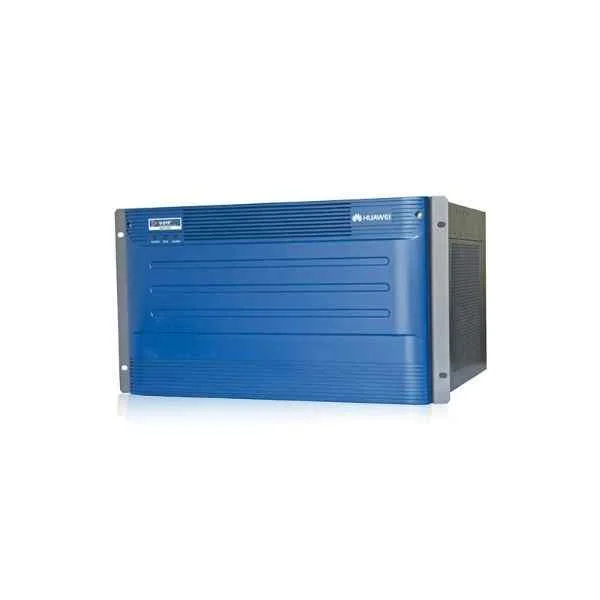
UA13MCU (Huawei UA13MCU Contact Center UAP3300 Main Control Unit)
4.8 (6)Est Value $6,973.75
$3,954.11
43.3% offIn stockNewFirst-Time Buyer Discount – Get up to 2% additional off on your first order
ORM Rewards Earn $50 in Rewards + Free Expedited Delivery – Join Now!
Use eCoupon ORMSAVE10
eCoupon limited to 5 units
- BEST SELLING
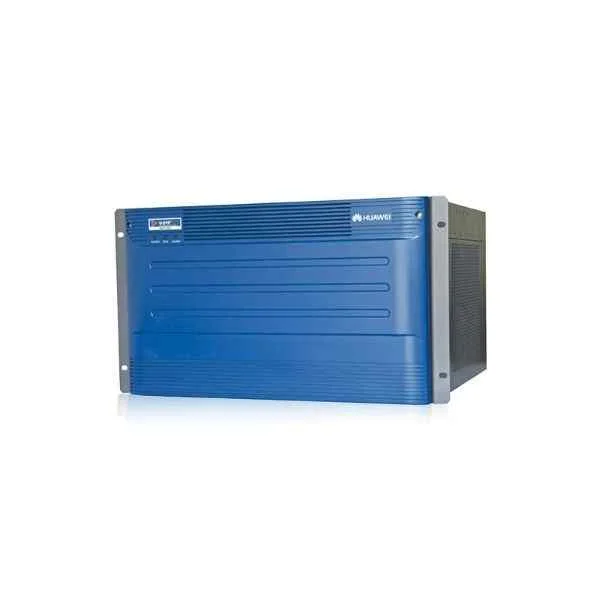
UA11MRS (Huawei UA11MRS Contact Center UAP3300 Media Resource Subsystem)
4.8 (6)Est Value $6,639.45$4,949.71
25.4% offIn stockNewFirst-Time Buyer Discount – Get up to 2% additional off on your first order
ORM Rewards Earn $50 in Rewards + Free Expedited Delivery – Join Now!
Use eCoupon ORMSAVE10
eCoupon limited to 5 units
- BEST SELLING
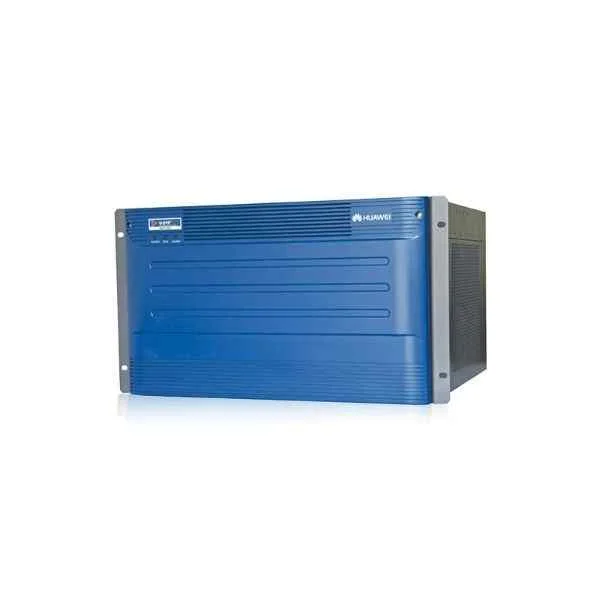
UA3M01AC3301 (Huawei Contact Center UAP3300 UAP 3300,UA3M01AC3301,Universal access platform for the AC integrated frame components,with powers)
4.5 (6)Est Value $20,340.79$11,533.23
43.3% offIn stockNewFirst-Time Buyer Discount – Get up to 2% additional off on your first order
ORM Rewards Earn $50 in Rewards + Free Expedited Delivery – Join Now!
Use eCoupon ORMSAVE10
eCoupon limited to 5 units
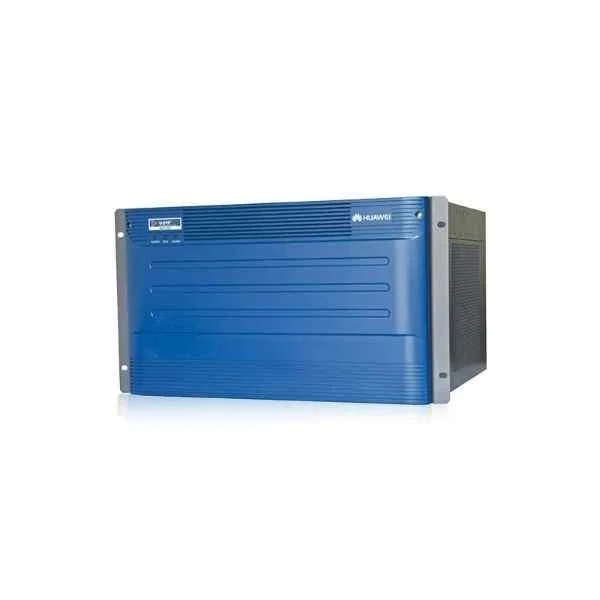
UA12DTU (Huawei UA12DTU Contact Center UAP3300 4E1 Digital Trunk Board)
4.7 (6)Est Value $6,973.75$3,954.11
43.3% offIn stockNewFirst-Time Buyer Discount – Get up to 2% additional off on your first order
ORM Rewards Earn $50 in Rewards + Free Expedited Delivery – Join Now!
Use eCoupon ORMSAVE10
eCoupon limited to 5 units

ORM Sales Advisors
Buying for your business? Get a personalised quote in under 2 hours. Talk to an expert
LEARNFilters (4) 
Questions & Answers
What is the Huawei UAP3300?
The Huawei UAP3300 is a tri-band Wi-Fi 6 (802.11ax) access point designed for high-density enterprise environments, offering increased capacity, improved coverage, and low-latency performance.
What are the key features of the Huawei UAP3300?
Key features include tri-band Wi-Fi 6 support, OFDMA, MU-MIMO, 10Gbps SFP+ and 2.5Gbps Ethernet uplinks, seamless roaming, WPA3 security, and centralized management via Huawei controllers or cloud services.
What wireless standards and data rates does the UAP3300 support?
The UAP3300 supports IEEE 802.11ax, 802.11ac/n/a 5 GHz and 802.11ax/n/b/g 2.4 GHz, delivering up to 3.6 Gbps aggregate throughput (574 Mbps on 2.4 GHz; 1.2 Gbps + 1.8 Gbps on dual 5 GHz bands).
How many Ethernet ports and what speeds are available on the UAP3300?
It provides one 10 Gbps SFP+ uplink port, one 2.5 Gbps RJ45 uplink port, and two 1 Gbps RJ45 ports for PoE+ and data, enabling flexible backhaul and daisy-chain topologies.
Does the Huawei UAP3300 support PoE?
Yes. The UAP3300 supports IEEE 802.3at PoE+ (up to 30 W) on its RJ45 ports for simplified installation without external power adaptors.
How many concurrent users can the UAP3300 handle?
The UAP3300 can serve up to 1,024 concurrent clients per unit, making it ideal for high-density scenarios such as auditoriums, lecture halls, and open-plan offices.
What security features are built into the UAP3300?
Security includes WPA3, WPA2-Enterprise with 802.1X authentication, dynamic VLAN assignment, rogue AP detection, guest isolation, and secure management via HTTPS and SSH.
How is the Huawei UAP3300 managed?
Management is available through Huawei Agile Controller, iMaster NCE-Campus, or Huawei cloud, offering zero-touch provisioning, centralized policy enforcement, and real-time RF optimization.
What is the typical coverage area of the UAP3300?
Indoors, a single UAP3300 covers up to 200 m² (approx. 2,150 ft²) depending on building materials, with optimized beamforming and dynamic power adjustment for consistent performance.
Is the UAP3300 suitable for outdoor deployment?
No. The UAP3300 is designed for indoor use only. For outdoor coverage, Huawei recommends its weather-proof outdoor AP series.
How do I install and configure the Huawei UAP3300?
Mount the AP on a ceiling or wall bracket, connect PoE+ or DC power, link the uplink port to your network, then adopt and configure it via Agile Controller or cloud management in under 10 minutes.
What is the power consumption of the UAP3300?
Typical power consumption is 22 W; maximum is 32 W under full load, compliant with Energy Efficient Ethernet (IEEE 802.3az) for minimal operational costs.
What warranty and support options are available for the UAP3300?
Huawei offers a standard three-year warranty with software updates, advanced replacement, and optional extended support packages including on-site services and 24/7 hotline access.
Which deployment scenarios suit the UAP3300 best?
Ideal scenarios include large enterprises, campuses, stadiums, hotels, and retail complexes requiring high-capacity, low-latency Wi-Fi 6 connectivity with seamless roaming.
Can the UAP3300 integrate with third-party network controllers?
Yes. The UAP3300 supports standard CAPWAP and SNMP interfaces for integration with third-party controllers and monitoring platforms, ensuring flexible network architectures.
How does the UAP3300 differ from Huawei’s dual-band access points?
Unlike dual-band models, the tri-band UAP3300 provides an additional 5 GHz radio for offloading traffic, higher aggregate throughput, and improved user experience in congested environments.