 United States
HD Video Conferencing Endpoints Solutions
Empower your meetings with unrivaled HD video conferencing endpoints that deliver crystal-clear visuals, robust security, and seamless collaboration for businesses across global enterprises efficiently.
Talk to an expert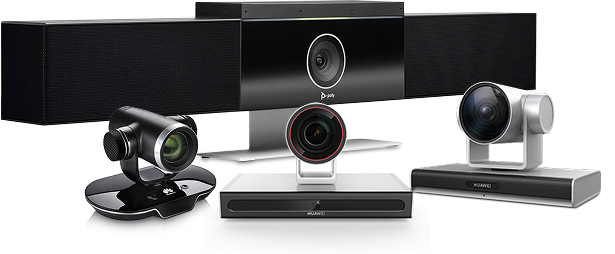
126 Matching results
- BEST SELLING
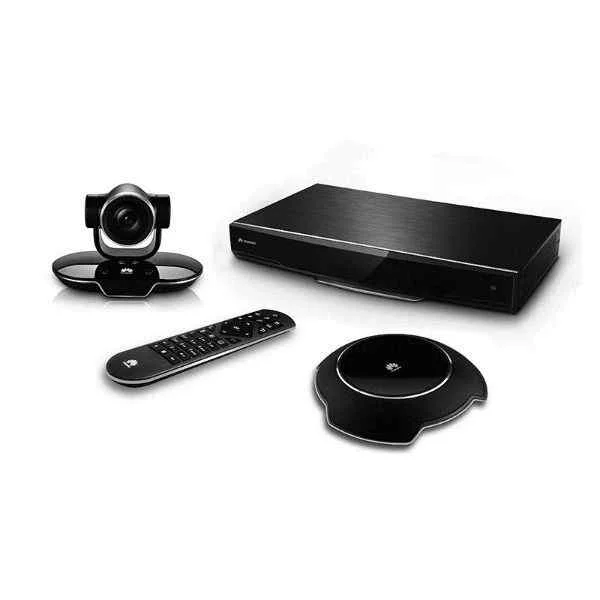
TE40-1080P60-P-02 (Huawei VC8MA7PEN VP9050,Videoconferencing Terminal(1080P,miniMCU,touch screen,cables-America))
4.5 (6)- Video Conferencing Solution
- Huawei
- All-in-One Video Bar / Video Conferencing Endpoint
- Huddle Room / Boardroom / Hybrid Office / Classroom
- 1080p
- 60 FPS
Est Value $16,692.21
$6,309.65
62.2% offIn stockNewFirst-Time Buyer Discount – Get up to 2% additional off on your first order
ORM Rewards Earn $50 in Rewards + Free Expedited Delivery – Join Now!
Use eCoupon ORMSAVE10
eCoupon limited to 5 units
- BEST SELLING
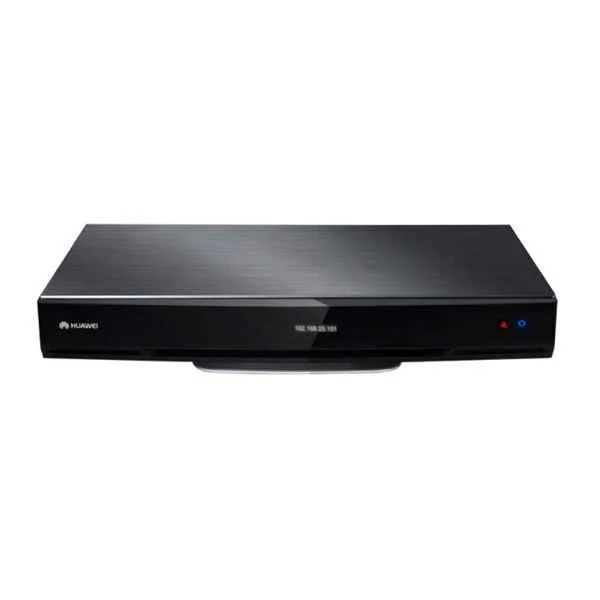
TE50-1080P60-P-02 (Huawei TE40, HD Video Conference Terminal (1080P60, Remote Control, Cable Assembly))
4.5 (6)- Video Conferencing Solution
- Huawei
- Video Bar
- Huddle Room / Boardroom / Hybrid Office / Classroom
- 1080p
- 60 FPS
Est Value $23,369.09$9,815.02
58% offIn stockNewFirst-Time Buyer Discount – Get up to 2% additional off on your first order
ORM Rewards Earn $50 in Rewards + Free Expedited Delivery – Join Now!
Use eCoupon ORMSAVE10
eCoupon limited to 5 units
- FEARURED
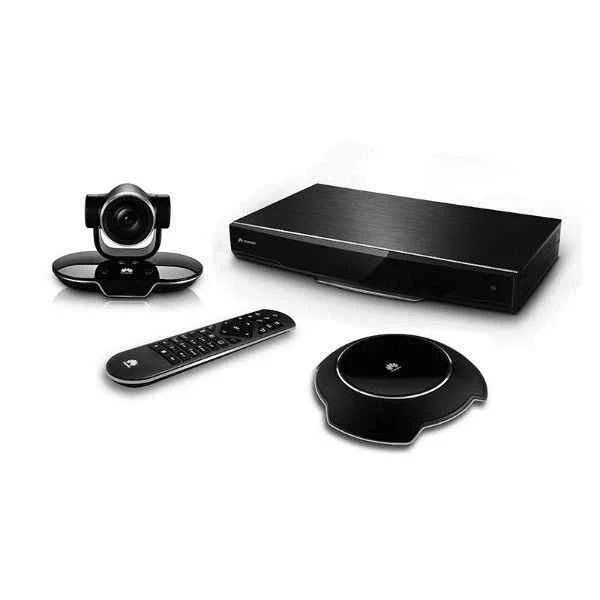
TE20-5X-W-00 (Huawei VC8M5VPEN VP9050,Videoconferencing Terminal(1080P,touch screen,cables-Europe))
4.8 (6)- Video Conferencing Solution
- Huawei
- All-in-One Video Bar / Room Kit
- Huddle Room / Boardroom / Hybrid Office / Classroom
- 1080p
- 30 FPS
- 90°
Est Value $4,854.90$3,160.54
34.9% offIn stockNewFirst-Time Buyer Discount – Get up to 2% additional off on your first order
ORM Rewards Earn $50 in Rewards + Free Expedited Delivery – Join Now!
Use eCoupon ORMSAVE10
eCoupon limited to 5 units
- FEARURED
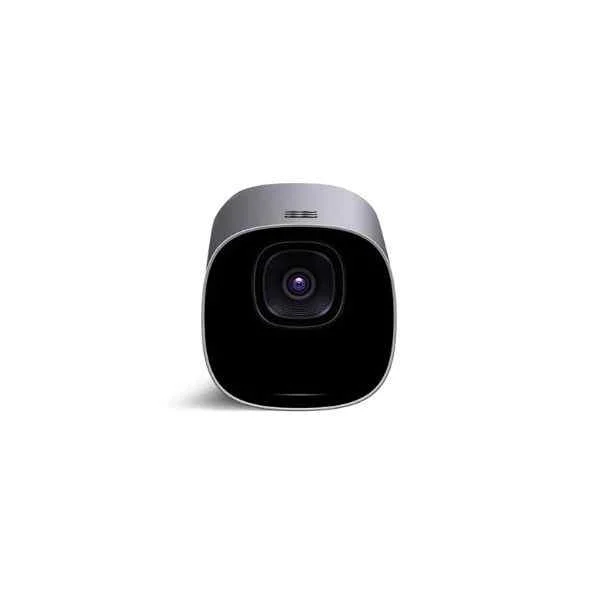
TE50-1080P30-P-03 (Huawei VC8MA4PEN VP9050,Videoconferencing Terminal(720P,miniMCU,touch screen,cables-South Africa))
4.3 (6)- Video Conferencing Solution
- Huawei
- Videoconferencing Terminal
- Huddle Room / Boardroom / Hybrid Office / Classroom
- 720p
- 30 FPS
Est Value $19,727.16$9,113.95
53.8% offIn stockNewFirst-Time Buyer Discount – Get up to 2% additional off on your first order
ORM Rewards Earn $50 in Rewards + Free Expedited Delivery – Join Now!
Use eCoupon ORMSAVE10
eCoupon limited to 5 units
- FEARURED
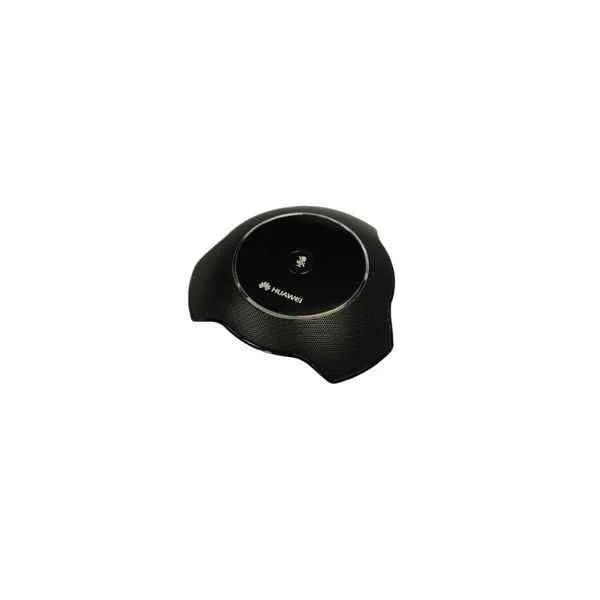
TE50-1080P30-P-02 (Huawei VC6SRMP12P01 Multi-Picture process module-12 Sub-Picture)
4.7 (6)- Video Conferencing Solution
- Huawei
- Room Kit
- Huddle Room / Medium Room / Large Conference Room / Boardroom / Hybrid Office / Classroom
- 1080p
- 30 FPS
Est Value $19,727.16$9,113.95
53.8% offIn stockNewFirst-Time Buyer Discount – Get up to 2% additional off on your first order
ORM Rewards Earn $50 in Rewards + Free Expedited Delivery – Join Now!
Use eCoupon ORMSAVE10
eCoupon limited to 5 units

VC8MVP220M01 (Huawei VC4MNTSDB ViewPoint 8033B(SD Videoconferencing Terminal(SXGA OUT/IN)))
4.8 (6)- Video Conferencing Solution
- Huawei
- Video Conferencing Endpoints
- Boardroom
- 1080p
- 30 FPS
- 90°
Est Value $556.40$408.95
26.5% offIn stockNewFirst-Time Buyer Discount – Get up to 2% additional off on your first order
ORM Rewards Earn $50 in Rewards + Free Expedited Delivery – Join Now!
Use eCoupon ORMSAVE10
eCoupon limited to 5 units
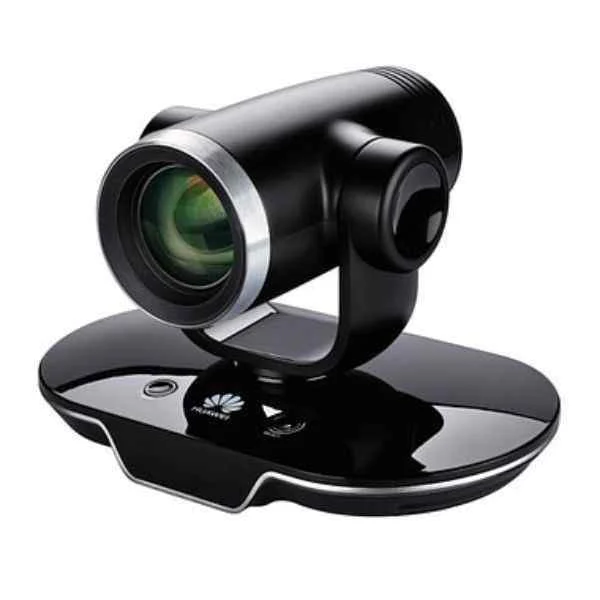
VC8M01WMIC (Huawei (HUAWEI) TE30-C 720P videoconferencing terminals integrated HD video conference Terminal)
4.8 (6)- Video Conferencing Solution
- Huawei
- All-in-One Video Bar / Video Conferencing Endpoints
- Huddle Room / Boardroom / Hybrid Office / Classroom
- 720p
- 30 FPS
Est Value $1,259.51$515.77
59% offIn stockNewFirst-Time Buyer Discount – Get up to 2% additional off on your first order
ORM Rewards Earn $50 in Rewards + Free Expedited Delivery – Join Now!
Use eCoupon ORMSAVE10
eCoupon limited to 5 units
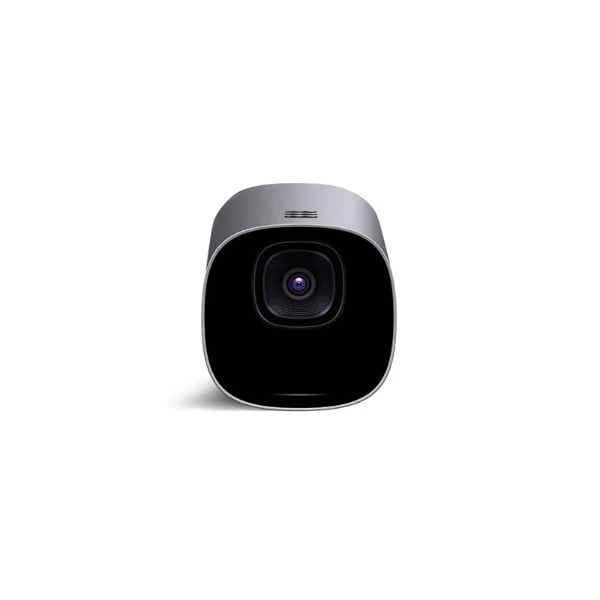
TE10-720P30-A0 (Huawei VC8MA1PEN VP9050,Videoconferencing Terminal(720P,miniMCU,touch screen,cables-Australia))
4.5 (6)- Video Conferencing Solution
- Huawei
- Video Conferencing Endpoints
- Huddle Room / Boardroom / Hybrid Office / Classroom
- 720p
- 30 FPS
- 90°
Est Value $2,275.20$931.70
59% offIn stockNewFirst-Time Buyer Discount – Get up to 2% additional off on your first order
ORM Rewards Earn $50 in Rewards + Free Expedited Delivery – Join Now!
Use eCoupon ORMSAVE10
eCoupon limited to 5 units
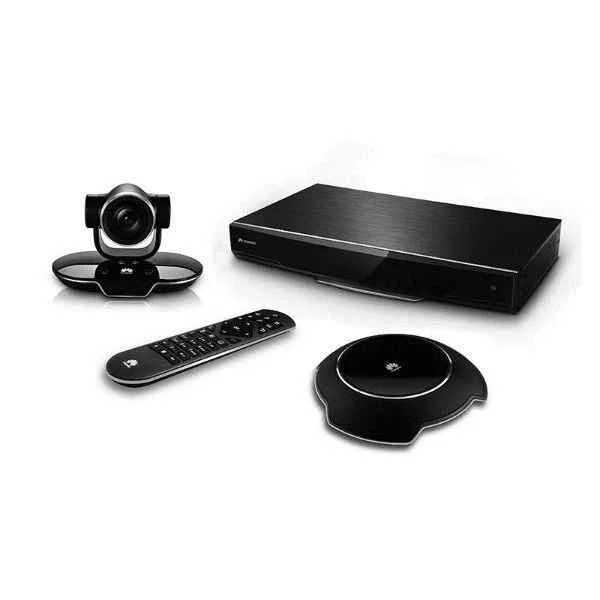
TE10-720P30-E0 (Huawei VC8M8VPEN VP9050,Videoconferencing Terminal(1080P,touch screen,cables-Italy))
4.8 (6)- Video Conferencing Solution
- Huawei
- Video Conferencing Endpoints
- Boardroom
- 1080p
- 30 FPS
Est Value $2,275.20$931.70
59% offIn stockNewFirst-Time Buyer Discount – Get up to 2% additional off on your first order
ORM Rewards Earn $50 in Rewards + Free Expedited Delivery – Join Now!
Use eCoupon ORMSAVE10
eCoupon limited to 5 units
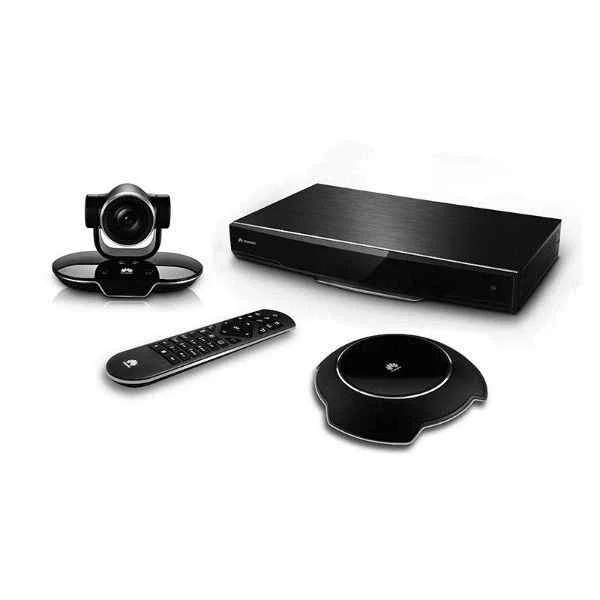
TE10-720P30-U0 (Huawei VC8M6VPEN VP9050,Videoconferencing Terminal(1080P,touch screen,cables-British))
4.7 (6)- Video Conferencing Solution
- Huawei
- Room Kit
- Huddle Room / Boardroom / Hybrid Office
- 1080p
- 30 FPS
- 90°
Est Value $2,275.20$931.70
59% offIn stockNewFirst-Time Buyer Discount – Get up to 2% additional off on your first order
ORM Rewards Earn $50 in Rewards + Free Expedited Delivery – Join Now!
Use eCoupon ORMSAVE10
eCoupon limited to 5 units
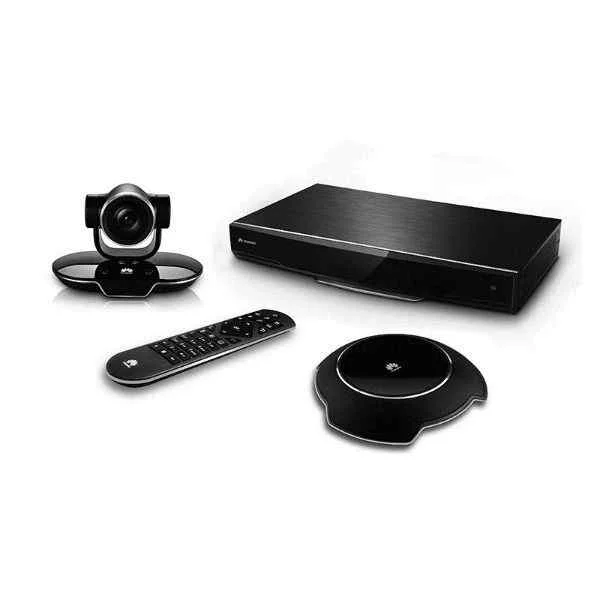
TE20-5X-00 (Huawei VC8M7VPEN VP9050,Videoconferencing Terminal(1080P,touch screen,cables-Switzerland))
4.7 (6)- Video Conferencing Solution
- Huawei
- Video Conferencing Endpoints
- Huddle Room / Boardroom / Hybrid Office / Classroom
- 1080p
- 30 FPS
Est Value $4,854.90$1,733.19
64.3% offIn stockNewFirst-Time Buyer Discount – Get up to 2% additional off on your first order
ORM Rewards Earn $50 in Rewards + Free Expedited Delivery – Join Now!
Use eCoupon ORMSAVE10
eCoupon limited to 5 units
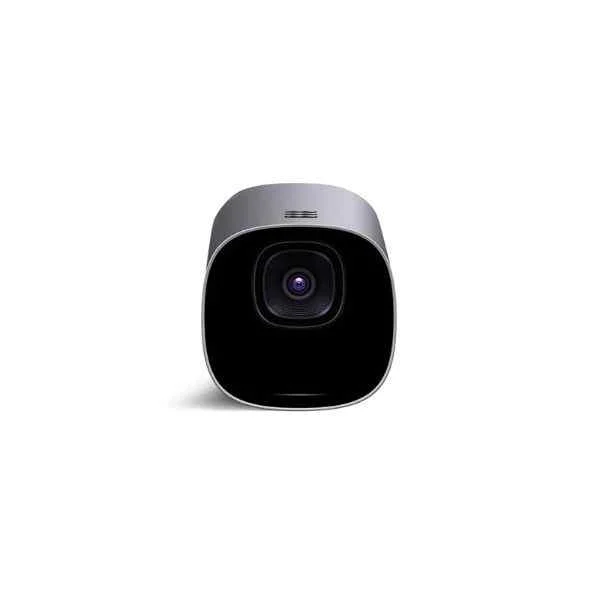
TE10-720P30-B0 (Huawei VC8M9VPEN VP9050,Videoconferencing Terminal(720P,touch screen,cables-Europe))
4.7 (6)- Videoconferencing Terminal
- Huawei
- All-in-One Video Bar
- Huddle Room / Boardroom / Hybrid Office / Classroom
- 720p
- 30 FPS
- 90°
Est Value $2,411.17$1,822.85
24.4% offIn stockNewFirst-Time Buyer Discount – Get up to 2% additional off on your first order
ORM Rewards Earn $50 in Rewards + Free Expedited Delivery – Join Now!
Use eCoupon ORMSAVE10
eCoupon limited to 5 units
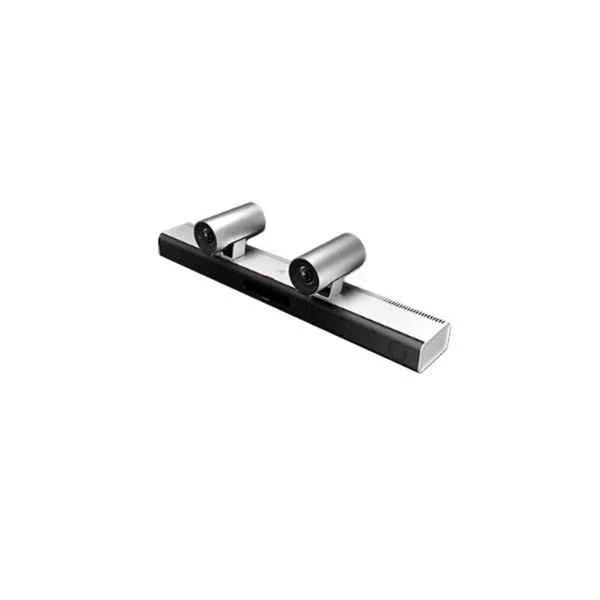
TE40-720P30-00 (Huawei CloudLink Bar Intelligent-Tracking Videoconferencing Endpoint 500)
4.7 (6)- Video Conferencing Solution
- Huawei
- Video Bar
- Boardroom / Hybrid Office / Huddle Room
- 720p
- 30 FPS
- 90°
Est Value $5,462.90$3,154.83
42.2% offIn stockNewFirst-Time Buyer Discount – Get up to 2% additional off on your first order
ORM Rewards Earn $50 in Rewards + Free Expedited Delivery – Join Now!
Use eCoupon ORMSAVE10
eCoupon limited to 5 units
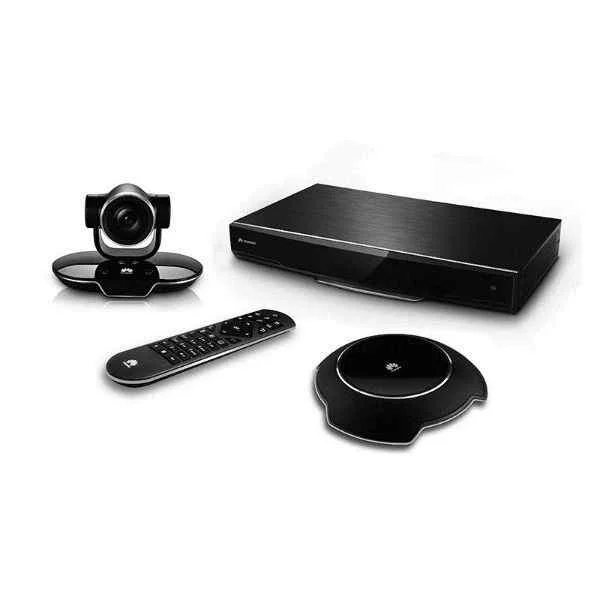
TE30-V-5X-720P-00 (Huawei VC8MA2PEN VP9050,Videoconferencing Terminal(1080P,miniMCU,touch screen,cables-Australia))
4.3 (6)- Video Conferencing Solution
- Huawei
- Room Kit
- Huddle Room / Boardroom / Hybrid Office / Classroom
- 1080p
- 30 FPS
Est Value $5,147.26$3,188.73
38% offIn stockNewFirst-Time Buyer Discount – Get up to 2% additional off on your first order
ORM Rewards Earn $50 in Rewards + Free Expedited Delivery – Join Now!
Use eCoupon ORMSAVE10
eCoupon limited to 5 units
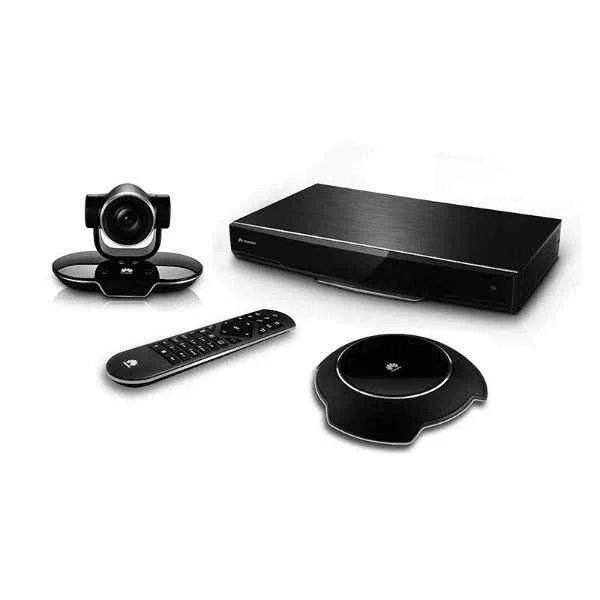
TE40-720P30-P-03 (Huawei VC8MA3PEN VP9050,Videoconferencing Terminal(1080P,miniMCU,touch screen,cables-Japan))
4.7 (6)- Video Conferencing Solution
- Huawei
- Video Conferencing Endpoints
- Huddle Room / Boardroom / Hybrid Office / Classroom
- 1080p
- 30 FPS
- 90°
Est Value $9,104.84$3,728.43
59.1% offIn stockNewFirst-Time Buyer Discount – Get up to 2% additional off on your first order
ORM Rewards Earn $50 in Rewards + Free Expedited Delivery – Join Now!
Use eCoupon ORMSAVE10
eCoupon limited to 5 units
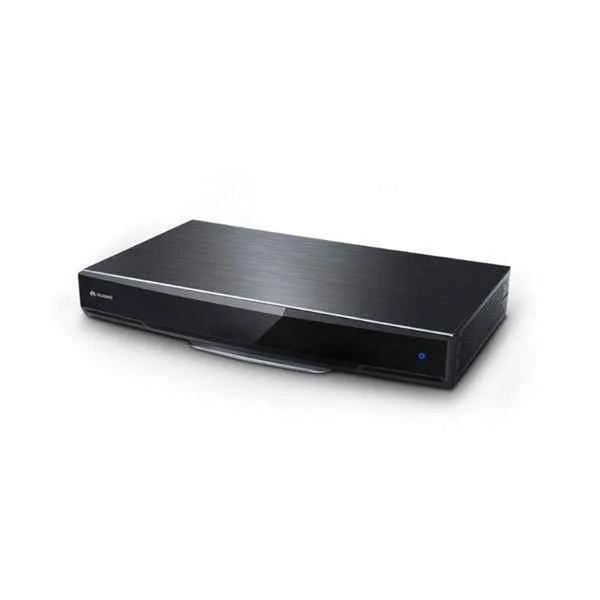
TE30-720P-00A (HUAWEI TE40 HD codec 720P30(for Russia), VPC600 HD camera(12x), VPM220 wired microphone array)
4.5 (6)- Video Conferencing Solution
- Huawei
- All-in-One Video Bar / Room Kit
- Huddle Room / Boardroom / Hybrid Office / Classroom
- 720p
- 30 FPS
Est Value $7,282.87$3,899.98
46.4% offIn stockNewFirst-Time Buyer Discount – Get up to 2% additional off on your first order
ORM Rewards Earn $50 in Rewards + Free Expedited Delivery – Join Now!
Use eCoupon ORMSAVE10
eCoupon limited to 5 units
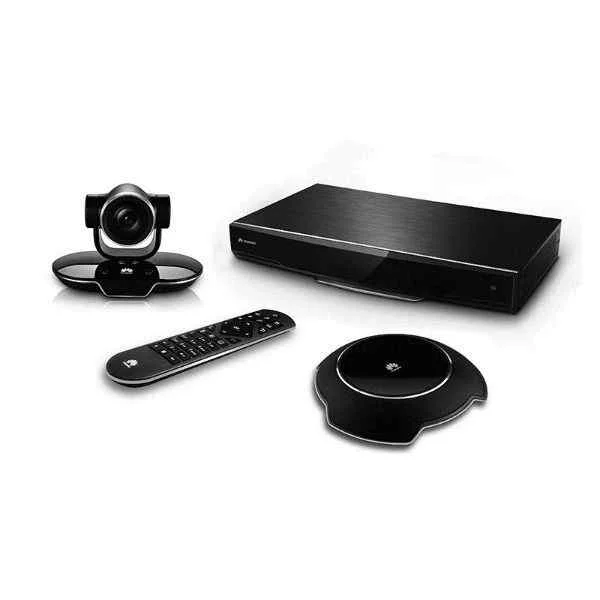
DP300-1080P30-00 (Huawei VC8MB4PEN VP9050,Videoconferencing Terminal(1080P,miniMCU,touch screen,cables-British))
4.8 (6)- Video Conferencing Solution
- Huawei
- Video Conferencing Endpoints
- Boardroom
- 1080p
- 30 FPS
Est Value $11,836.29$4,101.27
65.4% offIn stockNewFirst-Time Buyer Discount – Get up to 2% additional off on your first order
ORM Rewards Earn $50 in Rewards + Free Expedited Delivery – Join Now!
Use eCoupon ORMSAVE10
eCoupon limited to 5 units
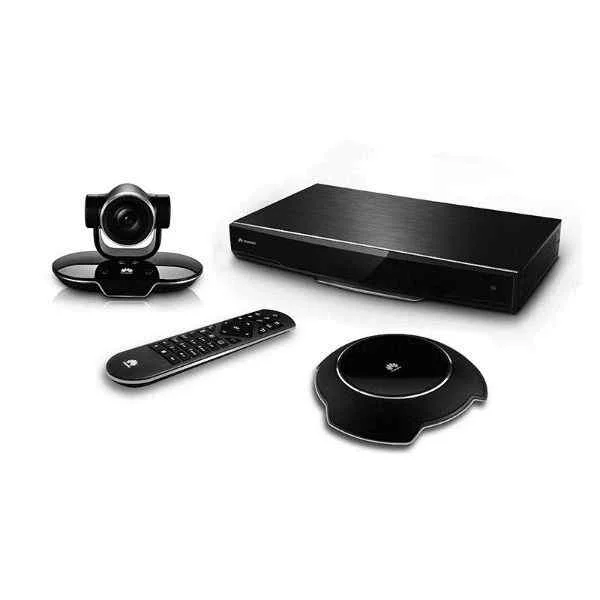
TE30-1080P-10B (Huawei TE50, Videoconferencing Terminal (1080P60, Remote Control, Cable Assembly))
4.7 (6)- Video Conferencing Solution
- Huawei
- Video Conferencing Endpoint
- Huddle Room / Boardroom / Hybrid Office / Classroom
- 1080p
- 60 FPS
Est Value $9,710.82$4,180.51
56.9% offIn stockNewFirst-Time Buyer Discount – Get up to 2% additional off on your first order
ORM Rewards Earn $50 in Rewards + Free Expedited Delivery – Join Now!
Use eCoupon ORMSAVE10
eCoupon limited to 5 units
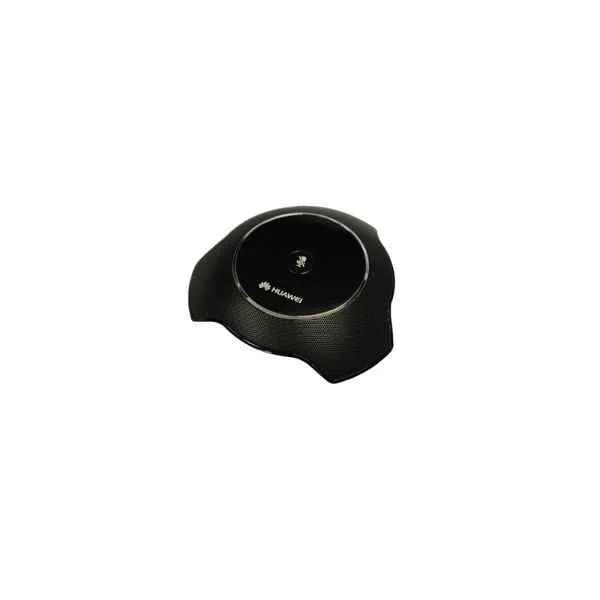
VC8M9VPEN (Huawei VC6SRMP8SP01 Multi-Picture process module-8 Sub-Picture)
4.5 (6)- Video Conferencing Solution
- Huawei
- Conference Room Kit
- Huddle Room / Boardroom / Hybrid Workspaces / Classroom
- 1080p
- 30 FPS
- 120°
Est Value $5,563.06$4,264.08
23.4% offIn stockNewFirst-Time Buyer Discount – Get up to 2% additional off on your first order
ORM Rewards Earn $50 in Rewards + Free Expedited Delivery – Join Now!
Use eCoupon ORMSAVE10
eCoupon limited to 5 units
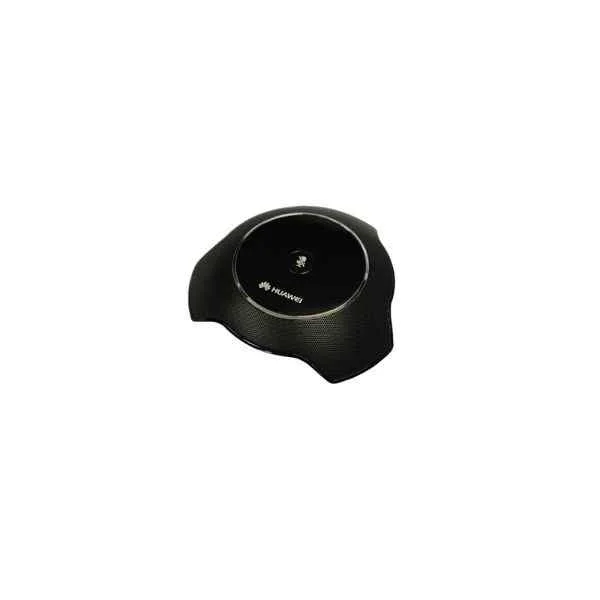
VC8M4VPEN (Huawei VC6M1MCOS ViewPoint 8650 VP8650C-12 Video Conference Control System Overseas)
4.8 (6)- Video Conferencing Solution
- Huawei
- Room Kit
- Boardroom / Huddle Room / Hybrid Office / Classroom
- 1080p
- 30 FPS
- 90°
Est Value $5,563.06$4,264.08
23.4% offIn stockNewFirst-Time Buyer Discount – Get up to 2% additional off on your first order
ORM Rewards Earn $50 in Rewards + Free Expedited Delivery – Join Now!
Use eCoupon ORMSAVE10
eCoupon limited to 5 units

ORM Sales Advisors
Buying for your business? Get a personalised quote in under 2 hours. Talk to an expert
LEARNFilters (126) 
Questions & Answers
What is an HD video conferencing endpoint?
An HD video conferencing endpoint is a hardware or software device that captures, processes and delivers high-definition audio and video streams for virtual meetings.
How does an HD video conferencing endpoint improve meeting quality?
By delivering 720p–1080p resolution, clear audio and low-latency transmission, an HD endpoint ensures lifelike interactions and reduces communication errors.
What bandwidth do I need for HD video conferencing endpoints?
For reliable 1080p HD video, allocate at least 2.5–3 Mbps upload and download per endpoint; lower resolutions may require 500 Kbps–1 Mbps.
Which video and audio codecs are supported?
Most HD endpoints support H.264 and H.265 for video and Opus or AAC-LD for audio, ensuring broad interoperability and efficient compression.
How do I integrate an HD endpoint with existing network infrastructure?
Connect the endpoint via Ethernet or Wi-Fi, assign a static IP or use DHCP, and configure firewall and VLAN settings according to your IT policy.
Are HD video conferencing endpoints compatible with cloud services?
Yes; leading endpoints support SIP, H.323 and native integrations with Microsoft Teams, Zoom, Webex and other cloud platforms via firmware updates.
What security features protect my HD video calls?
Industry-standard AES 128/256-bit encryption, TLS signaling and secure boot options safeguard data and prevent unauthorized access on modern endpoints.
Can I record meetings with an HD video conferencing endpoint?
Most endpoints include local or USB recording plus direct-to-cloud options, enabling you to archive and share high-definition meeting files securely.
What are the power requirements for HD endpoints?
Endpoints typically use PoE (Power over Ethernet) or DC power adapters (12–48 V); check manufacturer specs for exact voltage and wattage needs.
How scalable are HD video conferencing endpoints?
You can scale from small huddle rooms to large boardrooms by pairing endpoints with multi-camera systems, MCU or cloud-based bridges as needed.
What maintenance is required for HD endpoints?
Regular firmware updates, network health checks and lens cleaning keep performance optimal and ensure the latest security protocols are in place.
How do I troubleshoot connectivity issues?
Verify network settings, test bandwidth, reboot the endpoint, update firmware and consult built-in diagnostic logs to identify and resolve faults.
What collaboration features do HD endpoints offer?
HD endpoints often include screen sharing, whiteboarding, multi-camera switching and touch panel control for more interactive and productive meetings.
How do I choose between cloud and on-premise HD endpoints?
Select cloud-managed endpoints for rapid deployment and minimal IT overhead, or on-premise systems for maximum control and customization.
What total cost of ownership can I expect?
Calculate hardware, licensing, maintenance and network expenses; most organizations see ROI within 12–18 months through reduced travel and improved productivity.
How do HD endpoints minimize meeting latency?
Optimized video codecs, QoS network prioritization and direct peer-to-peer connections reduce lag to sub-200 ms for seamless conversations.