 United States
Video Conferencing Logitech Professional Meetings
Experience unparalleled video conferencing performance with Logitech’s cutting-edge technology, engineered to deliver secure, high-definition, and reliable communications for effective collaboration and successful business meetings.
Talk to an expert
27 Matching results
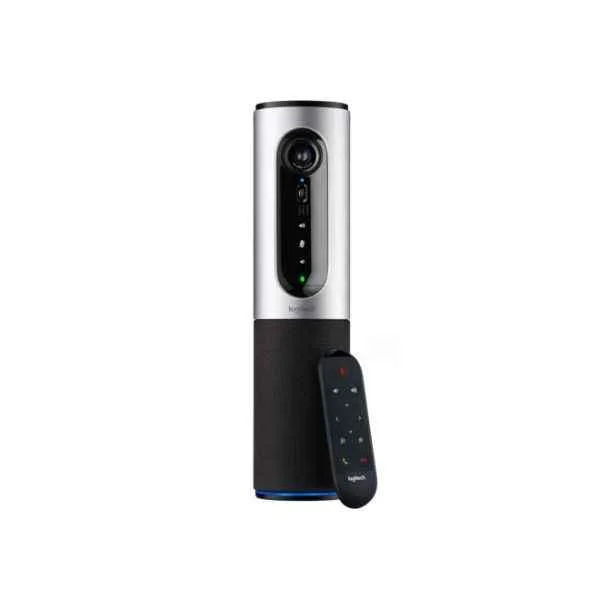
960-001034 (Logitech ConferenceCam Connect Video Conferencing System 3 MP (960-001034))
4.2 (5)- Video Conferencing Solution
- Logitech
- Room Kit
- Huddle Room / Boardroom / Hybrid Office / Classroom
- 1080p
- 30 FPS
- 90°
Est Value $657.56
$561.33
14.6% offIn stockRefurbishedFirst-Time Buyer Discount – Get up to 2% additional off on your first order
ORM Rewards Earn $50 in Rewards + Free Expedited Delivery – Join Now!
Use eCoupon ORMSAVE10
eCoupon limited to 5 units
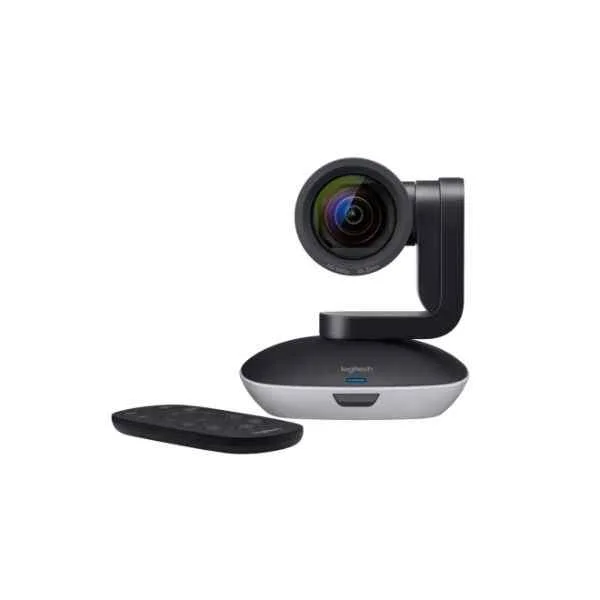
960-001186 (Logitech PTZ PRO 2 Black, Grey 30 fps (960-001186))
4.8 (6)- Video Conferencing Solution
- Logitech
- PTZ Camera
- Boardroom
- 1080p
- 30 FPS
- 90°
Est Value $677.61$578.45
14.6% offIn stockRefurbishedFirst-Time Buyer Discount – Get up to 2% additional off on your first order
ORM Rewards Earn $50 in Rewards + Free Expedited Delivery – Join Now!
Use eCoupon ORMSAVE10
eCoupon limited to 5 units
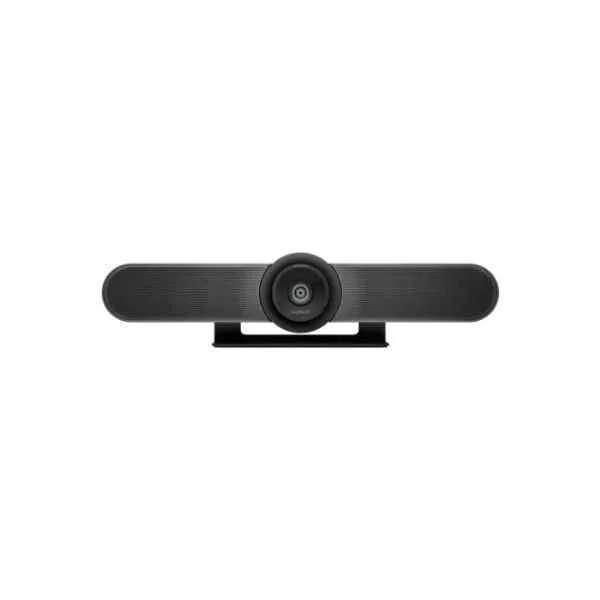
960-001102 (Logitech MeetUp Black 3840 x 2160 Pixels 30 FPS ConferenceCam (960-001102))
4.8 (5)- Video Conferencing Solution
- Logitech
- Room Kit
- Huddle Room
- 4K
- 30 FPS
- 120°
Est Value $995.32$849.66
14.6% offIn stockRefurbishedFirst-Time Buyer Discount – Get up to 2% additional off on your first order
ORM Rewards Earn $50 in Rewards + Free Expedited Delivery – Join Now!
Use eCoupon ORMSAVE10
eCoupon limited to 5 units
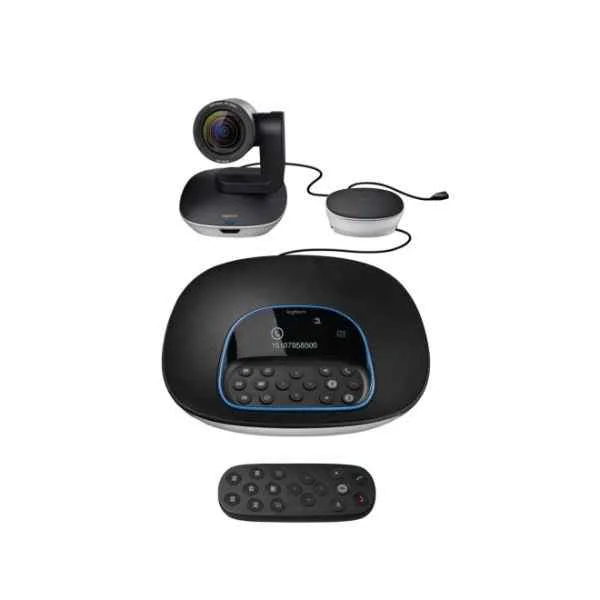
960-001057 (Logitech GROUP video conferencing system Group video conferencing system (960-001057))
4.6 (5)- Video Conferencing Solution
- Logitech
- Room Kit
- Boardroom
- 1080p
- 30 FPS
- 90°
Est Value $1,333.15$1,076.78
19.2% offIn stockRefurbishedFirst-Time Buyer Discount – Get up to 2% additional off on your first order
ORM Rewards Earn $50 in Rewards + Free Expedited Delivery – Join Now!
Use eCoupon ORMSAVE10
eCoupon limited to 5 units
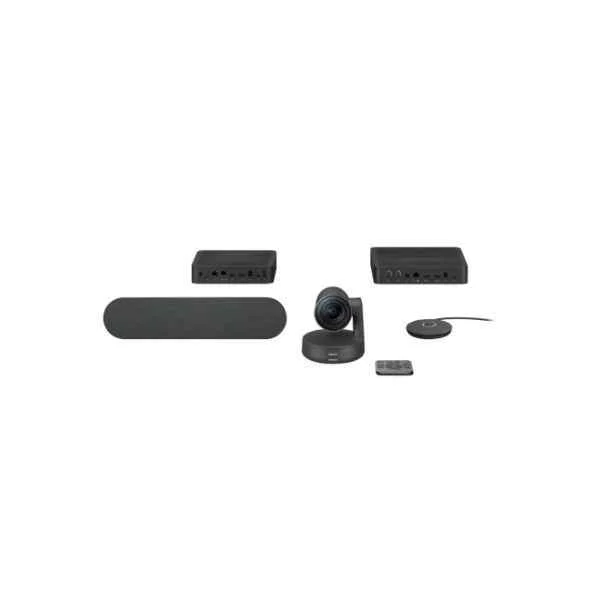
960-001218 (Logitech Rally video conferencing system 10 person(s) Ethernet LAN Group video conferencing system (960-001218))
4.8 (6)- Video Conferencing Solution
- Logitech
- Room Kit
- Boardroom
- 4K
- 30 FPS
- 90°
Est Value $3,244.00$2,769.27
14.6% offIn stockRefurbishedFirst-Time Buyer Discount – Get up to 2% additional off on your first order
ORM Rewards Earn $50 in Rewards + Free Expedited Delivery – Join Now!
Use eCoupon ORMSAVE10
eCoupon limited to 5 units
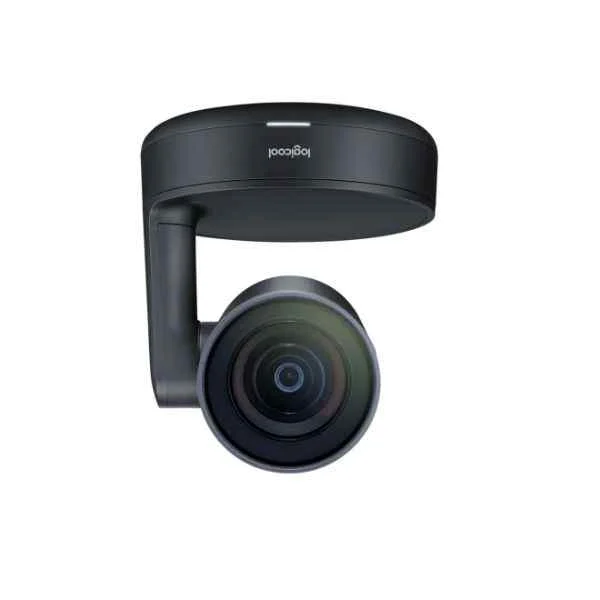
960-001237 (Rally USB C To C Cable - Group video conferencing system - 4K Ultra HD - 60 fps - 15x - Black)
4.5 (6)- Video Conferencing Solution
- Logitech
- Boardroom
- 4K
- 60 FPS
Est Value $3,488.65$2,978.12
14.6% offIn stockRefurbishedFirst-Time Buyer Discount – Get up to 2% additional off on your first order
ORM Rewards Earn $50 in Rewards + Free Expedited Delivery – Join Now!
Use eCoupon ORMSAVE10
eCoupon limited to 5 units
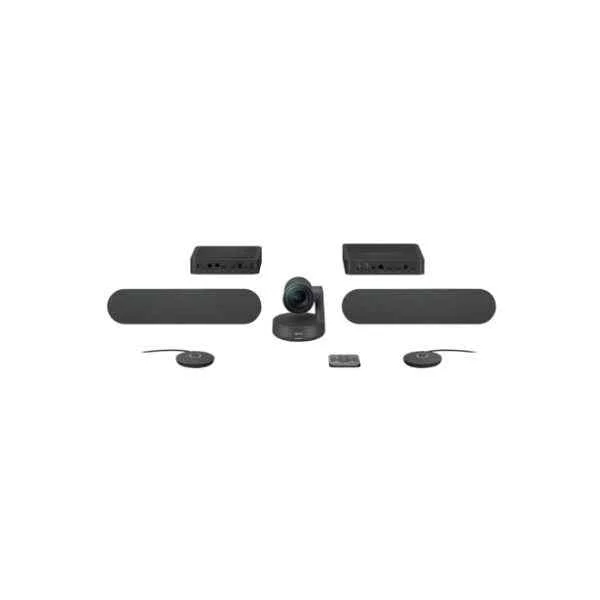
960-001224 (Logitech Rally Plus Video Conferencing System 16 Person(S) Ethernet Lan Group Video Conferencing System (960-001224))
4.6 (5)- Video Conferencing Solution
- Logitech
- Room Kit
- Boardroom / Large Conference Room
- 4K
- 30 FPS
- 90°
Est Value $3,706.11$3,163.76
14.6% offIn stockRefurbishedFirst-Time Buyer Discount – Get up to 2% additional off on your first order
ORM Rewards Earn $50 in Rewards + Free Expedited Delivery – Join Now!
Use eCoupon ORMSAVE10
eCoupon limited to 5 units
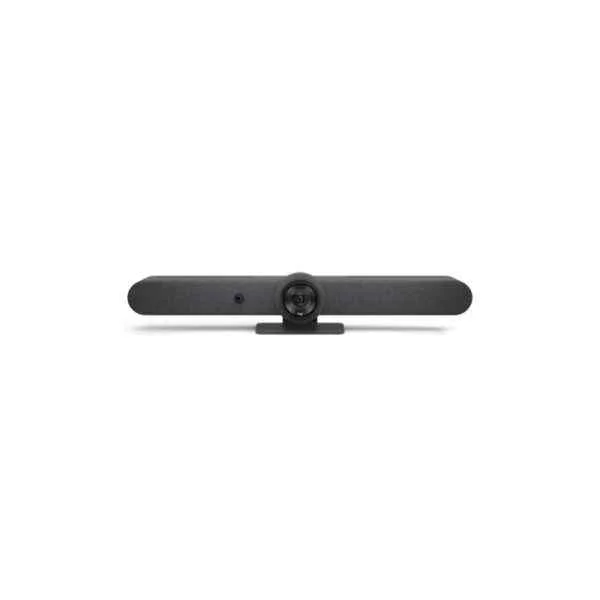
960-001311 (Rally Bar - Group video conferencing system - 4K Ultra HD - 30 fps - 90° - 5x - 3x)
4.7 (6)- Video Conferencing Solution
- Logitech
- All-in-One Video Bar
- Boardroom / Hybrid Office / Classroom
- 4K
- 30 FPS
- 90°
Est Value $4,844.60$4,135.64
14.6% offIn stockRefurbishedFirst-Time Buyer Discount – Get up to 2% additional off on your first order
ORM Rewards Earn $50 in Rewards + Free Expedited Delivery – Join Now!
Use eCoupon ORMSAVE10
eCoupon limited to 5 units
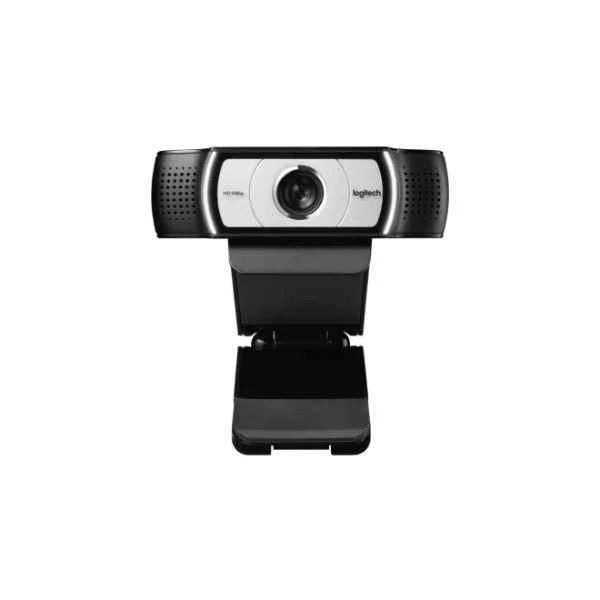
960-000972 (Logitech C930e webcam 1920 x 1080 pixels USB Black (960-000972))
4.8 (5)- Webcam
- Logitech
- Webcam
- Hybrid Office / Boardroom / Classroom
- 1080p
- 30 FPS
- 90°
Est Value In stockFirst-Time Buyer Discount – Get up to 2% additional off on your first order
ORM Rewards Earn $50 in Rewards + Free Expedited Delivery – Join Now!
Use eCoupon ORMSAVE10
eCoupon limited to 5 units
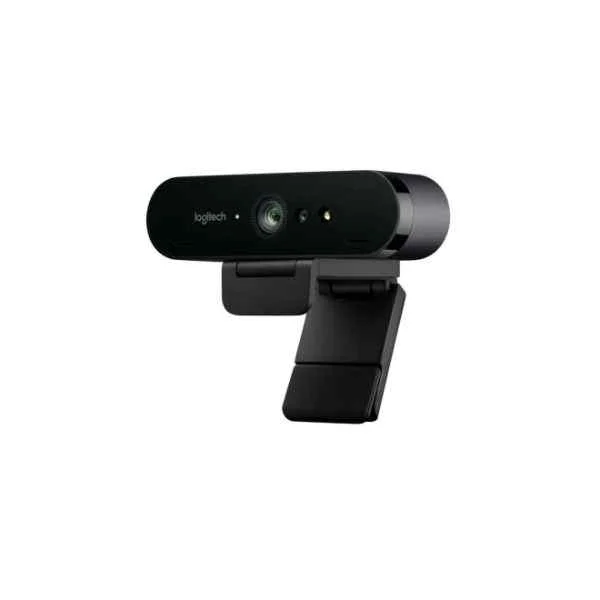
960-001106 (Logitech BRIO 4K Ultra HD webcam (960-001106))
4.4 (5)- Video Conferencing Solution
- Logitech
- Webcam
- Hybrid Office
- 4K
- 30 FPS
- Adjustable
Est Value In stockFirst-Time Buyer Discount – Get up to 2% additional off on your first order
ORM Rewards Earn $50 in Rewards + Free Expedited Delivery – Join Now!
Use eCoupon ORMSAVE10
eCoupon limited to 5 units
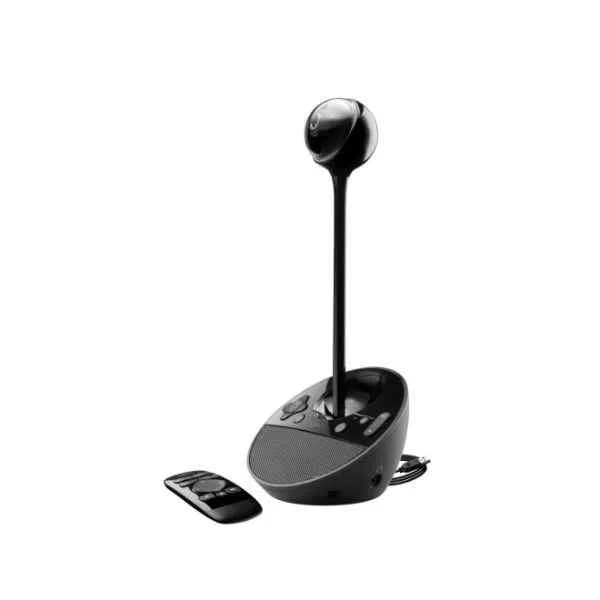
960-000867 (Logitech BCC950 ConferenceCam Webcam 1920 x 1080 pixels USB 2.0 Black (960-000867))
4.6 (5)- Video Conferencing Solution
- Logitech
- Webcam
- Huddle Room / Medium Room / Large Conference Room / Boardroom / Hybrid Office / Classroom
- 1080p
- 30 FPS
- 90°
Est Value In stockFirst-Time Buyer Discount – Get up to 2% additional off on your first order
ORM Rewards Earn $50 in Rewards + Free Expedited Delivery – Join Now!
Use eCoupon ORMSAVE10
eCoupon limited to 5 units
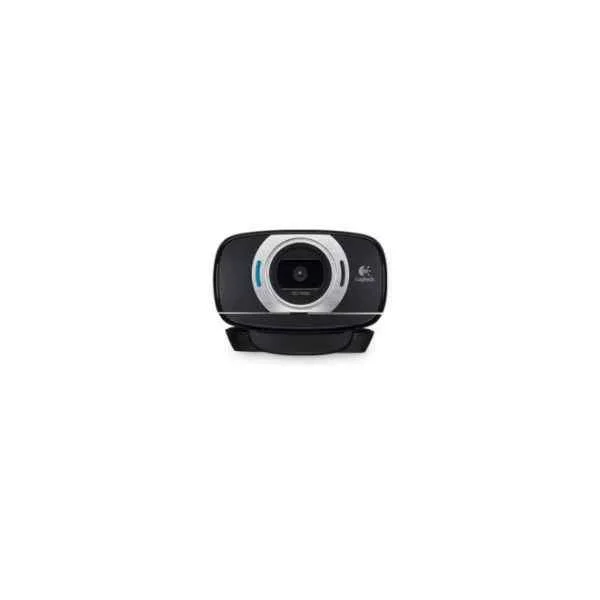
960-001056 (Logitech HD Webcam C615 - Web camera (960-001056))
4.6 (5)- Webcam
- Logitech
- Webcam
- Huddle Room / Boardroom / Hybrid Office / Classroom
- 1080p
- 30 FPS
- 78°
Est Value In stockFirst-Time Buyer Discount – Get up to 2% additional off on your first order
ORM Rewards Earn $50 in Rewards + Free Expedited Delivery – Join Now!
Use eCoupon ORMSAVE10
eCoupon limited to 5 units
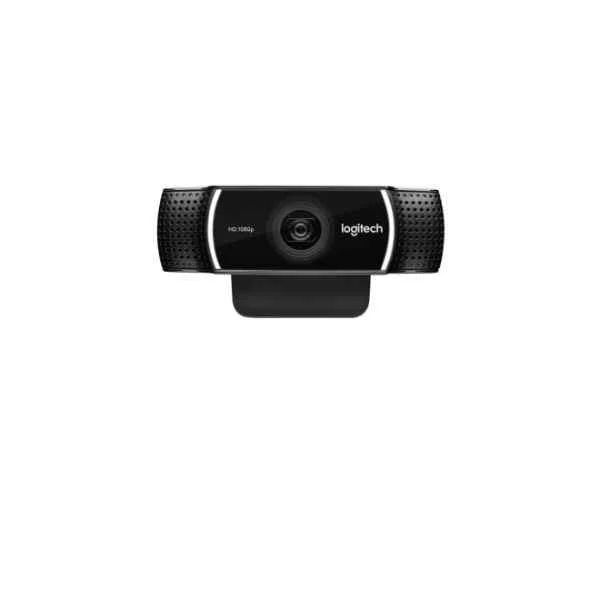
960-001088 (Logitech HD Pro Webcam C922 - Web camera (960-001088))
4.6 (5)- Webcam
- Logitech
- Webcam
- Hybrid Office / Classroom / Boardroom
- 1080p
- 30 FPS
- 78°
Est Value In stockFirst-Time Buyer Discount – Get up to 2% additional off on your first order
ORM Rewards Earn $50 in Rewards + Free Expedited Delivery – Join Now!
Use eCoupon ORMSAVE10
eCoupon limited to 5 units
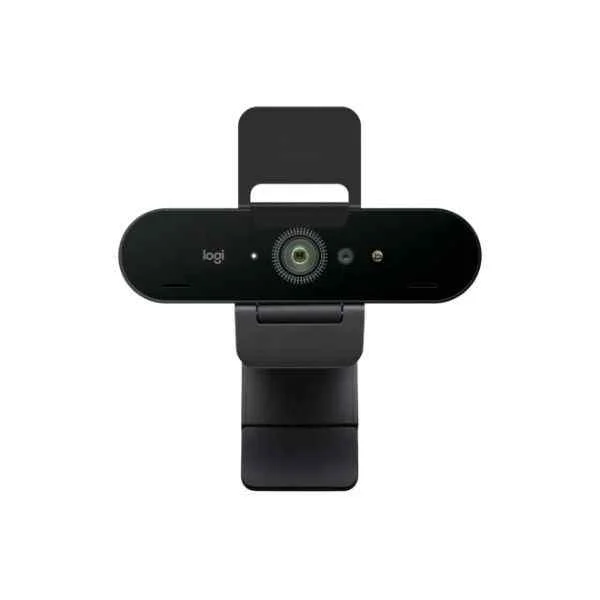
960-001194 (Logitech Brio Stream Webcam (960-001194))
4.7 (6)- Video Conferencing Solution
- Logitech
- Webcam
- Hybrid Office / Classroom / Boardroom
- 1080p
- 60 FPS
- 90°
Est Value In stockFirst-Time Buyer Discount – Get up to 2% additional off on your first order
ORM Rewards Earn $50 in Rewards + Free Expedited Delivery – Join Now!
Use eCoupon ORMSAVE10
eCoupon limited to 5 units
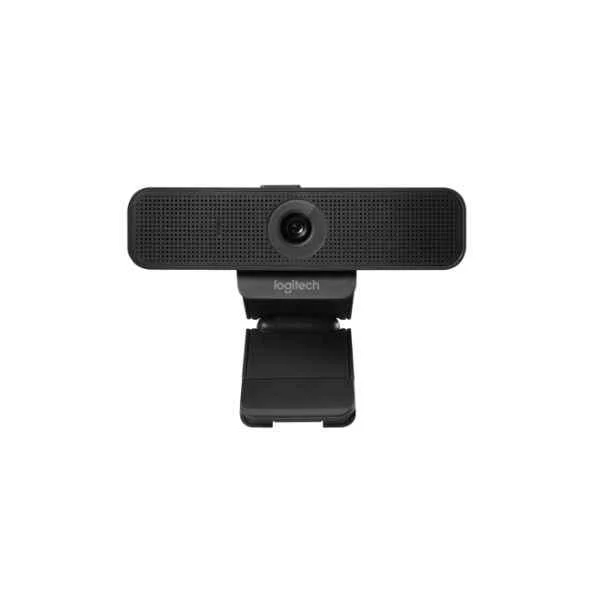
960-001076 (Logitech C925e Webcam 1920 x 1080 Pixels USB 2.0 Black (960-001076))
4.7 (6)- Webcam
- Logitech
- Webcam
- Hybrid Office
- 1080p
- 30 FPS
- 78°
Est Value In stockFirst-Time Buyer Discount – Get up to 2% additional off on your first order
ORM Rewards Earn $50 in Rewards + Free Expedited Delivery – Join Now!
Use eCoupon ORMSAVE10
eCoupon limited to 5 units
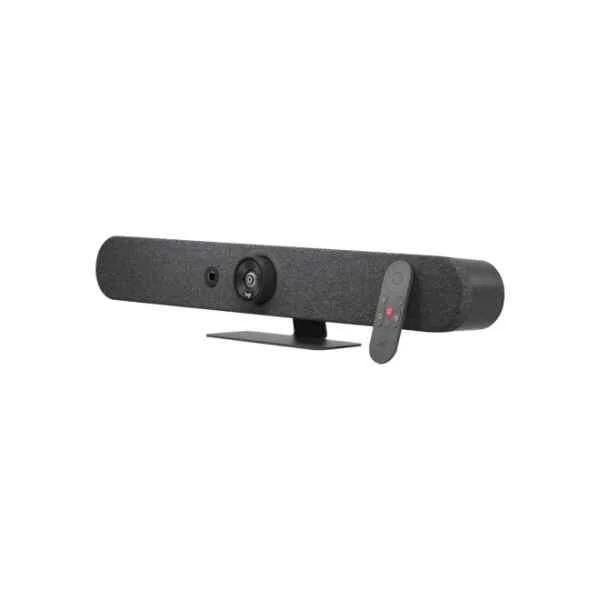
960-001339 (Logitech Rally Bar Mini - Group video conferencing system - 4K Ultra HD - 30 fps - 120° - 4x - Graphite (960-001339))
4.7 (6)- Video Conferencing Solution
- Logitech
- All-in-One Video Bar
- Huddle Room
- 4K
- 30 FPS
- 120°
Est Value In stockFirst-Time Buyer Discount – Get up to 2% additional off on your first order
ORM Rewards Earn $50 in Rewards + Free Expedited Delivery – Join Now!
Use eCoupon ORMSAVE10
eCoupon limited to 5 units
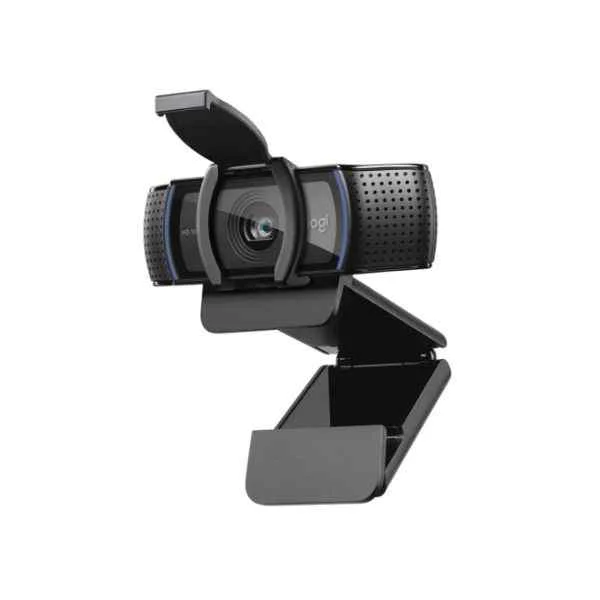
960-001252 (C920s webcam - 1920 x 1080 pixels - 30 fps - 720p,1080p - USB - Black - Clip/Stand)
4.7 (6)- Video Conferencing Solution
- Logitech
- Webcam
- Huddle Room
- 1080p
- 30 FPS
Est Value In stockFirst-Time Buyer Discount – Get up to 2% additional off on your first order
ORM Rewards Earn $50 in Rewards + Free Expedited Delivery – Join Now!
Use eCoupon ORMSAVE10
eCoupon limited to 5 units
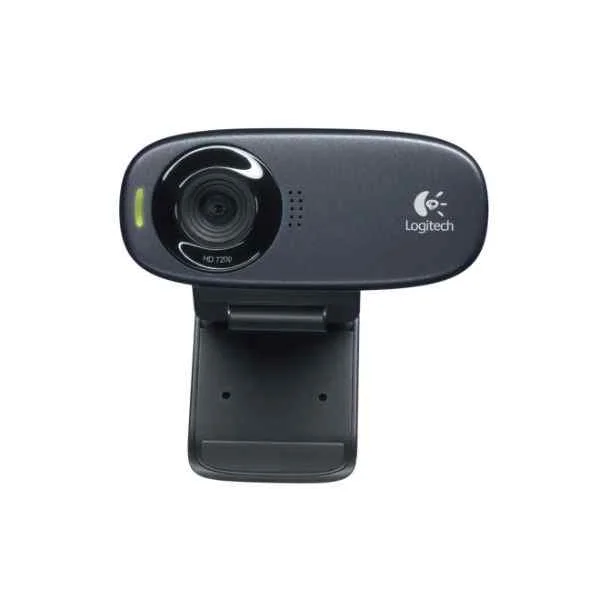
960-001065 (C310 webcam - 5 MP - 1280 x 720 pixels - 720p - USB - Black - Clip)
4.7 (6)- Webcam
- Logitech
- Webcam
- Hybrid Office / Classroom / Huddle Room
- 720p
- 30 FPS
Est Value In stockFirst-Time Buyer Discount – Get up to 2% additional off on your first order
ORM Rewards Earn $50 in Rewards + Free Expedited Delivery – Join Now!
Use eCoupon ORMSAVE10
eCoupon limited to 5 units
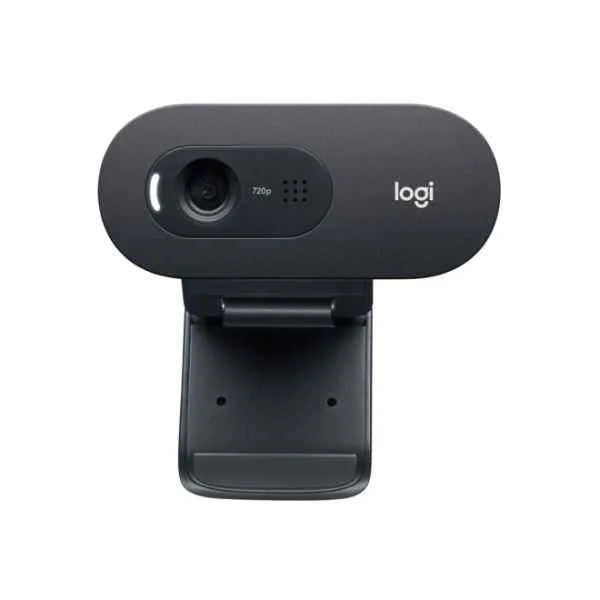
960-001372 (C505e - 1280 x 720 pixels - 30 fps - 1280x720@30fps - 720p - 60° - USB)
4.8 (6)- Video Conferencing Solution
- Logitech
- Webcam
- Huddle Room / Boardroom / Hybrid Office / Classroom
- 720p
- 30 FPS
- 60°
Est Value In stockFirst-Time Buyer Discount – Get up to 2% additional off on your first order
ORM Rewards Earn $50 in Rewards + Free Expedited Delivery – Join Now!
Use eCoupon ORMSAVE10
eCoupon limited to 5 units
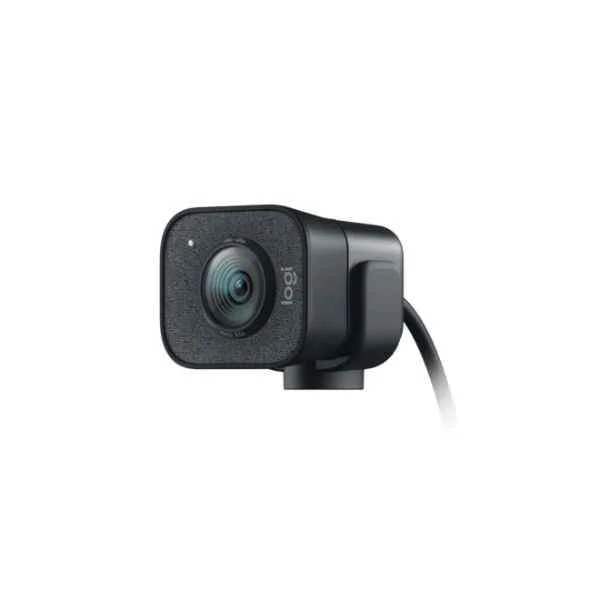
960-001281 (StreamCam - 1920 x 1080 pixels - 60 fps - 1080p - 2 - 3.7 mm - 0.1 m - 78°)
4.7 (6)- Video Conferencing Solution
- Logitech
- Webcam
- Hybrid Office
- 1080p
- 60 FPS
- 78°
Est Value In stockFirst-Time Buyer Discount – Get up to 2% additional off on your first order
ORM Rewards Earn $50 in Rewards + Free Expedited Delivery – Join Now!
Use eCoupon ORMSAVE10
eCoupon limited to 5 units

ORM Sales Advisors
Buying for your business? Get a personalised quote in under 2 hours. Talk to an expert
LEARNFilters (27) 
Questions & Answers
What is Logitech Video Conferencing?
Logitech Video Conferencing is a portfolio of high-definition cameras, speakerphones, and software designed to deliver professional-grade audio and video experiences for meeting rooms of all sizes.
What features do Logitech video conferencing solutions offer?
Logitech video conferencing solutions offer 4K resolution, AI-driven auto-framing, noise cancellation, meeting room integration, and one-touch join for Zoom, Microsoft Teams, and Google Meet.
Which Logitech camera is best for small meeting rooms?
MeetUp is Logitech’s premium all-in-one video conference camera optimized for small huddle rooms, offering a 120° field of view and integrated audio for up to six participants.
Which Logitech video bar suits medium to large conference rooms?
Rally Bar delivers 4K video, automated pan-tilt-zoom control, and directional audio for medium to large rooms, supporting up to 16 participants with enterprise-grade performance.
How do I set up Logitech Video Conferencing equipment?
Plug the camera and speakerphone into a computer or room appliance via USB, install Logitech Sync for monitoring, and launch your preferred video conferencing software to start your meeting.
Are Logitech video conferencing products compatible with Zoom, Teams, and Meet?
Yes, Logitech video conferencing products are certified for Zoom Rooms, Microsoft Teams Rooms, and Google Meet hardware, ensuring seamless integration and one-touch join.
How do I update the firmware on my Logitech video conferencing device?
Open the Logitech Sync dashboard, select your device, check for firmware updates, and follow the on-screen prompts to install the latest features and security patches.
How can I troubleshoot audio or video issues on Logitech devices?
Use Logitech Sync to run diagnostics, check USB connections, update firmware and drivers, and refer to the online support library for step-by-step troubleshooting guides.
What warranty covers Logitech video conferencing products?
All Logitech video conferencing devices include a two-year limited hardware warranty with optional extended service plans for on-site replacement and priority support.
What are the system requirements for Logitech Video Conferencing?
Logitech video conferencing requires Windows 10 or macOS 10.14 (or later), a USB 3.0 port, 4 GB RAM, and a high-speed internet connection of at least 2 Mbps for HD video.
Can I control multiple Logitech endpoints centrally?
Yes, Logitech Sync enables centralized management of multiple video conferencing endpoints, offering real-time monitoring, analytics, and remote configuration.
Does Logitech support wireless screen sharing?
Logitech Tap and Logitech Swytch provide wireless and wired sharing options via BYOD, HDMI, or USB-C, enabling participants to present without cables.
What accessories enhance Logitech video conferencing audio quality?
Logitech Rally Mic Pods and Rally Speakers can be added to Rally Bar and Rally systems to expand audio coverage and deliver crystal-clear sound for large rooms.
How do I integrate room scheduling with Logitech systems?
Logitech Tap includes calendar integration for Microsoft Exchange, Google Calendar, and Office 365, allowing one-touch meeting start and real-time room availability display.
Where can I purchase Logitech Video Conferencing solutions?
Logitech Video Conferencing products can be purchased through authorized resellers, official Logitech.com partners, and leading online retailers worldwide.
How secure are Logitech video conferencing solutions?
Logitech products feature TLS encryption, secure boot, and regular firmware updates to protect meeting data and ensure compliant, enterprise-grade security.
What support options are available for Logitech Video Conferencing?
Logitech offers 24/7 technical support, in-depth online documentation, professional deployment services, and dedicated account management for enterprise customers.