 United States
D-Link Private Cloud Access Points
Empower scalable, secure connectivity with D-Link Private Cloud Access Points designed to optimize network efficiency, delivering seamless performance, robust security, and centralized cloud management for modern businesses.
Talk to an expert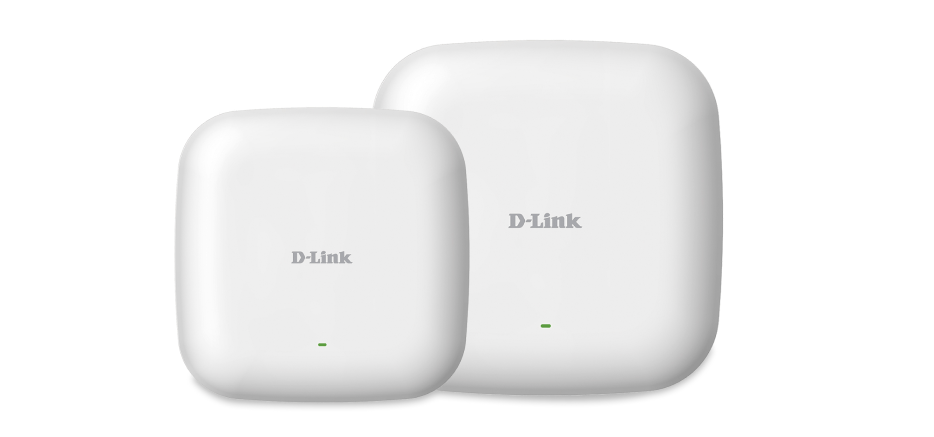
1 Matching results
- BEST SELLING
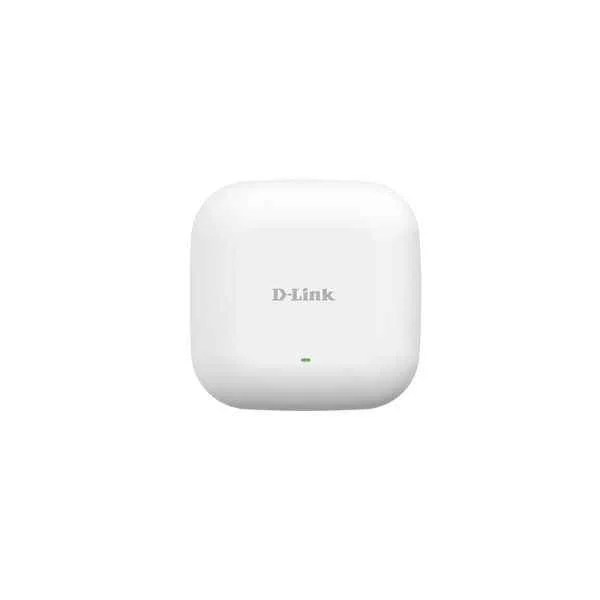
DAP-2610 (WL AC1300 WAVE2 DUAL BAND ACCESS POINT)
4.2 (5)- Wireless Product
- D-Link
- Access Point
- Wi-Fi 5
- 2.4GHz / 5GHz
- 1Gbps
Est Value $394.30
$336.60
14.6% offIn stockRefurbishedFirst-Time Buyer Discount – Get up to 2% additional off on your first order
ORM Rewards Earn $50 in Rewards + Free Expedited Delivery – Join Now!
Use eCoupon ORMSAVE10
eCoupon limited to 5 units

ORM Sales Advisors
Buying for your business? Get a personalised quote in under 2 hours. Talk to an expert
LEARNFilters (1) 
Questions & Answers
What is a D-Link Private Cloud Access Point?
A D-Link Private Cloud Access Point is a secure, on-premise wireless AP managed via D-Link’s private cloud controller, delivering centralized administration, advanced security, and scalable performance.
How does D-Link Private Cloud differ from public cloud Wi-Fi?
D-Link Private Cloud hosts all management functions on your infrastructure, ensuring data sovereignty, lower latency, and enhanced security compared to public cloud solutions.
Which key features do D-Link Private Cloud Access Points offer?
They deliver dual-band Wi-Fi 6 performance, WPA3 encryption, zero-touch provisioning, AI-driven analytics, and centralized private cloud management.
How do I deploy a D-Link Private Cloud Access Point?
Mount the AP, connect PoE, assign an IP, and onboard it into the D-Link private cloud controller via browser-based setup in under 10 minutes.
What security protocols are supported?
D-Link Private Cloud APs support WPA3, WPA2 Enterprise, 802.1X authentication, RADIUS integration, AES encryption, and rogue AP detection.
Can I manage APs remotely?
Yes. The private cloud controller’s web portal and mobile app enable secure remote monitoring, configuration, and firmware updates from any location.
How many clients can each AP support?
Each AP handles up to 200 concurrent clients, leveraging OFDMA and MU-MIMO to optimize capacity and maintain consistent throughput.
What throughput can I expect?
Dual-band Wi-Fi 6 APs deliver aggregate data rates up to 3.0 Gbps, ensuring high-speed performance for bandwidth-intensive applications.
Are these access points PoE-powered?
Yes. They support IEEE 802.3at PoE+ for simplified cabling and deployment without requiring additional power outlets.
Which management software is used?
D-Link’s private cloud controller software provides a unified dashboard for provisioning, policy enforcement, analytics, and troubleshooting.
How do I update the firmware?
Log into the private cloud controller, select the AP, and apply firmware updates automatically or manually via the built-in upgrade wizard.
What are the hardware requirements for the cloud controller?
Requires a virtual or physical server with at least 4 vCPUs, 8 GB RAM, 100 GB storage, and network connectivity to your APs.
How do I troubleshoot connectivity issues?
Use the controller’s RF heatmaps, log analysis, and packet capture tools to identify interference, coverage gaps, and client association errors.
Is the solution scalable for large deployments?
Yes. You can centrally manage thousands of APs across multiple sites by clustering private cloud controllers for high availability.
Can D-Link APs integrate with third-party systems?
They support RESTful APIs, SNMP, and syslog for integration with network management, SIEM, and analytics platforms.
What support and warranty options are available?
D-Link offers a limited lifetime warranty, optional extended support plans, and 24/7 technical assistance for private cloud installations.