 United States
Access Points H3C Wireless Excellence
H3C Access Points offer superior wireless performance and security, engineered with advanced technology for seamless connectivity, optimized network management, and reliable scalability across dynamic enterprise environments.
Talk to an expert
8 Matching results
- BEST SELLING
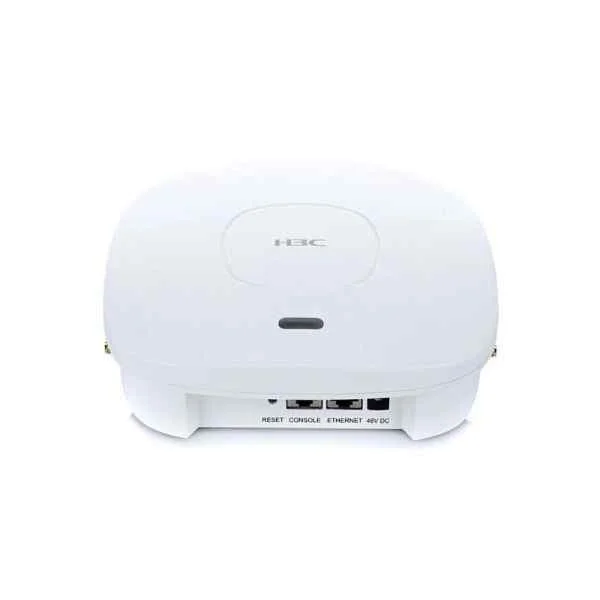
EWP-WA2620i-AGN (H3C WA2620i-AGN,802.11n Wireless LAN Intelligent Indoor 2.4/5GHz Dual-Band Access Point)
4.4 (5)- Wireless Access Point
- H3C
- Access Point
- Wi-Fi 6
- 2.4GHz / 5GHz
- 2.5Gbps
- 300 feet
Est Value In stock
First-Time Buyer Discount – Get up to 2% additional off on your first order
ORM Rewards Earn $50 in Rewards + Free Expedited Delivery – Join Now!
Use eCoupon ORMSAVE10
eCoupon limited to 5 units
- BEST SELLING
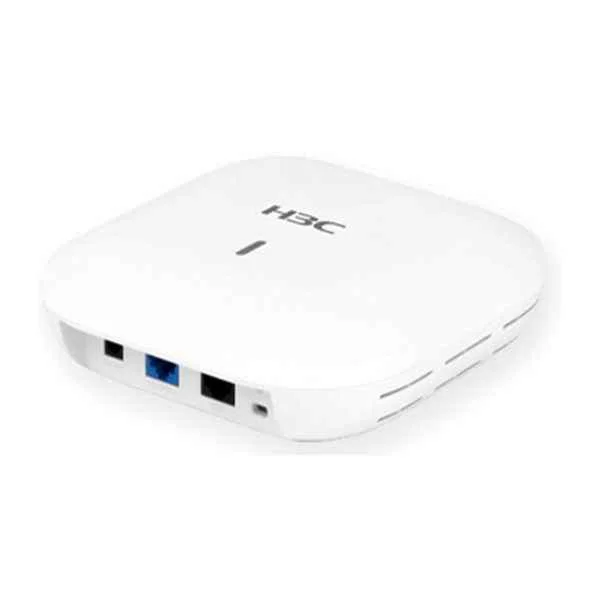
EWP-WA4320-ACN-C-FIT (H3C WA4320-ACN-C-Internal antenna Dual-frequency 2*2 802.11ac/n Access Point-FIT)
4.8 (5)- Wireless Access Point
- H3C
- Access Point
- Wi-Fi 5
- 2.4GHz / 5GHz
- 1Gbps
Est Value In stockFirst-Time Buyer Discount – Get up to 2% additional off on your first order
ORM Rewards Earn $50 in Rewards + Free Expedited Delivery – Join Now!
Use eCoupon ORMSAVE10
eCoupon limited to 5 units
- BEST SELLING
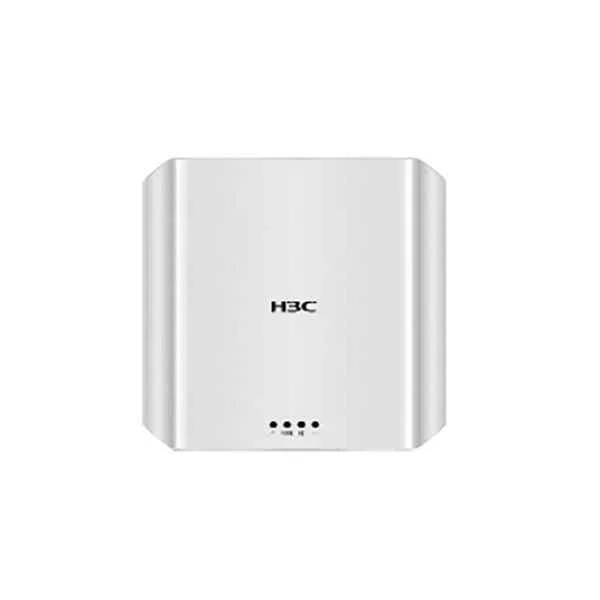
EWP-WA5620i-ACN-FIT (H3C WA5620i-ACN-Intenal Antenna Dual-Band 4x4 802.11ac/n Wave 2 Access Point-FIT)
4.6 (5)- Wireless Access Point
- H3C
- Access Point
- Wi-Fi 6
- 2.4GHz / 5GHz
- 1Gbps
- 150 meters
Est Value In stockFirst-Time Buyer Discount – Get up to 2% additional off on your first order
ORM Rewards Earn $50 in Rewards + Free Expedited Delivery – Join Now!
Use eCoupon ORMSAVE10
eCoupon limited to 5 units
- BEST SELLING
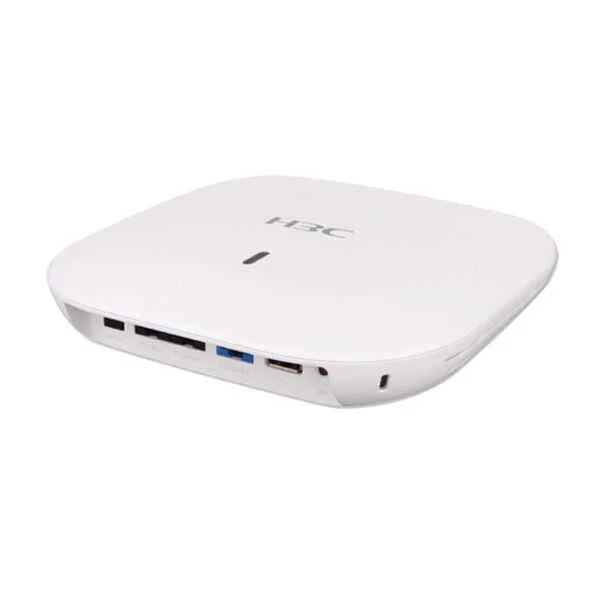
EWP-WA5320H-FIT (H3C WA5320H Internal antenna Dual-band 4x4 802.11ac/n Wave 2 Panel type Access Point-FIT)
4.6 (5)- Wireless Product
- H3C
- Access Point
- Wi-Fi 6
- 2.4GHz, 5GHz
- 2.5Gbps
- 100 meters
Est Value In stockFirst-Time Buyer Discount – Get up to 2% additional off on your first order
ORM Rewards Earn $50 in Rewards + Free Expedited Delivery – Join Now!
Use eCoupon ORMSAVE10
eCoupon limited to 5 units
- BEST SELLING
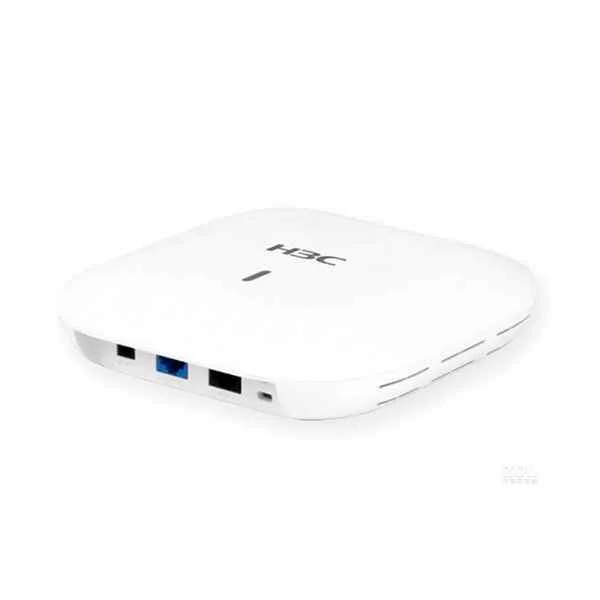
EWP-WA5320-C-FIT (H3C EWP-WA5320-C-FIT indoor placement type 802.11ac wireless access Point)
4.4 (5)- Wireless Access Point
- H3C
- Access Point
- Wi-Fi 6
- 2.4GHz / 5GHz
- 2.5Gbps
- 150 feet
Est Value In stockFirst-Time Buyer Discount – Get up to 2% additional off on your first order
ORM Rewards Earn $50 in Rewards + Free Expedited Delivery – Join Now!
Use eCoupon ORMSAVE10
eCoupon limited to 5 units
- FEARURED
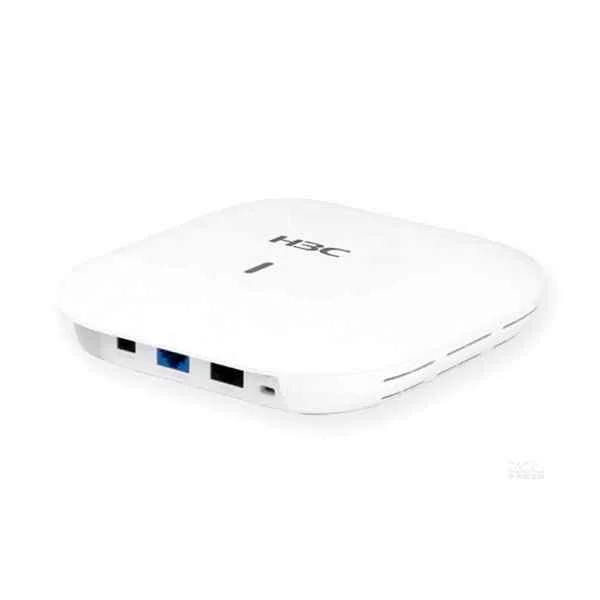
EWP-WA5530-FIT (H3C WA5530 Internal antenna Tri-Band MU-MIMO 802.11ac/n Wave 2 Access Point-FIT)
4.8 (5)- Wireless Access Point
- H3C
- Access Point
- Wi-Fi 6
- 2.4GHz / 5GHz
- 2.5Gbps
- 150 meters
Est Value In stockFirst-Time Buyer Discount – Get up to 2% additional off on your first order
ORM Rewards Earn $50 in Rewards + Free Expedited Delivery – Join Now!
Use eCoupon ORMSAVE10
eCoupon limited to 5 units
- FEARURED
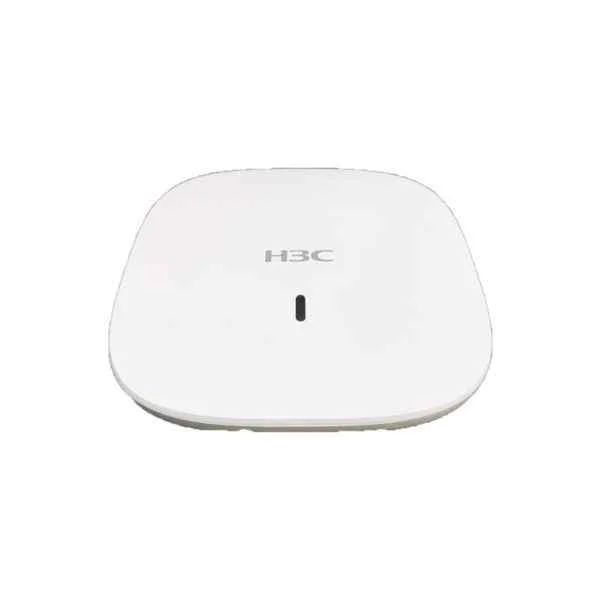
EWP-WA6320-FIT (H3C EWP-WA5320-SI-FIT Wireless AP Indoor Placement 802.11ac Access Point)
4.4 (5)- Wireless Product
- H3C
- Access Point
- Wi-Fi 6
- 2.4GHz / 5GHz
- 2.5Gbps
- 150 meters
Est Value In stockFirst-Time Buyer Discount – Get up to 2% additional off on your first order
ORM Rewards Earn $50 in Rewards + Free Expedited Delivery – Join Now!
Use eCoupon ORMSAVE10
eCoupon limited to 5 units
- FEARURED
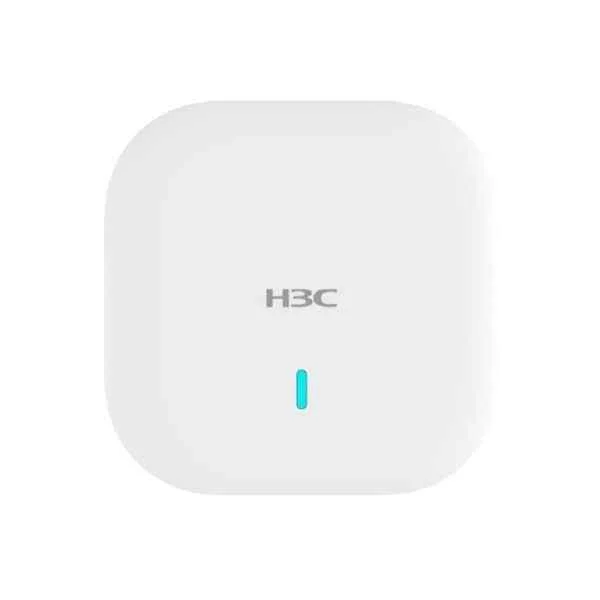
EWP-WA6330-FIT (H3C WA6330 Internal Antennas 6 Streams Triple Radio 802.11ax/ac/n Access Point,FIT)
4.6 (5)- Wireless Access Point
- H3C
- Access Point
- Wi-Fi 6
- 2.4GHz / 5GHz
- 1Gbps
Est Value In stockFirst-Time Buyer Discount – Get up to 2% additional off on your first order
ORM Rewards Earn $50 in Rewards + Free Expedited Delivery – Join Now!
Use eCoupon ORMSAVE10
eCoupon limited to 5 units

ORM Sales Advisors
Buying for your business? Get a personalised quote in under 2 hours. Talk to an expert
LEARNFilters (8) 
Questions & Answers
What is an H3C Access Point?
An H3C Access Point is a wireless networking device that provides reliable, high-performance Wi-Fi coverage by connecting clients to a wired network via PoE or DC power.
Which Wi-Fi standards do H3C Access Points support?
H3C Access Points support 802.11ac Wave 2 and 802.11ax (Wi-Fi 6), delivering multi-gigabit throughput, MU-MIMO, and OFDMA for high-density environments.
How do I choose the right H3C Access Point model?
Select a model based on coverage area, client density, throughput requirements and mounting location—indoor models for offices and classrooms, outdoor models for open-air installations.
Can H3C Access Points support high-density deployments?
Yes. H3C’s high-density AP series features intelligent load balancing, MU-MIMO, OFDMA and beamforming to serve hundreds of users simultaneously without performance degradation.
How are H3C Access Points powered?
Most H3C Access Points use standard 802.3af/at PoE for simplified cabling. Select DC-powered models for legacy installations without PoE switches.
What management options are available for H3C Access Points?
You can manage H3C Access Points via H3C’s centralized WLAN Controller, iMC network management platform or standalone Lightweight/Autonomous mode for small deployments.
How do I install an H3C Access Point?
Mount the AP on a ceiling or wall using the supplied bracket, connect to a PoE switch or injector, then adopt it into your H3C Controller or configure in standalone mode.
Do H3C Access Points support guest network isolation?
Yes. Built-in VLAN tagging, captive portal and ACL policies enable secure guest network isolation, bandwidth control and customizable access terms.
How can I optimize Wi-Fi coverage with H3C Access Points?
Use H3C’s planning tool to conduct a site survey, adjust channel allocation, power levels and antenna orientation, and enable smart roaming for seamless handover.
What security features are included in H3C Access Points?
H3C APs support WPA3 encryption, 802.1X authentication, Rogue AP detection, IDS/IPS and RF protection to safeguard enterprise wireless networks.
How do I update the firmware on H3C Access Points?
Download the latest firmware from H3C’s support portal, then push it via the WLAN Controller’s upgrade interface or use the web GUI in standalone mode.
Can H3C Access Points form a mesh network?
Yes. Certain H3C outdoor models support mesh topology, automatically establishing wireless backhaul links to extend coverage without additional cabling.
What is MU-MIMO and is it supported by H3C Access Points?
MU-MIMO (Multi-User, Multiple Input, Multiple Output) allows an AP to communicate with multiple clients simultaneously. H3C’s Wave 2 and Wi-Fi 6 APs fully support MU-MIMO for enhanced throughput.
How many clients can an H3C Access Point handle?
A single H3C high-density AP can handle up to 256 concurrent clients, depending on model, traffic patterns and network optimization settings.
How do H3C Access Points integrate with SDN?
H3C APs integrate with the H3C SDN Controller using OpenFlow or proprietary northbound interfaces, enabling automated policy deployment and end-to-end network visibility.
What level of technical support does H3C offer for Access Points?
H3C provides 24×7 global technical support, firmware updates, warranty services and access to knowledge bases, ensuring rapid issue resolution and network stability.