 United States
HPE Aruba Indoor Access Points
Experience unmatched network reliability and robust performance with HPE Aruba Indoor Access Points. Engineered for secure, scalable connectivity in dynamic environments, ensuring seamless and efficient business operations.
Talk to an expert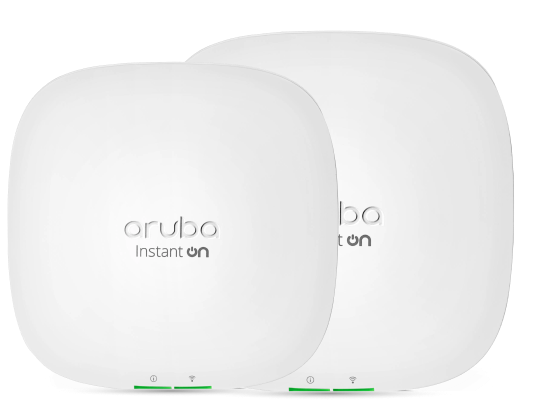
5 Matching results
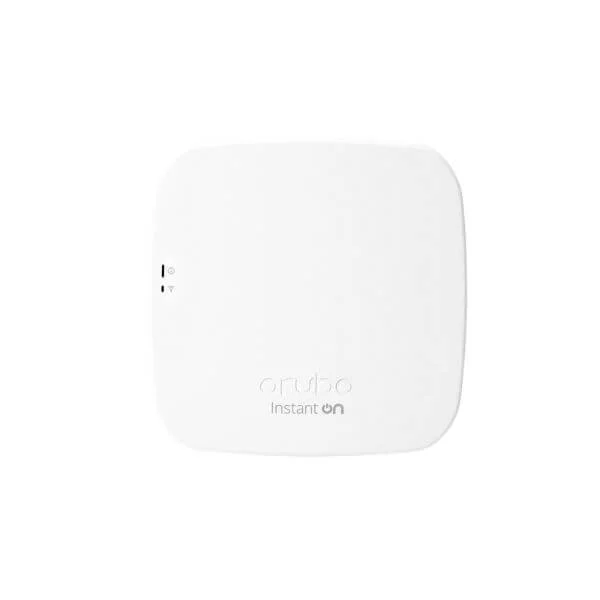
R2X01A (ARUBA INSTANT ON AP12 CCESS POINT INTERNATIONAL SKU PL-3P)
4.8 (5)- Wireless Product
- Hpe
- Access Point
- Wi-Fi 6
- 2.4GHz / 5GHz
- 2.5Gbps
- 150 feet
Est Value $482.08
$241.04
50% offIn stockNewRefurbishedFirst-Time Buyer Discount – Get up to 2% additional off on your first order
ORM Rewards Earn $50 in Rewards + Free Expedited Delivery – Join Now!
Use eCoupon ORMSAVE10
eCoupon limited to 5 units
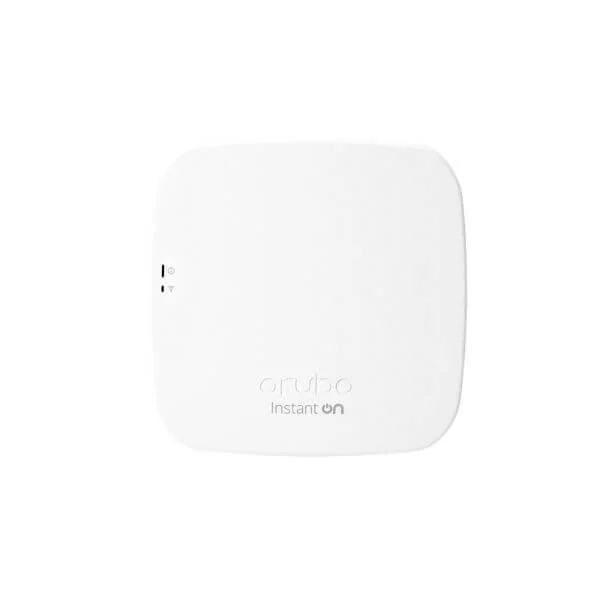
R2X16A (ARUBA INSTANT ON AP11D CCESS POINT INTERNATIONAL SKU PL-3P)
5 (5)- Wireless Product
- Hpe
- Access Point
- Wi-Fi 6
- 2.4GHz / 5GHz
- 2.5Gbps
- 100 meters
Est Value $467.46$233.73
50% offIn stockNewRefurbishedFirst-Time Buyer Discount – Get up to 2% additional off on your first order
ORM Rewards Earn $50 in Rewards + Free Expedited Delivery – Join Now!
Use eCoupon ORMSAVE10
eCoupon limited to 5 units
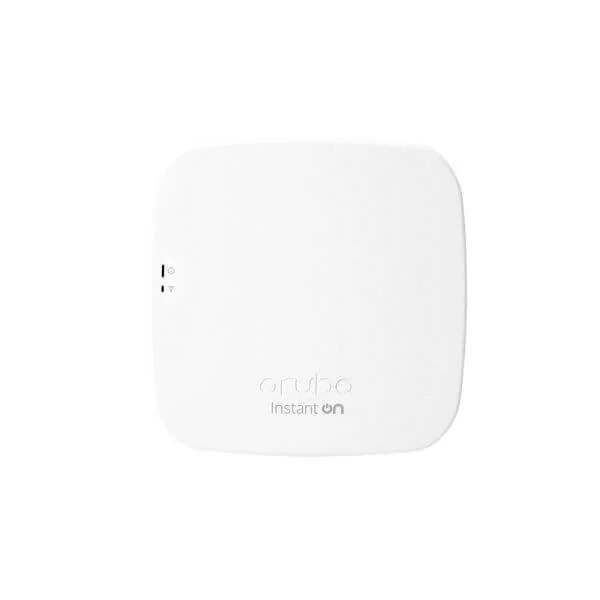
R2W96A (ARUBA INSTANT ON AP11 CCESS POINT INTERNATIONAL SKU PL-3P)
4.8 (5)- Wireless Product
- Hpe
- Access Point
- Wi-Fi 6
- 2.4GHz / 5GHz
- 2.5Gbps
- 100 meters
Est Value $393.72$336.11
14.6% offIn stockNewRefurbishedFirst-Time Buyer Discount – Get up to 2% additional off on your first order
ORM Rewards Earn $50 in Rewards + Free Expedited Delivery – Join Now!
Use eCoupon ORMSAVE10
eCoupon limited to 5 units
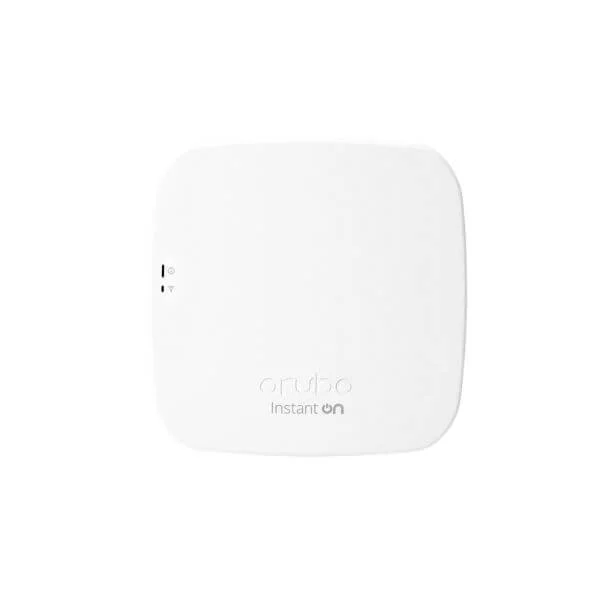
R2X06A (ARUBA INSTANT ON AP15 CCESS POINT INTERNATIONAL SKU PL-3P)
4.8 (5)- Wireless Access Point
- Hpe
- Access Point
- Wi-Fi 6
- 2.4GHz / 5GHz
- 2.5Gbps
- 120 meters
Est Value $1,031.94
In stockNewRefurbishedFirst-Time Buyer Discount – Get up to 2% additional off on your first order
ORM Rewards Earn $50 in Rewards + Free Expedited Delivery – Join Now!
Use eCoupon ORMSAVE10
eCoupon limited to 5 units
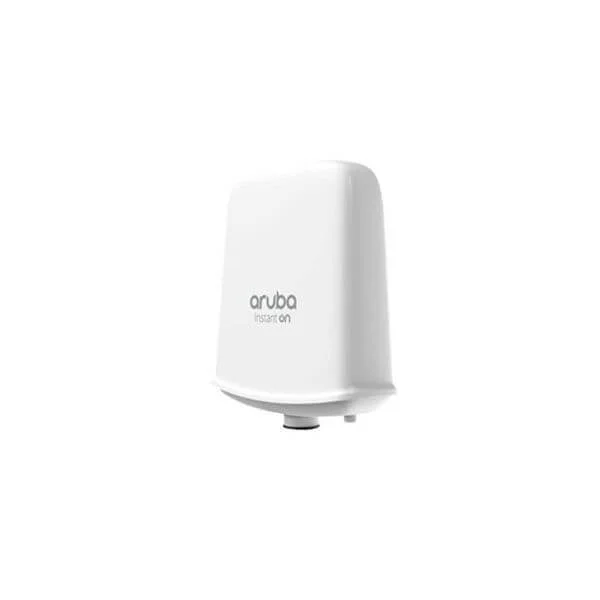
R2X11A (ARUBA INSTANT ON AP17 CCESS POINT INTERNATIONAL SKU PL-3P)
4.4 (5)- Wireless Access Point
- Hpe
- Access Point
- Wi‑Fi 6
- 2.4GHz / 5GHz
- 2.5Gbps
- 100 meters
Est Value $328.00$209.98
36% offIn stockNewRefurbishedFirst-Time Buyer Discount – Get up to 2% additional off on your first order
ORM Rewards Earn $50 in Rewards + Free Expedited Delivery – Join Now!
Use eCoupon ORMSAVE10
eCoupon limited to 5 units

ORM Sales Advisors
Buying for your business? Get a personalised quote in under 2 hours. Talk to an expert
LEARNFilters (5) 
Questions & Answers
What are HPE Aruba Instant On Indoor Access Points?
HPE Aruba Instant On Indoor Access Points are high-performance, easy-to-deploy wireless APs designed for small businesses seeking reliable, secure Wi-Fi coverage.
How do I deploy Aruba Instant On Indoor Access Points?
Deploy by mounting the AP, connecting to PoE or power adapter, and completing setup in the Instant On mobile or web app in under five minutes.
What indoor coverage does each Instant On AP provide?
Each AP delivers up to 2,500 sq ft of coverage, depending on building layout and interference, ensuring seamless connectivity across medium-sized spaces.
How many devices can connect to one Instant On Indoor AP?
Each AP supports up to 75 concurrent clients with optimized performance using MU-MIMO and band steering for balanced traffic distribution.
Do Instant On Indoor APs support Power over Ethernet (PoE)?
Yes. All Instant On Indoor APs support 802.3at PoE, enabling both data and power delivery over a single Ethernet cable for simplified installation.
Can I manage Aruba Instant On APs via a mobile app?
Yes. You can configure, monitor, and troubleshoot your network using the free Instant On mobile app for iOS and Android devices.
Are Aruba Instant On Indoor APs compatible with existing network switches?
Yes. They seamlessly integrate with third-party PoE switches and routers, offering plug-and-play connectivity without proprietary controller requirements.
What security features do Instant On Indoor Access Points offer?
They provide WPA2/WPA3 encryption, intrusion detection, rogue AP prevention, firewall policies, and customizable guest access to ensure robust network protection.
Do Instant On Indoor APs support dual-band Wi-Fi?
Yes. They operate simultaneously on 2.4 GHz and 5 GHz bands with band steering to optimize client performance and reduce interference.
What maximum wireless speeds do Instant On Indoor APs provide?
They deliver up to 400 Mbps on 2.4 GHz and 867 Mbps on 5 GHz (1,267 Mbps combined) using 802.11ac Wave 2 with MU-MIMO.
Is cloud management free for Instant On Indoor APs?
Yes. Aruba provides free cloud management via the Instant On mobile and web apps with no additional subscription fees or hidden costs.
How do I update firmware on Aruba Instant On Indoor APs?
Firmware updates are available in the Instant On app; simply navigate to the device settings and tap “Update” to install the latest features and patches.
What warranty covers HPE Aruba Instant On Indoor APs?
They include a standard one-year limited hardware warranty, with optional extended support plans available for up to three years.
Can I create separate guest networks with Instant On Indoor APs?
Yes. The Instant On platform lets you configure up to eight SSIDs, including isolated guest networks with captive portal and password protection.
Do Instant On Indoor APs support VLAN tagging?
Yes. They support 802.1Q VLAN tagging per SSID, enabling secure network segmentation for voice, data, and guest traffic.
What is the difference between the Indoor 200 and 300 series?
The 300 series delivers higher throughput with MU-MIMO and more SSIDs, while the 200 series focuses on cost-effective coverage with essential features.