 United States
Mesh Wi-Fi Systems Optimal Network Performance
Experience advanced home and office network expansion with our Mesh Wi-Fi systems—engineered for reliable connectivity, scalable coverage, and enhanced digital performance, ensuring secure, uninterrupted access.
Talk to an expert
19 Matching results
- BEST SELLING
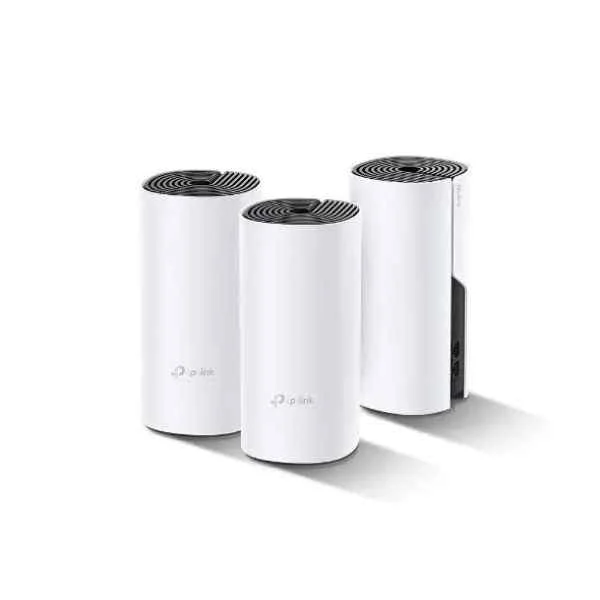
DECO P9(3-PACK) (Deco P9(3-pack) - Wi-Fi 5 (802.11ac) - Dual-band (2.4 GHz / 5 GHz) - Ethernet LAN)
5 (5)- Wireless Product
- Tp-Link
- Mesh System
- Wi-Fi 5
- 2.4GHz, 5GHz
- 1167 Mbps
Est Value $530.01
$452.45
14.6% offIn stockRefurbishedFirst-Time Buyer Discount – Get up to 2% additional off on your first order
ORM Rewards Earn $50 in Rewards + Free Expedited Delivery – Join Now!
Use eCoupon ORMSAVE10
eCoupon limited to 5 units
- FEARURED
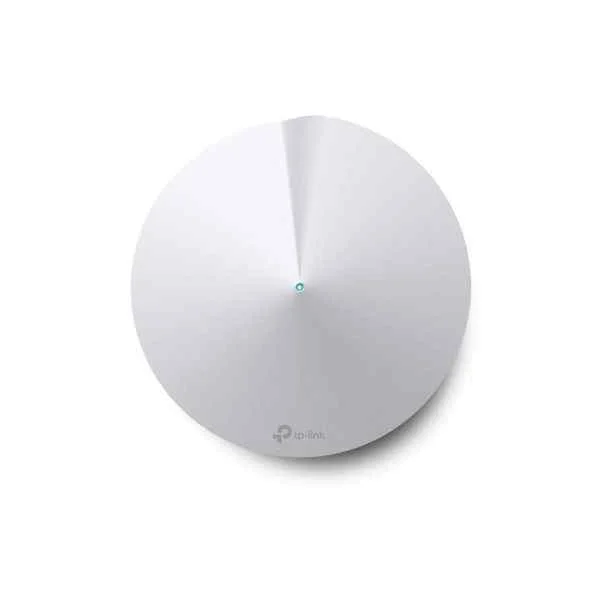
DECO M5(1-PACK) (AC1300 WHOLE-HOME WI-FI UNIT AC1300 HOME WL SYSTEM MESHNETWORK)
4.6 (5)- Wireless Product
- Tp-Link
- Mesh System
- 802.11a/b/g/n/ac
- 2.4GHz / 5GHz
- Up to 400Mbps (2.4GHz) and 867Mbps (5GHz)
Est Value $423.36$211.68
50% offIn stockRefurbishedFirst-Time Buyer Discount – Get up to 2% additional off on your first order
ORM Rewards Earn $50 in Rewards + Free Expedited Delivery – Join Now!
Use eCoupon ORMSAVE10
eCoupon limited to 5 units
- FEARURED
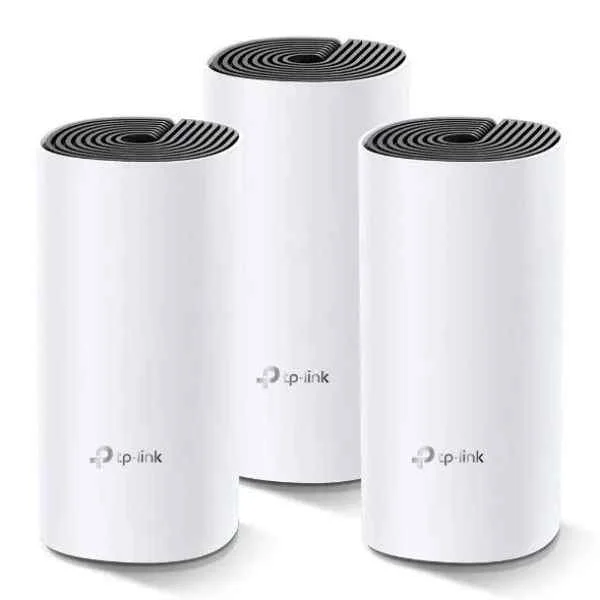
DECO M4(3-PACK) (Deco M4(3-pack) - Wi-Fi 5 (802.11ac) - Dual-band (2.4 GHz / 5 GHz) - Ethernet LAN - Black,White - Tabletop router)
4.6 (5)- Mesh Wi-Fi System
- Tp-Link
- Mesh System
- Wi‑Fi 5 (802.11ac)
- 2.4GHz, 5GHz
- AC1200 (300Mbps + 867Mbps)
Est Value $427.74$365.15
14.6% offIn stockRefurbishedFirst-Time Buyer Discount – Get up to 2% additional off on your first order
ORM Rewards Earn $50 in Rewards + Free Expedited Delivery – Join Now!
Use eCoupon ORMSAVE10
eCoupon limited to 5 units
- FEARURED
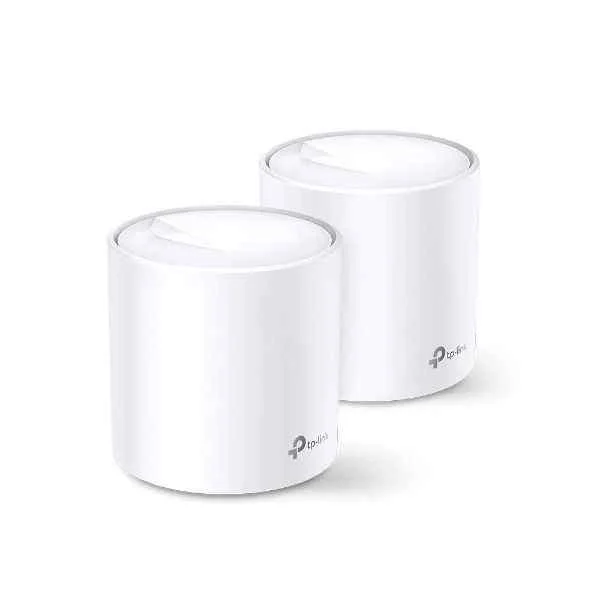
DECO X60(2-PACK) (AX3000 Whole Home Mesh Wi-Fi 6 System - White - Internal - Power - Status - 0 - 40 °C - -40 - 70 °C - 10 - 90%)
4.7 (6)- Mesh Wi-Fi System
- Tp-Link
- Mesh
- Wi-Fi 6
- Dual-Band (2.4GHz, 5GHz)
- Up to 1800Mbps
Est Value $512.42$437.43
14.6% offIn stockRefurbishedFirst-Time Buyer Discount – Get up to 2% additional off on your first order
ORM Rewards Earn $50 in Rewards + Free Expedited Delivery – Join Now!
Use eCoupon ORMSAVE10
eCoupon limited to 5 units
- FEARURED
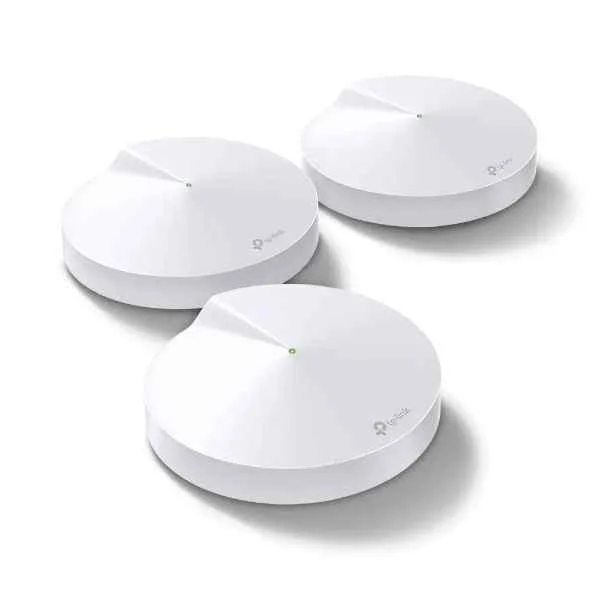
DECO M9 PLUS(3-PACK) (AC2200 Smart Home Mesh Wi-Fi System - White - Internal - Power - 0 - 40 °C - -40 - 70 °C - 10 - 90%)
4.8 (5)- Mesh Wi-Fi System
- Tp-Link
- Mesh
- Wi-Fi 5
- 2.4GHz / 5GHz
- AC2200
Est Value $671.09$572.88
14.6% offIn stockRefurbishedFirst-Time Buyer Discount – Get up to 2% additional off on your first order
ORM Rewards Earn $50 in Rewards + Free Expedited Delivery – Join Now!
Use eCoupon ORMSAVE10
eCoupon limited to 5 units
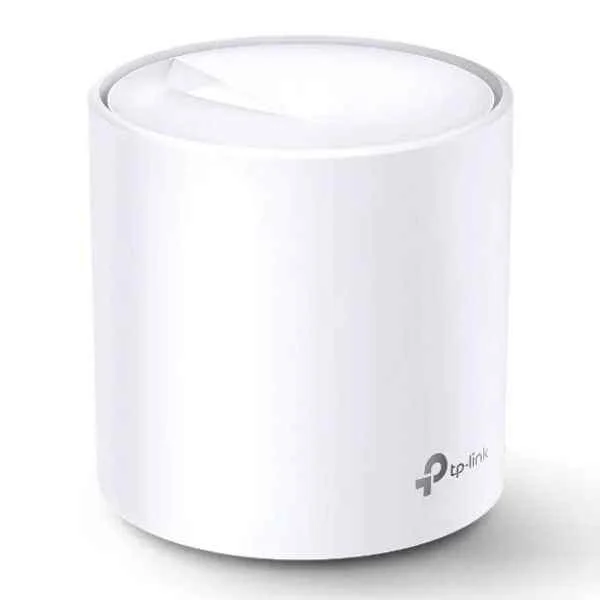
DECO X20(1-PACK) (AX1800 WHOLE HOME MESH WI-FI UNIT)
4.7 (6)- Mesh Wi-Fi System
- Tp-Link
- Mesh
- Wi-Fi 6 (802.11ax)
- 2.4GHz/5GHz Dual-Band
- 1.8Gbps
Est Value $330.48$165.24
50% offIn stockRefurbishedFirst-Time Buyer Discount – Get up to 2% additional off on your first order
ORM Rewards Earn $50 in Rewards + Free Expedited Delivery – Join Now!
Use eCoupon ORMSAVE10
eCoupon limited to 5 units
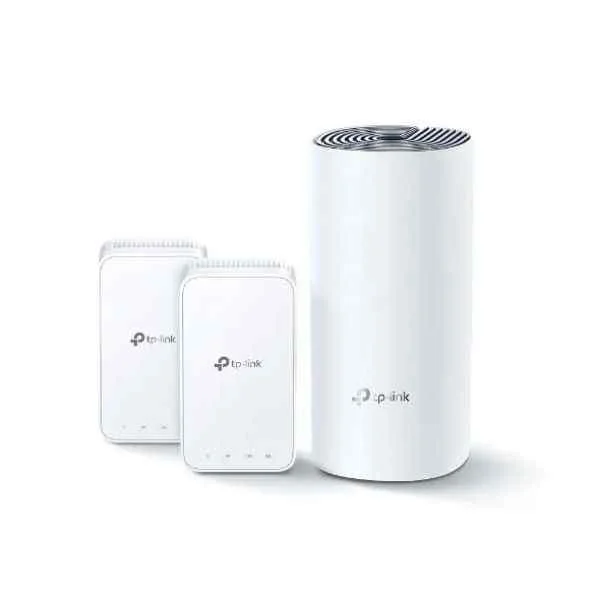
DECO E3(2-PACK) (Deco E3(2-pack) - Wi-Fi 5 (802.11ac) - Dual-band (2.4 GHz / 5 GHz) - Ethernet LAN - Gray - White - Tabletop router)
4.8 (6)- Wireless Product
- Tp-Link
- Mesh System
- Wi-Fi 5 (802.11ac)
- 2.4GHz / 5GHz
- AC1200 (300Mbps on 2.4GHz + 867Mbps on 5GHz)
Est Value $330.48$165.24
50% offIn stockRefurbishedFirst-Time Buyer Discount – Get up to 2% additional off on your first order
ORM Rewards Earn $50 in Rewards + Free Expedited Delivery – Join Now!
Use eCoupon ORMSAVE10
eCoupon limited to 5 units
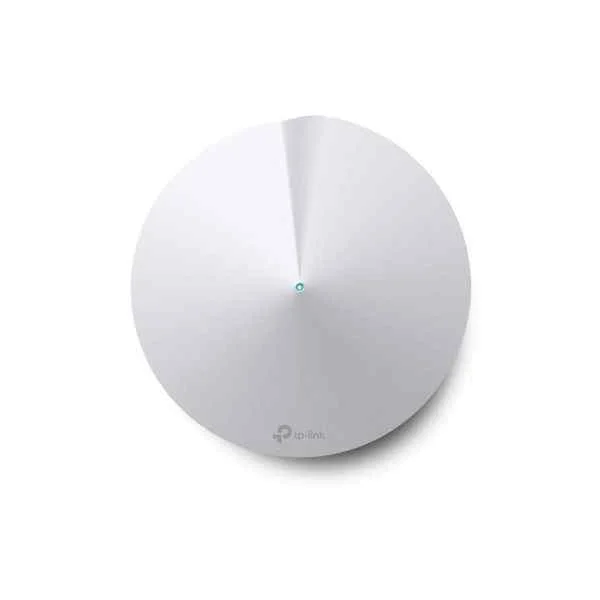
DECO M5(3-PACK) (AC1300 HOME WL SYSTEM MESHNETWORK)
5 (5)- Wireless Product
- Tp-Link
- Mesh System
- Wi-Fi 5
- 2.4GHz / 5GHz
- 400Mbps (2.4GHz) / 867Mbps (5GHz)
Est Value $1,169.28$584.64
50% offIn stockRefurbishedFirst-Time Buyer Discount – Get up to 2% additional off on your first order
ORM Rewards Earn $50 in Rewards + Free Expedited Delivery – Join Now!
Use eCoupon ORMSAVE10
eCoupon limited to 5 units
- BEST SELLING
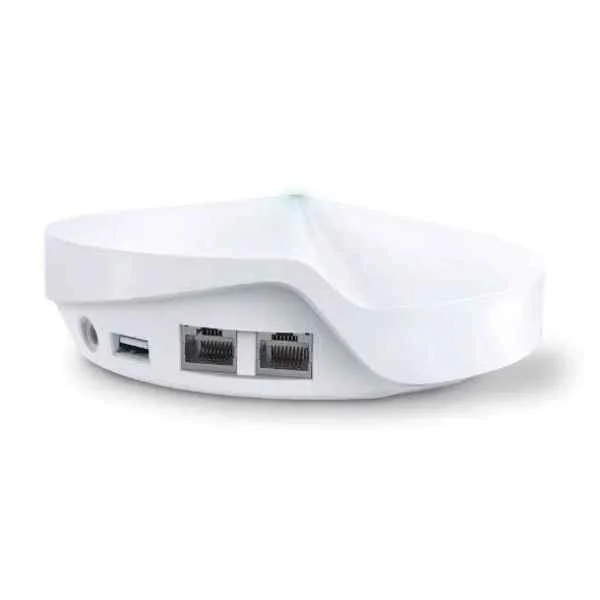
DECO M9 PLUS(1-PACK) (Deco M9 Plus - Wi-Fi 5 (802.11ac) - Dual-band (2.4 GHz / 5 GHz) - Ethernet LAN - White - Tabletop router)
4.2 (5)- Mesh Wi-Fi System
- Tp-Link
- Mesh System
- Wi-Fi 5 (802.11ac)
- Tri-Band (2.4GHz & Dual 5GHz)
- Up to 2134 Mbps
Est Value In stockFirst-Time Buyer Discount – Get up to 2% additional off on your first order
ORM Rewards Earn $50 in Rewards + Free Expedited Delivery – Join Now!
Use eCoupon ORMSAVE10
eCoupon limited to 5 units
- BEST SELLING
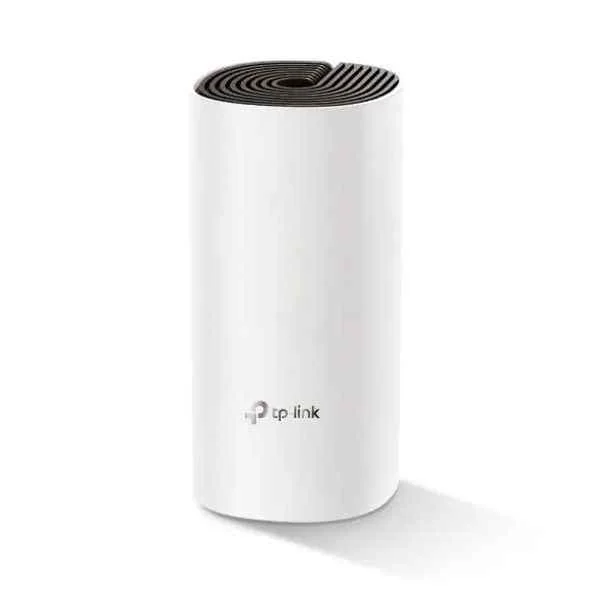
DECO E4(1-PACK) (Deco E4 1er-Pack AC1200 Whole-Home Mesh Wi-Fi System - Router - WLAN)
4.8 (6)- Wireless Product
- Tp-Link
- Mesh System
- Wi-Fi 5
- 2.4GHz / 5GHz
- AC1200
Est Value In stockFirst-Time Buyer Discount – Get up to 2% additional off on your first order
ORM Rewards Earn $50 in Rewards + Free Expedited Delivery – Join Now!
Use eCoupon ORMSAVE10
eCoupon limited to 5 units
- BEST SELLING
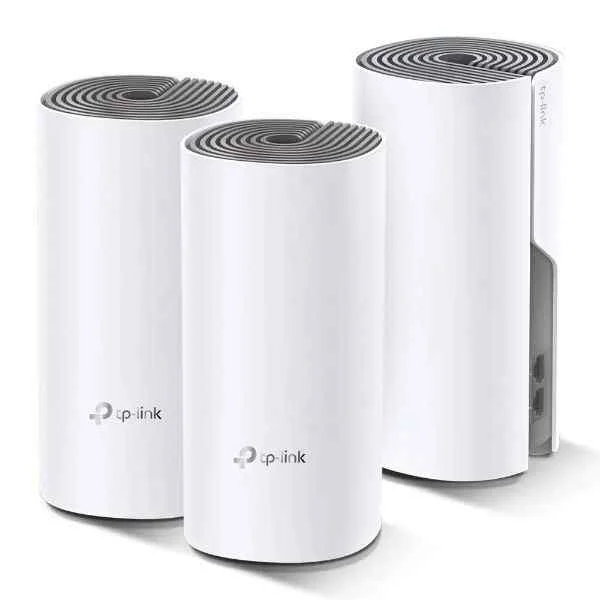
DECO E4(3-PACK) (TP-LINK Deco E4 - Wi-Fi system (3 routers) (DECO E4(3-PACK)))
4.8 (6)- Wireless Mesh System
- Tp-Link
- Mesh System
- Wi-Fi 5
- 2.4GHz, 5GHz
- 750Mbps
Est Value In stockFirst-Time Buyer Discount – Get up to 2% additional off on your first order
ORM Rewards Earn $50 in Rewards + Free Expedited Delivery – Join Now!
Use eCoupon ORMSAVE10
eCoupon limited to 5 units
- BEST SELLING
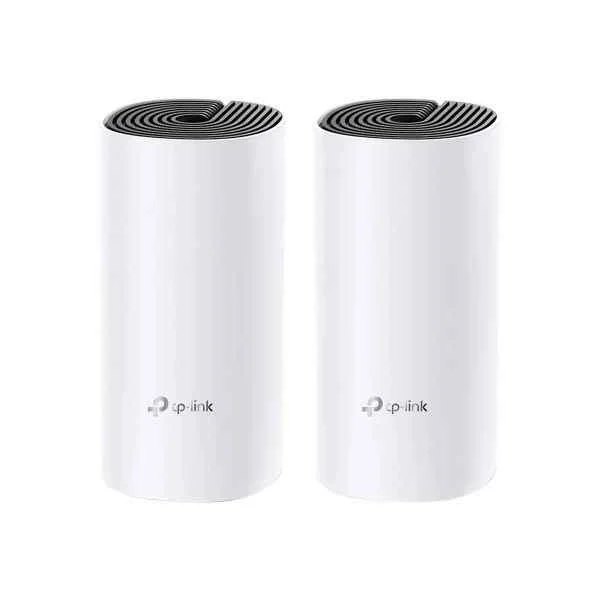
Deco M4(2-Pack) (TP-LINK Deco M4 AC1200 Deco Whole Home Mesh WiFi System 2-Pack (Deco M4(2-Pack)))
4.8 (6)- Mesh Wi-Fi System
- Tp-Link
- Mesh
- Wi-Fi 5
- 2.4GHz/5GHz
- AC1200 (300Mbps on 2.4GHz and 867Mbps on 5GHz)
Est Value In stockFirst-Time Buyer Discount – Get up to 2% additional off on your first order
ORM Rewards Earn $50 in Rewards + Free Expedited Delivery – Join Now!
Use eCoupon ORMSAVE10
eCoupon limited to 5 units
- FEARURED
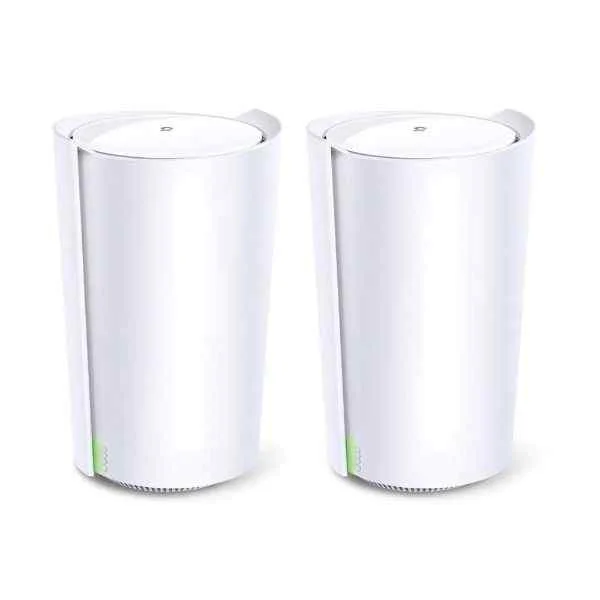
DECO X90 (2-PACK) (AX6600 Whole Home Mesh Wi-Fi System - White - Internal - Power - 0 - 40 °C - -40 - 70 °C - 10 - 90%)
4.7 (6)- Wireless Product
- Tp-Link
- Mesh System
- Wi-Fi 6
- 2.4GHz/5GHz
- 5Gbps
Est Value In stockFirst-Time Buyer Discount – Get up to 2% additional off on your first order
ORM Rewards Earn $50 in Rewards + Free Expedited Delivery – Join Now!
Use eCoupon ORMSAVE10
eCoupon limited to 5 units
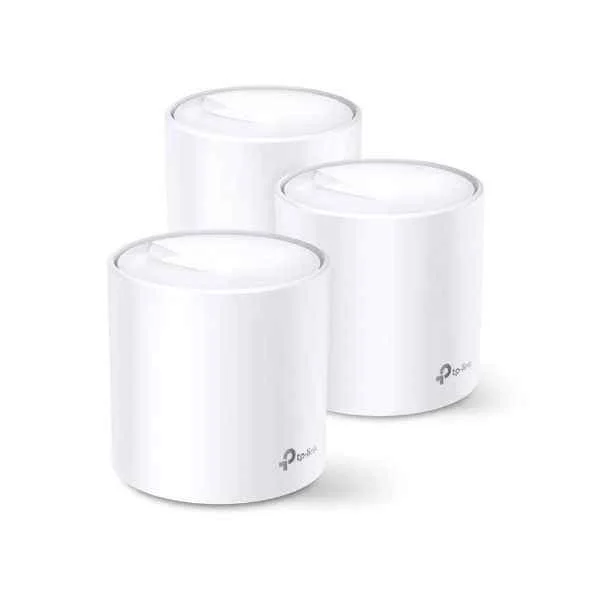
DECO X60(3-PACK) (AX3000 WHOLE-HOME MESH SYSTEM)
4.4 (5)- Mesh WiFi System
- Tp-Link
- Mesh System
- Wi-Fi 6 (802.11ax)
- 2.4GHz / 5GHz
- Up to 1800Mbps
Est Value In stockFirst-Time Buyer Discount – Get up to 2% additional off on your first order
ORM Rewards Earn $50 in Rewards + Free Expedited Delivery – Join Now!
Use eCoupon ORMSAVE10
eCoupon limited to 5 units
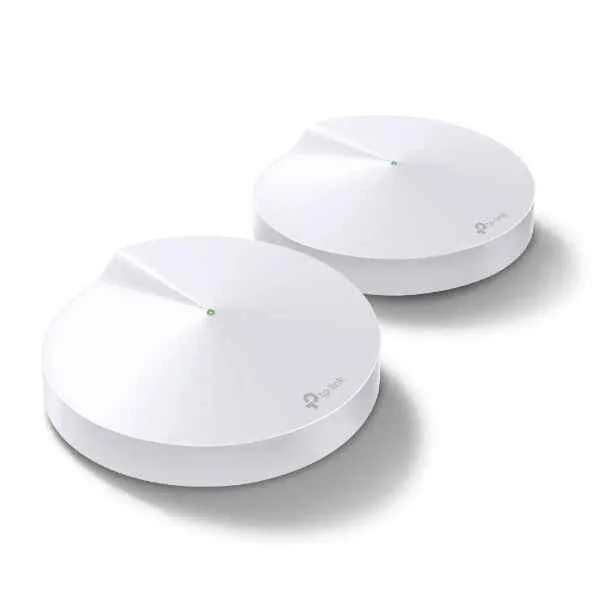
DECO M5(2-PACK) (Deco M5 Kit (2-Pack) AC1300 - White - Internal - 0 - 40 °C - -40 - 70 °C - 10 - 90% - 5 - 90%)
4.5 (6)- Wireless Mesh System
- Tp-Link
- Mesh System
- Wi-Fi 5
- 2.4GHz / 5GHz
- Up to 1267 Mbps
Est Value In stockFirst-Time Buyer Discount – Get up to 2% additional off on your first order
ORM Rewards Earn $50 in Rewards + Free Expedited Delivery – Join Now!
Use eCoupon ORMSAVE10
eCoupon limited to 5 units
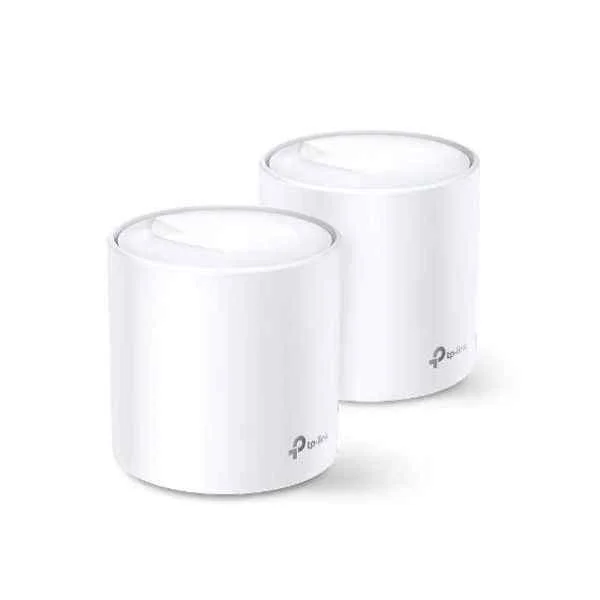
DECO X20(2-PACK) (Deco X20 (2-pack) - Wi-Fi 5 (802.11ac) - Dual-band (2.4 GHz / 5 GHz) - Ethernet LAN - White - Tabletop router)
4.3 (6)- Wireless Mesh System
- Tp-Link
- Mesh System
- Wi-Fi 6 (802.11ax)
- 2.4GHz / 5GHz
- Up to 1.8Gbps
Est Value In stockFirst-Time Buyer Discount – Get up to 2% additional off on your first order
ORM Rewards Earn $50 in Rewards + Free Expedited Delivery – Join Now!
Use eCoupon ORMSAVE10
eCoupon limited to 5 units
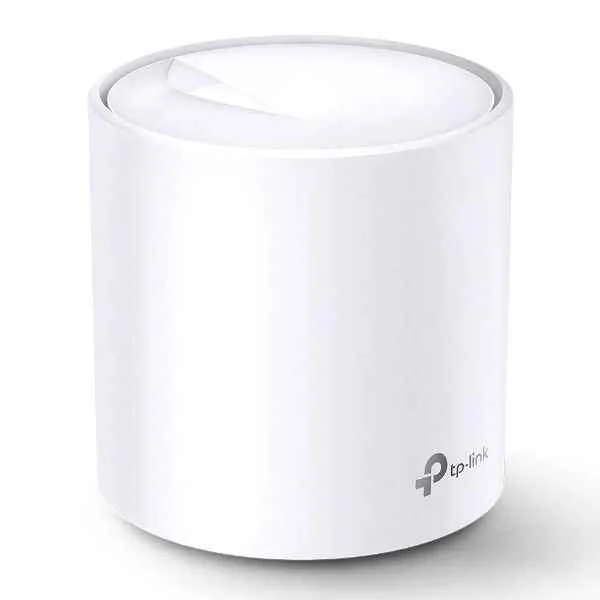
DECO X60(1-PACK) (AX3000 Whole Home Mesh Wi-Fi 6 Unit - White - Internal - Power - Status - 0 - 40 °C - -40 - 70 °C - 10 - 90%)
4.7 (6)- Wireless Product
- Tp-Link
- Mesh System
- Wi-Fi 6
- 2.4GHz / 5GHz
- 3000 Mbps
Est Value In stockFirst-Time Buyer Discount – Get up to 2% additional off on your first order
ORM Rewards Earn $50 in Rewards + Free Expedited Delivery – Join Now!
Use eCoupon ORMSAVE10
eCoupon limited to 5 units
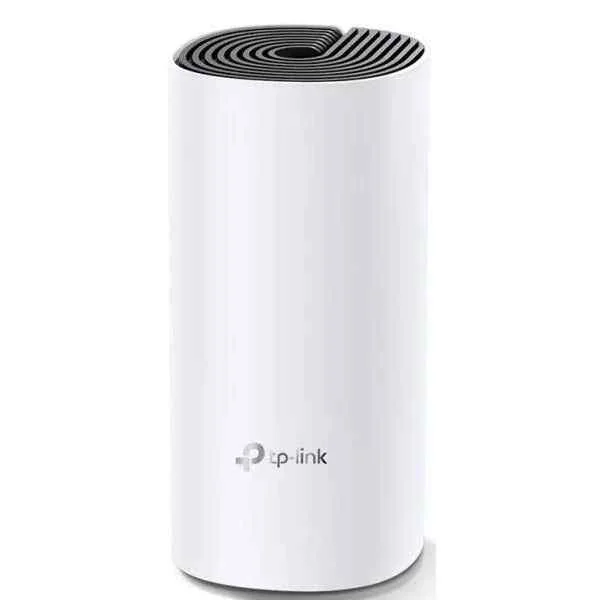
DECO M4(1-PACK) (TP-LINK Deco M4 1-pack AC1200 Whole Home Mesh Wi-Fi System - Router - WLAN (DECO M4(1-PACK)))
4.8 (6)- Wireless Mesh System
- Tp-Link
- Mesh
- Wi-Fi 5
- 2.4GHz, 5GHz
- 1167Mbps
Est Value In stockFirst-Time Buyer Discount – Get up to 2% additional off on your first order
ORM Rewards Earn $50 in Rewards + Free Expedited Delivery – Join Now!
Use eCoupon ORMSAVE10
eCoupon limited to 5 units
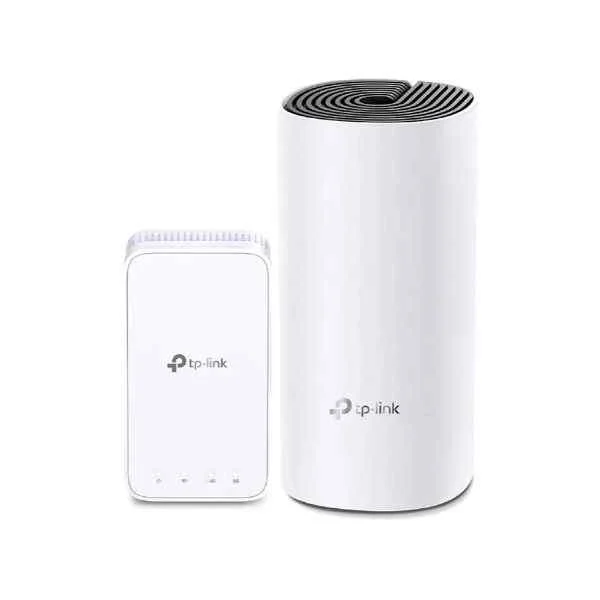
DECO M3(2-PACK) (Deco M3 (2-Pack) - Wi-Fi 5 (802.11ac) - Dual-band (2.4 GHz / 5 GHz) - Ethernet LAN - Black,White - Tabletop router)
4.3 (6)- Mesh Wi-Fi System
- Tp-Link
- Mesh
- Wi-Fi 5
- 2.4GHz/5GHz
- 1167Mbps (300Mbps + 867Mbps)
Est Value In stockFirst-Time Buyer Discount – Get up to 2% additional off on your first order
ORM Rewards Earn $50 in Rewards + Free Expedited Delivery – Join Now!
Use eCoupon ORMSAVE10
eCoupon limited to 5 units

ORM Sales Advisors
Buying for your business? Get a personalised quote in under 2 hours. Talk to an expert
LEARNFilters (19) 
Questions & Answers
What is a Mesh Wi-Fi System?
A mesh Wi-Fi system uses multiple interlinked nodes that work together to deliver seamless, high-performance wireless coverage throughout your home or office.
How does a Mesh Wi-Fi System differ from a traditional router?
Unlike a single router, mesh Wi-Fi employs several nodes to eliminate dead zones and maintain consistent speeds across all connected devices.
What are the benefits of a Mesh Wi-Fi System?
Mesh Wi-Fi provides seamless coverage, easy scalability, centralized management, and self-healing network redundancy for optimal performance.
How many nodes do I need for full home coverage?
Typically, one node covers 1,500–2,000 square feet, but the exact number depends on your building’s layout, materials, and interference sources.
Is a Mesh Wi-Fi System easy to set up?
Yes; most mesh systems feature plug-and-play setup via a mobile app that guides you step-by-step through node placement and network configuration.
Can I expand my Mesh Wi-Fi network later?
Absolutely; mesh networks are highly scalable, allowing you to add or remove nodes anytime without complex reconfiguration.
Will a Mesh Wi-Fi System improve my internet speeds?
While a mesh system won’t exceed your ISP’s maximum bandwidth, it ensures consistent, optimal throughput across your entire coverage area.
How secure is a Mesh Wi-Fi System?
Modern mesh systems offer WPA3 encryption, automatic firmware updates, and integrated security features to protect your network against cyber threats.
Do mesh nodes require Ethernet connections?
No; mesh nodes communicate wirelessly by default, although optional Ethernet backhaul can further enhance performance if cabling is available.
Can I use my existing modem with a Mesh Wi-Fi System?
Yes; simply connect the primary mesh node to your modem’s Ethernet port, and the system will handle the rest of the network setup automatically.
How do I manage my Mesh Wi-Fi network?
You manage all settings—such as guest access, parental controls, and QoS—through a centralized, user-friendly mobile or web app.
Are Mesh Wi-Fi Systems suitable for gaming and streaming?
Yes; mesh systems deliver low-latency, high-bandwidth connectivity ideal for 4K streaming and competitive online gaming on multiple devices.
What should I consider when choosing a Mesh Wi-Fi System?
Assess your coverage area, desired throughput, number of nodes, security features, app interface, and budget before making a decision.
How much does a Mesh Wi-Fi System cost?
Prices typically range from $150 to $500 or more, depending on the number of nodes, advanced features, and brand reputation.
Can Mesh Wi-Fi work outdoors?
Yes; select systems offer weather-resistant outdoor nodes to extend seamless coverage to patios, gardens, and other exterior areas.
Does a Mesh Wi-Fi System require a subscription?
Most systems include basic functionality without a subscription, though premium security, parental controls, or cloud storage may require an annual fee.
How do I troubleshoot common Mesh Wi-Fi issues?
Restart nodes, verify optimal placement, update firmware via the app, and use built-in diagnostics to identify and resolve connectivity issues.