 United States
Ubiquiti AP & Bridge Accessories
Enhance network performance with genuine Ubiquiti AP and bridge accessories engineered for robust connectivity, superior signal strength, and seamless integration in demanding enterprise environments.
Talk to an expert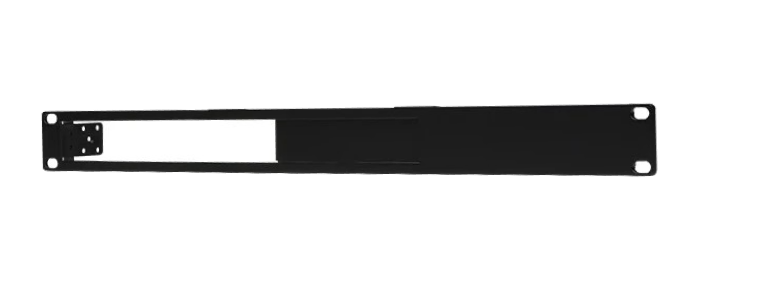
6 Matching results
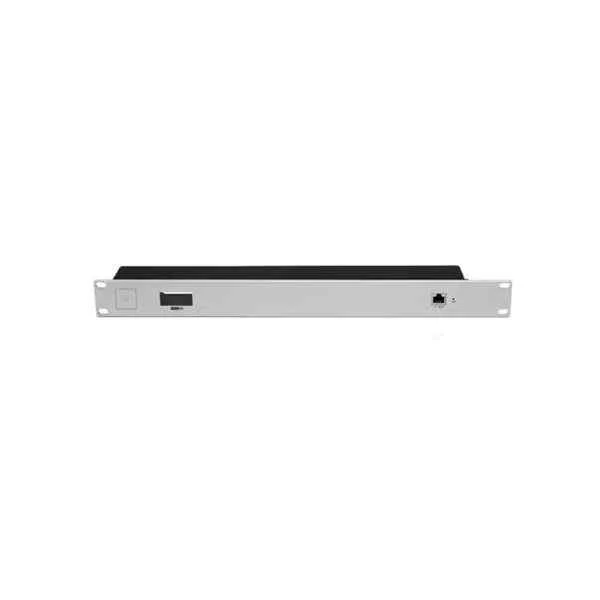
CKG2-RM (UBNT UniFi UCK-G2 UCK-G2-Plus, 1U mount rack, CKG2-RM, POE, 1 Gigabit Ethernet)
4.6 (5)- Wireless Product
- Ubiquiti
- Access Point
- Wi-Fi 6
- 2.4GHz / 5GHz
- 2.5Gbps
- 100 meters
Est Value $220.52
$188.25
14.6% offIn stockNewRefurbishedFirst-Time Buyer Discount – Get up to 2% additional off on your first order
ORM Rewards Earn $50 in Rewards + Free Expedited Delivery – Join Now!
Use eCoupon ORMSAVE10
eCoupon limited to 5 units
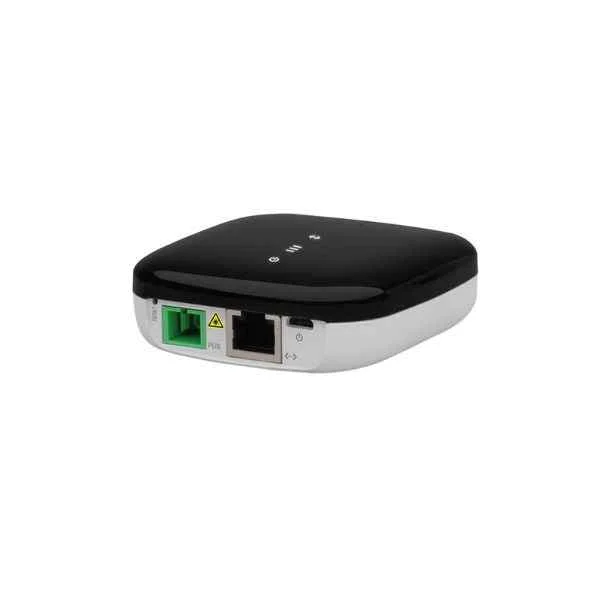
UF-Nano (UBNT Networks UFiber Nano G UF-Nano Gigabit GPON Passive Optical Network Unit)
5 (5)- Wireless Access Point
- Ubiquiti
- Access Point
- Wi-Fi 6
- 2.4GHz / 5GHz
- 1Gbps
- 100 meters
Est Value $348.30$297.33
14.6% offIn stockRefurbishedFirst-Time Buyer Discount – Get up to 2% additional off on your first order
ORM Rewards Earn $50 in Rewards + Free Expedited Delivery – Join Now!
Use eCoupon ORMSAVE10
eCoupon limited to 5 units
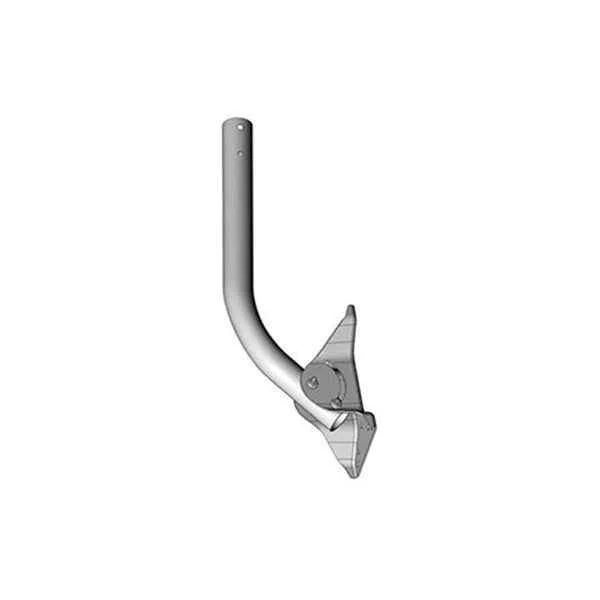
UB-AM (UBIQUITI ANTENNA MOUNT - 10PK)
4.4 (5)- Wireless Access Point
- Ubiquiti
- Access Point
- Wi‑Fi 6
- 2.4GHz / 5GHz
- 2.5Gbps
- 100 meters
Est Value $45.18$38.57
14.6% offIn stockRefurbishedFirst-Time Buyer Discount – Get up to 2% additional off on your first order
ORM Rewards Earn $50 in Rewards + Free Expedited Delivery – Join Now!
Use eCoupon ORMSAVE10
eCoupon limited to 5 units
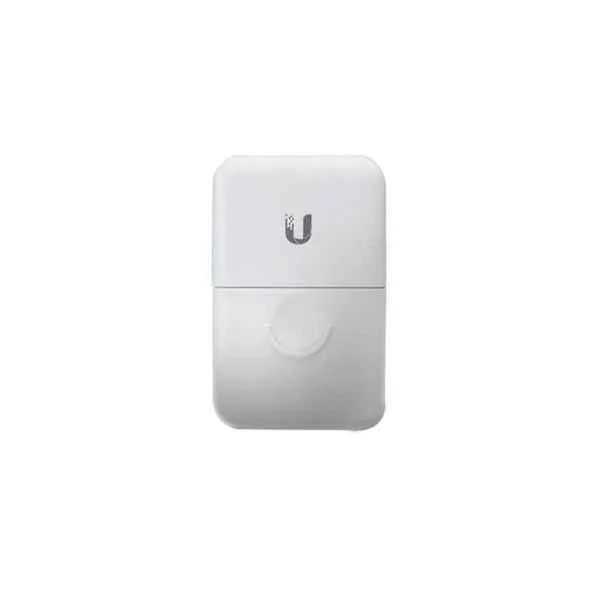
ETH-SP-G2 (UBNT Networks Ethernet Surge Protector Gen 2 ETH-SP-G2 Ethernet to Ethernet Grounded ESD Protection)
4.6 (5)- Wireless Product
- Ubiquiti
- Access Point
- Wi-Fi 6
- 2.4GHz / 5GHz
- 2.5Gbps
- 150 feet
Est Value $150.12$75.06
50% offIn stockNewRefurbishedFirst-Time Buyer Discount – Get up to 2% additional off on your first order
ORM Rewards Earn $50 in Rewards + Free Expedited Delivery – Join Now!
Use eCoupon ORMSAVE10
eCoupon limited to 5 units
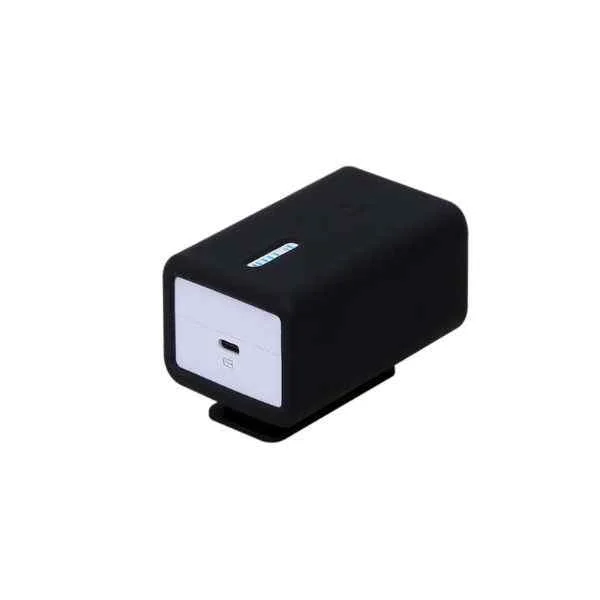
U-Installer (UBNT Networks U-Installer 2.4 GHz airMAX CPE Tool 10/100 Ethernet Port Wi-Fi )
4.2 (5)- Wireless Product
- Ubiquiti
- Access Point
- Wi-Fi 6
- 2.4GHz / 5GHz
- 1Gbps
- 100 meters
Est Value In stockFirst-Time Buyer Discount – Get up to 2% additional off on your first order
ORM Rewards Earn $50 in Rewards + Free Expedited Delivery – Join Now!
Use eCoupon ORMSAVE10
eCoupon limited to 5 units
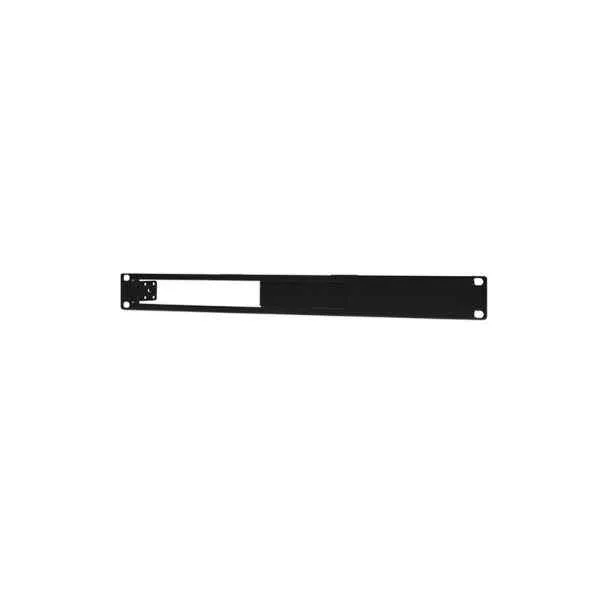
ER-RMKIT (UBNT ER-RMKIT Networks EdgeRouter Rackmount ER-4/ER-6P Advanced Network Routers Kit )
4.2 (5)- Wireless Kit
- Ubiquiti
- Access Point / Mesh System
- Wi-Fi 6
- 2.4GHz, 5GHz
- 2.5Gbps
- 100 meters
Est Value In stockFirst-Time Buyer Discount – Get up to 2% additional off on your first order
ORM Rewards Earn $50 in Rewards + Free Expedited Delivery – Join Now!
Use eCoupon ORMSAVE10
eCoupon limited to 5 units

ORM Sales Advisors
Buying for your business? Get a personalised quote in under 2 hours. Talk to an expert
LEARNFilters (6) 
Questions & Answers
What are Ubiquiti AP and Bridge accessories?
Ubiquiti AP and Bridge accessories include mounting kits, PoE injectors, antennas, enclosures and surge protectors designed to enhance deployment, performance and durability of Ubiquiti wireless access points and bridges.
Which PoE injector is compatible with Ubiquiti AP devices?
Use Ubiquiti’s Gigabit PoE Injector (Model: POE-48-24W) for reliable 24V, 0.5A power delivery to UniFi AP and airMAX devices, ensuring stable operation and easy plug-and-play installation.
How do I mount Ubiquiti APs outdoors?
To mount Ubiquiti APs outdoors, use the official outdoor mounting bracket with stainless steel straps or the universal U-Mount kit, both of which support pole and wall installations and provide secure, weatherproof fastening.
What antennas can improve Ubiquiti bridge performance?
Directional sector antennas (e.g., AirMax Sector 5G30) and high-gain dish antennas (e.g., NanoBeam 5AC Gen2) focus RF energy for long-range bridging, increasing link stability and throughput in point-to-point deployments.
Are Ubiquiti AP accessories weatherproof?
Most Ubiquiti outdoor accessories, including enclosures, mounting brackets and surge protectors, are IP54 or IP67 rated for dust and water resistance, ensuring reliable performance in harsh environmental conditions.
How do I use a lightning arrester with a Ubiquiti bridge?
Install an outdoor-rated lightning arrester on the RF coax line between the bridge antenna and radio unit, ground it according to local electrical codes, and ensure proper grounding to prevent surge damage.
What cable management kits work with Ubiquiti APs?
Use the Ubiquiti Cable Management Arm or Nylon Cable Ties Kit to organize Ethernet and power cables, reduce strain on connectors and maintain a neat installation for indoor and outdoor AP deployments.
Which grounding accessories are recommended for Ubiquiti installations?
Recommended grounding accessories include the Ubiquiti Grounding Block (G-STK) and copper grounding wire, which protect your AP and bridge components from electrical surges and static discharge.
How to choose the right sector antenna for long-range bridging?
Select a sector antenna based on desired frequency (2.4 GHz or 5 GHz), required gain (8 dBi–30 dBi) and beamwidth. Higher gain yields longer range, while wider beamwidth covers larger areas in point-to-multipoint setups.
Do I need a surge protector for my Ubiquiti AP?
Yes. A surge protector installed on the Ethernet line before the PoE injector safeguards your AP against voltage spikes and lightning strikes, ensuring consistent network uptime.
How to install a protective enclosure for Ubiquiti wireless bridges?
Mount the UL-rated outdoor enclosure to a pole or wall, place the bridge radio inside, secure cables with weatherproof grommets and seal all openings with silicone to maintain IP67 protection.
What mounting options are available for Ubiquiti NanoBeam series?
NanoBeam accessories include the Universal Pole Mount, Wall Mount Kit and H-Bracket, offering flexible alignment and tilt adjustment for precise point-to-point or point-to-multipoint links.
How to upgrade firmware on Ubiquiti AP accessories?
Use the UniFi Network Controller or airOS web interface to upload the latest firmware file. Navigate to the Devices section, select your AP or bridge, and initiate the firmware upgrade for enhanced features and security.
What warranty applies to Ubiquiti AP and bridge accessories?
Ubiquiti provides a limited two-year warranty on most AP and bridge accessories, covering manufacturing defects. Register your product within 30 days of purchase to activate warranty benefits.
How to optimize Ubiquiti bridge alignment for best signal?
Use the built-in signal strength LEDs or airView spectrum analysis tool to fine-tune azimuth and elevation angles. Aim for maximum RSSI and minimal noise floor for a stable, high-throughput link.
Where can I buy genuine Ubiquiti AP and bridge accessories?
Purchase genuine Ubiquiti accessories from authorized distributors listed on the Ubiquiti website or certified resellers on Amazon to ensure compatibility, warranty coverage and official support.