 United States
Ubiquiti Ceiling Access Points
Engineered for seamless connectivity and robust performance, our Ubiquiti ceiling access points deliver comprehensive wireless coverage, secure enterprise networking, and scalable infrastructure designed for future-proof performance.
Talk to an expert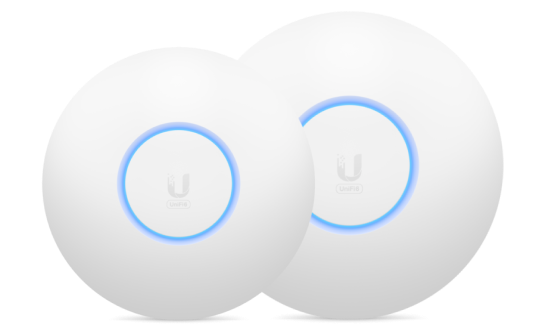
6 Matching results
- BEST SELLING
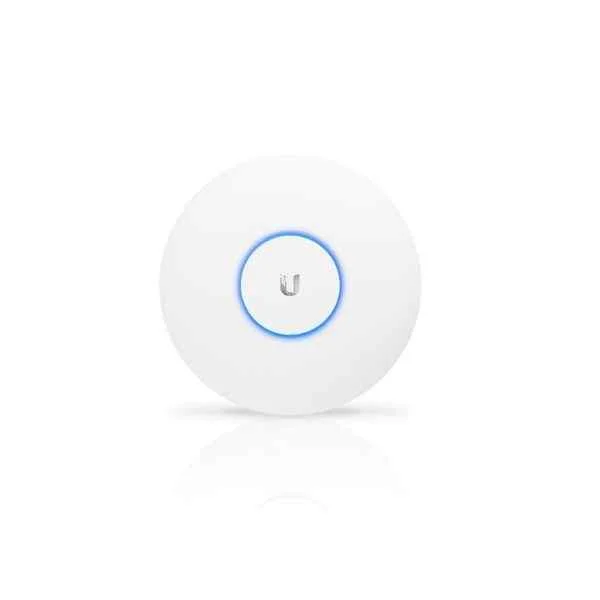
UAP-AC-PRO (UBNT PoE PD, Indoor Wifi Coverage, 1 Gigabit Ethernet, Dual-Band, Unifi Wireless AP)
4.6 (5)- Wireless Product
- Ubiquiti
- Access Point
- Wi-Fi 5
- 2.4GHz / 5GHz
- 450Mbps (2.4GHz) / 1300Mbps (5GHz)
- 122m
Est Value $266.96
$133.48
50% offIn stockNewRefurbishedFirst-Time Buyer Discount – Get up to 2% additional off on your first order
ORM Rewards Earn $50 in Rewards + Free Expedited Delivery – Join Now!
Use eCoupon ORMSAVE10
eCoupon limited to 5 units
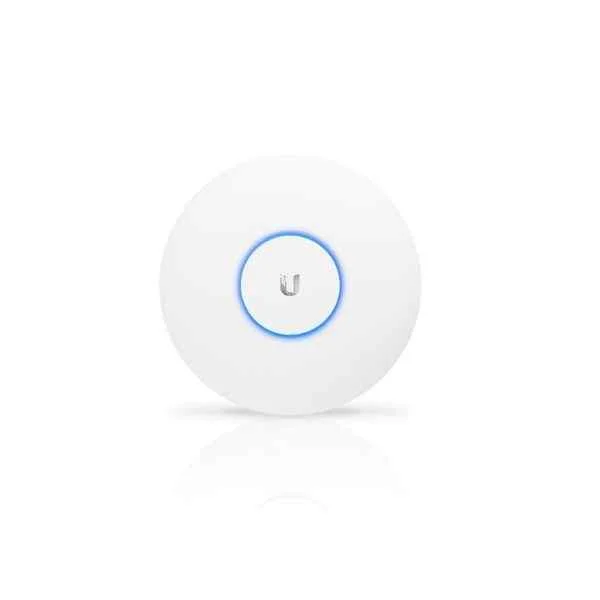
UAP-AC-LR (UBNT Long Range Indoor Access Point, 1 Gigabit Ethernet, POE PD , Wi-Fi coverage)
4.6 (5)- Wireless Product
- Ubiquiti
- Access Point
- Wi-Fi 5
- 2.4GHz, 5GHz
- Up to 1.167Gbps
- 183 meters
Est Value $273.36$136.68
50% offIn stockRefurbishedFirst-Time Buyer Discount – Get up to 2% additional off on your first order
ORM Rewards Earn $50 in Rewards + Free Expedited Delivery – Join Now!
Use eCoupon ORMSAVE10
eCoupon limited to 5 units
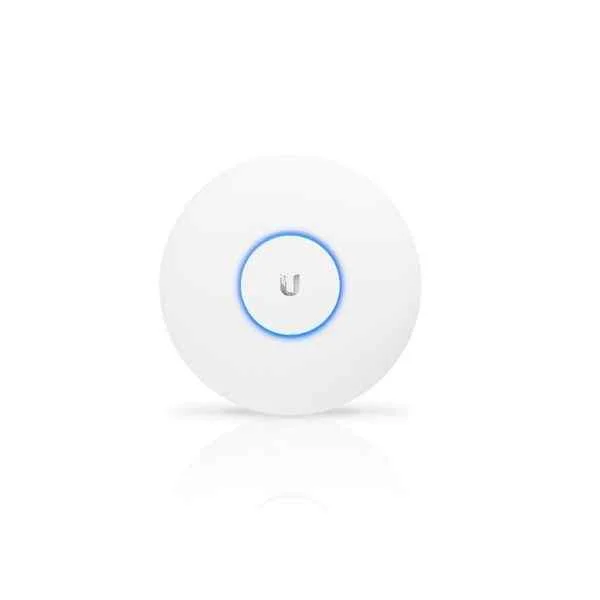
UAP-AC-LITE (UBNT Indoor Wifi Coverage,AP Coverage)
4.8 (5)- Access Point
- Ubiquiti
- Access Point
- Wi-Fi 5
- 2.4GHz / 5GHz
- 300 Mbps (2.4GHz) / 867 Mbps (5GHz)
Est Value $199.16$138.34
30.5% offIn stockRefurbishedFirst-Time Buyer Discount – Get up to 2% additional off on your first order
ORM Rewards Earn $50 in Rewards + Free Expedited Delivery – Join Now!
Use eCoupon ORMSAVE10
eCoupon limited to 5 units
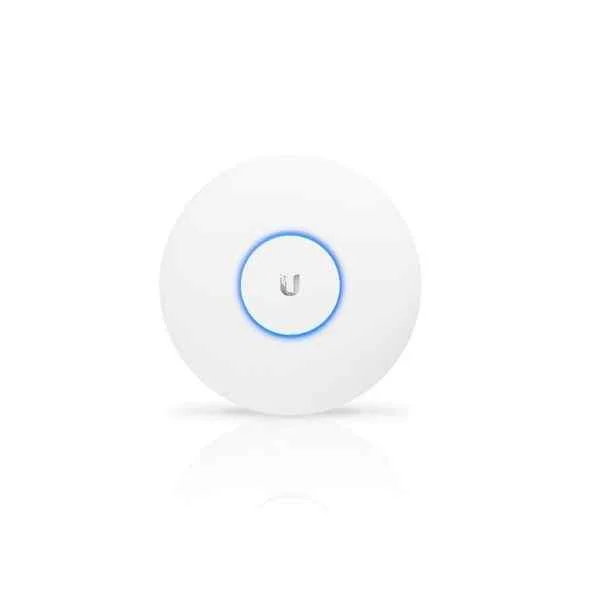
UAP-nanoHD (UBNT Dual-Band Wi-Fi System, 1 Gigabit Ethernet, POE PD, WiFI Coverage, AP)
4.8 (5)- Indoor Access Point
- Ubiquiti
- Access Point
- Wi-Fi 5
- 2.4GHz / 5GHz
- 1.733Gbps
Est Value $233.47$199.30
14.6% offIn stockRefurbishedFirst-Time Buyer Discount – Get up to 2% additional off on your first order
ORM Rewards Earn $50 in Rewards + Free Expedited Delivery – Join Now!
Use eCoupon ORMSAVE10
eCoupon limited to 5 units
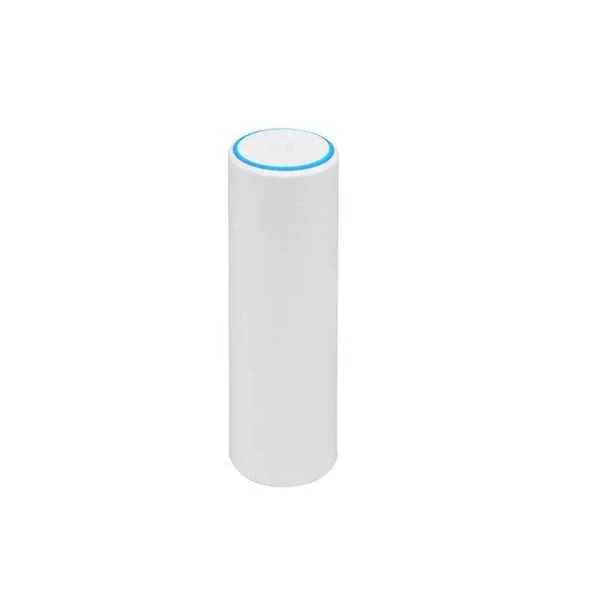
UAP-FlexHD (UBNT Wave-2 Dual-Band Wi-Fi System, 1 Gigabit Ethernet, POE PD, AP, MU-MIMO 2033Mpbs, Dual-Band Gigabit Access Point)
4.6 (5)- Wireless Access Point
- Ubiquiti
- Access Point
- Wi-Fi 5
- 2.4GHz / 5GHz
- 1.7Gbps
Est Value $406.87$347.33
14.6% offIn stockNewRefurbishedFirst-Time Buyer Discount – Get up to 2% additional off on your first order
ORM Rewards Earn $50 in Rewards + Free Expedited Delivery – Join Now!
Use eCoupon ORMSAVE10
eCoupon limited to 5 units
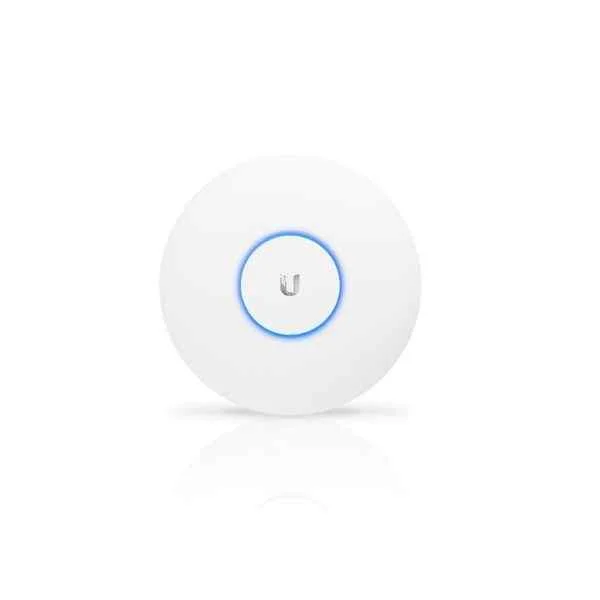
UAP-AC-HD (UBNT MU MIMO Enterprise Wireless Access Point ,Dual-Band Wi-Fi System, 1 Gigabit Ethernet, POE PD)
4.6 (5)- Wireless Access Point
- Ubiquiti
- Access Point
- Wi-Fi 5
- 2.4GHz / 5GHz
- 1.7Gbps (Aggregate: 450Mbps on 2.4GHz and 1300Mbps on 5GHz)
Est Value $347.41$296.57
14.6% offIn stockRefurbishedFirst-Time Buyer Discount – Get up to 2% additional off on your first order
ORM Rewards Earn $50 in Rewards + Free Expedited Delivery – Join Now!
Use eCoupon ORMSAVE10
eCoupon limited to 5 units

ORM Sales Advisors
Buying for your business? Get a personalised quote in under 2 hours. Talk to an expert
LEARNFilters (6) 
Questions & Answers
What is a Ubiquiti Ceiling Access Point?
The Ubiquiti Ceiling Access Point is a high-performance wireless device designed for ceiling deployment that delivers robust Wi-Fi connectivity for enterprise, hospitality, and education environments.
How do I install a Ubiquiti Ceiling Access Point?
To install a Ubiquiti Ceiling Access Point, secure the mounting bracket to the ceiling grid or drywall, connect an IEEE 802.3af/at PoE cable, and adopt the device in the UniFi Controller for network configuration.
Which PoE switch or injector do I need for a Ubiquiti Ceiling Access Point?
Ubiquiti Ceiling Access Points require a PoE-enabled switch or injector supporting IEEE 802.3af or 802.3at, such as a UniFi Switch with PoE ports or the Ubiquiti PoE-24-12W injector.
How do I configure a Ubiquiti Ceiling Access Point in UniFi Controller?
Configure your Ubiquiti Ceiling Access Point in UniFi Controller by navigating to Devices, selecting the AP, clicking Adopt, and setting SSIDs, security, and radio profiles under the Settings panel.
What Wi-Fi standards do Ubiquiti Ceiling Access Points support?
Ubiquiti Ceiling Access Points support Wi-Fi standards 802.11ac Wave 2 for UAP-AC models and 802.11ax (Wi-Fi 6) for U6 models, enabling high throughputs and multi-user MU-MIMO performance.
How many concurrent clients can a Ubiquiti Ceiling Access Point handle?
A Ubiquiti Ceiling Access Point can handle up to 200 concurrent clients depending on network usage patterns and environmental factors, ensuring reliable connectivity in high-density deployments.
What is the coverage area of a Ubiquiti Ceiling Access Point?
Typical coverage for a Ubiquiti Ceiling Access Point ranges from 3,000 to 5,000 square feet (280 to 465 m²) per unit, varying based on building materials, interference, and deployment height.
How do I perform firmware updates on a Ubiquiti Ceiling Access Point?
To perform firmware updates on a Ubiquiti Ceiling Access Point, log into UniFi Controller, go to Devices, select the AP, click Upgrade, and monitor progress under the Updates section.
What security features are available on Ubiquiti Ceiling Access Points?
Ubiquiti Ceiling Access Points offer enterprise-grade security with WPA2/WPA3 encryption, guest network isolation, RADIUS authentication, and advanced threat management through UniFi Network.
Can Ubiquiti Ceiling Access Points be used in a mesh network?
Yes, Ubiquiti Ceiling Access Points support mesh networking, allowing you to extend wireless coverage without additional cabling by enabling Meshing under the AP’s radio settings in UniFi Controller.
How do I troubleshoot connectivity issues with a Ubiquiti Ceiling Access Point?
To troubleshoot connectivity with a Ubiquiti Ceiling Access Point, verify PoE power, inspect LED status, reboot the unit, update firmware, and check channel utilization in UniFi Controller.
Are Ubiquiti Ceiling Access Points compatible with non-Ubiquiti devices?
While optimized for UniFi ecosystems, Ubiquiti Ceiling Access Points are compatible with 802.11ac/ax clients from any vendor but achieve full feature control when managed via UniFi Controller.
What is the difference between UAP-AC and U6 Ceiling Access Points?
The UAP-AC series supports 802.11ac Wave 2, dual-band radios, and MU-MIMO, whereas the U6 series adds 802.11ax (Wi-Fi 6), OFDMA, and improved spectral efficiency for higher throughput and capacity.
Do Ubiquiti Ceiling Access Points support band steering and load balancing?
Ubiquiti Ceiling Access Points support band steering to direct devices to the optimal 2.4 GHz or 5 GHz band and automatic load balancing to evenly distribute clients across APs.
What mounting options are available for Ubiquiti Ceiling Access Points?
Mounting options for Ubiquiti Ceiling Access Points include T-bar ceiling grid, drywall with mounting brackets, and optional surface-mount kits for non-suspended ceiling environments.
What warranty and support are provided for Ubiquiti Ceiling Access Points?
Ubiquiti provides a one-year limited hardware warranty for Ceiling Access Points, with optional UniFi Care support plans available for extended replacement and advanced technical assistance.
Can I manage Ubiquiti Ceiling Access Points remotely?
Yes, you can remotely manage Ubiquiti Ceiling Access Points via the UniFi Network mobile app or the cloud-hosted UniFi Cloud portal, allowing real-time monitoring and configuration from anywhere.