 United States
WLAN Controllers Ubiquiti High Performance
Empower your wireless network with Ubiquiti WLAN Controllers that deliver unparalleled reliability, extensive coverage, and seamless integration. Enhance performance and simplify management for optimal connectivity.
Talk to an expert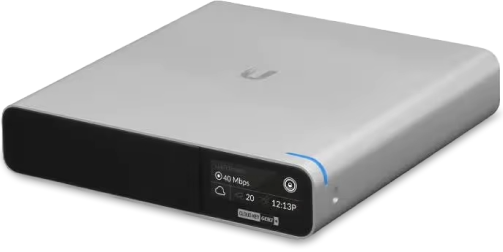
4 Matching results
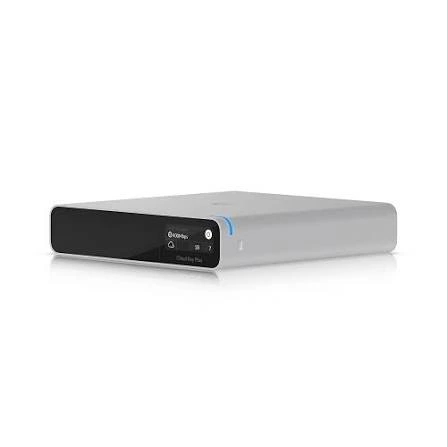
UCK-G2-Plus (UBNT Wireless AP, AC Gen2 Controller, UCK-G2-Plus, Remote Management)
4.8 (5)- Network Controller
- Ubiquiti
Est Value $367.74
$313.93
14.6% offIn stockNewRefurbishedFirst-Time Buyer Discount – Get up to 2% additional off on your first order
ORM Rewards Earn $50 in Rewards + Free Expedited Delivery – Join Now!
Use eCoupon ORMSAVE10
eCoupon limited to 5 units
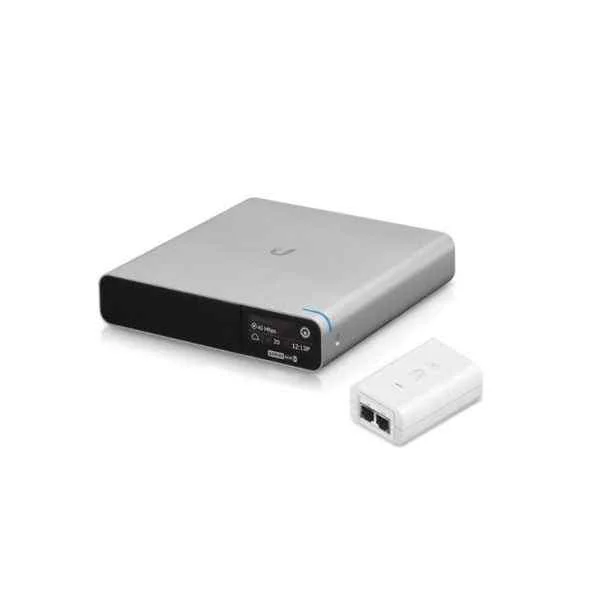
UCK-G2-Plus with Power Supply (UBNT Wireless AP, AC Gen2 Controller, UCK-G2-Plus, Remote Management,Power Supply)
4.6 (5)- Wireless Access Point
- Ubiquiti
- Access Point
- Wi-Fi 6
- 2.4GHz / 5GHz
- 1Gbps
Est Value In stockFirst-Time Buyer Discount – Get up to 2% additional off on your first order
ORM Rewards Earn $50 in Rewards + Free Expedited Delivery – Join Now!
Use eCoupon ORMSAVE10
eCoupon limited to 5 units
UCK-G2 with Power Supply (UBNT Wireless AP, AC Gen2 Controller, UCK-G2, Remote Management, Power Supply)
4.6 (5)- Wireless Product
- Ubiquiti
- Access Point
- Wi-Fi 6
- 2.4GHz / 5GHz
- 2.5Gbps
- 150 meters
Est Value In stockFirst-Time Buyer Discount – Get up to 2% additional off on your first order
ORM Rewards Earn $50 in Rewards + Free Expedited Delivery – Join Now!
Use eCoupon ORMSAVE10
eCoupon limited to 5 units
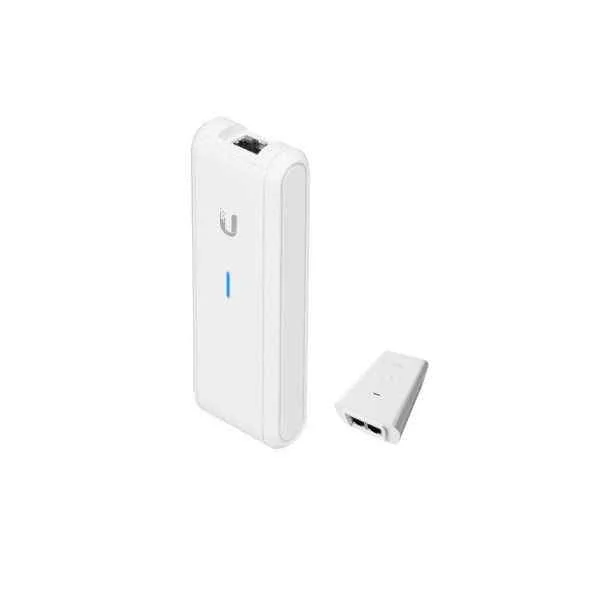
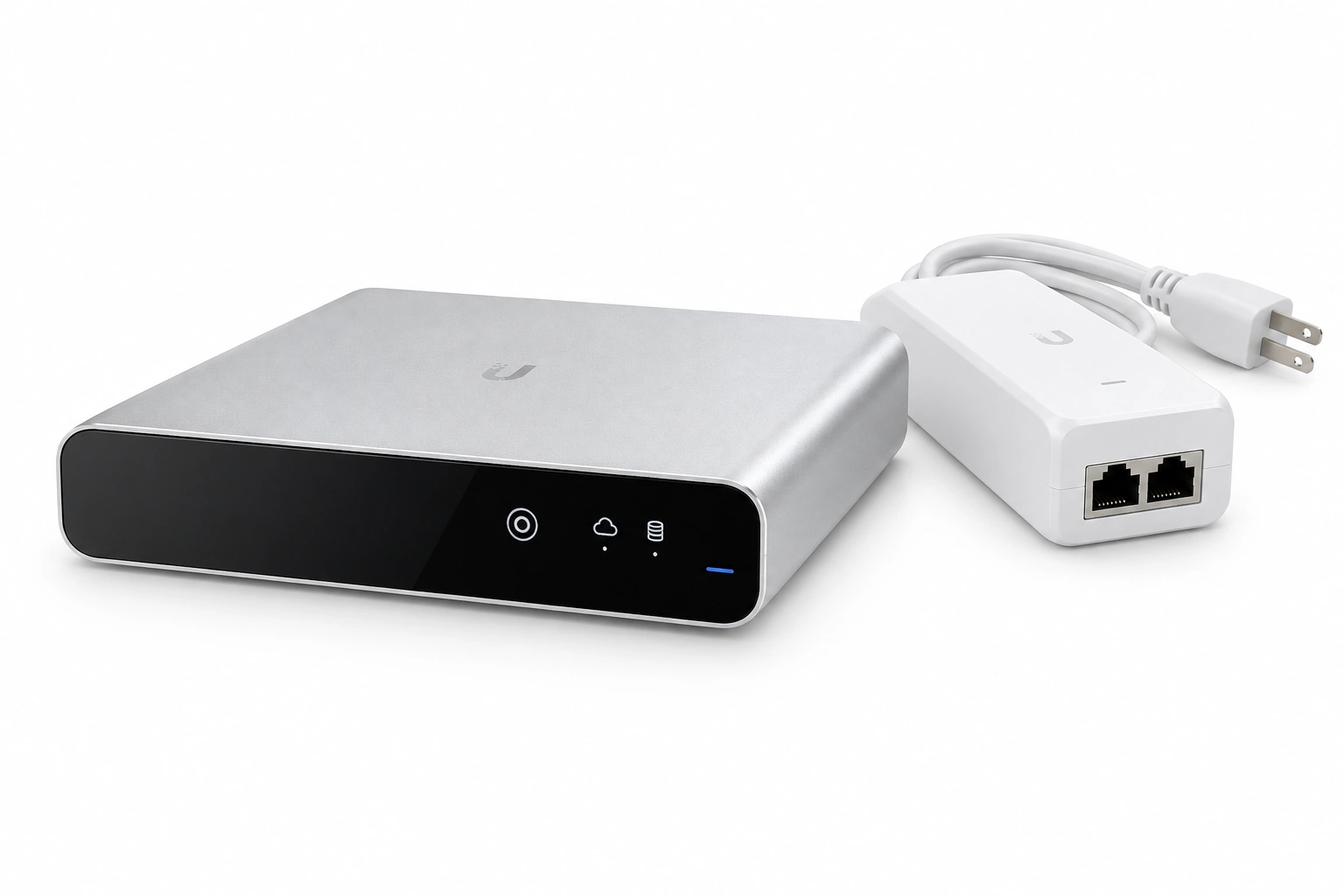
UC-CK with PoE Power Supply (UBNT Wireless AP controller, UniFi Cloud Key UCK UC-CK, Remote Cloud Management)
4.8 (5)- Wireless Product
- Ubiquiti
- Access Point
- Wi-Fi 6
- 2.4GHz / 5GHz
- 1Gbps
- 100 meters
Est Value In stockFirst-Time Buyer Discount – Get up to 2% additional off on your first order
ORM Rewards Earn $50 in Rewards + Free Expedited Delivery – Join Now!
Use eCoupon ORMSAVE10
eCoupon limited to 5 units

ORM Sales Advisors
Buying for your business? Get a personalised quote in under 2 hours. Talk to an expert
LEARNFilters (4) 
Questions & Answers
What is a Ubiquiti WLAN controller and why do I need one?
A Ubiquiti WLAN controller centrally manages access points, optimizes wireless performance, and simplifies network deployment for reliable, scalable Wi-Fi.
How do I choose the right Ubiquiti WLAN controller for my network size?
Select a controller based on the number of access points, client density, and throughput requirements, using Ubiquiti’s published capacity guidelines.
Can I manage multiple sites with a single Ubiquiti WLAN controller?
Yes. UniFi Cloud Key Gen2 Plus or Ubiquiti Cloud Console support multi-site management, centralizing configuration and monitoring across locations.
What are the key features of Ubiquiti’s UniFi Network Controller?
Key features include zero-handoff roaming, RF optimization, guest portal customization, deep analytics, and seamless firmware updates via a unified interface.
How do I install and configure a Ubiquiti WLAN controller?
Download the UniFi Network Controller software, follow the setup wizard to adopt devices, configure SSIDs, security settings, and apply site-wide policies.
Is cloud hosting required for Ubiquiti WLAN controller management?
No. You can self-host the UniFi Controller on-premises or use Ubiquiti’s Cloud Key or Cloud Console for remote, zero-maintenance access.
What security features are included in Ubiquiti WLAN controllers?
Security features include WPA3 encryption, guest isolation, RADIUS integration, rogue AP detection, deep packet inspection, and automated threat mitigation.
How do I upgrade the firmware on my Ubiquiti WLAN controller?
In the UniFi Controller UI, navigate to Settings > System > Maintenance, check for firmware, and click Upgrade to apply the latest version.
Can Ubiquiti WLAN controllers handle high-density environments?
Yes. Controllers support load balancing, band steering, airtime fairness, and dynamic RF adjustments to maintain performance in dense client scenarios.
What is the difference between UniFi Cloud Key and Cloud Console?
The Cloud Key is an on-premises hardware appliance for local hosting, while Cloud Console is a fully managed, remote controller hosted by Ubiquiti.
How many access points can a single Ubiquiti WLAN controller manage?
Capacity varies by model: Cloud Key Gen2 handles up to 100 APs, UniFi Dream Machine up to 50 APs, and Cloud Console scales virtually unlimited.
What licensing is required for Ubiquiti WLAN controllers?
UniFi controllers require no per-device licensing; you only purchase the hardware or host the free software, with optional subscription for advanced cloud features.
How do I secure guest access on my Ubiquiti WLAN controller?
Enable a captive portal, configure voucher or password authentication, apply bandwidth limits, and isolate guests from your primary network.
What network prerequisites are needed for Ubiquiti WLAN controller deployment?
Ensure a DHCP server, VLAN support on switches, sufficient PoE power, stable internet for cloud access, and proper IP addressing scheme.
How do I monitor performance and client usage on a Ubiquiti WLAN controller?
Use the real-time dashboard for throughput, client count, AP health, and historical reports available in the UniFi Controller interface.
Can Ubiquiti WLAN controllers integrate with third-party network systems?
Yes. They support SNMP, syslog, RADIUS, and REST API integrations for seamless interoperability with external monitoring and authentication systems.