 United States
Trusted by the Highest-Stakes Buyers
Federal agencies and Fortune 500 operations source through ORM Systems.
US Government & Defense
Enterprise Clients

Featured Deal
Hand-picked by our procurement team for standout value. This unit is offered at our sharpest price on current stock, verified against live market rates.
Name:

Added to cart 28 times recently
Ready to Ship
Certified Refurbished
Professionally inspected, bench-tested, and firmware-verified, with configurations wiped. Restored to full working order and backed by our warranty.


3 Year Extended Warranty


Same-day Shipping

30-Day Money Back Guarantee
Shipping:
Payment:
3 Year Extended Warranty
Same-day Shipping
30-Day Money Back Guarantee
Need Additional Discount on Product?
Request a quote below - Get Exclusive Pricing and Support.
Shipping:
Payment:
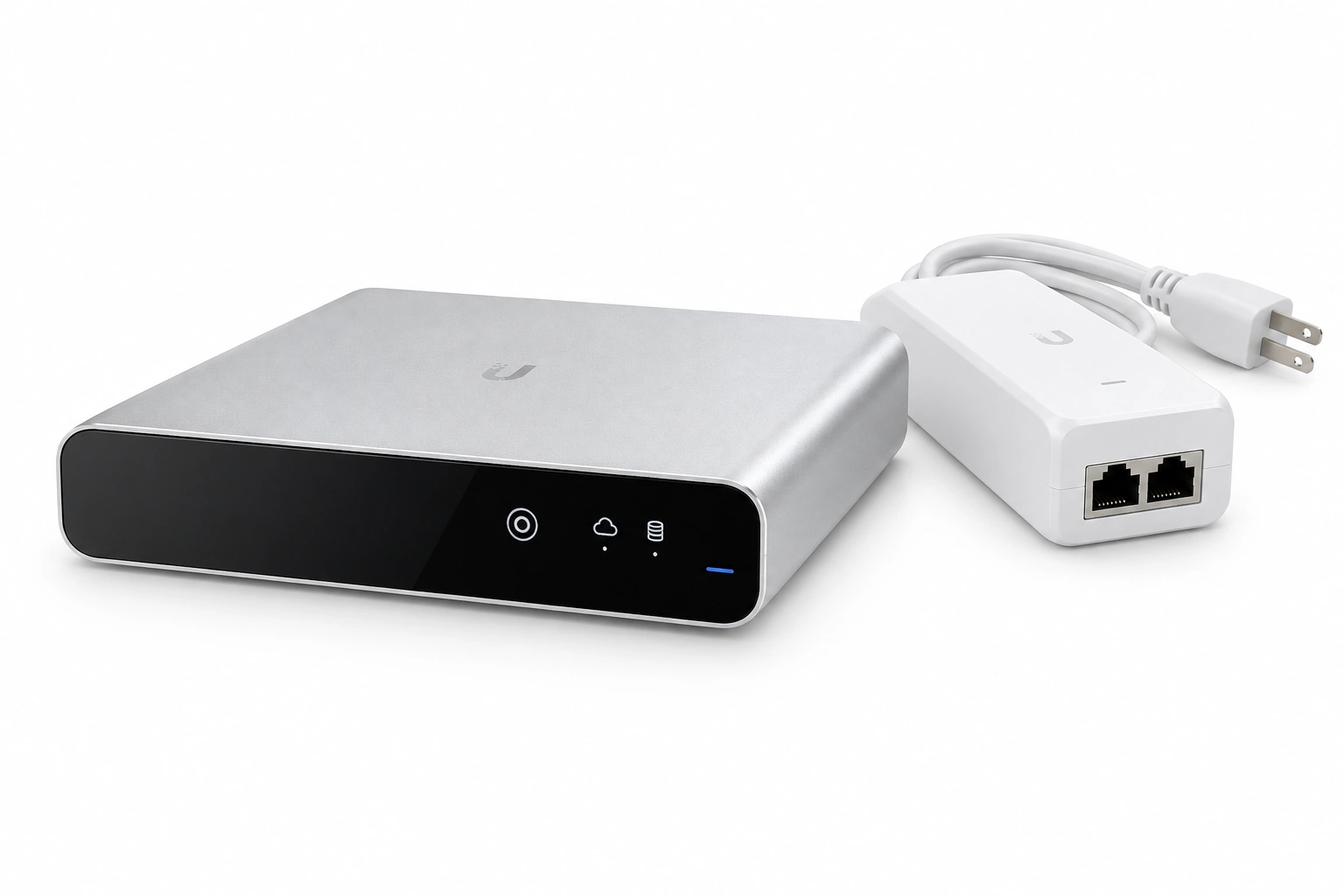
UCK-G2 with Power Supply
UBNT Wireless AP, AC Gen2 Controller, UCK-G2, Remote Managem...
Trusted by the Highest-Stakes Buyers
Federal agencies and Fortune 500 operations source through ORM Systems.
US Government & Defense




Enterprise Clients



Built Global. Stocked Local.
Regional teams and 25+ distribution partners keep stock near you and accountability in your time zone.
Buyer Protection on Every Order
Pay by PayPal or Revolut with full chargeback rights. Order on PO terms, Net-30 for government.
Verified By Federal Bodies
Every registration we claim is public record — check our federal contractor status yourself before you spend a dollar.



Since 2016, Enterprise-Trusted
Ten years serving buyers who audit their vendors. From federal agencies to 20,000+ enterprise clients worldwide.
UCK-G2 with Power Supply is an advanced wireless access point designed to deliver high-speed, reliable connectivity across both 2.4GHz and 5GHz frequency bands while utilizing the cutting-edge Wi-Fi 6 standard. It supports data rates up to 2.5Gbps and features enhanced connectivity through MU-MIMO and beamforming, with an integrated omnidirectional antenna offering a 5dBi gain for consistent signal strength and coverage.
Engineered with versatile installation options such as ceiling and wall mounting, this device comes equipped with PoE power supply, simplifying deployment in large offices, data centers, and campus environments. The UCK-G2 with Power Supply also provides robust management features—including cloud management, on-premises, and SNMP support—along with industry-standard security protocols like WPA2, WPA3, and 802.1X, ensuring a secure and seamless wireless experience.
UCK-G2 with Power Supply price is is available on request. Get immediate quote.
Request bulk order quote for UCK-G2 with Power Supply for additional pricing. Browse the full Ubiquiti Wlan Controllers series or explore all Ubiquiti products.
Mon–Fri: [09:00-16:00]
Avg. response under 30 mins

| UCK-G2 with Power Supply | 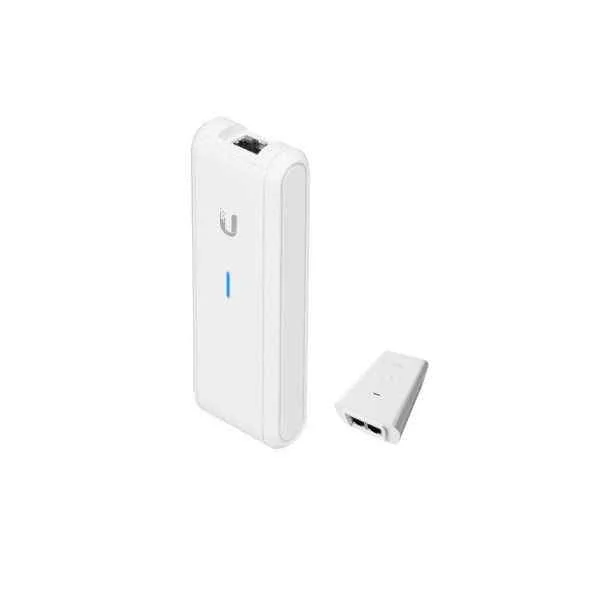 UC-CK with PoE Power Supply UC-CK with PoE Power Supply | 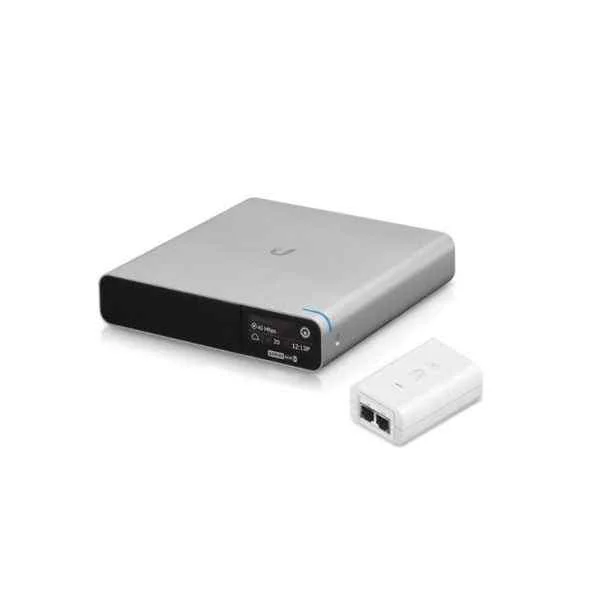 UCK-G2-Plus with Power Supply UCK-G2-Plus with Power Supply | 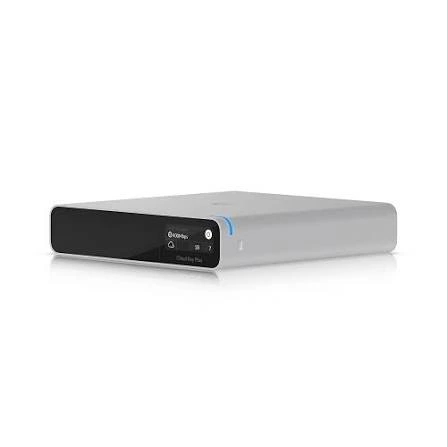 UCK-G2-Plus UCK-G2-Plus | |
|---|---|---|---|---|
| Compliance | FCC / CE / RoHS | FCC / CE / RoHS | FCC / CE / RoHS | FCC / CE / RoHS |
| Connector Type | RJ-45 | RJ-45 | RJ-45 | RJ-45 |
| Ethernet Port | 1x Gigabit | 1x Gigabit | 1x Gigabit | 1x Gigabit |
| Management Features | Cloud Management / On-Premises / SNMP | Cloud Management / SNMP | Cloud Management | Cloud Management / On-Premises / SNMP |
| Mounting Options | Ceiling Mount / Wall Mount | Ceiling Mount / Wall Mount | Ceiling Mount / Wall Mount | Desktop / Rack Mount |
| Outdoor Use | No | No | Yes | No |
| Power Supply | PoE | PoE | AC Adapter | AC Adapter / PoE (optional) |
| Product Name | UCK-G2 with Power Supply | UC-CK with PoE Power Supply | UCK-G2-Plus with Power Supply | UniFi Cloud Key Gen2 Plus |
| Product Type | Wireless Product | Wireless Product | Wireless Access Point | Network Controller |
| Protocols Supported | 802.11a/b/g/n/ac/ax | 802.11a/b/g/n/ac/ax | 802.11a/b/g/n/ac/ax | Ethernet, 802.1X |
| Security Features | WPA2 / WPA3 / 802.1X | WPA2 / WPA3 | WPA2 / WPA3 | WPA2 / WPA3 / 802.1X / VPN |


Every unit is authentic, sourced through trusted and authorised channels, and serial-verified on request. Genuine networking and IT hardware, guaranteed, or your money back.

New products are backed by up to 3 years of extended warranty, and certified refurbished units by up to 3 months, for dependable protection on every order. Coverage is clear, honoured in full, and confirmed on each product page.

If a unit ever falls short, our streamlined RMA process gets a replacement to you fast, with advance replacement available to keep your network running. No jargon, no runaround.

Every device is inspected, bench-tested, and firmware-verified, with configurations wiped before dispatch. Additional testing can be arranged to confirm full working condition on request.

Our specialists assist with compatibility, configuration, licensing, and installation, before and after you buy. Real hardware expertise, whenever you need it.

dispatched quickly and shipped worldwide from regional hubs, fully tracked and insured.
Reviewed on the 17 February 2025

The standard Gen2 is more than enough for our network management. The included power supply is a nice touch for those without PoE. Fast and reliable.
Reviewed on the 25 June 2022
Reliable and easy to repair if needed, but it hasn't failed yet. The remote management works perfectly and the display is a handy feature. Good build.
Reviewed on the 7 April 2026
Excellent performance for managing UniFi APs. The power supply provides steady current and the unit remains cool under load. A very stable professional controller.
Reviewed on the 6 August 2026
Fast and efficient. The Gen2 Cloud Key is a robust solution for network-only setups. Having the power supply included makes it very versatile for different installs.
Reviewed on the 11 April 2023
Solid performance and absolute reliability. This controller has been running our network for months without a single reboot. High quality and very professional tool.
The UCK-G2 is a compact network management appliance that hosts the UniFi Network Controller, features an integrated AC power adapter, embedded battery backup and supports centralized remote management of UniFi devices.
Key features include an Embedded UniFi Controller, integrated AC power supply, internal lithium‐ion battery backup, USB-C expansion port, 1 GbE RJ45 port and seamless remote access via Ubiquiti’s cloud.
Simply connect the UCK-G2 to your network switch via the RJ45 port, plug in the AC adapter, power on, then launch the UniFi Network mobile or web app to discover and provision the device in minutes.
Yes, the UCK-G2 ships with an integrated AC power adapter that eliminates the need for external injectors, and its internal battery provides up to 2 hours of uninterrupted management during power outages.
Absolutely. The UCK-G2 supports secure remote access through the UniFi Cloud, allowing you to monitor, configure and update your UniFi network from anywhere.
The UCK-G2 can comfortably manage up to 50 UniFi devices with real-time statistics and historical reporting, making it ideal for small to medium-sized networks.
It features a quad-core ARM CPU at 1 GHz, 2 GB DDR3 RAM, 32 GB eMMC storage, one Ethernet port (1 Gbps) and a USB-C port for future expansion.
Under typical management loads, the internal battery provides up to 2 hours of backup, ensuring uninterrupted controller operation during brief power failures.
The UCK-G2 includes 32 GB of onboard eMMC storage for controller software, device adoption data and performance logs.
Use the UniFi Network Controller’s built-in Settings > Maintenance > Backup & Restore menu to schedule automatic backups or to manually export and import configuration files.
Firmware updates can be applied directly via the UniFi Network Controller’s Settings > System > Check for Updates section; click Update to install the latest stable release.
The UCK-G2 is backed by a one-year limited hardware warranty from Ubiquiti, covering manufacturing defects under normal use.
No, the UCK-G2 does not support PoE input; it relies on its integrated AC adapter, though it can manage PoE-powered UniFi devices connected to your PoE switches.
Remote access is secured using TLS encryption, two-factor authentication and UniFi Cloud credentials to protect network data and control plane communications.
The UCK-G2 controller can monitor thousands of concurrent Wi-Fi clients across managed access points, limited primarily by the throughput of your network hardware.
Press and hold the recessed reset button for 10 seconds until the status LED flashes white; the device will reboot to factory defaults, clearing all stored configurations.







