United States
RAM vs Storage Performance: What Actually Slows Down a Server?

Prefer listening?
Hear the full blog in audio format
Most servers don’t crash. They slowly fall behind.
A few extra seconds on load time. Slight delays during peak hours. Nothing obvious, but enough to frustrate users, slow down teams, and quietly cost you business.
What makes it worse is this: most upgrades don’t fix it.
Teams rush to upgrade storage, expecting results, but see little change because the real bottleneck is somewhere else.
According to industry research, poor infrastructure decisions can increase operational costs by up to 30%, and over 60% of performance issues come from misidentified bottlenecks.
That’s why understanding ram vs storage performance matters. It’s the difference between fixing the problem now or letting it get more expensive over time.
What is RAM vs Storage Performance?
RAM vs storage performance refers to how system memory and storage devices impact server speed. RAM affects processing and multitasking, while storage determines how quickly data is accessed and retrieved.
What Affects Server Performance Most?
If your server is slow, it usually comes down to three things:
- High memory usage (RAM bottleneck) → system struggles under load
- High disk usage (storage bottleneck) → slow data retrieval
- Workload mismatch → resources not aligned with demand
In most real-world cases, identifying which of these is limiting performance solves the issue faster than upgrading blindly.
Memory-Bound vs Storage-Bound Systems
In practical terms, performance issues usually fall into two categories. Either your server can’t process tasks fast enough because it’s running out of memory, or it can’t deliver data fast enough because storage is holding it back.
Understanding this difference is what actually fixes performance.
RAM vs Storage Performance (What’s the Real Difference?)
At a basic level, RAM and storage play very different roles.
Factor | RAM (Memory) | Storage (SSD/HDD) |
Speed | Extremely fast | Slower |
Role | Active processes | Data storage |
Impact | Multitasking & execution | Load times & retrieval |
Bottleneck Sign | High memory usage | High disk activity |
But the real difference shows up under pressure.
How RAM Impacts Performance
RAM handles everything your server is actively doing. Every request, every process, every user session lives there temporarily. If there isn’t enough memory, the system starts struggling immediately.
How Storage Impacts Performance
Storage affects how quickly your server can retrieve and write data. Slower storage increases wait time, especially in data-heavy environments.
Both affect performance. Just in different ways.
RAM vs Storage Speed: Why the Difference Matters
One of the biggest differences between memory and storage comes down to speed.
- RAM operates in nanoseconds → near-instant access
- SSDs operate in microseconds → fast, but slower than RAM
- HDDs operate in milliseconds → significantly slower
This gap is what creates most performance bottlenecks.
In real-world terms, if your server runs out of memory, it starts relying on storage for active tasks. That shift alone can slow performance dramatically.
This is why identifying whether your issue is memory or storage makes such a difference.
Why Is My Server Slow? What’s Actually Causing the Lag
This is where things get more practical.
If you’ve ever asked, “Why is my server slow?”, the answer usually isn’t obvious at first glance. Most systems don’t fail loudly. They degrade slowly.
In many server environments, performance issues show up as a mix of small delays. Slightly slower response times. Occasional lag under load. Nothing dramatic, but enough to affect user experience.
In real-world environments, performance degradation is rarely caused by a single failure. Research shows that latency increases of just 1–2 seconds can reduce user engagement significantly, especially in customer-facing systems.
Common Server Performance Issues
Some of the most common patterns we see include:
- High system memory usage, where applications compete for limited RAM
- Increased server latency during peak traffic
- Slow application response time caused by delayed data access
- Poor caching and buffering, forcing repeated storage calls
Individually, these don’t seem like major problems. Together, they create a noticeable slowdown.
Understanding the cause is one thing. Confirming it is what actually fixes the problem.
How to Check If RAM or Storage Is the Problem
If you’re trying to figure out what’s slowing your server, the fastest way is to check real-time resource usage.
Tools to Monitor Server Performance
You can use:
- Task Manager (Windows)
- Top or htop (Linux)
- Performance monitoring dashboards
What to Look For
- Memory usage above 85–90% → likely a RAM bottleneck
- Disk usage consistently at 100% → likely a storage bottleneck
- Both are high at the same time → combined performance issue
RAM vs SSD for Server Performance
This is where most people oversimplify things.
Yes, SSDs are faster than traditional storage. But that doesn’t automatically mean they’ll fix your performance issues.
If your server is struggling because it can’t handle concurrent processes, faster storage won’t help much. The system will still choke under load because the real problem is memory.
On the flip side, if your workload depends heavily on data retrieval, especially in database-heavy environments, storage speed becomes critical.
Modern NVMe drives can be up to 5–10x faster than traditional SSDs, but even that advantage becomes irrelevant when memory is already saturated.
In high-traffic server environments, one of the most consistent patterns we see is teams upgrading storage first, only to realize later that memory saturation was the real constraint.
The key is context.
NVMe vs SATA: What Actually Impacts Server Performance?
Not all storage is equal. Even within SSDs, performance can vary significantly depending on the interface.
SATA SSDs
SATA-based SSDs are the standard upgrade from traditional hard drives. They offer solid performance and are suitable for general workloads.
- Speeds typically up to ~550 MB/s
- Lower cost
- Suitable for moderate workloads
NVMe SSDs
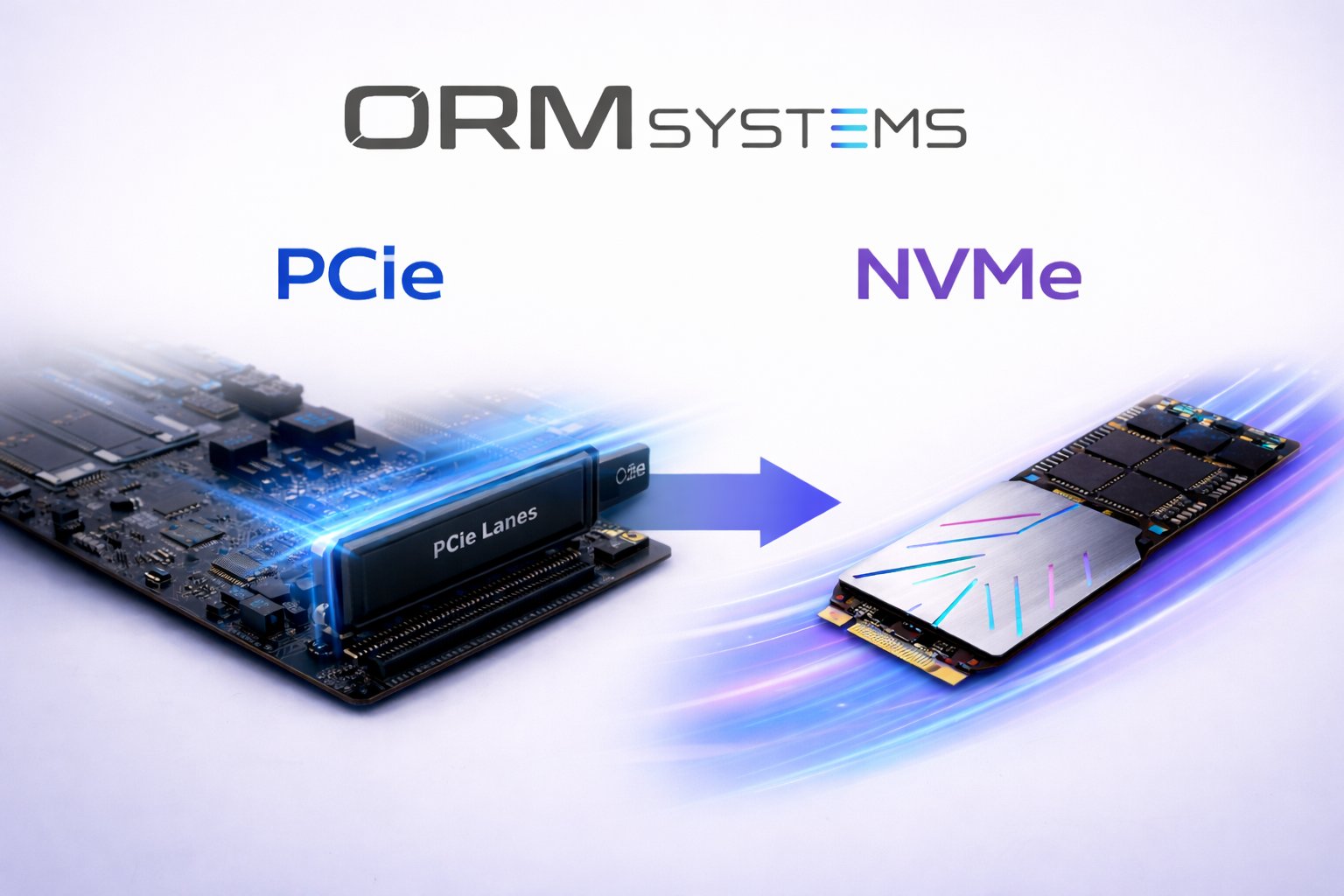
NVMe drives operate over PCIe and are built for high-speed data transfer.
- Up to 5–10x faster than SATA SSDs
- Much lower latency
- Ideal for high-performance environments like databases and virtualization
The key takeaway: faster storage improves speed only when storage is the bottleneck. If memory is the issue, even the fastest NVMe upgrade won’t change performance.
What This Means in Real-World Performance
NVMe drives can deliver significantly higher speeds and lower latency compared to traditional storage. But even that performance advantage depends on how your server is actually using data.
If you want to go deeper into how NVMe works at a hardware level, this breakdown of PCIe-based storage explains where the speed gains really come from.
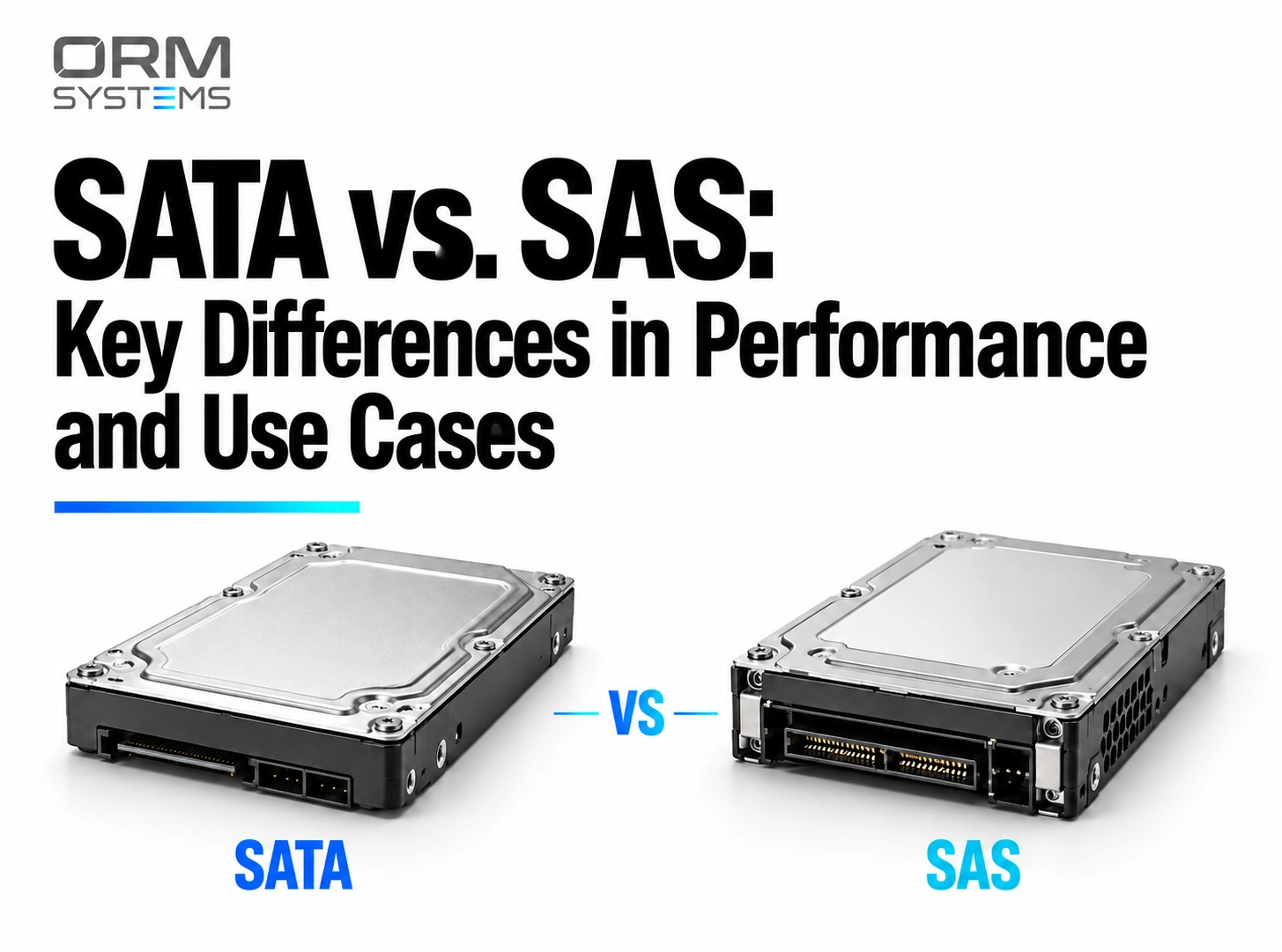
And in environments where storage demands scale further, understanding how SATA compares to enterprise-grade options like SAS becomes just as important.
The Mistake Most Businesses Make
One of the most common mistakes is upgrading based on assumption, not diagnosis.
In one case, a growing business upgraded to faster storage, expecting performance gains. While load times improved slightly, peak-hour slowdowns remained. The issue wasn’t storage.
Memory usage was consistently exceeding 90% during traffic spikes. Once RAM was upgraded, response times stabilized, and system load dropped significantly.
Upgrading Without Diagnosis
A typical scenario looks like this:
A team notices slow performance and decides to upgrade storage. The system feels slightly faster, but the core issue remains. Peak-time lag is still there. Users still experience delays.
What actually happened is simple. The bottleneck wasn’t storage. It was a memory under load.
This is exactly why understanding ram vs disk performance bottlenecks matters. Without that clarity, upgrades become trial and error.
How to Tell What’s Slowing Your Server
Instead of guessing, you can usually identify the issue by looking at how your system behaves.
When memory is the problem, the signs tend to show up in how the server handles activity:
Signs You Need More RAM
- Performance drops when multiple users are active
- Applications start freezing or crashing
- Memory usage stays consistently high
When storage is the issue, the symptoms feel different:
Signs You Need Better Storage
- Files and data take longer to load
- Disk usage spikes frequently
- Database queries slow down noticeably
These patterns are subtle, but once you know what to look for, the root cause becomes much clearer.
Upgrade RAM or SSD? What Actually Makes Sense
This is where most decisions go wrong.
If you’re trying to decide between the two, the answer isn’t universal. It depends entirely on your workload.
For environments handling multiple applications, virtual machines, or heavy processing, RAM usually delivers the biggest improvement. It allows the server to handle more tasks simultaneously without slowing down.
For data-heavy environments like databases or file servers, storage plays a bigger role. Faster drives reduce wait times and improve data flow.
In other words, the better upgrade is the one that removes your bottleneck.
RAM vs Storage: Cost vs Performance Trade-Off
Not all upgrades deliver the same return.
- RAM upgrades are typically more expensive per GB, but they directly improve how many processes your server can handle at once.
- Storage upgrades (especially SSDs) are more affordable and improve data access speed, but won’t fix performance issues caused by memory limitations.
In many cases, the cheaper upgrade isn’t the better one.
Upgrading storage when your server is memory-bound can lead to minimal improvement, while upgrading RAM in the right scenario can significantly improve performance immediately.
The real value comes from upgrading the component that removes the bottleneck, not the one that seems faster on paper.
Server Memory vs Storage in Real Workloads
At a higher level, performance isn’t just about hardware. It’s about how that hardware supports your workload.
In high-demand environments, performance issues are rarely solved by adding more resources. They’re solved by aligning memory and storage with how the workload actually behaves.
How Workloads Change Performance Needs
Different environments rely on resources differently:
- Database-heavy systems → depend on fast storage for query performance
- Virtualized environments → rely heavily on RAM since multiple systems share memory
- High-traffic applications → require a balance of both to maintain stable response times
This is why server workload performance varies so much across setups. Two servers with similar specs can perform very differently depending on how resources are used.
Why Balance Matters More Than Hardware
Optimized configurations, better resource allocation, and the right balance between server memory vs storage can improve performance more than upgrading hardware blindly.
How to Improve Server Performance (Without Guessing)
Improving performance isn’t always about buying new hardware. Often, it’s about understanding where the inefficiencies are.
Start by identifying whether your system is memory-bound or storage-bound. Monitor usage patterns. Look at how your server behaves under load.
From there, improvements become more targeted:
- Optimize caching and buffering to reduce repeated data requests
- Balance workloads to avoid resource overload
- Upgrade only the component that’s actually limiting performance
This approach not only improves performance but also avoids unnecessary costs.
The longer a bottleneck goes unresolved, the more it compounds. Slower systems don’t just affect performance; they impact productivity, customer experience, and ultimately revenue.
What starts as a minor delay often turns into a much larger operational issue over time.
RAM vs Storage: Quick Decision Framework
If your server is slow and you need a clear answer fast, this is where most real-world decisions land:
- If performance drops under load → it’s a RAM bottleneck
- If delays happen during data access → it’s a storage bottleneck
- If both are high → you’re dealing with a compound performance issue
In most real-world cases, identifying this early prevents unnecessary upgrades and avoids wasted budget.
Conclusion
Most performance issues aren’t about lacking hardware. They come from fixing the wrong thing.
That’s why understanding ram vs storage performance is critical before making any upgrade. The right decision can instantly improve speed, while the wrong one wastes time and budget.
At ORM Systems, we work closely with businesses running high-demand environments where performance isn’t optional. From enterprise storage solutions to data center hardware, the focus isn’t just on upgrading systems; it’s on identifying and eliminating the exact bottleneck before it impacts operations.
Fix it now, fix it right, and stay ahead. Because the longer a performance issue sits unresolved, the more it costs you in time, efficiency, and lost opportunity.
Frequently Asked Questions
Does RAM Improve Server Speed?
Yes. Does RAM improve server speed? Absolutely. More RAM allows your server to handle more active processes at once, reducing lag and improving overall server performance, especially in high-load environments.
Does SSD Improve Server Performance?
Yes. Does SSD improve server performance? It significantly improves data access and load times. Faster storage reduces delays in retrieval, which helps improve application response time and overall system efficiency.
Is RAM or Storage More Important For Server Performance?
It depends. When comparing ram vs storage performance, RAM is critical for multitasking and processing, while storage affects data access. The right choice depends on your server workload performance.
Can Storage Slow Down a Server?
Yes. If storage is slow or overloaded, it creates a ram vs disk performance bottleneck, increasing server latency and slowing down applications, especially in data-heavy environments.
How Much RAM Does a Server Need?
It varies. For basic workloads, 8–16GB may work. But for virtualization and enterprise setups, higher server RAM requirements are needed to maintain smooth system memory usage and performance.
How Do I Know if I Should Upgrade RAM or SSD?
If you’re deciding to upgrade RAM or SSD, check your usage. High memory usage means RAM is the issue. High disk usage means storage is limiting your server hardware performance.