 United States
RAM Elite Memory Solutions
Experience unparalleled performance and reliability with our high-quality RAM modules, meticulously engineered for demanding computing tasks, seamless multitasking, and transformative digital innovation, achieving premium efficiency and competitive advantage.
Talk to an expert
38 Matching results
- BEST SELLING
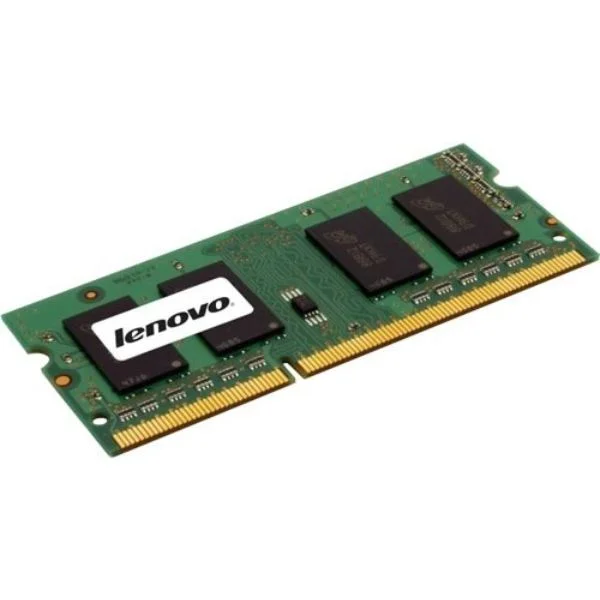
4X70G00095 (ThinkStation 8GB 2Rx8 PC3-14900R 1.5V 4Gbit DDR3-1866 RDIMM)
4.7 (7)- Computer Memory
- Lenovo
- DDR4
- 32 GB
- Desktop
- Workstation
- UDIMM
Est Value $207.67
$177.28
14.6% offIn stockRefurbishedFirst-Time Buyer Discount – Get up to 2% additional off on your first order
ORM Rewards Earn $50 in Rewards + Free Expedited Delivery – Join Now!
Use eCoupon ORMSAVE10
eCoupon limited to 5 units
- BEST SELLING
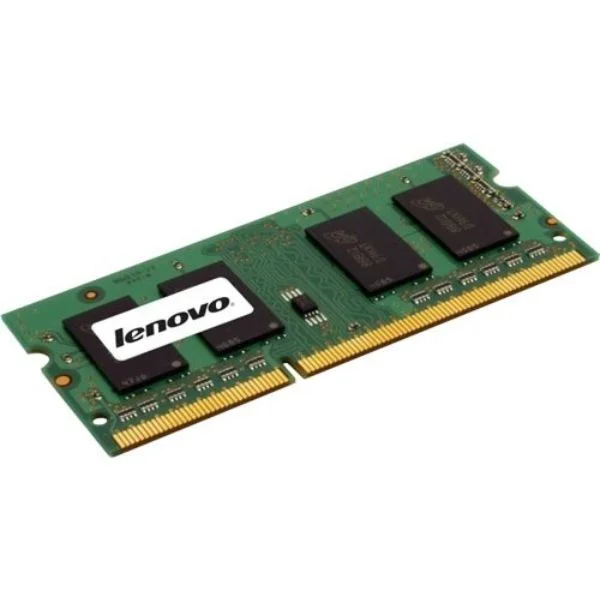
4X70G00093 (ThinkStation 8GB 2Rx8 PC3-14900E 1.5V 4Gbit DDR3-1866 ECC-UDIMM)
4.7 (7)- Computer Memory
- Lenovo
- DDR4
- 16 GB
- Desktop
- Workstation
- UDIMM
Est Value $207.67$177.28
14.6% offIn stockRefurbishedFirst-Time Buyer Discount – Get up to 2% additional off on your first order
ORM Rewards Earn $50 in Rewards + Free Expedited Delivery – Join Now!
Use eCoupon ORMSAVE10
eCoupon limited to 5 units
- BEST SELLING
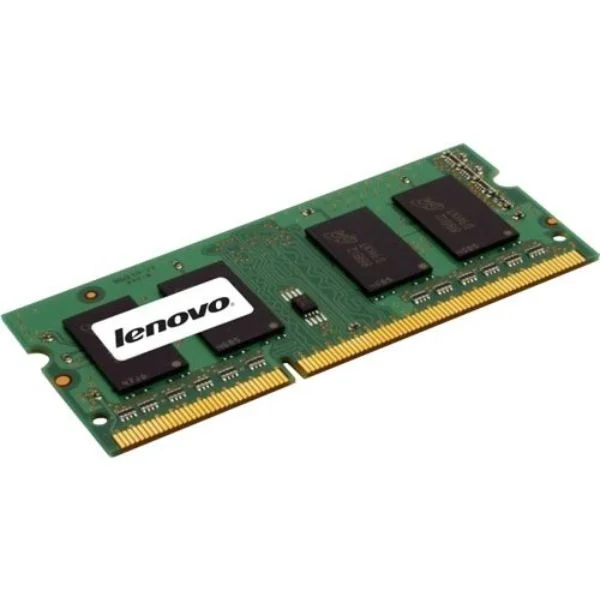
4X70G00094 (ThinkStation 4GB 1Rx8 PC3-14900R 1.5V 4Gbit DDR3-1866 RDIMM)
4.6 (7)- Computer Memory
- Lenovo
- DDR4
- 64 GB
- Desktop
- UDIMM
Est Value $314.80$268.73
14.6% offIn stockRefurbishedFirst-Time Buyer Discount – Get up to 2% additional off on your first order
ORM Rewards Earn $50 in Rewards + Free Expedited Delivery – Join Now!
Use eCoupon ORMSAVE10
eCoupon limited to 5 units
- BEST SELLING
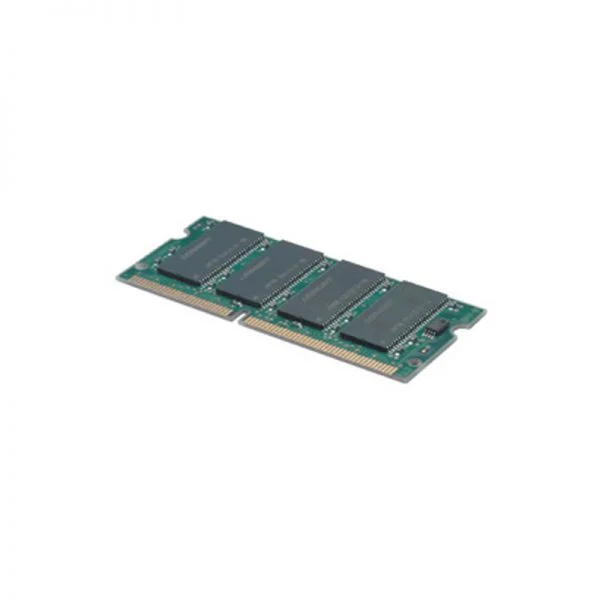
4X70G00092 (ThinkStation 4GB 1Rx8 PC3-14900E 1.5V 4Gbit DDR3-1866 ECC-UDIMM)
4.7 (7)- Computer Memory
- Lenovo
- DDR4
- 32 GB
- Desktop / Server
- Workstation
- UDIMM
Est Value $314.80$268.73
14.6% offIn stockRefurbishedFirst-Time Buyer Discount – Get up to 2% additional off on your first order
ORM Rewards Earn $50 in Rewards + Free Expedited Delivery – Join Now!
Use eCoupon ORMSAVE10
eCoupon limited to 5 units
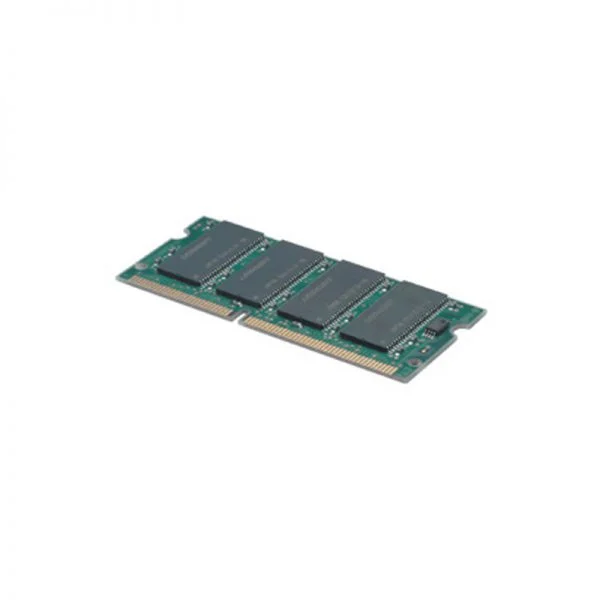
43R2033 (2GB PC3-10600 1333MHz DDR3 ECC UDIMM Memory)
4.7 (7)- Computer Memory
- Lenovo
- DDR4
- 8 GB
- Desktop
- UDIMM
Est Value $198.16$169.16
14.6% offIn stockRefurbishedFirst-Time Buyer Discount – Get up to 2% additional off on your first order
ORM Rewards Earn $50 in Rewards + Free Expedited Delivery – Join Now!
Use eCoupon ORMSAVE10
eCoupon limited to 5 units
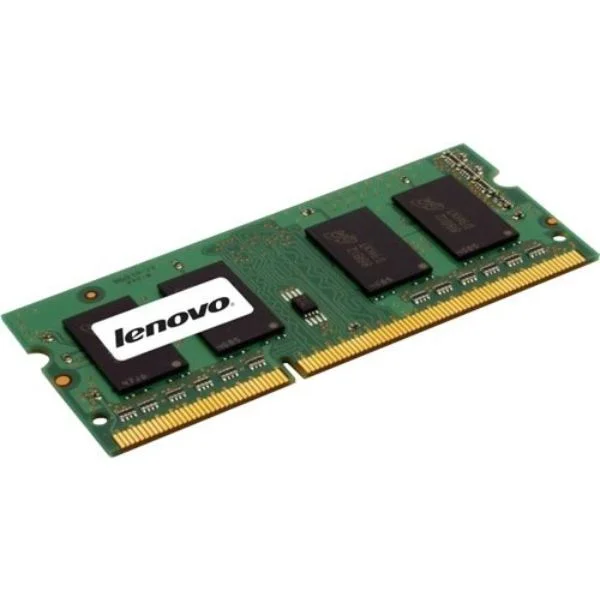
0A65722 (2GBPC3-12800DDR3-1600SoDIMM)
4.7 (7)- Computer Memory
- Lenovo
- DDR4
- 16 GB
- Desktop
- Workstation
- UDIMM
Est Value $198.75$169.66
14.6% offIn stockRefurbishedFirst-Time Buyer Discount – Get up to 2% additional off on your first order
ORM Rewards Earn $50 in Rewards + Free Expedited Delivery – Join Now!
Use eCoupon ORMSAVE10
eCoupon limited to 5 units
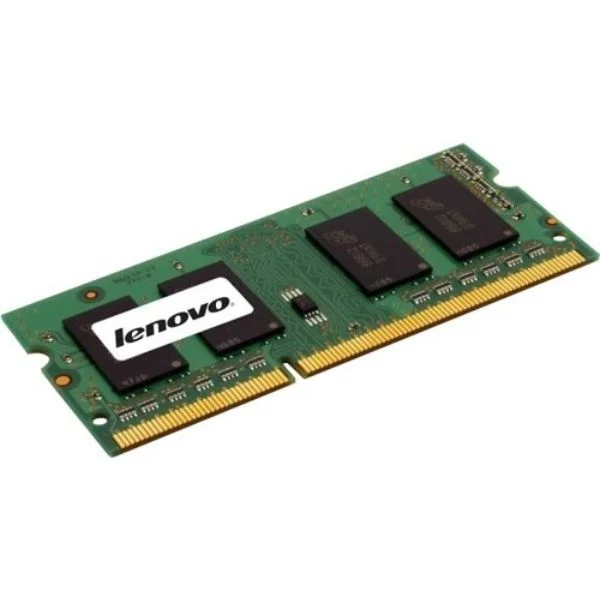
57Y4425 (2GB PC3-10600 DDR3-1333 DDR3 RDIMM Workstation Memory)
4.7 (7)- Computer Memory
- Lenovo
- DDR4
- 16 GB
- Desktop
- Workstation
- UDIMM
Est Value $204.23$174.34
14.6% offIn stockRefurbishedFirst-Time Buyer Discount – Get up to 2% additional off on your first order
ORM Rewards Earn $50 in Rewards + Free Expedited Delivery – Join Now!
Use eCoupon ORMSAVE10
eCoupon limited to 5 units
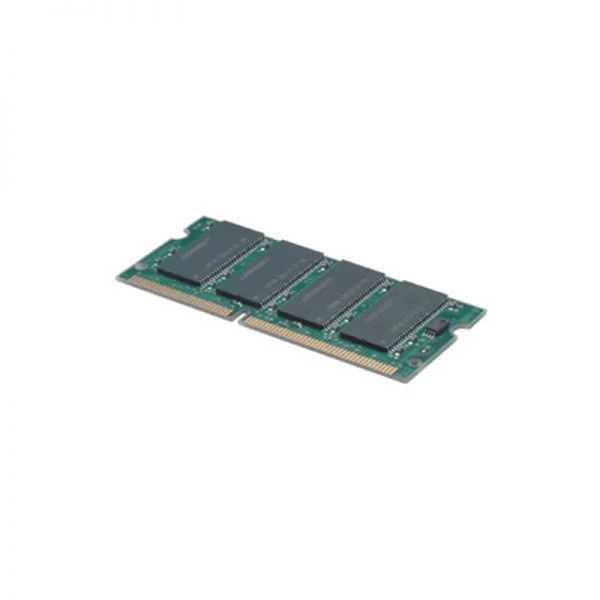
57Y4390 (2GB PC3-10600 DDR3-1333 Low-Halogen UDIMM Memory)
4.6 (7)- Computer Memory
- Lenovo
- DDR4
- 16 GB
- Desktop
- UDIMM
Est Value $206.93$176.65
14.6% offIn stockRefurbishedFirst-Time Buyer Discount – Get up to 2% additional off on your first order
ORM Rewards Earn $50 in Rewards + Free Expedited Delivery – Join Now!
Use eCoupon ORMSAVE10
eCoupon limited to 5 units
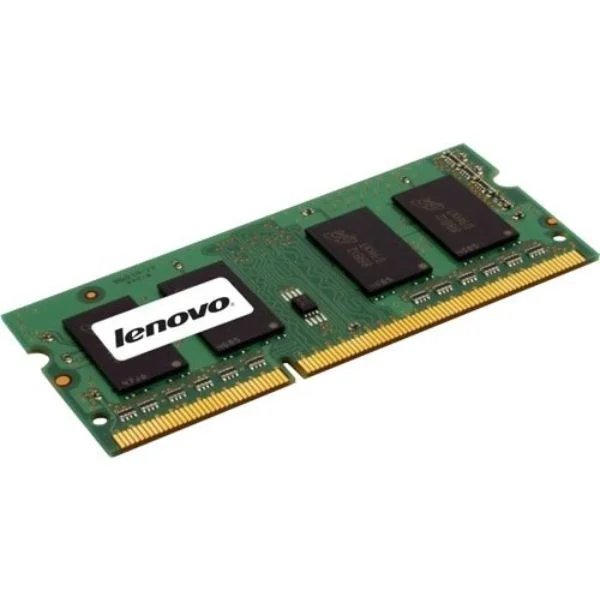
0A65732 (4GBPC3-12800DDR3-1600RDIMMTS)
4.9 (7)- Computer Memory
- Lenovo
- DDR4
- 16 GB
- Desktop
- Workstation
- UDIMM
Est Value $210.03$179.30
14.6% offIn stockRefurbishedFirst-Time Buyer Discount – Get up to 2% additional off on your first order
ORM Rewards Earn $50 in Rewards + Free Expedited Delivery – Join Now!
Use eCoupon ORMSAVE10
eCoupon limited to 5 units
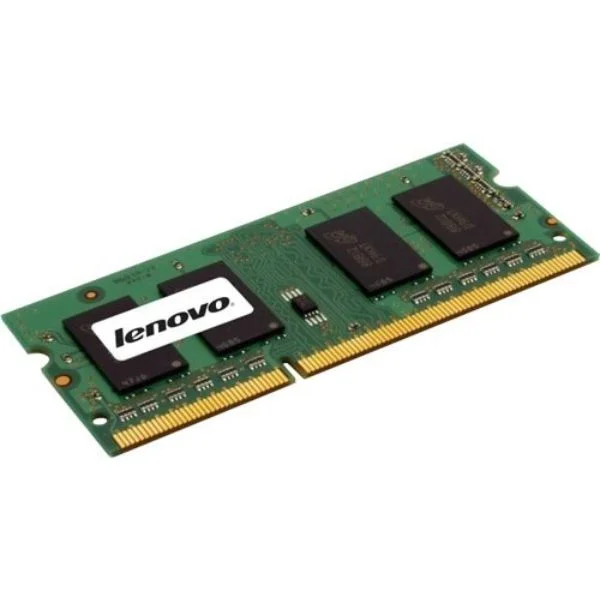
55Y3711 (Lenovo 4GB PC3-10600 DDR3-1333 Low-Halogen SODIMM Memory)
4.6 (7)- Computer Memory
- Lenovo
- DDR4
- 16 GB
- Desktop
- UDIMM
Est Value $227.08$193.85
14.6% offIn stockRefurbishedFirst-Time Buyer Discount – Get up to 2% additional off on your first order
ORM Rewards Earn $50 in Rewards + Free Expedited Delivery – Join Now!
Use eCoupon ORMSAVE10
eCoupon limited to 5 units
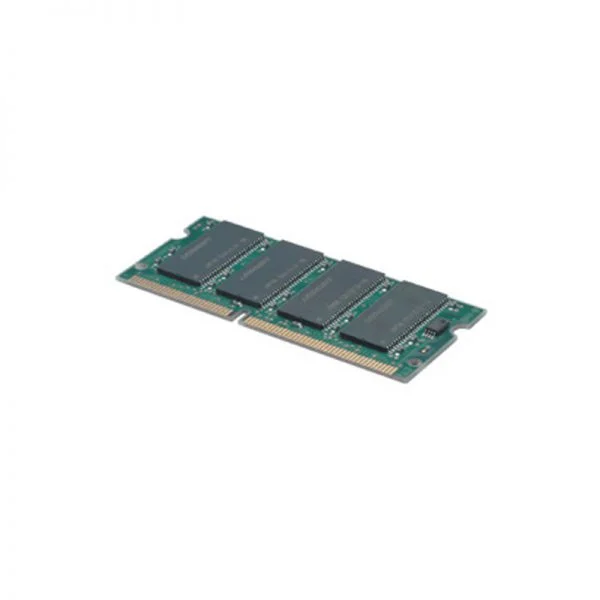
0A65723 (4GBPC3-12800DDR3-1600SoDIMM)
4.9 (7)- Computer Memory
- Lenovo
- DDR4
- 16 GB
- Desktop / Laptop / Server
- Workstation
- UDIMM
Est Value $232.19$198.21
14.6% offIn stockRefurbishedFirst-Time Buyer Discount – Get up to 2% additional off on your first order
ORM Rewards Earn $50 in Rewards + Free Expedited Delivery – Join Now!
Use eCoupon ORMSAVE10
eCoupon limited to 5 units
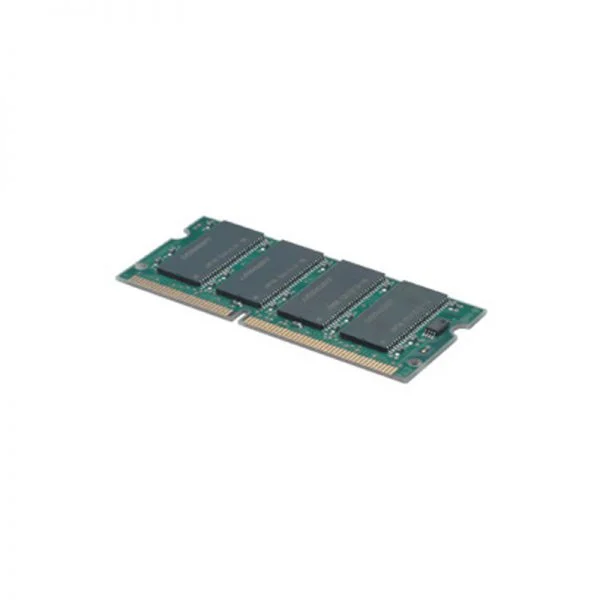
0B47377 (4GB2RX8PC3-12800E,DDR3-1600M)
4.7 (7)- Computer Memory
- Lenovo
- DDR4
- 16 GB
- Desktop
- Workstation
- UDIMM
Est Value $224.50$198.54
11.6% offIn stockRefurbishedFirst-Time Buyer Discount – Get up to 2% additional off on your first order
ORM Rewards Earn $50 in Rewards + Free Expedited Delivery – Join Now!
Use eCoupon ORMSAVE10
eCoupon limited to 5 units
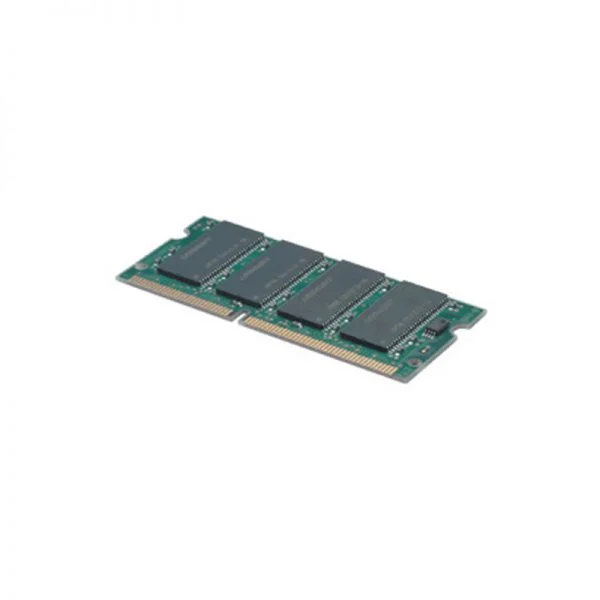
0B47381 (Lenovo 8GB PC3-12800 DDR3L-1600MHz SODIMM Memory)
4.9 (7)- Computer Memory
- Lenovo
- DDR4
- 16 GB
- Desktop
- UDIMM
Est Value $246.29$210.25
14.6% offIn stockRefurbishedFirst-Time Buyer Discount – Get up to 2% additional off on your first order
ORM Rewards Earn $50 in Rewards + Free Expedited Delivery – Join Now!
Use eCoupon ORMSAVE10
eCoupon limited to 5 units
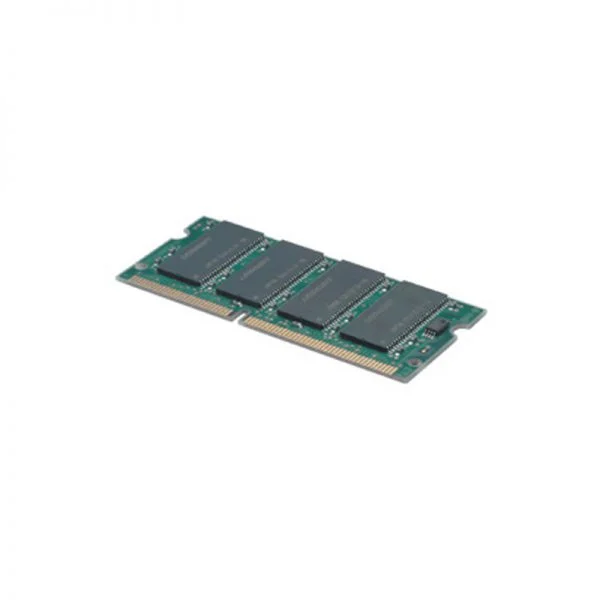
0B47376 (2GB1RX8PC3-12800E,DDR3-1600M)
4.7 (7)- Computer Memory
- Lenovo
- DDR4
- 16 GB
- Desktop
- UDIMM
Est Value $262.13$223.78
14.6% offIn stockRefurbishedFirst-Time Buyer Discount – Get up to 2% additional off on your first order
ORM Rewards Earn $50 in Rewards + Free Expedited Delivery – Join Now!
Use eCoupon ORMSAVE10
eCoupon limited to 5 units
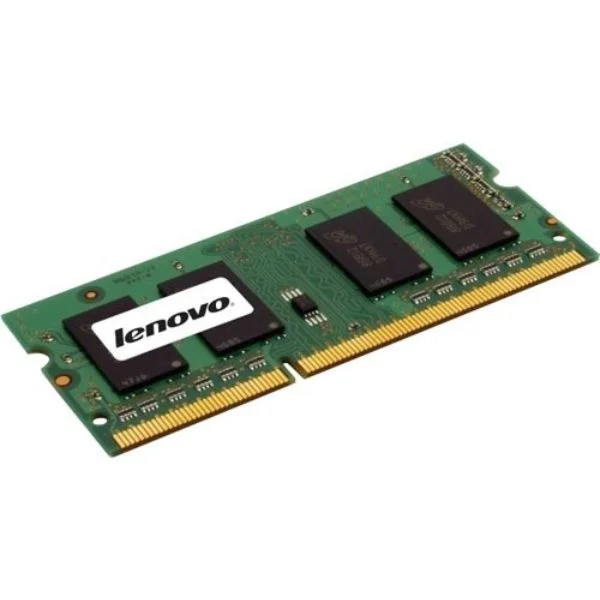
0A36527 (4GB PC3-10600 DDR3-1333 UDIMM)
4.7 (7)- Computer Memory
- Lenovo
- DDR4
- 16 GB
- Desktop / Laptop / Server
- Workstation
- UDIMM
Est Value $269.60$230.15
14.6% offIn stockRefurbishedFirst-Time Buyer Discount – Get up to 2% additional off on your first order
ORM Rewards Earn $50 in Rewards + Free Expedited Delivery – Join Now!
Use eCoupon ORMSAVE10
eCoupon limited to 5 units
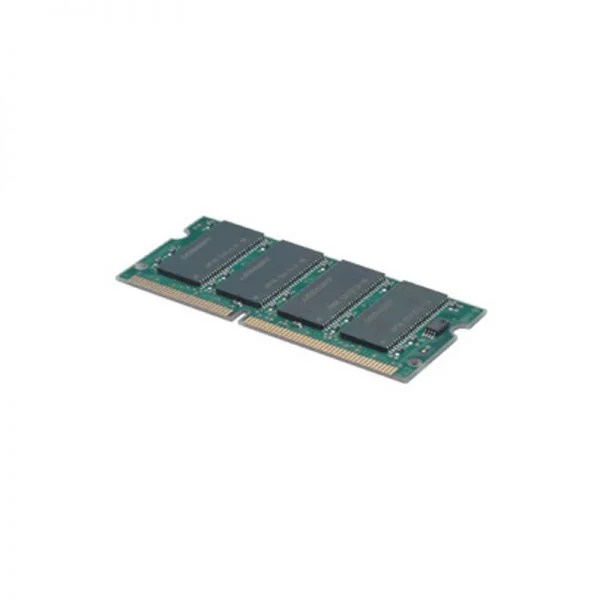
0B47379 (Lenovo 2GB PC3-12800 DDR3L-1600MHz SODIMM Memory)
4.4 (7)- Computer Memory
- Lenovo
- DDR4
- 16 GB
- Desktop
- Workstation
- UDIMM
Est Value $296.07$252.75
14.6% offIn stockRefurbishedFirst-Time Buyer Discount – Get up to 2% additional off on your first order
ORM Rewards Earn $50 in Rewards + Free Expedited Delivery – Join Now!
Use eCoupon ORMSAVE10
eCoupon limited to 5 units
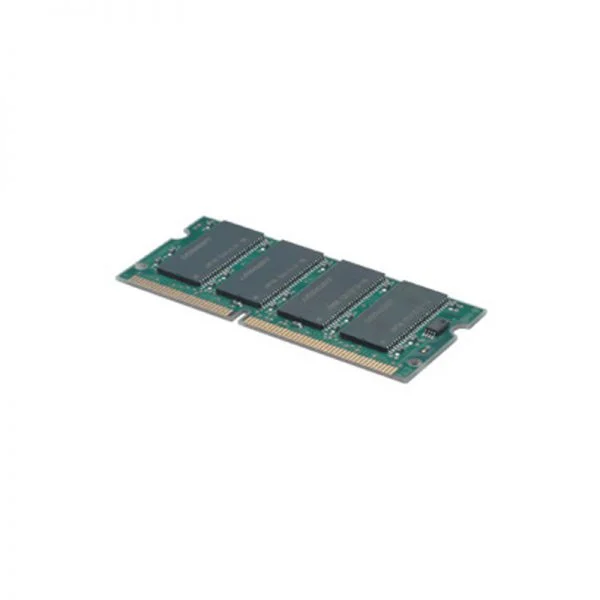
0A65728 (2GBPC3-12800DDR3-1600non-ECC)
4.9 (7)- Computer Memory
- Lenovo
- DDR4
- 16 GB
- Desktop
- Workstation
- UDIMM
Est Value $298.58$254.89
14.6% offIn stockRefurbishedFirst-Time Buyer Discount – Get up to 2% additional off on your first order
ORM Rewards Earn $50 in Rewards + Free Expedited Delivery – Join Now!
Use eCoupon ORMSAVE10
eCoupon limited to 5 units
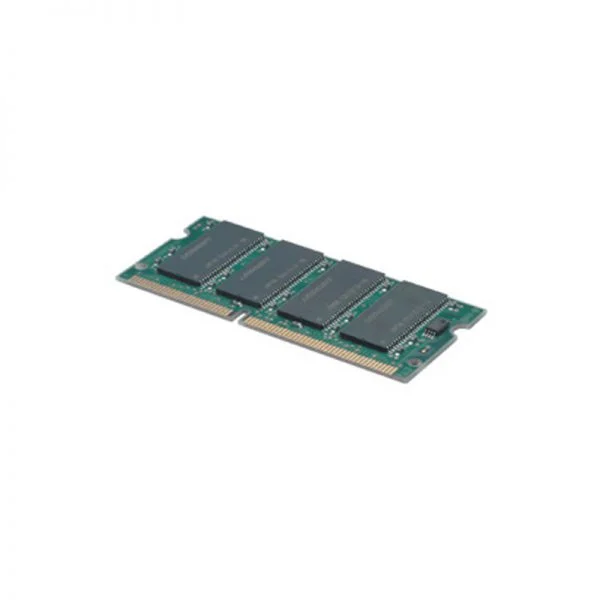
55Y3710 (2GB PC3-10600 DDR3-1333 Low-Halogen SODIMM Memory)
4.6 (7)- Computer Memory
- Lenovo
- DDR4
- 16 GB
- Desktop
- UDIMM
Est Value $327.07$279.21
14.6% offIn stockRefurbishedFirst-Time Buyer Discount – Get up to 2% additional off on your first order
ORM Rewards Earn $50 in Rewards + Free Expedited Delivery – Join Now!
Use eCoupon ORMSAVE10
eCoupon limited to 5 units
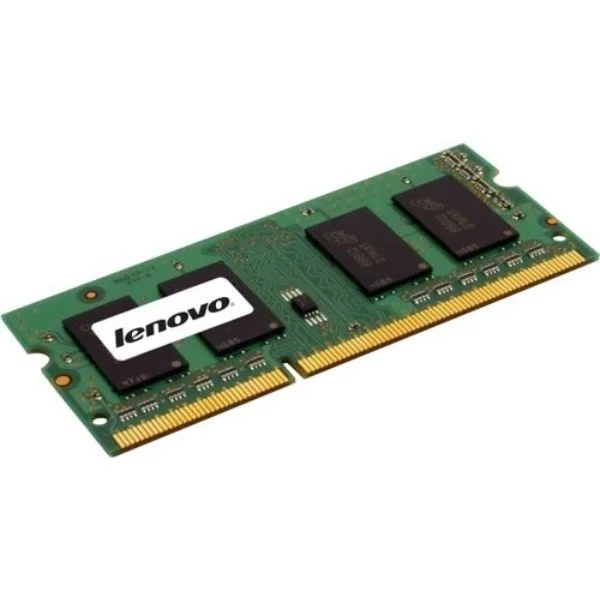
0A65718 (8GPC3-10600DDR3-1333ECC-UDIM)
4.9 (7)- Computer Memory
- Lenovo
- DDR4
- 16 GB
- Desktop / Laptop / Server
- Workstation
- UDIMM
Est Value $1,004.27$302.40
69.9% offIn stockRefurbishedFirst-Time Buyer Discount – Get up to 2% additional off on your first order
ORM Rewards Earn $50 in Rewards + Free Expedited Delivery – Join Now!
Use eCoupon ORMSAVE10
eCoupon limited to 5 units
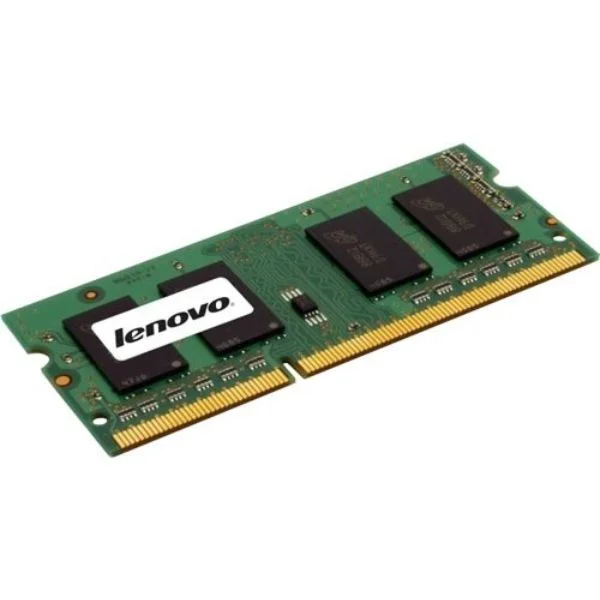
0A65724 (8GBPC3-12800DDR3-1600SoDIMM)
4.9 (7)- Computer Memory
- Lenovo
- DDR4
- 16 GB
- Desktop
- Workstation
- UDIMM
Est Value $356.86$304.64
14.6% offIn stockRefurbishedFirst-Time Buyer Discount – Get up to 2% additional off on your first order
ORM Rewards Earn $50 in Rewards + Free Expedited Delivery – Join Now!
Use eCoupon ORMSAVE10
eCoupon limited to 5 units

ORM Sales Advisors
Buying for your business? Get a personalised quote in under 2 hours. Talk to an expert
LEARNFilters (38) 
Questions & Answers
What is RAM and why is it important for my computer?
RAM (Random Access Memory) is a short-term data storage that your CPU uses to run applications and processes. More RAM allows faster multitasking and smoother performance.
How much RAM do I need for everyday computing tasks?
For web browsing, office applications and media playback, 8 GB of RAM ensures smooth performance and basic multitasking.
How much RAM is recommended for gaming?
Most modern games run smoothly with 16 GB of RAM. Competitive or resource-intensive titles may benefit from 32 GB.
What RAM capacity do I need for video editing and 3D rendering?
For HD video editing, 16 GB is a baseline. For 4K workflows or complex 3D projects, 32 GB or more is recommended.
What’s the difference between DDR4 and DDR5 RAM?
DDR5 offers higher data rates, improved power efficiency and larger module densities than DDR4, but requires a compatible motherboard and CPU.
How can I check my current RAM capacity and speed?
On Windows, open Task Manager > Performance > Memory. On macOS, go to About This Mac > Memory. It displays installed capacity and frequency.
Can I mix different RAM brands, capacities or speeds?
Mixing modules is possible if they share the same type (e.g., DDR4) and voltage, but performance defaults to the slowest module’s specs.
What is dual-channel RAM and why should I use it?
Dual-channel mode splits data across two identical memory modules, doubling the data path width and improving overall system throughput.
How do I install or upgrade RAM in my desktop PC?
Power off and unplug, open the case, locate DIMM slots, align the notch, press the module firmly until it clicks, then close the case and reboot.
Will adding more RAM improve my computer’s performance?
If your system is low on RAM and swapping to disk, adding more memory eliminates bottlenecks, speeds up applications, and reduces lag.
What is ECC RAM and when should I use it?
ECC (Error-Correcting Code) RAM detects and corrects memory errors in real time. It’s ideal for servers, workstations and mission-critical applications.
How do I choose the right RAM for my motherboard?
Consult your motherboard manual for supported RAM type (e.g., DDR4), maximum capacity per slot, recommended speeds and module configurations.
What is CAS latency and why does it matter?
CAS latency (CL) measures delay between a memory read command and data availability. Lower CL improves responsiveness in latency-sensitive tasks.
Are laptop SO-DIMM modules and desktop DIMM modules interchangeable?
No. SO-DIMMs are smaller and designed for laptops, while DIMMs are larger and intended for desktop motherboards.
How much does RAM speed affect real-world performance?
Higher RAM speeds boost data throughput, improving load times and frame rates in memory-intensive applications, though gains vary by workload.
How do I troubleshoot RAM-related errors or system crashes?
Run a memory diagnostic tool (e.g., Windows Memory Diagnostic or MemTest86), reseat modules, swap slots and replace faulty sticks if errors persist.