 United States
HP GPU Modules Accelerate Innovation
Engineered for peak performance, HP GPU Modules deliver exceptional graphics processing and robust reliability. Optimize computing environments and empower advanced applications using cutting-edge technology for superior operational efficiency.
Talk to an expert
22 Matching results
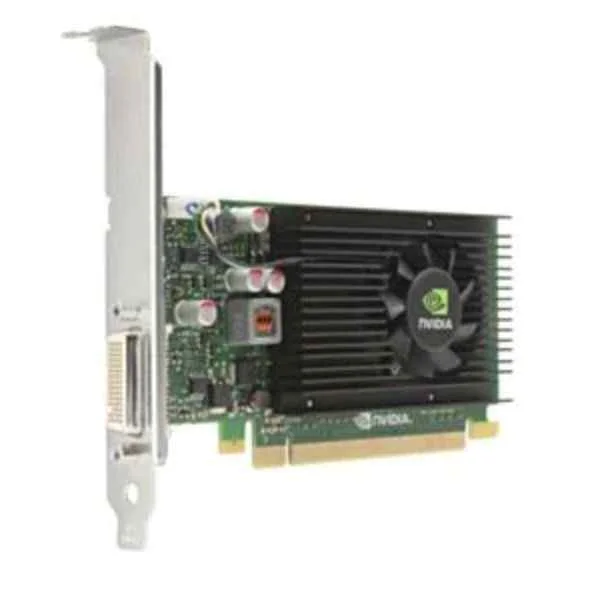
E1U66AA (NVIDIA NVS 315 1GB Graphics Card - NVS 315 - 1 GB - GDDR3 - 64 bit - 2560 x 1600 pixels - PCI Express x16)
4.8 (8)Est Value $122.79
$104.82
14.6% offIn stockRefurbishedFirst-Time Buyer Discount – Get up to 2% additional off on your first order
ORM Rewards Earn $50 in Rewards + Free Expedited Delivery – Join Now!
Use eCoupon ORMSAVE10
eCoupon limited to 5 units
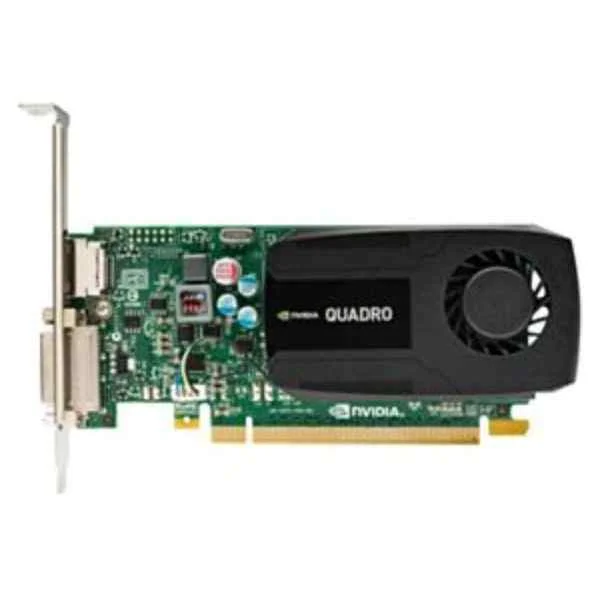
N1T07AA (NVIDIA Quadro K420 2GB Graphics Card - Quadro K420 - 2 GB - GDDR3 - 128 bit - 3840 x 2160 pixels - PCI Express x16 2.0)
4.6 (8)Est Value $152.93$146.48
4.2% offIn stockRefurbishedFirst-Time Buyer Discount – Get up to 2% additional off on your first order
ORM Rewards Earn $50 in Rewards + Free Expedited Delivery – Join Now!
Use eCoupon ORMSAVE10
eCoupon limited to 5 units
1ME01AA (KIT HPI NVIDIA QUADRO P1000 4GB KIT 2 ADAPTERS)
4.5 (8)Est Value $439.73$375.38
14.6% offIn stockNewRefurbishedFirst-Time Buyer Discount – Get up to 2% additional off on your first order
ORM Rewards Earn $50 in Rewards + Free Expedited Delivery – Join Now!
Use eCoupon ORMSAVE10
eCoupon limited to 5 units
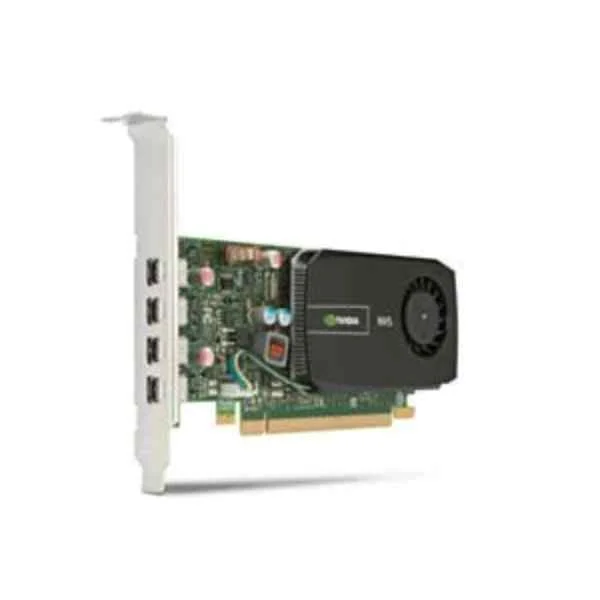
C2J98AA (NVIDIA NVS 510 2GB Graphics Card - NVS 510 - 2 GB)
4.6 (8)Est Value $219.26$156.99
28.4% offIn stockRefurbishedFirst-Time Buyer Discount – Get up to 2% additional off on your first order
ORM Rewards Earn $50 in Rewards + Free Expedited Delivery – Join Now!
Use eCoupon ORMSAVE10
eCoupon limited to 5 units
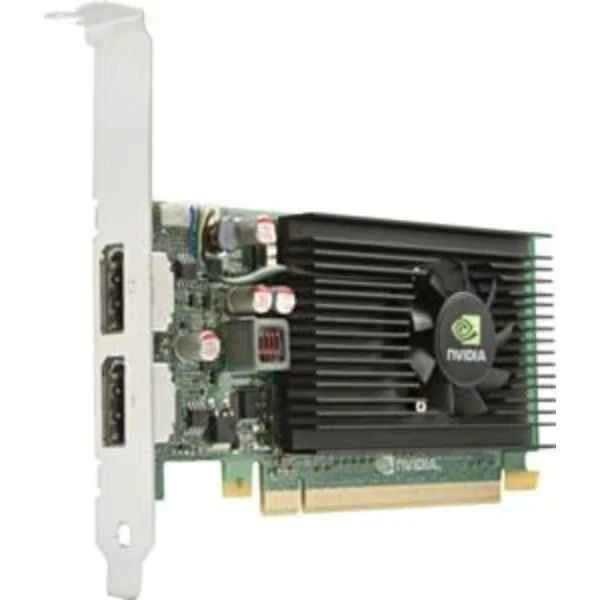
M6V51AA (NVIDIA NVS 310 1GB Graphics Card - NVS 310 - 1 GB - GDDR3 - 64 bit - 2560 x 1600 pixels - PCI Express x16 2.0)
4.6 (8)Est Value $230.90$173.50
24.9% offIn stockRefurbishedFirst-Time Buyer Discount – Get up to 2% additional off on your first order
ORM Rewards Earn $50 in Rewards + Free Expedited Delivery – Join Now!
Use eCoupon ORMSAVE10
eCoupon limited to 5 units
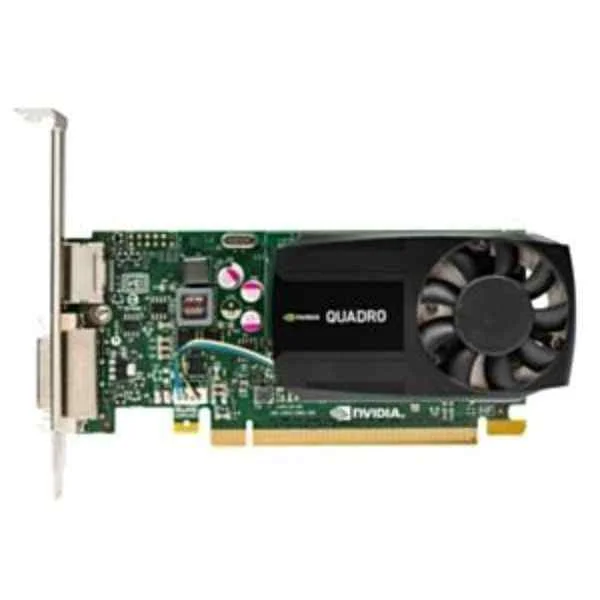
J3G87AA (NVIDIA Quadro K620 2GB Graphics Card - Quadro K620 - 2 GB - GDDR3 - 128 bit - 4096 x 2160 pixels - PCI Express x16)
4.5 (8)Est Value $237.38$187.43
21% offIn stockRefurbishedFirst-Time Buyer Discount – Get up to 2% additional off on your first order
ORM Rewards Earn $50 in Rewards + Free Expedited Delivery – Join Now!
Use eCoupon ORMSAVE10
eCoupon limited to 5 units
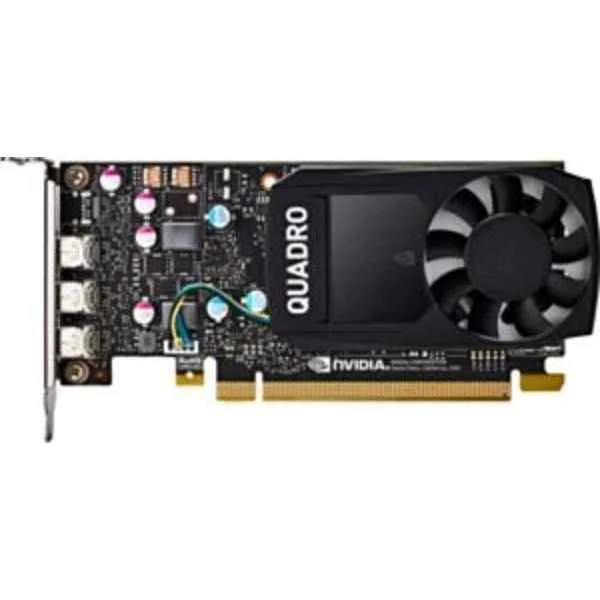
1ME43AA (HP NVIDIA QUADRO P400 2GB GRAPHICS CARD)
4.6 (8)Est Value $343.80$226.85
34% offIn stockRefurbishedFirst-Time Buyer Discount – Get up to 2% additional off on your first order
ORM Rewards Earn $50 in Rewards + Free Expedited Delivery – Join Now!
Use eCoupon ORMSAVE10
eCoupon limited to 5 units
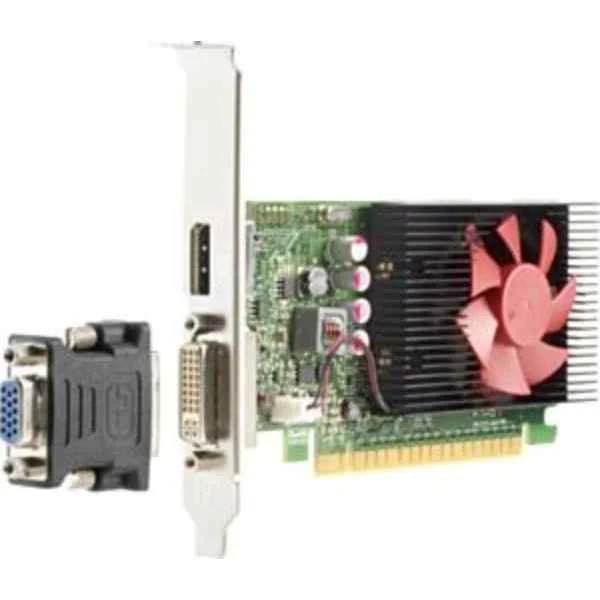
Z9H51AA (NVIDIA Quadro P600 (2GB) Graphics Card - Quadro P600 - 2 GB - GDDR5 - 128 bit - 5120 x 2880 pixels - PCI Express x16 3.0)
4.6 (5)Est Value $266.31$227.34
14.6% offIn stockRefurbishedFirst-Time Buyer Discount – Get up to 2% additional off on your first order
ORM Rewards Earn $50 in Rewards + Free Expedited Delivery – Join Now!
Use eCoupon ORMSAVE10
eCoupon limited to 5 units
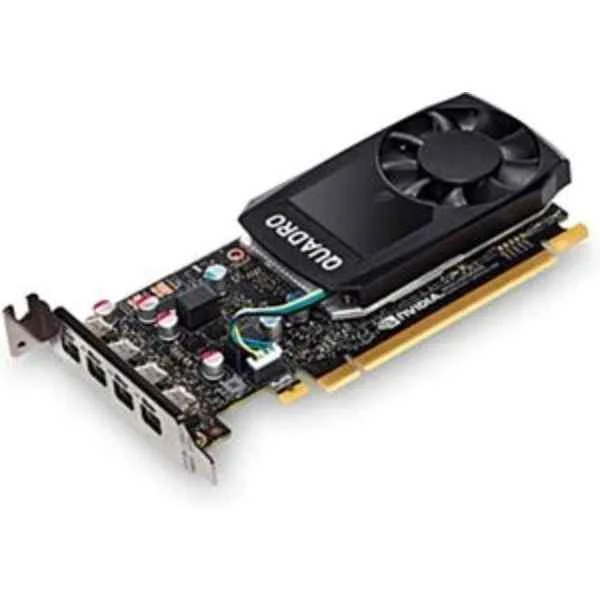
3ME25AA (NVIDIA Quadro P620 2GB Graphics Card - Quadro P620 - 2 GB - GDDR5 - 128 bit - 5120 x 2880 pixels - PCI Express x16 3.0)
4.6 (8)Est Value $321.42$274.39
14.6% offIn stockRefurbishedFirst-Time Buyer Discount – Get up to 2% additional off on your first order
ORM Rewards Earn $50 in Rewards + Free Expedited Delivery – Join Now!
Use eCoupon ORMSAVE10
eCoupon limited to 5 units
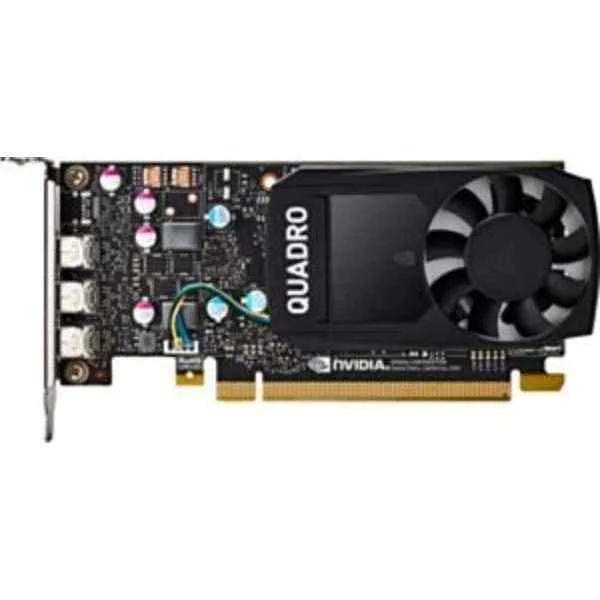
1ME40AA (NVIDIA Quadro P4000 (8GB) Graphics Card - Quadro P4000 - 8 GB - GDDR5 - 256 bit - 5120 x 2880 pixels - PCI Express x16 3.0)
4.6 (8)Est Value $1,845.82$922.91
50% offIn stockNewRefurbishedFirst-Time Buyer Discount – Get up to 2% additional off on your first order
ORM Rewards Earn $50 in Rewards + Free Expedited Delivery – Join Now!
Use eCoupon ORMSAVE10
eCoupon limited to 5 units
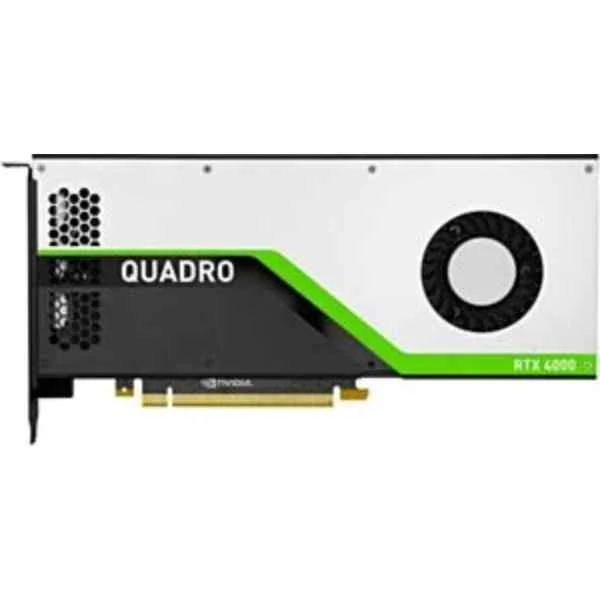
5JV89AA (NO HP BD NVIDIA QUADRO RTX 4000 8GB (3)DP+USBC)
4.4 (8)Est Value $1,409.88$1,203.55
14.6% offIn stockNewRefurbishedFirst-Time Buyer Discount – Get up to 2% additional off on your first order
ORM Rewards Earn $50 in Rewards + Free Expedited Delivery – Join Now!
Use eCoupon ORMSAVE10
eCoupon limited to 5 units
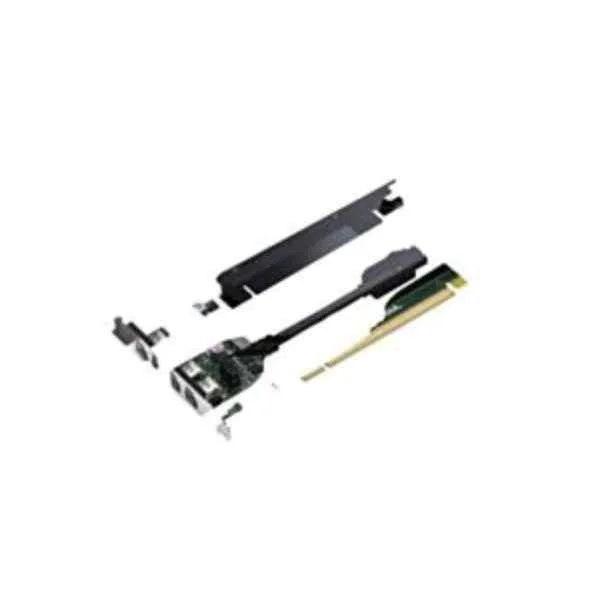
T7T59AA (NVIDIA Quadro K1200 4GB TWR/SFF Kit - Quadro K1200 - 4 GB - GDDR5 - 128 bit - 3840 x 2160 pixels - PCI Express x16 2.0)
4.6 (5)Est Value $547.84$399.00
27.2% offIn stockRefurbishedFirst-Time Buyer Discount – Get up to 2% additional off on your first order
ORM Rewards Earn $50 in Rewards + Free Expedited Delivery – Join Now!
Use eCoupon ORMSAVE10
eCoupon limited to 5 units
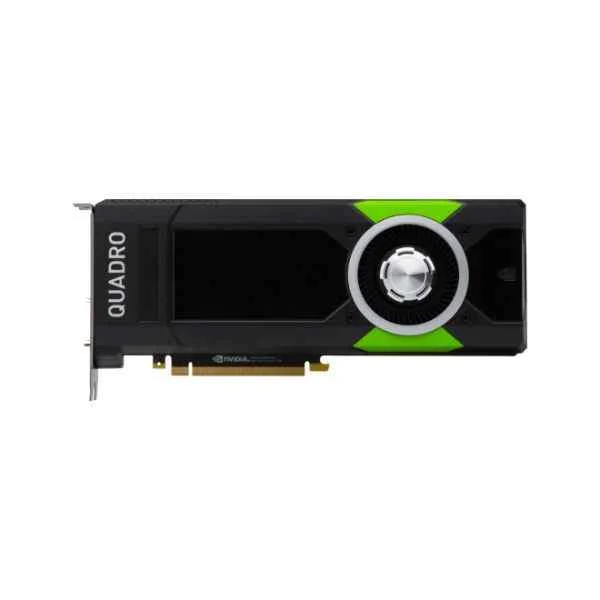
Z0B13AA (NVIDIA Quadro P5000 (16GB) - Quadro P5000 - 16 GB - GDDR5X - 256 bit - 7680 x 4320 pixels - PCI Express x16 3.0)
4.6 (5)Est Value $3,691.64$1,845.82
50% offIn stockNewRefurbishedFirst-Time Buyer Discount – Get up to 2% additional off on your first order
ORM Rewards Earn $50 in Rewards + Free Expedited Delivery – Join Now!
Use eCoupon ORMSAVE10
eCoupon limited to 5 units
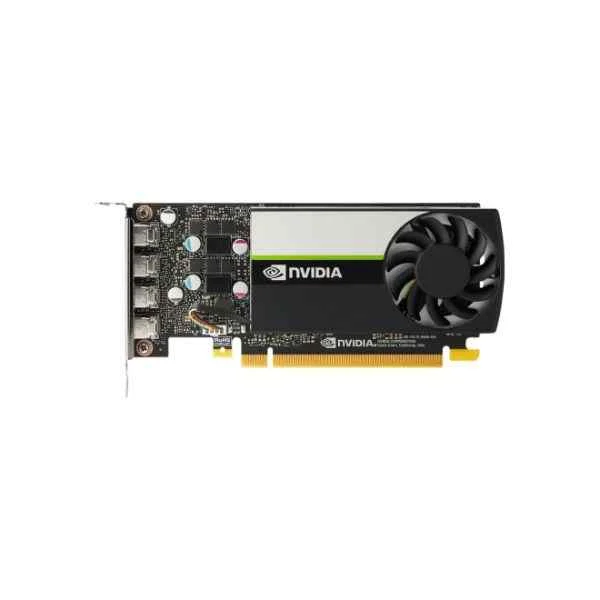
20X22AA (NVIDIA T1000 4GB 4mDP GFXw/2 mDPtoDPAdpt)
4.6 (5)Est Value $610.66$572.11
6.3% offIn stockRefurbishedFirst-Time Buyer Discount – Get up to 2% additional off on your first order
ORM Rewards Earn $50 in Rewards + Free Expedited Delivery – Join Now!
Use eCoupon ORMSAVE10
eCoupon limited to 5 units
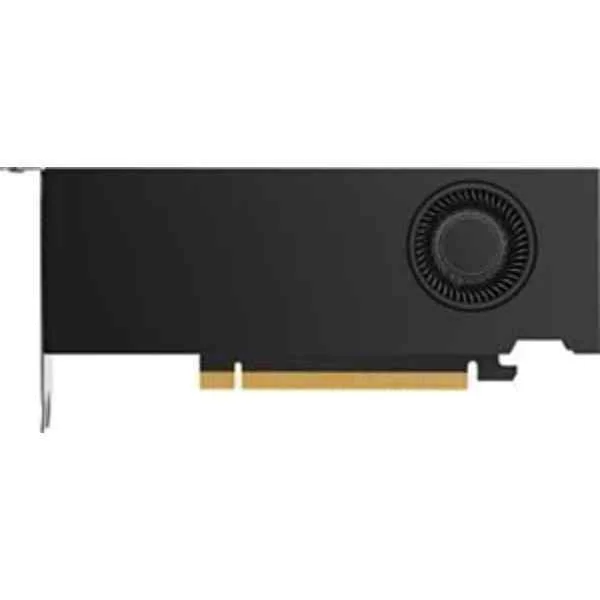
340L0AA (HP NVIDIA RTX A2000 6GB DP 4mDP Graphics (340L0AA))
4.5 (8)Est Value $1,215.36$607.68
50% offIn stockNewFirst-Time Buyer Discount – Get up to 2% additional off on your first order
ORM Rewards Earn $50 in Rewards + Free Expedited Delivery – Join Now!
Use eCoupon ORMSAVE10
eCoupon limited to 5 units
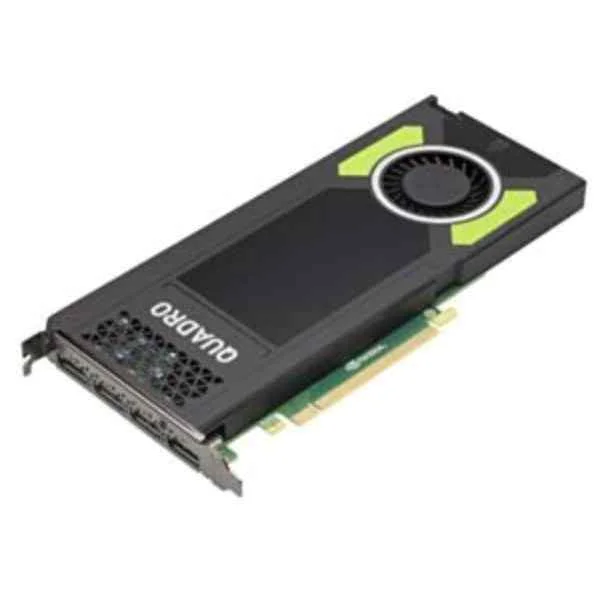
M6V52AA (NVIDIA Quadro M4000 - Quadro M4000 - 8 GB - GDDR5 - 256 bit - 2560 x 1600 pixels - PCI Express x16 3.0)
4.4 (5)Est Value $749.48$639.80
14.6% offIn stockRefurbishedFirst-Time Buyer Discount – Get up to 2% additional off on your first order
ORM Rewards Earn $50 in Rewards + Free Expedited Delivery – Join Now!
Use eCoupon ORMSAVE10
eCoupon limited to 5 units
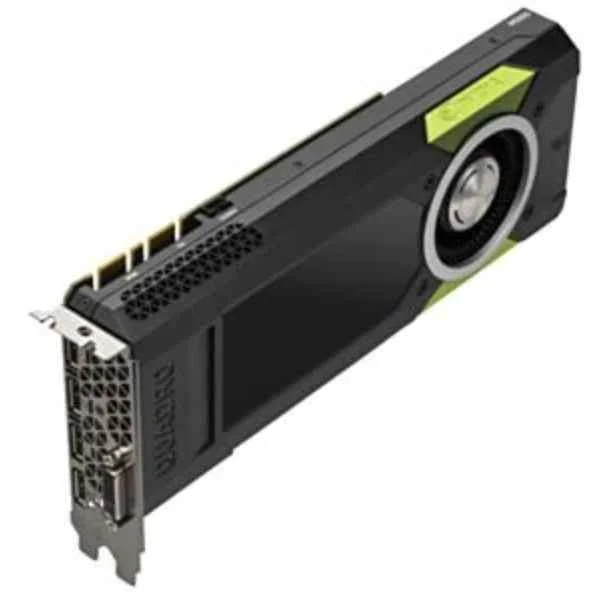
M6V53AA (NVIDIA Quadro M5000 - Quadro M5000 - 8 GB - GDDR5 - 256 bit - 4096 x 2160 pixels - PCI Express x16 3.0)
4.8 (5)Est Value $1,133.57$955.64
15.7% offIn stockRefurbishedFirst-Time Buyer Discount – Get up to 2% additional off on your first order
ORM Rewards Earn $50 in Rewards + Free Expedited Delivery – Join Now!
Use eCoupon ORMSAVE10
eCoupon limited to 5 units
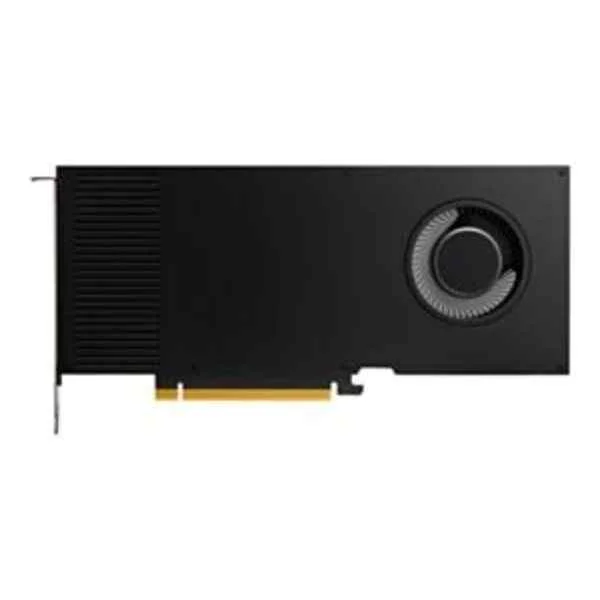
20X24AA (HP Nvidia RTX A4000, 16 GB GDDR6, PCI Express 4.0 x 16, 4x DP 1.4a (20X24AA))
4.9 (8)Est Value $2,184.97$1,865.22
14.6% offIn stockRefurbishedFirst-Time Buyer Discount – Get up to 2% additional off on your first order
ORM Rewards Earn $50 in Rewards + Free Expedited Delivery – Join Now!
Use eCoupon ORMSAVE10
eCoupon limited to 5 units
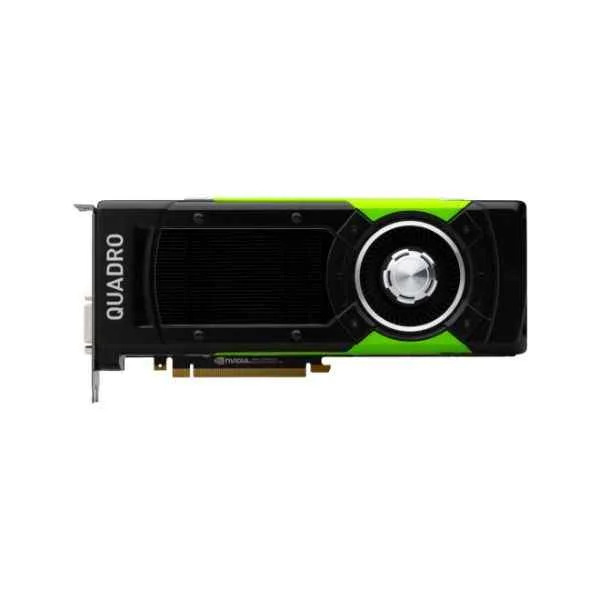
Z0B12AA (NVIDIA Quadro P6000 (24GB) Graphics Card - Quadro P6000 - 24 GB - GDDR5 - 384 bit - 7680 x 4320 pixels - PCI Express x16 3.0)
4.6 (5)Est Value $3,873.02$2,958.90
23.6% offIn stockRefurbishedFirst-Time Buyer Discount – Get up to 2% additional off on your first order
ORM Rewards Earn $50 in Rewards + Free Expedited Delivery – Join Now!
Use eCoupon ORMSAVE10
eCoupon limited to 5 units
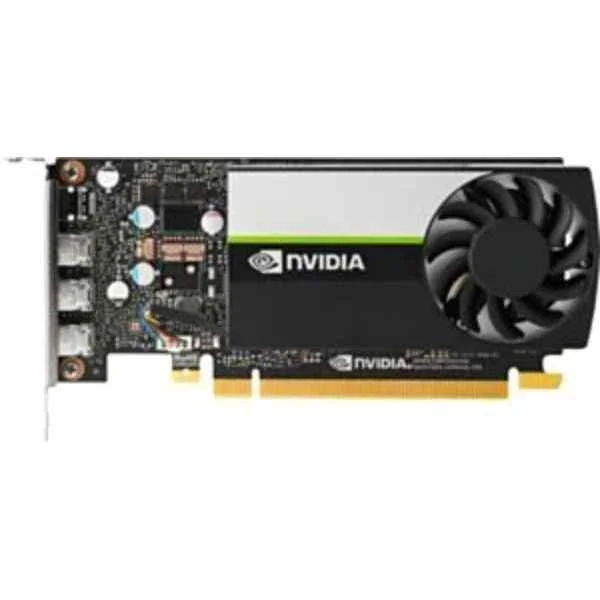
340K8AA (NVIDIA T400 2GB GDDR6 3mDP GFX)
4.9 (8)Est Value In stockFirst-Time Buyer Discount – Get up to 2% additional off on your first order
ORM Rewards Earn $50 in Rewards + Free Expedited Delivery – Join Now!
Use eCoupon ORMSAVE10
eCoupon limited to 5 units

ORM Sales Advisors
Buying for your business? Get a personalised quote in under 2 hours. Talk to an expert
LEARNFilters (22) 
Questions & Answers
What is an HP GPU Module?
An HP GPU Module is a user-replaceable graphics processor unit designed for select HP workstations and laptops to deliver high-performance professional and gaming graphics.
Which HP systems support GPU Modules?
HP ZBook mobile workstations and select HP Z desktop workstations support GPU Modules; verify your model’s specifications or check the HP support site for compatibility.
How do I install an HP GPU Module?
Power off the system, remove the access panel, align the GPU Module’s PCIe connector with the slot, press until seated, secure with screws, reassemble and power on.
What GPU models are available for HP GPU Modules?
HP offers NVIDIA Quadro, NVIDIA RTX and AMD Radeon Pro GPU Modules—such as Quadro P1000, RTX 3000 series and Radeon Pro WX series—tailored for professional and creative workloads.
How do I update drivers for my HP GPU Module?
Download the latest drivers from hp.com or the NVIDIA/AMD website, run the installer, follow the on-screen prompts and restart to complete the update.
Can I upgrade the GPU Module in my HP desktop?
Yes, compatible HP Z desktops support GPU Module upgrades; confirm slot compatibility, power supply capacity and thermal requirements before purchasing a new module.
What are the power requirements for HP GPU Modules?
HP GPU Modules typically require a 75–150 W PCIe power supply; refer to your system’s maintenance guide for exact wattage and connector specifications.
How does an HP GPU Module improve graphics performance?
By providing a dedicated graphics processor core and optimized memory bandwidth, an HP GPU Module accelerates rendering, 3D modeling and real-time visualization tasks.
Are HP GPU Modules compatible with external displays?
Yes, HP GPU Modules support multiple external displays via HDMI, DisplayPort or DVI outputs, depending on the specific module’s port configuration.
How do I troubleshoot an HP GPU Module not being detected?
Check BIOS settings for PCIe enablement, reseat the module, update system firmware and GPU drivers, and test the slot with a known-good module.
What cooling solutions are built into HP GPU Modules?
HP GPU Modules feature integrated heatsinks and fan assemblies optimized for chassis airflow to maintain stable GPU temperatures under heavy workloads.
Does HP offer warranty coverage for GPU Modules?
HP provides a one-year limited warranty on GPU Modules, which can be extended to up to three years through HP Care Pack protection plans.
Where can I purchase genuine HP GPU Modules?
Buy genuine HP GPU Modules from hp.com, authorized HP resellers or certified distribution partners to ensure authenticity and full technical support.
How does an HP GPU Module differ from a standard graphics card?
HP GPU Modules are proprietary, hot-swappable units specifically engineered for HP systems, whereas standard graphics cards use industry-standard PCIe form factors.
Can I install third-party GPUs in an HP GPU Module slot?
No, HP GPU Module slots use proprietary connectors and firmware; only HP-certified GPU Modules are compatible with those slots.
What is the expected lifespan of an HP GPU Module?
With adequate cooling and regular maintenance, an HP GPU Module typically lasts 3–5 years under normal professional or gaming usage scenarios.