 United States
Uniview Hard Drives & SSDs
Enhance your digital infrastructure with premium Uniview storage solutions. Our high-performance hard drives and SSDs deliver robust reliability, optimal efficiency, and enduring performance for critical professional applications.
Talk to an expert
Uniview - Toshiba
(2)Uniview Toshiba drives use SATA interfaces for continuous video retention in multisite CCTV recorder storage bays and NVR arrays
Uniview - Seagate Skyhawk
(0)Uniview Seagate SkyHawk drives use SATA 6 Gb/s links for high-write surveillance streams in 24-bay NVR recording chassis
Uniview - Wd Purple
(0)Uniview WD Purple drives handle multi-camera surveillance workloads through SATA links in branch security NVR recording bay deployments
2 Matching results
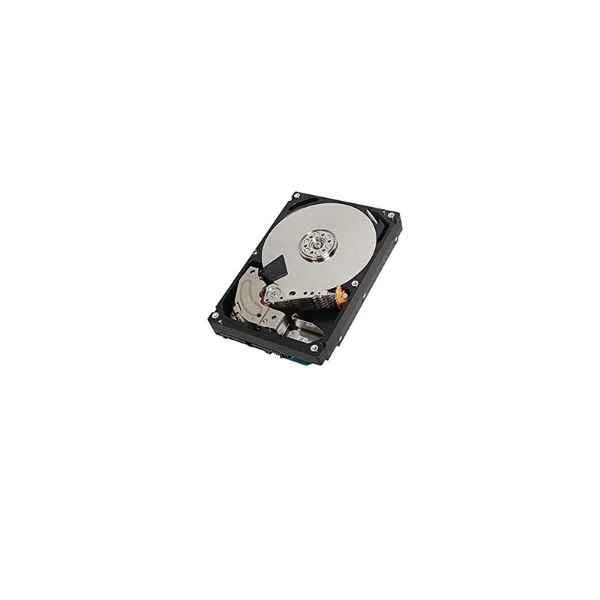
MC04ACA600E (Surveillance HDD)
4.8 (5)- Hard Drive
- Uniview
- HDD
- Desktop
- SATA III
- 3.5-inch
- 600 GB
Est Value $409.47
$349.55
14.6% offIn stockRefurbishedFirst-Time Buyer Discount – Get up to 2% additional off on your first order
ORM Rewards Earn $50 in Rewards + Free Expedited Delivery – Join Now!
Use eCoupon ORMSAVE10
eCoupon limited to 5 units
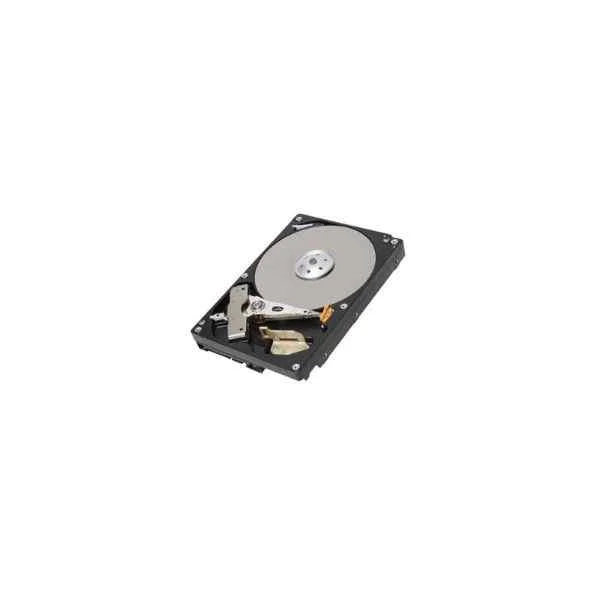
DT01ABA300V (Video Stream HDD)
4.6 (5)- Hard Drive
- Uniview
- HDD
- Desktop / Server / NAS / Surveillance / Enterprise Storage
- SATA III
- 3.5-inch
- 4 TB
Est Value $458.07$391.03
14.6% offIn stockRefurbishedFirst-Time Buyer Discount – Get up to 2% additional off on your first order
ORM Rewards Earn $50 in Rewards + Free Expedited Delivery – Join Now!
Use eCoupon ORMSAVE10
eCoupon limited to 5 units

ORM Sales Advisors
Buying for your business? Get a personalised quote in under 2 hours. Talk to an expert
LEARNFilters (2) 
Questions & Answers
What are the key differences between Uniview Hard Drives and SSDs?
The key differences lie in storage technology and performance: Hard Drives use mechanical platters for high-capacity, cost-efficient 24/7 recording, while SSDs use flash memory for faster data transfer, shock resistance, and lower latency.
What capacities are available for Uniview surveillance hard drives?
Uniview surveillance hard drives are available in capacities from 1 TB up to 18 TB, enabling scalable storage for multi-channel, high-resolution video recording.
Are Uniview SSDs compatible with Uniview NVR systems?
Yes, Uniview SSDs are fully compatible with Uniview NVR systems and support the SATA III interface for seamless 24/7 video storage.
How do I install a Uniview hard drive in an NVR?
To install a Uniview hard drive in an NVR, power off the unit, mount the drive in the tray, secure with screws, connect the SATA data and power cables, then power on and initialize the drive via the NVR interface.
What is the recommended operating temperature range for Uniview drives?
Uniview drives operate reliably in temperatures from 0 °C to 60 °C for HDD models and –40 °C to 85 °C for SSD models, ensuring performance in diverse environments.
What is the mean time between failures (MTBF) for Uniview storage devices?
Uniview storage devices feature an MTBF rating up to 1 million hours for HDDs and 1.5 million hours for SSDs, delivering dependable long-term performance.
Can Uniview SSDs support 24/7 video recording?
Yes, Uniview SSDs are engineered for continuous 24/7 video recording with high write endurance and optimized firmware to prevent dropped frames.
How long do Uniview surveillance drives typically last?
Under standard surveillance workloads, Uniview hard drives typically last 3–5 years, while SSDs can exceed 5 years, depending on write volume and environmental conditions.
What warranty does Uniview offer on their HDDs and SSDs?
Uniview provides a 3-year limited warranty on HDDs and a 5-year limited warranty on SSDs, covering defects in materials and workmanship.
How do I choose the right Uniview drive for 4K video surveillance?
For reliable 4K video surveillance, select a Uniview drive with sustained write speeds above 200 MB/s and a minimum capacity of 6 TB to accommodate high-resolution streams.
Do Uniview drives support RAID configurations?
Uniview HDDs and SSDs support common RAID configurations (RAID 0, 1, 5, 6) when used with compatible NVRs or RAID controllers, enhancing data redundancy and performance.
What interface and form factor do Uniview storage devices use?
Uniview drives utilize the SATA III 6 Gb/s interface in 3.5″ form factors for HDDs and 2.5″ or M.2 (2280) form factors for SSDs, ensuring broad compatibility with surveillance equipment.
How do I format a Uniview hard drive for use in my NVR?
To format a Uniview hard drive for NVR use, access the NVR’s storage management menu, select the new drive, choose the file system (EXT4 or exFAT), and confirm the format process.
What are the power consumption specifications for Uniview drives?
Typical power consumption for Uniview HDDs ranges from 5 W idle to 10 W active, while SSDs consume 2 W–4 W, optimizing energy usage in surveillance systems.
Do Uniview SSDs support TRIM for optimal performance?
Yes, Uniview SSDs support the TRIM command when used with compatible controllers and operating systems, maintaining optimal performance over time.
What makes Uniview storage devices ideal for security and surveillance applications?
Uniview storage devices combine high endurance, specialized surveillance firmware, low error rates, and vibration resistance to deliver reliable, continuous video capture.