 United States
6900 IP Phones Superior Business Tools
Explore the advanced performance and superior scalability of 6900 IP Phones, engineered for optimal security, enhanced voice clarity, and flexible integration to drive your business communications.
Talk to an expert
4 Matching results
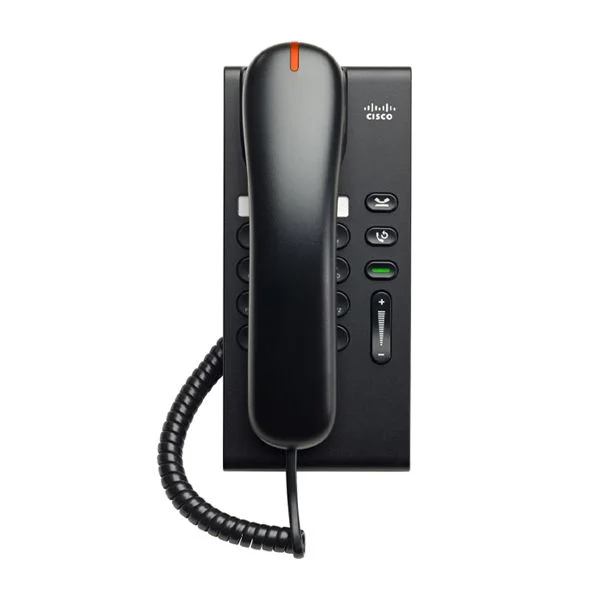
CP-6901-CL-K9 (UNIFIED IP PHONE 6901 CHARCOAL SLIMLINE HANDSET)
4.8 (5)Est Value $283.50
$91.31
67.8% offIn stockNewRefurbishedFirst-Time Buyer Discount – Get up to 2% additional off on your first order
ORM Rewards Earn $50 in Rewards + Free Expedited Delivery – Join Now!
Use eCoupon ORMSAVE10
eCoupon limited to 5 units
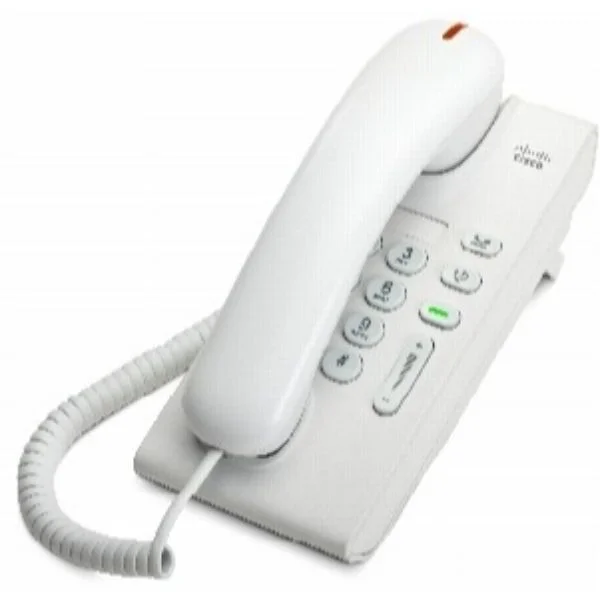
CP-6901-W-K9 (UC PHONE 6901 WHITE STANDARD HANDSET)
5 (5)Est Value $269.73$230.25
14.6% offIn stockRefurbishedFirst-Time Buyer Discount – Get up to 2% additional off on your first order
ORM Rewards Earn $50 in Rewards + Free Expedited Delivery – Join Now!
Use eCoupon ORMSAVE10
eCoupon limited to 5 units
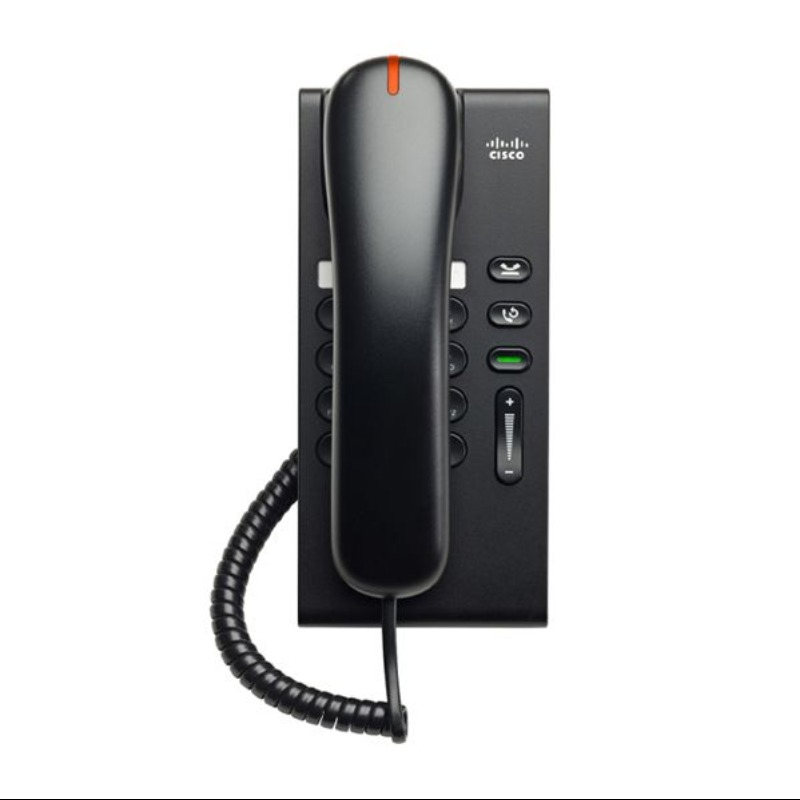
CP-6901-C-K9 (CISCO UC PHONE 6901 CHARCOAL STANDARD HANDSET)
4.4 (5)Est Value $402.30$121.28
69.9% offIn stockNewRefurbishedFirst-Time Buyer Discount – Get up to 2% additional off on your first order
ORM Rewards Earn $50 in Rewards + Free Expedited Delivery – Join Now!
Use eCoupon ORMSAVE10
eCoupon limited to 5 units
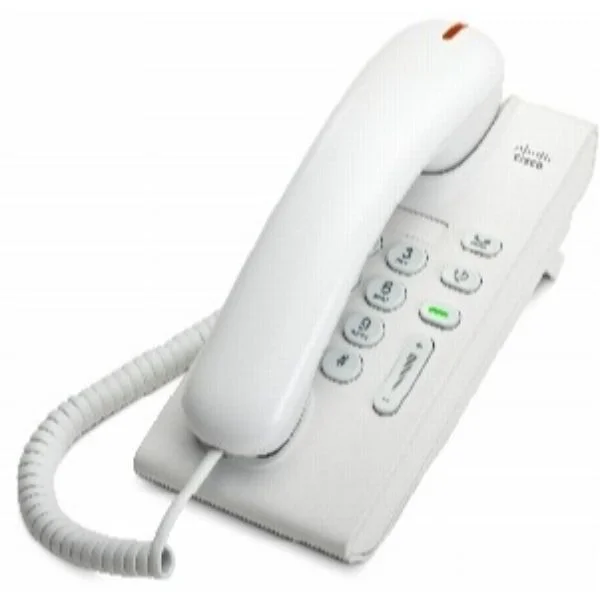
CP-6901-WL-K9 (CISCO UC PHONE 6901 WHITE SLIMLINE HANDSET)
4.6 (5)Est Value In stockFirst-Time Buyer Discount – Get up to 2% additional off on your first order
ORM Rewards Earn $50 in Rewards + Free Expedited Delivery – Join Now!
Use eCoupon ORMSAVE10
eCoupon limited to 5 units

ORM Sales Advisors
Buying for your business? Get a personalised quote in under 2 hours. Talk to an expert
LEARNFilters (4) 
Questions & Answers
What are the key features of 6900 IP Phones?
The 6900 IP Phones offer HD audio, PoE support, a 3.5-inch color display, up to five programmable line keys, integrated Bluetooth, and LDAP directory access.
How do I set up a 6900 IP Phone?
To set up a 6900 IP Phone, connect it to your LAN via Ethernet or PoE, power on the device, access the web interface, enter your SIP account details, and apply the configuration.
Are 6900 IP Phones compatible with VoIP providers?
Yes, 6900 IP Phones are compatible with most SIP-based VoIP providers and can be configured via standard SIP settings in the phone’s web administration portal.
Do 6900 IP Phones support Power over Ethernet (PoE)?
6900 IP Phones support IEEE 802.3af PoE and PoE+, eliminating the need for external power adapters.
Which firmware version should I install on my 6900 IP Phone?
Always update your 6900 IP Phone to the latest stable firmware version available on the vendor’s support site to ensure peak performance and security.
How can I troubleshoot audio issues on a 6900 IP Phone?
If you experience audio issues on a 6900 IP Phone, verify network QoS settings, update to the latest firmware, and test with different headsets to isolate the issue.
Can I use a 6900 IP Phone with any SIP server?
6900 IP Phones support the SIP protocol and can register with any SIP server by entering the server address, port, and authentication credentials in the phone’s settings.
What security features are built into 6900 IP Phones?
Built-in security features include TLS encryption for signaling, SRTP for media, secure boot, and VLAN tagging to protect voice traffic on 6900 IP Phones.
How many lines can a 6900 IP Phone handle?
Each 6900 IP Phone supports up to five programmable line keys and can handle multiple simultaneous calls depending on the configured SIP accounts.
Can I upgrade the display on a 6900 IP Phone?
The integrated 3.5-inch color LCD on 6900 IP Phones is fixed and cannot be upgraded, but you can adjust brightness and contrast via the settings menu.
Are 6900 IP Phones compatible with headsets?
6900 IP Phones feature a dedicated RJ-9 headset port and support Electronic Hook Switch (EHS) adapters for wireless headsets.
How do I perform a factory reset on a 6900 IP Phone?
To factory reset a 6900 IP Phone, navigate to Settings > Admin Settings > Reset to Defaults, enter the administrator password, and confirm the reset.
What warranty covers 6900 IP Phones?
6900 IP Phones typically include a one-year limited warranty covering manufacturing defects; extended support plans may be available from the vendor.
How do I enable call forwarding on a 6900 IP Phone?
Enable call forwarding on a 6900 IP Phone by pressing the Forward soft key during an idle state, entering the destination number, and confirming the activation.
Can 6900 IP Phones integrate with unified communications platforms?
6900 IP Phones integrate seamlessly with UC platforms like Microsoft Teams or Cisco Unified Communications Manager via certified SIP firmware and provisioning templates.