 United States
Cisco IP Phones Reliable Unified Communications
Enhance business communications with advanced Cisco IP Phones featuring robust VoIP technology, seamless integration, and secure conferencing solutions designed for dynamic enterprise environments, ensuring unparalleled productivity enhancement.
Talk to an expert
6900 Ip Phones
(4)Cisco 6900 IP phones for shared-area desks provide SIP or SCCP calling, dual 10/100BASE-T RJ-45 ports, and PoE operation
Sip Phone 3900 Series
(1)Cisco 3900 SIP phones for sub-50 user remote sites support single-line SIP calling, 10/100 Ethernet, and wall-mountable desk placement
Sip Phone 7800 Series
(2)Cisco 7800 SIP phones for contact-center agent rows support SIP signaling, PoE Class 1, and 10/100 or Gigabit Ethernet
7800 Ip Phones
(4)Cisco 7800 IP phones for branch reception desks deliver SIP endpoints with wideband audio, IEEE 802.3af PoE, and switched Ethernet pass-through
7900 Ip Phones
(10)Cisco 7900 IP phones for campus department floors support SCCP or SIP firmware, IEEE 802.3af PoE, and wired Ethernet handsets
Sip Phone 8800 Series
(3)Cisco 8800 SIP phones for executive office desks support SIP signaling, Gigabit Ethernet models, Bluetooth options, and 802.3at PoE variants
8800 Series Ip Phones
(19)Cisco 8800 Series IP phones for hybrid-work hot desks pair SIP call control with Gigabit Ethernet, USB headset ports, and PoE operation
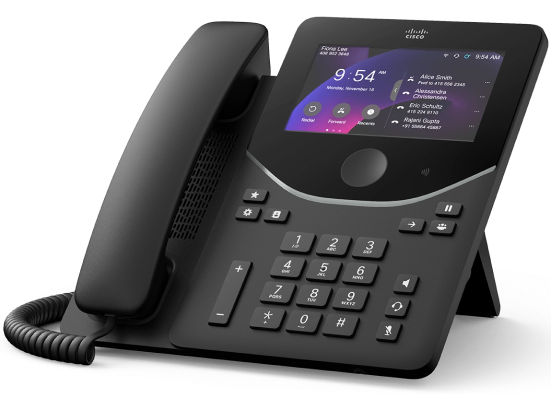
9800 Series Desk Phones
(1)Cisco 9800 desk phones equip hybrid workplaces, with Webex Calling, UCM registration, USB-C connectivity, and built-in Wi-Fi models
44 Matching results
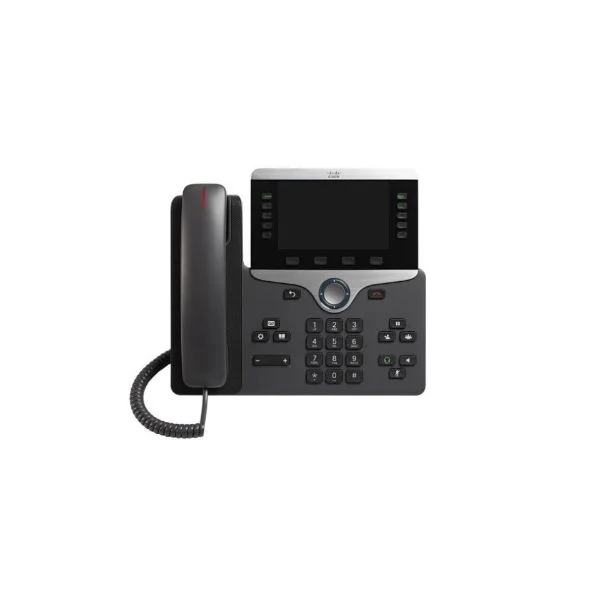
CP-8841-K9 (Cisco 8841 Unified IP Phone, 5-Line, Color Display, Wideband Audio, Charcoal)
4.6 (5)- IP Phone
- Desk
- Cisco IP Phone 8841, Charcoal
- CP-8841-K9
- Cisco
- Cisco IP Phone 8800 Series
- Enterprise / Small Business / Call Center / Home Office
Est Value $604.94
$52.50
91.3% offIn stockNewRefurbishedFirst-Time Buyer Discount – Get up to 2% additional off on your first order
ORM Rewards Earn $50 in Rewards + Free Expedited Delivery – Join Now!
Use eCoupon ORMSAVE10
eCoupon limited to 5 units
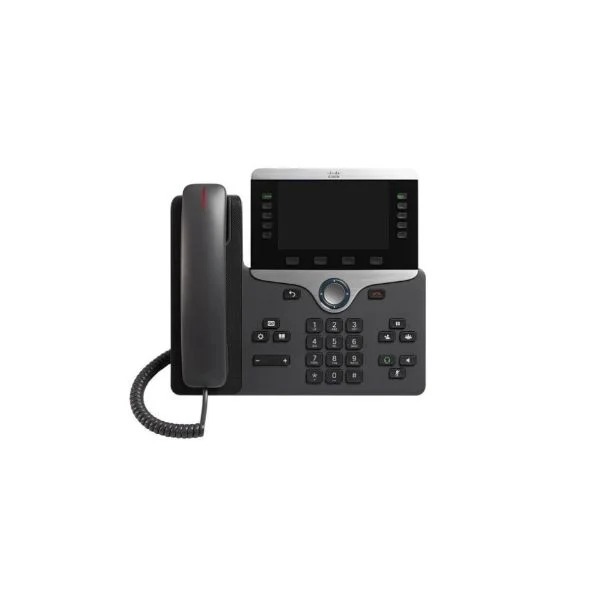
CP-8865-K9 (Cisco Unified IP Phone 8865 Video Phone, 720p HD Camera, Wideband Audio, Charcoal)
4.8 (5)- IP Phone
- Video
- Cisco IP Phone 8865, Charcoal
- CP-8865-K9
- Cisco
- Cisco IP Phone 8800 Series
- Enterprise / Call Center / Home Office
Est Value $930.29$95.76
89.7% offIn stockNewRefurbishedFirst-Time Buyer Discount – Get up to 2% additional off on your first order
ORM Rewards Earn $50 in Rewards + Free Expedited Delivery – Join Now!
Use eCoupon ORMSAVE10
eCoupon limited to 5 units
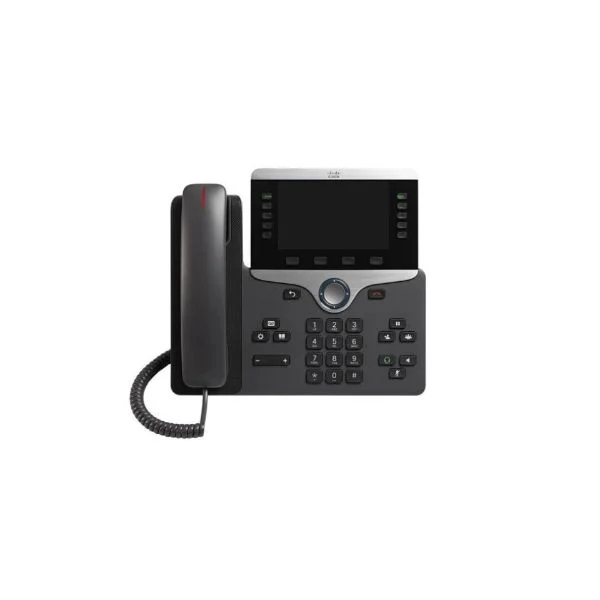
CP-8851-K9 (Cisco 8851 Series Unified IP Phone, 5-Line, Color Display, Wideband Audio, Charcoal)
4.6 (5)- IP Phone
- Desk
- Cisco IP Phone 8851
- CP-8851-K9
- Cisco
- Cisco 8800 Series
- Enterprise / Small Business / Call Center / Home Office
Est Value $721.86$59.85
91.7% offIn stockNewRefurbishedFirst-Time Buyer Discount – Get up to 2% additional off on your first order
ORM Rewards Earn $50 in Rewards + Free Expedited Delivery – Join Now!
Use eCoupon ORMSAVE10
eCoupon limited to 5 units
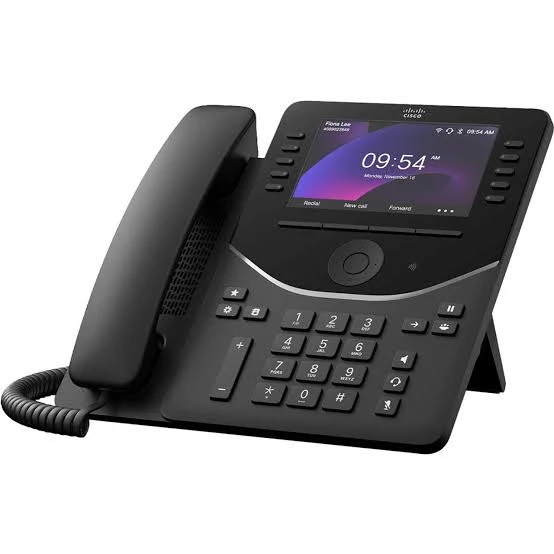
DP-9861-K9 (Cisco Desk Phone 9861 IP Phone, 10 Line Keys, 5-inch Color LCD, Wi-Fi, Bluetooth, Gigabit Ethernet)
4.7 (6)- IP Phone
- Desk
- Cisco Desk Phone 9861
- DP-9861-K9
- Cisco
- Desk Phone 9800 Series
- Enterprise / Call Center
Est Value $1,427.98$713.99
50% offIn stockNewRefurbishedFirst-Time Buyer Discount – Get up to 2% additional off on your first order
ORM Rewards Earn $50 in Rewards + Free Expedited Delivery – Join Now!
Use eCoupon ORMSAVE10
eCoupon limited to 5 units
CP-8821-K9-BUN (Cisco 8821 Wireless IP Phone Bundle, World Mode, Battery, Power Adapter)
4.4 (5)- Wireless IP Phone
- Cordless
- Cisco Wireless IP Phone 8821 World mode, battery, power cord, power adapter, and country clip
- CP-8821-K9-BUN
- Cisco
- 8800 Series
- Enterprise / Healthcare / Retail
Est Value $1,492.00$385.88
74.1% offIn stockNewRefurbishedFirst-Time Buyer Discount – Get up to 2% additional off on your first order
ORM Rewards Earn $50 in Rewards + Free Expedited Delivery – Join Now!
Use eCoupon ORMSAVE10
eCoupon limited to 5 units
- BEST SELLING
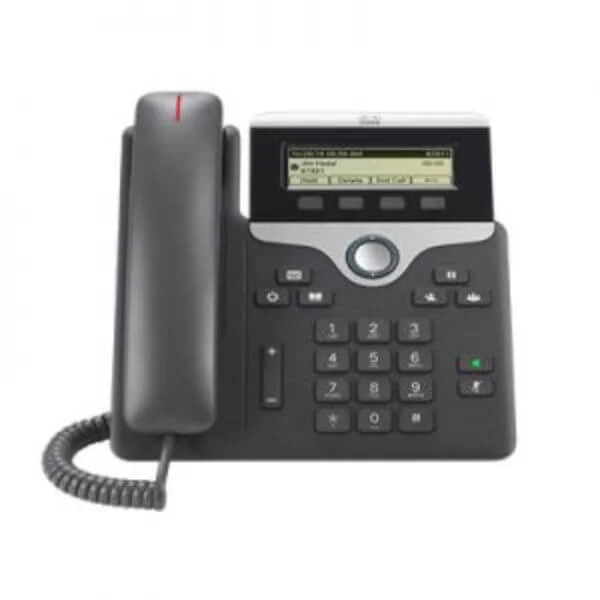
CP-7811-3PCC-K9 (IP PHONE 7811 FOR 3RD PARTY CALL CONTROL)
5 (5)Est Value $231.00$138.94
39.9% offIn stockNewRefurbishedFirst-Time Buyer Discount – Get up to 2% additional off on your first order
ORM Rewards Earn $50 in Rewards + Free Expedited Delivery – Join Now!
Use eCoupon ORMSAVE10
eCoupon limited to 5 units
- BEST SELLING
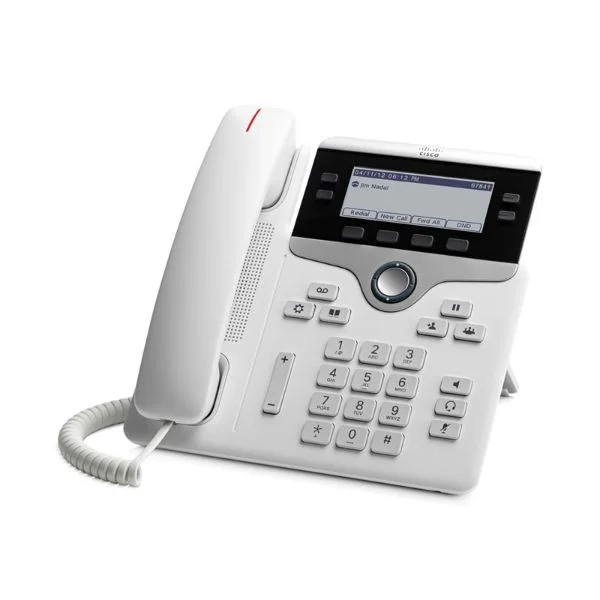
CP-7841-W-K9 (Cisco UC Phone 7841 White)
4.2 (5)Est Value $456.00$198.26
56.5% offIn stockNewRefurbishedFirst-Time Buyer Discount – Get up to 2% additional off on your first order
ORM Rewards Earn $50 in Rewards + Free Expedited Delivery – Join Now!
Use eCoupon ORMSAVE10
eCoupon limited to 5 units
- BEST SELLING
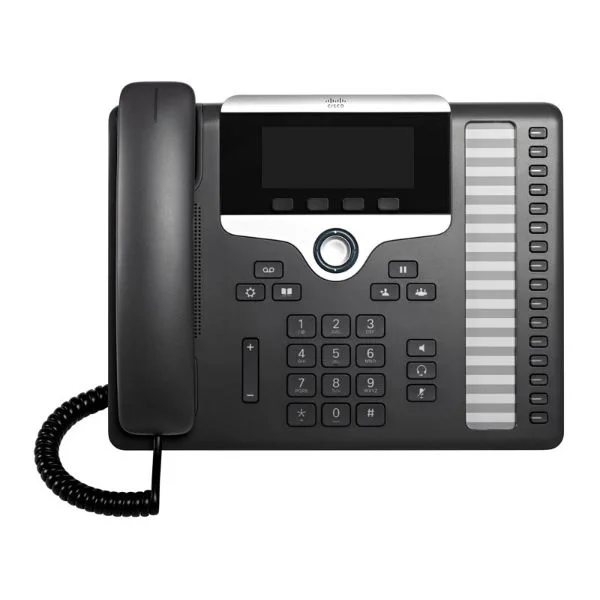
CP-7861-K9 (Cisco UC Phone 7861)
5 (5)Est Value $462.60$78.75
83% offIn stockNewRefurbishedFirst-Time Buyer Discount – Get up to 2% additional off on your first order
ORM Rewards Earn $50 in Rewards + Free Expedited Delivery – Join Now!
Use eCoupon ORMSAVE10
eCoupon limited to 5 units
- BEST SELLING
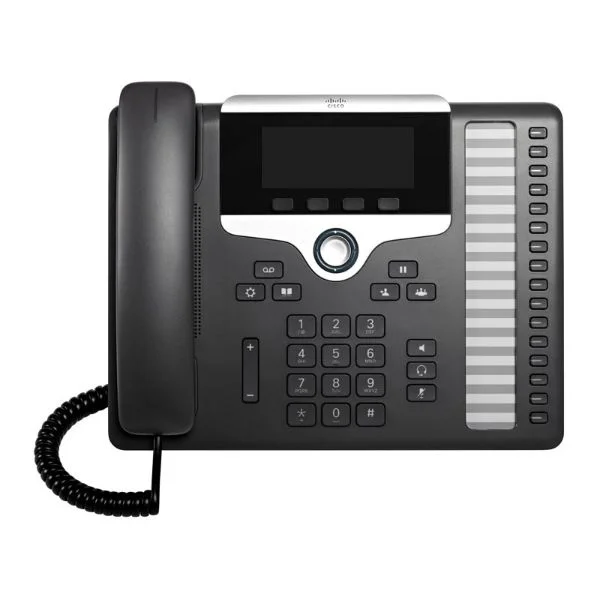
CP-7861-3PCC-K9 (Cisco 7861 SIP Phone)
4.4 (5)Est Value $456.00$261.86
42.6% offIn stockNewRefurbishedFirst-Time Buyer Discount – Get up to 2% additional off on your first order
ORM Rewards Earn $50 in Rewards + Free Expedited Delivery – Join Now!
Use eCoupon ORMSAVE10
eCoupon limited to 5 units
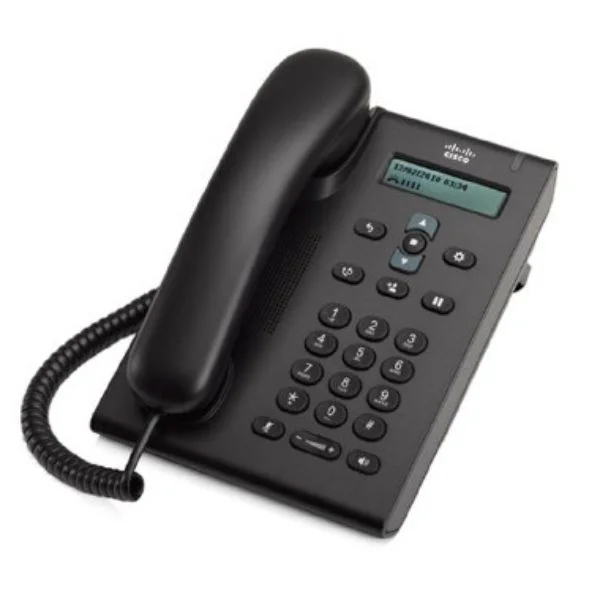
CP-3905 (3905 UNIFIED SIP PHONE CHARCOAL STANDARD HANDSET)
4.4 (5)Est Value $157.59$59.85
62% offIn stockNewRefurbishedFirst-Time Buyer Discount – Get up to 2% additional off on your first order
ORM Rewards Earn $50 in Rewards + Free Expedited Delivery – Join Now!
Use eCoupon ORMSAVE10
eCoupon limited to 5 units
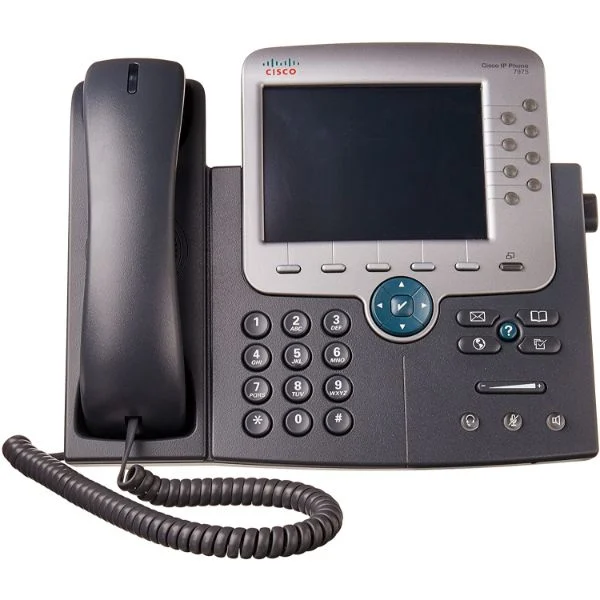
CP-7975G (Cisco UC Phone 7975, Gig Ethernet, Color)
4.8 (5)Est Value $985.00$69.30
93% offIn stockNewRefurbishedFirst-Time Buyer Discount – Get up to 2% additional off on your first order
ORM Rewards Earn $50 in Rewards + Free Expedited Delivery – Join Now!
Use eCoupon ORMSAVE10
eCoupon limited to 5 units
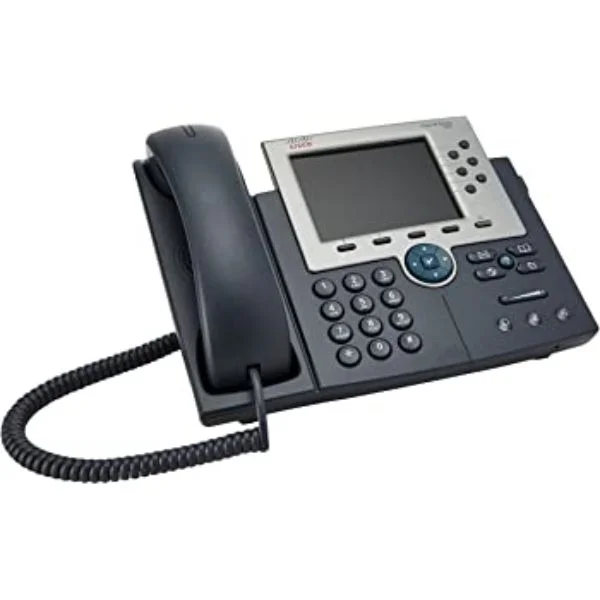
CP-7965G (Cisco UC Phone 7965, Gig Ethernet, Color)
4.4 (5)Est Value $854.85$54.60
93.6% offIn stockNewRefurbishedFirst-Time Buyer Discount – Get up to 2% additional off on your first order
ORM Rewards Earn $50 in Rewards + Free Expedited Delivery – Join Now!
Use eCoupon ORMSAVE10
eCoupon limited to 5 units
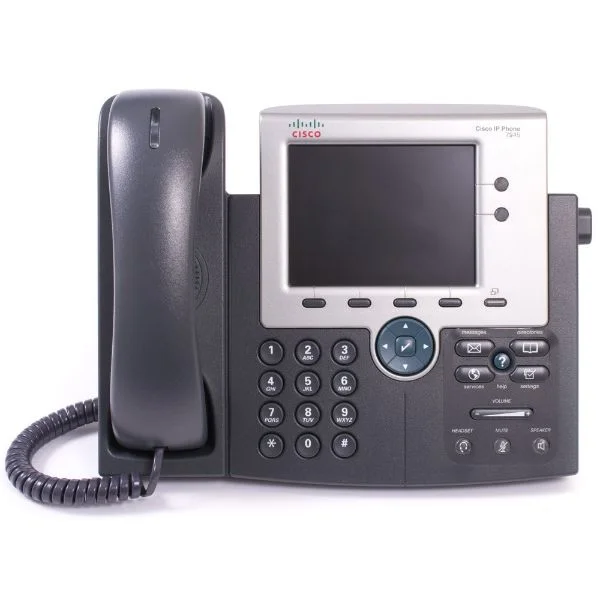
CP-7945G (Cisco UC Phone 7945, Gig Ethernet, Color)
4.4 (5)Est Value $675.00$64.84
90.4% offIn stockNewRefurbishedFirst-Time Buyer Discount – Get up to 2% additional off on your first order
ORM Rewards Earn $50 in Rewards + Free Expedited Delivery – Join Now!
Use eCoupon ORMSAVE10
eCoupon limited to 5 units
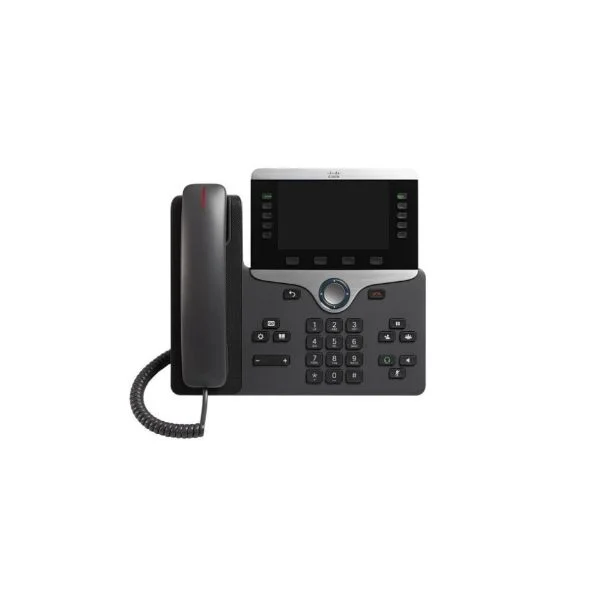
CP-8811-K9 (IP PHONE 8811 SERIES CHARCOAL WIDEBAND AUDIO)
4.6 (5)Est Value $559.19$69.83
87.5% offIn stockNewRefurbishedFirst-Time Buyer Discount – Get up to 2% additional off on your first order
ORM Rewards Earn $50 in Rewards + Free Expedited Delivery – Join Now!
Use eCoupon ORMSAVE10
eCoupon limited to 5 units
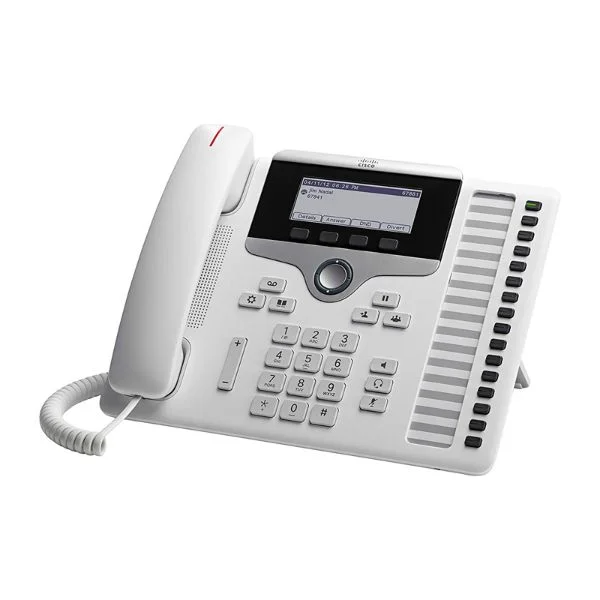
CP-7861-W-K9 (Cisco UC Phone 7861 White)
4.4 (5)Est Value $494.00$52.50
89.4% offIn stockNewRefurbishedFirst-Time Buyer Discount – Get up to 2% additional off on your first order
ORM Rewards Earn $50 in Rewards + Free Expedited Delivery – Join Now!
Use eCoupon ORMSAVE10
eCoupon limited to 5 units
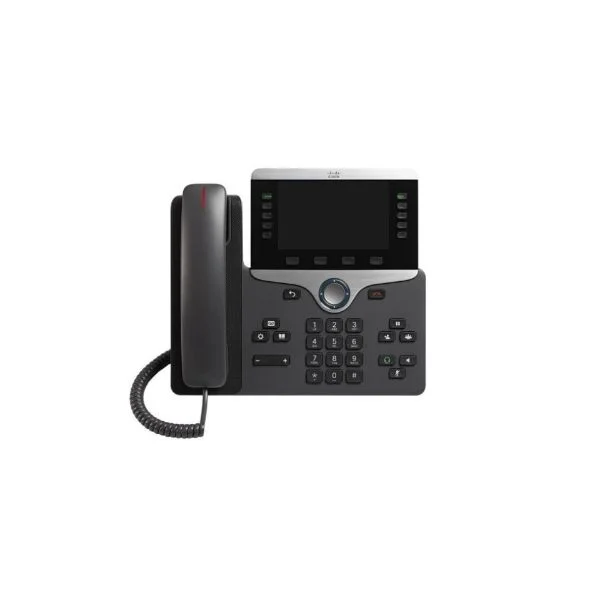
CP-8811-3PCC-K9 (IP PHONE 8811 FOR 3RD PARTY CALL CONTROL)
4.6 (5)Est Value $551.00$73.50
86.7% offIn stockNewRefurbishedFirst-Time Buyer Discount – Get up to 2% additional off on your first order
ORM Rewards Earn $50 in Rewards + Free Expedited Delivery – Join Now!
Use eCoupon ORMSAVE10
eCoupon limited to 5 units
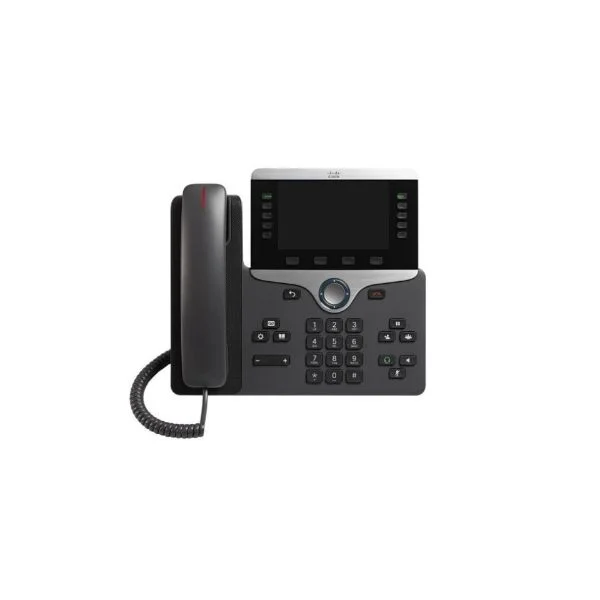
CP-8845-K9 (Cisco IP Phone 8845)
4.4 (5)Est Value $686.28$77.70
88.7% offIn stockNewRefurbishedFirst-Time Buyer Discount – Get up to 2% additional off on your first order
ORM Rewards Earn $50 in Rewards + Free Expedited Delivery – Join Now!
Use eCoupon ORMSAVE10
eCoupon limited to 5 units
CP-7925G-EX-K9 (Cisco Unified Wireless IP Phone 7925G-EX, World Mode)
4.4 (5)Est Value $597.36$320.78
46.3% offIn stockNewRefurbishedFirst-Time Buyer Discount – Get up to 2% additional off on your first order
ORM Rewards Earn $50 in Rewards + Free Expedited Delivery – Join Now!
Use eCoupon ORMSAVE10
eCoupon limited to 5 units
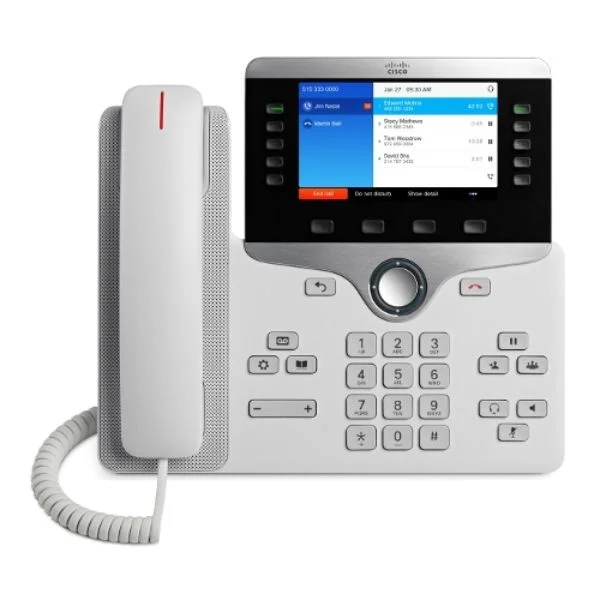
CP-8811-W-K9 (IP PHONE 8811 WHITE)
4.4 (5)Est Value $581.00$510.37
12.2% offIn stockNewRefurbishedFirst-Time Buyer Discount – Get up to 2% additional off on your first order
ORM Rewards Earn $50 in Rewards + Free Expedited Delivery – Join Now!
Use eCoupon ORMSAVE10
eCoupon limited to 5 units
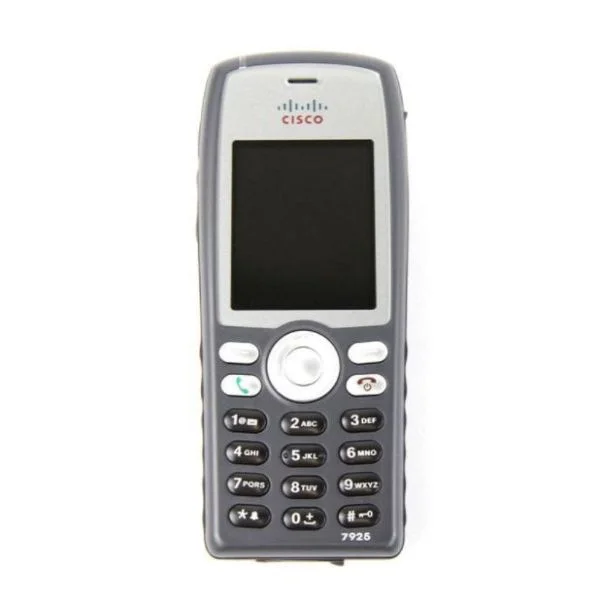
CP-7926G-W-K9 (Cisco 7926G World Mode; CCM/CCME UL Reqd; Batt/PS Not Inc)
4.6 (5)Est Value $209.25$121.28
42% offIn stockNewRefurbishedFirst-Time Buyer Discount – Get up to 2% additional off on your first order
ORM Rewards Earn $50 in Rewards + Free Expedited Delivery – Join Now!
Use eCoupon ORMSAVE10
eCoupon limited to 5 units

ORM Sales Advisors
Buying for your business? Get a personalised quote in under 2 hours. Talk to an expert
LEARNFilters (44) 
Questions & Answers
What are Cisco IP phones?
Cisco IP phones are enterprise-grade VoIP devices that connect to an IP network for voice, video, and unified communications. They offer advanced calling features, high-definition audio, and integration with Cisco Unified Communications Manager to streamline business collaboration.
How do I set up a Cisco IP phone?
To set up a Cisco IP phone, connect it to the network via Ethernet or PoE, power it on, and follow the on-screen prompts. Enter the provisioning server address or manually configure the SIP credentials and network settings to complete registration.
What network requirements are needed for Cisco IP phones?
Cisco IP phones require a stable Ethernet network with QoS support, PoE-capable switches for power, and sufficient bandwidth (at least 100 kbps per call). Ensure low latency (
How can I update the firmware on my Cisco IP phone?
To update firmware, upload the new Cisco Unified IP Phone firmware image to your TFTP/HTTP server and configure the provisioning guidelines in Communications Manager. Reboot the phone to automatically download and apply the firmware update.
Which features do Cisco IP phones offer?
Cisco IP phones include HD voice, multiple line registrations, conferencing, call transfer, call forwarding, voicemail integration, XML apps, Bluetooth/Wi-Fi options, and programmable soft keys for customizable workflows.
Can Cisco IP phones integrate with Cisco Unified Communications Manager?
Yes, Cisco IP phones natively integrate with Cisco Unified Communications Manager (CUCM). CUCM provides centralized call control, device provisioning, feature management, and secure endpoint authentication for seamless enterprise telephony.
How do I troubleshoot registration issues on a Cisco IP phone?
Verify network connectivity, correct provisioning server settings, SIP credentials, and firmware compatibility. Review phone logs in CUCM, ensure TFTP/HTTP server reachability, and check VLAN and QoS configurations to resolve registration failures.
Do Cisco IP phones support Power over Ethernet (PoE)?
Most Cisco IP phones support IEEE 802.3af/at PoE, enabling data and power over a single Ethernet cable. Check your model specifications to confirm PoE compatibility and power requirements before deployment.
How secure are Cisco IP phones?
Cisco IP phones offer encryption for signaling (TLS) and media (SRTP), secure boot, X.509 certificate support, and role-based access controls. Regular firmware updates and strong VLAN segmentation further enhance endpoint security.
How do I configure voicemail on a Cisco IP phone?
In CUCM, assign the voicemail profile and subscriber settings for each user. On the phone, press the Messages button, enter your voicemail PIN, and follow the voice prompts to record greetings and customize mailbox options.
What is the warranty and support for Cisco IP phones?
Cisco IP phones come with a one-year limited hardware warranty and a 90-day software warranty. Extended support and advanced replacement services are available through Cisco SMARTnet contracts.
How do I choose the right Cisco IP phone model for my business?
Assess call volume, feature needs (video vs. audio, mobility, programmable keys), budget, and environmental factors. Compare entry-level, midrange, and executive models based on display size, expansion module support, and connectivity options.
Are Cisco IP phones compatible with third-party VoIP systems?
Cisco IP phones can register with third-party SIP-based VoIP systems. However, advanced features like speed-dials and provisioning may require manual configuration. For full functionality, use Cisco Unified Communications Manager or supported SIP gateways.
How do I perform a factory reset on a Cisco IP phone?
Power off the phone, then press and hold the # key while powering it on. Release # when the LED light flashes, enter the key sequence 123456789*0#, and wait for the phone to reset and restart with default settings.
What is the average deployment cost of Cisco IP phones?
Deployment costs vary by model, quantity, network upgrades, and licensing. Entry-level phones start around $100 each, while advanced models range from $200–$500. Factor in CUCM licensing, PoE switches, and cabling expenses.
How do I manage Cisco IP phones remotely?
Use Cisco Unified Communications Manager for centralized provisioning, firmware updates, and configuration templates. Cisco Prime Collaboration and Cisco DNA Center also provide monitoring, automatic reports, and bulk management capabilities.