 United States
Category 8800 Series IP Phones
Optimize your business communications with our advanced 8800 Series IP Phones, engineered for superior call clarity, robust security, and enhanced VoIP efficiency in modern enterprises worldwide.
Talk to an expert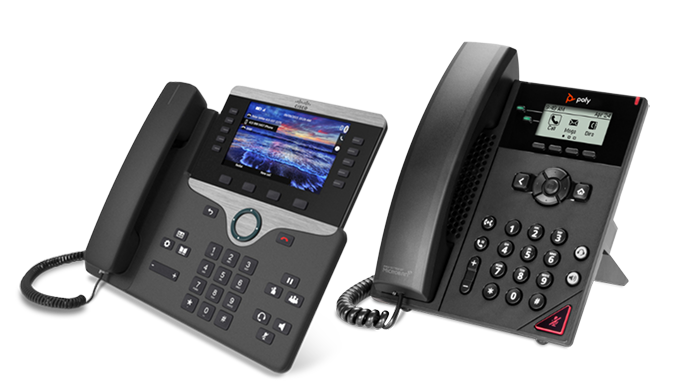
19 Matching results
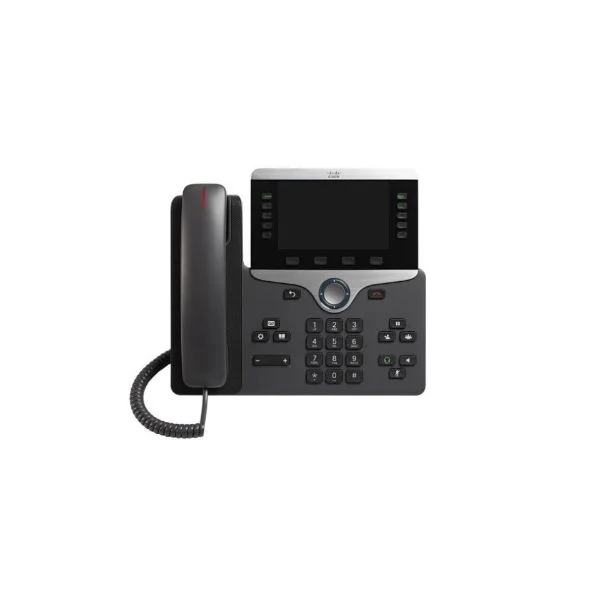
CP-8841-K9 (Cisco 8841 Unified IP Phone, 5-Line, Color Display, Wideband Audio, Charcoal)
4.6 (5)- IP Phone
- Desk
- Cisco IP Phone 8841, Charcoal
- CP-8841-K9
- Cisco
- Cisco IP Phone 8800 Series
- Enterprise / Small Business / Call Center / Home Office
Est Value $604.94
$52.50
91.3% offIn stockNewRefurbishedFirst-Time Buyer Discount – Get up to 2% additional off on your first order
ORM Rewards Earn $50 in Rewards + Free Expedited Delivery – Join Now!
Use eCoupon ORMSAVE10
eCoupon limited to 5 units
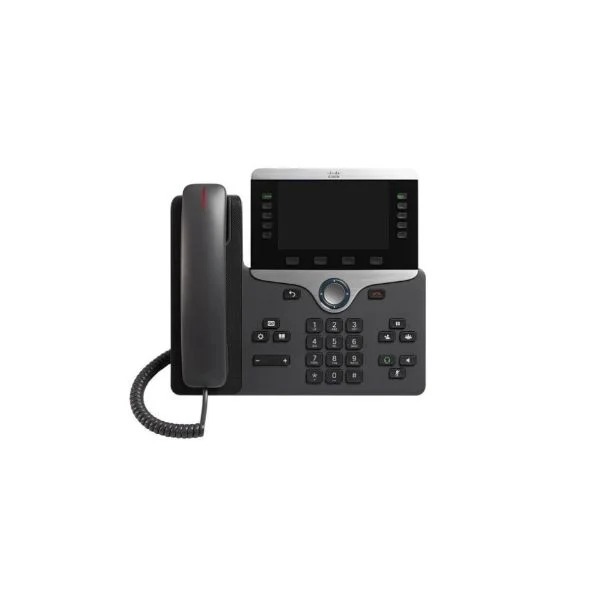
CP-8865-K9 (Cisco Unified IP Phone 8865 Video Phone, 720p HD Camera, Wideband Audio, Charcoal)
4.8 (5)- IP Phone
- Video
- Cisco IP Phone 8865, Charcoal
- CP-8865-K9
- Cisco
- Cisco IP Phone 8800 Series
- Enterprise / Call Center / Home Office
Est Value $930.29$95.76
89.7% offIn stockNewRefurbishedFirst-Time Buyer Discount – Get up to 2% additional off on your first order
ORM Rewards Earn $50 in Rewards + Free Expedited Delivery – Join Now!
Use eCoupon ORMSAVE10
eCoupon limited to 5 units
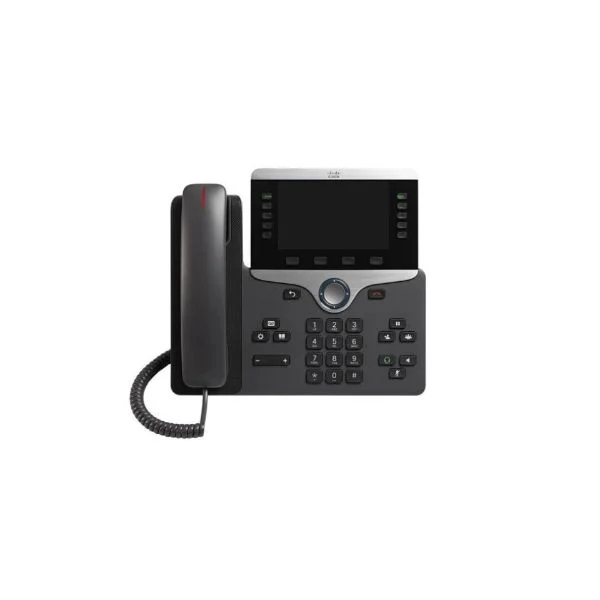
CP-8851-K9 (Cisco 8851 Series Unified IP Phone, 5-Line, Color Display, Wideband Audio, Charcoal)
4.6 (5)- IP Phone
- Desk
- Cisco IP Phone 8851
- CP-8851-K9
- Cisco
- Cisco 8800 Series
- Enterprise / Small Business / Call Center / Home Office
Est Value $721.86$59.85
91.7% offIn stockNewRefurbishedFirst-Time Buyer Discount – Get up to 2% additional off on your first order
ORM Rewards Earn $50 in Rewards + Free Expedited Delivery – Join Now!
Use eCoupon ORMSAVE10
eCoupon limited to 5 units
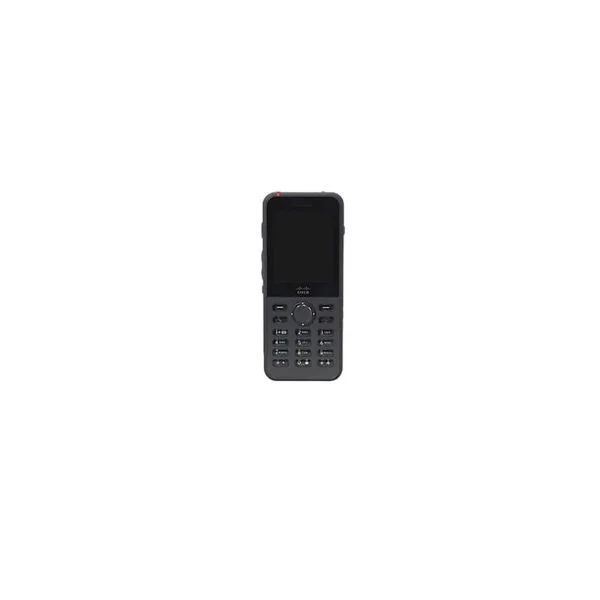
CP-8821-K9-BUN (Cisco 8821 Wireless IP Phone Bundle, World Mode, Battery, Power Adapter)
4.4 (5)- Wireless IP Phone
- Cordless
- Cisco Wireless IP Phone 8821 World mode, battery, power cord, power adapter, and country clip
- CP-8821-K9-BUN
- Cisco
- 8800 Series
- Enterprise / Healthcare / Retail
Est Value $1,492.00$385.88
74.1% offIn stockNewRefurbishedFirst-Time Buyer Discount – Get up to 2% additional off on your first order
ORM Rewards Earn $50 in Rewards + Free Expedited Delivery – Join Now!
Use eCoupon ORMSAVE10
eCoupon limited to 5 units
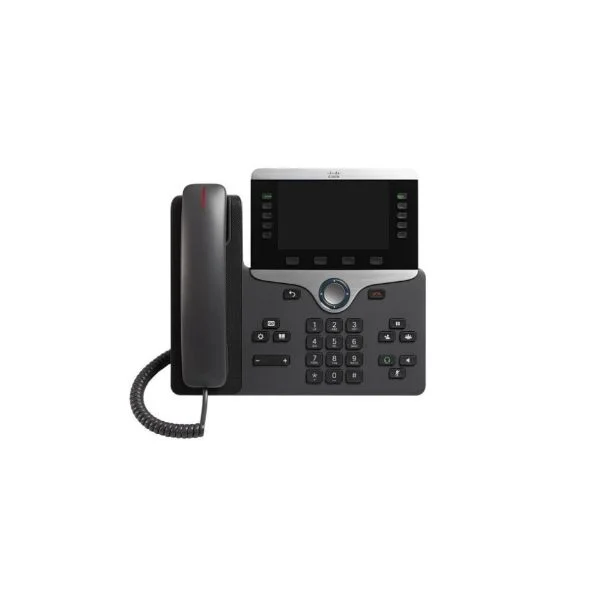
CP-8811-K9 (IP PHONE 8811 SERIES CHARCOAL WIDEBAND AUDIO)
4.6 (5)Est Value $559.19$69.83
87.5% offIn stockNewRefurbishedFirst-Time Buyer Discount – Get up to 2% additional off on your first order
ORM Rewards Earn $50 in Rewards + Free Expedited Delivery – Join Now!
Use eCoupon ORMSAVE10
eCoupon limited to 5 units
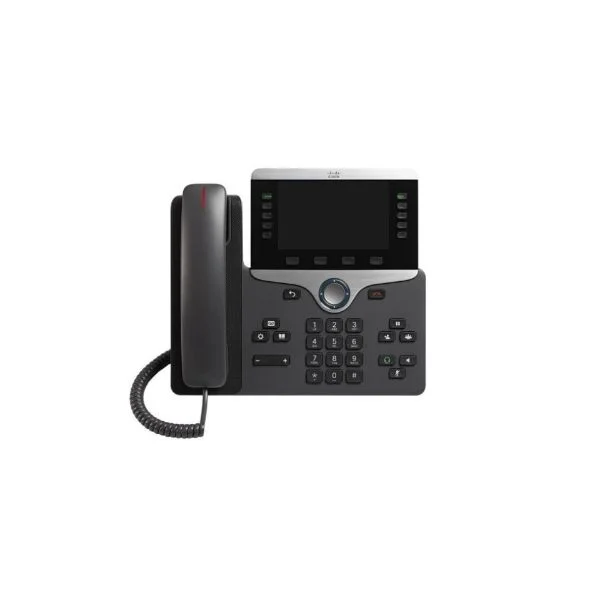
CP-8811-3PCC-K9 (IP PHONE 8811 FOR 3RD PARTY CALL CONTROL)
4.6 (5)Est Value $551.00$73.50
86.7% offIn stockNewRefurbishedFirst-Time Buyer Discount – Get up to 2% additional off on your first order
ORM Rewards Earn $50 in Rewards + Free Expedited Delivery – Join Now!
Use eCoupon ORMSAVE10
eCoupon limited to 5 units
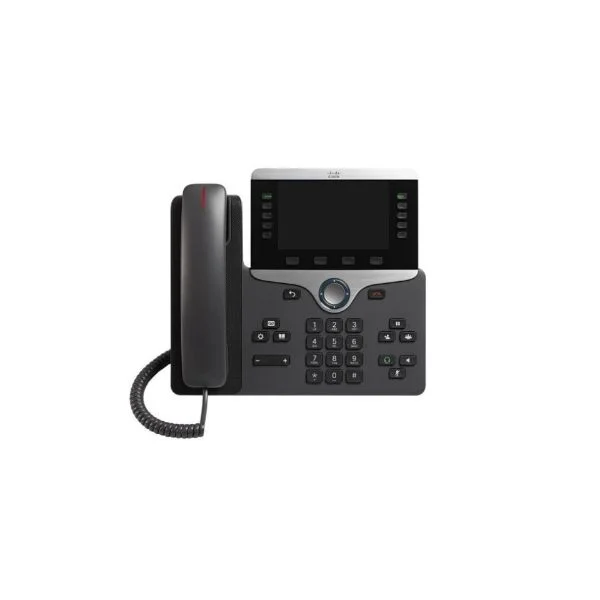
CP-8845-K9 (Cisco IP Phone 8845)
4.4 (5)Est Value $686.28$77.70
88.7% offIn stockNewRefurbishedFirst-Time Buyer Discount – Get up to 2% additional off on your first order
ORM Rewards Earn $50 in Rewards + Free Expedited Delivery – Join Now!
Use eCoupon ORMSAVE10
eCoupon limited to 5 units
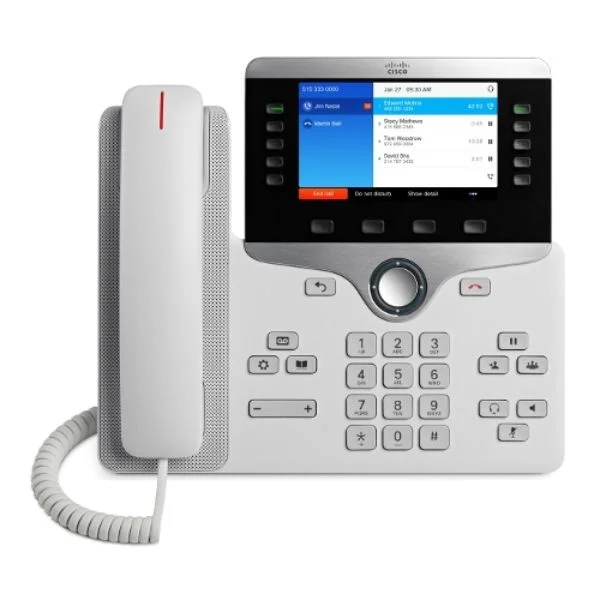
CP-8811-W-K9 (IP PHONE 8811 WHITE)
4.4 (5)Est Value $581.00$510.37
12.2% offIn stockNewRefurbishedFirst-Time Buyer Discount – Get up to 2% additional off on your first order
ORM Rewards Earn $50 in Rewards + Free Expedited Delivery – Join Now!
Use eCoupon ORMSAVE10
eCoupon limited to 5 units
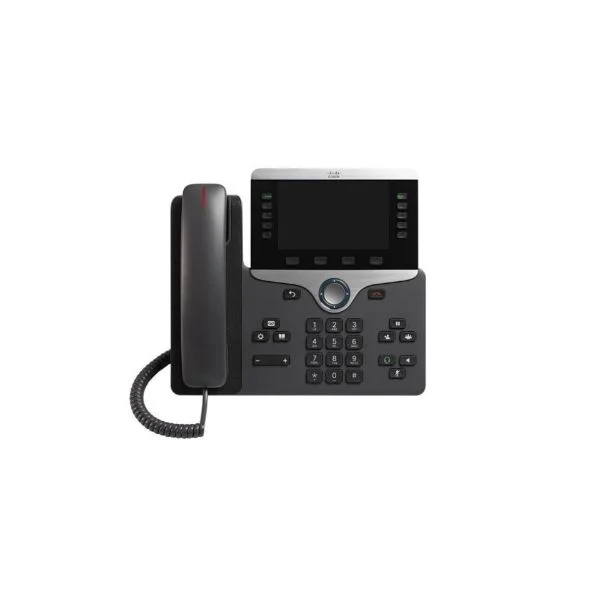
CP-8861-K9 (UNIFIED IP PHONE 8861 CHARCOAL WIDEBAND AUDIO COLOR DISPLAY)
4.6 (5)Est Value $838.78$57.75
93.1% offIn stockNewRefurbishedFirst-Time Buyer Discount – Get up to 2% additional off on your first order
ORM Rewards Earn $50 in Rewards + Free Expedited Delivery – Join Now!
Use eCoupon ORMSAVE10
eCoupon limited to 5 units
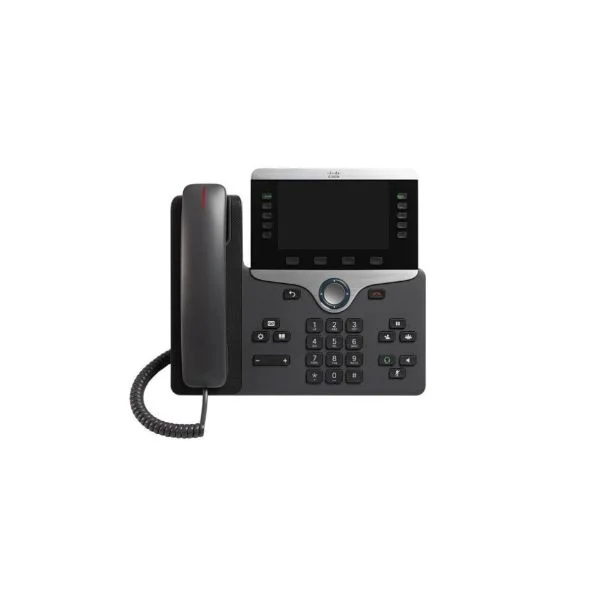
CP-8851NR-K9 (IP PHONE 8851 NO RADIO VARIANT)
4.6 (5)Est Value $738.96$139.65
81.1% offIn stockNewRefurbishedFirst-Time Buyer Discount – Get up to 2% additional off on your first order
ORM Rewards Earn $50 in Rewards + Free Expedited Delivery – Join Now!
Use eCoupon ORMSAVE10
eCoupon limited to 5 units
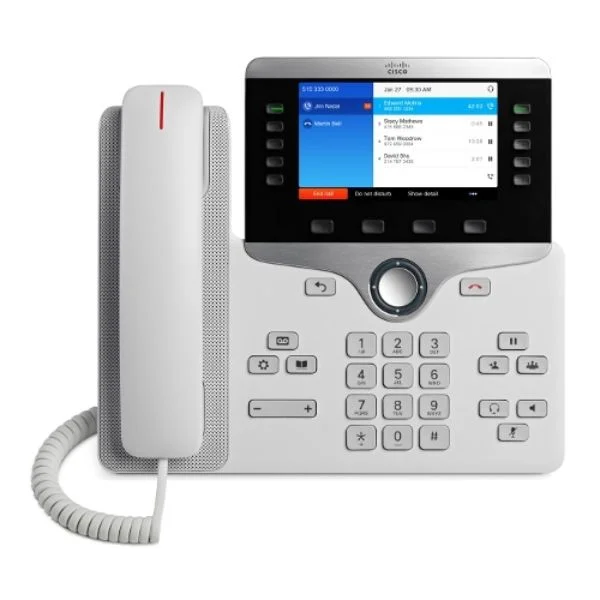
CP-8851-W-K9 (IP PHONE 8851 WHITE)
4.6 (5)Est Value $742.00$198.61
73.2% offIn stockNewRefurbishedFirst-Time Buyer Discount – Get up to 2% additional off on your first order
ORM Rewards Earn $50 in Rewards + Free Expedited Delivery – Join Now!
Use eCoupon ORMSAVE10
eCoupon limited to 5 units
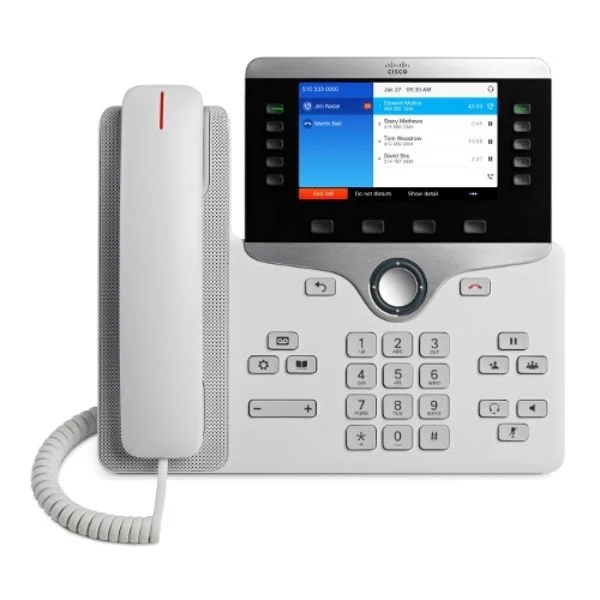
CP-8841-W-K9 (IP PHONE 8841 WHITE)
4.6 (5)Est Value $626.00$257.25
58.9% offIn stockNewRefurbishedFirst-Time Buyer Discount – Get up to 2% additional off on your first order
ORM Rewards Earn $50 in Rewards + Free Expedited Delivery – Join Now!
Use eCoupon ORMSAVE10
eCoupon limited to 5 units
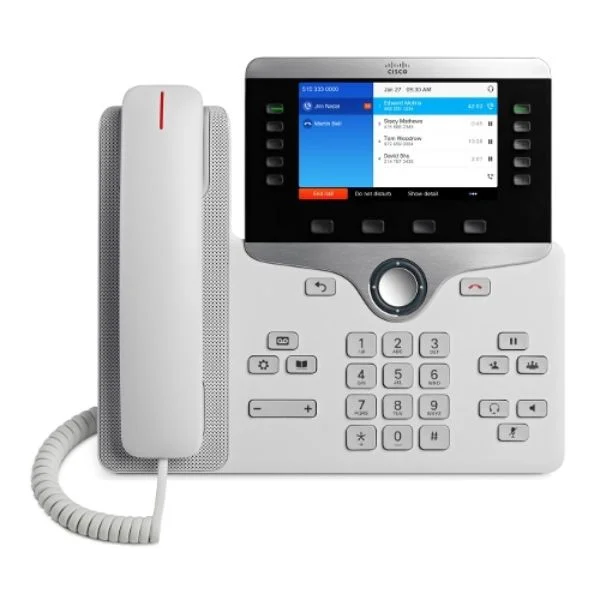
CP-8861-W-K9 (IP PHONE 8861 WHITE)
4.6 (5)Est Value $857.00$273.00
68.1% offIn stockNewRefurbishedFirst-Time Buyer Discount – Get up to 2% additional off on your first order
ORM Rewards Earn $50 in Rewards + Free Expedited Delivery – Join Now!
Use eCoupon ORMSAVE10
eCoupon limited to 5 units
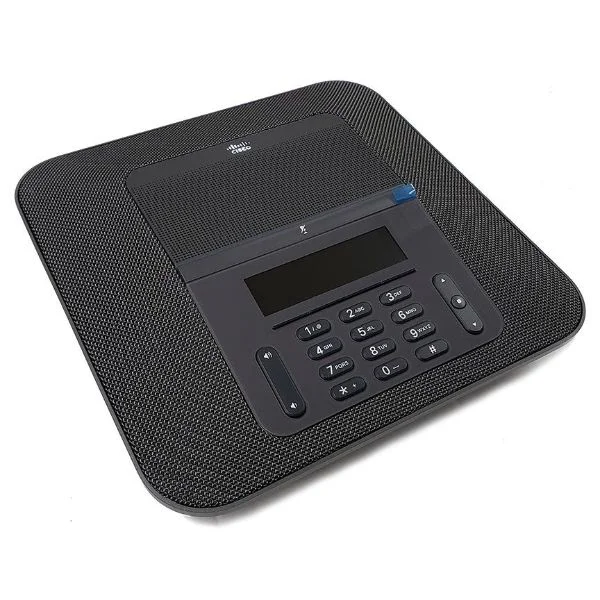
CP-8832-NR-K9 (CISCO IP CONFERENCE PHONE 8832 NO RADIO VERSION)
4.6 (5)Est Value $1,991.00$189.00
90.5% offIn stockNewRefurbishedFirst-Time Buyer Discount – Get up to 2% additional off on your first order
ORM Rewards Earn $50 in Rewards + Free Expedited Delivery – Join Now!
Use eCoupon ORMSAVE10
eCoupon limited to 5 units
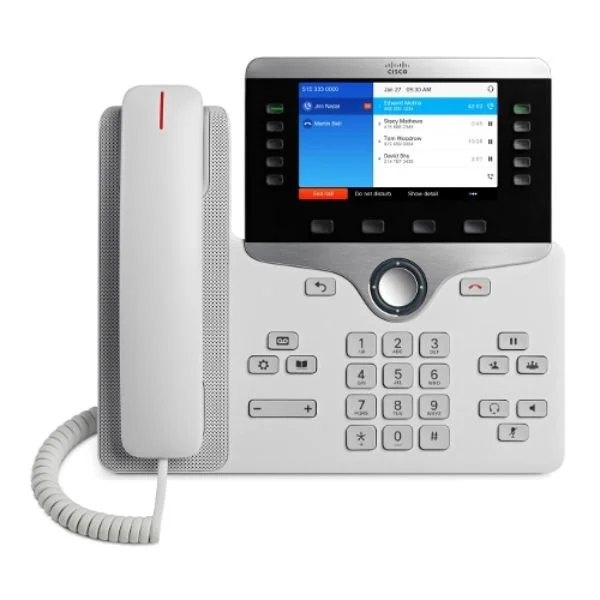
CP-8865-W-K9 (IP PHONE 8865 WHITE)
4.6 (5)Est Value $950.00$462.00
51.4% offIn stockNewRefurbishedFirst-Time Buyer Discount – Get up to 2% additional off on your first order
ORM Rewards Earn $50 in Rewards + Free Expedited Delivery – Join Now!
Use eCoupon ORMSAVE10
eCoupon limited to 5 units
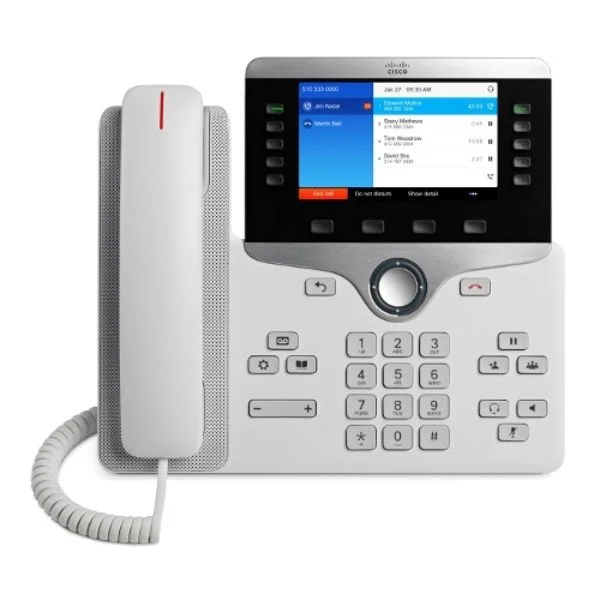
CP-8845-W-K9 (Cisco IP Phone 8845, White)
4.6 (5)Est Value $1,053.00$295.55
71.9% offIn stockNewRefurbishedFirst-Time Buyer Discount – Get up to 2% additional off on your first order
ORM Rewards Earn $50 in Rewards + Free Expedited Delivery – Join Now!
Use eCoupon ORMSAVE10
eCoupon limited to 5 units
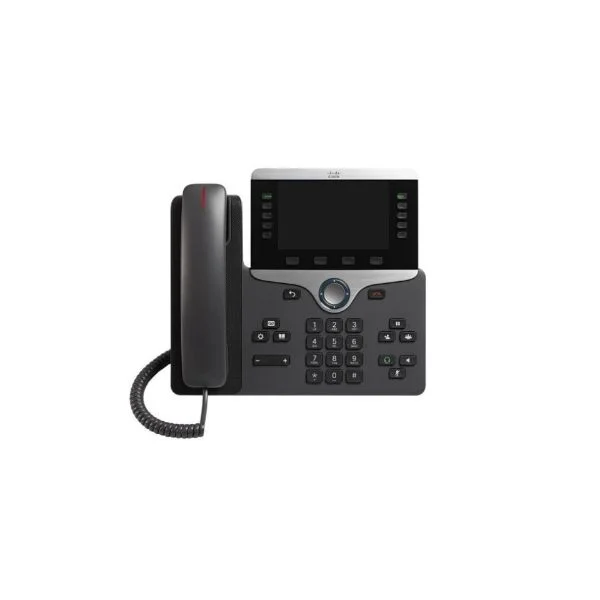
CP-8865NR-K9 (IP PHONE 8865 NO RADIO VARIANT)
4.4 (5)Est Value $1,879.50$546.00
70.9% offIn stockNewRefurbishedFirst-Time Buyer Discount – Get up to 2% additional off on your first order
ORM Rewards Earn $50 in Rewards + Free Expedited Delivery – Join Now!
Use eCoupon ORMSAVE10
eCoupon limited to 5 units
CP-8821-K9 (WRLS IP PHONE 8821 WORLD MODE EOS 8/7/24)
4.6 (5)Est Value $1,667.25$439.06
73.7% offIn stockNewRefurbishedFirst-Time Buyer Discount – Get up to 2% additional off on your first order
ORM Rewards Earn $50 in Rewards + Free Expedited Delivery – Join Now!
Use eCoupon ORMSAVE10
eCoupon limited to 5 units

CP-8800-B-AGBEZEL (BLK ANTI-GLARING BEZEL FOR IP PHONE 8800 SERIES)
4.6 (5)Est Value In stockFirst-Time Buyer Discount – Get up to 2% additional off on your first order
ORM Rewards Earn $50 in Rewards + Free Expedited Delivery – Join Now!
Use eCoupon ORMSAVE10
eCoupon limited to 5 units

ORM Sales Advisors
Buying for your business? Get a personalised quote in under 2 hours. Talk to an expert
LEARNFilters (19) 
Questions & Answers
What are 8800 Series IP Phones?
8800 Series IP Phones are enterprise-grade desk phones with advanced audio, high-resolution displays, and programmable line keys designed for business communications.
Which models are included in the 8800 Series?
The series includes models such as the 8831, 8841, 8851, 8861, 8865, and 888, each offering different screen sizes, line capacities, and portability options.
What audio quality do 8800 Series IP Phones provide?
8800 Series IP Phones feature HD Voice technology with wideband audio, advanced noise reduction, and acoustic fencing for crystal-clear conversations in noisy environments.
How do I set up an 8800 Series IP Phone?
Plug the phone into a Power over Ethernet (PoE) port or AC adapter, connect the LAN cable, follow the on-screen provisioning wizard, and enter your SIP credentials to complete setup.
Do 8800 Series IP Phones support Power over Ethernet?
Yes, all 8800 Series models support IEEE 802.3af PoE for simplified installation without additional power adapters.
Are 8800 Series IP Phones compatible with Microsoft Teams and Zoom?
Yes, select models support native Microsoft Teams and Zoom clients, enabling direct integration with presence, contacts, and meeting controls.
Can I customize the line and feature keys?
You can program up to 48 on-screen or physical line keys with speed dials, BLF, call park, and feature access for tailored call handling.
How many concurrent calls do 8800 Series IP Phones handle?
Most models support up to 16 SIP lines and multiple concurrent calls, depending on the firmware and call server configuration.
What security features are built into 8800 Series IP Phones?
8800 Series IP Phones include 802.1X network authentication, TLS/SRTP encryption, secure boot, and certificate management to protect communications.
How do I update the firmware on my 8800 Series IP Phone?
Upload the latest firmware image via your provisioning server or TFTP/HTTP(S) server and reboot the phone to automatically install the update.
Can 8800 Series IP Phones connect via Wi-Fi or Bluetooth?
Select models offer an optional Wi-Fi USB adapter and built-in Bluetooth 4.2 for headset pairing and mobile integration.
Is video calling supported on the 8800 Series?
No, 8800 Series IP Phones are optimized for voice and content sharing but do not support video calls natively.
What display options are available on 8800 Series IP Phones?
Displays range from 3.5-inch backlit grayscale LCDs to 7-inch touchscreens, providing contextual menus, call history, and directory access.
How do I provision multiple 8800 Series IP Phones at once?
Use centralized provisioning servers with device-specific configuration files and DHCP option inheritance to automate large-scale deployments.
What warranty covers 8800 Series IP Phones?
Poly offers a one-year limited hardware warranty with optional extended care plans for up to five years of coverage.
How can I integrate 8800 Series IP Phones with a PBX or UC platform?
Configure SIP settings including registrar, proxy, and authentication credentials on the phone or via auto-provisioning to connect with any SIP-compliant PBX or UC service.
Where can I purchase 8800 Series IP Phones?
8800 Series IP Phones are available through authorized resellers, online marketplaces, and direct from Poly’s official website.