 United States
Telephony SIP Phone 8800 Series
Experience unparalleled clarity and robust features with our SIP Phone 8800 Series designed for modern enterprises. Enhance communications with state-of-the-art, secure, and reliable IP telephony solutions.
Talk to an expert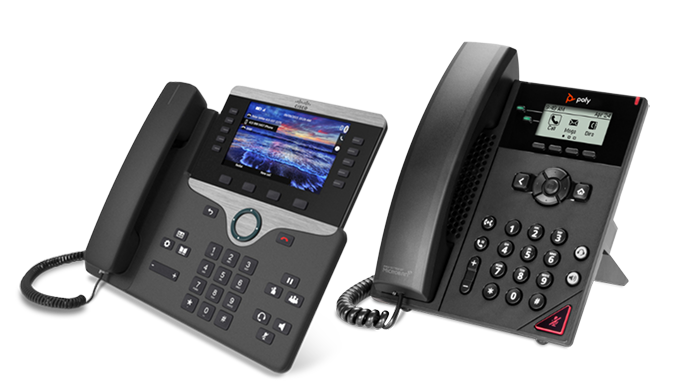
3 Matching results
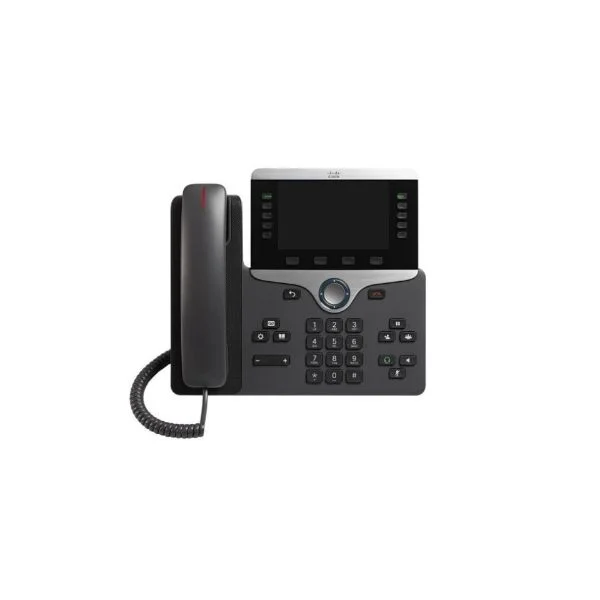
CP-8841-3PCC-K9 (IP PHONE 8841 FOR 3RD PARTY CALL CONTROL R)
4.8 (5)Est Value $596.00
$131.25
78% offIn stockNewRefurbishedFirst-Time Buyer Discount – Get up to 2% additional off on your first order
ORM Rewards Earn $50 in Rewards + Free Expedited Delivery – Join Now!
Use eCoupon ORMSAVE10
eCoupon limited to 5 units
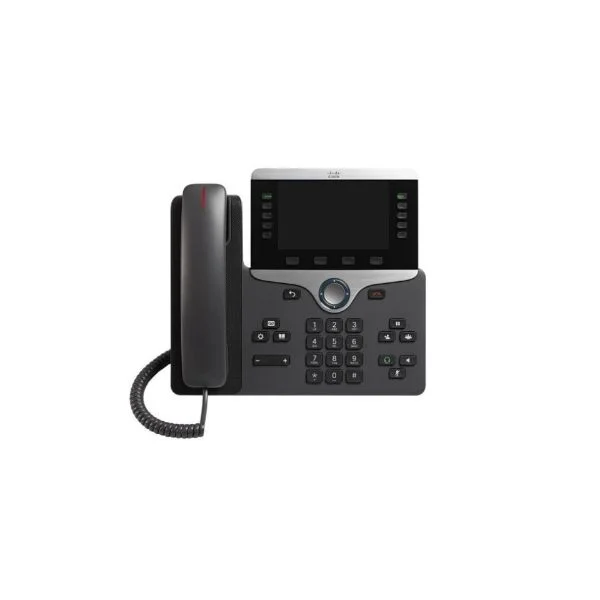
CP-8851-3PCC-K9 (IP PHONE 8851 FOR 3RD PARTY CALL CONTROL)
4.4 (5)Est Value $712.00$183.75
74.2% offIn stockNewRefurbishedFirst-Time Buyer Discount – Get up to 2% additional off on your first order
ORM Rewards Earn $50 in Rewards + Free Expedited Delivery – Join Now!
Use eCoupon ORMSAVE10
eCoupon limited to 5 units
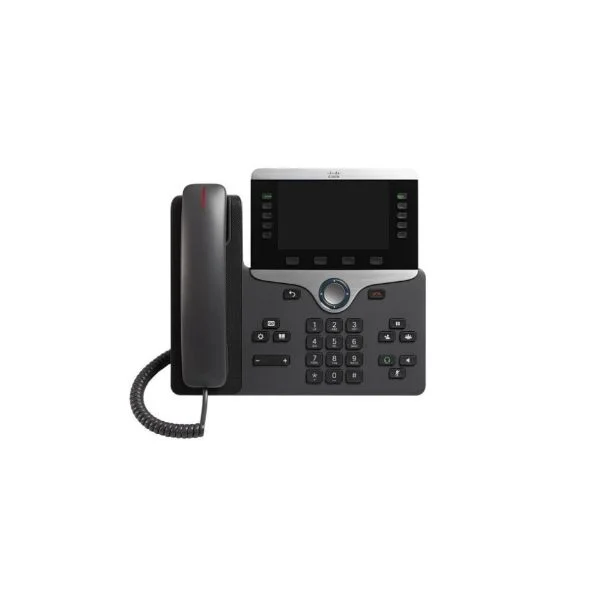
CP-8861-3PCC-K9 (IP PHONE 8861 FOR 3RD PARTY CALL CONTROL)
4.6 (5)Est Value $827.00$229.16
72.3% offIn stockNewRefurbishedFirst-Time Buyer Discount – Get up to 2% additional off on your first order
ORM Rewards Earn $50 in Rewards + Free Expedited Delivery – Join Now!
Use eCoupon ORMSAVE10
eCoupon limited to 5 units

ORM Sales Advisors
Buying for your business? Get a personalised quote in under 2 hours. Talk to an expert
LEARNFilters (3) 
Questions & Answers
What is the Sip Phone 8800 Series?
The Sip Phone 8800 Series is a family of business-class VoIP desk phones offering high-definition audio, programmable keys and enterprise-grade security for unified communications.
What key features does the Sip Phone 8800 Series offer?
It provides HD voice, up to 20 programmable line keys, Power over Ethernet (PoE), a full-color LCD display, built-in Bluetooth® and USB ports, plus encrypted signaling and media.
Which VoIP protocols are supported?
The 8800 Series supports SIP (RFC 3261), SRTP for secure media, TLS for signaling encryption, DNS SRV, DHCP and VLAN tagging for network integration.
How do I perform the initial setup?
Connect the phone to PoE or a 5 V/2 A adapter, attach an Ethernet cable to your LAN, then follow the on-screen wizard to enter your SIP account credentials and network settings.
Is the 8800 Series compatible with major UC platforms?
Yes. It is certified for leading platforms including BroadSoft, Asterisk, 3CX, Avaya Session Manager, Cisco UCM, Microsoft Teams (via SIP gateway) and Grandstream UCM.
Does the Sip Phone 8800 Series support Power over Ethernet?
Yes. All models in the 8800 Series support IEEE 802.3af/at PoE for simplified power and network distribution over a single cable.
How many SIP accounts can I register?
You can register up to six independent SIP accounts concurrently, each with dedicated line appearance and programmable soft keys.
What audio codecs and quality can I expect?
The 8800 Series supports G.711, G.722, G.729, Opus and iLBC codecs, delivering HD audio performance with noise reduction and echo cancellation.
How do I upgrade the firmware?
Log in to the web GUI as an administrator, navigate to Maintenance > Firmware Upgrade, upload the .bin file from the vendor portal, and click Upgrade.
How can I troubleshoot network connectivity issues?
Verify PoE or adapter power, confirm correct VLAN and DHCP settings in the web interface, test LAN port with another device, and review system logs under Maintenance > Status.
How do I factory-reset my Sip Phone 8800 Series?
Power down the phone, hold the “OK” key while powering up, release when the LCD prompts, then confirm ‘Factory Reset’ to restore defaults.
Does the 8800 Series support Bluetooth and Wi-Fi?
Models 8802 and 8804 include built-in Bluetooth 4.2 for headsets and mobile pairing. Wi-Fi is supported via an optional USB dongle on USB-enabled models.
How many programmable keys and line appearances are available?
Depending on the model, you get 6 to 20 programmable keys with LED indicators, each configurable as line appearance, speed dial, BLF or feature key.
What warranty and technical support are provided?
All Sip Phone 8800 Series units include a one-year limited hardware warranty and lifetime firmware updates. Premium support plans are available through authorized resellers.
Which accessories are included in the box?
You receive the desk phone, handset with coiled cord, Ethernet cable, stand with swivel, Quick Start Guide and a power adapter (in non-PoE regions).
Can I mount the Sip Phone 8800 Series on a wall?
Yes. Each model includes a detachable wall-mount bracket and supports standard RJ9 wiring for wall-mount installations.