 United States
7900 IP Phones Enterprise Communications
Discover the outstanding performance of 7900 IP Phones engineered for enterprise communications, ensuring secure, scalable, and reliable connectivity to boost operational efficiency and optimize business processes.
Talk to an expert
10 Matching results
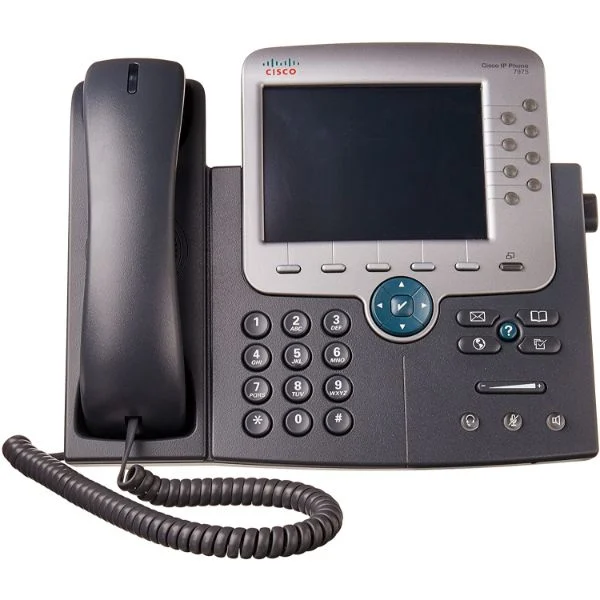
CP-7975G (Cisco UC Phone 7975, Gig Ethernet, Color)
4.8 (5)Est Value $985.00
$69.30
93% offIn stockNewRefurbishedFirst-Time Buyer Discount – Get up to 2% additional off on your first order
ORM Rewards Earn $50 in Rewards + Free Expedited Delivery – Join Now!
Use eCoupon ORMSAVE10
eCoupon limited to 5 units
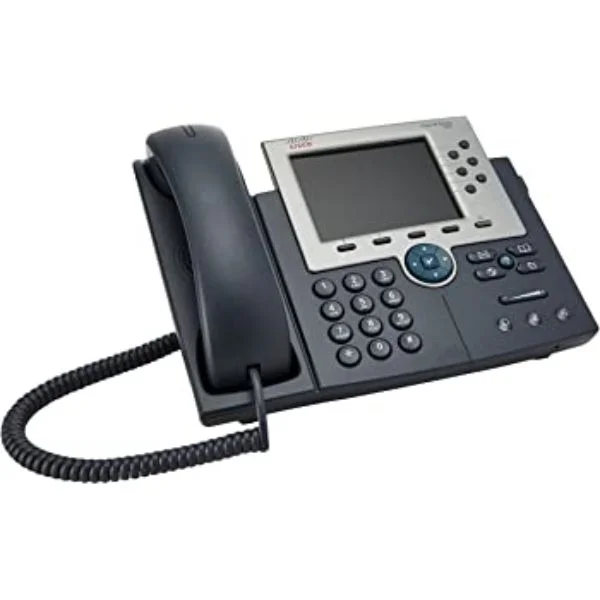
CP-7965G (Cisco UC Phone 7965, Gig Ethernet, Color)
4.4 (5)Est Value $854.85$54.60
93.6% offIn stockNewRefurbishedFirst-Time Buyer Discount – Get up to 2% additional off on your first order
ORM Rewards Earn $50 in Rewards + Free Expedited Delivery – Join Now!
Use eCoupon ORMSAVE10
eCoupon limited to 5 units
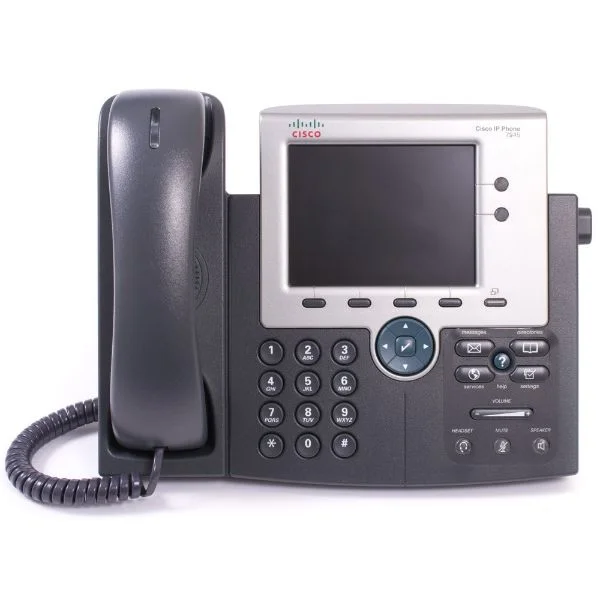
CP-7945G (Cisco UC Phone 7945, Gig Ethernet, Color)
4.4 (5)Est Value $675.00$64.84
90.4% offIn stockNewRefurbishedFirst-Time Buyer Discount – Get up to 2% additional off on your first order
ORM Rewards Earn $50 in Rewards + Free Expedited Delivery – Join Now!
Use eCoupon ORMSAVE10
eCoupon limited to 5 units
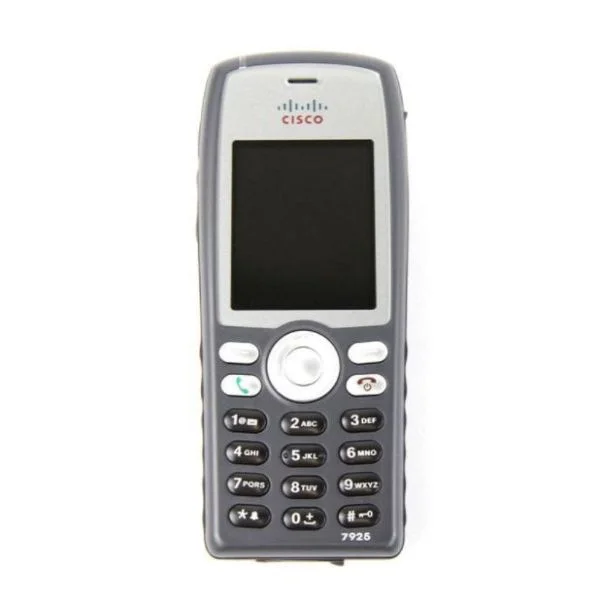
CP-7925G-EX-K9 (Cisco Unified Wireless IP Phone 7925G-EX, World Mode)
4.4 (5)Est Value $597.36$320.78
46.3% offIn stockNewRefurbishedFirst-Time Buyer Discount – Get up to 2% additional off on your first order
ORM Rewards Earn $50 in Rewards + Free Expedited Delivery – Join Now!
Use eCoupon ORMSAVE10
eCoupon limited to 5 units
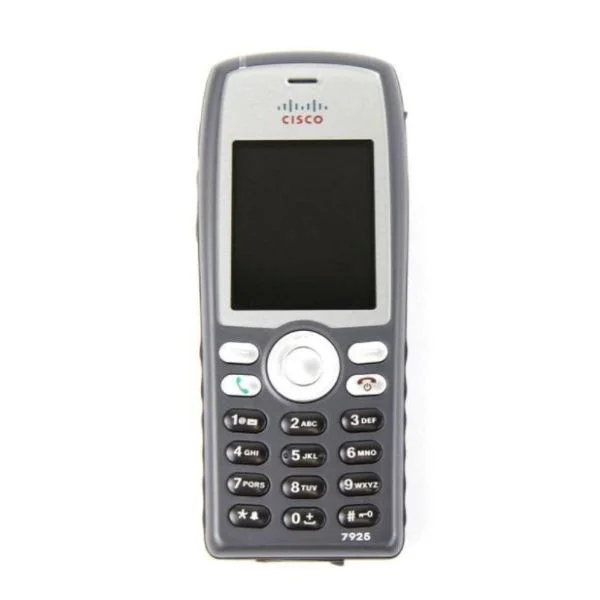
CP-7926G-W-K9 (Cisco 7926G World Mode; CCM/CCME UL Reqd; Batt/PS Not Inc)
4.6 (5)Est Value $209.25$121.28
42% offIn stockNewRefurbishedFirst-Time Buyer Discount – Get up to 2% additional off on your first order
ORM Rewards Earn $50 in Rewards + Free Expedited Delivery – Join Now!
Use eCoupon ORMSAVE10
eCoupon limited to 5 units
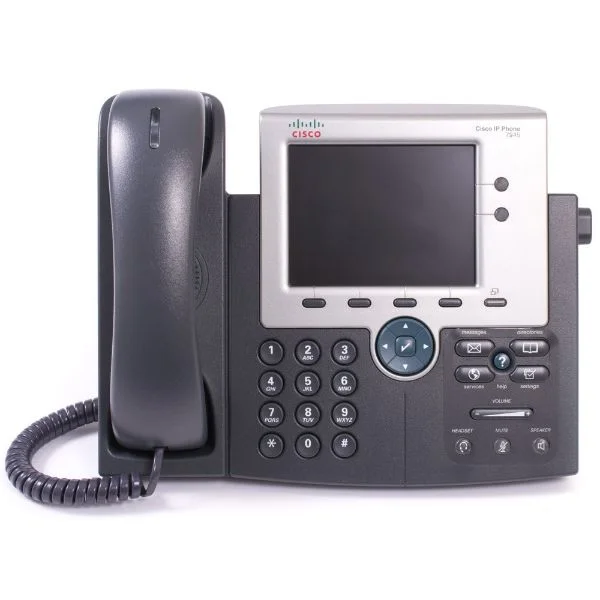
CP-7925G-W-K9 (Cisco 7925G Rest of World; CM/CME UL Reqd; Batt/PS Not Incl)
4.2 (5)Est Value $675.00$249.54
63% offIn stockNewRefurbishedFirst-Time Buyer Discount – Get up to 2% additional off on your first order
ORM Rewards Earn $50 in Rewards + Free Expedited Delivery – Join Now!
Use eCoupon ORMSAVE10
eCoupon limited to 5 units
CP-7945G-CCME (Cisco UC Phone 7945, Gig, Color, with 1 CCME RTU License)
4.4 (5)Est Value $765.00$364.17
52.4% offIn stockNewRefurbishedFirst-Time Buyer Discount – Get up to 2% additional off on your first order
ORM Rewards Earn $50 in Rewards + Free Expedited Delivery – Join Now!
Use eCoupon ORMSAVE10
eCoupon limited to 5 units
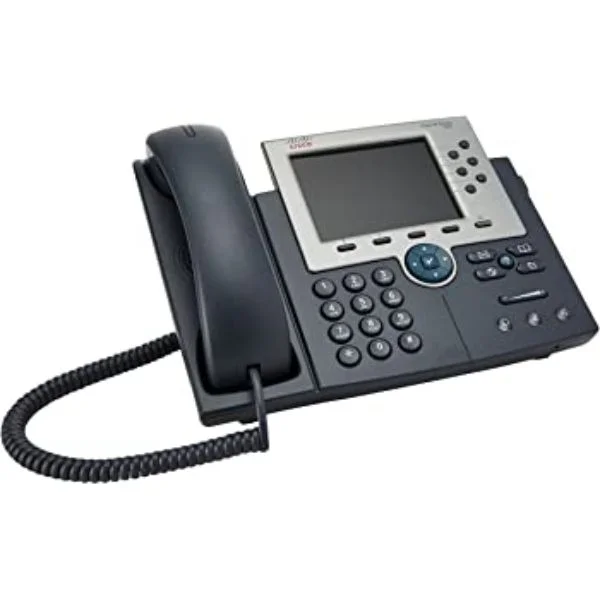
CP-7965G-CCME (Cisco UC Phone 7965, Gig, Color, with 1 CCME RTU License)
4.6 (5)Est Value $915.00$775.80
15.2% offIn stockNewRefurbishedFirst-Time Buyer Discount – Get up to 2% additional off on your first order
ORM Rewards Earn $50 in Rewards + Free Expedited Delivery – Join Now!
Use eCoupon ORMSAVE10
eCoupon limited to 5 units
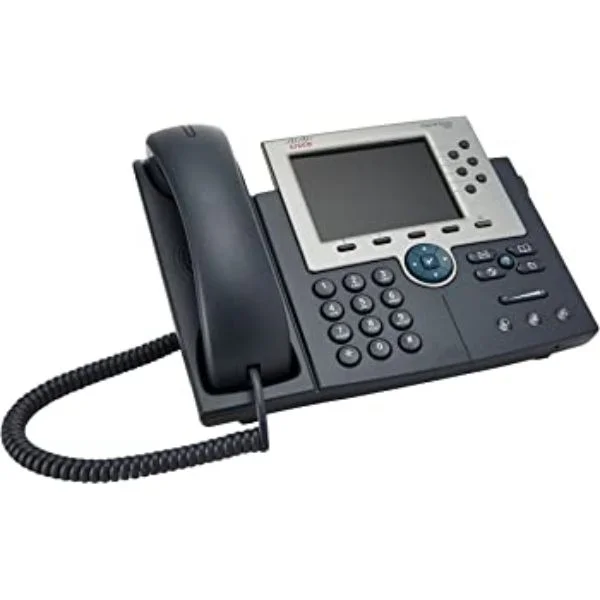
CP-7965G-CH1 (Cisco UC Phone 7965, Gig, Color, with 1 RTU License)
4.4 (5)Est Value $915.00$775.80
15.2% offIn stockNewRefurbishedFirst-Time Buyer Discount – Get up to 2% additional off on your first order
ORM Rewards Earn $50 in Rewards + Free Expedited Delivery – Join Now!
Use eCoupon ORMSAVE10
eCoupon limited to 5 units
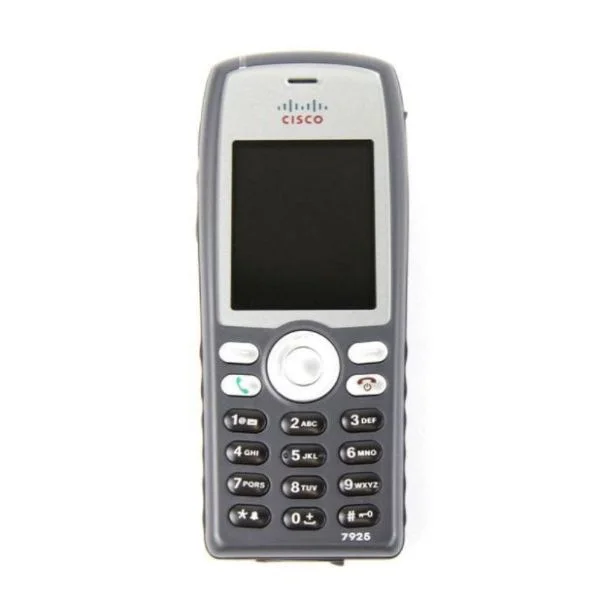
CP-7926G-W-K9-BUN (7926G WORLD MODE INCLUDED BATTERY)
4.4 (5)Est Value In stockFirst-Time Buyer Discount – Get up to 2% additional off on your first order
ORM Rewards Earn $50 in Rewards + Free Expedited Delivery – Join Now!
Use eCoupon ORMSAVE10
eCoupon limited to 5 units

ORM Sales Advisors
Buying for your business? Get a personalised quote in under 2 hours. Talk to an expert
LEARNFilters (10) 
Questions & Answers
What are the key features of 7900 IP Phones?
7900 IP Phones deliver HD audio, programmable keys, PoE support, built-in web server, multi-line operation and encryption for secure, high-quality voice communications.
How do I set up my 7900 IP Phone?
Connect your 7900 IP Phone to PoE or its power adapter, attach Ethernet to your LAN, access the web interface at its IP, then enter your call server credentials.
What network requirements do 7900 IP Phones need?
7900 IP Phones require a 10/100 Mbps network, PoE-capable switch or 48 V adapter, VLAN support for voice traffic and QoS settings to guarantee call quality.
How do I update firmware on a 7900 IP Phone?
Download the latest 7900 IP Phones firmware from the vendor portal, log into the web UI, upload the file under Maintenance > Firmware Update, then reboot.
Can I power my 7900 IP Phone via PoE?
Yes. All 7900 IP Phones support IEEE 802.3af PoE. Simply connect to a PoE-enabled switch or use a PoE injector—no external power adapter required.
Do 7900 IP Phones support HD audio?
Yes. 7900 IP Phones feature wideband codecs (G.722, Opus) and a full-duplex speakerphone to deliver crystal-clear, HD-quality voice calls.
How do I configure voicemail on a 7900 IP Phone?
Press the Messages key on your 7900 IP Phone, enter your extension and PIN when prompted, then follow the voice prompts to record greetings and PIN.
Are 7900 IP Phones compatible with SIP trunking?
Yes. 7900 IP Phones support standard SIP protocol for trunk registration. Configure SIP credentials and server settings in the phone’s network menu.
How many programmable keys do 7900 IP Phones support?
Standard 7900 IP Phones offer up to 12 programmable BLF or speed-dial keys. Expansion modules boost capacity to 24 or more keys per phone.
How do I reset a 7900 IP Phone to factory settings?
On your 7900 IP Phone, go to Settings > Device Administration > Factory Reset, confirm your choice, and the phone will reboot with default configuration.
What warranty options are available for 7900 IP Phones?
7900 IP Phones come with a one-year limited hardware warranty. Extended support and service plans are available for up to three years via your reseller.
Can 7900 IP Phones integrate with unified communications platforms?
Yes. 7900 IP Phones integrate with major UC platforms like Cisco CUCM, Microsoft Teams via SIP gateway, Avaya IP Office and other SIP-based systems.
How secure are 7900 IP Phones?
7900 IP Phones include 802.1X network authentication, VLAN separation, SRTP/TLS encryption and VPN pass-through to protect voice data and prevent unauthorized access.
Can I use headsets with 7900 IP Phones?
Yes. All 7900 IP Phones support RJ9 wired headsets and select models include USB ports for wireless headset adapters, ensuring hands-free communication.
How do I troubleshoot call quality issues on 7900 IP Phones?
Verify network latency/jitter, ensure PoE stability, update to the latest firmware on your 7900 IP Phone, and implement QoS policies to prioritize voice traffic.
What power adapter is required for a 7900 IP Phone?
Use a 48 V DC, 0.5 A power adapter approved by the phone vendor or any IEEE 802.3af PoE source to power your 7900 IP Phone.