 United States
Poly Desk Phones Elite Performance
Experience high-definition clarity and robust connectivity with Poly Desk Phones engineered for secure, scalable, and efficient business communications. Enhance productivity and reliability across global enterprises.
Talk to an expert
14 Matching results
- BEST SELLING
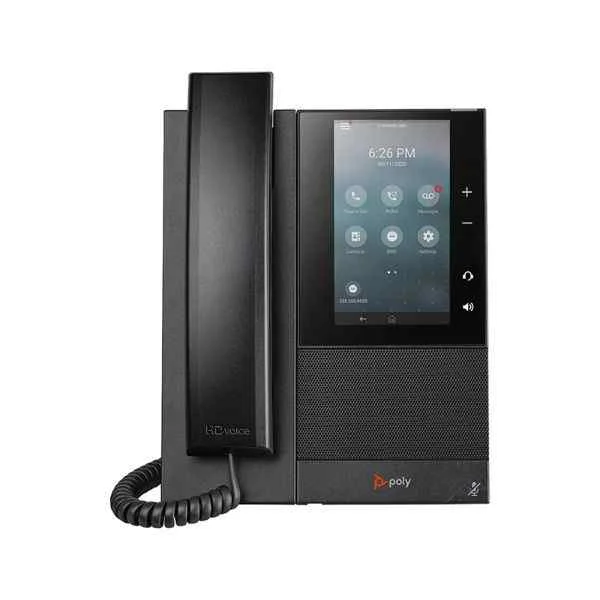
CCX500 (Polycom CCX500 color touch screen mid-range business media desk phone)
4.6 (5)Est Value $327.06
$163.53
50% offIn stockRefurbishedFirst-Time Buyer Discount – Get up to 2% additional off on your first order
ORM Rewards Earn $50 in Rewards + Free Expedited Delivery – Join Now!
Use eCoupon ORMSAVE10
eCoupon limited to 5 units
- BEST SELLING
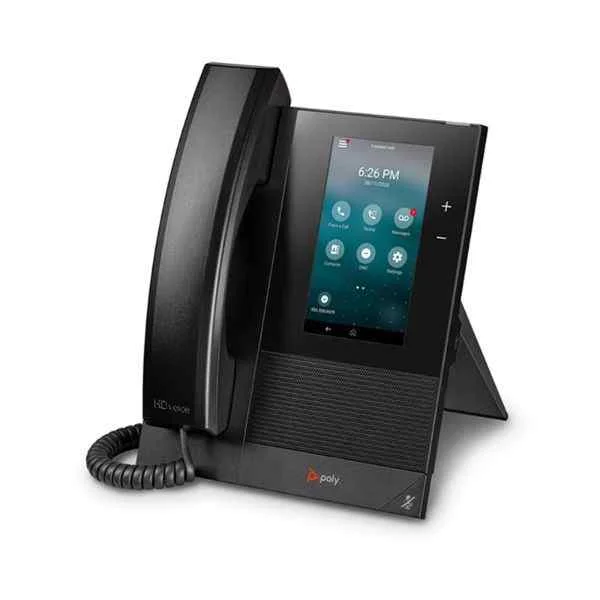
CCX400 (Polycom CCX400 color touch screen entry-level business media desk phone)
4.4 (5)Est Value $429.56$214.78
50% offIn stockRefurbishedFirst-Time Buyer Discount – Get up to 2% additional off on your first order
ORM Rewards Earn $50 in Rewards + Free Expedited Delivery – Join Now!
Use eCoupon ORMSAVE10
eCoupon limited to 5 units
- BEST SELLING
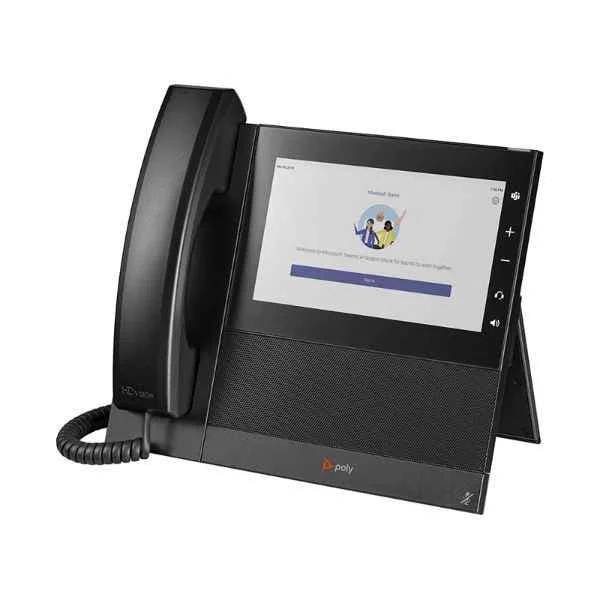
CCX600 (Polycom CCX600 desktop large-screen color touch screen high-performance business multimedia desktop phone)
4.6 (5)Est Value $432.72$216.36
50% offIn stockRefurbishedFirst-Time Buyer Discount – Get up to 2% additional off on your first order
ORM Rewards Earn $50 in Rewards + Free Expedited Delivery – Join Now!
Use eCoupon ORMSAVE10
eCoupon limited to 5 units
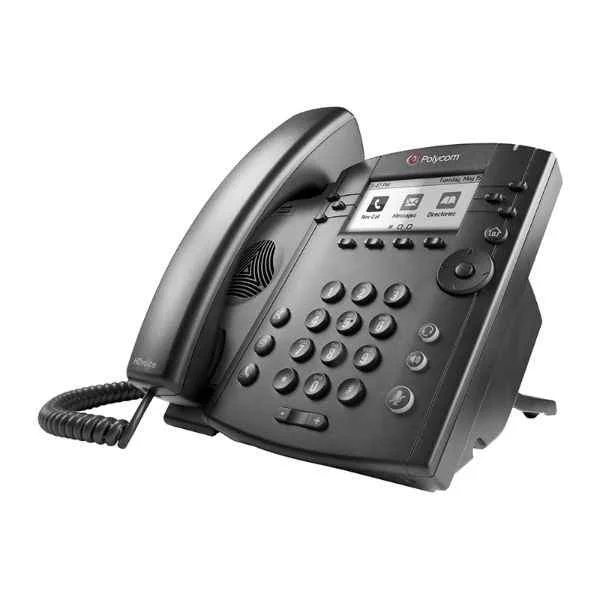
VVX311 (Polycom conference phone landline VVX311 audio and video conference system terminal omnidirectional microphone Octopus conference IP phone)
4.2 (5)Est Value $181.74$90.87
50% offIn stockRefurbishedFirst-Time Buyer Discount – Get up to 2% additional off on your first order
ORM Rewards Earn $50 in Rewards + Free Expedited Delivery – Join Now!
Use eCoupon ORMSAVE10
eCoupon limited to 5 units
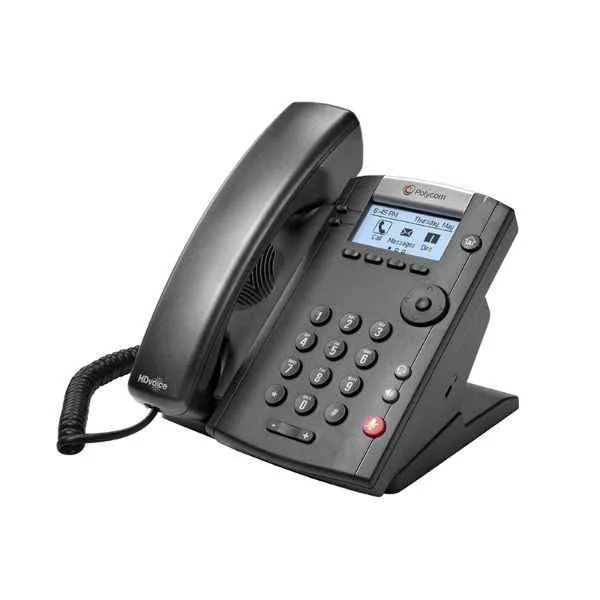
VVX201 (Polycom (POLYCOM) conference phone landline VVX201 audio and video conference system terminal omnidirectional microphone Octopus conference IP phone)
4.6 (5)Est Value $205.34$102.67
50% offIn stockRefurbishedFirst-Time Buyer Discount – Get up to 2% additional off on your first order
ORM Rewards Earn $50 in Rewards + Free Expedited Delivery – Join Now!
Use eCoupon ORMSAVE10
eCoupon limited to 5 units
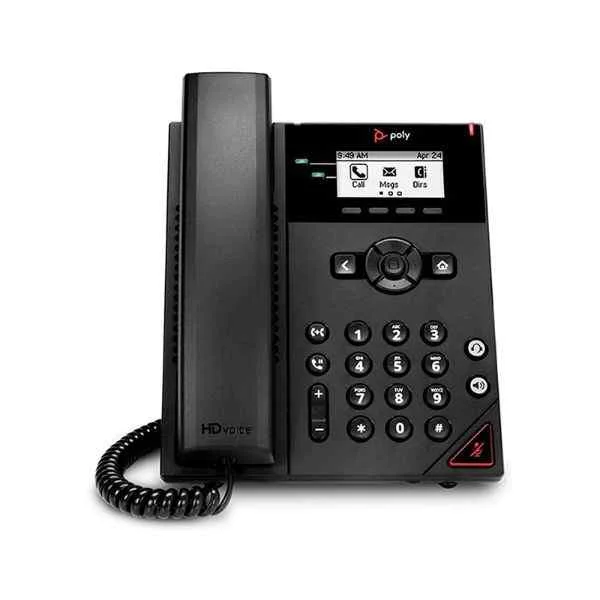
VVX150 (Polycom conference phone IP network cable landline VVX150 (new product) audio and video conference system terminal omnidirectional microphone Octopus conference phone)
4.4 (5)Est Value $205.34$102.67
50% offIn stockRefurbishedFirst-Time Buyer Discount – Get up to 2% additional off on your first order
ORM Rewards Earn $50 in Rewards + Free Expedited Delivery – Join Now!
Use eCoupon ORMSAVE10
eCoupon limited to 5 units
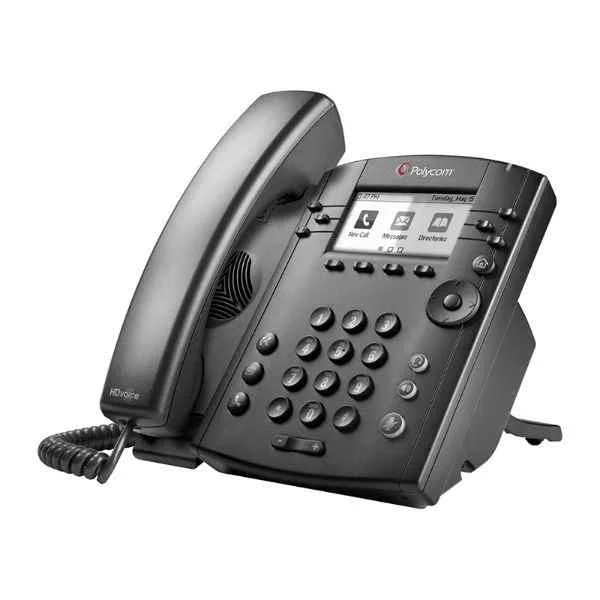
VVX301 (Polycom conference phone landline VVX301 audio and video conference system terminal omnidirectional microphone Octopus conference IP phone)
4.6 (5)Est Value $224.00$112.00
50% offIn stockRefurbishedFirst-Time Buyer Discount – Get up to 2% additional off on your first order
ORM Rewards Earn $50 in Rewards + Free Expedited Delivery – Join Now!
Use eCoupon ORMSAVE10
eCoupon limited to 5 units
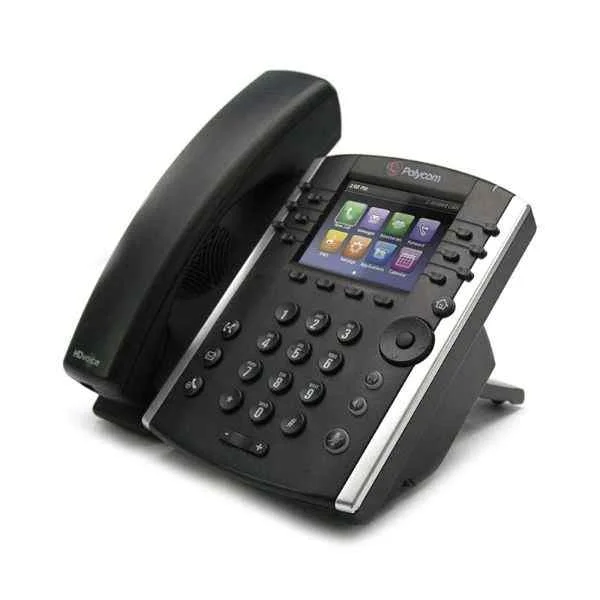
VVX411 (Polycom Desktop IP Phone VVX401 12-line VOIP Business Phone)
4.6 (5)Est Value $234.00$117.00
50% offIn stockRefurbishedFirst-Time Buyer Discount – Get up to 2% additional off on your first order
ORM Rewards Earn $50 in Rewards + Free Expedited Delivery – Join Now!
Use eCoupon ORMSAVE10
eCoupon limited to 5 units
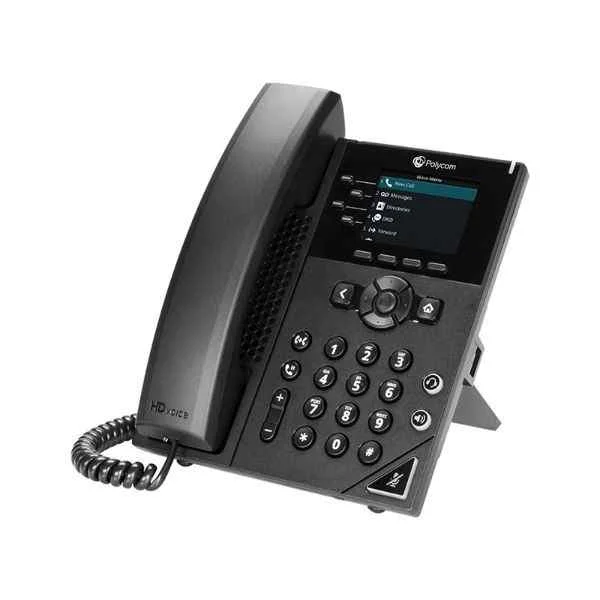
VVX250 (Polycom SIP Conference Phone Landline VOIP Personal Seat Phone VVX250 Fast Ethernet Port Business Office Meeting Suitable for 10-20㎡ meeting room)
4.6 (5)Est Value $234.00$117.00
50% offIn stockRefurbishedFirst-Time Buyer Discount – Get up to 2% additional off on your first order
ORM Rewards Earn $50 in Rewards + Free Expedited Delivery – Join Now!
Use eCoupon ORMSAVE10
eCoupon limited to 5 units
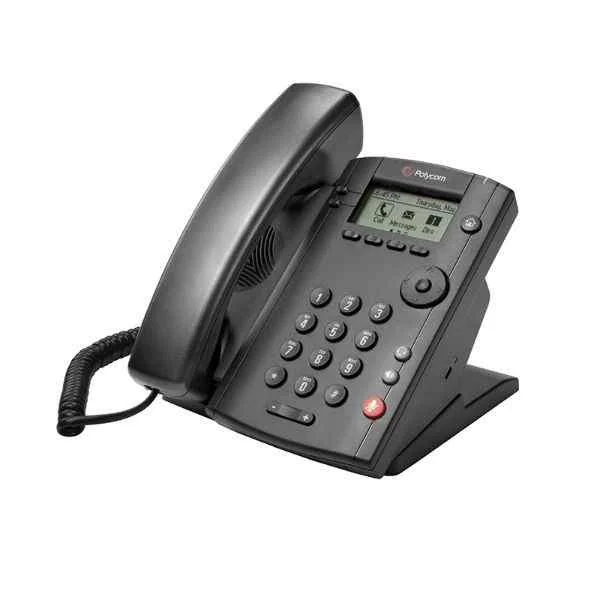
VVX101 (Polycom conference phone landline VVX101 audio and video conference system terminal omnidirectional microphone Octopus conference IP phone)
4.6 (5)Est Value $234.00$117.00
50% offIn stockRefurbishedFirst-Time Buyer Discount – Get up to 2% additional off on your first order
ORM Rewards Earn $50 in Rewards + Free Expedited Delivery – Join Now!
Use eCoupon ORMSAVE10
eCoupon limited to 5 units
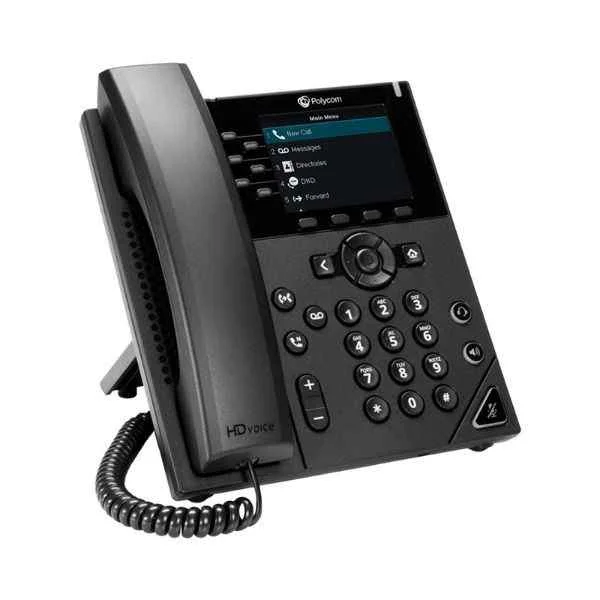
VVX350 (Polycom conference phone landline VVX350 6-line mid-range IP desktop phone audio and video conference system terminal)
5 (5)Est Value $239.16$119.58
50% offIn stockRefurbishedFirst-Time Buyer Discount – Get up to 2% additional off on your first order
ORM Rewards Earn $50 in Rewards + Free Expedited Delivery – Join Now!
Use eCoupon ORMSAVE10
eCoupon limited to 5 units
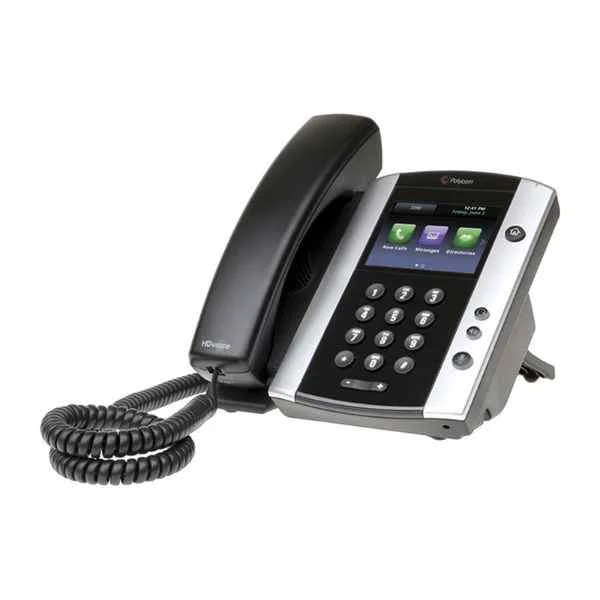
VVX501 (Polycom conference phone landline VVX501 audio and video conference system terminal omnidirectional microphone Octopus conference IP phone)
4.8 (5)Est Value $256.28$128.14
50% offIn stockRefurbishedFirst-Time Buyer Discount – Get up to 2% additional off on your first order
ORM Rewards Earn $50 in Rewards + Free Expedited Delivery – Join Now!
Use eCoupon ORMSAVE10
eCoupon limited to 5 units
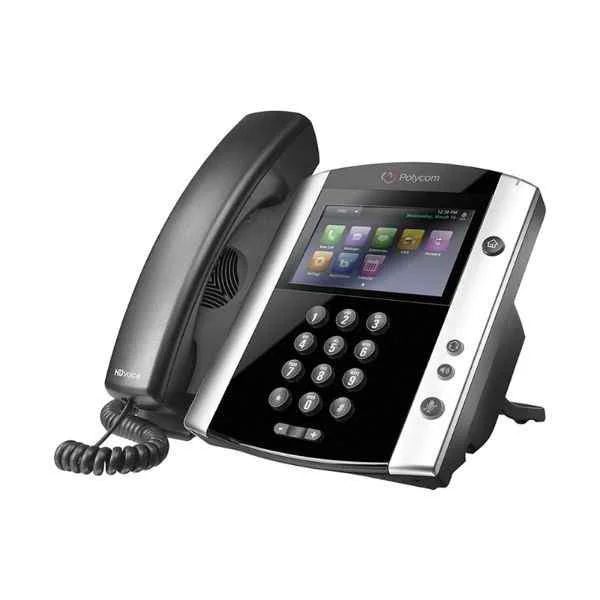
VVX601 (Polycom SIP Conference Phone Landline VOIP Personal Desk Phone VVX601 Built-in Bluetooth President Phone Suitable for 10-20㎡ meeting room)
4.4 (5)Est Value $327.06$163.53
50% offIn stockRefurbishedFirst-Time Buyer Discount – Get up to 2% additional off on your first order
ORM Rewards Earn $50 in Rewards + Free Expedited Delivery – Join Now!
Use eCoupon ORMSAVE10
eCoupon limited to 5 units
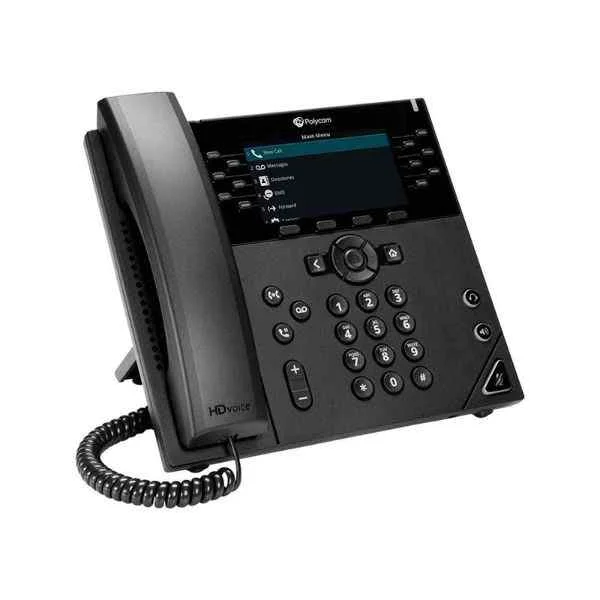
VVX450 (Polycom desktop IP phone VVX450 12-line IP desktop phone with color display)
4.6 (5)Est Value $412.38$206.19
50% offIn stockRefurbishedFirst-Time Buyer Discount – Get up to 2% additional off on your first order
ORM Rewards Earn $50 in Rewards + Free Expedited Delivery – Join Now!
Use eCoupon ORMSAVE10
eCoupon limited to 5 units

ORM Sales Advisors
Buying for your business? Get a personalised quote in under 2 hours. Talk to an expert
LEARNFilters (14) 
Questions & Answers
What are the key features of Poly Desk Phones?
Poly Desk Phones deliver HD voice, intuitive large color displays, programmable line keys, PoE support, and advanced noise reduction to enhance call clarity and user productivity.
How do I set up my Poly Desk Phone for the first time?
Connect your Poly Desk Phone to power or PoE, plug in the Ethernet cable, follow the on-screen auto-provisioning prompts, and enter your SIP credentials to complete setup.
Which Poly Desk Phone models support Power over Ethernet (PoE)?
Poly CCX 300, CCX 400, CCX 500, and VVX business desk phones all support PoE, enabling both power and network connectivity over a single Ethernet cable.
Are Poly Desk Phones compatible with major VoIP and SIP providers?
Yes, Poly Desk Phones are certified for leading VoIP platforms including Cisco BroadSoft, Microsoft Teams, Zoom Phone, 8×8, and generic SIP services for seamless interoperability.
How can I configure call forwarding on a Poly Desk Phone?
Press the forward soft key, enter the destination number, press the Soft Key again to enable, and check the screen status icon to confirm call forwarding is active.
What warranty and support options are available for Poly Desk Phones?
Poly offers a one-year limited hardware warranty with optional extended coverage plans, plus 24/7 online and phone support for firmware updates and troubleshooting assistance.
How do I update the firmware on my Poly Desk Phone?
Access the Settings menu, select Software Update, choose Auto or Manual mode, and follow on-screen instructions; the phone will download and install the latest firmware automatically.
Can Poly Desk Phones integrate directly with Microsoft Teams?
Yes, Poly CCX 400 and CCX 500 are native Microsoft Teams phones with a dedicated Teams button and full call, meeting, and calendar integration.
What is the difference between Poly CCX 400 and CCX 500 desk phones?
The CCX 400 features a 5″ touch display for mid-level use, while the CCX 500 adds a 7″ screen, built-in Wi-Fi, Bluetooth, and eight programmable line keys for advanced customization.
How do I troubleshoot network connectivity issues on a Poly Desk Phone?
Verify Ethernet cables and switch ports, check PoE power status, review network settings under Status > Network, and apply a factory reset if the phone fails to obtain an IP address.
Are Poly Desk Phones secure for enterprise communications?
Poly Desk Phones support TLS/SRTP encryption for signaling and media, 802.1X network authentication, and secure boot to ensure enterprise-grade communication security.
How many call lines can a Poly Desk Phone handle simultaneously?
Most Poly Desk Phones support up to 16 SIP lines and call appearances, allowing users to manage multiple concurrent calls and hunt groups with ease.
Which headsets are compatible with Poly Desk Phones?
Poly Desk Phones support wired RJ9 headsets, USB headsets, and Bluetooth audio devices, including Poly Voyager and Blackwire series for optimized performance.
How do I perform a factory reset on my Poly Desk Phone?
Navigate to Settings > Advanced > Administration Settings > Reset to Defaults, enter the admin password, and confirm to restore factory settings and reboot the device.
Do Poly Desk Phones support Bluetooth connectivity?
Poly CCX 400 and CCX 500 natively support Bluetooth 4.2 for pairing wireless headsets and mobile devices, while VVX models require a BT300 USB adapter.
How can I contact Poly support for Desk Phone assistance?
Visit the Poly Support website to submit a ticket, access live chat, or call the regional support hotline; you can also find firmware downloads and user guides online.