 United States
Poly Phones Unrivaled Audio Performance
Enhance voice clarity and productivity with Poly phones—designed for business-grade audio, seamless connectivity, and reliable performance across hybrid, remote, and in-office environments.
Talk to an expert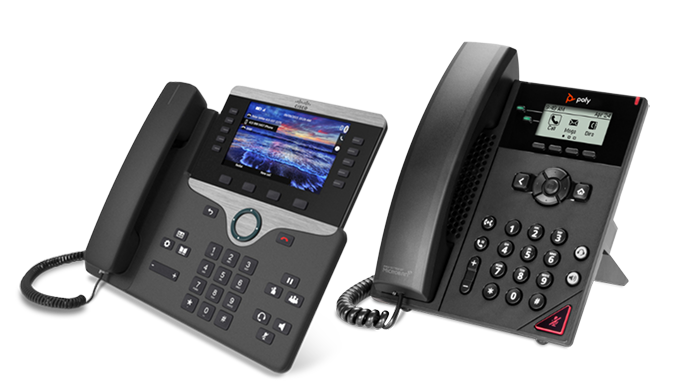
Poly Desk Phones
(14)Poly desk phones for hoteling workstations provide open SIP registration, dual Gigabit Ethernet ports, USB headset support, and PoE power
Poly Conference Phones
(11)Poly conference phones for six-to-twelve-person meeting rooms support open SIP, Gigabit Ethernet, PoE, and 360-degree table audio pickup
25 Matching results
- BEST SELLING
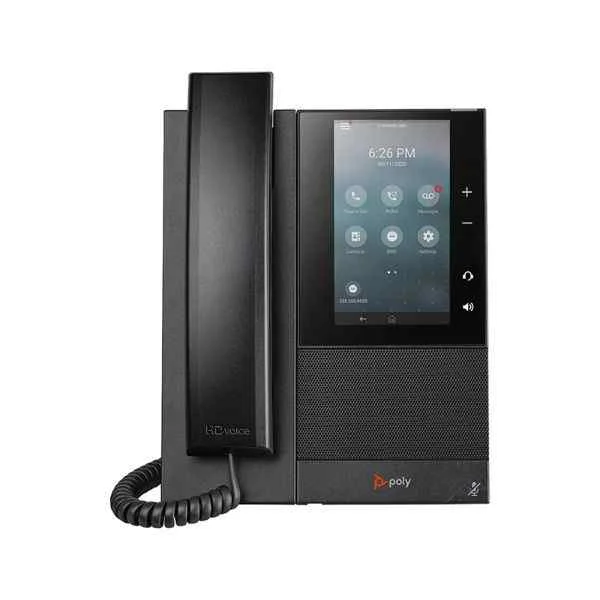
CCX500 (Polycom CCX500 color touch screen mid-range business media desk phone)
4.6 (5)Est Value $327.06
$163.53
50% offIn stockRefurbishedFirst-Time Buyer Discount – Get up to 2% additional off on your first order
ORM Rewards Earn $50 in Rewards + Free Expedited Delivery – Join Now!
Use eCoupon ORMSAVE10
eCoupon limited to 5 units
- BEST SELLING
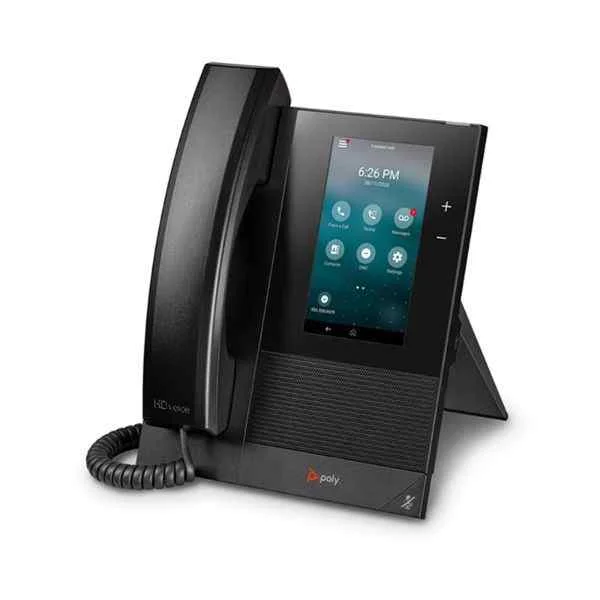
CCX400 (Polycom CCX400 color touch screen entry-level business media desk phone)
4.4 (5)Est Value $429.56$214.78
50% offIn stockRefurbishedFirst-Time Buyer Discount – Get up to 2% additional off on your first order
ORM Rewards Earn $50 in Rewards + Free Expedited Delivery – Join Now!
Use eCoupon ORMSAVE10
eCoupon limited to 5 units
- BEST SELLING
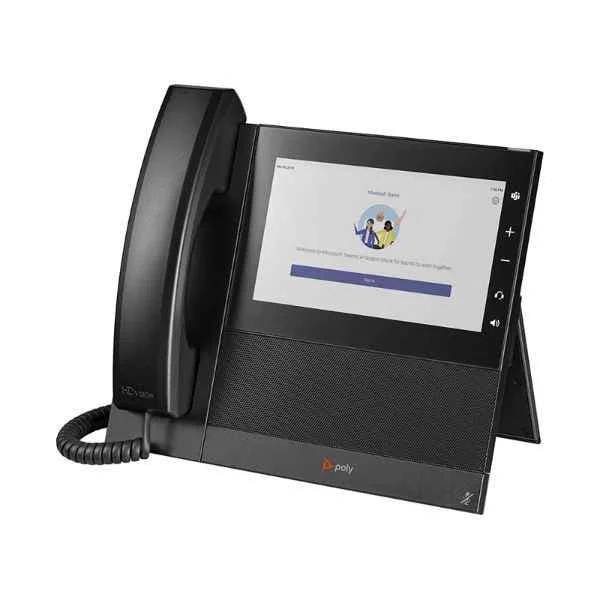
CCX600 (Polycom CCX600 desktop large-screen color touch screen high-performance business multimedia desktop phone)
4.6 (5)Est Value $432.72$216.36
50% offIn stockRefurbishedFirst-Time Buyer Discount – Get up to 2% additional off on your first order
ORM Rewards Earn $50 in Rewards + Free Expedited Delivery – Join Now!
Use eCoupon ORMSAVE10
eCoupon limited to 5 units
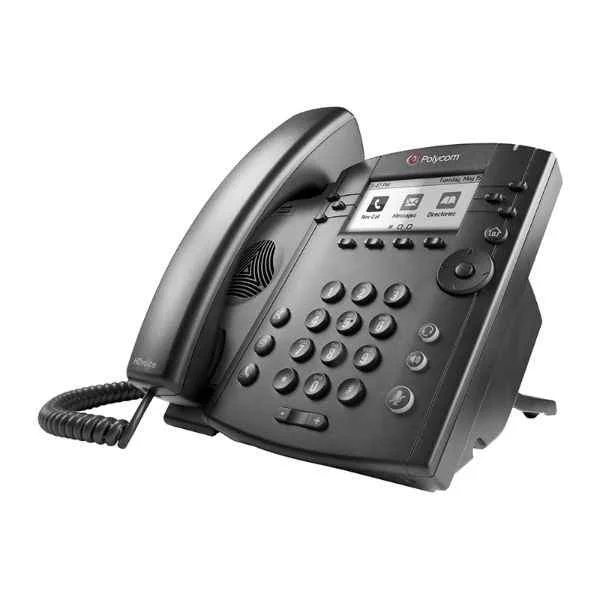
VVX311 (Polycom conference phone landline VVX311 audio and video conference system terminal omnidirectional microphone Octopus conference IP phone)
4.2 (5)Est Value $181.74$90.87
50% offIn stockRefurbishedFirst-Time Buyer Discount – Get up to 2% additional off on your first order
ORM Rewards Earn $50 in Rewards + Free Expedited Delivery – Join Now!
Use eCoupon ORMSAVE10
eCoupon limited to 5 units
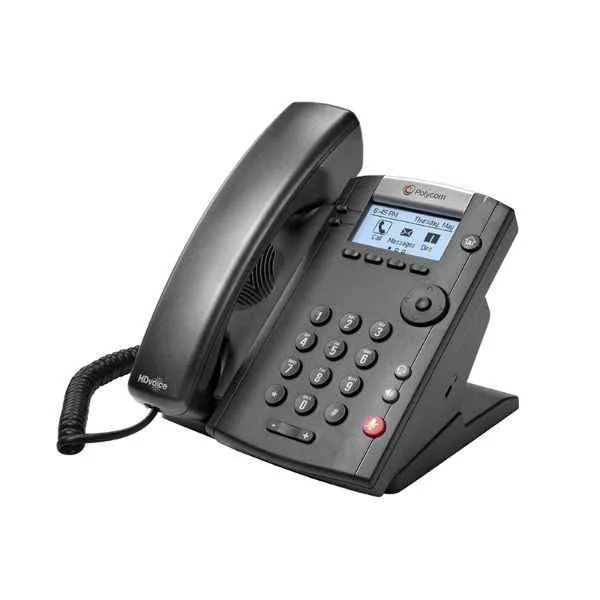
VVX201 (Polycom (POLYCOM) conference phone landline VVX201 audio and video conference system terminal omnidirectional microphone Octopus conference IP phone)
4.6 (5)Est Value $205.34$102.67
50% offIn stockRefurbishedFirst-Time Buyer Discount – Get up to 2% additional off on your first order
ORM Rewards Earn $50 in Rewards + Free Expedited Delivery – Join Now!
Use eCoupon ORMSAVE10
eCoupon limited to 5 units
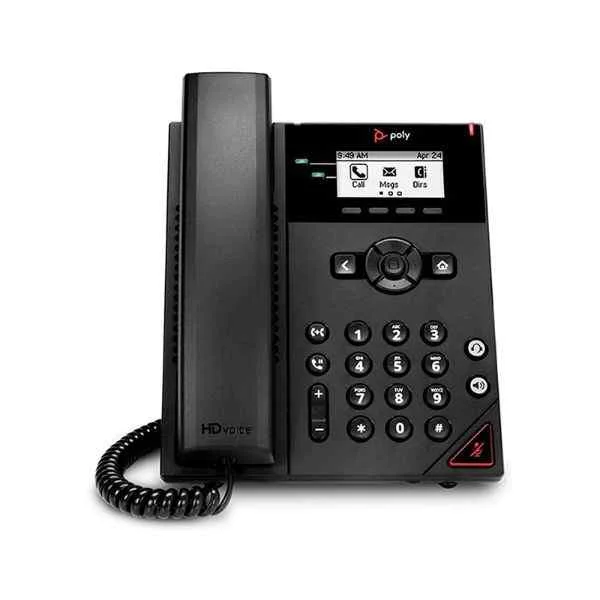
VVX150 (Polycom conference phone IP network cable landline VVX150 (new product) audio and video conference system terminal omnidirectional microphone Octopus conference phone)
4.4 (5)Est Value $205.34$102.67
50% offIn stockRefurbishedFirst-Time Buyer Discount – Get up to 2% additional off on your first order
ORM Rewards Earn $50 in Rewards + Free Expedited Delivery – Join Now!
Use eCoupon ORMSAVE10
eCoupon limited to 5 units
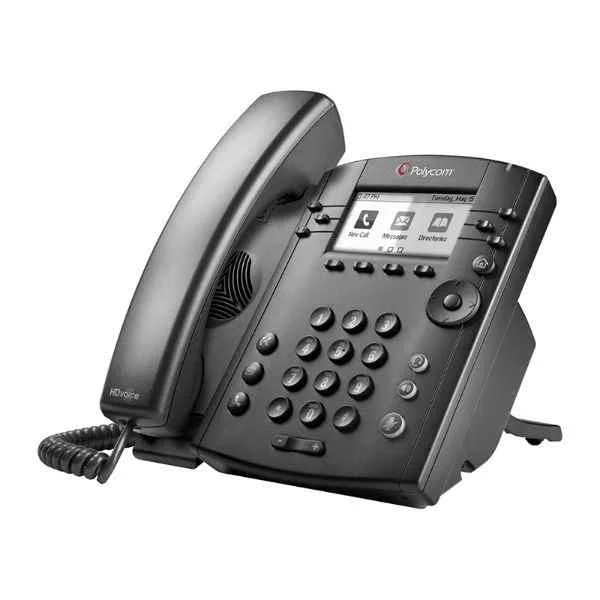
VVX301 (Polycom conference phone landline VVX301 audio and video conference system terminal omnidirectional microphone Octopus conference IP phone)
4.6 (5)Est Value $224.00$112.00
50% offIn stockRefurbishedFirst-Time Buyer Discount – Get up to 2% additional off on your first order
ORM Rewards Earn $50 in Rewards + Free Expedited Delivery – Join Now!
Use eCoupon ORMSAVE10
eCoupon limited to 5 units
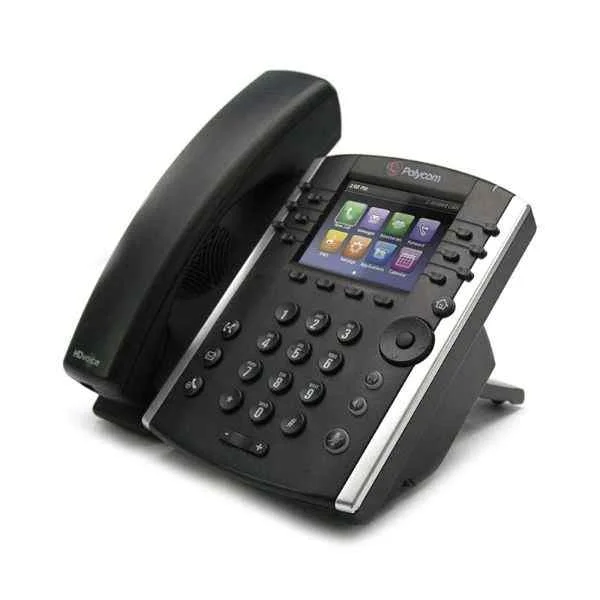
VVX411 (Polycom Desktop IP Phone VVX401 12-line VOIP Business Phone)
4.6 (5)Est Value $234.00$117.00
50% offIn stockRefurbishedFirst-Time Buyer Discount – Get up to 2% additional off on your first order
ORM Rewards Earn $50 in Rewards + Free Expedited Delivery – Join Now!
Use eCoupon ORMSAVE10
eCoupon limited to 5 units
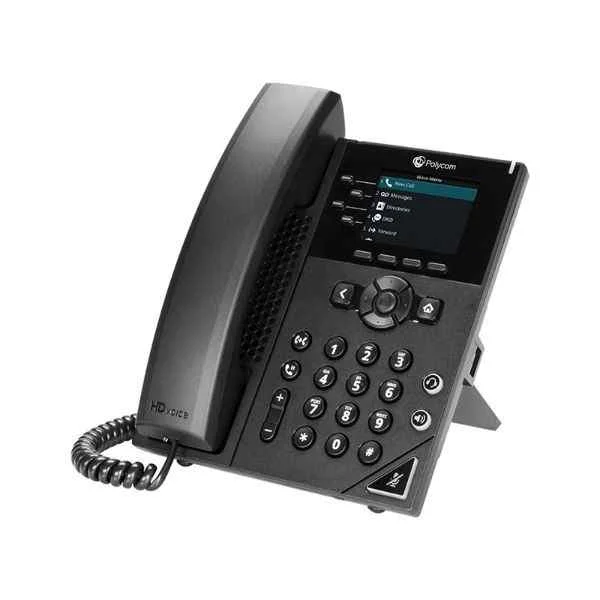
VVX250 (Polycom SIP Conference Phone Landline VOIP Personal Seat Phone VVX250 Fast Ethernet Port Business Office Meeting Suitable for 10-20㎡ meeting room)
4.6 (5)Est Value $234.00$117.00
50% offIn stockRefurbishedFirst-Time Buyer Discount – Get up to 2% additional off on your first order
ORM Rewards Earn $50 in Rewards + Free Expedited Delivery – Join Now!
Use eCoupon ORMSAVE10
eCoupon limited to 5 units
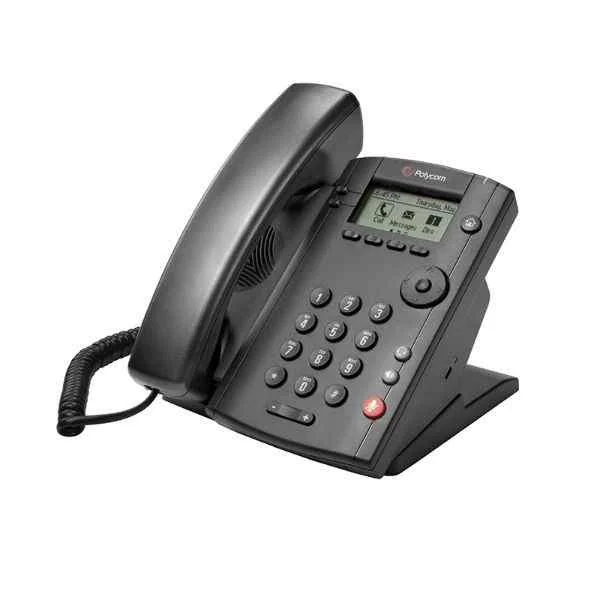
VVX101 (Polycom conference phone landline VVX101 audio and video conference system terminal omnidirectional microphone Octopus conference IP phone)
4.6 (5)Est Value $234.00$117.00
50% offIn stockRefurbishedFirst-Time Buyer Discount – Get up to 2% additional off on your first order
ORM Rewards Earn $50 in Rewards + Free Expedited Delivery – Join Now!
Use eCoupon ORMSAVE10
eCoupon limited to 5 units
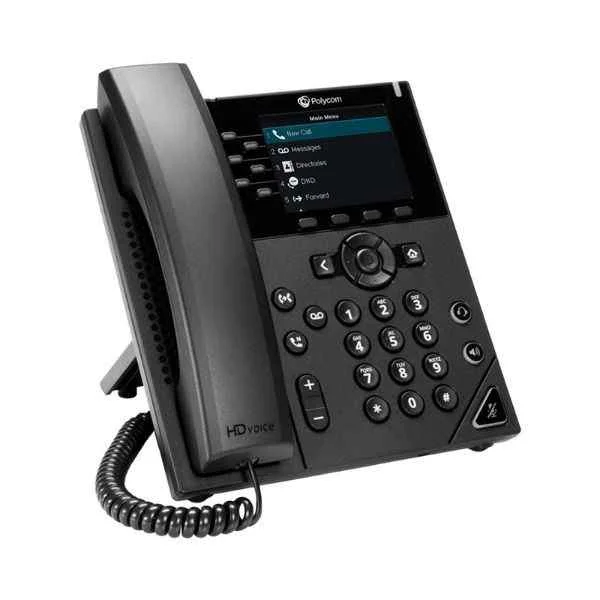
VVX350 (Polycom conference phone landline VVX350 6-line mid-range IP desktop phone audio and video conference system terminal)
5 (5)Est Value $239.16$119.58
50% offIn stockRefurbishedFirst-Time Buyer Discount – Get up to 2% additional off on your first order
ORM Rewards Earn $50 in Rewards + Free Expedited Delivery – Join Now!
Use eCoupon ORMSAVE10
eCoupon limited to 5 units
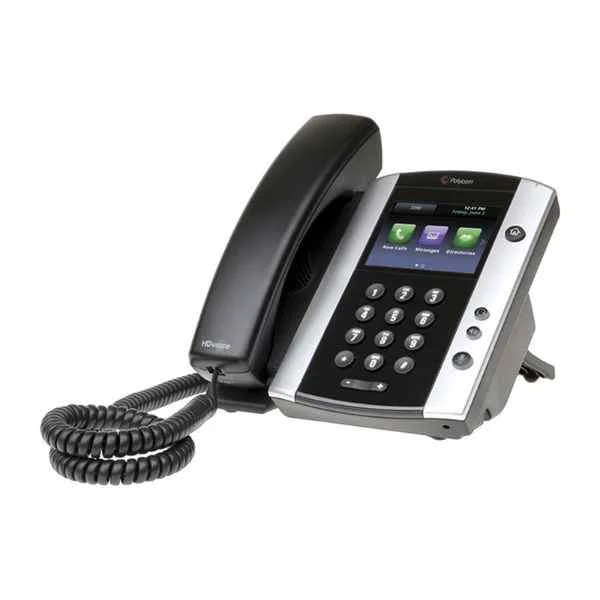
VVX501 (Polycom conference phone landline VVX501 audio and video conference system terminal omnidirectional microphone Octopus conference IP phone)
4.8 (5)Est Value $256.28$128.14
50% offIn stockRefurbishedFirst-Time Buyer Discount – Get up to 2% additional off on your first order
ORM Rewards Earn $50 in Rewards + Free Expedited Delivery – Join Now!
Use eCoupon ORMSAVE10
eCoupon limited to 5 units
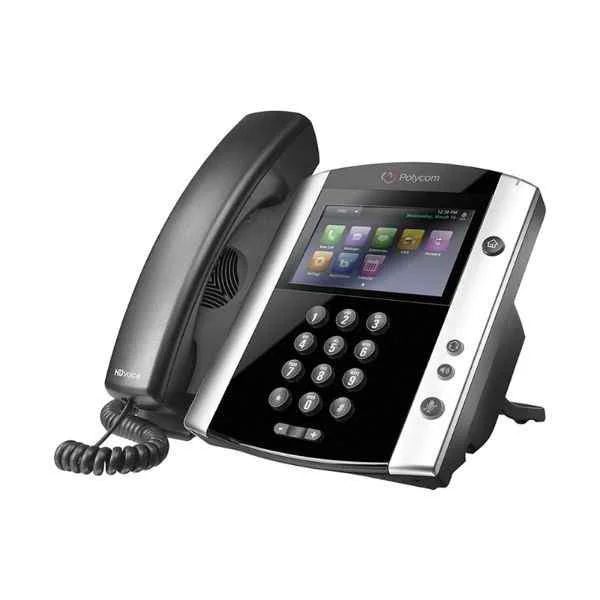
VVX601 (Polycom SIP Conference Phone Landline VOIP Personal Desk Phone VVX601 Built-in Bluetooth President Phone Suitable for 10-20㎡ meeting room)
4.4 (5)Est Value $327.06$163.53
50% offIn stockRefurbishedFirst-Time Buyer Discount – Get up to 2% additional off on your first order
ORM Rewards Earn $50 in Rewards + Free Expedited Delivery – Join Now!
Use eCoupon ORMSAVE10
eCoupon limited to 5 units
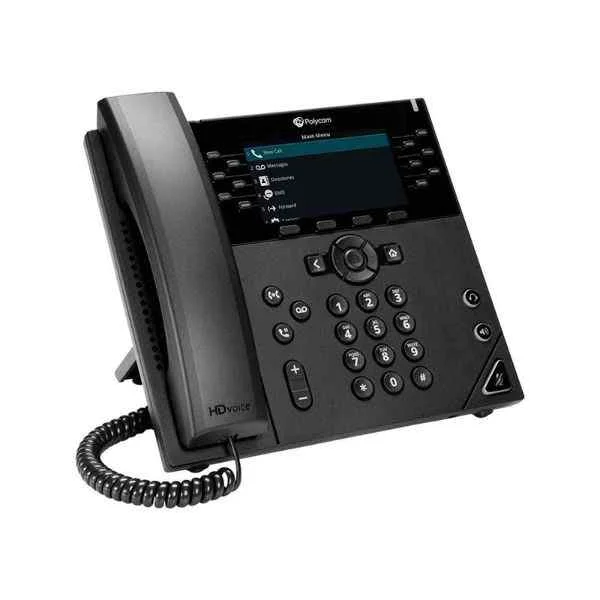
VVX450 (Polycom desktop IP phone VVX450 12-line IP desktop phone with color display)
4.6 (5)Est Value $412.38$206.19
50% offIn stockRefurbishedFirst-Time Buyer Discount – Get up to 2% additional off on your first order
ORM Rewards Earn $50 in Rewards + Free Expedited Delivery – Join Now!
Use eCoupon ORMSAVE10
eCoupon limited to 5 units
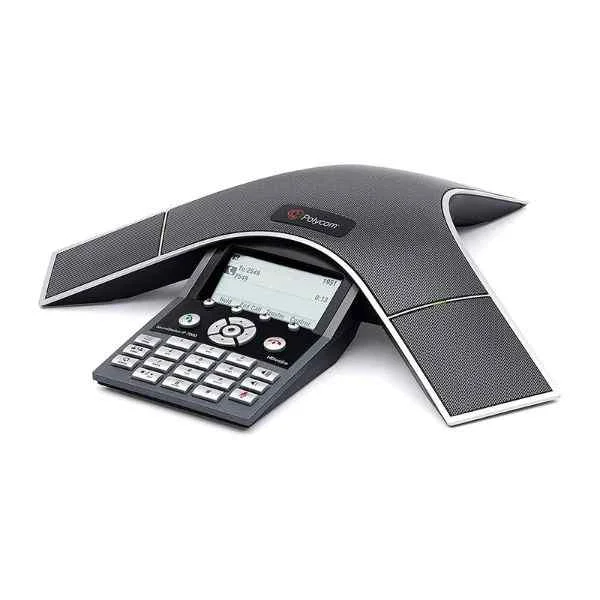
SoundStation-IP-7000-POE (Polycom Audio and Video Conference System Conference Phone Octopus Optional Bluetooth/Wireless Omnidirectional Microphone Office Phone Landline SoundStation IP7000-POE)
4.6 (5)Est Value In stockFirst-Time Buyer Discount – Get up to 2% additional off on your first order
ORM Rewards Earn $50 in Rewards + Free Expedited Delivery – Join Now!
Use eCoupon ORMSAVE10
eCoupon limited to 5 units
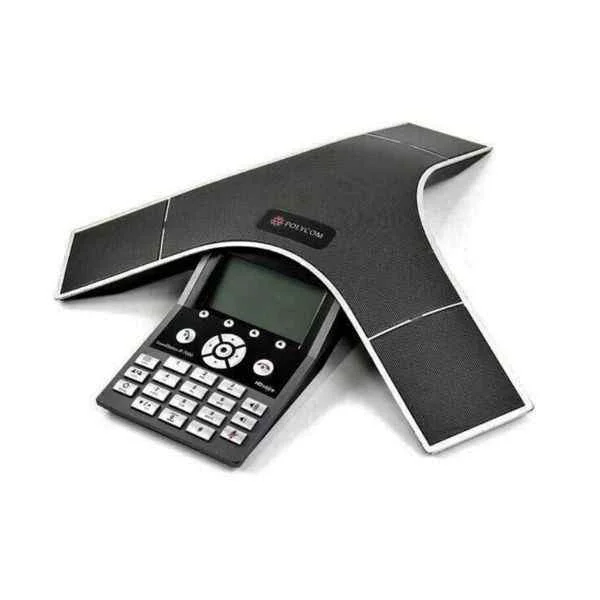
SoundStation-IP-7000 (Polycom Audio and Video Conference System Conference Phone Octopus Optional Bluetooth/Wireless Omnidirectional Microphone Office Phone Landline SoundStation IP7000)
4.6 (5)Est Value In stockFirst-Time Buyer Discount – Get up to 2% additional off on your first order
ORM Rewards Earn $50 in Rewards + Free Expedited Delivery – Join Now!
Use eCoupon ORMSAVE10
eCoupon limited to 5 units
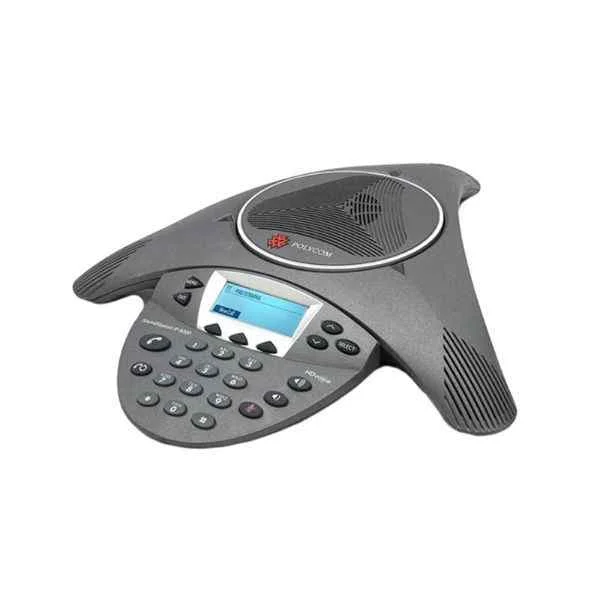
SoundStation-IP-6000-POE (Polycom Audio and Video Conference System Conference Phone Octopus Optional Bluetooth/Wireless Omnidirectional Microphone Office Phone Landline SoundStation IP6000-POE)
4.4 (5)Est Value In stockFirst-Time Buyer Discount – Get up to 2% additional off on your first order
ORM Rewards Earn $50 in Rewards + Free Expedited Delivery – Join Now!
Use eCoupon ORMSAVE10
eCoupon limited to 5 units
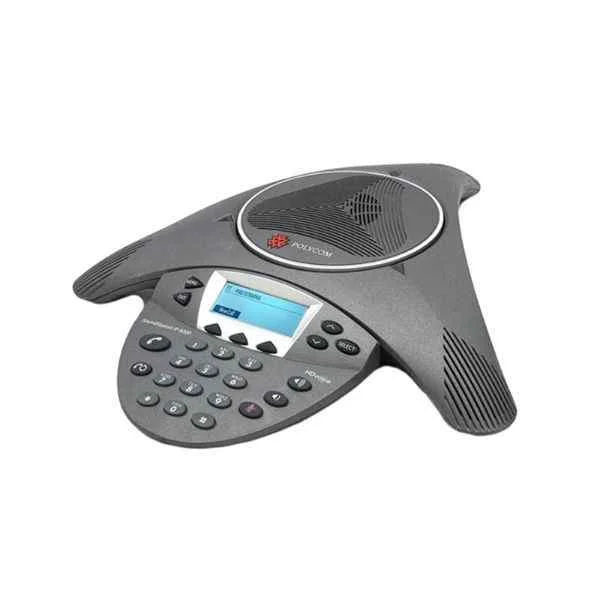
SoundStation-IP-6000 (Polycom Audio and Video Conference System Conference Phone Octopus Optional Bluetooth/Wireless Omnidirectional Microphone Office Phone Landline SoundStation IP6000)
4.6 (5)Est Value In stockFirst-Time Buyer Discount – Get up to 2% additional off on your first order
ORM Rewards Earn $50 in Rewards + Free Expedited Delivery – Join Now!
Use eCoupon ORMSAVE10
eCoupon limited to 5 units
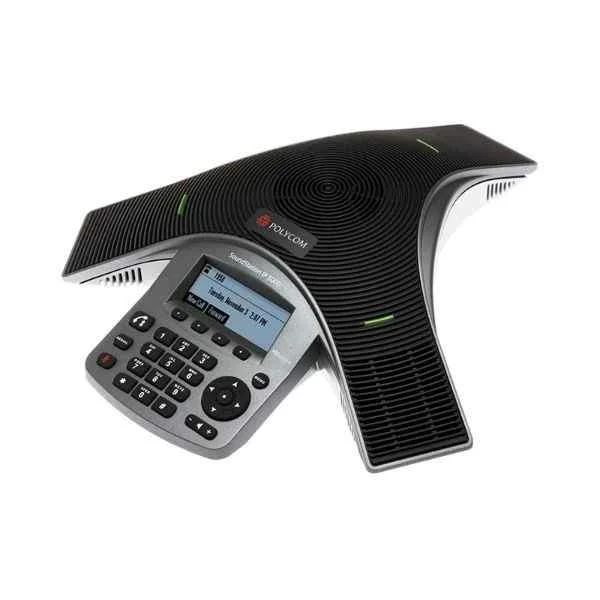
SoundStation-IP-5000-POE (Polycom audio and video conference system conference phone Octopus optional Bluetooth/wireless omnidirectional microphone Office phone landline SoundStation IP5000-POE)
4.4 (5)Est Value In stockFirst-Time Buyer Discount – Get up to 2% additional off on your first order
ORM Rewards Earn $50 in Rewards + Free Expedited Delivery – Join Now!
Use eCoupon ORMSAVE10
eCoupon limited to 5 units
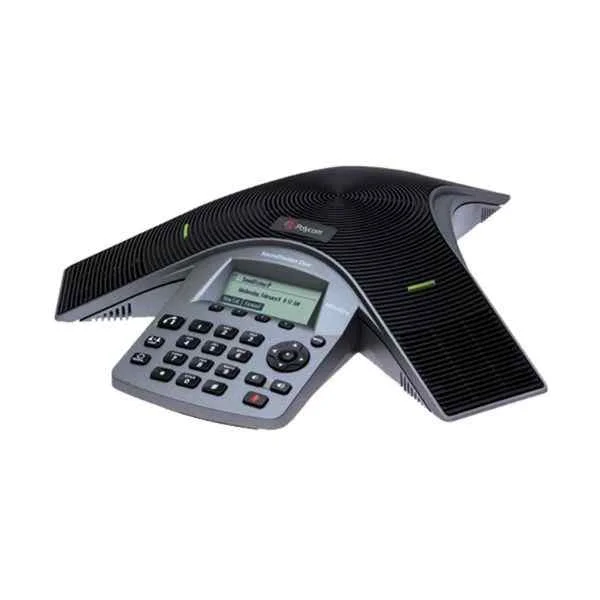
SoundStation-Duo (Polycom PSTN/IP dual-mode video conference system Duo standard conference phone landline High-fidelity omnidirectional microphone suitable for medium-sized conference rooms of 20-50㎡)
4.2 (5)Est Value In stockFirst-Time Buyer Discount – Get up to 2% additional off on your first order
ORM Rewards Earn $50 in Rewards + Free Expedited Delivery – Join Now!
Use eCoupon ORMSAVE10
eCoupon limited to 5 units

ORM Sales Advisors
Buying for your business? Get a personalised quote in under 2 hours. Talk to an expert
LEARNFilters (25) 
Questions & Answers
What is a Poly Phone?
A Poly Phone is a business-grade desk phone offering advanced audio, video and collaboration features designed for enterprise communication.
Which Poly Phone model is best for small businesses?
The Poly CCX 400 is ideal for small businesses, delivering essential calling features, HD audio and simplified device management.
How do I set up a Poly Phone?
Connect the phone to power or PoE, attach an Ethernet cable, power it on, and follow the on-screen setup wizard to configure network and SIP settings.
Are Poly Phones compatible with Microsoft Teams?
Yes, Poly CCX and VVX series phones support Microsoft Teams natively, including a dedicated Teams button and deep platform integration.
How do I update firmware on a Poly Phone?
Sign in to Polycom Device Management or the phone’s web GUI, go to Software Update, upload the latest firmware file and apply the update.
What network requirements do Poly Phones need?
Poly Phones require a stable Ethernet connection, DHCP or static IP, PoE or AC power, and open SIP/TLS and SRTP network ports.
Can I use a headset with a Poly Phone?
Yes, Poly Phones support analog, USB and Bluetooth headsets via a 3.5 mm jack, USB port or Bluetooth pairing.
What warranty and support options come with Poly Phones?
Poly Phones include a one-year limited hardware warranty, with optional extended warranties up to five years and enterprise support plans.
How do I reset a Poly Phone to factory settings?
On the device menu, navigate to Settings > Basic > Administration Settings > Reset to Defaults, enter the admin password and confirm.
Do Poly Phones support HD audio?
Yes, Poly Phones feature Polycom HD Voice and wideband audio codecs such as G.722 for crystal-clear voice quality.
What integrations do Poly Phones offer?
Poly Phones integrate with Microsoft Teams, Zoom, Skype for Business, Webex and most SIP-based unified communication platforms.
How can I troubleshoot common Poly Phone issues?
Restart the phone, verify network and SIP settings, check firmware version and use built-in diagnostics or the Poly support portal.
Is Power over Ethernet (PoE) required for Poly Phones?
PoE simplifies installation, but most Poly Phones also support an optional AC power adapter for environments without PoE.
How do I configure VLAN on a Poly Phone?
Go to Settings > Network Configuration > VLAN Settings, enable VLAN support and enter the appropriate VLAN ID.
How do I register a Poly Phone to a SIP server?
In the web interface or device menu, enter the SIP server address, extension, authentication username and password under SIP Account settings.
What security features do Poly Phones have?
Poly Phones include 802.1X network authentication, TLS/SRTP encryption, secure boot and certificate-based provisioning for secure communications.