 United States
Hard Drive Accessories for Peak Performance
Explore premium hard drive accessories offering optimized performance, robust durability, and unmatched reliability. Our curated selection empowers efficient data management and seamless hardware integration in diverse computing systems.
Talk to an expert
2 Matching results
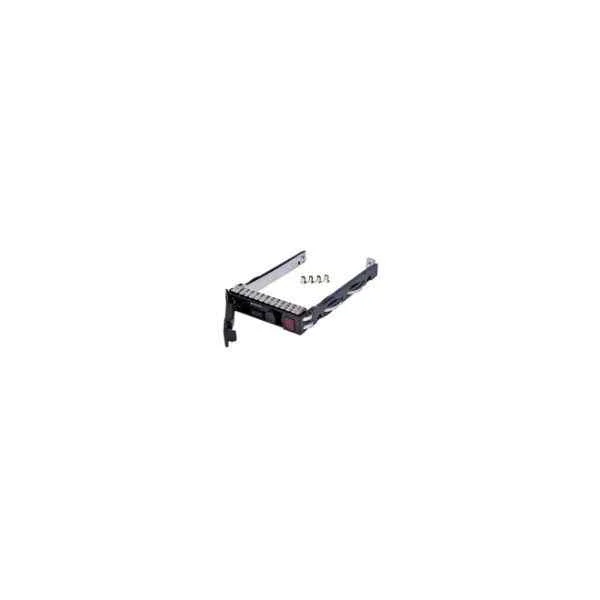
651687-001 (HP SOURCING G8/G9 2.5 SAS/SATA HDD TRAY)
4.2 (5)Est Value $67.50
$42.00
37.8% offIn stockNewRefurbishedFirst-Time Buyer Discount – Get up to 2% additional off on your first order
ORM Rewards Earn $50 in Rewards + Free Expedited Delivery – Join Now!
Use eCoupon ORMSAVE10
eCoupon limited to 5 units
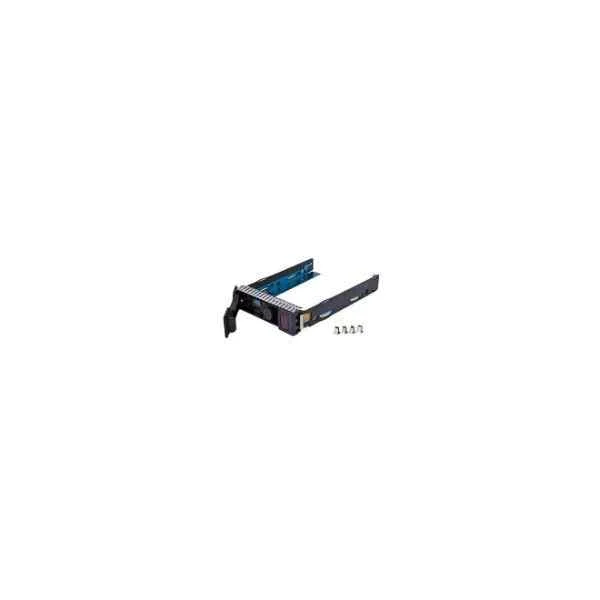
651314-001 (651314-001 - 8.89 cm (3.5") - Bezel panel - Serial Attached SCSI (SAS) - Black)
4.6 (5)Est Value $94.50$42.00
55.6% offIn stockNewRefurbishedFirst-Time Buyer Discount – Get up to 2% additional off on your first order
ORM Rewards Earn $50 in Rewards + Free Expedited Delivery – Join Now!
Use eCoupon ORMSAVE10
eCoupon limited to 5 units

ORM Sales Advisors
Buying for your business? Get a personalised quote in under 2 hours. Talk to an expert
LEARNFilters (2) 
Questions & Answers
What are the essential hard drive accessories for data protection?
Essential hard drive accessories for data protection include surge-protected power adapters, padded rugged cases, thermal cooling pads, and hardware encryption enclosures to safeguard against data loss, physical damage, and overheating.
How do I choose the right external hard drive enclosure?
Select an enclosure by matching its interface (USB-C, USB 3.0, or Thunderbolt) and drive size (2.5″ or 3.5″) to your hard drive, ensuring it offers tool-free installation, durable construction, and optimal cooling.
What is a hard drive docking station and how does it work?
A hard drive docking station is a plug-and-play device that holds 2.5″ or 3.5″ SATA drives vertically; it connects to your PC via USB or eSATA and allows instant read/write access without mounting or enclosure installation.
Should I use a USB 3.0 or USB-C enclosure for my hard drive?
Use USB-C for higher transfer rates (up to 10 Gbps) and universal compatibility with newer laptops; choose USB 3.0 if your system lacks USB-C ports or you prioritize cost-effectiveness.
Can I use an SSD in a hard drive enclosure?
Yes, you can install a 2.5″ SATA SSD into most SATA hard drive enclosures; ensure the enclosure supports SSD speeds and has proper heat dissipation to maintain performance.
How do I install a hard drive into an enclosure?
Power off the enclosure, slide open the housing, align the drive’s SATA connector with the enclosure’s interface, secure the drive with the provided clips or screws, then reassemble and connect via USB or Thunderbolt.
Are hard drive enclosures hot-swappable?
Most USB and Thunderbolt hard drive enclosures support hot-swapping, allowing you to connect or disconnect drives safely without powering down your computer, provided the operating system recognizes external storage.
What is the difference between a hard drive dock and an enclosure?
A hard drive dock offers slot-in access without physical installation, ideal for quick testing or cloning, whereas an enclosure fully encases the drive for portable, long-term use and better protection.
How can I prevent overheating in external drive accessories?
Use enclosures with built-in cooling fans or thermal pads, avoid stacking drives, maintain proper ventilation, and position accessories away from heat sources to reduce operating temperatures.
Are hard drive accessories compatible with Mac and Windows systems?
Most external drive accessories are cross-platform; ensure the interface is supported by your OS and format the drive using exFAT or FAT32 for seamless Mac and Windows compatibility.
What features should I look for in a hard drive USB adapter?
Choose a USB adapter with USB-C or USB 3.1 Gen 2 support, durable connectors, integrated power supply for 3.5″ drives, and compatibility with both SATA and IDE interfaces if needed.
How do rugged hard drive cases protect my data?
Rugged cases combine shock-absorbent materials, watertight seals, and reinforced corners to shield drives from drops, moisture, and dust, ensuring uninterrupted data integrity in harsh environments.
What is cable management for hard drive setups and why is it important?
Cable management uses zip ties, cable sleeves, and routing channels to organize power and data cables, improving airflow, reducing signal interference, and simplifying maintenance in multi-drive systems.
How can I secure my external hard drive from unauthorized access?
Enable hardware encryption via an encrypted enclosure or use software encryption tools such as BitLocker or VeraCrypt to password-protect your drive and safeguard sensitive data.
Do hard drive coolers improve performance?
Yes, hard drive coolers lower operating temperatures, reduce thermal throttling, extend drive lifespan, and maintain consistent read/write speeds, especially in high-workload environments.
What warranty considerations should I know when buying hard drive accessories?
Check for at least a one-year manufacturer’s warranty, verify coverage specifics (impact, water damage, wear), and retain proof of purchase to ensure hassle-free replacements or repairs.