 United States
Intel Accessories Unrivaled Performance Guaranteed
Discover state-of-the-art Intel accessories that guarantee reliability, enhanced performance, and streamlined efficiency. Elevate your system with cutting-edge technology designed to optimize workflow in every setting.
Talk to an expert
25 Matching results
- BEST SELLING

BELM12HBCE04W (HARD BAY BELM12HBCE04W ELEMENT ONLY)
4.7 (7)Est Value $609.00
$304.50
50% offIn stockNewFirst-Time Buyer Discount – Get up to 2% additional off on your first order
ORM Rewards Earn $50 in Rewards + Free Expedited Delivery – Join Now!
Use eCoupon ORMSAVE10
eCoupon limited to 5 units
- BEST SELLING

BELM12HBI316W (HARD BAY BELM12HBI316W ELEMENT ONLY)
4.9 (7)Est Value $1,008.00$504.00
50% offIn stockNewFirst-Time Buyer Discount – Get up to 2% additional off on your first order
ORM Rewards Earn $50 in Rewards + Free Expedited Delivery – Join Now!
Use eCoupon ORMSAVE10
eCoupon limited to 5 units
- BEST SELLING

BELM12HBI508W (HARD BAY BELM12HBI508W ELEMENT ONLY)
4.7 (7)Est Value $1,209.60$604.80
50% offIn stockNewFirst-Time Buyer Discount – Get up to 2% additional off on your first order
ORM Rewards Earn $50 in Rewards + Free Expedited Delivery – Join Now!
Use eCoupon ORMSAVE10
eCoupon limited to 5 units
- BEST SELLING
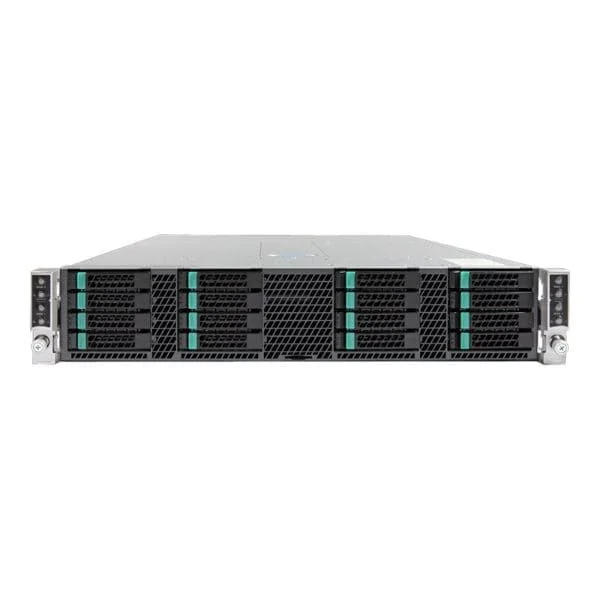
BELM12HBI732W (HARD BAY BELM12HBI732W ELEMENT ONLY)
4.6 (7)Est Value $2,097.38$1,048.69
50% offIn stockNewFirst-Time Buyer Discount – Get up to 2% additional off on your first order
ORM Rewards Earn $50 in Rewards + Free Expedited Delivery – Join Now!
Use eCoupon ORMSAVE10
eCoupon limited to 5 units
- BEST SELLING

BELM12HBI516W (HARD BAY BELM12HBI516W ELEMENT ONLY)
4.4 (7)Est Value In stockFirst-Time Buyer Discount – Get up to 2% additional off on your first order
ORM Rewards Earn $50 in Rewards + Free Expedited Delivery – Join Now!
Use eCoupon ORMSAVE10
eCoupon limited to 5 units
- FEARURED

BELM12HBI716W (HARD BAY BELM12HBI716W ELEMENT ONLY)
4.9 (7)Est Value $1,837.50$918.75
50% offIn stockNewFirst-Time Buyer Discount – Get up to 2% additional off on your first order
ORM Rewards Earn $50 in Rewards + Free Expedited Delivery – Join Now!
Use eCoupon ORMSAVE10
eCoupon limited to 5 units

R2000WTXXX (Intel Server Chassis R2000WTXXX - rack-mountable - 2U)
4.9 (7)Est Value $542.02$271.01
50% offIn stockNewFirst-Time Buyer Discount – Get up to 2% additional off on your first order
ORM Rewards Earn $50 in Rewards + Free Expedited Delivery – Join Now!
Use eCoupon ORMSAVE10
eCoupon limited to 5 units

BELM12HBCE08W (HARD BAY BELM12HBCE08W ELEMENT ONLY)
4.9 (7)Est Value $559.66$279.83
50% offIn stockNewFirst-Time Buyer Discount – Get up to 2% additional off on your first order
ORM Rewards Earn $50 in Rewards + Free Expedited Delivery – Join Now!
Use eCoupon ORMSAVE10
eCoupon limited to 5 units

H2312XXLR3 (Intel Server Chassis H2312XXLR3 - rack-mountable - 2U - up to 4 blades)
4.9 (7)Est Value $963.90$481.95
50% offIn stockRefurbishedFirst-Time Buyer Discount – Get up to 2% additional off on your first order
ORM Rewards Earn $50 in Rewards + Free Expedited Delivery – Join Now!
Use eCoupon ORMSAVE10
eCoupon limited to 5 units
P4304XXMUXX (Intel Server Chassis P4304XXMUXX - tower - 4U - SSI EEB)
4.7 (7)Est Value $1,209.60$604.80
50% offIn stockRefurbishedFirst-Time Buyer Discount – Get up to 2% additional off on your first order
ORM Rewards Earn $50 in Rewards + Free Expedited Delivery – Join Now!
Use eCoupon ORMSAVE10
eCoupon limited to 5 units

BELM12HBV516W (HARD BAY BELM12HBV516W ELEMENT ONLY)
4.9 (7)Est Value $1,443.76$721.88
50% offIn stockNewFirst-Time Buyer Discount – Get up to 2% additional off on your first order
ORM Rewards Earn $50 in Rewards + Free Expedited Delivery – Join Now!
Use eCoupon ORMSAVE10
eCoupon limited to 5 units
H2204XXLRE (Intel Server Chassis H2204XXLRE - rack-mountable - 2U - up to 4 blades)
4.7 (7)Est Value $1,706.26$853.13
50% offIn stockRefurbishedFirst-Time Buyer Discount – Get up to 2% additional off on your first order
ORM Rewards Earn $50 in Rewards + Free Expedited Delivery – Join Now!
Use eCoupon ORMSAVE10
eCoupon limited to 5 units
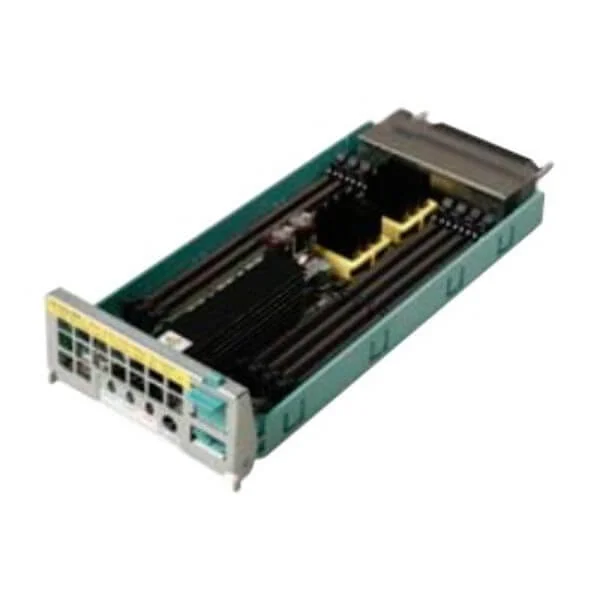
H2224XXLR3 (Intel Server Chassis H2224XXLR3 - rack-mountable - 2U - up to 4 blades)
4.6 (5)Est Value $1,706.26$853.13
50% offIn stockRefurbishedFirst-Time Buyer Discount – Get up to 2% additional off on your first order
ORM Rewards Earn $50 in Rewards + Free Expedited Delivery – Join Now!
Use eCoupon ORMSAVE10
eCoupon limited to 5 units

FC2HAC16W3 (Intel Server Chassis FC2HAC16W3 - rack-mountable - no CPU - no HDD)
4.9 (7)Est Value $6,720.00$3,360.00
50% offIn stockRefurbishedFirst-Time Buyer Discount – Get up to 2% additional off on your first order
ORM Rewards Earn $50 in Rewards + Free Expedited Delivery – Join Now!
Use eCoupon ORMSAVE10
eCoupon limited to 5 units
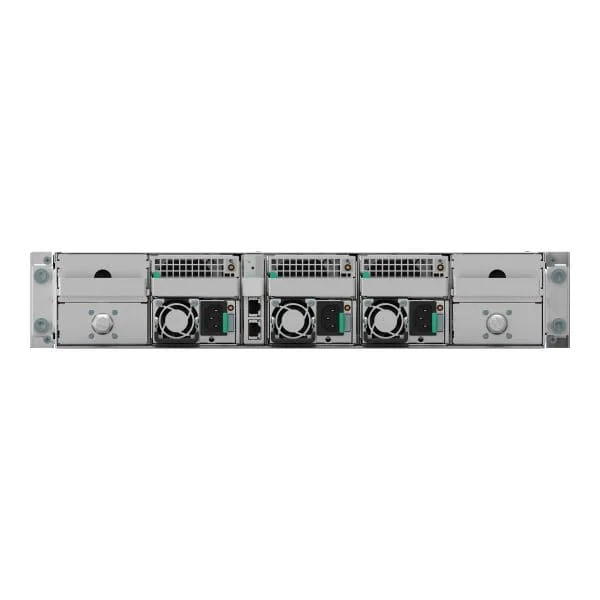
FC2FAC16W3 (Intel Server Chassis FC2FAC16W3 - rack-mountable - 2U)
4.4 (7)Est Value In stockFirst-Time Buyer Discount – Get up to 2% additional off on your first order
ORM Rewards Earn $50 in Rewards + Free Expedited Delivery – Join Now!
Use eCoupon ORMSAVE10
eCoupon limited to 5 units
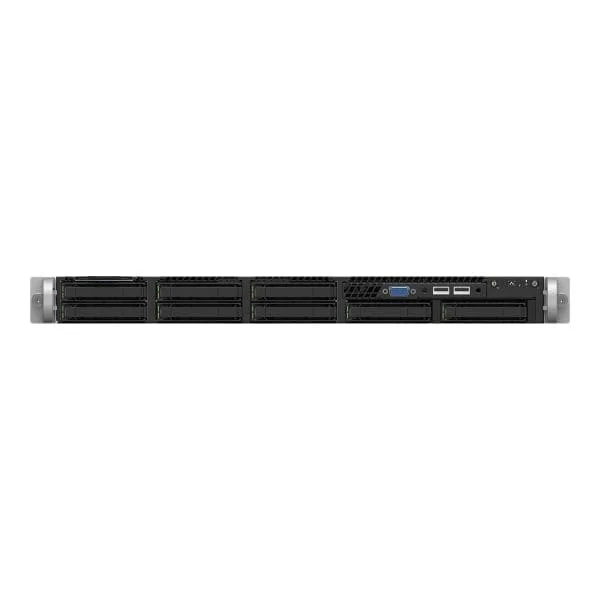
FC2HLC21W3 (Intel Server Chassis FC2HLC21W3 - rack-mountable - no CPU - no HDD)
4.4 (7)Est Value In stockFirst-Time Buyer Discount – Get up to 2% additional off on your first order
ORM Rewards Earn $50 in Rewards + Free Expedited Delivery – Join Now!
Use eCoupon ORMSAVE10
eCoupon limited to 5 units
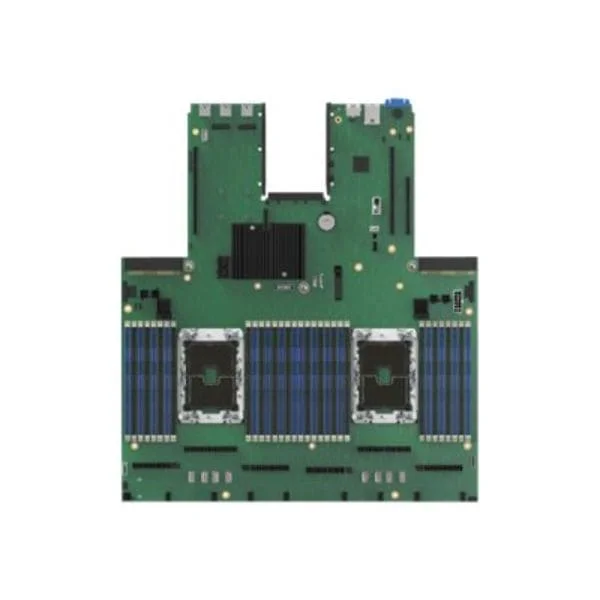
R1208WFXXX (Intel Server Chassis R1208WFXXX - rack-mountable - no CPU - no HDD)
4.4 (7)Est Value In stockFirst-Time Buyer Discount – Get up to 2% additional off on your first order
ORM Rewards Earn $50 in Rewards + Free Expedited Delivery – Join Now!
Use eCoupon ORMSAVE10
eCoupon limited to 5 units

BKBBMC1B2 (MONSTER COVE BASEBOARD GEN 5)
4.6 (7)Est Value In stockFirst-Time Buyer Discount – Get up to 2% additional off on your first order
ORM Rewards Earn $50 in Rewards + Free Expedited Delivery – Join Now!
Use eCoupon ORMSAVE10
eCoupon limited to 5 units
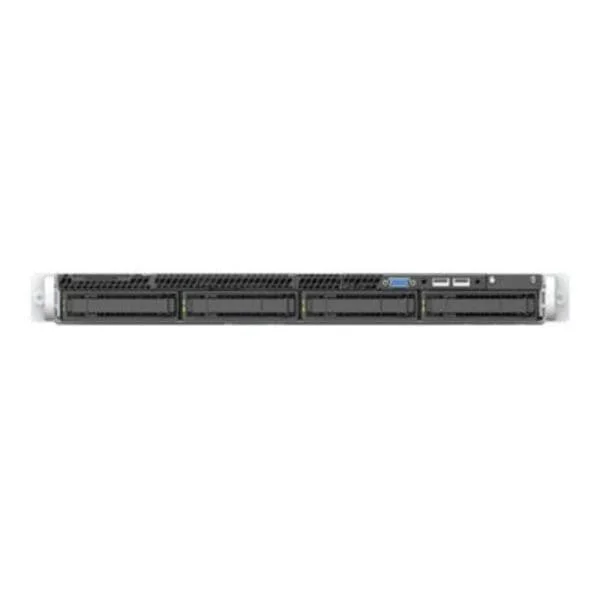
H2216XXKR2 (Intel Server Chassis H2216XXKR2 - rack-mountable - 2U - up to 4 blades)
4.6 (7)Est Value In stockFirst-Time Buyer Discount – Get up to 2% additional off on your first order
ORM Rewards Earn $50 in Rewards + Free Expedited Delivery – Join Now!
Use eCoupon ORMSAVE10
eCoupon limited to 5 units

R1304WFXXX (Intel Server Chassis R1304WFXXX - rack-mountable - 1U)
4.9 (7)Est Value In stockFirst-Time Buyer Discount – Get up to 2% additional off on your first order
ORM Rewards Earn $50 in Rewards + Free Expedited Delivery – Join Now!
Use eCoupon ORMSAVE10
eCoupon limited to 5 units

ORM Sales Advisors
Buying for your business? Get a personalised quote in under 2 hours. Talk to an expert
LEARNFilters (25) 
Questions & Answers
What are Intel Accessories?
Intel Accessories are hardware peripherals and modules—such as network adapters, storage boosters, and docking stations—designed to enhance Intel-based PC performance, connectivity, and user experience.
Are Intel Accessories compatible with my laptop or desktop?
Intel Accessories are broadly compatible with Intel-based systems. Verify compatibility by checking your device’s chipset, operating system version, and the accessory’s technical specifications on Intel’s product page.
How do I install Intel Wi-Fi adapters?
Download the latest driver package from the Intel Download Center, run the installer, reboot your system, and verify connectivity in Network Settings to complete the installation.
How do I update Intel Thunderbolt firmware?
Use the Intel Thunderbolt Firmware Update Utility available on Intel’s support site: download the tool, close all applications, run the utility, and follow on-screen prompts to update safely.
How do I enable Intel Optane memory?
Install the Intel Optane memory module, enable Intel Rapid Storage Technology and Optane support in BIOS, install the Intel Optane Memory application in Windows, and follow the wizard to accelerate your drive.
What is the Intel RealSense camera and how do I use it?
The Intel RealSense camera is a depth-sensing module for 3D scanning, facial recognition, and gesture control. Install its SDK, connect via USB, and integrate with supported applications for depth-aware computing.
How do I troubleshoot Intel NUC accessories?
Ensure your NUC firmware and drivers are up to date, verify accessory cables and ports, test with Intel’s Diagnostic Tool, and consult the NUC Community forums for model-specific fixes.
Where can I buy genuine Intel Accessories?
Purchase authentic Intel Accessories from Intel’s official online store, authorized resellers, or leading e-commerce platforms that display Intel’s official branding and warranty information.
What warranty covers Intel Accessories?
Most Intel Accessories include a limited one-year warranty. Coverage details and support options are available on the Intel Warranty Center by entering your product’s serial number.
How do I choose the right Intel Ethernet adapter?
Select an Intel Ethernet adapter based on required bandwidth (1GbE, 2.5GbE, 10GbE), PoE support, form factor, and management features. Compare specs on Intel’s product selector to match your network needs.
What is the difference between Intel Wi-Fi 6 and Wi-Fi 6E?
Intel Wi-Fi 6E extends Wi-Fi 6 into the 6 GHz band for wider channels, reduced interference, and lower latency, while Wi-Fi 6 operates in 2.4 GHz and 5 GHz bands.
How do I configure Intel Ethernet Controller drivers?
Install the latest driver from the Intel Download Center, open Device Manager, locate the Ethernet controller, update the driver, and customize settings like flow control or VLAN tagging in Properties.
How can Intel Accessories help extend my battery life?
Choose low-power Intel Wi-Fi adapters, enable advanced power-saving modes in Intel® Graphics Command Center, and keep firmware up to date to optimize energy efficiency on Intel-based laptops.
Are Intel Accessories safe and reliable?
Intel Accessories undergo rigorous validation, comply with industry standards, and receive ongoing firmware and driver updates to ensure security, stability, and long-term reliability.
How does Intel Evo enhance laptop performance?
Intel Evo laptops combine 11th Gen (or newer) Intel CPUs, Intel Iris Xe graphics, instant wake, fast charging, and Wi-Fi 6 to deliver consistent responsiveness, long battery life, and premium thin-and-light designs.
How do I optimize gaming performance with Intel Accessories?
Use Intel Killer Ethernet adapters or Wi-Fi radios for network prioritization, keep your Intel GPU drivers current, and leverage Intel Extreme Tuning Utility to fine-tune CPU and memory settings for peak in-game performance.