 United States
1900 Router Memory & Flash Solutions
Engineered to optimize network efficiency and secure data performance, our premium 1900 Router Memory & Flash solutions meet rigorous industry standards, delivering reliable, high-performance functionality.
Talk to an expert
6 Matching results
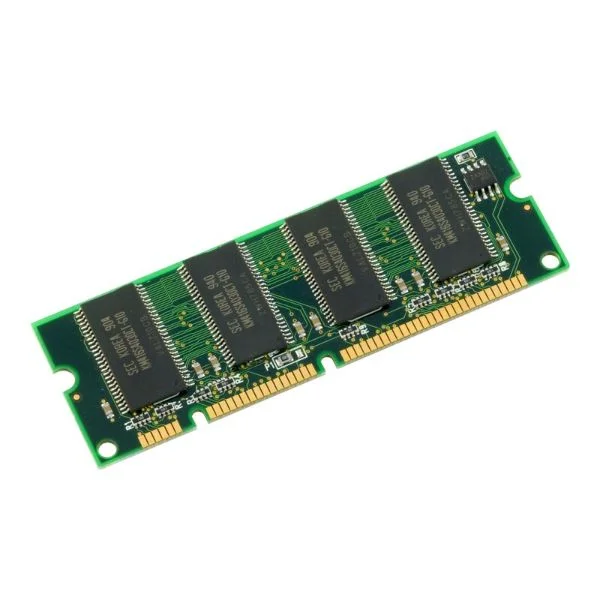
MEM-1900-512U2.5GB (UPG 512MB TO 2.5GB DRAM 2GB+512MB FOR CISCO 1941 ISR)
4.2 (5)- Computer Memory
- Cisco
- DDR4
- 512 GB
- Desktop / Server
- Workstation
- UDIMM
Est Value $716.13
$195.50
72.7% offIn stockNewFirst-Time Buyer Discount – Get up to 2% additional off on your first order
ORM Rewards Earn $50 in Rewards + Free Expedited Delivery – Join Now!
Use eCoupon ORMSAVE10
eCoupon limited to 5 units
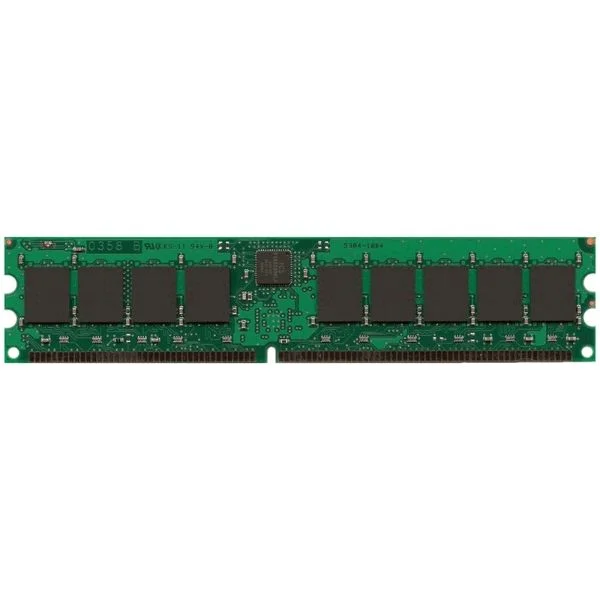
MEM-1900-512MB (Cisco Memory MEM-1900-512MB)
4.6 (5)- Computer Memory
- Cisco
- DDR4
- 512 GB
- Desktop / Laptop / Server
- Workstation
- UDIMM
Est Value $645.00$221.55
65.7% offIn stockNewFirst-Time Buyer Discount – Get up to 2% additional off on your first order
ORM Rewards Earn $50 in Rewards + Free Expedited Delivery – Join Now!
Use eCoupon ORMSAVE10
eCoupon limited to 5 units
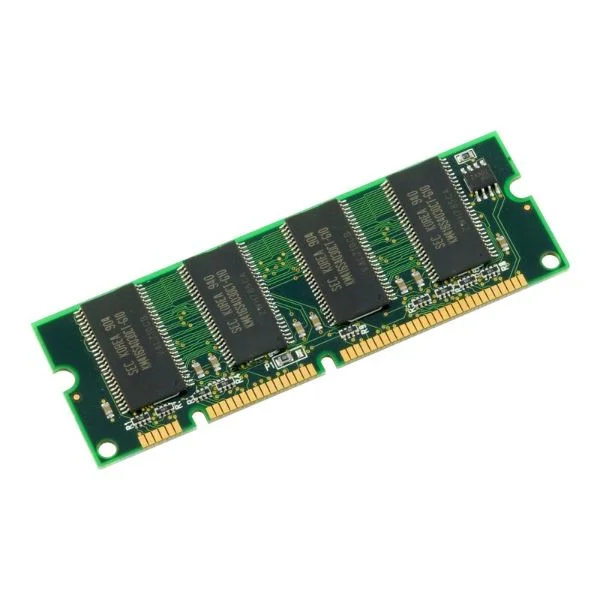
MEM-1900-512U1.5GB (UPG 1.5GB FROM 512MB DRAM FOR CISCO1941 ISR)
4.6 (5)- Computer Memory
- Cisco
- DDR4
- 512 GB
- Desktop
- UDIMM
Est Value $450.00$249.90
44.5% offIn stockNewFirst-Time Buyer Discount – Get up to 2% additional off on your first order
ORM Rewards Earn $50 in Rewards + Free Expedited Delivery – Join Now!
Use eCoupon ORMSAVE10
eCoupon limited to 5 units
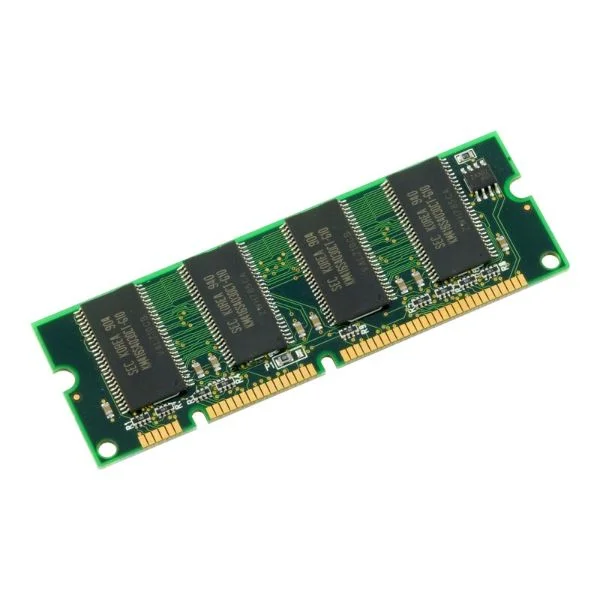
MEM-1900-512U1GB (UPG 512MB TO 1GB DRAM 512MB+512MB FOR CISCO 1941 ISR)
5 (5)- Computer Memory
- Cisco
- DDR4
- 512 GB
- Desktop
- Workstation
- UDIMM
Est Value $531.00$249.90
52.9% offIn stockNewFirst-Time Buyer Discount – Get up to 2% additional off on your first order
ORM Rewards Earn $50 in Rewards + Free Expedited Delivery – Join Now!
Use eCoupon ORMSAVE10
eCoupon limited to 5 units
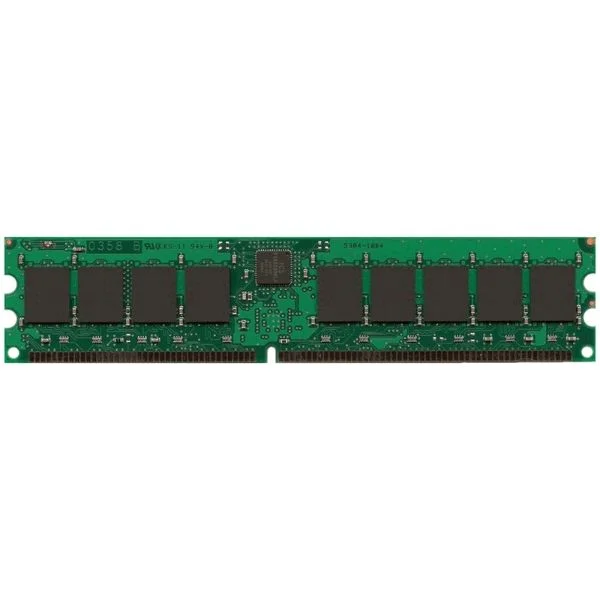
MEM-1900-1GB (Cisco Memory MEM-1900-1GB)
4.8 (5)- Computer Memory
- Cisco
- DDR4
- 1 GB
- Desktop / Laptop / Server
- UDIMM
Est Value $792.00$126.00
84.1% offIn stockNewRefurbishedFirst-Time Buyer Discount – Get up to 2% additional off on your first order
ORM Rewards Earn $50 in Rewards + Free Expedited Delivery – Join Now!
Use eCoupon ORMSAVE10
eCoupon limited to 5 units
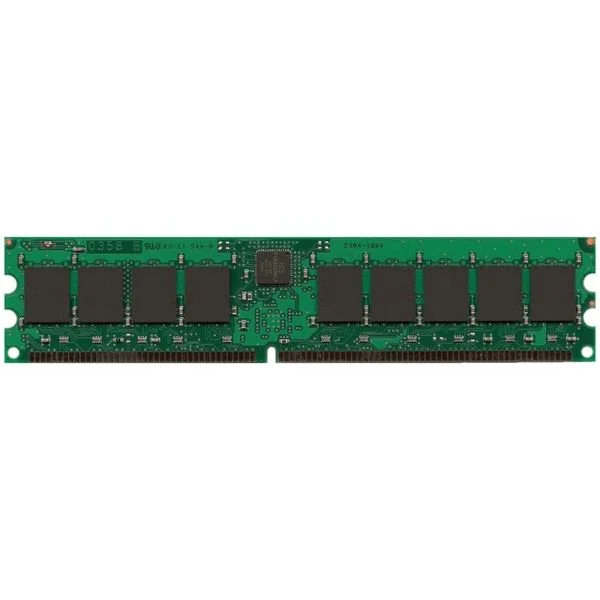
MEM-1900-2GB (Cisco Memory MEM-1900-2GB)
4.6 (5)- Computer Memory
- Cisco
- DDR4
- 2 GB
- Desktop / Laptop / Server
- Workstation
- UDIMM
Est Value $803.00$346.50
56.8% offIn stockNewFirst-Time Buyer Discount – Get up to 2% additional off on your first order
ORM Rewards Earn $50 in Rewards + Free Expedited Delivery – Join Now!
Use eCoupon ORMSAVE10
eCoupon limited to 5 units

ORM Sales Advisors
Buying for your business? Get a personalised quote in under 2 hours. Talk to an expert
LEARNFilters (6) 
Questions & Answers
What are the default DRAM and flash memory specifications on a Cisco 1900 series router?
Cisco 1900 series routers ship with 256 MB of DRAM and 128 MB of flash memory by default, sufficient for standard IOS images and small-scale configurations.
What is the maximum DRAM and flash capacity supported on a Cisco 1900 router?
A Cisco 1900 router supports up to 512 MB of DRAM and 256 MB of CompactFlash, enabling larger IOS feature sets and additional file storage.
How can I check installed DRAM and flash memory on my Cisco 1900 router?
Use the CLI commands `show version` to view DRAM details and `show flash:` to display flash capacity and file listings.
Which memory modules are compatible with Cisco 1900 series routers?
Cisco 1900 routers accept industry-standard DRAM SODIMMs (DDR2 ECC unbuffered) up to 512 MB and Type I/II CompactFlash cards up to 256 MB.
Can I install third-party CompactFlash in a Cisco 1900 router?
Yes, you can use third-party Type I/II CompactFlash cards, but ensure they are industrial-grade and formatted to FAT16 for full IOS compatibility.
How do I upgrade DRAM on a Cisco 1900 router?
Power down the router, remove the chassis cover, install a DDR2 ECC unbuffered SODIMM up to 512 MB in the DRAM slot, then reassemble and power on.
What is the process to upgrade flash memory on a Cisco 1900 router?
Shut down the router, insert a compatible Type I/II CompactFlash card (max 256 MB), power on, then format it using `format flash:` in the CLI.
How does insufficient memory affect Cisco 1900 router performance?
Limited DRAM can cause IOS feature restrictions and slow packet processing, while low flash space can prevent IOS upgrades and log storage.
What are best practices for managing flash space on a Cisco 1900 router?
Regularly delete unused IOS images and log files, organize files in subdirectories, and back up archives externally to maintain at least 20% free space.
How do I clear all files from flash memory on a Cisco 1900 router?
Use `delete flash:*` in privileged EXEC mode and confirm prompts, or reformat with `format flash:` to erase all contents and create a fresh file system.
What is the key difference between DRAM and flash memory on a Cisco router?
DRAM stores the IOS runtime image and routing tables for fast operation, while flash provides persistent storage for IOS, configs, and log files.
Are there software restrictions when upgrading memory on a Cisco 1900 router?
Ensure your IOS version supports increased memory; older images may not recognize expanded DRAM or flash until you install a release with updated memory drivers.
How can I recover from memory corruption on a Cisco 1900 router?
Boot into ROMMON mode, format the corrupted flash with `format flash:`, load a new IOS image via TFTP, then reset configuration as needed.
How do I configure boot variables after upgrading flash on my Cisco 1900 router?
In global configuration, use `boot system flash:` to point to the new IOS file, then save with `write memory` and reload the router.
Will upgrading DRAM or flash memory on my Cisco 1900 router cause downtime?
Yes, memory upgrades require powering down the router to access internal slots and CompactFlash bays, resulting in unavoidable service interruption.
How do I choose the right memory configuration for branch deployments with Cisco 1900 routers?
Assess your IOS feature requirements, VPN endpoints, and logging needs, then allocate up to 512 MB DRAM and 256 MB flash to support advanced services reliably.