 United States
Router Memory & Flash 2900 Series
Enhance network stability with our 2900 router memory and flash modules, engineered for high reliability, rapid data access, and ultimate system performance, ensuring seamless operational efficiency.
Talk to an expert
12 Matching results
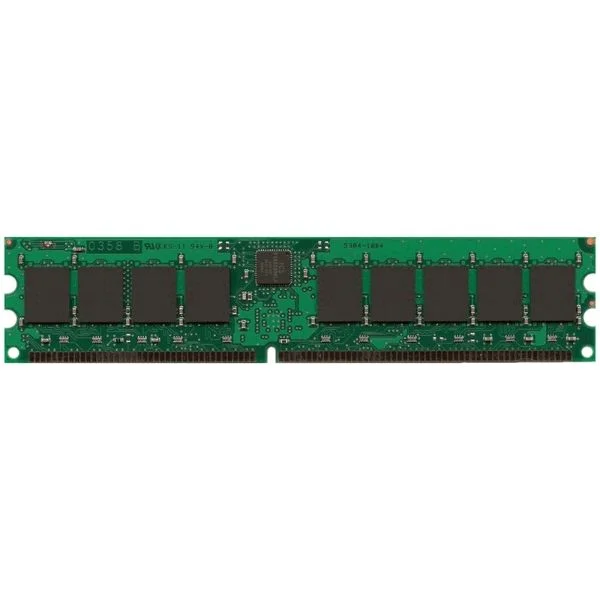
MEM-2900-2GB (2GB DRAM (1 DIMM) for Cisco 2901, 2911, 2921 ISR, Spare)
4.8 (5)- Computer Memory
- Cisco
- DDR4
- 2 GB
- Desktop / Laptop / Server
- UDIMM
Est Value $690.00
$157.50
77.2% offIn stockNewRefurbishedFirst-Time Buyer Discount – Get up to 2% additional off on your first order
ORM Rewards Earn $50 in Rewards + Free Expedited Delivery – Join Now!
Use eCoupon ORMSAVE10
eCoupon limited to 5 units
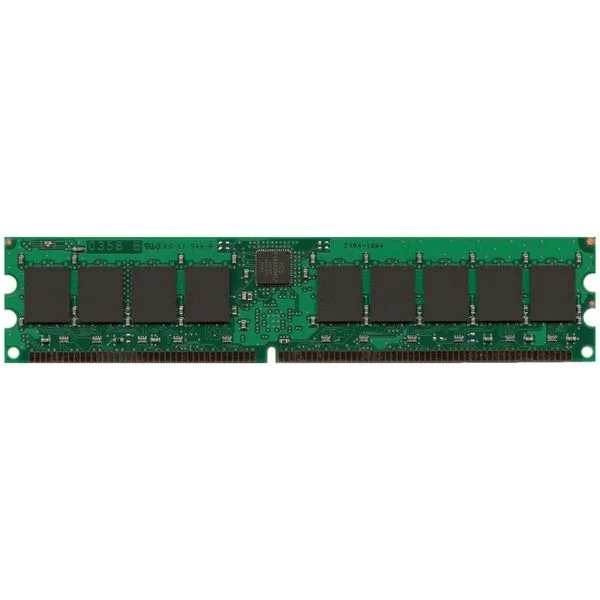
MEM-2900-512MB (512MB DRAM (1 DIMM) for Cisco 2901, 2911, 2921 ISR, Spare)
4.6 (5)- Computer Memory
- Cisco
- DDR4
- 512 MB
- Desktop / Server
- Tower Server / Workstation
- UDIMM
Est Value $460.00$176.40
61.7% offIn stockNewFirst-Time Buyer Discount – Get up to 2% additional off on your first order
ORM Rewards Earn $50 in Rewards + Free Expedited Delivery – Join Now!
Use eCoupon ORMSAVE10
eCoupon limited to 5 units
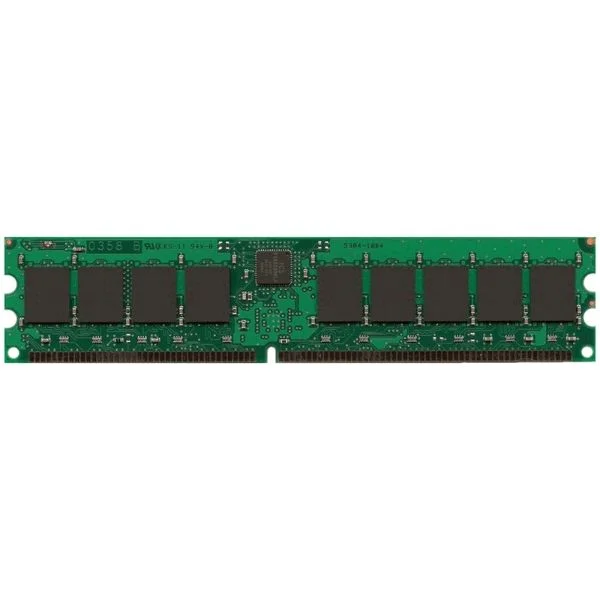
MEM-2900-512U1GB (UPG 1GB KIT 2X512MB FROM 512MB DRAM FOR CISCO 2901-2921)
4.4 (5)- Computer Memory
- Cisco
- DDR4
- 512 GB
- Desktop / Server
- UDIMM
Est Value $600.00$205.80
65.7% offIn stockNewFirst-Time Buyer Discount – Get up to 2% additional off on your first order
ORM Rewards Earn $50 in Rewards + Free Expedited Delivery – Join Now!
Use eCoupon ORMSAVE10
eCoupon limited to 5 units
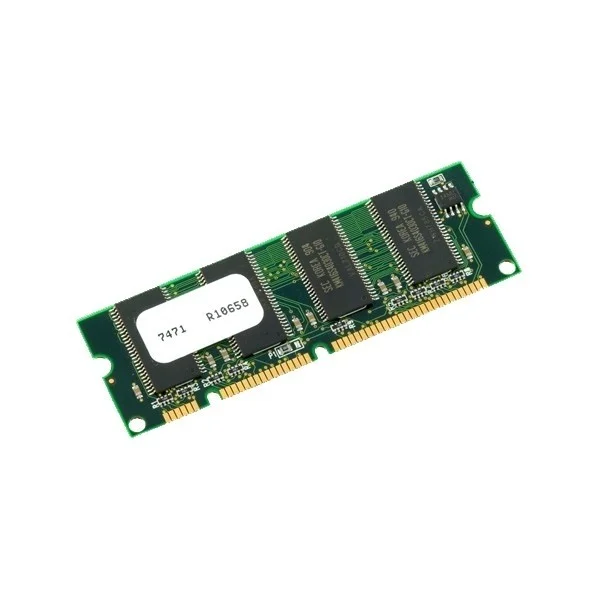
MEM-2951-512MB (512MB DRAM 1 DIMM FOR CISCO 2951 ISR SPARE)
4.4 (5)- Computer Memory
- Cisco
- DDR4
- 512 GB
- Desktop / Laptop / Server
- Workstation
- UDIMM
Est Value $575.00$220.50
61.7% offIn stockNewFirst-Time Buyer Discount – Get up to 2% additional off on your first order
ORM Rewards Earn $50 in Rewards + Free Expedited Delivery – Join Now!
Use eCoupon ORMSAVE10
eCoupon limited to 5 units
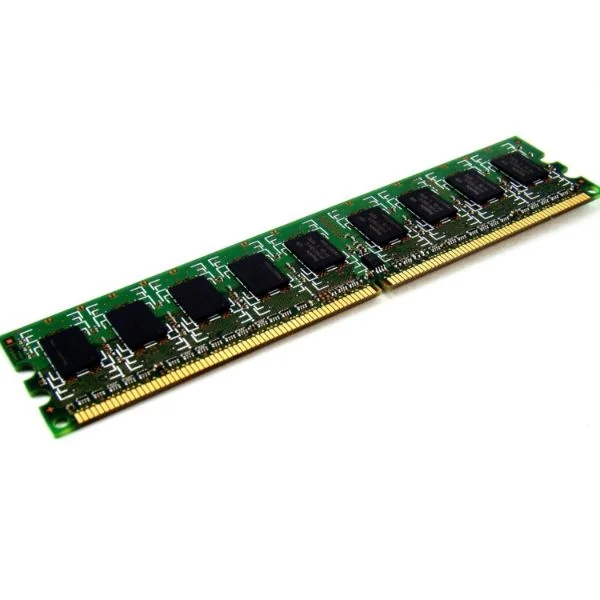
MEM-2900-1GB (1 GB DRAM (1 DIMM) for Cisco 2901, 2911, 2921 ISR, Spare)
4.4 (5)- Computer Memory
- Cisco
- DDR3
- 1 GB
- Desktop
- UDIMM
Est Value $575.00$220.50
61.7% offIn stockNewFirst-Time Buyer Discount – Get up to 2% additional off on your first order
ORM Rewards Earn $50 in Rewards + Free Expedited Delivery – Join Now!
Use eCoupon ORMSAVE10
eCoupon limited to 5 units
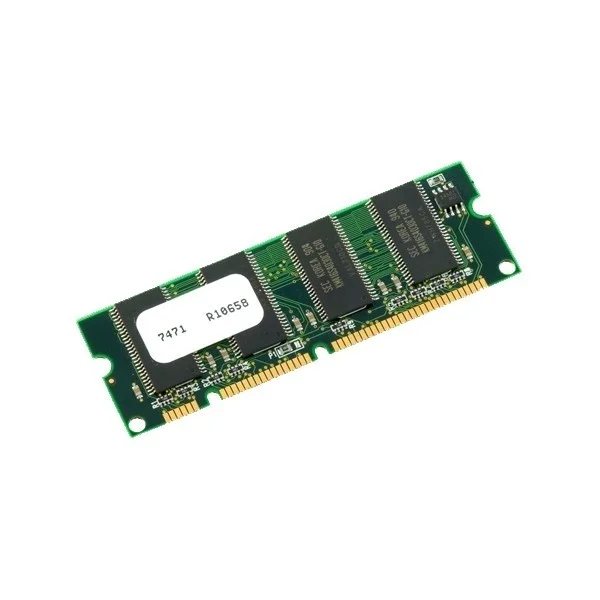
MEM-2951-512U1GB (512MB to 1GB DRAM Upgrade (1 1GB DIMM) for Cisco 2951 ISR)
4.4 (5)- Computer Memory
- Cisco
- DDR4
- 512 GB
- Desktop / Laptop / Server
- Rack Server / Tower Server / Blade Server / Workstation / N/A
- UDIMM
Est Value $600.00$252.00
58% offIn stockNewFirst-Time Buyer Discount – Get up to 2% additional off on your first order
ORM Rewards Earn $50 in Rewards + Free Expedited Delivery – Join Now!
Use eCoupon ORMSAVE10
eCoupon limited to 5 units
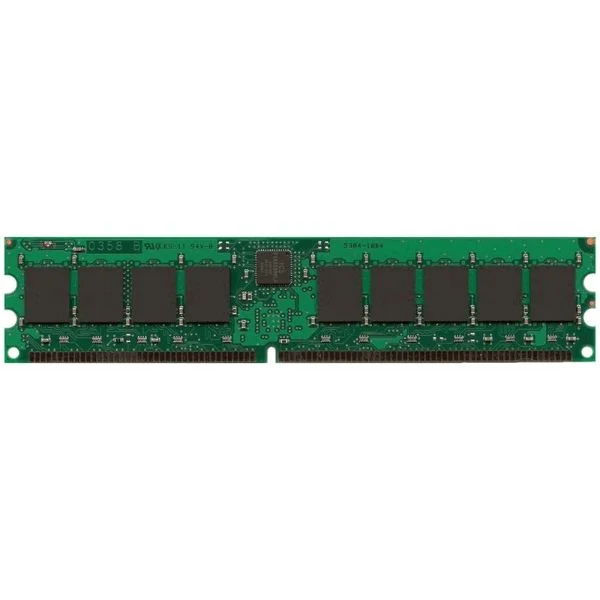
MEM-2951-512U1.5GB (UPG 1.5GB FROM 512MB DRAM 1GB+512MB FOR 2951 ISR)
4.6 (5)- Computer Memory
- Cisco
- DDR4
- 512 GB
- Desktop / Laptop / Server
- Workstation
- UDIMM
Est Value $700.00$301.35
57% offIn stockNewFirst-Time Buyer Discount – Get up to 2% additional off on your first order
ORM Rewards Earn $50 in Rewards + Free Expedited Delivery – Join Now!
Use eCoupon ORMSAVE10
eCoupon limited to 5 units
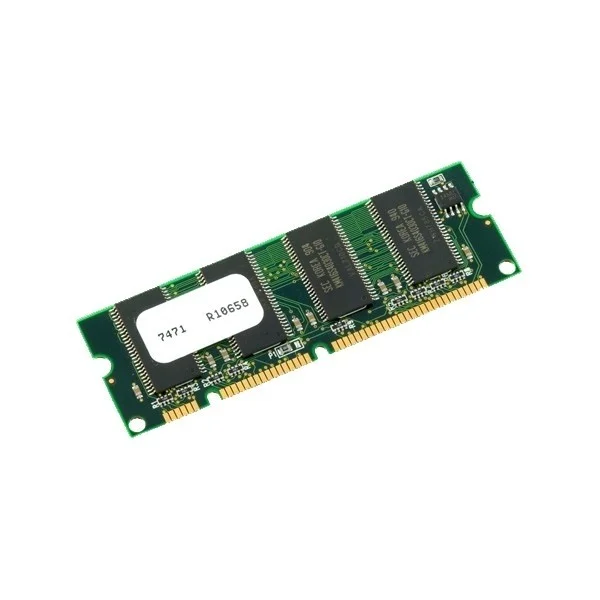
MEM-2900-512U1.5GB (UPG 512MB TO 1.5GB DRAM 1GB+512MB FOR CISCO 2901-2921)
4.6 (5)- Computer Memory
- Cisco
- DDR3
- 1.5GB
- Desktop
- UDIMM
Est Value $600.00$329.70
45.1% offIn stockNewFirst-Time Buyer Discount – Get up to 2% additional off on your first order
ORM Rewards Earn $50 in Rewards + Free Expedited Delivery – Join Now!
Use eCoupon ORMSAVE10
eCoupon limited to 5 units
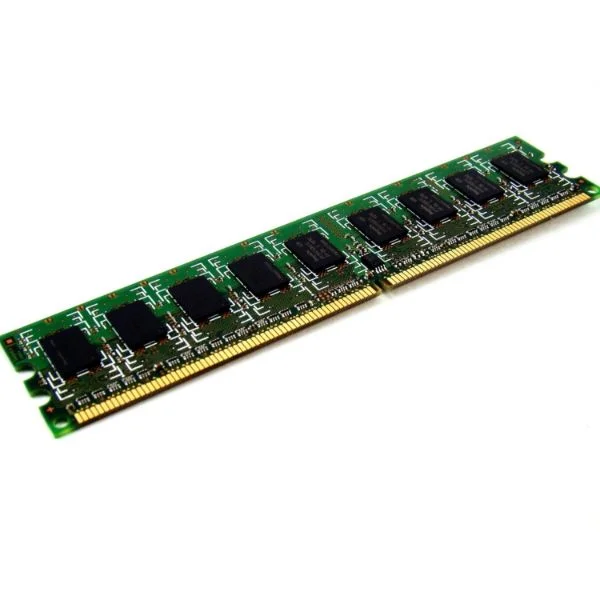
MEM-2900-512U2.5GB (512MB to 2.5GB DRAM Upgrade (2GB+512MB) for Cisco 2901-2921)
4.8 (5)- Computer Memory
- Cisco
- DDR4
- 512 GB
- Desktop / Server
- Rack Server
- UDIMM
Est Value $606.99$331.42
45.4% offIn stockNewFirst-Time Buyer Discount – Get up to 2% additional off on your first order
ORM Rewards Earn $50 in Rewards + Free Expedited Delivery – Join Now!
Use eCoupon ORMSAVE10
eCoupon limited to 5 units
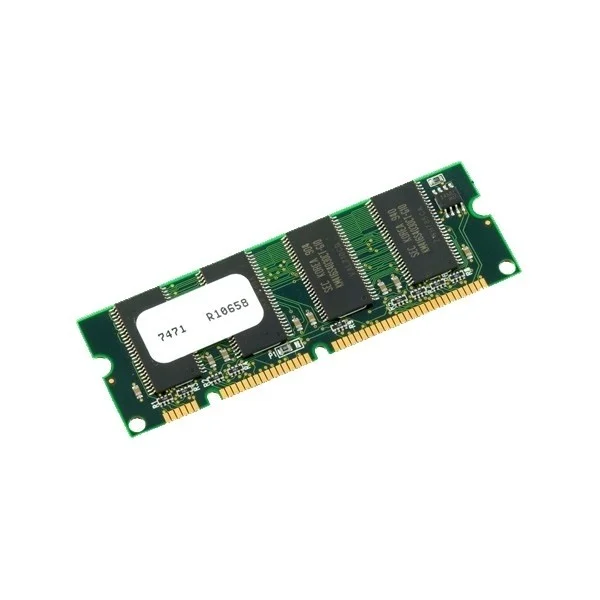
MEM-2951-512U2GB (512MB to 2GB DRAM Upgrade (1 2GB DIMM) for Cisco 2951 ISR)
5 (5)- Computer Memory
- Cisco
- DDR4
- 512 GB
- Desktop
- Workstation
- UDIMM
Est Value $2,252.63$1,922.98
14.6% offIn stockNewRefurbishedFirst-Time Buyer Discount – Get up to 2% additional off on your first order
ORM Rewards Earn $50 in Rewards + Free Expedited Delivery – Join Now!
Use eCoupon ORMSAVE10
eCoupon limited to 5 units
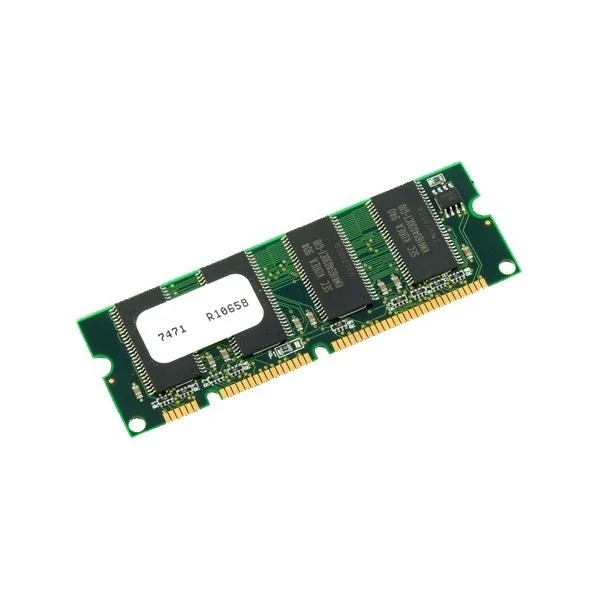
MEM-2951-512U2.5GB (512MB to 2.5GB DRAM Upgrade (2GB+512MB) for Cisco 2951 ISR)
4.6 (5)- Computer Memory
- Cisco
- DDR4
- 512 GB
- Desktop
- UDIMM
Est Value $750.00$379.05
49.5% offIn stockNewFirst-Time Buyer Discount – Get up to 2% additional off on your first order
ORM Rewards Earn $50 in Rewards + Free Expedited Delivery – Join Now!
Use eCoupon ORMSAVE10
eCoupon limited to 5 units
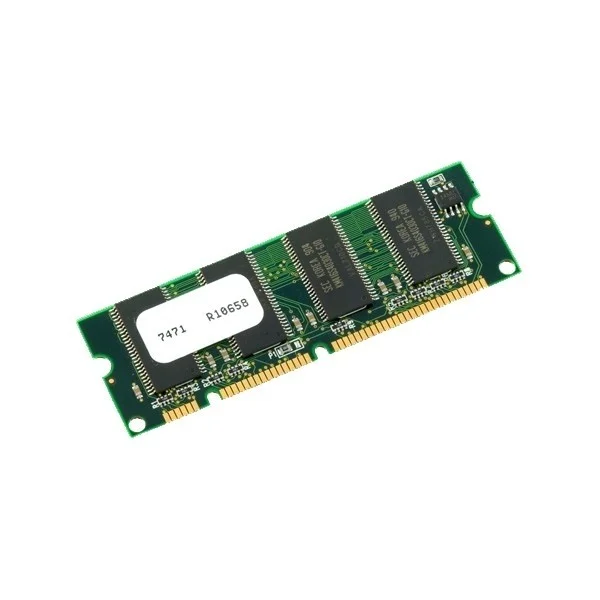
MEM-2951-512U4GB (512MB to 4GB DRAM Upgrade (2 2GB DIMM) for Cisco 2951 ISR)
4.6 (5)- Computer Memory
- Cisco
- DDR4
- 4 GB
- Desktop / Laptop / Server
- Workstation
- UDIMM
Est Value $1,200.00$505.05
57.9% offIn stockNewFirst-Time Buyer Discount – Get up to 2% additional off on your first order
ORM Rewards Earn $50 in Rewards + Free Expedited Delivery – Join Now!
Use eCoupon ORMSAVE10
eCoupon limited to 5 units

ORM Sales Advisors
Buying for your business? Get a personalised quote in under 2 hours. Talk to an expert
LEARNFilters (12) 
Questions & Answers
What are the default RAM and flash memory specifications on a Cisco 2900 series router?
A Cisco 2900 series router ships with 256 MB of DDR2 DRAM and 128 MB of internal flash memory by default.
How do I check the installed DRAM and flash memory on my Cisco 2900 router?
Use the CLI commands show version to view DRAM and show flash: to list flash capacity and contents.
What is the maximum DRAM capacity supported by the Cisco 2900 series?
The Cisco 2900 series supports up to 2 GB of DDR2 DRAM for enhanced routing, security, and voice services.
What flash memory capacities are supported on the Cisco 2900 routers?
Cisco 2900 routers support up to 512 MB of internal flash and an optional CompactFlash card slot of up to 32 GB.
Which types of memory modules are compatible with the Cisco 2900 series?
Cisco 2900 routers require Cisco-qualified DDR2 DRAM and flash modules to ensure full compatibility and warranty support.
Can I use third-party memory modules in my Cisco 2900 router?
Cisco strongly recommends using genuine Cisco memory modules to maintain stability, performance, and warranty compliance.
How do I upgrade DRAM on a Cisco 2900 series router?
Power off the router, remove the chassis cover, install the Cisco DDR2 DRAM module into the DRAM slot, replace the cover, and power on.
How can I upgrade or replace the flash memory in a 2900 router?
Shut down the router, open the flash compartment, swap the flash chip or install a CompactFlash card, then reboot and verify with show flash:.
What is NVRAM on a Cisco 2900 router used for?
NVRAM stores the router’s startup configuration file, retaining it across reboots and power cycles.
How do I clear DRAM and flash memory settings on a Cisco 2900 router?
Use erase startup-config to clear NVRAM, then format flash: to erase internal flash contents.
How do I recover a corrupted flash image on a Cisco 2900 series router?
Enter ROMMON mode, configure IP and TFTP parameters, then use the tftpdnld command to download a new IOS image.
What file systems are supported by flash memory on the Cisco 2900 series?
Internal flash uses the Cisco proprietary file system, while external CompactFlash supports FAT16 and FAT32 formats.
How does DRAM capacity affect performance on a Cisco 2900 router?
Higher DRAM enables larger routing tables, more concurrent sessions, and advanced feature sets without memory-related slowdowns.
What factors should I consider when selecting a memory upgrade for my Cisco 2900 router?
Evaluate required IOS feature sets, expected routing table size, voice or security workloads, and ensure Cisco compatibility.
Can I hot-swap DRAM or flash modules in the Cisco 2900 series?
No, hot-swapping is not supported. Always power down the router before installing or replacing memory modules.
How do I verify that a newly installed memory upgrade is recognized by my Cisco 2900 router?
After reboot, run show version to confirm DRAM and show flash: to verify flash capacity and module details.