 United States
Equipment Asa 5500 Performance
Engineered with precision and durability, the Asa 5500 offers unmatched reliability and efficiency in industrial applications. Discover innovative solutions with optimized performance for your business needs.
Talk to an expert
6 Matching results
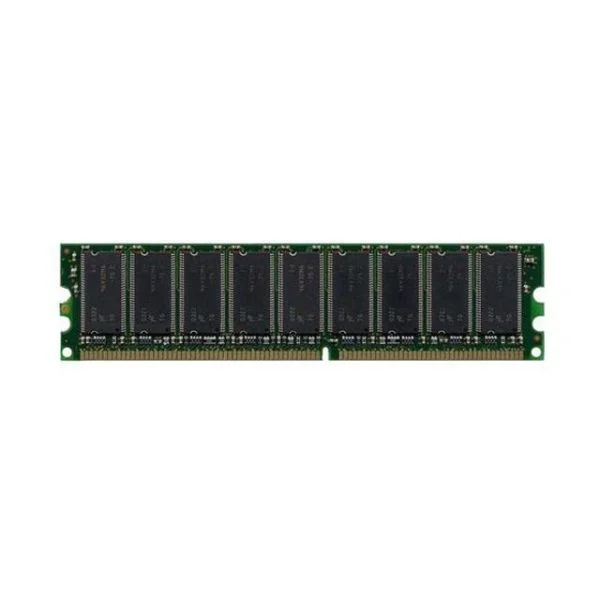
ASA5520-MEM-2GB (2GB MEMORY FOR CISCO ASA 5520)
4.6 (5)- Computer Memory
- Cisco
- DDR4
- 2 GB
- Desktop / Laptop / Server
- Workstation
- UDIMM
Est Value $745.59
$476.46
36.1% offIn stockNewRefurbishedFirst-Time Buyer Discount – Get up to 2% additional off on your first order
ORM Rewards Earn $50 in Rewards + Free Expedited Delivery – Join Now!
Use eCoupon ORMSAVE10
eCoupon limited to 5 units
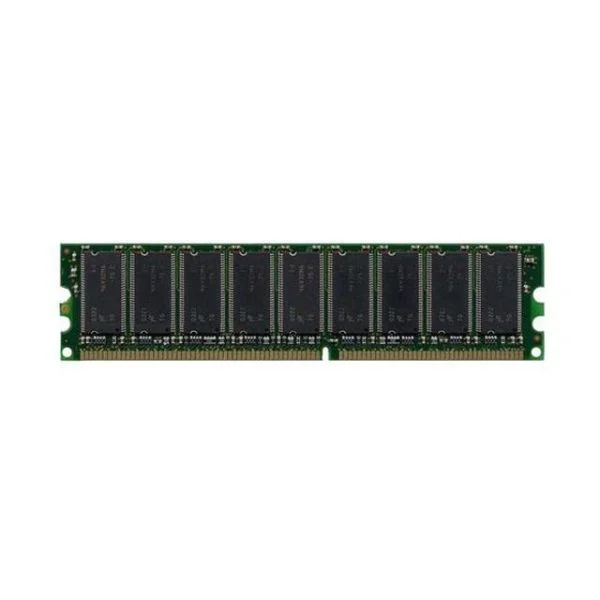
ASA5540-MEM-2GB (2GB MEMORY FOR CISCO ASA 5540)
4.8 (5)- Computer Memory
- Cisco
- DDR4
- 2 GB
- Desktop
- Workstation
- UDIMM
Est Value $1,406.51$1,200.68
14.6% offIn stockNewRefurbishedFirst-Time Buyer Discount – Get up to 2% additional off on your first order
ORM Rewards Earn $50 in Rewards + Free Expedited Delivery – Join Now!
Use eCoupon ORMSAVE10
eCoupon limited to 5 units
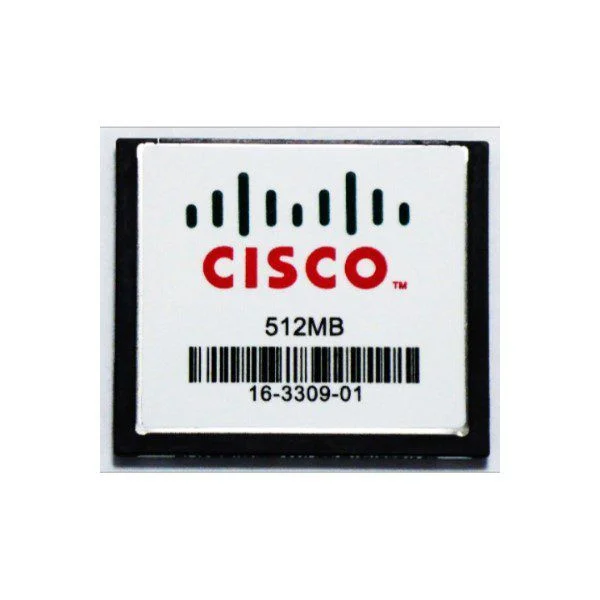
ASA5500-CF-512MB (ASA 5500 SERIES COMPACT FLASH 512MB)
4.6 (5)- Computer Memory
- Cisco
- DDR3
- 512 MB
- Desktop / Laptop / Server
- SODIMM
Est Value $581.70$136.91
76.5% offIn stockNewRefurbishedFirst-Time Buyer Discount – Get up to 2% additional off on your first order
ORM Rewards Earn $50 in Rewards + Free Expedited Delivery – Join Now!
Use eCoupon ORMSAVE10
eCoupon limited to 5 units
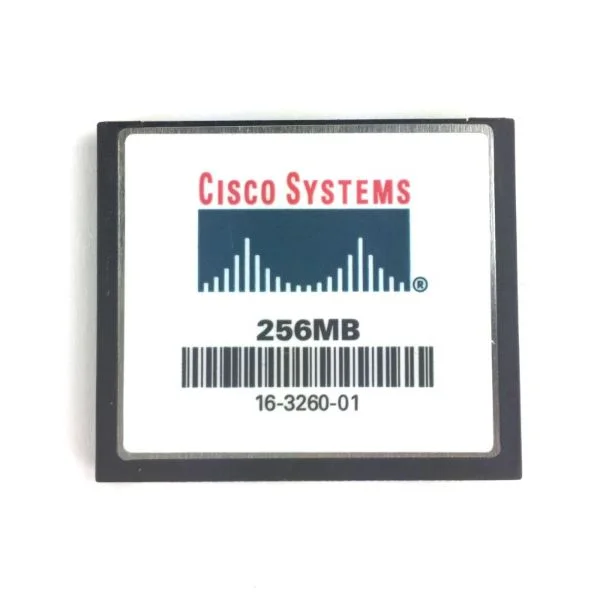
ASA5500-CF-256MB (ASA 5500 SERIES COMPACT FLASH 256MB)
4.6 (5)- Computer Memory
- Cisco
- DDR4
- 256 MB
- Desktop
- UDIMM
Est Value $379.37$112.27
70.4% offIn stockNewRefurbishedFirst-Time Buyer Discount – Get up to 2% additional off on your first order
ORM Rewards Earn $50 in Rewards + Free Expedited Delivery – Join Now!
Use eCoupon ORMSAVE10
eCoupon limited to 5 units
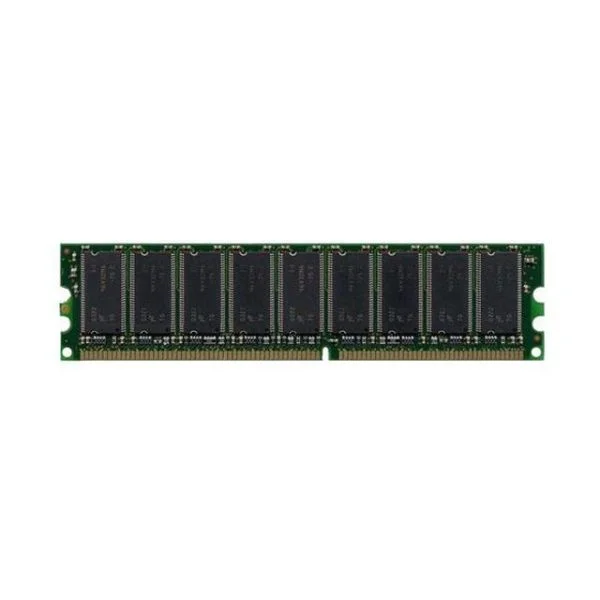
ASA5505-MEM-512 (512MB MEMORY FOR ASA 5505)
4.6 (5)- Computer Memory
- Cisco
- DDR4
- 512 GB
- Desktop / Laptop / Server
- Rack Server / Tower Server / Blade Server / Workstation / N/A
- UDIMM
Est Value $266.63$227.61
14.6% offIn stockNewRefurbishedFirst-Time Buyer Discount – Get up to 2% additional off on your first order
ORM Rewards Earn $50 in Rewards + Free Expedited Delivery – Join Now!
Use eCoupon ORMSAVE10
eCoupon limited to 5 units
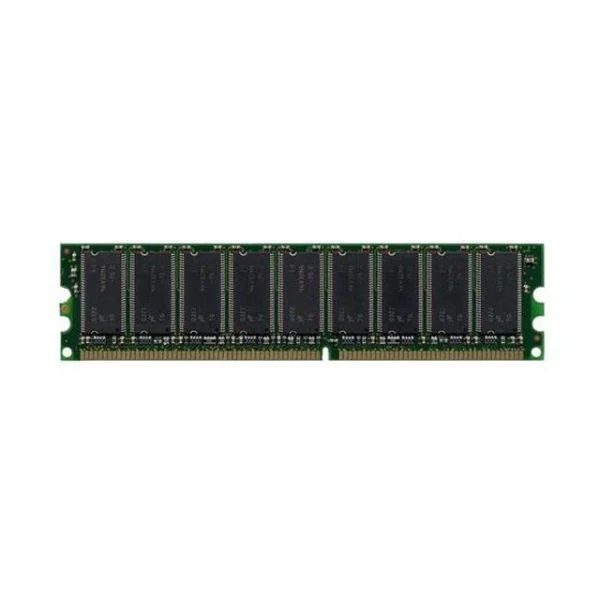
ASA5510-MEM-1GB (1GB MEMORY FOR CISCO ASA 5510)
4.8 (5)- Computer Memory
- Cisco
- DDR3
- 1GB
- Server
- UDIMM
Est Value $354.07$68.76
80.6% offIn stockNewRefurbishedFirst-Time Buyer Discount – Get up to 2% additional off on your first order
ORM Rewards Earn $50 in Rewards + Free Expedited Delivery – Join Now!
Use eCoupon ORMSAVE10
eCoupon limited to 5 units

ORM Sales Advisors
Buying for your business? Get a personalised quote in under 2 hours. Talk to an expert
LEARNFilters (6) 
Questions & Answers
What is the Cisco ASA 5500 series firewall?
The Cisco ASA 5500 series is a family of stateful inspection firewalls that deliver integrated VPN, advanced security services, and flexible deployment for small to medium-size enterprises.
Which models are included in the ASA 5500 series?
The ASA 5500 series comprises six models—ASA 5505, 5510, 5520, 5540, 5550, and 5580—each offering different throughput, interface count, and security module options to suit varied network sizes.
What firewall throughput can the ASA 5500 series deliver?
Throughput ranges from 150 Mbps on the ASA 5505 up to 20 Gbps on the ASA 5580, with actual performance depending on enabled services and hardware module configurations.
Does the ASA 5500 series support VPN connectivity?
Yes. ASA 5500 appliances support both IPsec site-to-site VPN and SSL/DTLS remote-access VPN to secure branch links and mobile users.
How many VPN tunnels can an ASA 5500 handle?
Depending on the model and licensing, ASA 5500 devices support between 10 and 1,000+ concurrent VPN tunnels—expandable via Security Plus or AnyConnect licenses.
What high-availability features are available on the ASA 5500?
ASA 5500 supports active/standby and active/active failover with stateful session synchronization to ensure uninterrupted connectivity and seamless session recovery.
Which security services can integrate with ASA 5500?
You can integrate intrusion prevention (IPS), antivirus, URL filtering, and content security via Cisco’s Security Services Modules or the ASA Security Services Processor for layered defense.
What licensing options are available for the ASA 5500 series?
Licenses include Security Plus (enhanced throughput and VPN), AnyConnect (SSL VPN client access), Contextual Visibility, and advanced security services module activation.
How do I upgrade the firmware on an ASA 5500 device?
Download the latest ASA OS image from Cisco, copy it to flash via TFTP/FTP, then set the boot system configuration and reload the appliance to apply the update.
How can I configure basic firewall policies on the ASA 5500?
Use Cisco ASDM’s built-in wizards or the CLI to define interfaces, access-lists, NAT rules, and service policies for granular traffic control.
What tools are available to monitor ASA 5500 performance?
Monitor logs and statistics with ASDM, Cisco Security Manager, SNMP polling, and syslog exports to network management systems for real-time visibility and alerts.
Does the ASA 5500 series support intrusion prevention?
Yes. You can deploy Cisco’s IPS module or integrated Security Services Processor to enable signature-based and behavioral intrusion prevention on ASA 5500 appliances.
Which management platforms work with ASA 5500?
ASA 5500 can be managed via Cisco ASDM, Cisco Security Manager, and Prime Infrastructure, or centrally orchestrated through Cisco Defense Orchestrator for policy standardization.
Is the ASA 5500 series still supported by Cisco?
Cisco has announced end-of-sale and end-of-life for the ASA 5500 series; limited support and extended bug fixes are available until the published end-of-life date—customers should verify current support status.
What firewall solutions replace the ASA 5500 series?
Cisco recommends migrating to the Firepower Threat Defense (FTD) platform on Firepower 1000/2100/4100 series appliances for next-generation firewall features and unified threat defense.