 United States
Memory & Flash ISr 4000
The ISr 4000 Memory & Flash system delivers exceptional performance, high reliability, and cutting-edge technology for secure data storage, optimized for rapid processing and seamless integration.
Talk to an expert
13 Matching results
- BEST SELLING
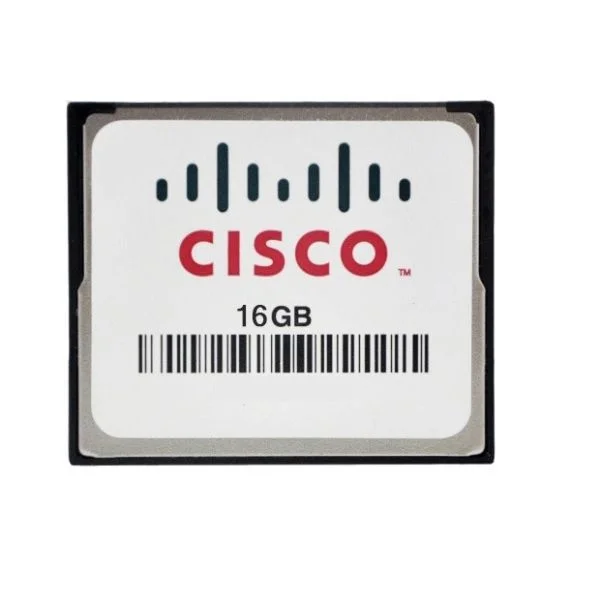
MEM-FLASH-16G (16G Flash Memory for Cisco ISR 4400, Spare)
5 (5)- Computer Memory
- Cisco
- DDR4
- 16 GB
- Desktop / Laptop / Server
- Tower Server / Workstation
- UDIMM
Est Value $2,312.00
$434.01
81.2% offIn stockNewRefurbishedFirst-Time Buyer Discount – Get up to 2% additional off on your first order
ORM Rewards Earn $50 in Rewards + Free Expedited Delivery – Join Now!
Use eCoupon ORMSAVE10
eCoupon limited to 5 units
- BEST SELLING
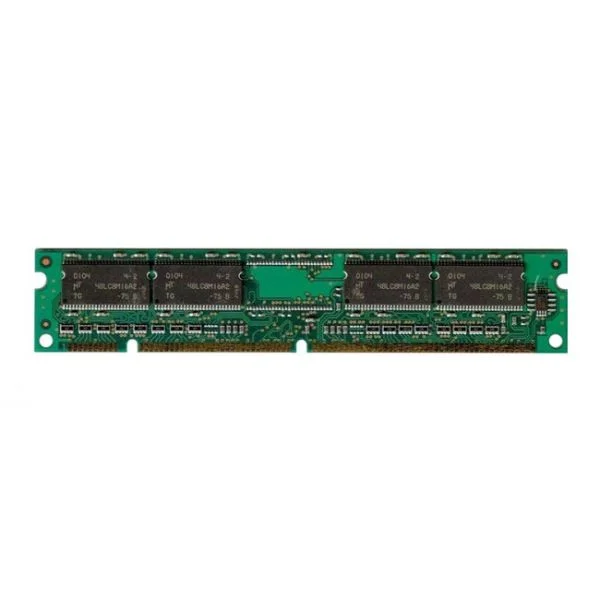
MEM-4460-8G (8G DRAM (1 DIMM) for Cisco ISR 4460)
4.6 (5)- Computer Memory
- Cisco
- DDR4
- 8 GB
- Desktop
- Workstation
- UDIMM
Est Value $1,177.00$648.90
44.9% offIn stockNewFirst-Time Buyer Discount – Get up to 2% additional off on your first order
ORM Rewards Earn $50 in Rewards + Free Expedited Delivery – Join Now!
Use eCoupon ORMSAVE10
eCoupon limited to 5 units
- BEST SELLING
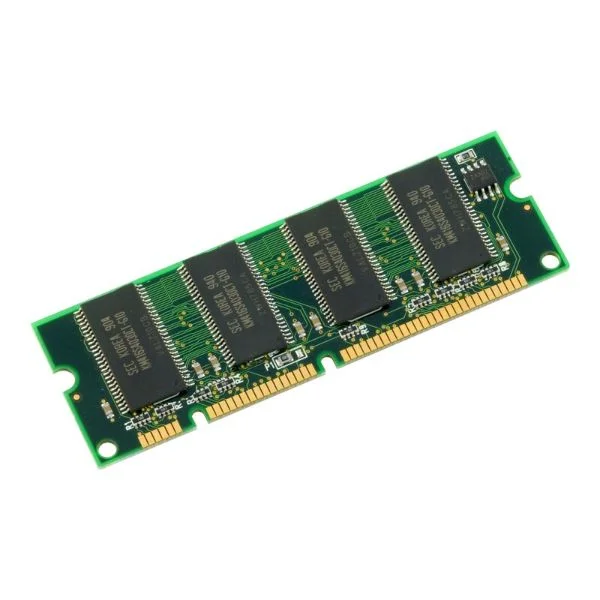
MEM-FLSH-8GU32G (8G TO 32G FLASH MEM UPG FOR ISR4460)
4.6 (5)- Computer Memory
- Cisco
- DDR4
- 8 GB
- Desktop / Laptop
- Workstation
- UDIMM
Est Value $1,774.00$889.35
49.9% offIn stockNewFirst-Time Buyer Discount – Get up to 2% additional off on your first order
ORM Rewards Earn $50 in Rewards + Free Expedited Delivery – Join Now!
Use eCoupon ORMSAVE10
eCoupon limited to 5 units
- BEST SELLING
MEM-4460-32G (32G DRAM 1DIMM FOR ISR4460)
5 (5)- Computer Memory
- Cisco
- DDR4
- 32 GB
- Desktop / Laptop / Server
- Rack Server / Tower Server / Blade Server / Workstation / N/A
- UDIMM
Est Value $4,713.00$2,609.25
44.6% offIn stockNewFirst-Time Buyer Discount – Get up to 2% additional off on your first order
ORM Rewards Earn $50 in Rewards + Free Expedited Delivery – Join Now!
Use eCoupon ORMSAVE10
eCoupon limited to 5 units
- FEARURED
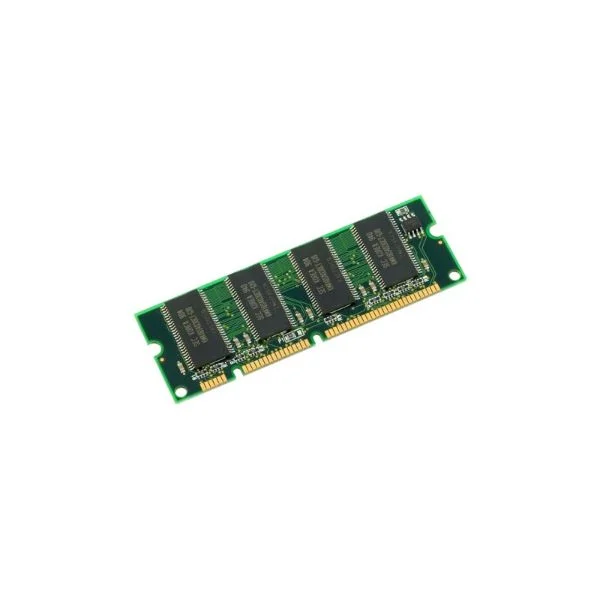
MEM-4460-16G (16G DRAM 1DIMM FOR ISR 4461)
4.8 (5)- Computer Memory
- Cisco
- DDR4
- 16 GB
- Desktop
- Workstation
- UDIMM
Est Value $1,532.00$229.95
85% offIn stockNewFirst-Time Buyer Discount – Get up to 2% additional off on your first order
ORM Rewards Earn $50 in Rewards + Free Expedited Delivery – Join Now!
Use eCoupon ORMSAVE10
eCoupon limited to 5 units
- FEARURED
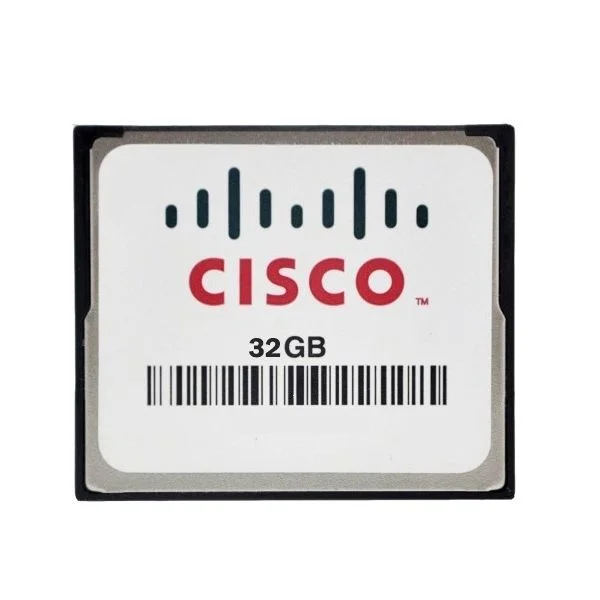
MEM-FLASH-32G (32G Flash Memory for Cisco ISR 4400, Spare)
4.4 (5)- Computer Memory
- Cisco
- DDR4
- 32 GB
- Desktop / Laptop / Server
- Workstation
- UDIMM
Est Value $4,275.00$2,124.15
50.3% offIn stockNewFirst-Time Buyer Discount – Get up to 2% additional off on your first order
ORM Rewards Earn $50 in Rewards + Free Expedited Delivery – Join Now!
Use eCoupon ORMSAVE10
eCoupon limited to 5 units
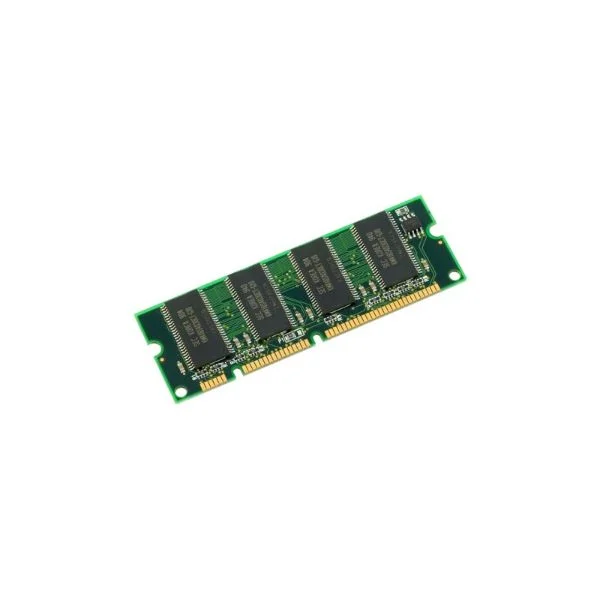
MEM-4400-DP-2G (2GBE DRAM 1 DIMM FOR ISR 4400 DATA PLANE)
4.4 (5)- Computer Memory
- Cisco
- DDR4
- 8 GB
- Desktop / Laptop / Server
- Workstation
- UDIMM
Est Value $952.00$156.99
83.5% offIn stockNewRefurbishedFirst-Time Buyer Discount – Get up to 2% additional off on your first order
ORM Rewards Earn $50 in Rewards + Free Expedited Delivery – Join Now!
Use eCoupon ORMSAVE10
eCoupon limited to 5 units
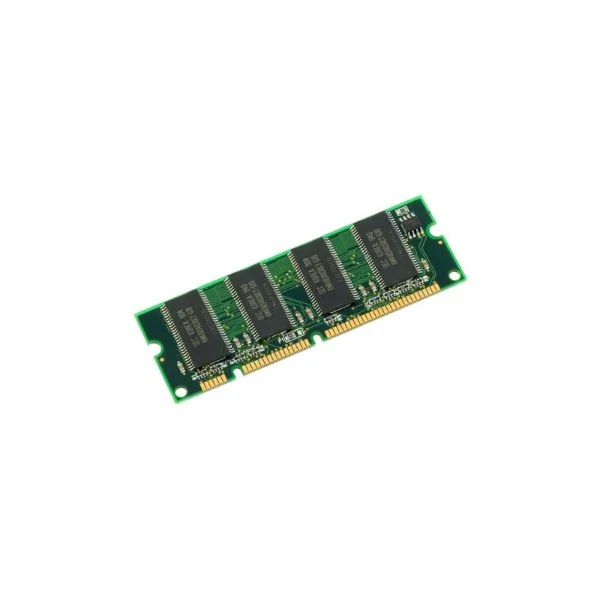
MEM-4400-2G (2G DRAM (1 DIMM) for Cisco ISR 4400, Spare)
4.4 (5)- Computer Memory
- Cisco
- DDR4
- 4 GB
- Desktop / Laptop
- SODIMM
Est Value $489.00$73.49
85% offIn stockNewRefurbishedFirst-Time Buyer Discount – Get up to 2% additional off on your first order
ORM Rewards Earn $50 in Rewards + Free Expedited Delivery – Join Now!
Use eCoupon ORMSAVE10
eCoupon limited to 5 units
MEM-FD4G (Cisco 4GB PC ATA Flash Disk)
4.4 (5)- Computer Memory
- Cisco
- DDR4
- 16 GB
- Desktop / Laptop / Server
- Workstation
- UDIMM
Est Value $2,658.00$398.71
85% offIn stockNewRefurbishedFirst-Time Buyer Discount – Get up to 2% additional off on your first order
ORM Rewards Earn $50 in Rewards + Free Expedited Delivery – Join Now!
Use eCoupon ORMSAVE10
eCoupon limited to 5 units
- BEST SELLING
MEM-FLSH-8GU16G (8G TO 16G FLASH MEM UPG FOR ISR 4400)
4.8 (5)- Computer Memory
- Cisco
- DDR4
- 8 GB
- Desktop
- Workstation
- UDIMM
Est Value $545.00$81.90
85% offIn stockNewFirst-Time Buyer Discount – Get up to 2% additional off on your first order
ORM Rewards Earn $50 in Rewards + Free Expedited Delivery – Join Now!
Use eCoupon ORMSAVE10
eCoupon limited to 5 units
- FEARURED
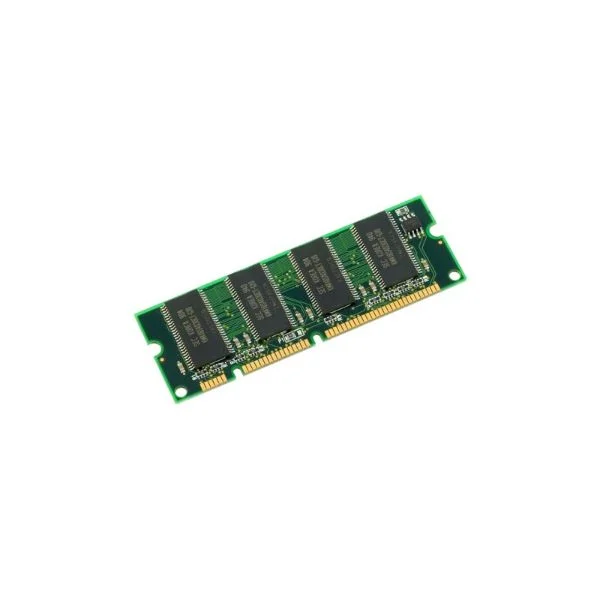
MEM-4400-8G (8G DRAM (1 DIMM) for Cisco ISR 4400, Spare)
4.6 (5)- Computer Memory
- Cisco
- DDR4
- 8 GB
- Desktop
- UDIMM
Est Value $4,201.20$3,586.39
14.6% offIn stockNewRefurbishedFirst-Time Buyer Discount – Get up to 2% additional off on your first order
ORM Rewards Earn $50 in Rewards + Free Expedited Delivery – Join Now!
Use eCoupon ORMSAVE10
eCoupon limited to 5 units
- FEARURED
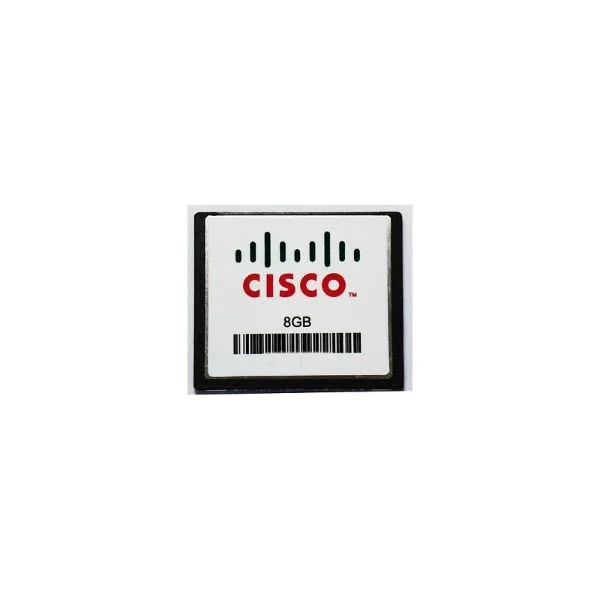
MEM-FLASH-8G (8GBE FLASH MEMORY FOR ISR 4400)
4.8 (5)- Computer Memory
- Cisco
- DDR4
- 8 GB
- Desktop
- UDIMM
Est Value $565.00$84.83
85% offIn stockNewFirst-Time Buyer Discount – Get up to 2% additional off on your first order
ORM Rewards Earn $50 in Rewards + Free Expedited Delivery – Join Now!
Use eCoupon ORMSAVE10
eCoupon limited to 5 units
- FEARURED
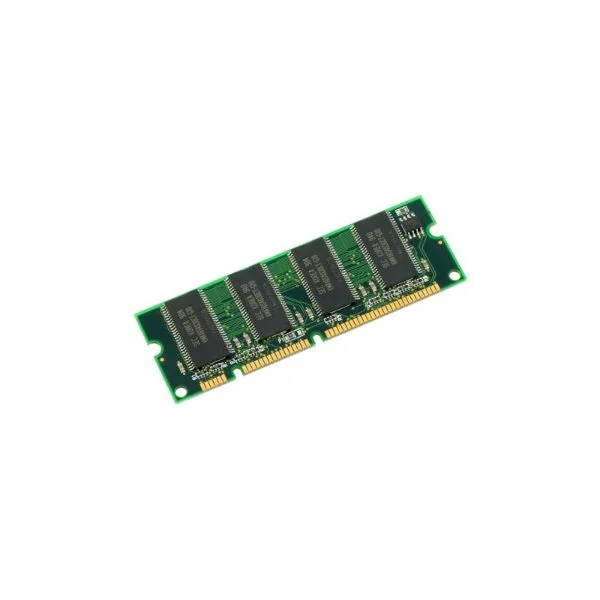
MEM-4400-4G (4G DRAM (2G+2G) for Cisco ISR 4400)
4.4 (5)- Computer Memory
- Cisco
- DDR4
- 4 GB
- Desktop / Laptop / Server
- Workstation
- UDIMM
Est Value $454.00$68.24
85% offIn stockNewRefurbishedFirst-Time Buyer Discount – Get up to 2% additional off on your first order
ORM Rewards Earn $50 in Rewards + Free Expedited Delivery – Join Now!
Use eCoupon ORMSAVE10
eCoupon limited to 5 units

ORM Sales Advisors
Buying for your business? Get a personalised quote in under 2 hours. Talk to an expert
LEARNFilters (13) 
Questions & Answers
What is the default DRAM and flash configuration on Cisco ISR 4000 routers?
Cisco ISR 4000 routers ship with model-dependent DRAM from 2 GB to 8 GB and onboard flash from 2 GB to 16 GB by default.
How do I check current memory and flash usage on an ISR 4000?
Use IOS XE CLI: “show memory statistics platform” for DRAM and “show flash:” or “dir flash:” for flash usage.
Can I upgrade the DRAM on my ISR 4000 series router?
Yes. You can install Cisco-approved DRAM upgrade kits to expand memory up to 16 GB, subject to your specific ISR 4000 model.
What flash module types are supported by ISR 4000 routers?
Supported media include onboard embedded flash, mini-USB flash drives, EHWIC flash modules and High-Density MultiMedia (SD) cards.
What is the maximum memory and flash capacity for ISR 4000?
Depending on model, you can have up to 16 GB DDR4 DRAM and a combined total of 32 GB flash via onboard and external modules.
How does DRAM and flash capacity impact ISR 4000 performance?
More DRAM supports additional IOS XE services (encryption, SD-WAN, IPS), while larger flash speeds up image loading and log caching.
Which IOS XE features on ISR 4000 demand the most memory?
High-throughput encryption, SD-WAN, advanced threat defense and containerized services require larger DRAM allocations.
What steps are required to upgrade flash on an ISR 4000?
Power off, insert the approved flash module (mini-USB, SD or EHWIC), power on, then verify with “show flash:”.
Does ISR 4000 support external USB flash drives?
Yes. The mini-USB port accepts up to 128 GB USB flash drives for additional IOS images or file storage.
What are best practices for optimizing memory usage on ISR 4000?
Disable unused features, monitor with “show memory”, configure memory pools, upgrade to latest IOS XE and scale DRAM as needed.
How much flash is recommended for IOS XE image installation?
Allocate at least 4 GB flash per image (typical IOS XE release is 1.5–2 GB), plus 2 GB for logs and temporary files.
Are flash modules hot-swappable on the ISR 4000 series?
Mini-USB and SD card modules are hot-pluggable; EHWIC flash modules require a shutdown of the corresponding interface slot.
How do I back up my ISR 4000 flash contents?
Use CLI commands such as “copy flash: tftp:” or “copy flash: scp:” to transfer files to a remote server.
Can I use an SD card as primary flash storage on ISR 4000?
Yes. The high-density MultiMedia card slot supports SD and microSD cards as supplemental flash storage.
How do I safely clear or format flash memory on ISR 4000?
Use “delete /recursive flash:” to remove files, then “format flash:” to wipe and rebuild the flash file system.
What diagnostic commands help troubleshoot memory issues on ISR 4000?
Key commands include “show platform hardware qfp active memory summary”, “show memory free” and “show processes memory sorted”.