 United States
Network Adapters Cisco Connectivity Excellence
Optimize enterprise network performance with Cisco adapters engineered for scalability, security, and high-speed connectivity. Achieve robust data transfer efficiency and seamless integration for mission-critical applications.
Talk to an expert
Router Asr 9000 Network Adapters
(7)ASR 9000 network adapters for service provider edge routers carrying 10/40/100GbE handoffs across MPLS and BGP peering links
7 Matching results
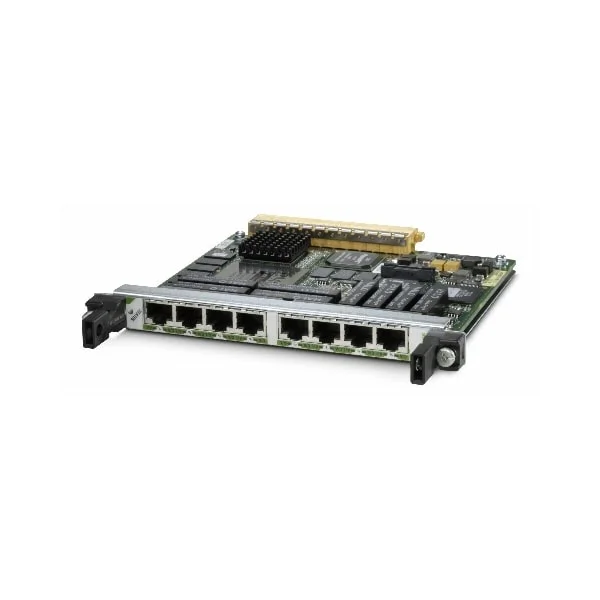
SPA-8XCHT1/E1 (Cisco ASR 9000 Adapter SPA-8XCHT1/E1 8-port Channelized T1/E1 to DS0 Shared Port Adapter)
4.8 (5)- Network Adapter
- Cisco
- Ethernet
- 10Gbps
- PCIe
- TCP/IP, UDP, iSCSI
- Internal PCIe Card
Est Value $11,000.00
$853.13
92.2% offIn stockNewRefurbishedFirst-Time Buyer Discount – Get up to 2% additional off on your first order
ORM Rewards Earn $50 in Rewards + Free Expedited Delivery – Join Now!
Use eCoupon ORMSAVE10
eCoupon limited to 5 units
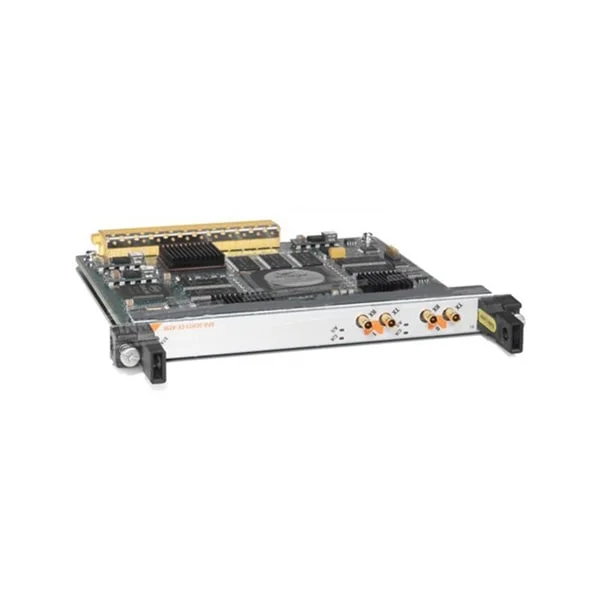
SPA-2XT3/E3 (Cisco ASR 9000 Adapter SPA-2XT3/E3 2-port Clear Channel T3/E3 Shared Port Adapter)
4.6 (5)- Network Adapter
- Cisco
- Ethernet
- 10Gbps
- PCIe
- TCP/IP, UDP
- Internal PCIe Card
Est Value $228.38
In stockNewRefurbishedFirst-Time Buyer Discount – Get up to 2% additional off on your first order
ORM Rewards Earn $50 in Rewards + Free Expedited Delivery – Join Now!
Use eCoupon ORMSAVE10
eCoupon limited to 5 units
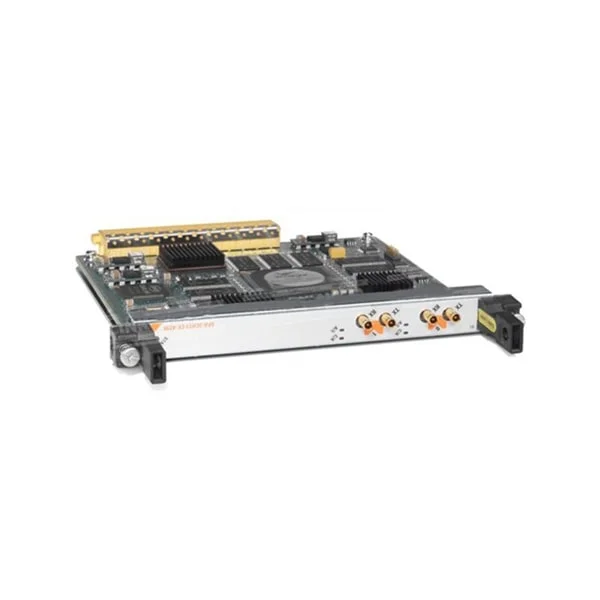
SPA-4XT3/E3 (Cisco ASR 9000 Adapter SPA-4XT3/E34-port Clear Channel T3/E3 Shared Port Adapter)
4.4 (5)- Network Adapter
- Cisco
- Ethernet
- 10Gbps
- PCIe
- TCP/IP, UDP, iSCSI
- Internal PCIe Card
Est Value $228.38
In stockNewRefurbishedFirst-Time Buyer Discount – Get up to 2% additional off on your first order
ORM Rewards Earn $50 in Rewards + Free Expedited Delivery – Join Now!
Use eCoupon ORMSAVE10
eCoupon limited to 5 units
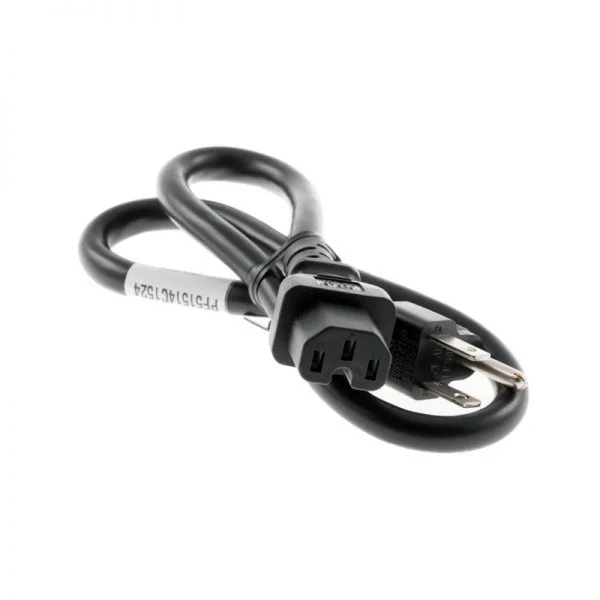
SPA-1XCHSTM1/OC3 (Cisco ASR 9000 Adapter SPA-1XCHSTM1/OC3 1-port Channelized STM-1/OC-3c to DS0 Shared Port Adapter)
4.6 (5)- Network Adapter
- Cisco
- Ethernet
- 10Gbps
- PCIe
- TCP/IP, UDP, iSCSI
- Internal PCIe Card
Est Value $430.50
In stockNewRefurbishedFirst-Time Buyer Discount – Get up to 2% additional off on your first order
ORM Rewards Earn $50 in Rewards + Free Expedited Delivery – Join Now!
Use eCoupon ORMSAVE10
eCoupon limited to 5 units
SPA-4XCT3/DS0 (Cisco ASR 9000 Adapter SPA-4XCT3/DS0 4-port Channelized T3 to DS0 Shared Port Adapter)
4.4 (5)- Network Adapter
- Cisco
- Ethernet
- 10Gbps
- PCIe
- TCP/IP, UDP, iSCSI, NFS
- Internal PCIe Card
Est Value $508.20
In stockNewRefurbishedFirst-Time Buyer Discount – Get up to 2% additional off on your first order
ORM Rewards Earn $50 in Rewards + Free Expedited Delivery – Join Now!
Use eCoupon ORMSAVE10
eCoupon limited to 5 units
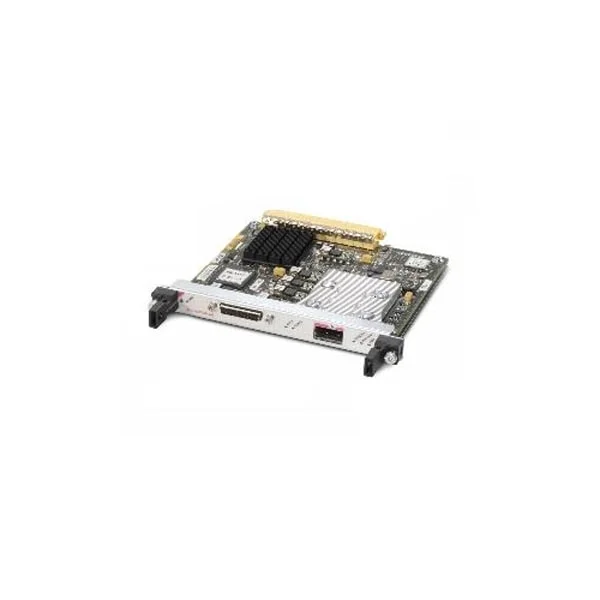
SPA-OC192POS-XFP (Cisco ASR 9000 Adapter SPA-OC192POS-XFP 1-port OC192/STM64 POS/RPR XFP Optics)
4.8 (5)- Optical Network Adapter
- Cisco
- Converged
- 10G
- XFP
- TCP/IP, UDP
- External Module
Est Value $248.17
In stockNewRefurbishedFirst-Time Buyer Discount – Get up to 2% additional off on your first order
ORM Rewards Earn $50 in Rewards + Free Expedited Delivery – Join Now!
Use eCoupon ORMSAVE10
eCoupon limited to 5 units
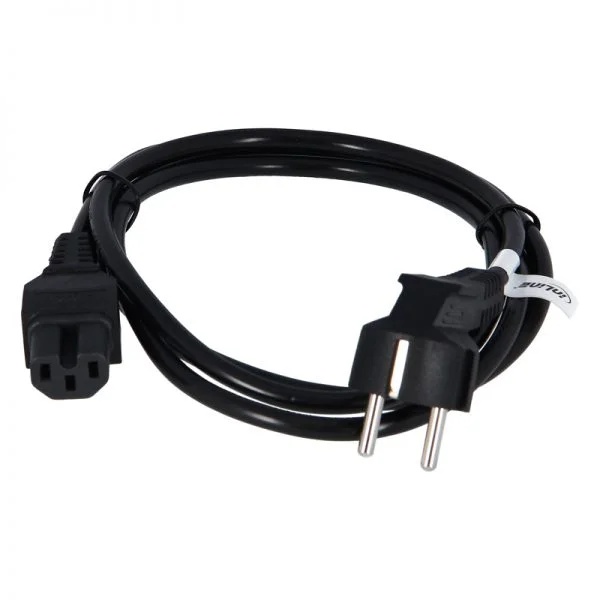
SPA-2XCHOC12/DS0 (Cisco ASR 9000 Adapter SPA-2XCHOC12/DS02 Port Channelized OC12/DS0 Shared Port Adapter)
4.6 (5)- Network Adapter
- Cisco
- Converged
- 10Gbps
- PCIe 3.0
- TCP/IP / UDP / iSCSI
- Internal PCIe Card
Est Value $1,260.00
In stockNewRefurbishedFirst-Time Buyer Discount – Get up to 2% additional off on your first order
ORM Rewards Earn $50 in Rewards + Free Expedited Delivery – Join Now!
Use eCoupon ORMSAVE10
eCoupon limited to 5 units

ORM Sales Advisors
Buying for your business? Get a personalised quote in under 2 hours. Talk to an expert
LEARNFilters (7) 
Questions & Answers
What is a Cisco Network Adapter?
A Cisco Network Adapter is a PCIe interface card that delivers high-speed Ethernet connectivity, protocol offloads, and advanced networking features to enhance server performance.
Which Cisco Network Adapter models are compatible with my server?
Cisco supports VIC 1457, VIC 1457 Gen2, OCN 150, and OCN 150-F adapters for UCS servers and standard PCIe slots; verify compatibility using Cisco’s Hardware Compatibility Matrix.
How do I install a Cisco Network Adapter?
Power off the server, insert the adapter into an available PCIe slot, secure the bracket, power on, and install the latest Cisco driver and firmware from Cisco’s download center.
How can I update the firmware on my Cisco Network Adapter?
Download the latest firmware package from the Cisco support portal, run the Cisco Host Package Installation Utility (hsiutil), and follow on-screen prompts to complete the update.
What network speeds do Cisco Network Adapters support?
Cisco Network Adapters support speeds from 1 GbE up to 100 GbE—including 10, 25, 40, and 50 GbE variants—depending on the adapter model.
Do Cisco Network Adapters support RDMA for low latency?
Yes, many Cisco adapters support RDMA over Converged Ethernet (RoCE) and iWARP to enable low‐latency, high-throughput data transfers in virtualized and HPC environments.
Are Cisco Network Adapters compatible with VMware, Hyper-V, and KVM?
Cisco Network Adapters provide certified drivers and hardware offloads for VMware ESXi, Microsoft Hyper-V, and Linux KVM to optimize virtualization performance.
How do I configure VLANs and network teaming on a Cisco Network Adapter?
Use Cisco adapter utilities or host OS network settings to define VLAN IDs, create tagged interfaces, and configure link aggregation or NIC teaming for redundancy and load balancing.
What troubleshooting steps address link connectivity issues with Cisco Network Adapters?
Verify physical connections, inspect adapter LEDs, update drivers and firmware, review OS network logs for errors, and run Cisco’s diagnostic tool for detailed analysis.
How can I monitor performance and health of Cisco Network Adapters?
Use Cisco UCS Manager, Cisco CIMC, or SNMP-based monitoring tools to track link status, throughput, error counters, and temperature metrics in real time.
What warranty and support options are available for Cisco Network Adapters?
Cisco offers a lifetime hardware warranty and 90-day software support by default, with optional SMARTnet and extended maintenance contracts for advanced coverage.
How do I choose the right Cisco Network Adapter for my data center requirements?
Assess throughput needs, server compatibility, offload features (RDMA, VXLAN), port density, and budget to select an adapter that balances performance and cost.
Are Cisco Network Adapters compatible with Linux and Windows operating systems?
Yes, Cisco provides certified drivers and step-by-step installation guides for major Linux distributions (RHEL, Ubuntu, SUSE) and Microsoft Windows Server editions.
Can I return or replace a defective Cisco Network Adapter?
Defective adapters are eligible for replacement under Cisco’s hardware warranty via your Cisco reseller or through the Cisco RMA process detailed on Cisco’s support site.
Where can I download drivers for Cisco Network Adapters?
Visit the Cisco Software Download Center at software.cisco.com, search for your adapter model, and download the latest drivers, firmware, and release notes.
What security features do Cisco Network Adapters offer?
Cisco adapters support Secure Boot, trusted firmware verification, checksum and crypto offloads, and VLAN/ACL enforcement to strengthen data path security.
How do Cisco Network Adapters improve application performance?
By offloading tasks such as TCP/IP checksum calculation, segmentation, and encryption to dedicated hardware, Cisco adapters reduce CPU load and accelerate data throughput.