 United States
Router Asr 9000 Network Adapters
Experience superior connectivity and enterprise-grade efficiency with Router Asr 9000 Network Adapters engineered for scalable performance, robust security, high throughput, and optimized routing in complex network environments.
Talk to an expert
7 Matching results
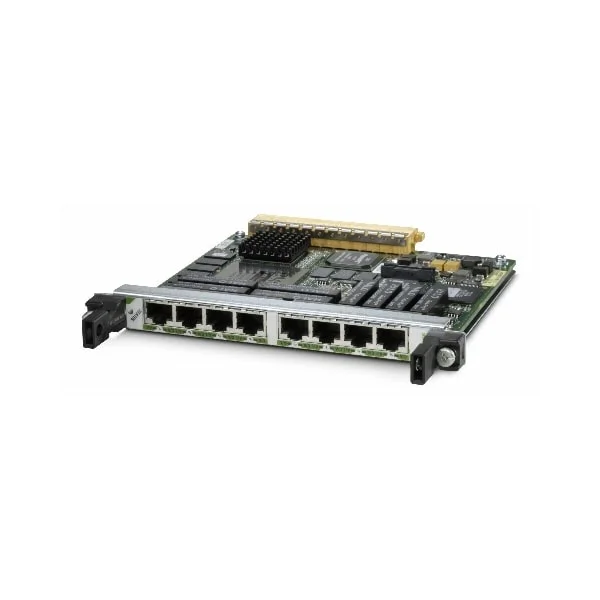
SPA-8XCHT1/E1 (Cisco ASR 9000 Adapter SPA-8XCHT1/E1 8-port Channelized T1/E1 to DS0 Shared Port Adapter)
4.8 (5)- Network Adapter
- Cisco
- Ethernet
- 10Gbps
- PCIe
- TCP/IP, UDP, iSCSI
- Internal PCIe Card
Est Value $11,000.00
$853.13
92.2% offIn stockNewRefurbishedFirst-Time Buyer Discount – Get up to 2% additional off on your first order
ORM Rewards Earn $50 in Rewards + Free Expedited Delivery – Join Now!
Use eCoupon ORMSAVE10
eCoupon limited to 5 units
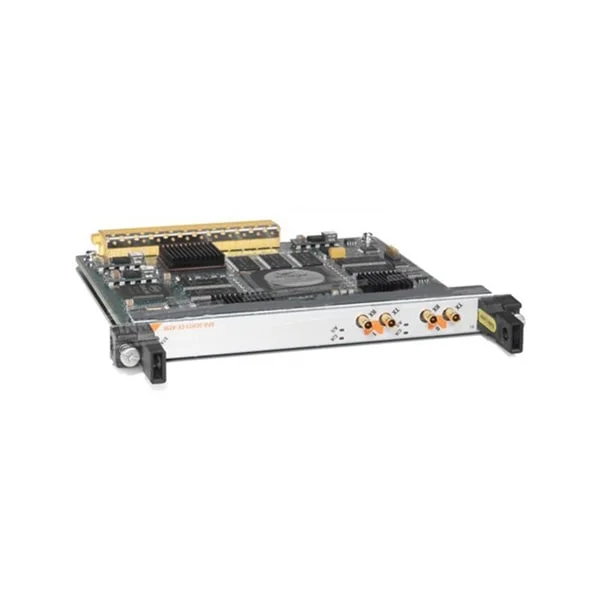
SPA-2XT3/E3 (Cisco ASR 9000 Adapter SPA-2XT3/E3 2-port Clear Channel T3/E3 Shared Port Adapter)
4.6 (5)- Network Adapter
- Cisco
- Ethernet
- 10Gbps
- PCIe
- TCP/IP, UDP
- Internal PCIe Card
Est Value $228.38
In stockNewRefurbishedFirst-Time Buyer Discount – Get up to 2% additional off on your first order
ORM Rewards Earn $50 in Rewards + Free Expedited Delivery – Join Now!
Use eCoupon ORMSAVE10
eCoupon limited to 5 units
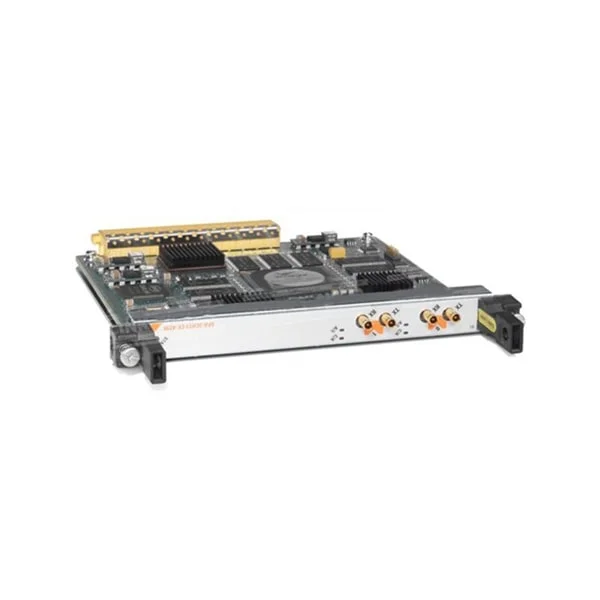
SPA-4XT3/E3 (Cisco ASR 9000 Adapter SPA-4XT3/E34-port Clear Channel T3/E3 Shared Port Adapter)
4.4 (5)- Network Adapter
- Cisco
- Ethernet
- 10Gbps
- PCIe
- TCP/IP, UDP, iSCSI
- Internal PCIe Card
Est Value $228.38
In stockNewRefurbishedFirst-Time Buyer Discount – Get up to 2% additional off on your first order
ORM Rewards Earn $50 in Rewards + Free Expedited Delivery – Join Now!
Use eCoupon ORMSAVE10
eCoupon limited to 5 units
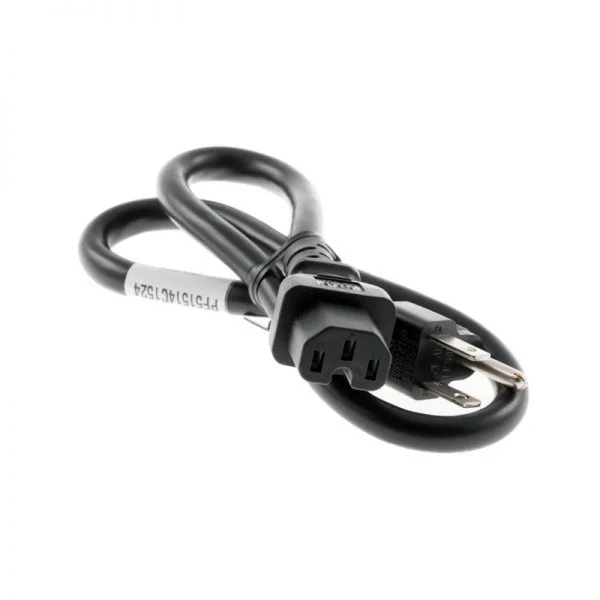
SPA-1XCHSTM1/OC3 (Cisco ASR 9000 Adapter SPA-1XCHSTM1/OC3 1-port Channelized STM-1/OC-3c to DS0 Shared Port Adapter)
4.6 (5)- Network Adapter
- Cisco
- Ethernet
- 10Gbps
- PCIe
- TCP/IP, UDP, iSCSI
- Internal PCIe Card
Est Value $430.50
In stockNewRefurbishedFirst-Time Buyer Discount – Get up to 2% additional off on your first order
ORM Rewards Earn $50 in Rewards + Free Expedited Delivery – Join Now!
Use eCoupon ORMSAVE10
eCoupon limited to 5 units
SPA-4XCT3/DS0 (Cisco ASR 9000 Adapter SPA-4XCT3/DS0 4-port Channelized T3 to DS0 Shared Port Adapter)
4.4 (5)- Network Adapter
- Cisco
- Ethernet
- 10Gbps
- PCIe
- TCP/IP, UDP, iSCSI, NFS
- Internal PCIe Card
Est Value $508.20
In stockNewRefurbishedFirst-Time Buyer Discount – Get up to 2% additional off on your first order
ORM Rewards Earn $50 in Rewards + Free Expedited Delivery – Join Now!
Use eCoupon ORMSAVE10
eCoupon limited to 5 units
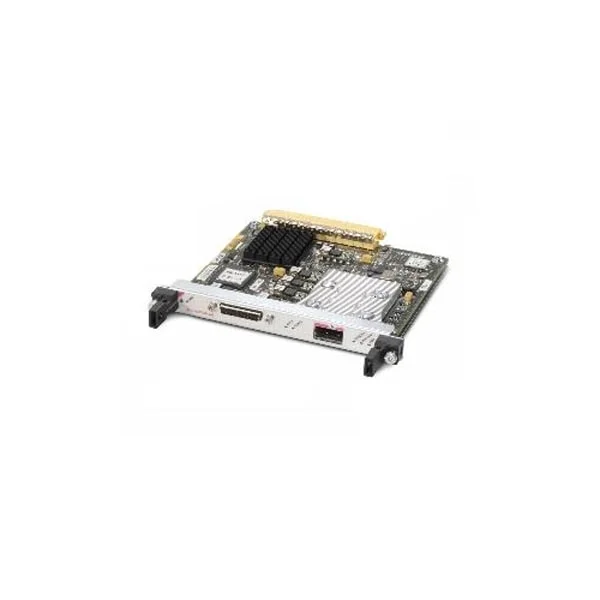
SPA-OC192POS-XFP (Cisco ASR 9000 Adapter SPA-OC192POS-XFP 1-port OC192/STM64 POS/RPR XFP Optics)
4.8 (5)- Optical Network Adapter
- Cisco
- Converged
- 10G
- XFP
- TCP/IP, UDP
- External Module
Est Value $248.17
In stockNewRefurbishedFirst-Time Buyer Discount – Get up to 2% additional off on your first order
ORM Rewards Earn $50 in Rewards + Free Expedited Delivery – Join Now!
Use eCoupon ORMSAVE10
eCoupon limited to 5 units
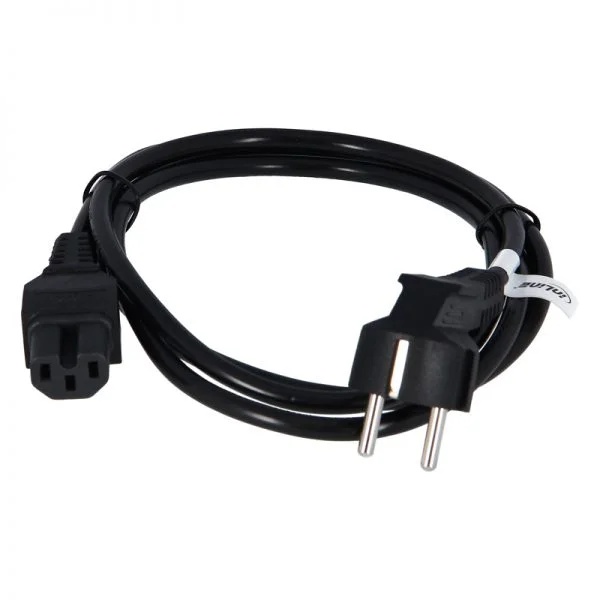
SPA-2XCHOC12/DS0 (Cisco ASR 9000 Adapter SPA-2XCHOC12/DS02 Port Channelized OC12/DS0 Shared Port Adapter)
4.6 (5)- Network Adapter
- Cisco
- Converged
- 10Gbps
- PCIe 3.0
- TCP/IP / UDP / iSCSI
- Internal PCIe Card
Est Value $1,260.00
In stockNewRefurbishedFirst-Time Buyer Discount – Get up to 2% additional off on your first order
ORM Rewards Earn $50 in Rewards + Free Expedited Delivery – Join Now!
Use eCoupon ORMSAVE10
eCoupon limited to 5 units

ORM Sales Advisors
Buying for your business? Get a personalised quote in under 2 hours. Talk to an expert
LEARNFilters (7) 
Questions & Answers
What are the key features of Cisco ASR 9000 network adapters?
Cisco ASR 9000 network adapters deliver high-density 1G–400G ports, hardware-based packet forwarding, advanced QoS, and seamless scalability to meet service provider and data center requirements.
Which Cisco ASR 9000 adapter modules are available for 100G connectivity?
For 100G, Cisco offers QSFP28-based adapter modules such as the A9K-MPA-100G-Q and the A9K-MPA-8X10GE-QR, supporting CFP2 and QSFP28 optics for flexible deployment.
How do I install a network adapter on an ASR 9000 series router?
Power down the ASR 9000, slide the adapter module into an open line card slot until it clicks, then power on and verify installation with the show platform hardware command.
What throughput can I expect from ASR 9000 network adapters?
Throughput varies by module: 10G adapters deliver up to 10 Gbps per port, 40G modules up to 40 Gbps per QSFP, and 100G adapters up to 100 Gbps per port line rate.
Are ASR 9000 adapters compatible with IOS-XR?
Yes, Cisco ASR 9000 network adapters are fully supported under Cisco IOS-XR, enabling advanced routing, MPLS, and segment-routing features on all ports.
What is the maximum MTU supported by ASR 9000 adapters?
ASR 9000 network adapters support jumbo frames with an MTU up to 9216 bytes to optimize throughput for large-packet applications.
Can I mix different adapter modules in one ASR 9000 chassis?
Yes, you can mix 1G, 10G, 40G, and 100G adapter modules within the same ASR 9000 chassis as long as the line card slot and software license support them.
What cooling requirements do ASR 9000 network adapters have?
ASR 9000 routers use front-to-back airflow; ensure proper rack ventilation and install all required fan trays to maintain adapter operating temperatures between 0°C and 45°C.
How do I license advanced features on ASR 9000 adapters?
Advanced feature licenses such as burstable speed and MPLS Label Switched Paths are activated via the IOS-XR license install command and require a valid Cisco Smart Account entitlement.
What power consumption should I plan for each adapter?
Power consumption varies by module: 10G adapters draw approximately 15–20 W per port, 40G modules around 40–50 W per QSFP, and 100G adapters up to 100 W per port.
How can I monitor the health and performance of ASR 9000 adapters?
Use Cisco IOS-XR built-in commands (show controllers, show interfaces) and SNMP/Telemetry to monitor port status, error counters, temperature, and utilization in real time.
Do ASR 9000 adapters support hardware-based encryption?
Certain ASR 9000 line cards support built-in MACsec encryption on 10G and 100G ports to secure data in transit without impacting throughput.
What redundancy features do ASR 9000 adapters offer?
ASR 9000 adapters support both stateful Switchover (SSO) and nonstop forwarding (NSF) to ensure carrier-grade redundancy and minimal traffic disruption.
Can I use third-party optics on ASR 9000 adapters?
Cisco recommends Cisco-qualified optics to guarantee compatibility and performance, though third-party transceivers may work if they fully meet MSA specifications.
Are ASR 9000 network adapters virtualization-ready?
Yes, ASR 9000 adapters support virtualized environments with features like Network Virtualization using GRE/VXLAN and Cisco IOS-XR Segment Routing for multi-tenant networks.
What warranty and support options are available for ASR 9000 adapters?
Cisco provides a limited lifetime warranty on hardware with Next Business Day replacement and offers SMARTnet contracts for 24x7 technical support and software updates.