 United States
Hikvision Wi-Fi Network Cameras
Experience unparalleled security and seamless connectivity with our Hikvision Wi-Fi Series Network Cameras. Designed for robust performance and advanced clarity, they deliver precise surveillance across diverse environments.
Talk to an expert
11 Matching results
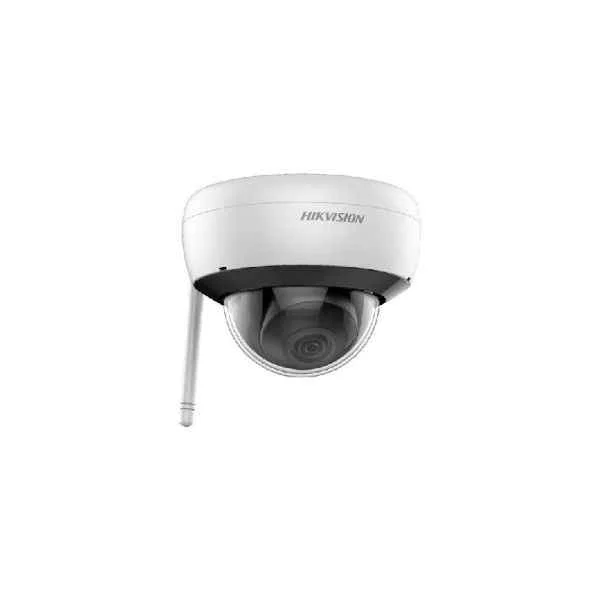
DS-2CD2141G1-IDW (4 MP Indoor Fixed Dome Network Camera with Build-in Mic)
4.6 (5)- Security Camera
- Hikvision
- Bullet
- IP Camera
- 4MP
- Fixed
- Motion Detection
Est Value In stock
First-Time Buyer Discount – Get up to 2% additional off on your first order
ORM Rewards Earn $50 in Rewards + Free Expedited Delivery – Join Now!
Use eCoupon ORMSAVE10
eCoupon limited to 5 units
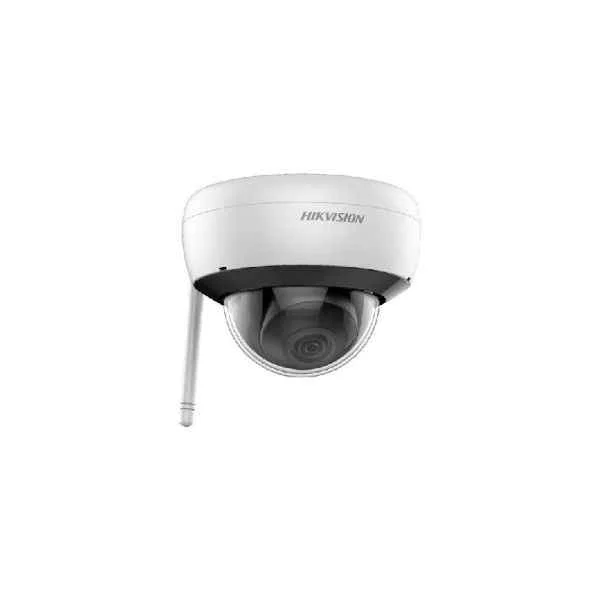
DS-2CD2121G1-IDW (2 MP Indoor Fixed Dome Network Camera with Build-in Mic)
4.8 (5)- Security Camera
- Hikvision
- Turret
- IP Camera
- 2MP
- Fixed
- Motion Detection
Est Value In stockFirst-Time Buyer Discount – Get up to 2% additional off on your first order
ORM Rewards Earn $50 in Rewards + Free Expedited Delivery – Join Now!
Use eCoupon ORMSAVE10
eCoupon limited to 5 units
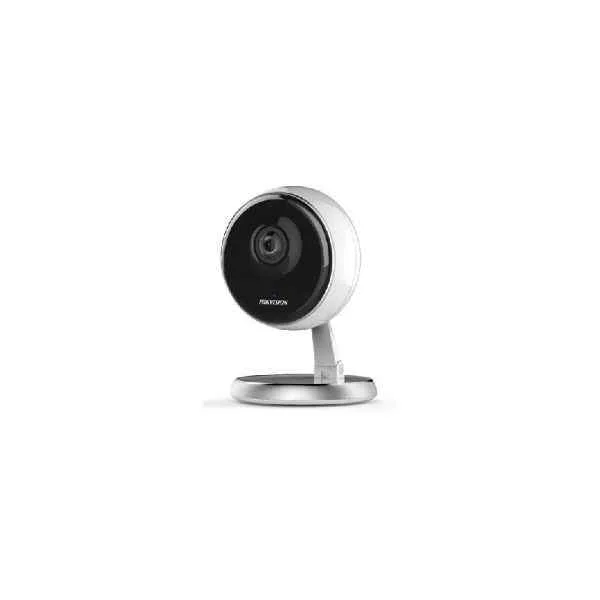
DS-2CV2U32G1-IW (3 MP Indoor Audio Fixed Cube Network Camera)
4.8 (5)- Security Camera
- Hikvision
- Turret
- IP Camera
- 2MP
- Fixed
- Motion Detection
Est Value In stockFirst-Time Buyer Discount – Get up to 2% additional off on your first order
ORM Rewards Earn $50 in Rewards + Free Expedited Delivery – Join Now!
Use eCoupon ORMSAVE10
eCoupon limited to 5 units
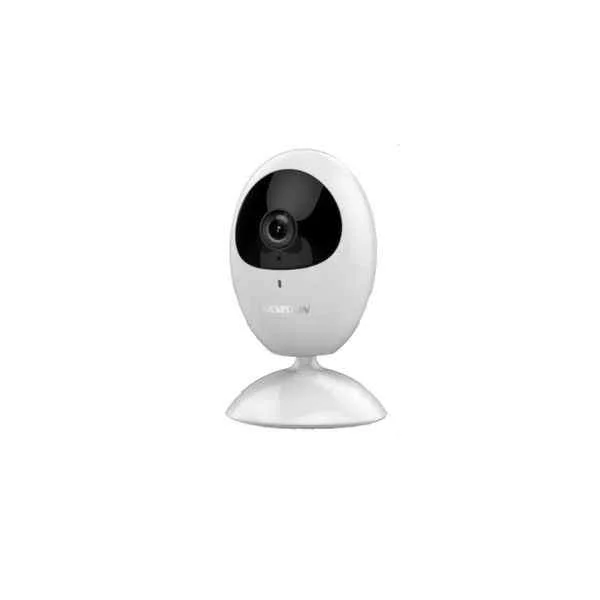
DS-2CV2U21FD-IW (2 MP Indoor Audio Fixed Cube Network Camera)
5 (5)- Security Camera
- Hikvision
- Dome
- IP Camera
- 2MP
- Fixed
Est Value In stockFirst-Time Buyer Discount – Get up to 2% additional off on your first order
ORM Rewards Earn $50 in Rewards + Free Expedited Delivery – Join Now!
Use eCoupon ORMSAVE10
eCoupon limited to 5 units
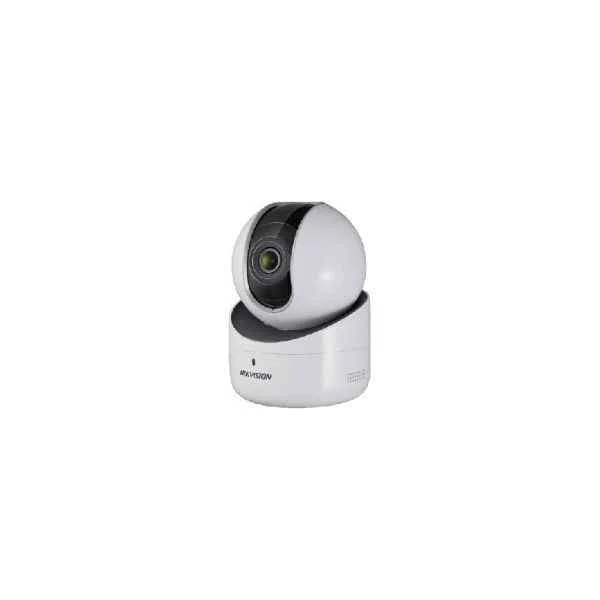
DS-2CV2Q21FD-IW (2 MP Indoor Audio Fixed PT Network Camera)
4.6 (5)- Security Camera
- Hikvision
- Bullet
- IP Camera
- 2MP
- Fixed
- Motion Detection
Est Value In stockFirst-Time Buyer Discount – Get up to 2% additional off on your first order
ORM Rewards Earn $50 in Rewards + Free Expedited Delivery – Join Now!
Use eCoupon ORMSAVE10
eCoupon limited to 5 units
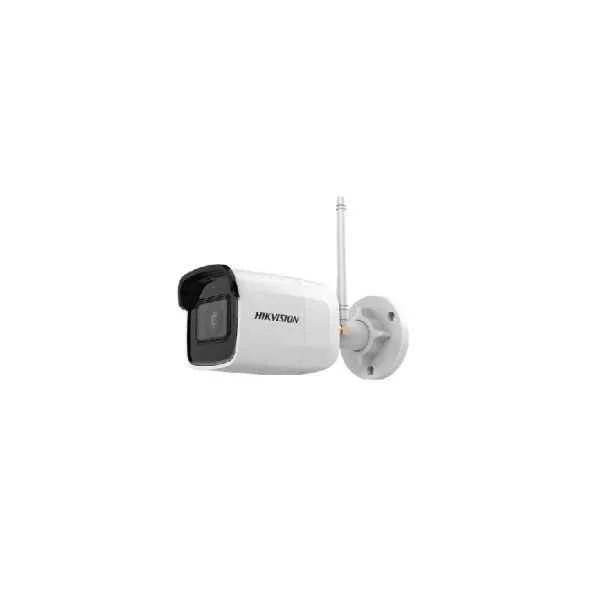
DS-2CD2041G1-IDW (4 MP Outdoor Fixed Bullet Network Camera with Build-in Mic)
4.6 (5)- Security Camera
- Hikvision
- Bullet
- IP Camera
- 4MP
- Fixed
- Motion Detection
Est Value In stockFirst-Time Buyer Discount – Get up to 2% additional off on your first order
ORM Rewards Earn $50 in Rewards + Free Expedited Delivery – Join Now!
Use eCoupon ORMSAVE10
eCoupon limited to 5 units
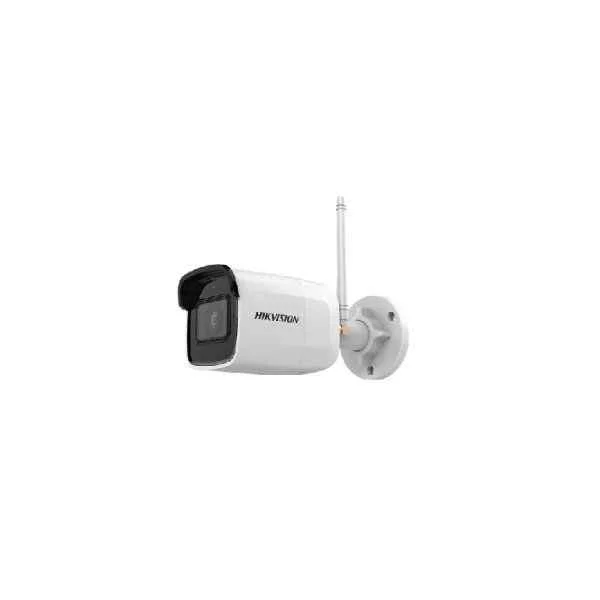
DS-2CD2051G1-IDW (5 MP Outdoor Fixed Bullet Network Camera with Build-in Mic)
4.4 (5)- Security Camera
- Hikvision
- Bullet
- IP Camera
- 5MP
- Fixed
Est Value In stockFirst-Time Buyer Discount – Get up to 2% additional off on your first order
ORM Rewards Earn $50 in Rewards + Free Expedited Delivery – Join Now!
Use eCoupon ORMSAVE10
eCoupon limited to 5 units
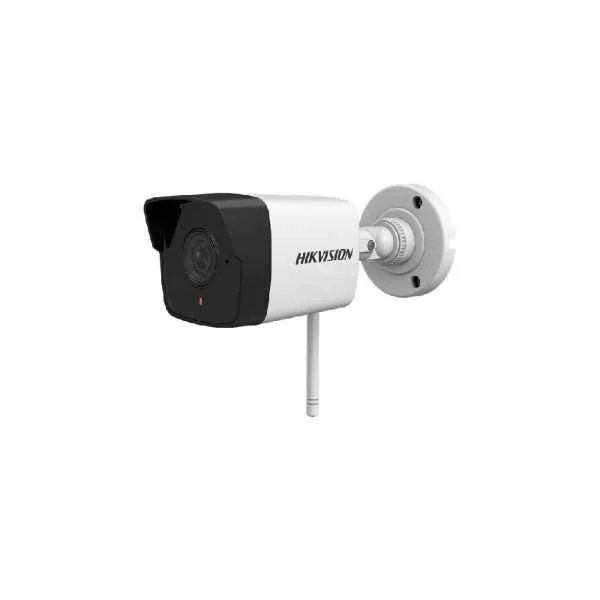
DS-2CV1021G0-IDW (2 MP Outdoor Fixed Bullet Network Camera with Build-in Mic)
4.4 (5)- Security Camera
- Hikvision
- Bullet
- IP Camera
- 2MP
- Fixed
- Motion Detection
Est Value In stockFirst-Time Buyer Discount – Get up to 2% additional off on your first order
ORM Rewards Earn $50 in Rewards + Free Expedited Delivery – Join Now!
Use eCoupon ORMSAVE10
eCoupon limited to 5 units
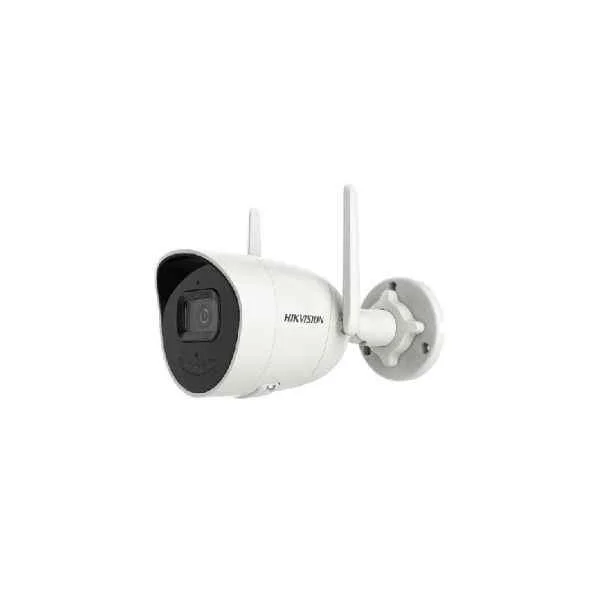
DS-2CV2026G0-IDW (2 MP Outdoor AcuSense Fixed Bullet Network Camera)
4.2 (5)- Security Camera
- Hikvision
- Dome
- IP Camera
- 2MP
- Fixed
- Motion Detection
Est Value In stockFirst-Time Buyer Discount – Get up to 2% additional off on your first order
ORM Rewards Earn $50 in Rewards + Free Expedited Delivery – Join Now!
Use eCoupon ORMSAVE10
eCoupon limited to 5 units
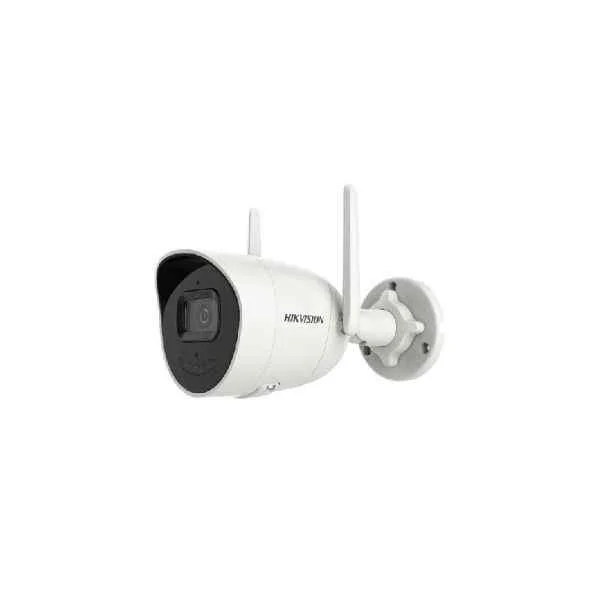
DS-2CV2046G0-IDW (4 MP Outdoor AcuSense Fixed Bullet Network Camera)
4.6 (5)- Security Camera
- Hikvision
- Bullet
- IP Camera
- 2MP
- Fixed
Est Value In stockFirst-Time Buyer Discount – Get up to 2% additional off on your first order
ORM Rewards Earn $50 in Rewards + Free Expedited Delivery – Join Now!
Use eCoupon ORMSAVE10
eCoupon limited to 5 units
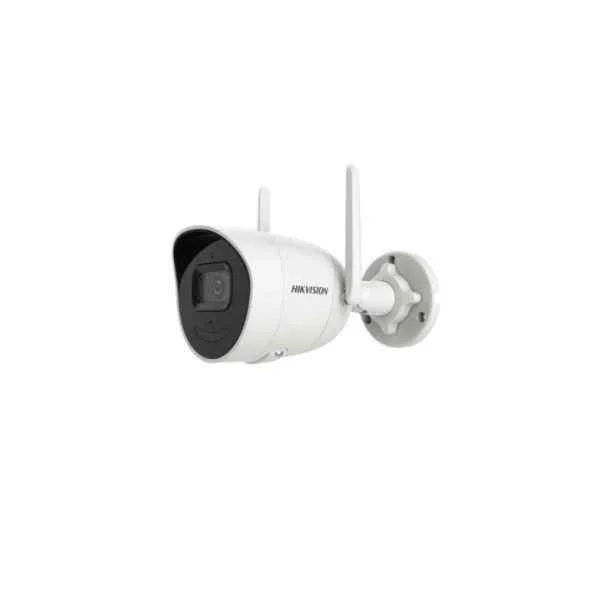
DS-2CV2041G2-IDW (4 MP Outdoor Audio Fixed Bullet Network Camera)
4.6 (5)- Security Camera
- Hikvision
- Bullet
- IP Camera
- 1080p
- Fixed
- Motion Detection
Est Value In stockFirst-Time Buyer Discount – Get up to 2% additional off on your first order
ORM Rewards Earn $50 in Rewards + Free Expedited Delivery – Join Now!
Use eCoupon ORMSAVE10
eCoupon limited to 5 units

ORM Sales Advisors
Buying for your business? Get a personalised quote in under 2 hours. Talk to an expert
LEARNFilters (11) 
Questions & Answers
What are the key features of Hikvision Wi-Fi Series Network Cameras?
Hikvision Wi-Fi Series cameras offer high-definition video (up to 4MP), two-way audio, IR night vision, motion detection, weatherproof housing (IP66), and seamless wireless connectivity for reliable remote monitoring.
How do I set up a Hikvision Wi-Fi Series Network Camera?
To set up, power the camera, connect to your router’s 2.4 GHz Wi-Fi network via the Hik-Connect app, scan the QR code, assign a secure password, and follow on-screen prompts to complete installation.
Which mobile app supports Hikvision Wi-Fi Series cameras?
Hikvision Wi-Fi cameras are fully compatible with the free Hik-Connect app, available for iOS and Android, enabling live view, playback, push notifications, and two-way audio control.
Can I access Hikvision Wi-Fi cameras remotely?
Yes. After registering your device in Hik-Connect, you can access live feeds, playback recordings, and receive motion alerts from anywhere using your smartphone or web browser.
What Wi-Fi standards do Hikvision Wi-Fi Series cameras support?
Hikvision Wi-Fi Series cameras support IEEE 802.11b/g/n on the 2.4 GHz band, offering stable connections up to 100 feet indoors and up to 300 feet line-of-sight outdoors.
How do I secure my Hikvision Wi-Fi camera against unauthorized access?
Secure your camera by enabling WPA2-PSK encryption on your router, setting a strong device password, activating two-factor authentication in Hik-Connect, and keeping firmware up to date.
What is the storage option for Hikvision Wi-Fi Series cameras?
These cameras support local storage via microSD cards up to 256 GB and cloud storage through Hik-Connect’s subscription service for continuous or event-triggered recording.
How do I update firmware on a Hikvision Wi-Fi camera?
Open the Hik-Connect app, navigate to Device Settings → Firmware Upgrade, select the latest version, and follow prompts. The camera will reboot automatically upon successful installation.
Are Hikvision Wi-Fi cameras weatherproof?
Yes. All Hikvision Wi-Fi Series cameras are rated IP66, ensuring dust-tight protection and resistance to heavy rain, making them suitable for outdoor installations.
How can I adjust motion detection sensitivity?
In the Hik-Connect app, go to Device Settings → Alarm → Motion Detection, then set sensitivity levels (Low, Medium, High) and define detection zones to minimize false alerts.
Do Hikvision Wi-Fi cameras support two-way audio?
Yes. Built-in microphone and speaker modules allow real-time two-way audio communication, enabling you to listen and speak through the Hik-Connect app.
What is the camera’s night vision range?
Depending on model, Hikvision Wi-Fi cameras deliver IR illumination up to 30 meters (98 feet), providing clear black-and-white images in complete darkness.
Can I integrate Hikvision Wi-Fi cameras with other systems?
Hikvision Wi-Fi Series cameras support ONVIF Profile S for seamless integration with third-party NVRs, VMS platforms, and home automation systems.
What power options are available for these cameras?
Hikvision Wi-Fi cameras can be powered via 12 VDC input or PoE adapters (with PoE splitter), offering flexible installation in power-outlet–limited scenarios.
How do I troubleshoot connectivity issues with my Hikvision Wi-Fi camera?
Ensure your router’s 2.4 GHz band is enabled, verify SSID and password, relocate the camera closer to the router to test signal strength, then reboot both devices.