 United States
Network Cameras Ultimate Security Solutions
Experience cutting-edge network camera technology that delivers unparalleled security, real-time monitoring, and intelligent analytics. Enhance property safety with precision surveillance, innovative features, and market-leading reliability for optimized protection.
Talk to an expert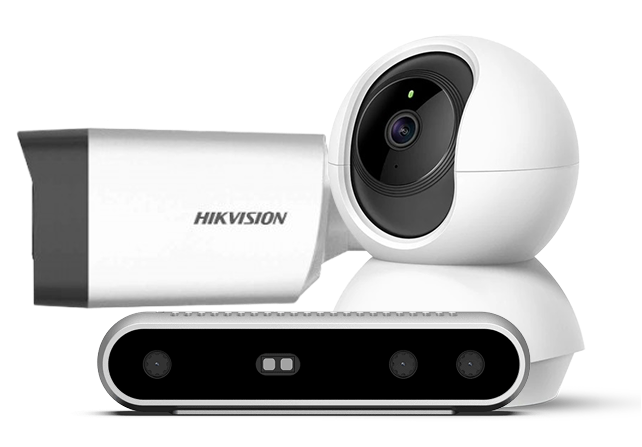
Hikvision Network Cameras
(322)Hikvision network cameras support multi-building video surveillance with ONVIF IP streams, PoE cabling, and centralized NVR recording workflows
Dahua Network Cameras
(1)Dahua network cameras support distribution center surveillance with ONVIF profiles, H.265 encoding, PoE installation, and VMS integration workflows
Intel Network Cameras
(7)Intel network cameras fit edge AI inspection cells with Gigabit Ethernet video transport, PoE-connected capture endpoints, and VMS interoperability
Tp-Link Network Cameras
(1)TP-Link network cameras suit branch retail aisles with Wi-Fi or PoE uplinks, H.265 video, and app-connected NVR recording
Logitech Network Cameras
(4)Logitech network cameras support huddle room video calls with USB-C or Ethernet connections, 1080p capture, and cloud meeting platforms
335 Matching results
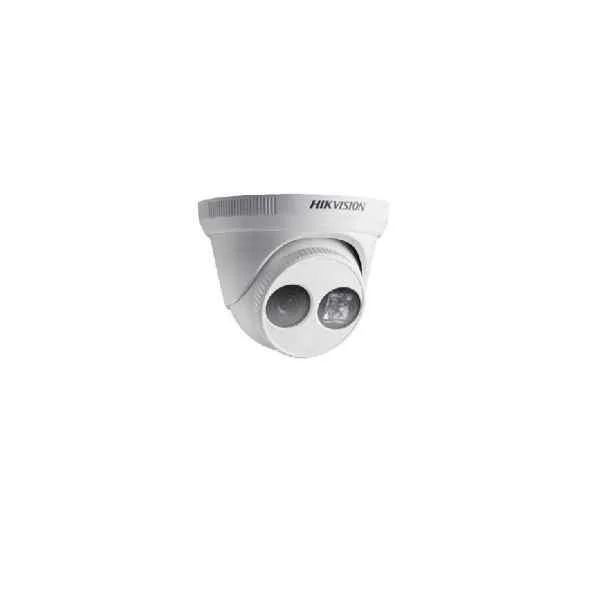
DS-2CD2D21G0/M-D/NF (Covert Network Camera)
4.8 (5)- Security Camera
- Hikvision
- Dome
- IP Camera
- 2MP
- Fixed
- Motion Detection
Est Value $555.14
$277.57
50% offIn stockRefurbishedFirst-Time Buyer Discount – Get up to 2% additional off on your first order
ORM Rewards Earn $50 in Rewards + Free Expedited Delivery – Join Now!
Use eCoupon ORMSAVE10
eCoupon limited to 5 units
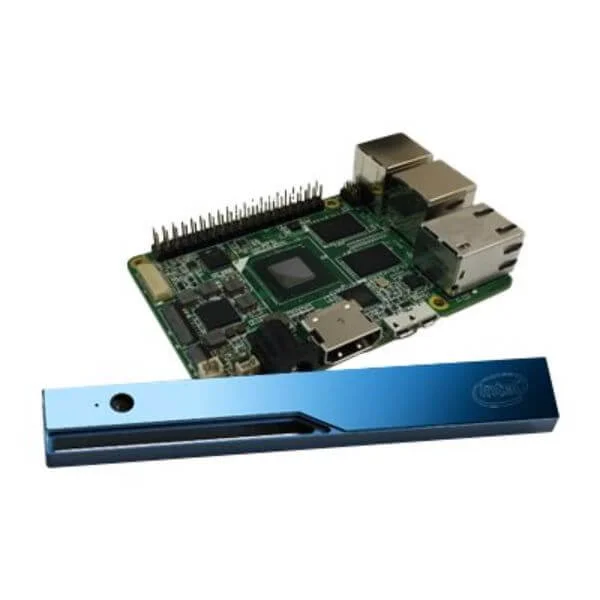
82635DSD450 (Intel RealSense Depth Module D450 - webcam)
4.8 (5)- Security Camera
- Intel
- Turret
- IP Camera
- 4K
- Motorized
- Face Detection
Est Value $501.23$427.88
14.6% offIn stockRefurbishedFirst-Time Buyer Discount – Get up to 2% additional off on your first order
ORM Rewards Earn $50 in Rewards + Free Expedited Delivery – Join Now!
Use eCoupon ORMSAVE10
eCoupon limited to 5 units
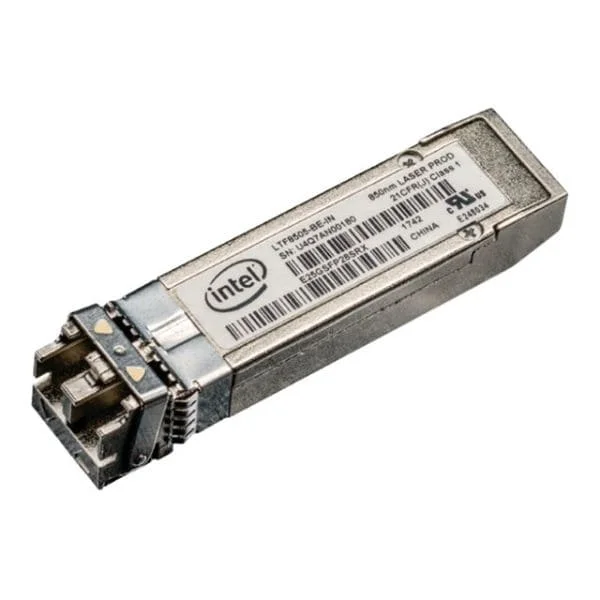
82635D435IDK5P (REALSENSE DEPTH CAMERA D435I *SINGLE UNIT PACKAGED*)
4.4 (5)- Security Camera
- Intel
- Dome
- IP Camera
- 4K
- Varifocal
- ANPR
Est Value $660.00$577.50
12.5% offIn stockRefurbishedFirst-Time Buyer Discount – Get up to 2% additional off on your first order
ORM Rewards Earn $50 in Rewards + Free Expedited Delivery – Join Now!
Use eCoupon ORMSAVE10
eCoupon limited to 5 units
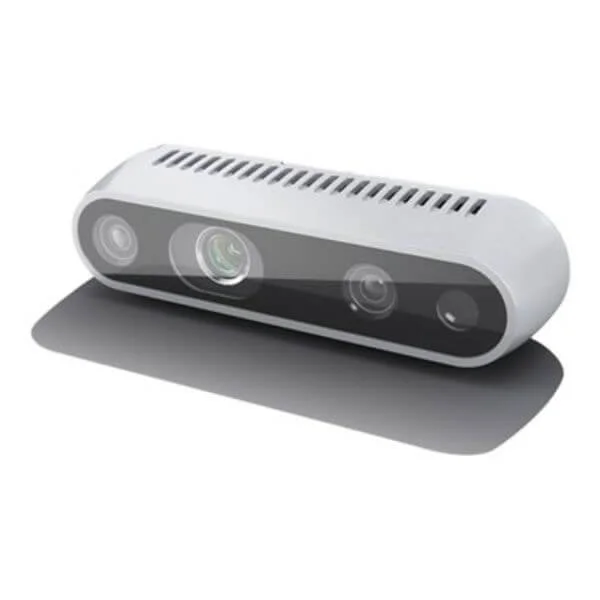
82635ASRCDVKHV (INTEL REALSENSE DEPTH CAMERA D415)
4.8 (5)- Security Camera
- Intel
- Dome
- IP Camera
- 4K
- Varifocal
- Motion Detection
Est Value $742.67$633.99
14.6% offIn stockRefurbishedFirst-Time Buyer Discount – Get up to 2% additional off on your first order
ORM Rewards Earn $50 in Rewards + Free Expedited Delivery – Join Now!
Use eCoupon ORMSAVE10
eCoupon limited to 5 units
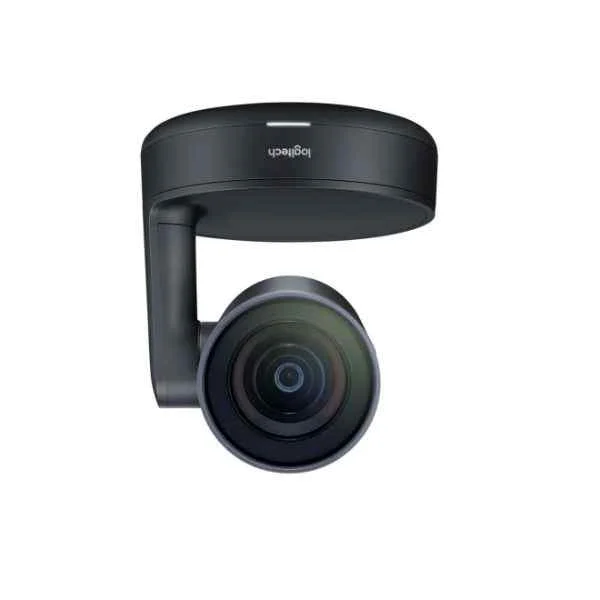
960-001227 (ConferenceCam Rally black bulk 960-001227)
4.7 (6)- Security Camera
- Logitech
- Bullet
- IP Camera
- 4MP
- Fixed
- Motion Detection
Est Value $1,734.05$1,480.29
14.6% offIn stockRefurbishedFirst-Time Buyer Discount – Get up to 2% additional off on your first order
ORM Rewards Earn $50 in Rewards + Free Expedited Delivery – Join Now!
Use eCoupon ORMSAVE10
eCoupon limited to 5 units
- BEST SELLING
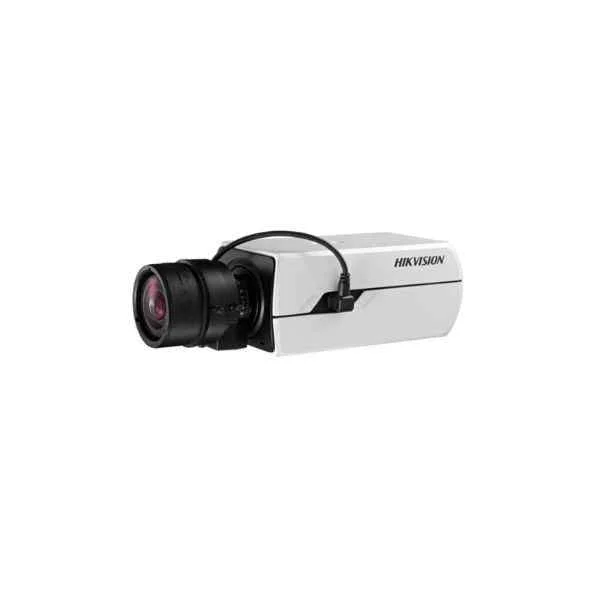
DS-2CD4C26FWD(-AP) (2MP DarkFighter Lite Box Network Camera)
4.4 (5)- Security Camera
- Hikvision
- Bullet
- IP Camera
- 1080p
- Fixed
- Motion Detection
Est Value In stockFirst-Time Buyer Discount – Get up to 2% additional off on your first order
ORM Rewards Earn $50 in Rewards + Free Expedited Delivery – Join Now!
Use eCoupon ORMSAVE10
eCoupon limited to 5 units
- BEST SELLING
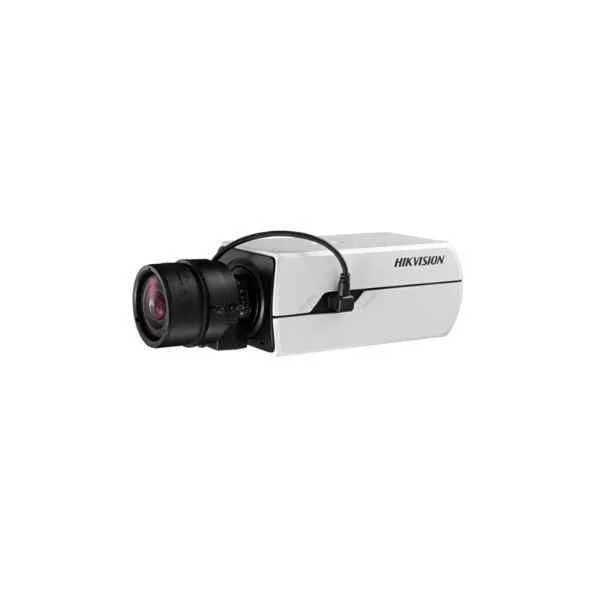
DS-2CD4C36FWD(-AP) (3MP DarkFighter Lite Box Network Camera)
4.4 (5)- Security Camera
- Hikvision
- Bullet
- IP Camera
- 4MP
- Fixed
- Motion Detection
Est Value In stockFirst-Time Buyer Discount – Get up to 2% additional off on your first order
ORM Rewards Earn $50 in Rewards + Free Expedited Delivery – Join Now!
Use eCoupon ORMSAVE10
eCoupon limited to 5 units
- BEST SELLING
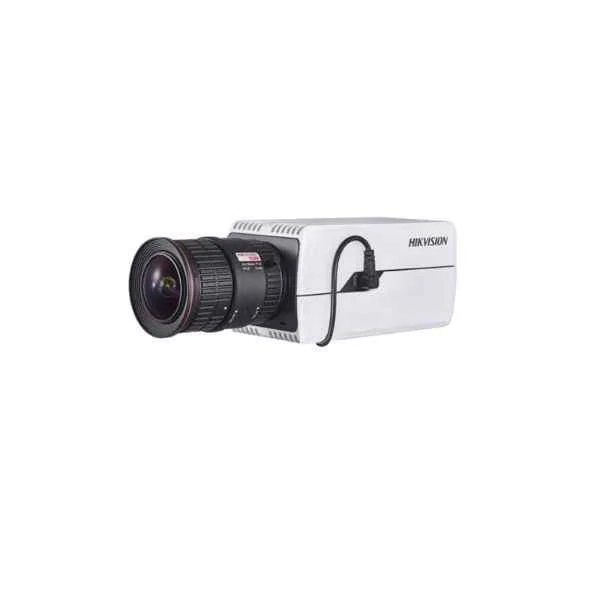
DS-2CD50C5G0-(AP) (12MP Box Network Camera)
4.8 (5)- Security Camera
- Hikvision
- Bullet
- IP Camera
- 5MP
- Fixed
- Motion Detection
Est Value In stockFirst-Time Buyer Discount – Get up to 2% additional off on your first order
ORM Rewards Earn $50 in Rewards + Free Expedited Delivery – Join Now!
Use eCoupon ORMSAVE10
eCoupon limited to 5 units
- BEST SELLING
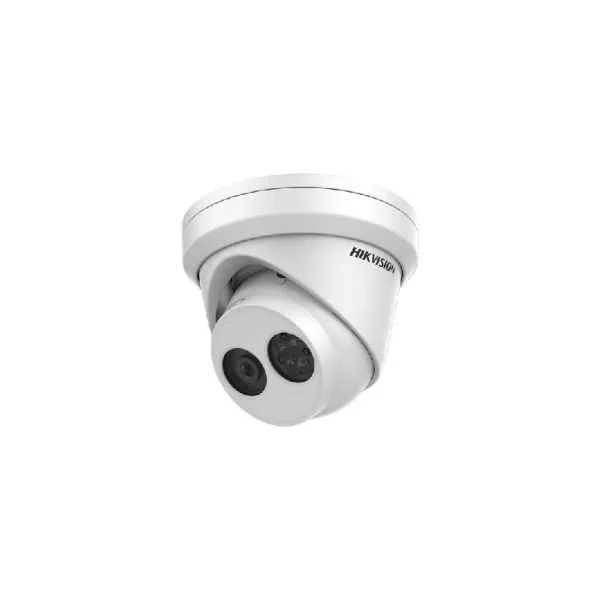
DS-2CD3343G0-I (4MP Fixed Turret Network Camera)
4.8 (5)- Security Camera
- Hikvision
- Bullet
- IP Camera
- 4MP
- Fixed
- Motion Detection
Est Value In stockFirst-Time Buyer Discount – Get up to 2% additional off on your first order
ORM Rewards Earn $50 in Rewards + Free Expedited Delivery – Join Now!
Use eCoupon ORMSAVE10
eCoupon limited to 5 units
- BEST SELLING
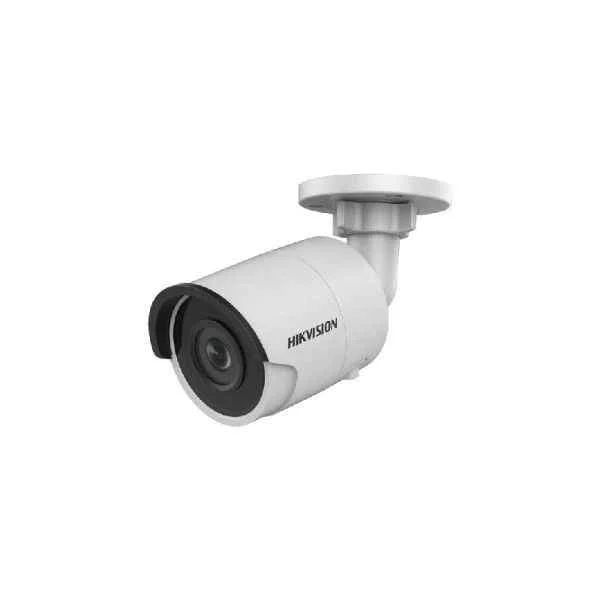
DS-2CD3023G0-I (2MP Fixed Mini Bullet Network Camera)
5 (5)- Security Camera
- Hikvision
- Bullet
- IP Camera
- 2MP
- Fixed
- Motion Detection
Est Value In stockFirst-Time Buyer Discount – Get up to 2% additional off on your first order
ORM Rewards Earn $50 in Rewards + Free Expedited Delivery – Join Now!
Use eCoupon ORMSAVE10
eCoupon limited to 5 units
- BEST SELLING
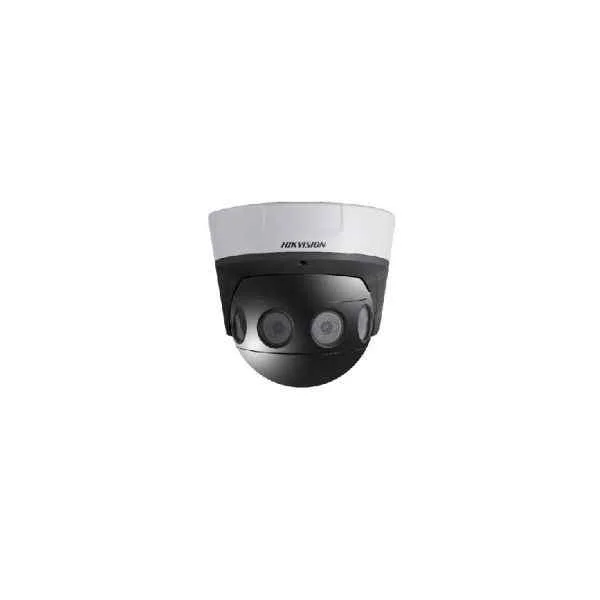
DS-2CD6984G0-IH(S)(AC)(/NFC) (32 MP 180° PanoVu Network Camera)
4.4 (5)- Security Camera
- Hikvision
- Bullet
- IP Camera
- 8MP
- Fixed
- Motion Detection
Est Value In stockFirst-Time Buyer Discount – Get up to 2% additional off on your first order
ORM Rewards Earn $50 in Rewards + Free Expedited Delivery – Join Now!
Use eCoupon ORMSAVE10
eCoupon limited to 5 units
- BEST SELLING
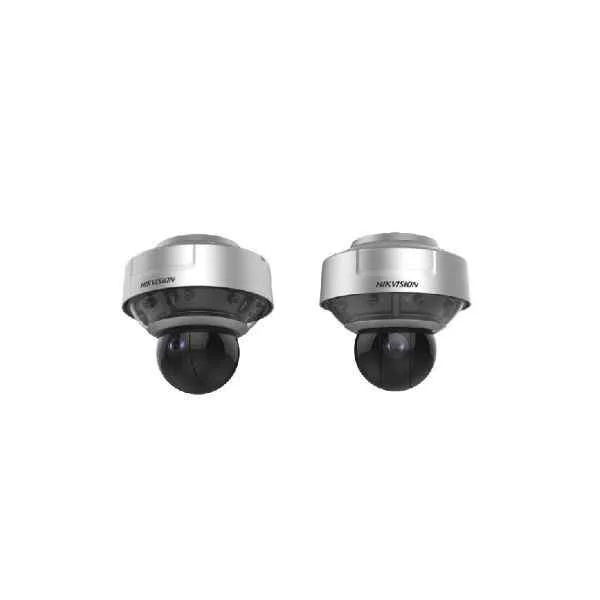
DS-2DP2427ZIXS-DE/440/T2 (24MP 270° Panoramic & PTZ Camera)
4.6 (5)- Security Camera
- Hikvision
- Dome
- IP Camera
- 2MP
- Varifocal
- Motion Detection / ANPR
Est Value In stockFirst-Time Buyer Discount – Get up to 2% additional off on your first order
ORM Rewards Earn $50 in Rewards + Free Expedited Delivery – Join Now!
Use eCoupon ORMSAVE10
eCoupon limited to 5 units
- BEST SELLING
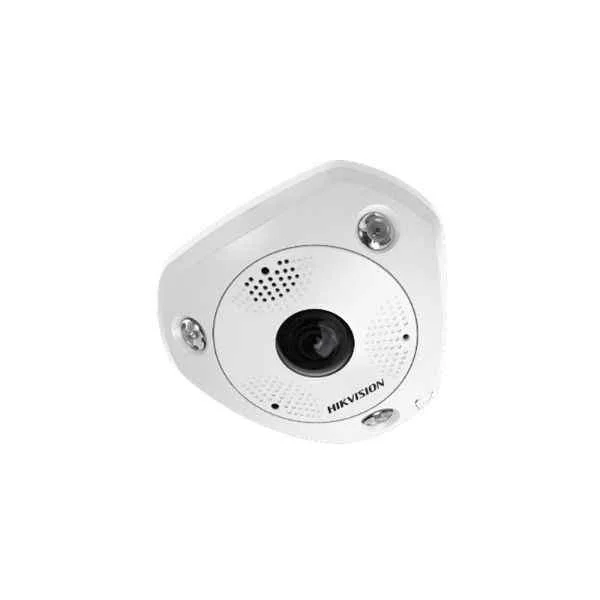
DS-2CD6365G0E-I(V)(S) (6 MP Fisheye Network Camera)
4.8 (5)- Security Camera
- Hikvision
- Turret
- IP Camera
- 6MP
- Varifocal
- ANPR
Est Value In stockFirst-Time Buyer Discount – Get up to 2% additional off on your first order
ORM Rewards Earn $50 in Rewards + Free Expedited Delivery – Join Now!
Use eCoupon ORMSAVE10
eCoupon limited to 5 units
- BEST SELLING
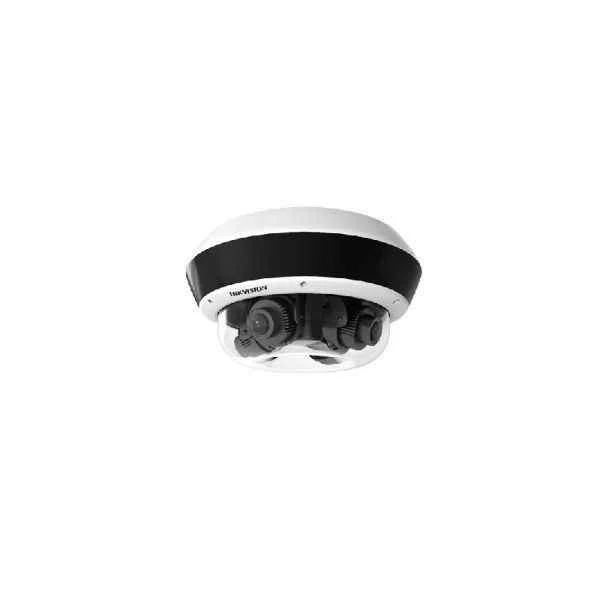
DS-2CD6D24FWD-(I)(Z)(H)(S)(/NFC) (4-Directional Multisensor Network Camera)
4.2 (5)- Security Camera
- Hikvision
- Dome
- IP Camera
- 4MP
- Varifocal
- Motion Detection
Est Value In stockFirst-Time Buyer Discount – Get up to 2% additional off on your first order
ORM Rewards Earn $50 in Rewards + Free Expedited Delivery – Join Now!
Use eCoupon ORMSAVE10
eCoupon limited to 5 units
- BEST SELLING
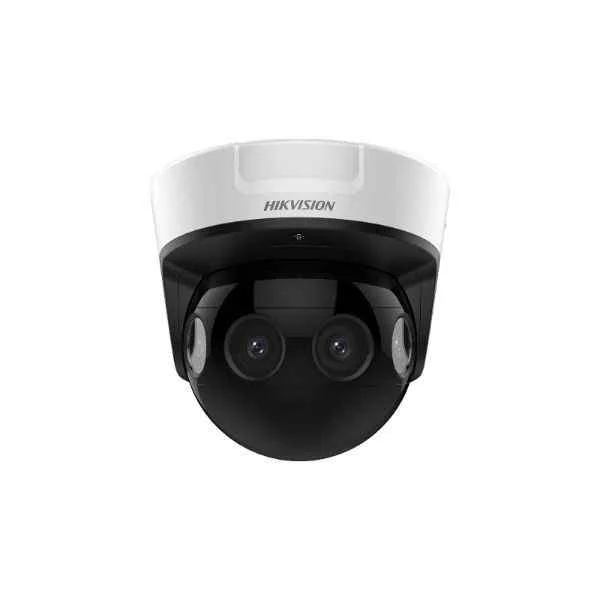
DS-2CD6924G0-IHS(/NFC) (8 MP 180° PanoVu Network Camera)
4.4 (5)- Security Camera
- Hikvision
- Bullet
- IP Camera
- 2MP
- Fixed
- Motion Detection
Est Value In stockFirst-Time Buyer Discount – Get up to 2% additional off on your first order
ORM Rewards Earn $50 in Rewards + Free Expedited Delivery – Join Now!
Use eCoupon ORMSAVE10
eCoupon limited to 5 units
- BEST SELLING
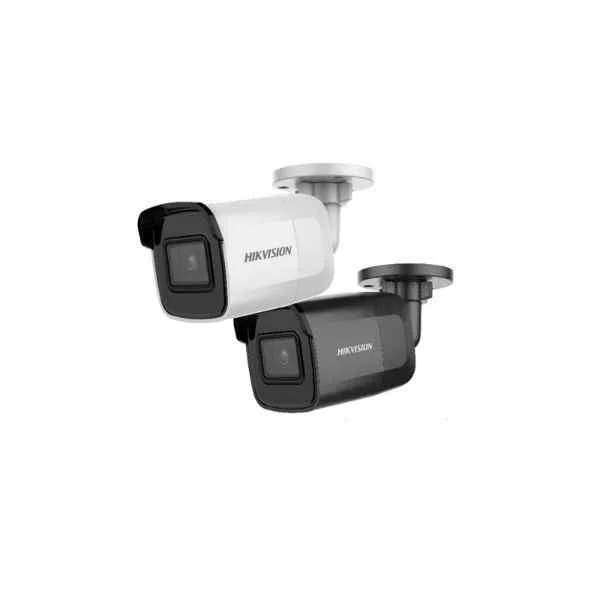
DS-2CD2085G1-I (4K Powered-by-DarkFighter Fixed Mini Bullet Network Camera)
4.4 (5)- Security Camera
- Hikvision
- Dome
- IP Camera
- 8MP
- Fixed
- Motion Detection
Est Value In stockFirst-Time Buyer Discount – Get up to 2% additional off on your first order
ORM Rewards Earn $50 in Rewards + Free Expedited Delivery – Join Now!
Use eCoupon ORMSAVE10
eCoupon limited to 5 units
- BEST SELLING
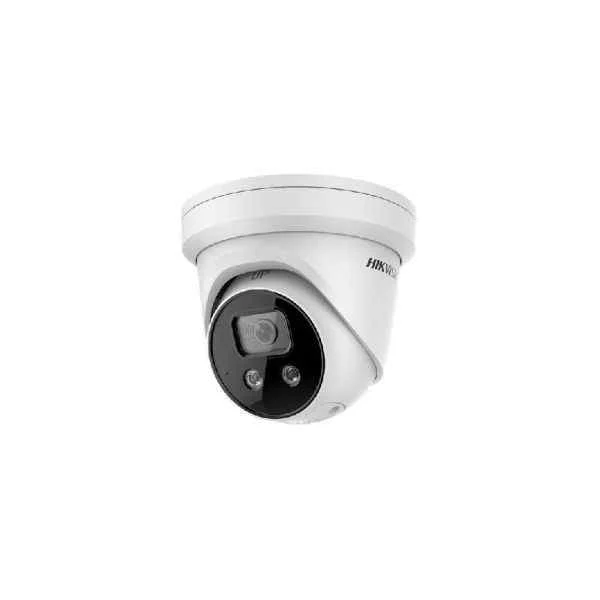
DS-2CD2386G2-ISU/SL (4K AcuSense Strobe Light and Audible Warning Fixed Turret Network Camera)
4.8 (5)- Security Camera
- Hikvision
- Turret
- IP Camera
- 8MP
- Fixed
- Motion Detection
Est Value In stockFirst-Time Buyer Discount – Get up to 2% additional off on your first order
ORM Rewards Earn $50 in Rewards + Free Expedited Delivery – Join Now!
Use eCoupon ORMSAVE10
eCoupon limited to 5 units
- BEST SELLING
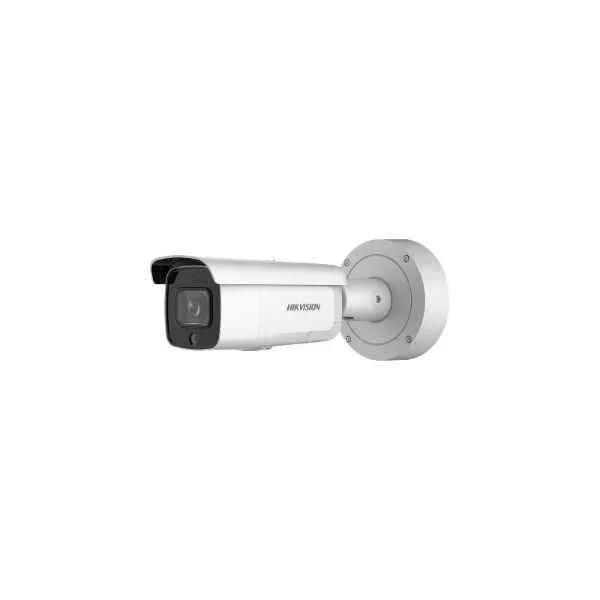
DS-2CD2646G2-IZSU/SL (4 MP AcuSense Strobe Light and Audible Warning Varifocal Bullet Network Camera)
5 (5)- Security Camera
- Hikvision
- Dome
- IP Camera
- 4MP
- Fixed
- ANPR
Est Value In stockFirst-Time Buyer Discount – Get up to 2% additional off on your first order
ORM Rewards Earn $50 in Rewards + Free Expedited Delivery – Join Now!
Use eCoupon ORMSAVE10
eCoupon limited to 5 units
- BEST SELLING
DS-2CD2346G2-ISU/SL (4 MP AcuSense Strobe Light and Audible Warning Fixed Turret Network Camera)
4.6 (5)- Security Camera
- Hikvision
- Turret
- IP Camera
- 4MP
- Fixed
Est Value In stockFirst-Time Buyer Discount – Get up to 2% additional off on your first order
ORM Rewards Earn $50 in Rewards + Free Expedited Delivery – Join Now!
Use eCoupon ORMSAVE10
eCoupon limited to 5 units
- BEST SELLING
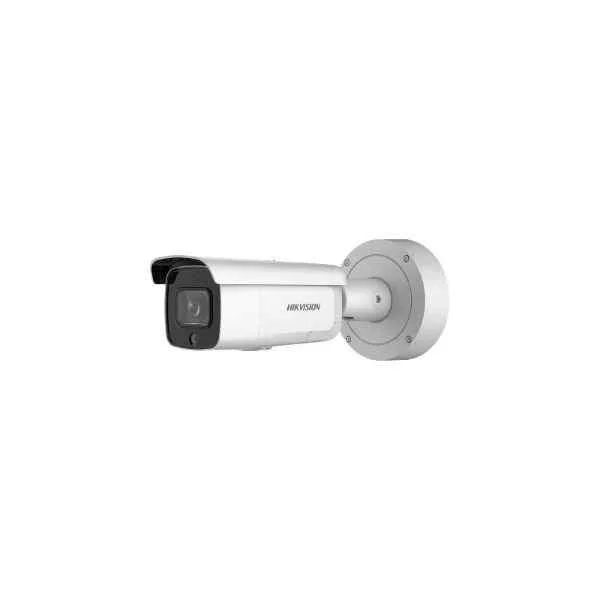
DS-2CD2626G2-IZSU/SL (2 MP AcuSense Strobe Light and Audible Warning Varifocal Bullet Network Camera)
4.4 (5)- Security Camera
- Hikvision
- Bullet
- IP Camera
- 2MP
- Fixed
- Motion Detection / Intrusion Detection / Line Crossing / Face Detection / ANPR / Loitering / Object Removal
Est Value In stockFirst-Time Buyer Discount – Get up to 2% additional off on your first order
ORM Rewards Earn $50 in Rewards + Free Expedited Delivery – Join Now!
Use eCoupon ORMSAVE10
eCoupon limited to 5 units

ORM Sales Advisors
Buying for your business? Get a personalised quote in under 2 hours. Talk to an expert
LEARNFilters (335) 
Questions & Answers
What is a network camera and how does it differ from an analog CCTV camera?
A network camera, or IP camera, streams video over Ethernet or Wi-Fi. Unlike analog CCTV, it offers higher resolution, remote access, digital storage, and simplified scalability without dedicated coaxial cables.
What are the key advantages of using network cameras?
Network cameras deliver high-definition video, remote monitoring, easy scalability, PoE power options, intelligent analytics, and seamless integration with NVRs and VMS platforms for enhanced security management.
How do I choose the right resolution for my network camera?
Select resolution based on coverage area and detail required: 2MP for general surveillance, 4–5MP for facial recognition, and 8MP+ for license-plate capture or critical security zones.
What is PoE and why is it important for network cameras?
Power over Ethernet (PoE) delivers power and data through one cable, simplifying installation, reducing costs, and ensuring uninterrupted operation with centralized power management and backup options.
Can network cameras be accessed remotely via smartphone or PC?
Yes. Most network cameras support secure remote access through dedicated mobile apps or web browsers, enabling live view, playback, and configuration from anywhere with an Internet connection.
How much bandwidth do network cameras consume?
Bandwidth depends on resolution, frame rate, codec, and scene complexity. A 1080p camera at 30 fps uses 2–4 Mbps; a 4K camera may require 8–15 Mbps per stream.
What storage options are available for network camera footage?
You can use onboard microSD cards, Network Video Recorders (NVRs), dedicated servers, or cloud-based storage. Choose by retention period, redundancy, and scalability requirements.
Are network cameras compatible with third-party video management systems?
Most network cameras support ONVIF or proprietary APIs, ensuring interoperability with leading VMS platforms for unified management, analytics integration, and multi-site monitoring.
How secure are network cameras against hacking?
Security depends on strong credentials, regular firmware updates, encrypted streams (HTTPS/SSL), VLAN segmentation, and firewall rules. Follow vendor best practices to minimize vulnerabilities.
What are the installation requirements for a network camera system?
You need PoE-enabled switches or injectors, structured cabling (Cat5e/Cat6), network configuration, adequate mounting hardware, and compliance with IP rating for outdoor deployments.
Can I power a network camera with a regular power adapter?
Yes, if the camera supports 12 VDC or 24 VAC input. However, PoE is preferred for centralized power management, reduced cabling, and backup integration.
What is ONVIF and why does it matter for network cameras?
ONVIF is an open standard ensuring interoperability between IP-based security devices. It guarantees seamless integration of cameras, recorders, and management software from different vendors.
How do I configure motion detection on a network camera?
Access the camera’s web interface or VMS settings, enable motion detection, define sensitivity zones, set schedules, and configure event actions like recording, alerts, or snapshots.
Do network cameras support audio recording?
Many network cameras include built-in microphones or audio input ports. Verify local regulations, codec support (G.711/AAC), and storage requirements before enabling audio capture.
How do I integrate network cameras with smart home systems?
Use cameras with Alexa, Google Home or IFTTT compatibility. Link through manufacturer apps or third-party hubs to enable voice commands, automated routines, and real-time alerts.
What maintenance is required for network cameras?
Perform periodic firmware updates, lens cleaning, cable inspections, and firmware backups. Verify storage health, review logs, and test power backup to ensure continuous operation.