 United States
Switch Line Cards S7700 Series
Experience outstanding performance and reliability with the S7700 Series Switch Line Cards. Engineered for enterprise scalability, robust security, and seamless integration powering high-performance data center and network efficiency.
Talk to an expert
21 Matching results
- BEST SELLING
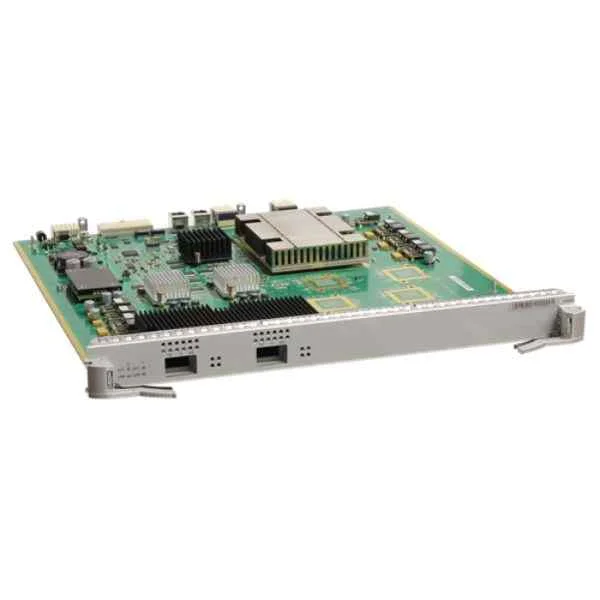
ES1D2L02QFC0 (2-port 40GBASE-X interface card(FC,QSFP+))
4.8 (6)- Network Module
- Huawei
- Ethernet
- 10G
- SFP+
- TCP/IP, iSCSI
- PCIe
Est Value $12,525.02
$6,181.10
50.6% offIn stockNewFirst-Time Buyer Discount – Get up to 2% additional off on your first order
ORM Rewards Earn $50 in Rewards + Free Expedited Delivery – Join Now!
Use eCoupon ORMSAVE10
eCoupon limited to 5 units
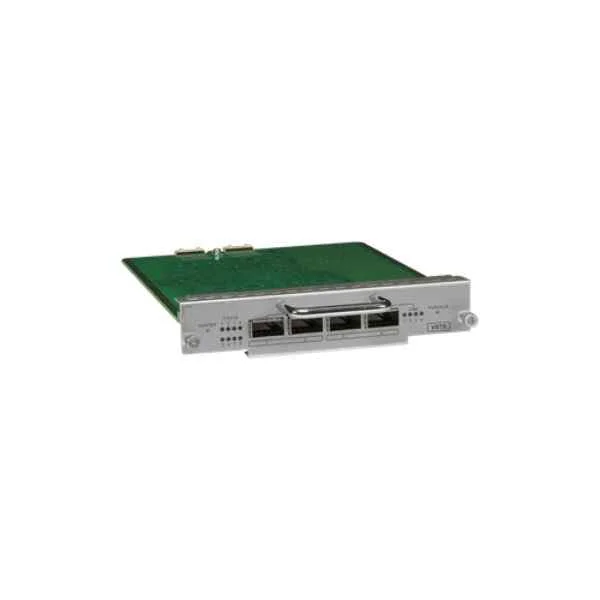
ES02VSTSA (S7700 Cluster Switching System Service Unit)
4.8 (6)- Network Module
- Huawei
- Ethernet
- 10Gbps
- SFP+
- TCP/IP, UDP
- PCIe
Est Value $2,023.30$403.64
80.1% offIn stockNewFirst-Time Buyer Discount – Get up to 2% additional off on your first order
ORM Rewards Earn $50 in Rewards + Free Expedited Delivery – Join Now!
Use eCoupon ORMSAVE10
eCoupon limited to 5 units
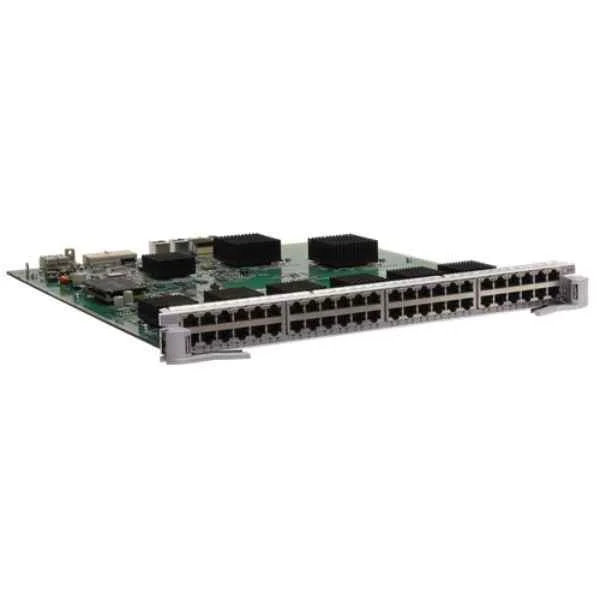
ES0DG48TFA00 (48-Port 10/100/1000BASE-T Interface Card(FA,RJ45))
4.8 (6)- Network Module
- Huawei
- Ethernet
- 10Gbps
- SFP+
- TCP/IP, iSCSI
- PCIe
Est Value $4,502.85$1,276.56
71.6% offIn stockNewFirst-Time Buyer Discount – Get up to 2% additional off on your first order
ORM Rewards Earn $50 in Rewards + Free Expedited Delivery – Join Now!
Use eCoupon ORMSAVE10
eCoupon limited to 5 units
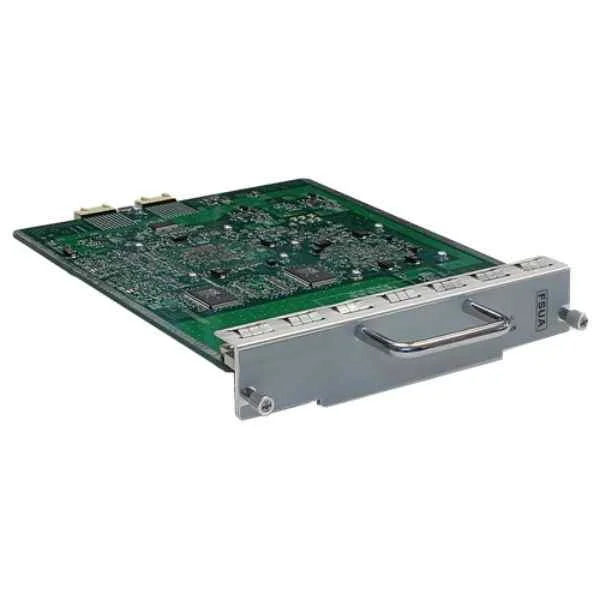
ES0D00FSUA00 (Enhanced Flexible Service Unit)
4.7 (6)- Network Module / Network Card
- Huawei
- Ethernet
- 10G
- SFP+
- TCP/IP / iSCSI
- PCIe
Est Value $5,017.78$1,369.86
72.7% offIn stockNewFirst-Time Buyer Discount – Get up to 2% additional off on your first order
ORM Rewards Earn $50 in Rewards + Free Expedited Delivery – Join Now!
Use eCoupon ORMSAVE10
eCoupon limited to 5 units
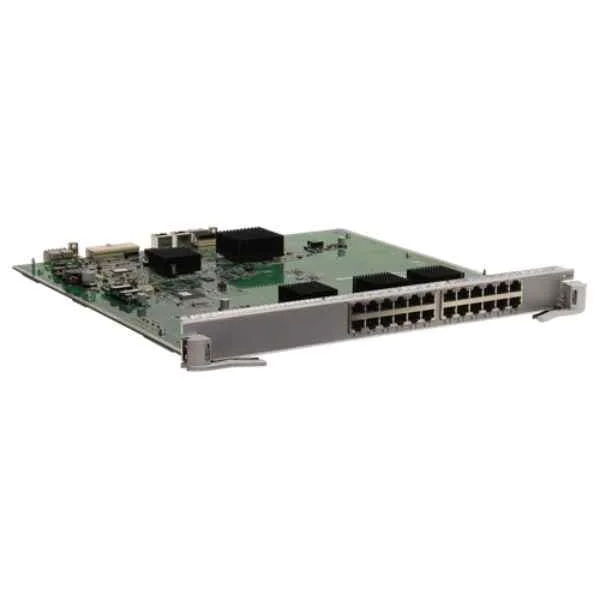
ES0DG24TFA00 (24-Port 10/100/1000BASE-T Interface Card(FA,RJ45))
4.7 (6)- Network Module
- Huawei
- Ethernet
- 10Gbps
- SFP+
- TCP/IP
- Modular
Est Value $3,182.64$1,403.54
55.9% offIn stockNewFirst-Time Buyer Discount – Get up to 2% additional off on your first order
ORM Rewards Earn $50 in Rewards + Free Expedited Delivery – Join Now!
Use eCoupon ORMSAVE10
eCoupon limited to 5 units
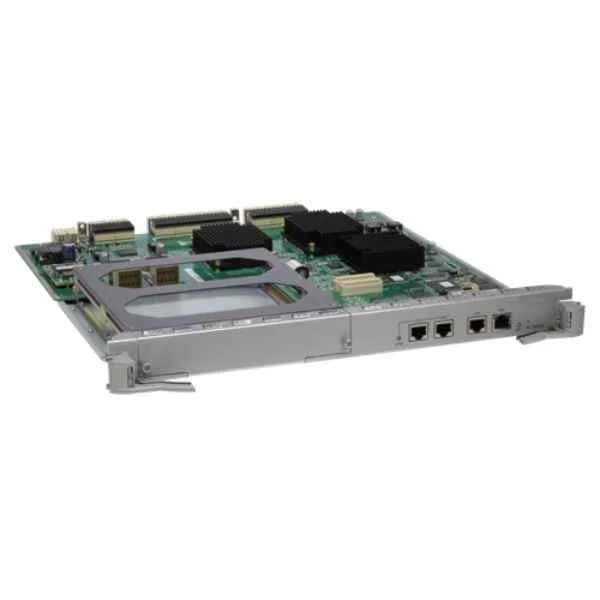
ES0D00SRUB00 (S7706/S7712 Main Control Unit B(Optional Clock))
4.3 (6)- Network Card
- Huawei
- Ethernet
- 10G
- SFP+
- TCP/IP, iSCSI
- PCIe
Est Value $10,723.48$4,616.46
56.9% offIn stockNewFirst-Time Buyer Discount – Get up to 2% additional off on your first order
ORM Rewards Earn $50 in Rewards + Free Expedited Delivery – Join Now!
Use eCoupon ORMSAVE10
eCoupon limited to 5 units
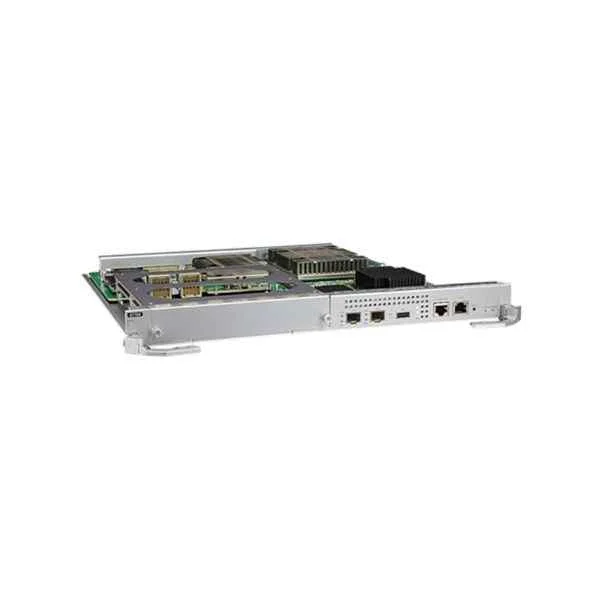
ES1D2SRUH000 (Huawei S7706/S7712,Main Control Unit H ES1D2SRUH000)
4.7 (6)- Network Module
- Huawei
- Ethernet
- 1G
- RJ-45
- TCP/IP
- PCIe
Est Value $15,174.73$5,895.39
61.1% offIn stockNewFirst-Time Buyer Discount – Get up to 2% additional off on your first order
ORM Rewards Earn $50 in Rewards + Free Expedited Delivery – Join Now!
Use eCoupon ORMSAVE10
eCoupon limited to 5 units
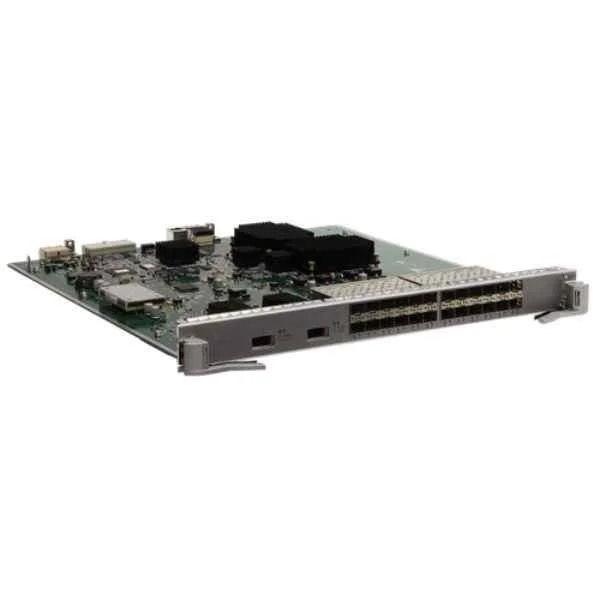
ES1D2S24XEC0 (24-Port 100/1000BASE-X and 2-Port 10GBASE-X Interface Card(EC,SFP/XFP))
4.8 (6)- Network Card
- Huawei
- Ethernet Module
- 10Gbps
- SFP+
- TCP/IP
- PCIe
Est Value $10,208.76$7,289.05
28.6% offIn stockNewFirst-Time Buyer Discount – Get up to 2% additional off on your first order
ORM Rewards Earn $50 in Rewards + Free Expedited Delivery – Join Now!
Use eCoupon ORMSAVE10
eCoupon limited to 5 units
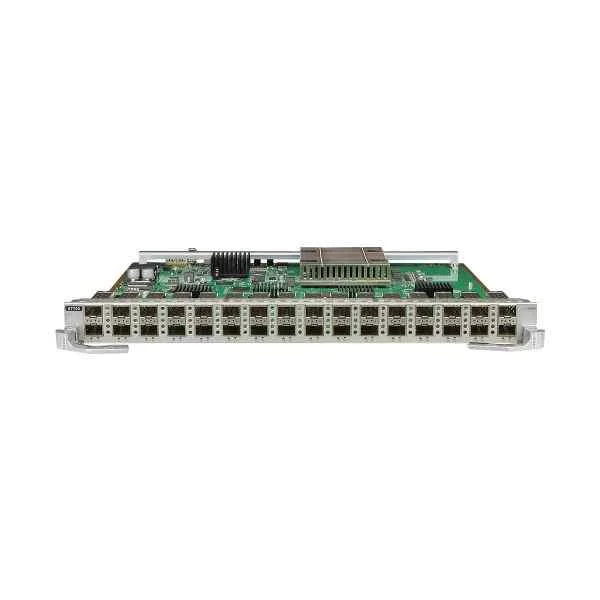
ES1D2X32SSC0 (Huawei 32-Port 10GBASE-X Interface Card(SC,SFP+) ES1D2X32SSC0)
4.8 (6)- Network Card
- Huawei
- Ethernet
- 10Gbps
- SFP+
- TCP/IP, iSCSI
- PCIe
Est Value $32,857.00$11,909.10
63.8% offIn stockNewFirst-Time Buyer Discount – Get up to 2% additional off on your first order
ORM Rewards Earn $50 in Rewards + Free Expedited Delivery – Join Now!
Use eCoupon ORMSAVE10
eCoupon limited to 5 units
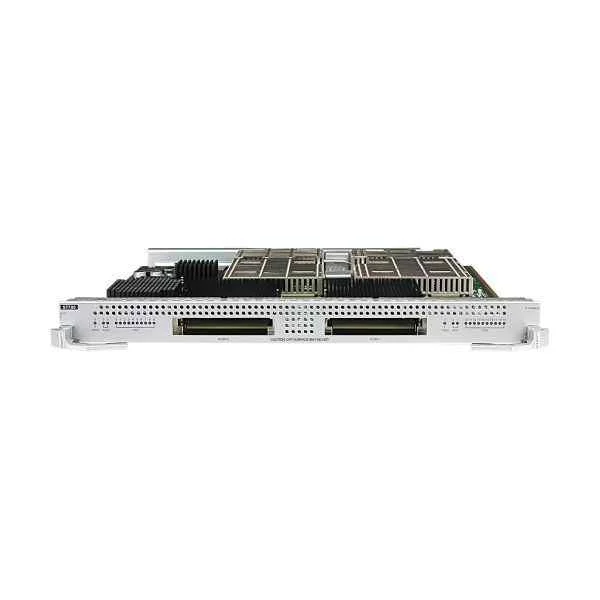
ES1D2C02FEE0 (Huawei 2-Port 100GBASE-X Interface Card(EE,CFP) ES1D2C02FEE0)
4.7 (6)- Network Card
- Huawei
- Ethernet
- 10Gbps
- SFP+
- TCP/IP
- PCIe
Est Value $20,417.51$12,648.66
38% offIn stockNewFirst-Time Buyer Discount – Get up to 2% additional off on your first order
ORM Rewards Earn $50 in Rewards + Free Expedited Delivery – Join Now!
Use eCoupon ORMSAVE10
eCoupon limited to 5 units
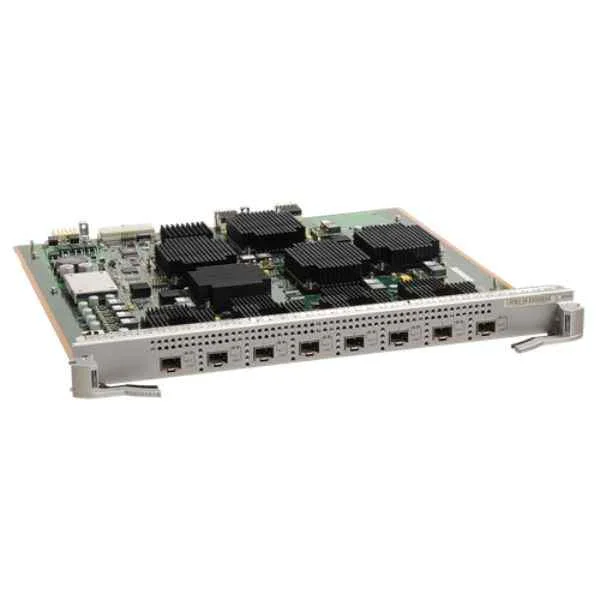
ES1D2X08SED5 (8-Port 10GBASE-X Interface Card(ED,SFP+),FCC)
4.8 (6)- Network Module / Network Card
- Huawei
- Ethernet
- 10G
- SFP+
- TCP/IP
- PCIe
Est Value $28,138.41$12,999.95
53.8% offIn stockNewFirst-Time Buyer Discount – Get up to 2% additional off on your first order
ORM Rewards Earn $50 in Rewards + Free Expedited Delivery – Join Now!
Use eCoupon ORMSAVE10
eCoupon limited to 5 units
- BEST SELLING
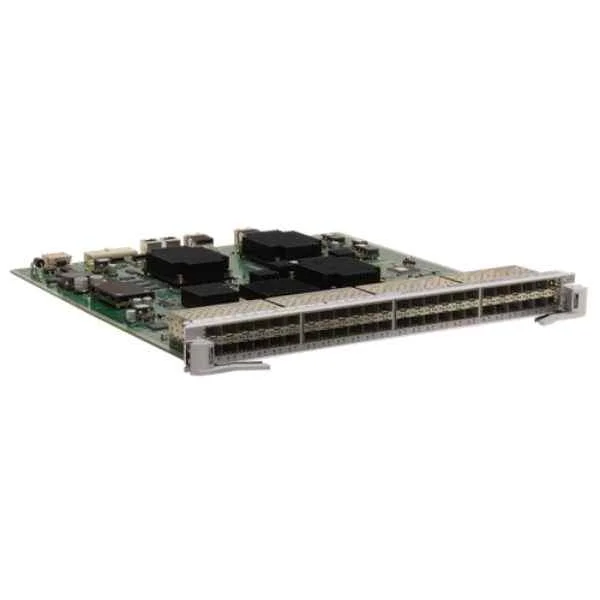
ES1D2G48SBC0 (48-Port 100/1000BASE-X Interface Card(BC,SFP))
4.8 (6)- Network Module / Network Card
- Huawei
- Ethernet
- 10Gbps
- SFP+
- TCP/IP
- PCIe
Est Value In stockFirst-Time Buyer Discount – Get up to 2% additional off on your first order
ORM Rewards Earn $50 in Rewards + Free Expedited Delivery – Join Now!
Use eCoupon ORMSAVE10
eCoupon limited to 5 units
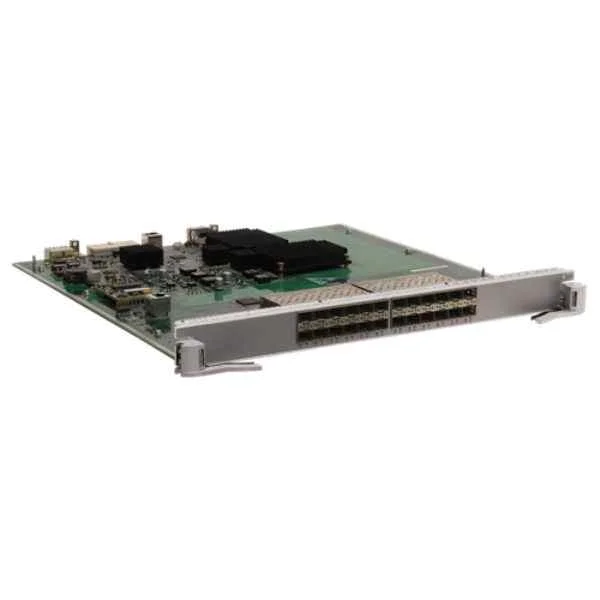
ES0D0G24SC00 (24-Port 100/1000BASE-X Interface Card(EC,SFP))
4.7 (6)- Network Module
- Huawei
- Ethernet
- 10Gbps
- SFP+
- TCP/IP
- PCIe
Est Value In stockFirst-Time Buyer Discount – Get up to 2% additional off on your first order
ORM Rewards Earn $50 in Rewards + Free Expedited Delivery – Join Now!
Use eCoupon ORMSAVE10
eCoupon limited to 5 units
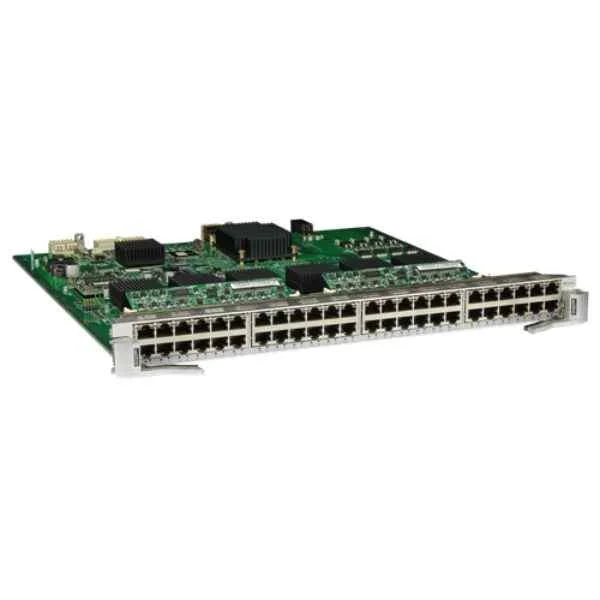
ES0D0G48VA00 (48-Port 10/100/1000BASE-T POE Interface Card(EA,RJ45,POE))
4.5 (6)- Network Module / Network Card
- Huawei
- Ethernet
- 10G
- SFP+
- TCP/IP
- PCIe
Est Value In stockFirst-Time Buyer Discount – Get up to 2% additional off on your first order
ORM Rewards Earn $50 in Rewards + Free Expedited Delivery – Join Now!
Use eCoupon ORMSAVE10
eCoupon limited to 5 units
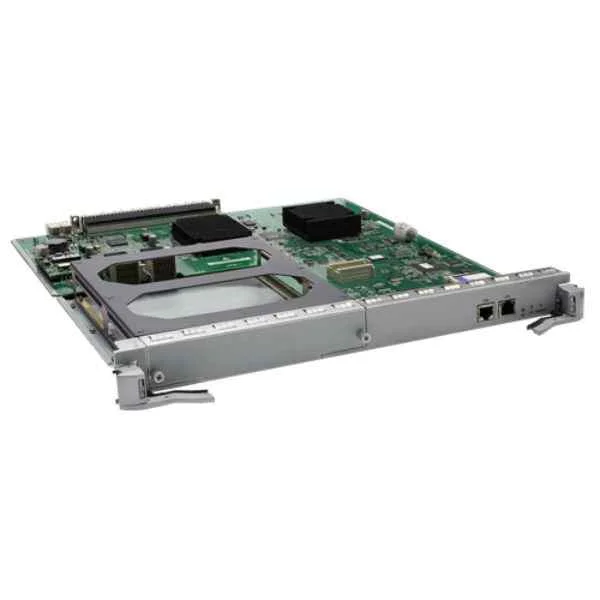
ES0D00SRUA00 (S7706/S7712 Main Control Unit A)
4.7 (6)- Network Module / Network Card
- Huawei
- Ethernet
- 10G
- SFP+
- TCP/IP, iSCSI
- PCIe
Est Value In stockFirst-Time Buyer Discount – Get up to 2% additional off on your first order
ORM Rewards Earn $50 in Rewards + Free Expedited Delivery – Join Now!
Use eCoupon ORMSAVE10
eCoupon limited to 5 units
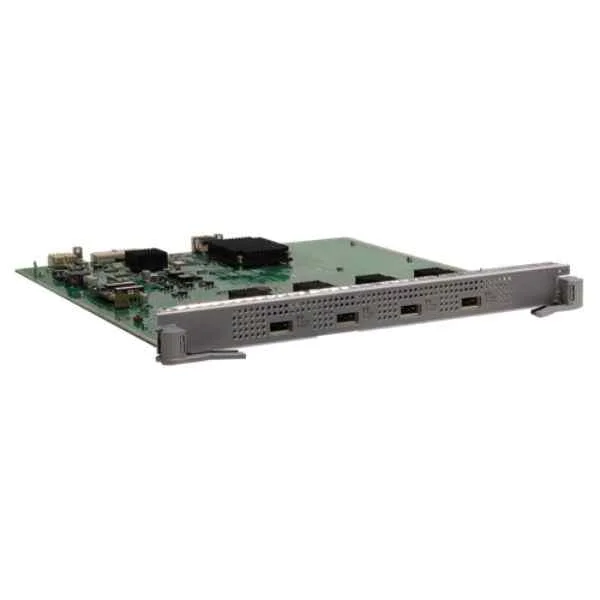
ES0D0X4UXA00 (4-Port 10GBASE-X Interface Card(EA,XFP))
4.8 (6)- Network Card
- Huawei
- Ethernet
- 10Gbps
- RJ-45
- TCP/IP, iSCSI
- PCIe
Est Value In stockFirst-Time Buyer Discount – Get up to 2% additional off on your first order
ORM Rewards Earn $50 in Rewards + Free Expedited Delivery – Join Now!
Use eCoupon ORMSAVE10
eCoupon limited to 5 units
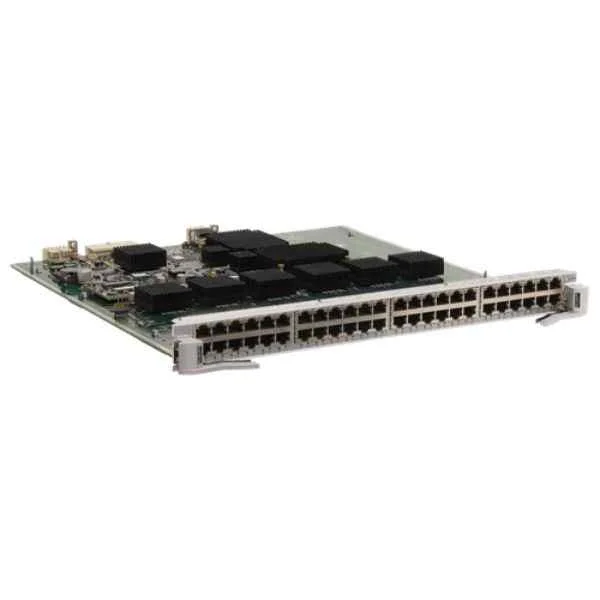
ES0D0F48TC00 (48-Port 10/100BASE-T Interface Card(EC,RJ45))
4.5 (6)- Network Module / Network Card
- Huawei
- Ethernet
- 10G
- SFP+
- TCP/IP, iSCSI
- PCIe
Est Value In stockFirst-Time Buyer Discount – Get up to 2% additional off on your first order
ORM Rewards Earn $50 in Rewards + Free Expedited Delivery – Join Now!
Use eCoupon ORMSAVE10
eCoupon limited to 5 units
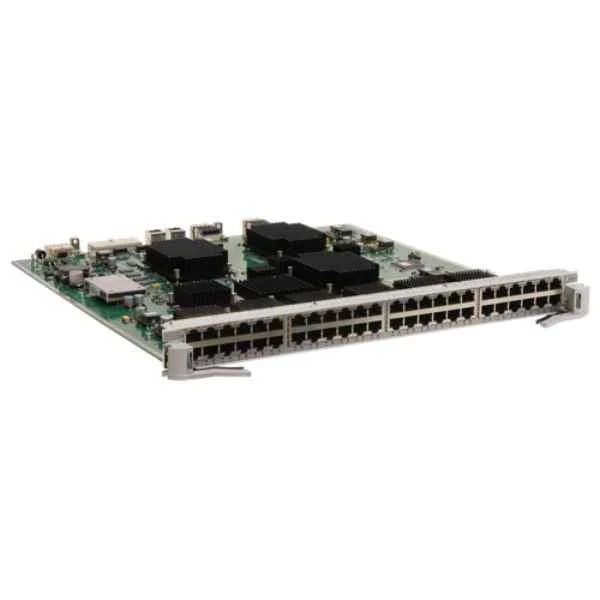
ES1D2G48TBC0 (48-Port 10/100/1000BASE-T Interface Card(BC,RJ45))
4.8 (6)- Network Card
- Huawei
- Ethernet
- 10Gbps
- SFP+
- TCP/IP, iSCSI
- PCIe
Est Value In stockFirst-Time Buyer Discount – Get up to 2% additional off on your first order
ORM Rewards Earn $50 in Rewards + Free Expedited Delivery – Join Now!
Use eCoupon ORMSAVE10
eCoupon limited to 5 units
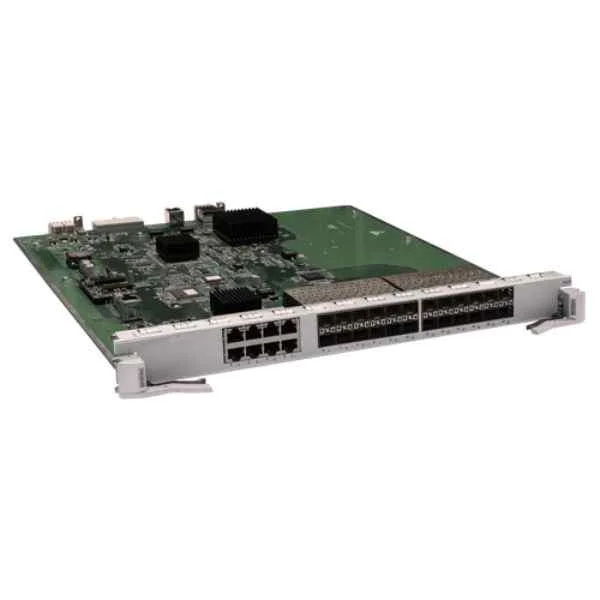
ES0D0G24CA00 (24-Port 100/1000BASE-X and 8-Port 10/100/1000BASE-T Combo Interface Card(SA,SFP/RJ45))
4.8 (6)- Network Module
- Huawei
- Ethernet
- 10Gbps
- SFP+
- TCP/IP, iSCSI
- PCIe
Est Value In stockFirst-Time Buyer Discount – Get up to 2% additional off on your first order
ORM Rewards Earn $50 in Rewards + Free Expedited Delivery – Join Now!
Use eCoupon ORMSAVE10
eCoupon limited to 5 units
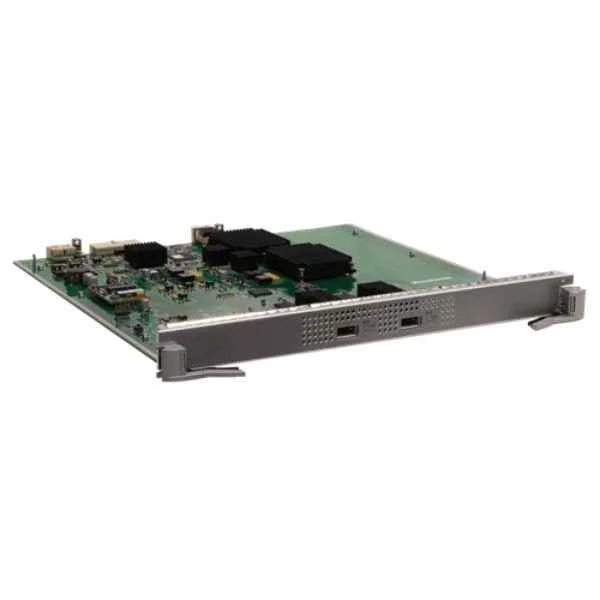
ES0D0X2UXC00 (2-Port 10GBASE-X Interface Card(EC,XFP))
4.8 (6)- Network Module / Network Card
- Huawei
- Ethernet
- 10G
- SFP+
- TCP/IP, iSCSI
- PCIe
Est Value In stockFirst-Time Buyer Discount – Get up to 2% additional off on your first order
ORM Rewards Earn $50 in Rewards + Free Expedited Delivery – Join Now!
Use eCoupon ORMSAVE10
eCoupon limited to 5 units

ORM Sales Advisors
Buying for your business? Get a personalised quote in under 2 hours. Talk to an expert
LEARNFilters (21) 
Questions & Answers
What are the key features of Huawei S7700 Series Switch line cards?
S7700 line cards deliver high port density, line-rate forwarding, hot-swappable design, VXLAN EVPN support, advanced QoS/security, and unified eSight management for campus and data-center deployments.
How do I choose the right S7700 line card for my network requirements?
Select an S7700 line card based on required port speed (10/40/100 GbE), port count, power budget, backplane bandwidth, and feature support (VXLAN, MPLS, QoS), ensuring chassis compatibility.
What port densities and speeds are available on S7700 Series Switch line cards?
S7700 line cards offer up to 48×10 GbE SFP+, 16×40 GbE QSFP+, 8×100 GbE QSFP28, and mixed-speed modules, enabling flexible aggregation and spine-leaf architectures.
Are Huawei S7700 Series line cards hot-swappable?
Yes. All S7700 line cards support hot-swap without traffic interruption. Insert or remove modules safely while the chassis remains powered and forwarding traffic.
How do I install an S7700 Series Switch line card?
Power off or disable the slot, slide the line card into an empty S7700 slot until it clicks, tighten front screws, then power on or enable the slot. Verify status via LED and CLI.
What is the typical power consumption of S7700 line cards?
Power consumption varies by model: 48×10 GbE cards draw ~70 W, 16×40 GbE ~150 W, 8×100 GbE ~250 W. Refer to the datasheet for precise power budgets per module.
How do S7700 Series line cards support network resiliency?
They support link aggregation (LACP), MLAG, VRRP-A, graceful restart, and multi-chassis trunking to ensure path redundancy and sub-50 ms failover.
Which management and monitoring interfaces do S7700 line cards support?
S7700 line cards offer CLI (console, SSH), SNMP v2/v3, NetConf/YANG, OpenFlow, NetStream telemetry, and Huawei eSight integration for centralized management.
Can I mix different S7700 line card models in the same chassis?
Yes. You can combine 10 GbE, 40 GbE, and 100 GbE cards in one S7700 chassis as long as total backplane and power budgets are not exceeded.
What environmental conditions do S7700 line cards require?
Operating temperature: 0–45 °C; storage: –40–70 °C; humidity: 5–95% non-condensing; altitude: up to 5,000 m with derating above 2,000 m per Huawei guidelines.
How do I troubleshoot a failed S7700 Series Switch line card?
Check module LEDs, run ‘display device’ and ‘display module’ CLI commands, review alarm logs, reseat the card, verify backplane connectivity, and replace if hardware faults persist.
What is the maximum forwarding capacity per S7700 line card?
Depending on the model, each line card delivers up to 4.8 Tbps backplane capacity and supports wire-speed forwarding on all ports simultaneously.
Are S7700 Series Switch line cards compatible with other Huawei chassis?
No. S7700 line cards are designed exclusively for the S7700 chassis family and are not supported in S9300, S9700, or other series.
How do S7700 line cards enhance QoS and security?
They provide 8-level hardware queues, traffic policing, shaping, hierarchical scheduling, ACLs, port security, DHCP snooping, and IP source guard for comprehensive traffic control.
What warranty and support options are available for S7700 line cards?
Huawei offers a 5-year limited hardware warranty, optional SMARTCARE services for on-site support, software updates, and 24×7 technical assistance.
How do I upgrade firmware on an S7700 Series Switch line card?
Use the system upgrade command in CLI (system upgrade file flash:// force) or eSight to distribute the firmware package, then reboot the card to apply updates.
How do S7700 Series line cards integrate with SDN and automation tools?
They support OpenFlow 1.3, NetConf/YANG APIs, RESTful interfaces, and integrate with Huawei CloudFabric and third-party controllers for programmable network automation.